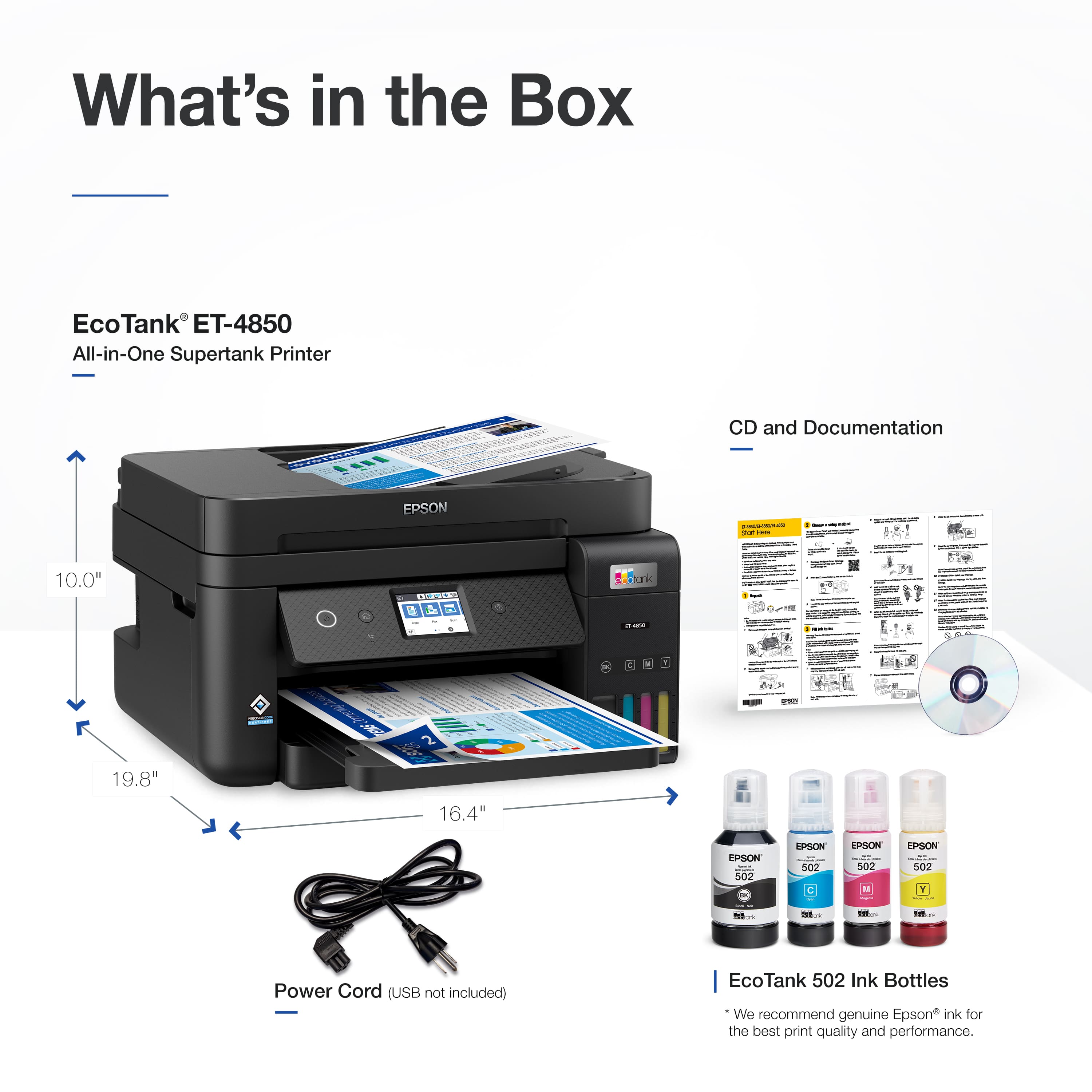
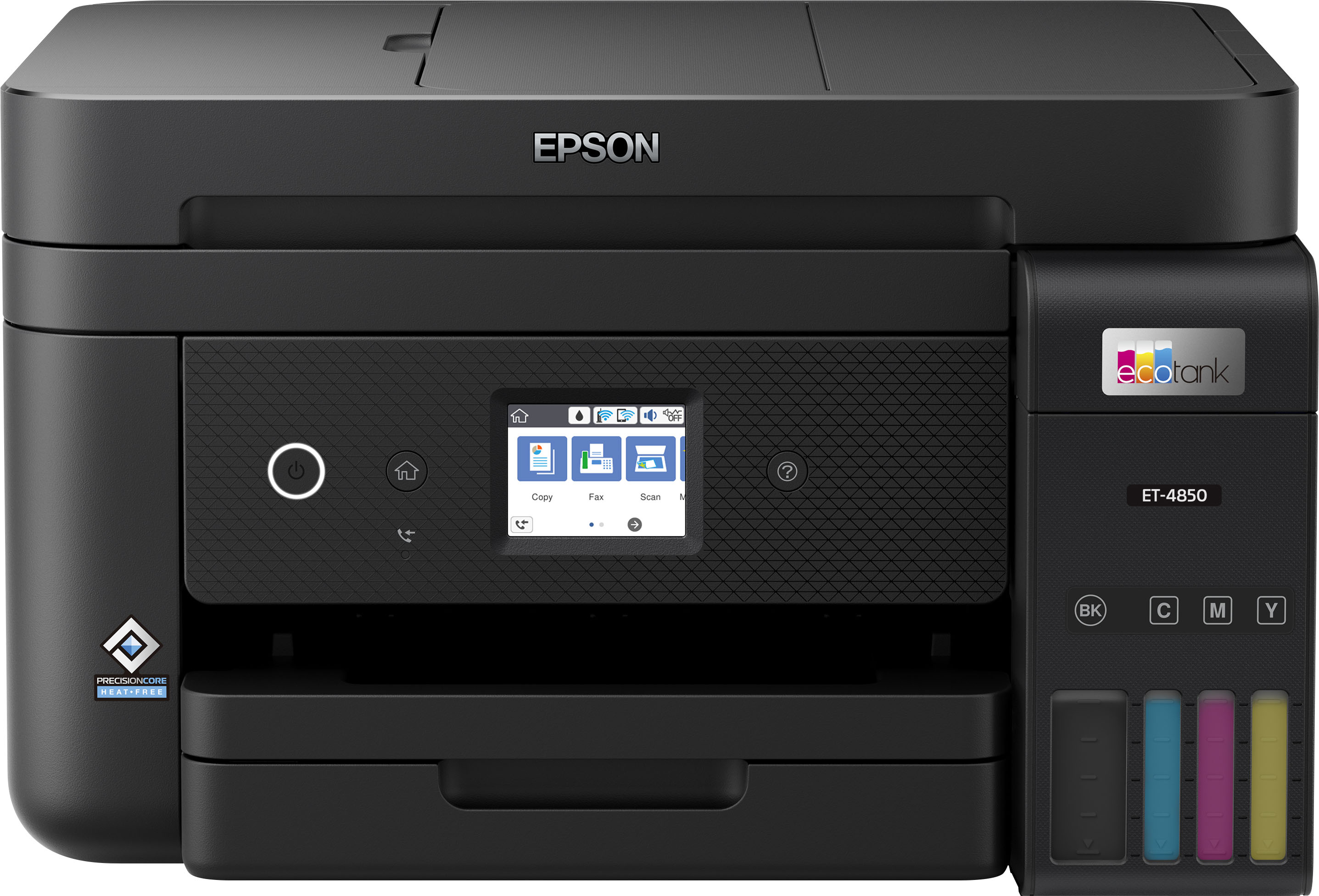
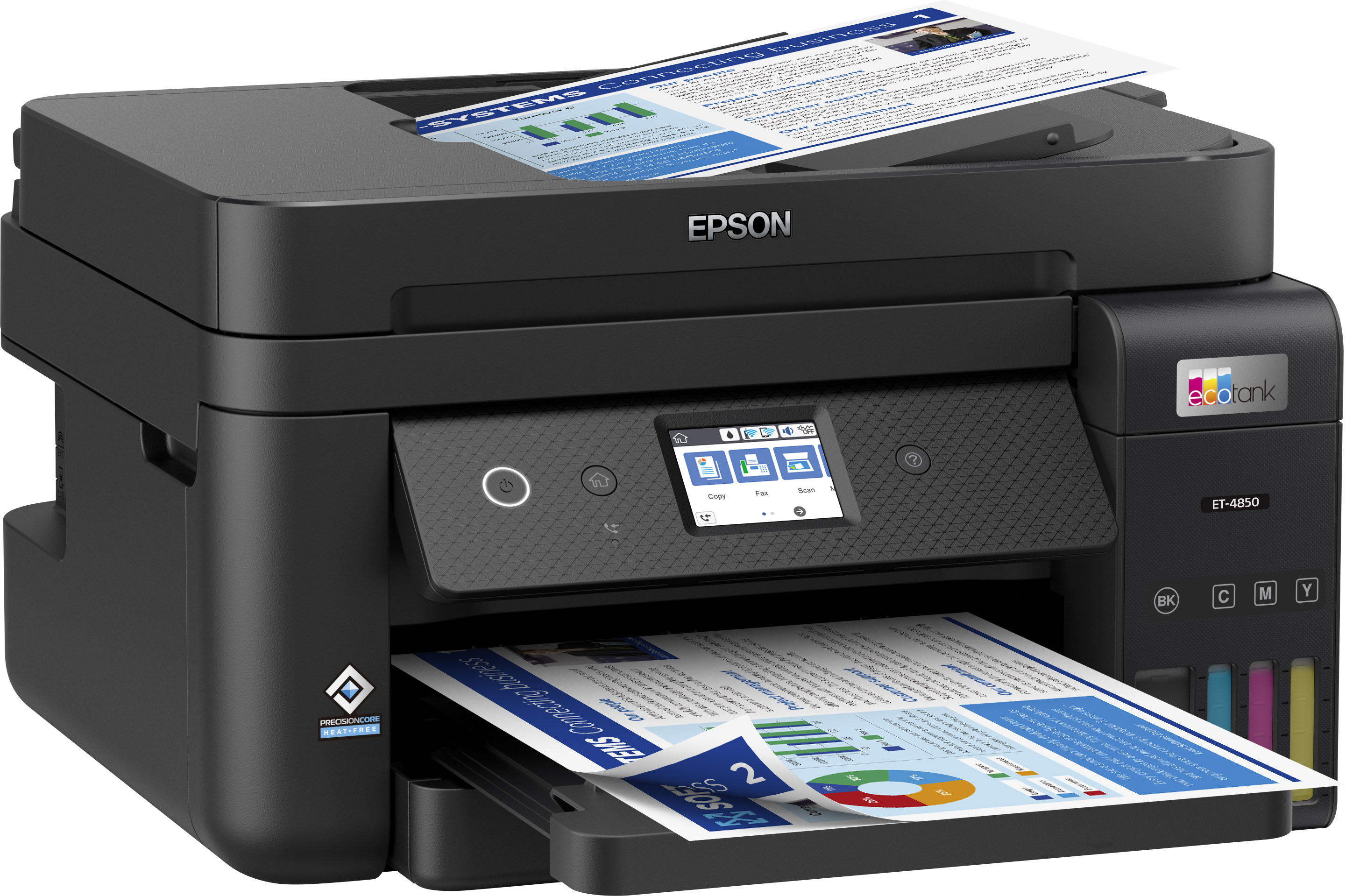
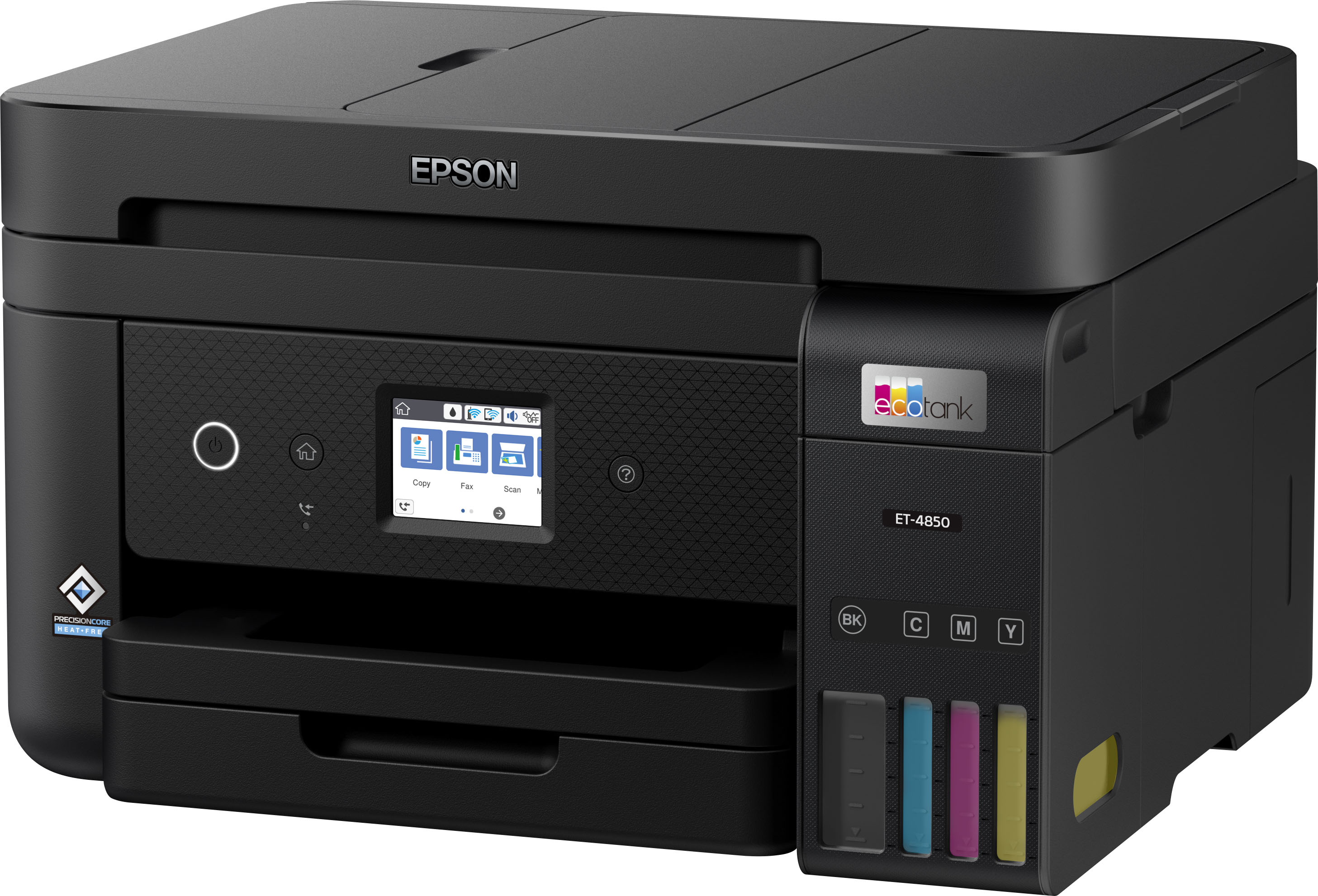
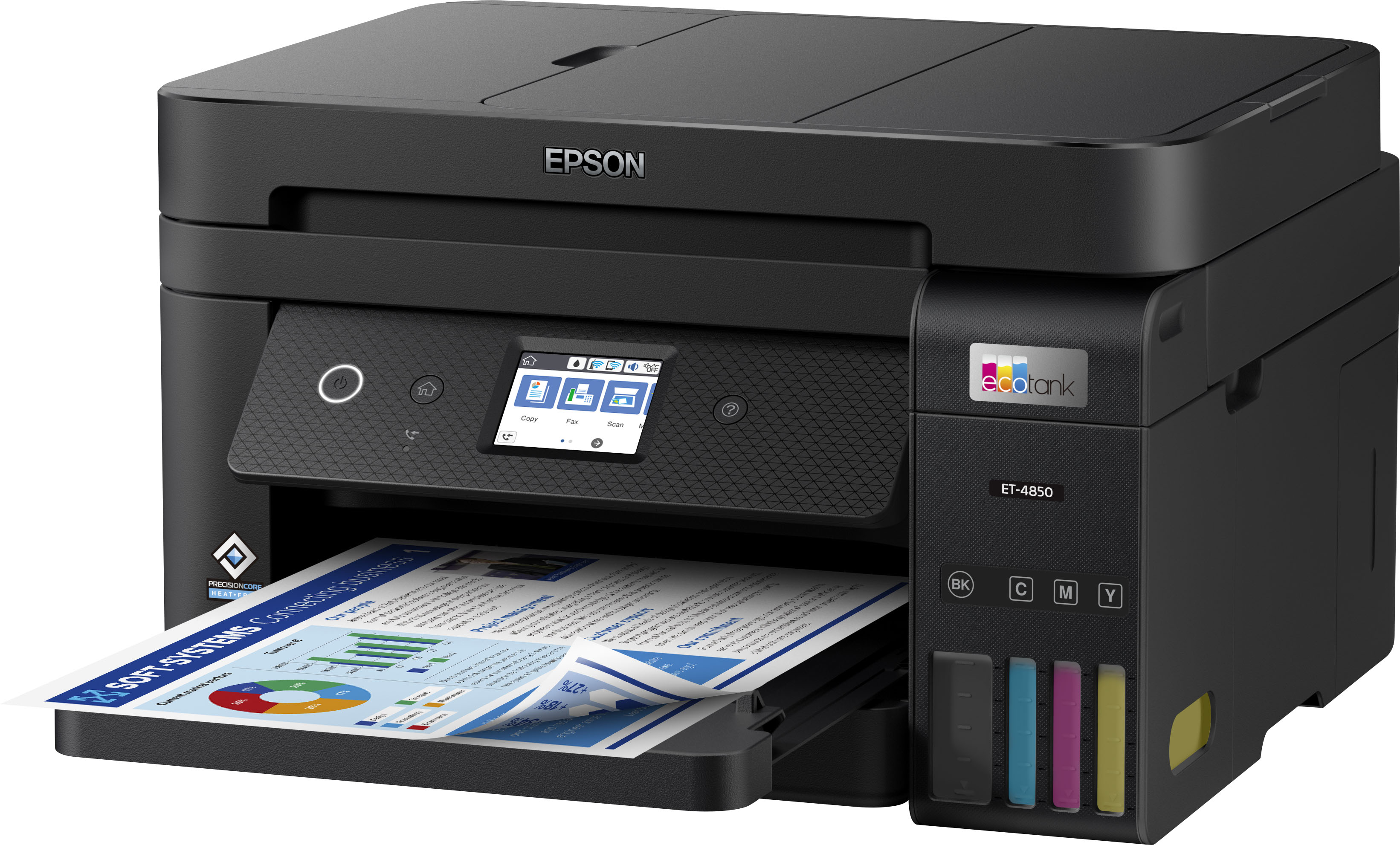
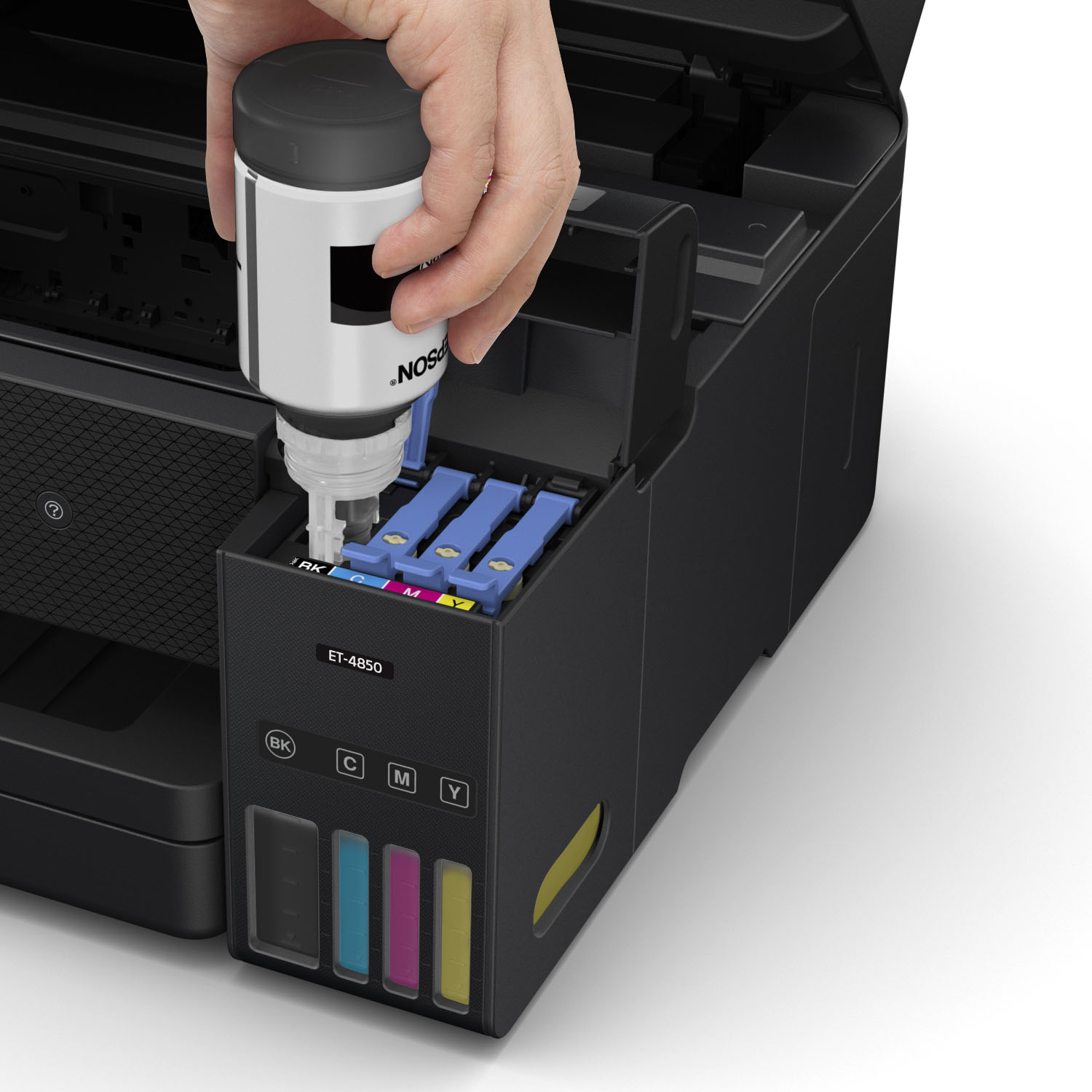
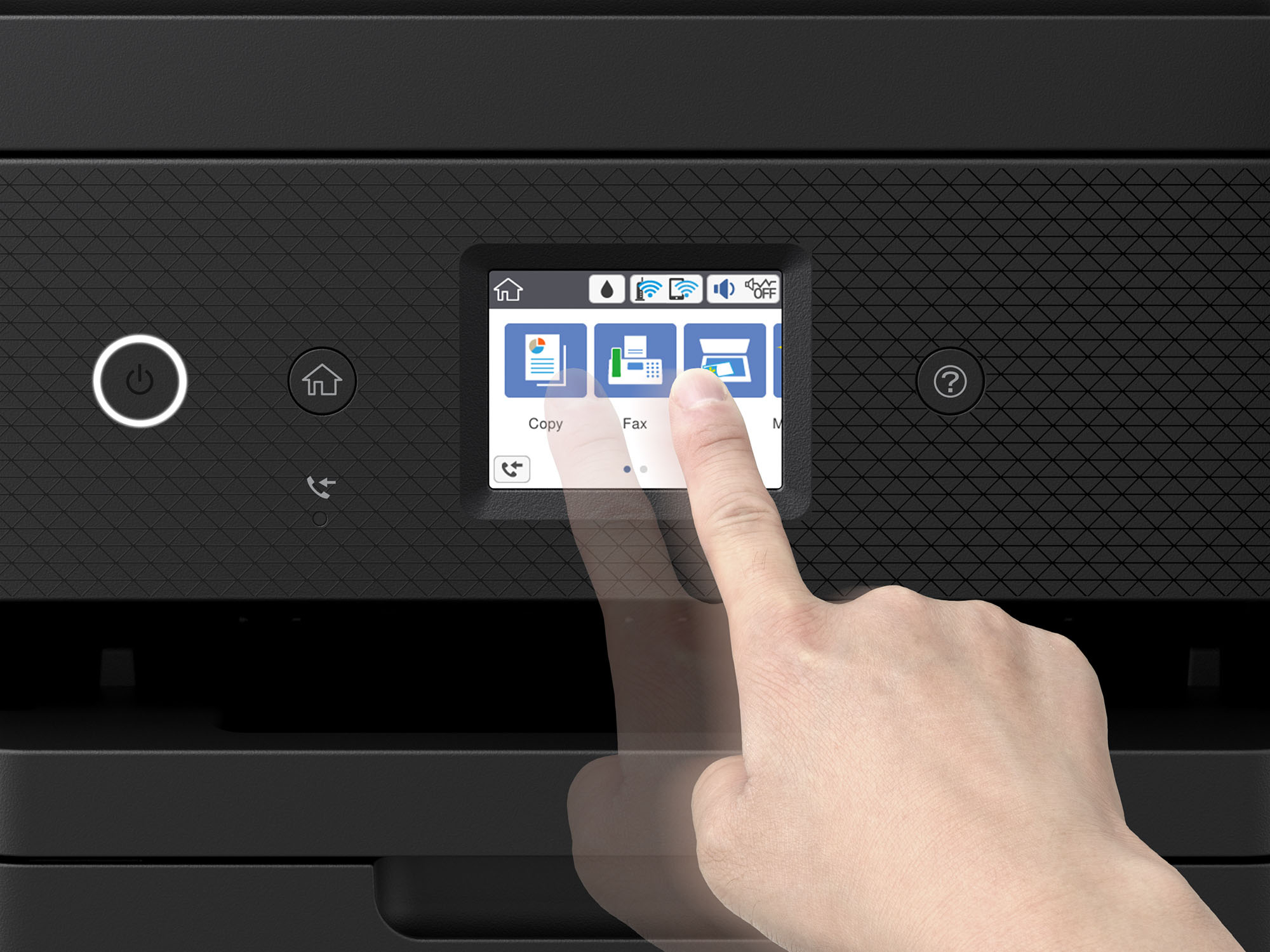
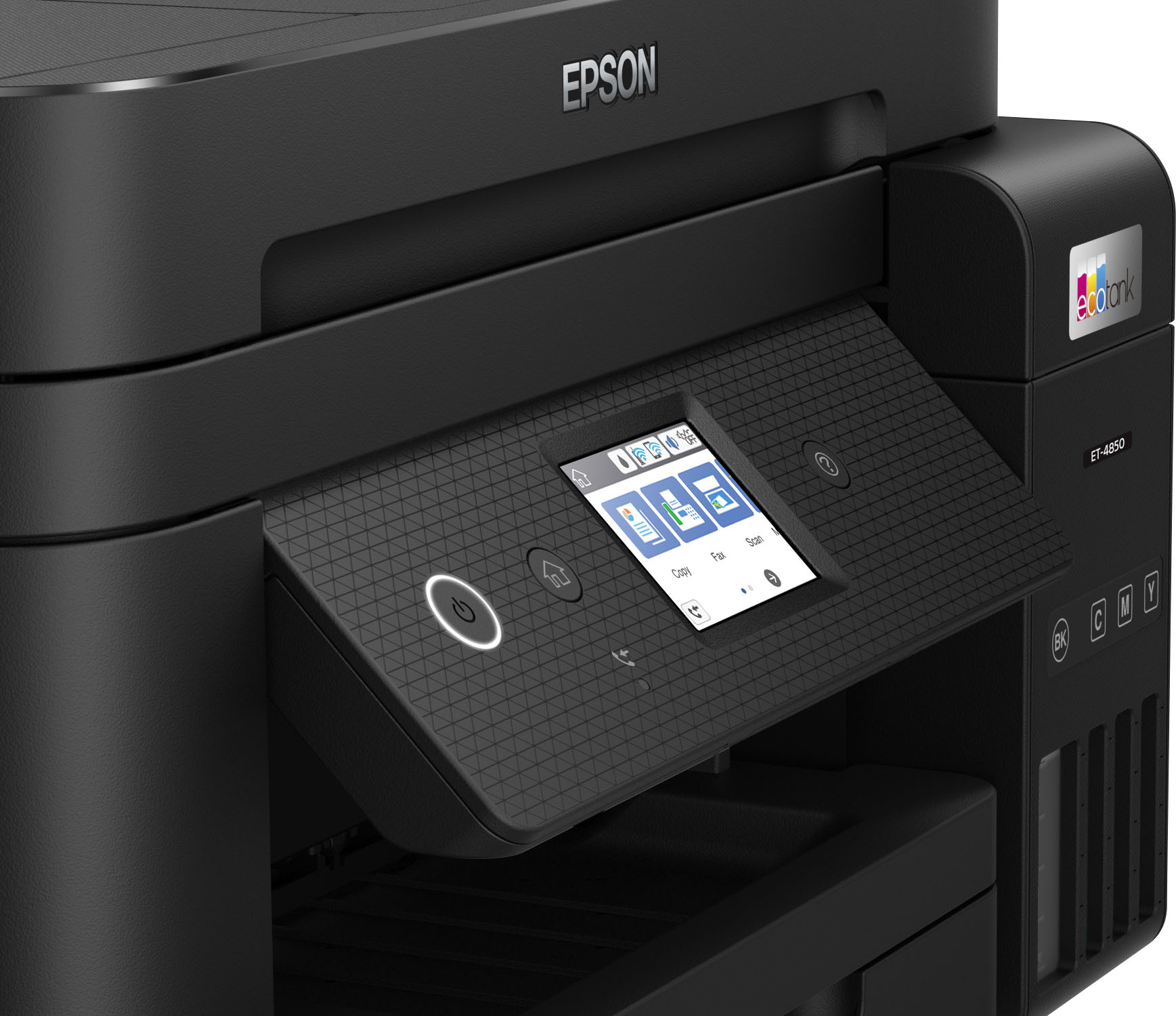
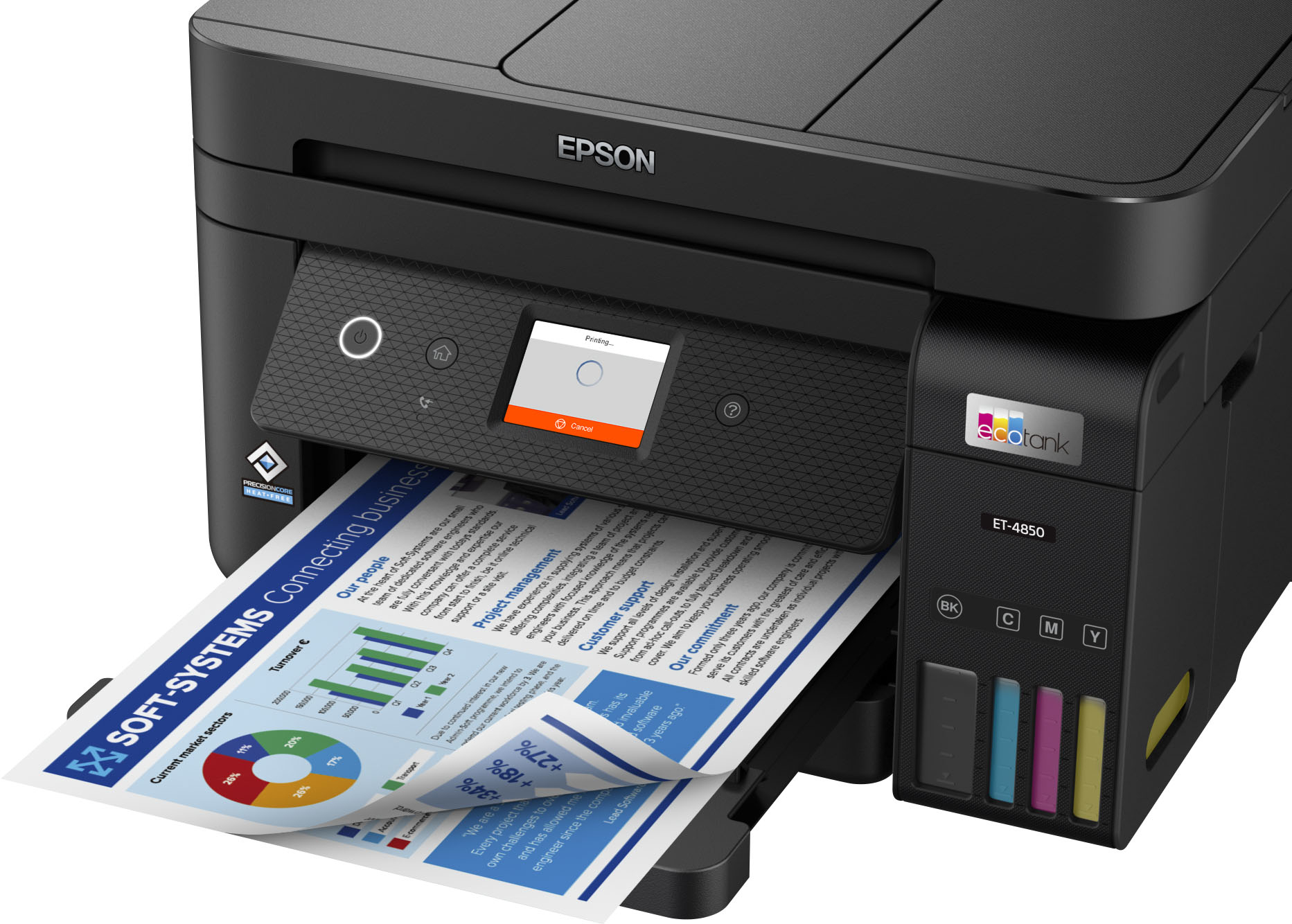
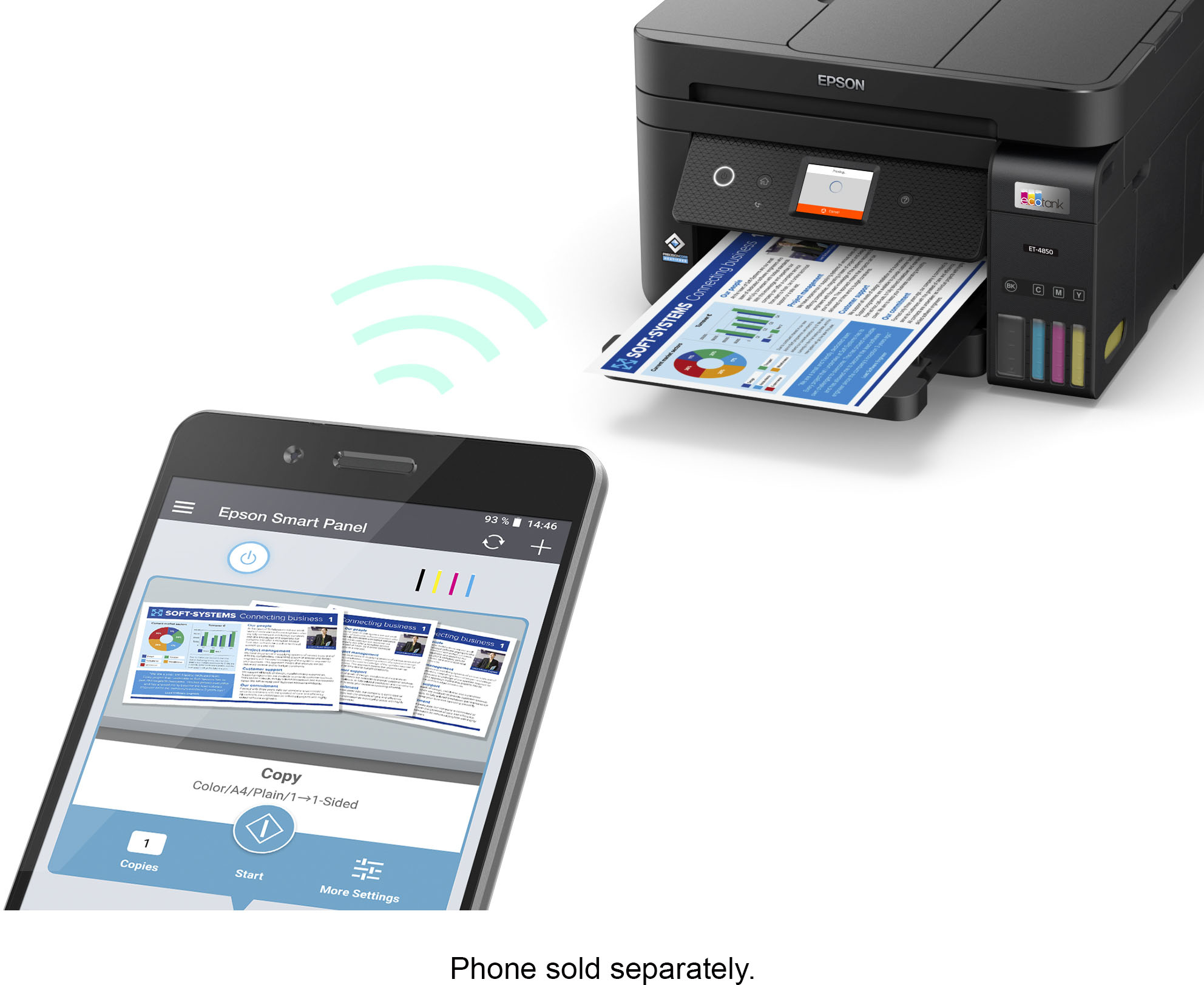
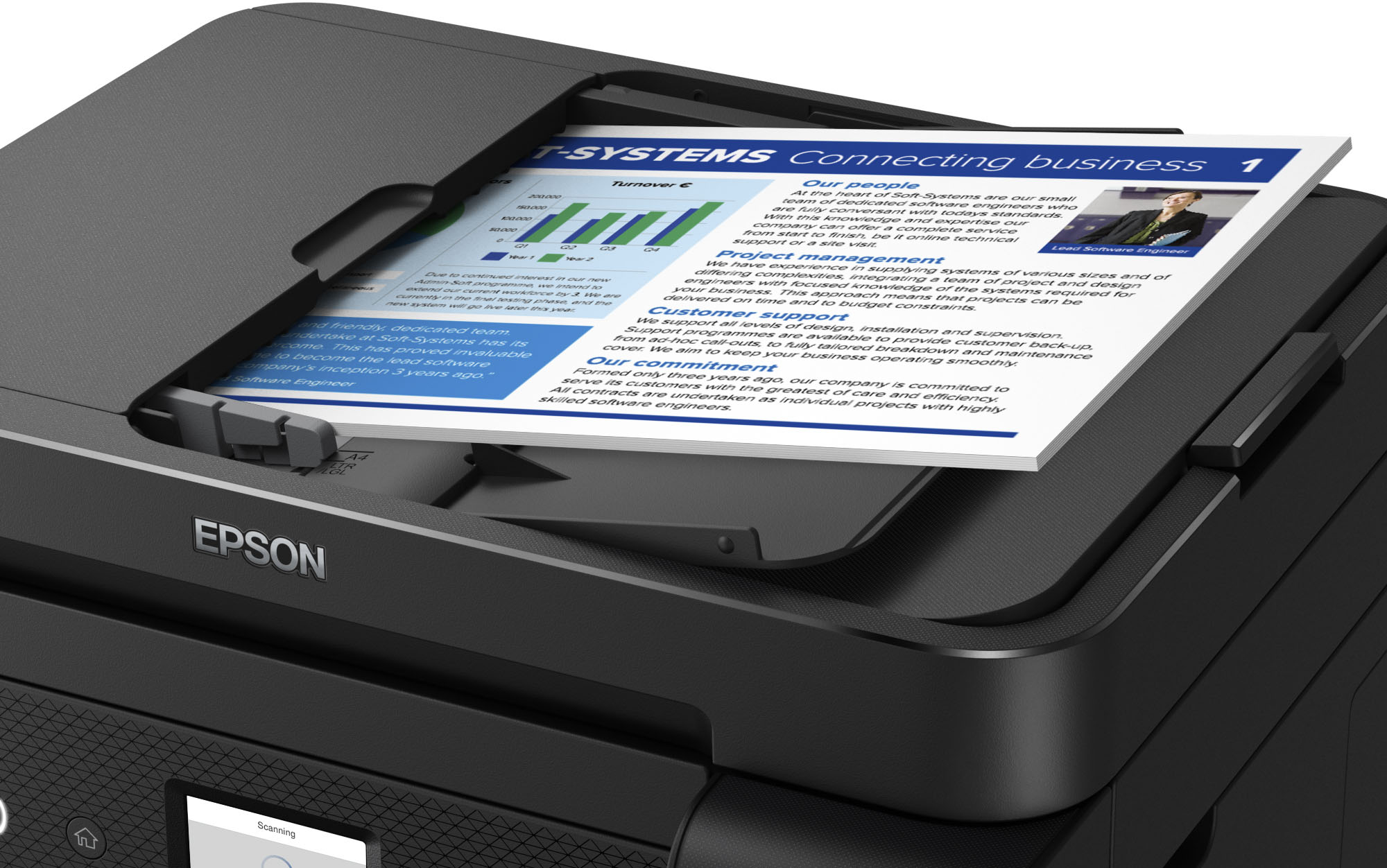
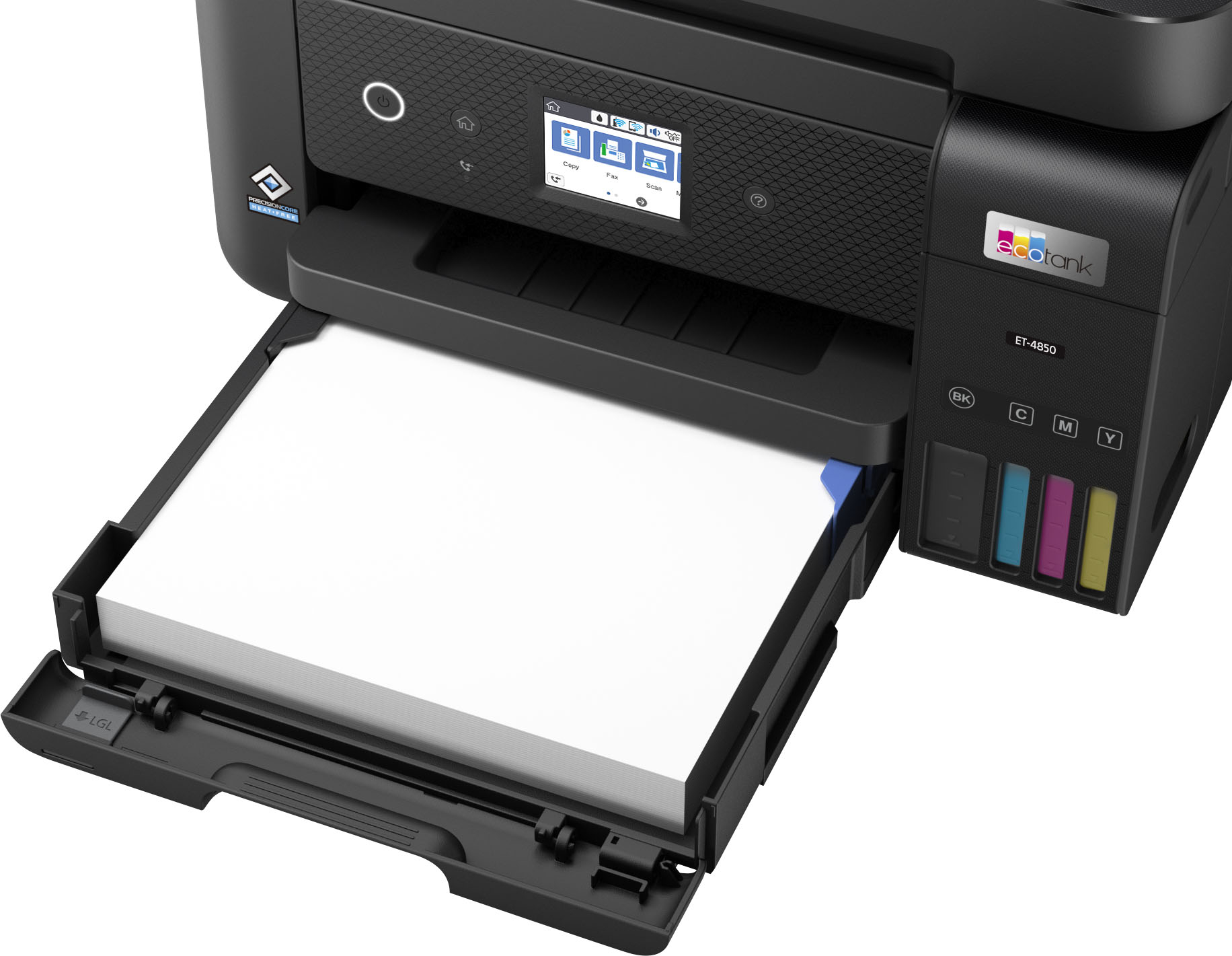
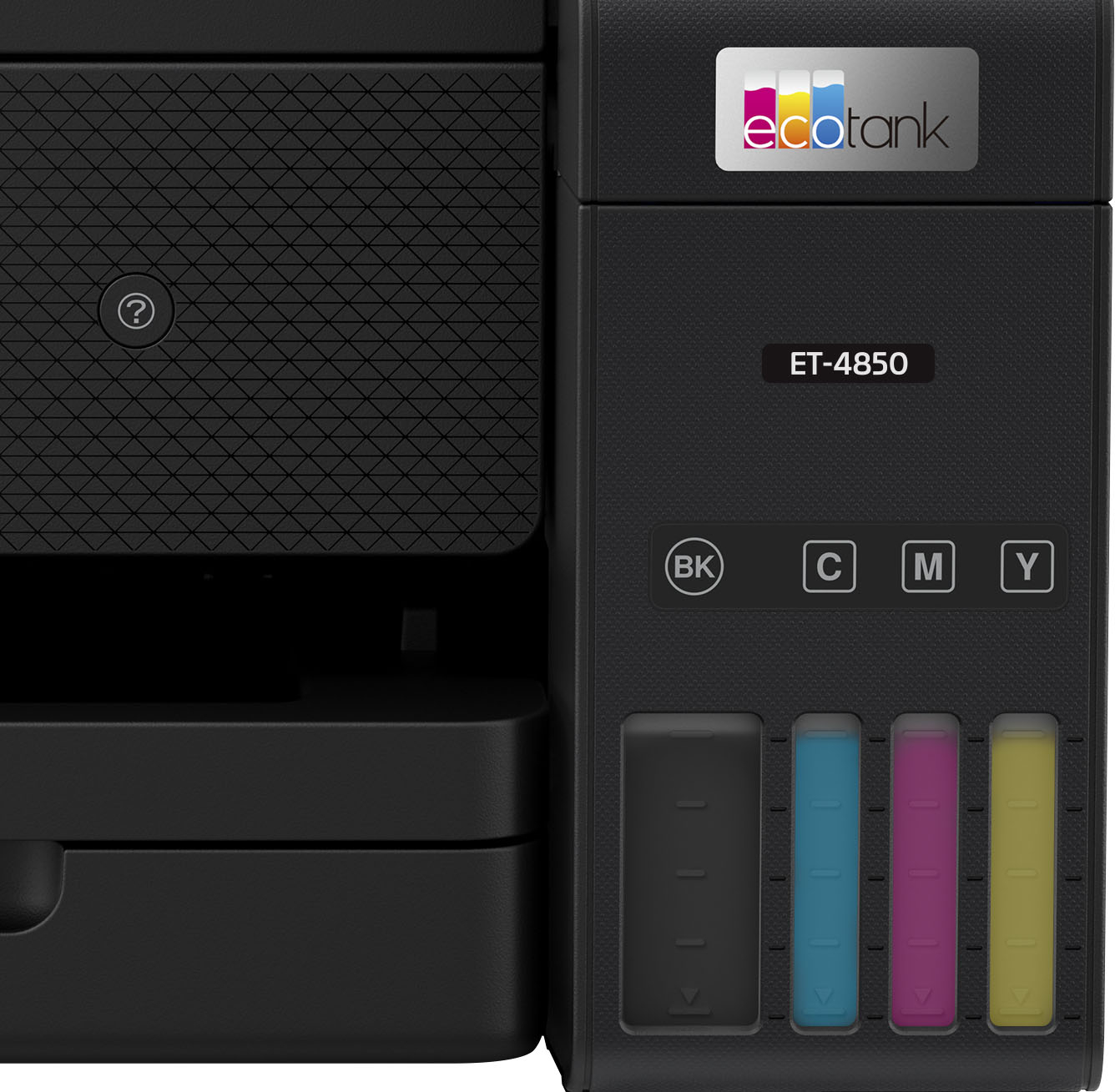
A:AnswerThe ET-4850 will not print or scan legal size documents. However, it will handle every other paper size from 8.5"x11" and down with no problem. The ET-4850 is a very nice, easy to set-up/easy to use efficient printer. It prints fast and generates nice sharp prints in Color and Black and White.
A:AnswerThis printer has both a LAN and a USB port. The USB port connection does NOT look like a normal USB cable so a connection cable with the correct configuration would probably have to be purchased.
A:AnswerWhen you select Print it gives you an option to print both sides. select that and hit the print block... it prints then pulls the paper back and does both sides.
JacjCT
A:AnswerHello Jaz. We have only tested Epson paper with the ET-4850. If you plan to use 3rd party paper, we recommend trying a small batch first to ensure it works properly and has satisfactory print quality. Regards, Kevin - The Epson Team.
A:AnswerNot sure what you are asking. However I find if you copy and paste your image or document into a document, then you need to save it. Then you can print it. I hope this answers your question.
A:AnswerI just purchased one for my mom...she loves it! Model #ET-4850. I'm not sure about the USB port but it does everything else that you're asking.
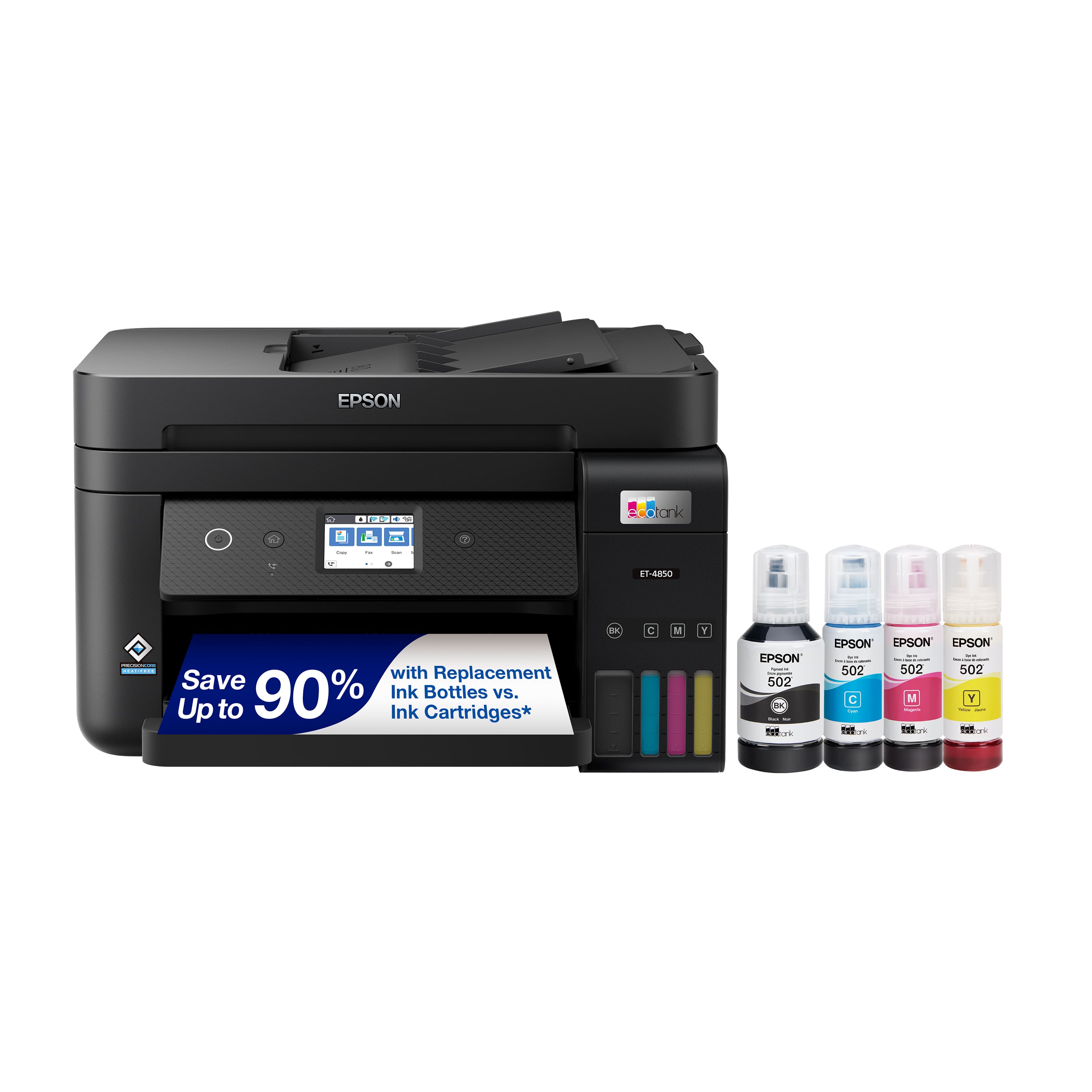
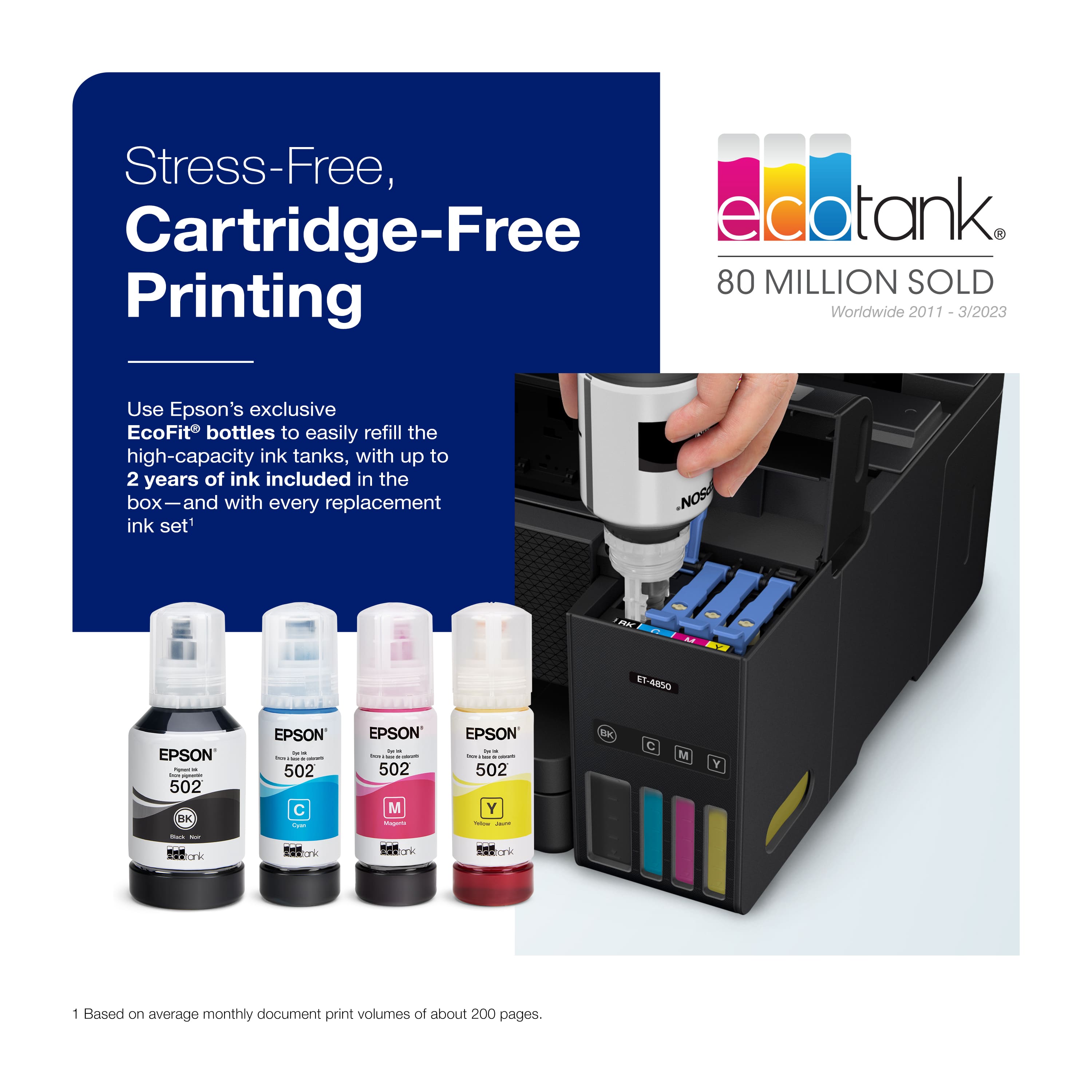
.](https://pisces.bbystatic.com/image2/BestBuy_US/images/products/a01213e6-2fa2-47d6-b2f3-64e0bf48e22f.jpg)
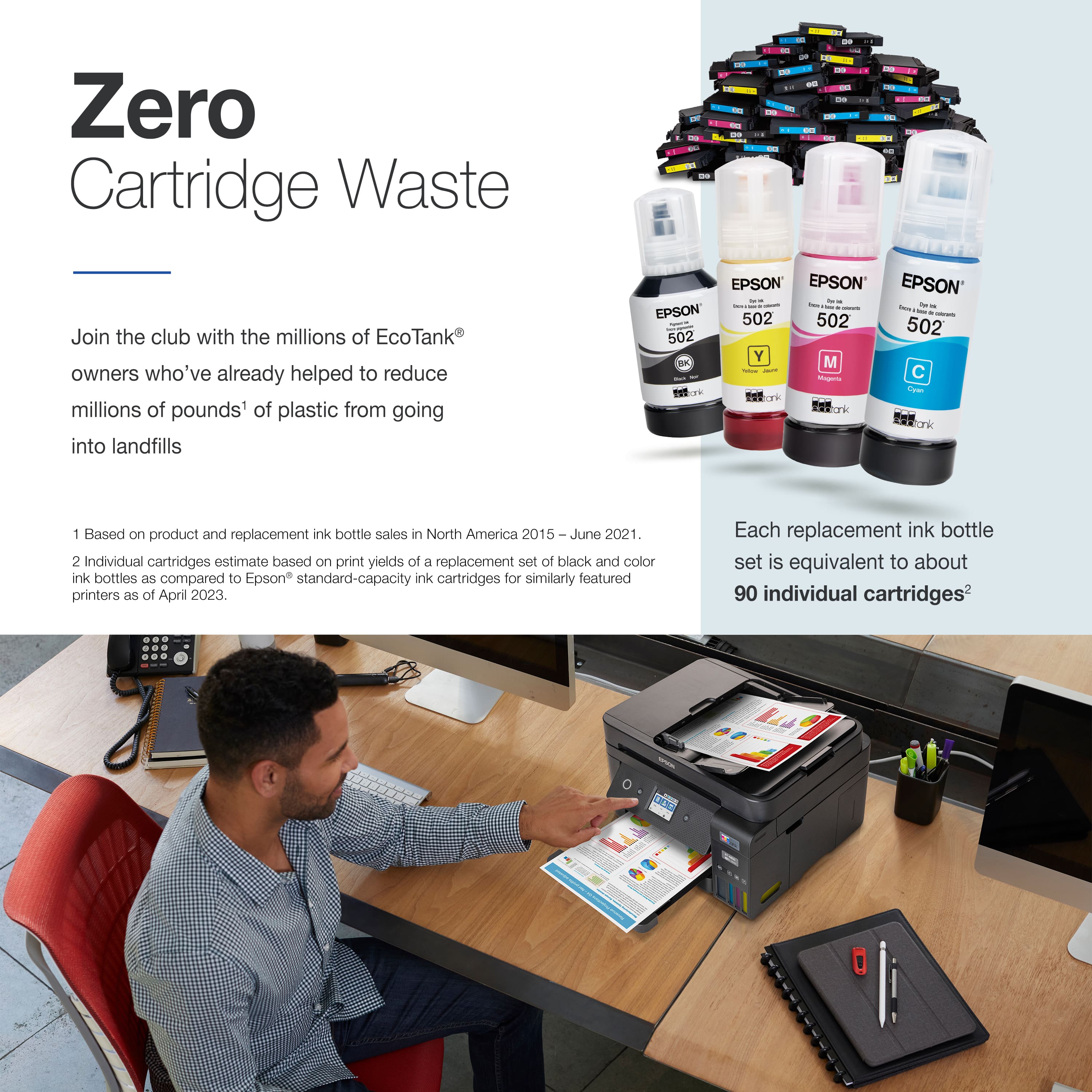
. Most features require a Internet connection to the printer, as well as an Internet- and/or email-enabled device. For a list of Epson Connect enabled printers and compatible devices and apps, visit [www.epson.com/connect](http://www.epson.com/connect).](https://pisces.bbystatic.com/image2/BestBuy_US/images/products/9d12aa07-d773-4dd1-9c3f-6223e2e99909.jpg)