A:AnswerHello EpsonCustomer. Unfortunately, the XP-4100 is not compatible to work with 69 Ink Cartridges. The printer is designed to only work with 212 and 212XL Epson Ink Cartridges. Regards, Kevin - The Epson Team.
A:AnswerHi Tonya. The Epson XP-4100 was not designed for dye-sublimation printing nor the use of non-genuine Epson ink cartridges. Using sublimation ink in this printer could damage the print head, and impact warranty coverage. Regards, Kevin - The Epson Team.
A:AnswerHello Envelopes. Unfortunately, the XP-4100 only supports printing on No.10 Envelopes. For more information on supported paper types, please visit our official Epson Support page. Regards, Kevin - The Epson Team.
A:AnswerHello. Yes, the XP-4100 is compatible with Mac OS 10.10 Yosemite. To download the latest print driver software, please visit our official Epson Support page. Regards, Kevin - The Epson Team.
A:AnswerHello. Unfortunately, the XP-4100 cannot print on 11" x 17" sized paper. The maximum supported paper size is 8.5" x 14". Regards, Kevin - The Epson Team.
A:AnswerHi Jones, Chrome OS, the operating system built into your Chromebook has a printer driver that is compatible with the XP-4100. See the Epson support site for instructions on setting it up. At this time Chrome OS does not have a compatible scan driver. Regards, Mark - The Epson Team.
A:AnswerHi Paykelmom, The Expression Home XP-4100 is designed for use with Epson 212 or high-capacity 212XL cartridges. Using anything else in the printer may damage the print heads and affect warranty coverage. Regards, Mark - The Epson Team.
A:AnswerHello Meg. Unfortunately, the XP-4100 does not have a "Scan to USB drive" feature. As an alternative, we recommend looking at the XP-970 as that printer does include a memory card slot feature. At the time of this posting, it is currently in stock on BestBuy's website, but please be aware that can inventory can vary. Regards, Kevin - The Epson Team.
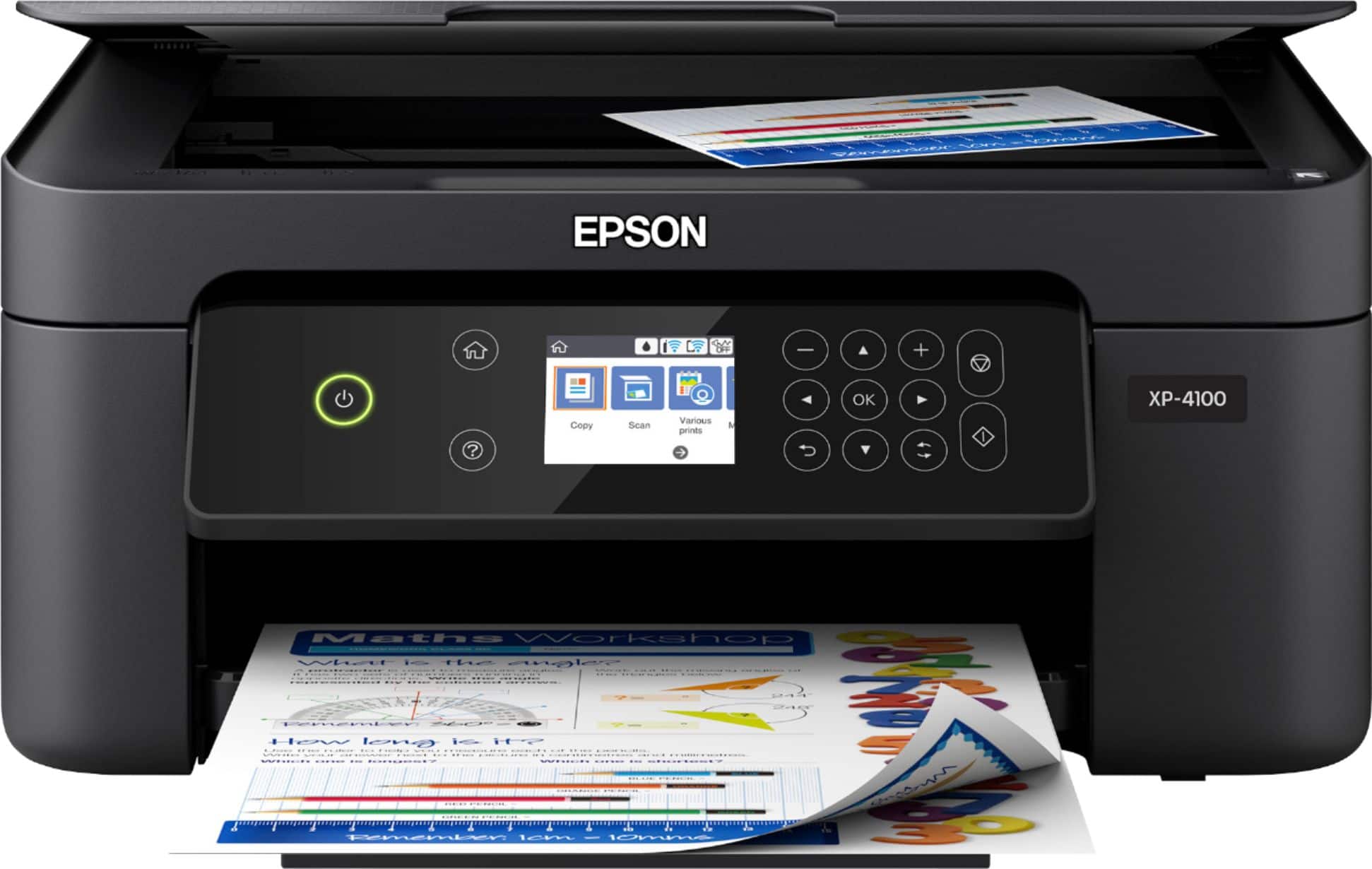
A:AnswerHello Toie. To connect the XP-4100 via USB, you would need to use a standard USB A to B printer cable. For more information on setting up your printer, please visit our official Epson Support page. Regards, Kevin - The Epson Team.
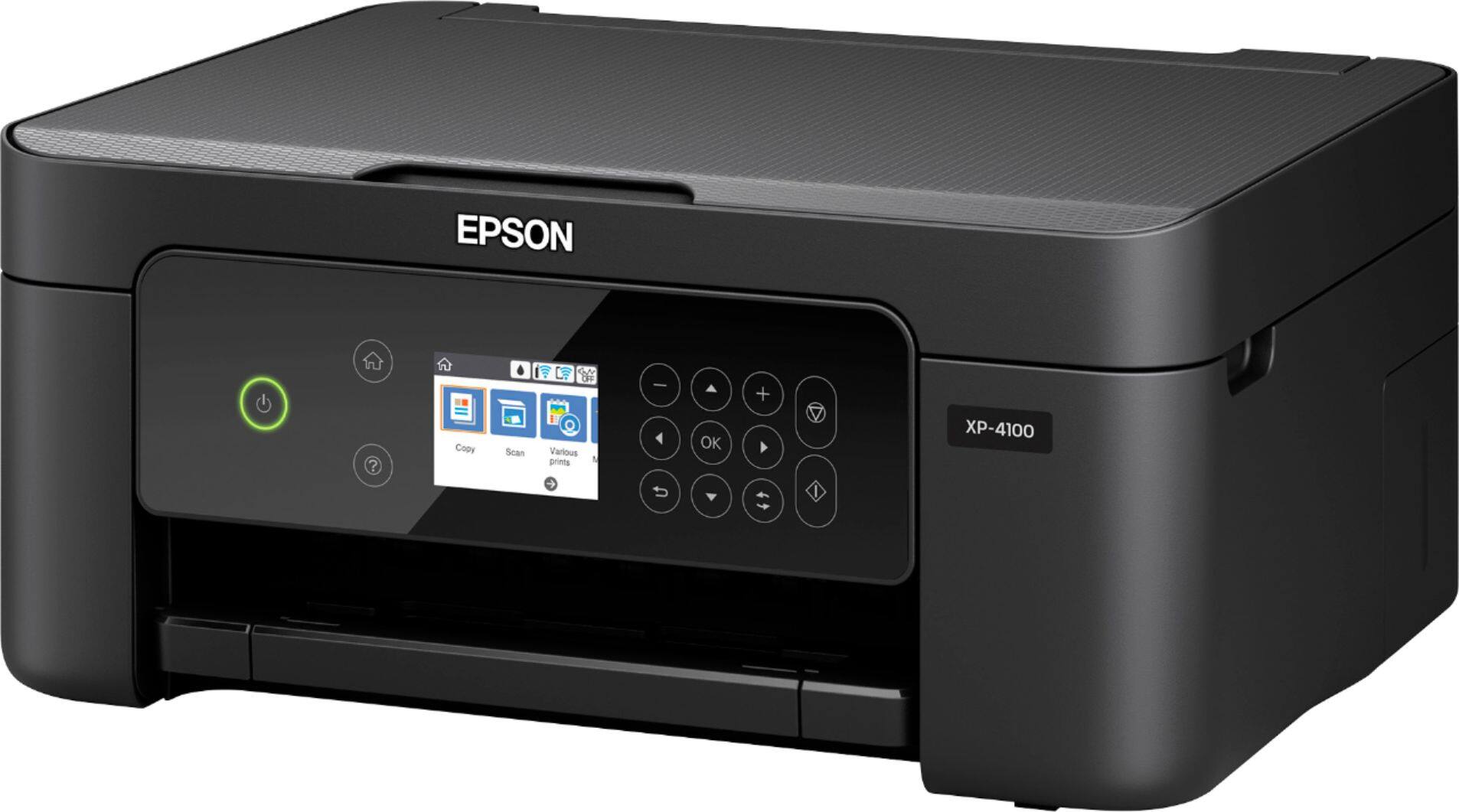
A:AnswerHi. Unfortunately not, the Epson XP-4100 was not designed for dye-sublimation printing nor the use of non-genuine Epson ink cartridges. Regards, Kevin - The Epson Team.
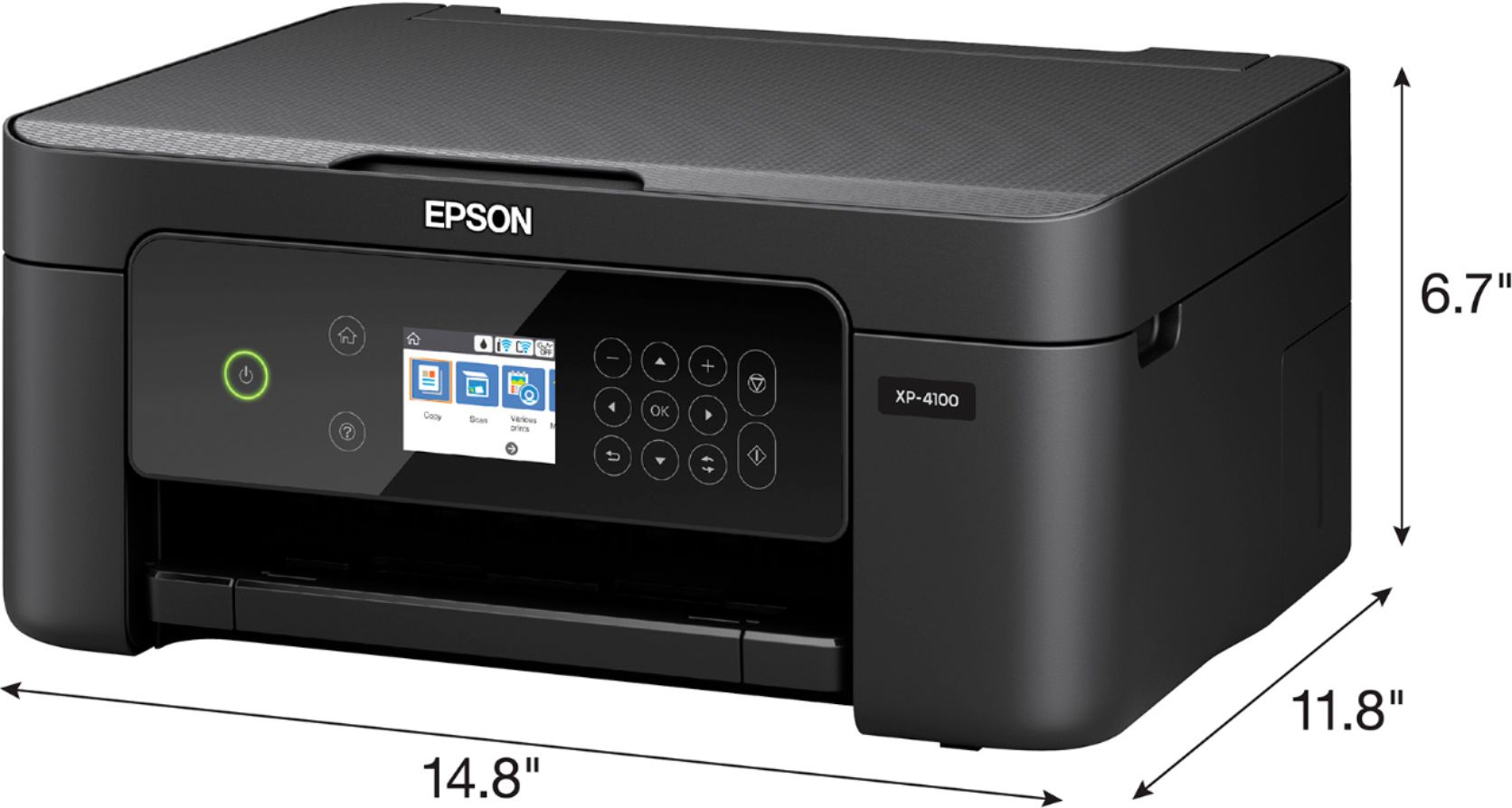
A:AnswerHello Hugo. Unfortunately, the XP-4100 printer driver is not currently compatible with the Surface Pro. You can try setting up the printer using Microsoft generic printer drivers, but your results will vary and are not guaranteed to work. Regards, Kevin - The Epson Team.
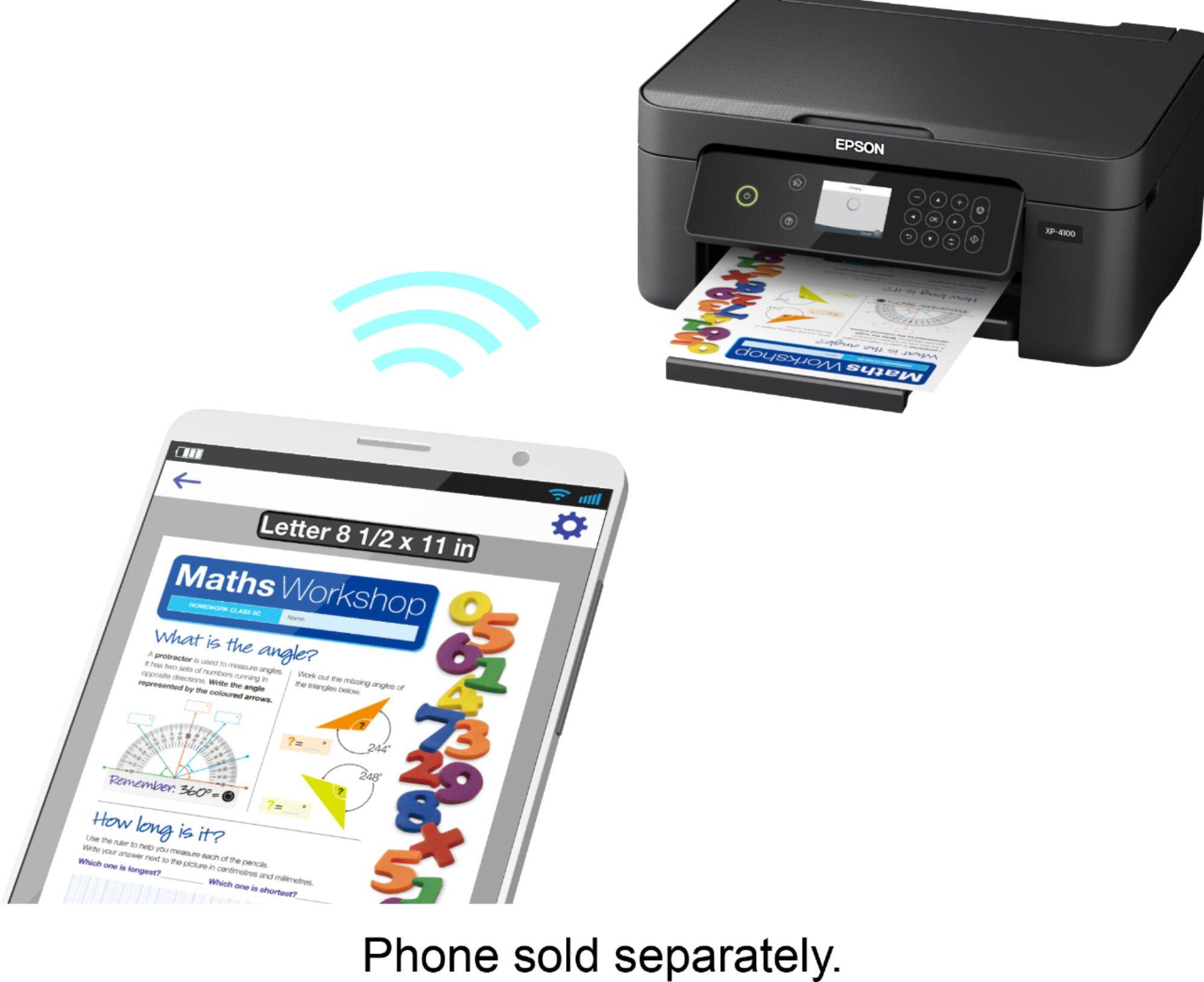
A:AnswerHi Anna, Sorry, the XP-4100 is a printer/scanner/copier. It does not fax. That feature is more common in Epson's WorkForce line, like the WorkForce WF-2830, which does include fax. At the time of this post it was available at Bestbuy.com. Inventory availability can change. Regards, Mark - The Epson Team.
A:AnswerHello vgndude08. The panel on the XP-4100 is set to a standard size. Unfortunately, there are no options to make adjustments to the screen. Generally, BestBuy retail stores should have demo units in person. If you have a store locally, we recommend stopping by to see if the screen works to your liking. Regards, Kevin - The Epson Team.
A:AnswerHello. Unfortunately, we have not tested labels on the XP-4100, so we cannot guarantee print functionality. We would recommend reaching out to the paper manufacturer to confirm compatibility with our inkjet printers. Regards, Kevin - The Epson Team.
A:AnswerHi Ace321, The Expression Home XP-4100 does not come with a USB cable. It requires a common USB 2 Type-A to Type-B cable. Regards, Mark - The Epson Team.