A:AnswerHi, You can use the XP-4105 to print on Letter-size business card sheets that are ink-jet compatible. We do not test third-party paper types, so you may have to try different settings to see which one works the best. Regards, Mark - The Epson Team.
A:AnswerHi We at Epson do not test the Expression Home XP-4100 with third-party paper types, so cannot guaranty the print quality on T-Shirt transfer paper. For a list of compatible Epson paper types, please visit the Epson support site for the XP-4105. Regards, Mark - The Epson Team.
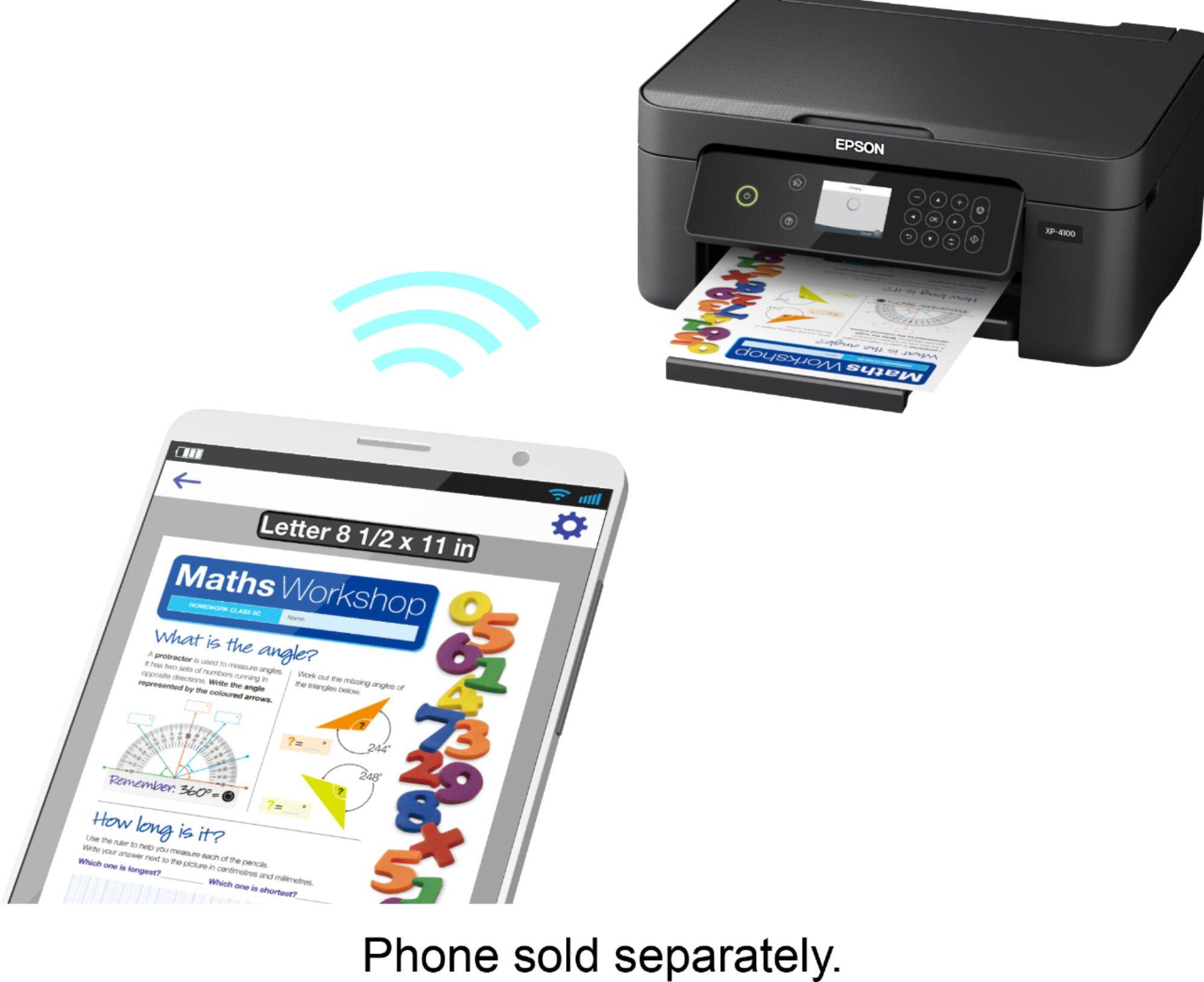
A:AnswerHi Gyro, The Expression Home XP-4100 is Wi-Fi compatible. Once it is set up on your wireless network you can use Apple's built-in AirPrint utility to print, or download Epson's free iPrint app from the App Store. Regards, Mark - The Epson Team.
A:AnswerHi Peaches, Set up the XP-4100 on the same 2.4 GHz Wi-Fi network as your Mac. Download the driver installer from the Epson support site for the XP-4100. Once it is installed, you will be able to print. The Epson support site also has videos, FAQs and User Guides that show the process in detail. Regards, Mark - The Epson Team.
A:AnswerHi roxanne. The Epson XP-4100 is compatible with computers running the MAC OS 10.6.x - 11.x.x operating systems. To download the latest print driver, please visit the official Epson Support website. Regards, Kevin - The Epson Team.
A:AnswerHello Sambo. The XP-4100 printer software has an image option to select "Mirror Image," which will flip the picture you are looking to print. Unfortunately, we have not tested transfer paper on the printer, so we cannot guarantee print functionality. We would recommend reaching out to the transfer paper manufacturer to confirm compatibility. Regards, Kevin - The Epson Team.
A:AnswerHi Ajay, The XP-4100's driver has a setting to print in black and white, but not Sepia. However, you can send Sepia documents and photos to the printer and print them in color to get the same affect. Regards, Mark - The Epson Team.
A:AnswerHi Tonya. Unfortunately not, the Epson XP-4100 was not designed for dye-sublimation printing nor the use of non-genuine Epson ink cartridges. Regards, Kevin - The Epson Team.
A:AnswerHello Matt. The XP-4100 supports compatible paper types distributed by Epson, with paperweight ranging from 20 lb (75 gsm) to 24 lb (90 gsm). Regards, Kevin - The Epson Team
A:AnswerHello. Yes, the XP-4100 is compatible to work with Airprint on your Apple iPhone. There is no need to install any additional software for functionality. For more information, please see the User's Guide on the official Epson Support page. Regards, Kevin - The Epson Team.
A:AnswerHi b1938, You can use the Expression Home XP-4100 to scan and save the scans on your computer in popular files types, like JPEG, PDF, TIFF, etc. Regards, Mark - The Epson Team.
A:AnswerHi sublimation, The Expression Home XP-4100 is not designed for sublimation. Using any ink, or ink-like substance other than the 212 or 212XL cartridges it is designed for may damage the print heads and affect warranty coverage. Regards, Mark - The Epson Team.
A:AnswerHello enes. Unfortunately, the XP-4100 doesn't support printing directly from an SD Memory device. However, you can connect the printer via USB cable or Wi-Fi connection. For more information, please visit the official Epson Support page. Regards, Kevin - The Epson Team.
A:AnswerHello Sheff22. Yes, If an ink cartridge is expended, you see a message on the LCD screen. Note which cartridges need to be replaced and follow the on-screen instructions or the instructions below to replace the cartridge. For more information, please review the User Guide on our official Epson Support page. Regards, Sam - The Epson Team.
A:AnswerHello Mike. The XP-4100 has the ability to print multiple documents and photos on a variety of paper types and sizes from the rear support. For more information, please review the User's Guide on our official Epson Support page. Regards, Sam - The Epson Team.
A:AnswerHi heyfranko, The Expression Home XP-4100 is designed for genuine Epson cartridges. Other brands of ink supplies are not compatible and, if described as compatible, may not function properly or continuously. Regards, Mark - The Epson Team.
A:AnswerHello. Yes, the XP-4100 printer is compatible with HP Chromebooks. For more information, please visit our official Epson support page. Regards, Sam - The Epson Team.