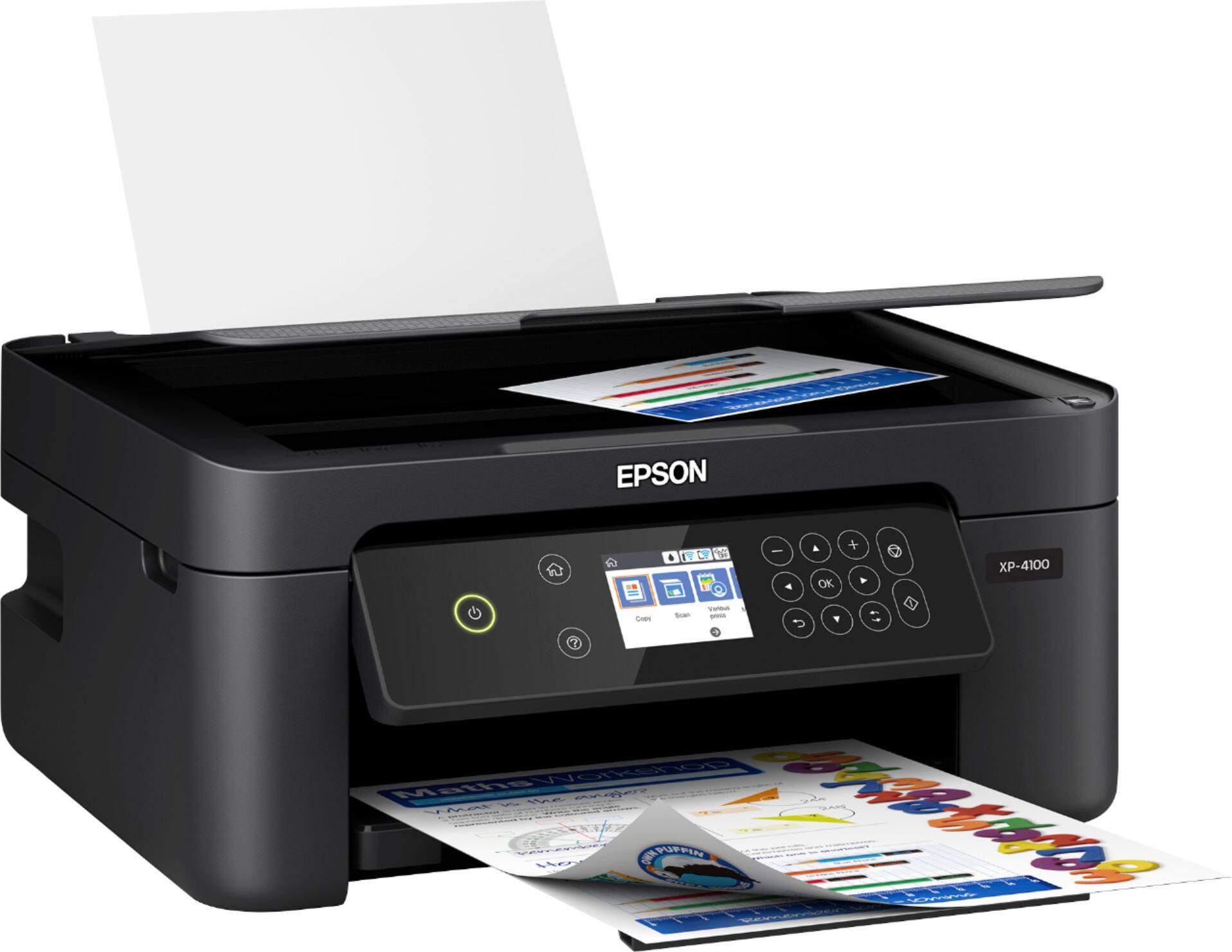
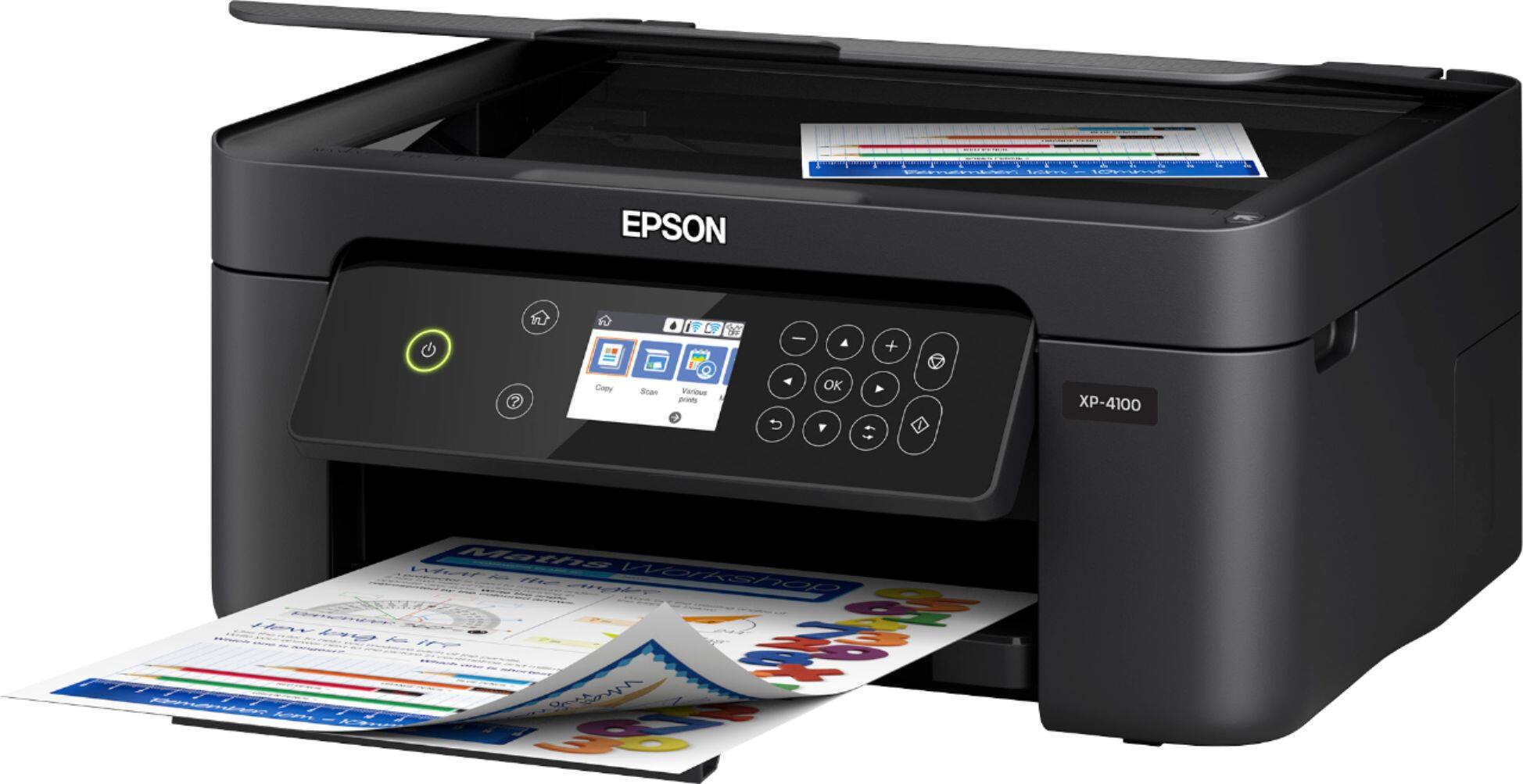
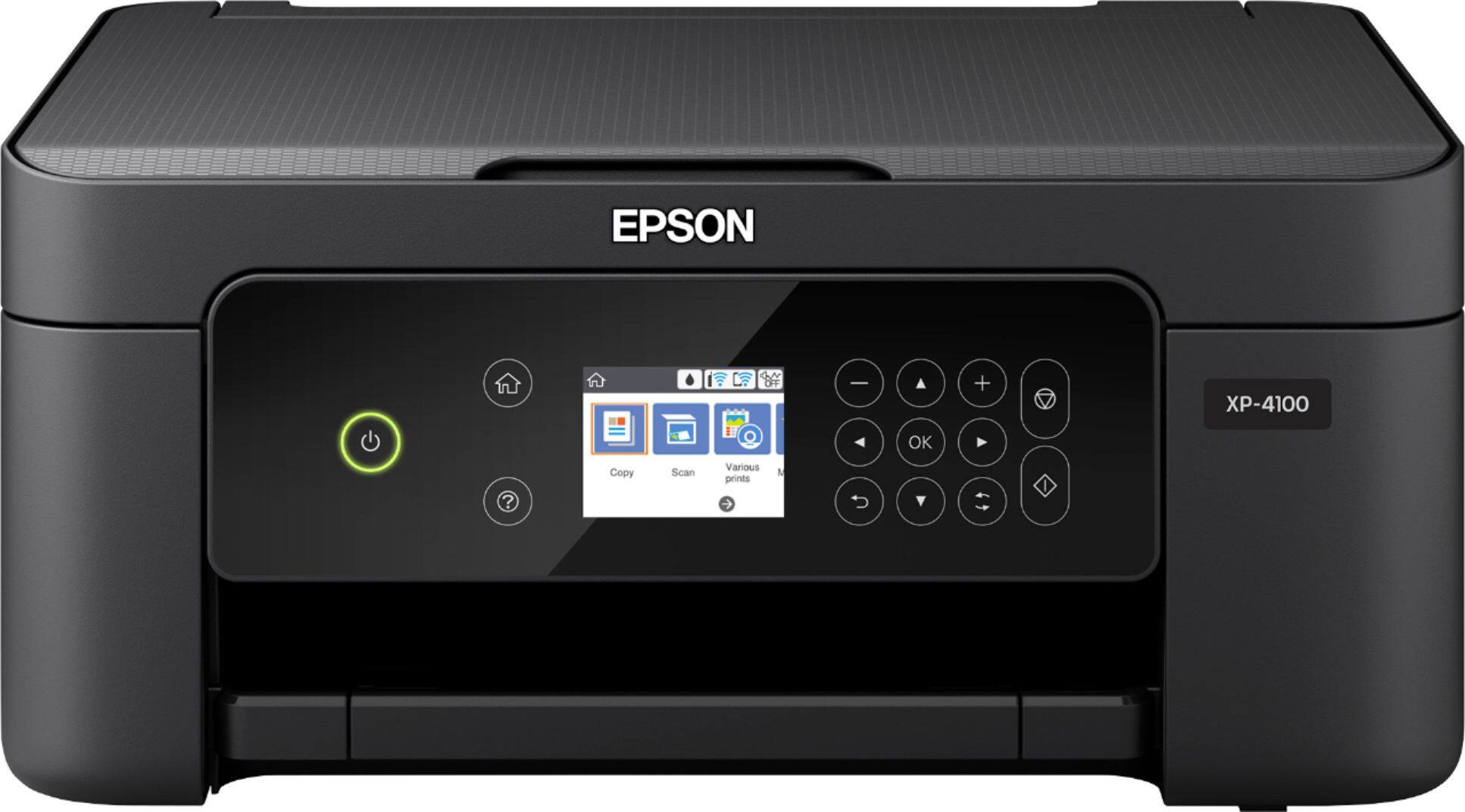
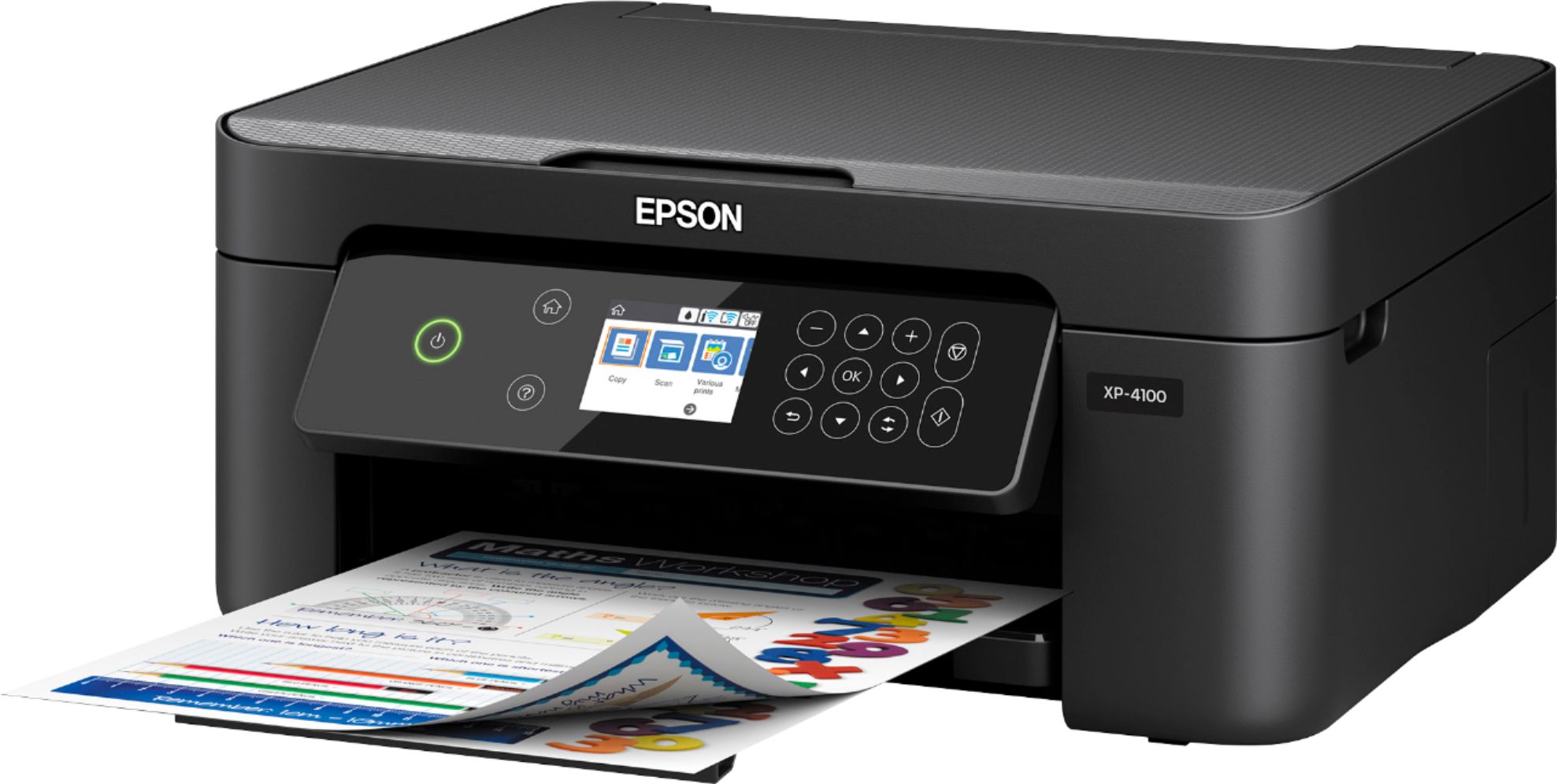
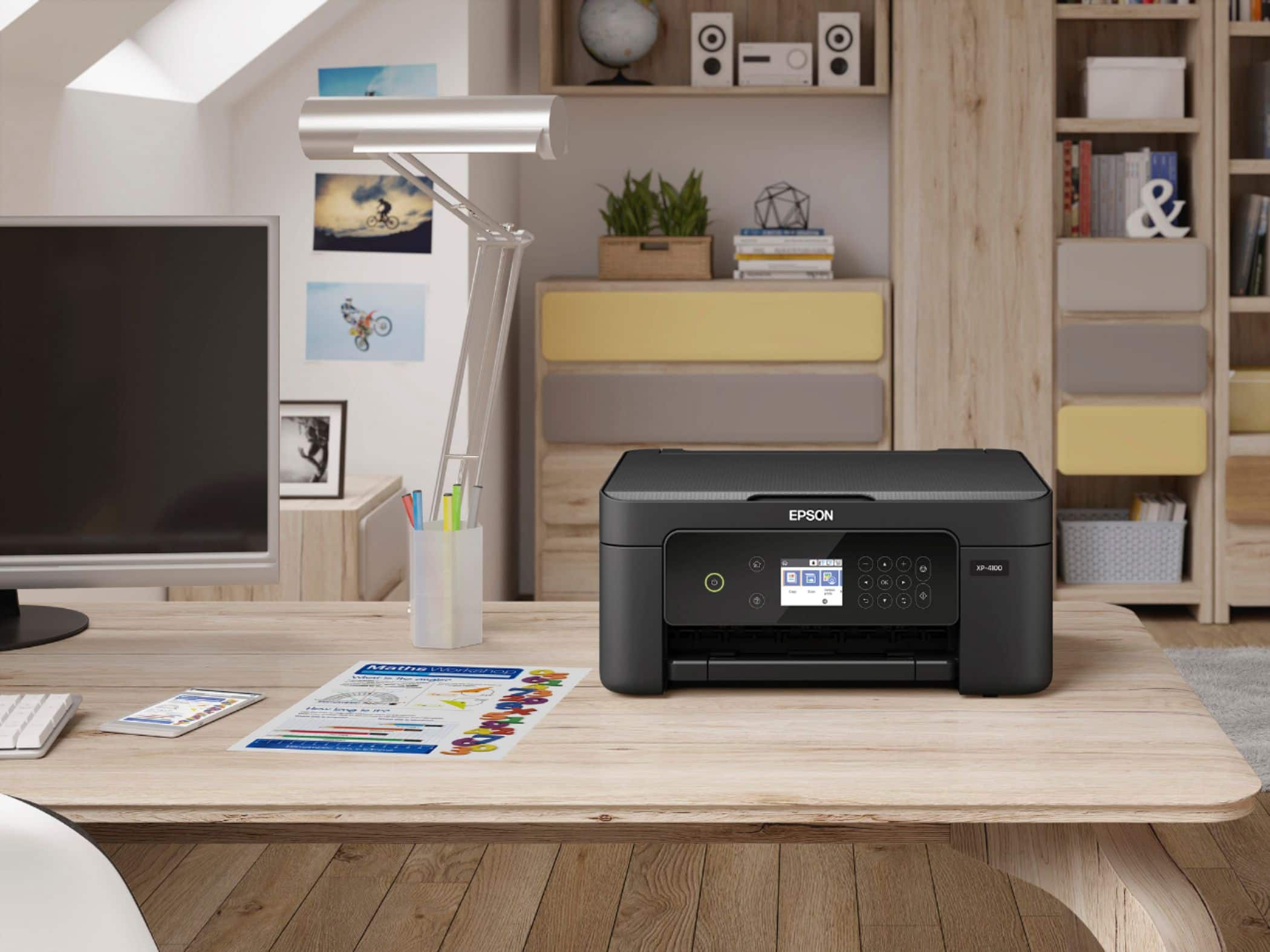
A:AnswerHi Adale, The XP-4100 has an 8.5"-wide paper path, so it cannot print 13" x 19" sheets. It is a photo printer not a sublimation printer. Regards, Mark - The Epson Team.
A:AnswerHi ShelleyR. No, the Epson XP-4100 was not designed for dye-sublimation printing nor use of non-genuine Epson ink cartridges. Regards, Kevin - The Epson Team.
A:AnswerHello Nicole. Unfortunately, we have not tested Vinyl paper on the XP-4100, so we cannot guarantee successful print functionality. Regards, Kevin - The Epson Team.
A:AnswerHi cathi. Yes, the Epson XP-4100 can print on select Epson Photo paper. In addition, the printer is compatible with computers running the following Microsoft operating systems: Windows 10, Windows 8, 8.1 (32-bit, 64-bit), Windows 7 (32-bit, 64-bit). For more information, please visit the official Epson Support website. Regards, Kevin - The Epson Team.
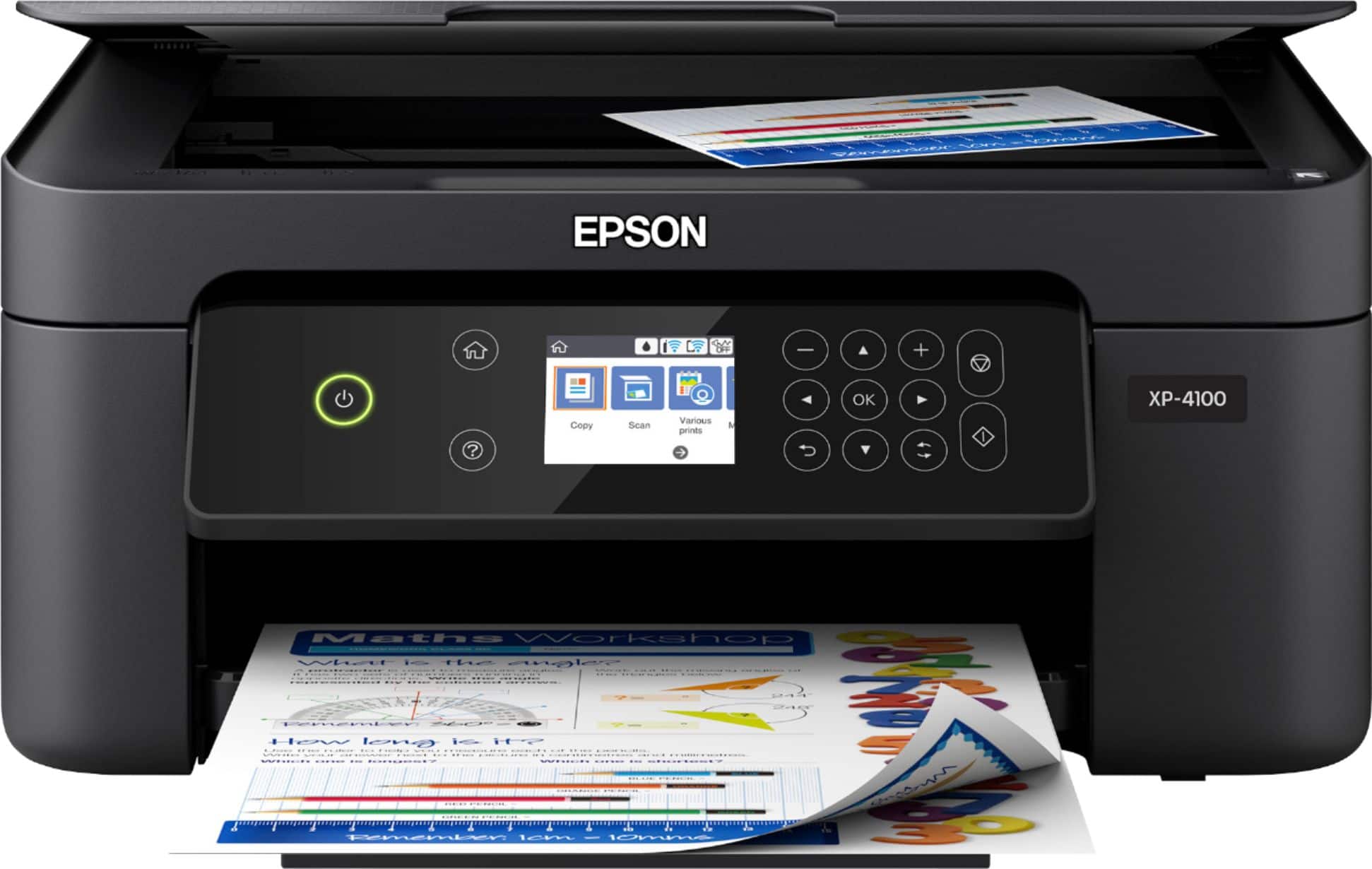
A:AnswerHello, Sorry we have not tested the WorkForce XP-4100 with tattoo stencil paper, so print quality cannot be guaranteed. Regards, Kevin - The Epson Team.
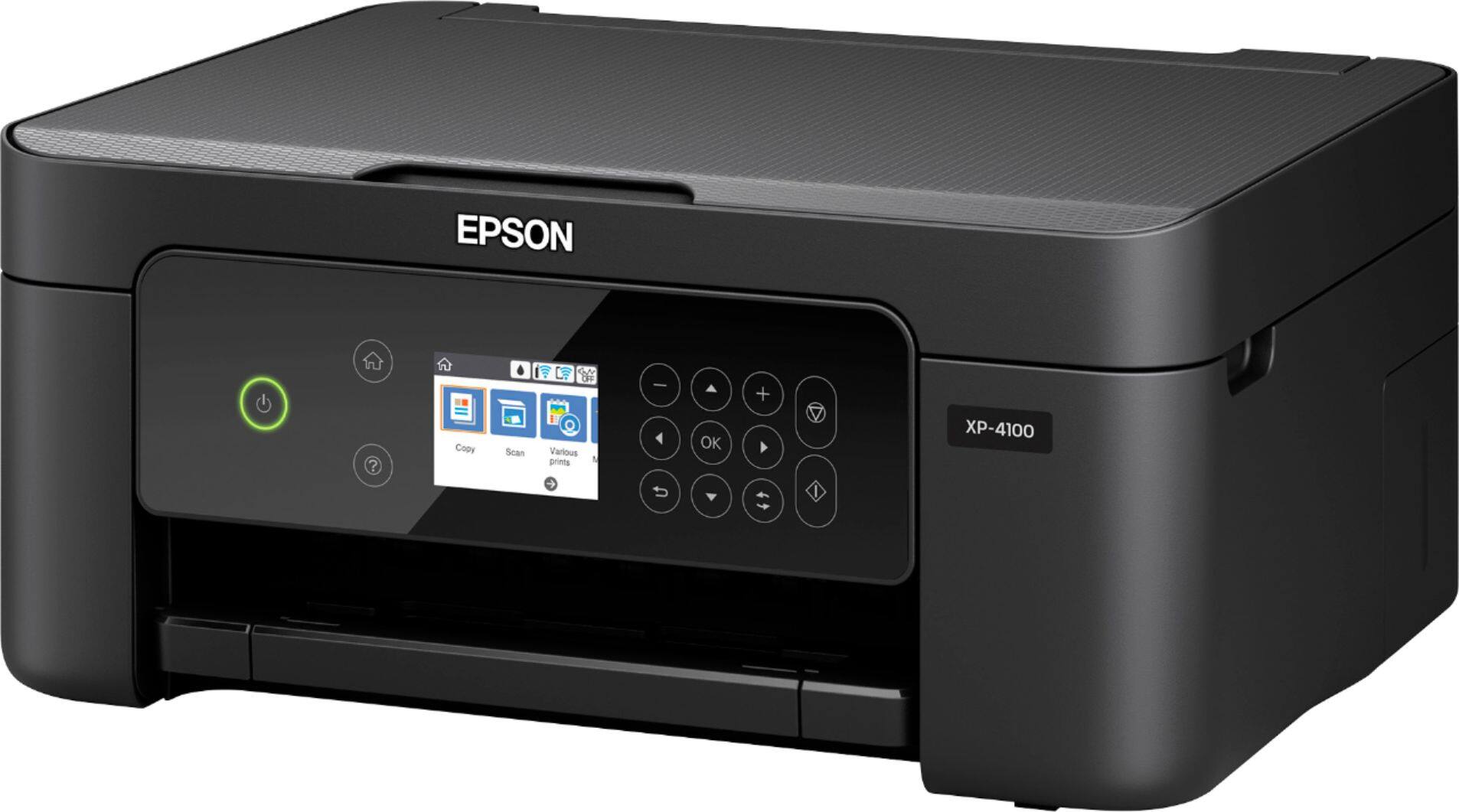
A:AnswerHi, The Expression Home XP-4100 is not a sublimation printer. Using sublimation ink may damage the print heads and affect warranty coverage. Regards, Mark - The Epson Team.
A:AnswerHi Mariah, Sorry, no, The Expression Home XP-4100 is a photo printer, not a sublimation printer. It can produce beautiful images using the Epson 212 and 212XL ink cartridges it was designed for. Regards, Mark - The Epson Team.
A:AnswerHi. Sorry we have not tested the WorkForce WF-4100 with transfer paper, so print quality cannot be guaranteed. Regards, Kevin - The Epson Team.
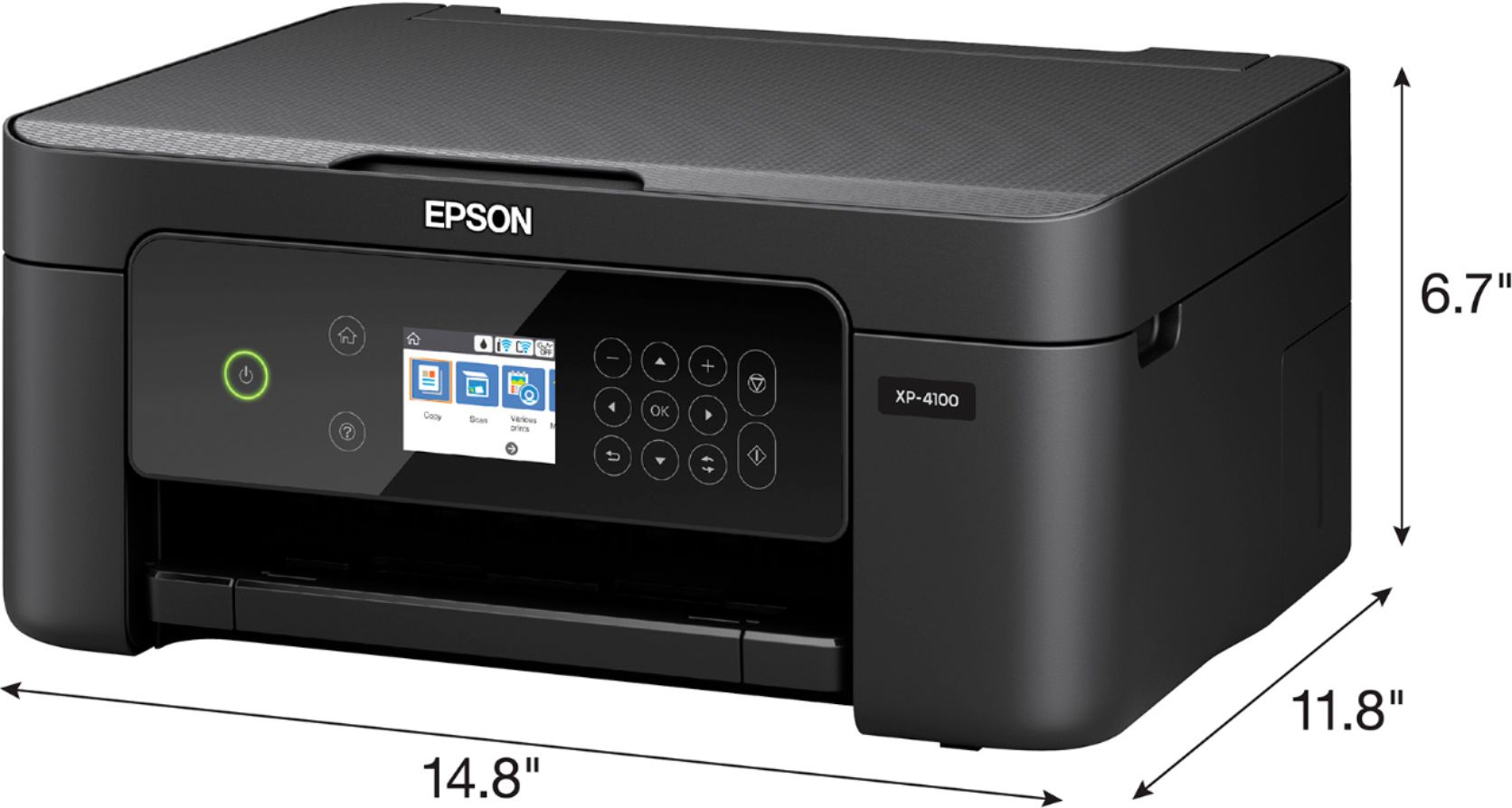
A:AnswerHi Qbea. No, the Epson XP-4100 was not designed for dye-sublimation printing nor use non-genuine Epson ink cartridges. Regards, Kevin - The Epson Team.
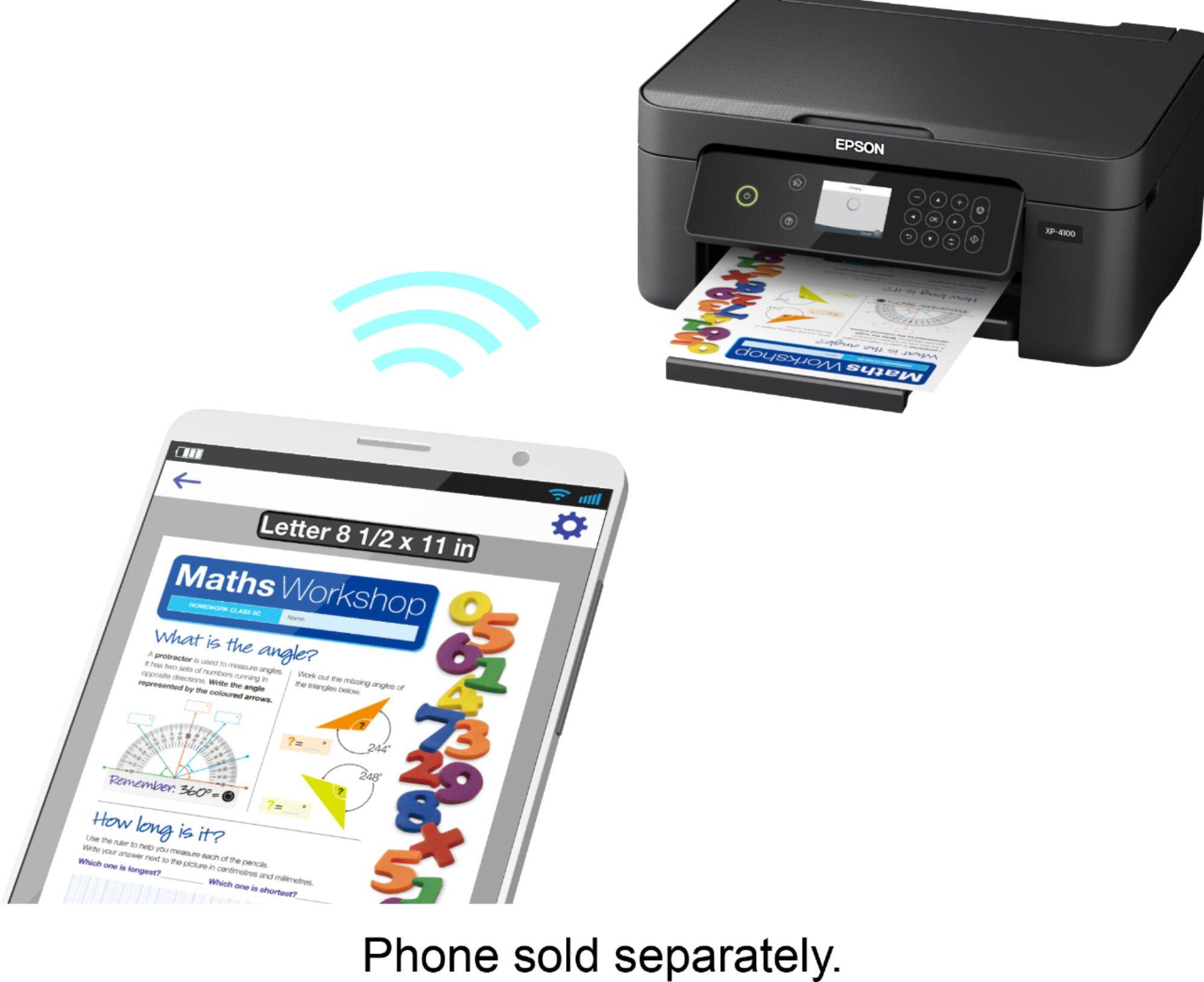
A:AnswerHi Zub12, It depends on what you use to send prints to the Expression Home XP-4100. If you have an iPhone or iPad, you can use the built-in AirPrint feature. If you have an Android device, you have to download Epson's free iPrint app. Regards, Mark - The Epson Team.
A:AnswerHello AquinoA. If you are using a 5 GHz wireless router, set the router to operate in dual-band (2.4 GHz and 5 GHz) mode. If your router uses a single network name (SSID) for both the 2.4 GHz and 5 GHz band, give each band its own network name (SSID) instead, such as Home Network 2.4 GHz and Home Network 5 GHz. See your router documentation or contact your internet service provider for
instructions. Regards, Kevin - The Epson Team.