A:AnswerHi Janet. No, the Epson WF-4100 was not designed for dye-sublimation printing nor use non-genuine Epson ink cartridges. Regards, Kevin - The Epson Team.
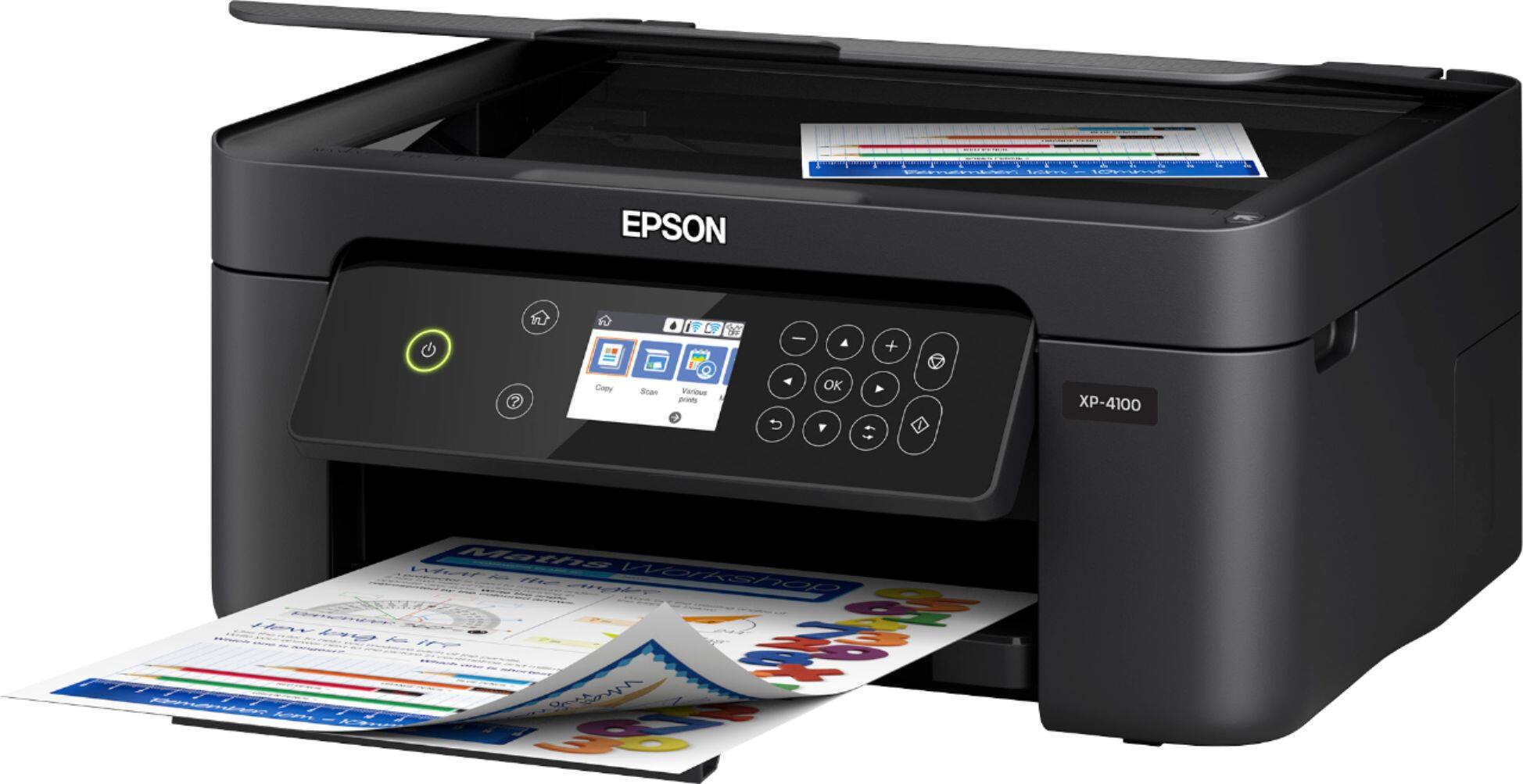
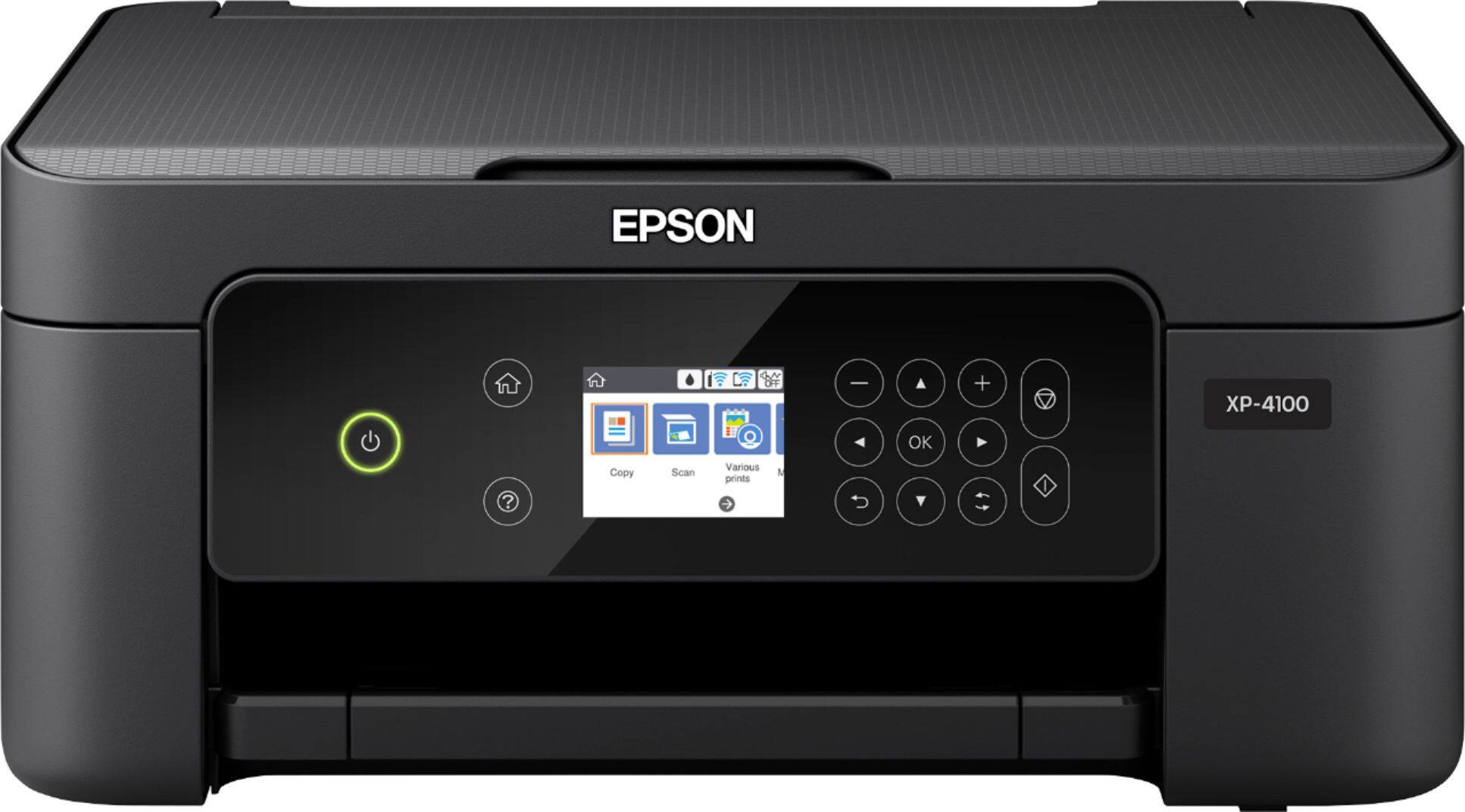
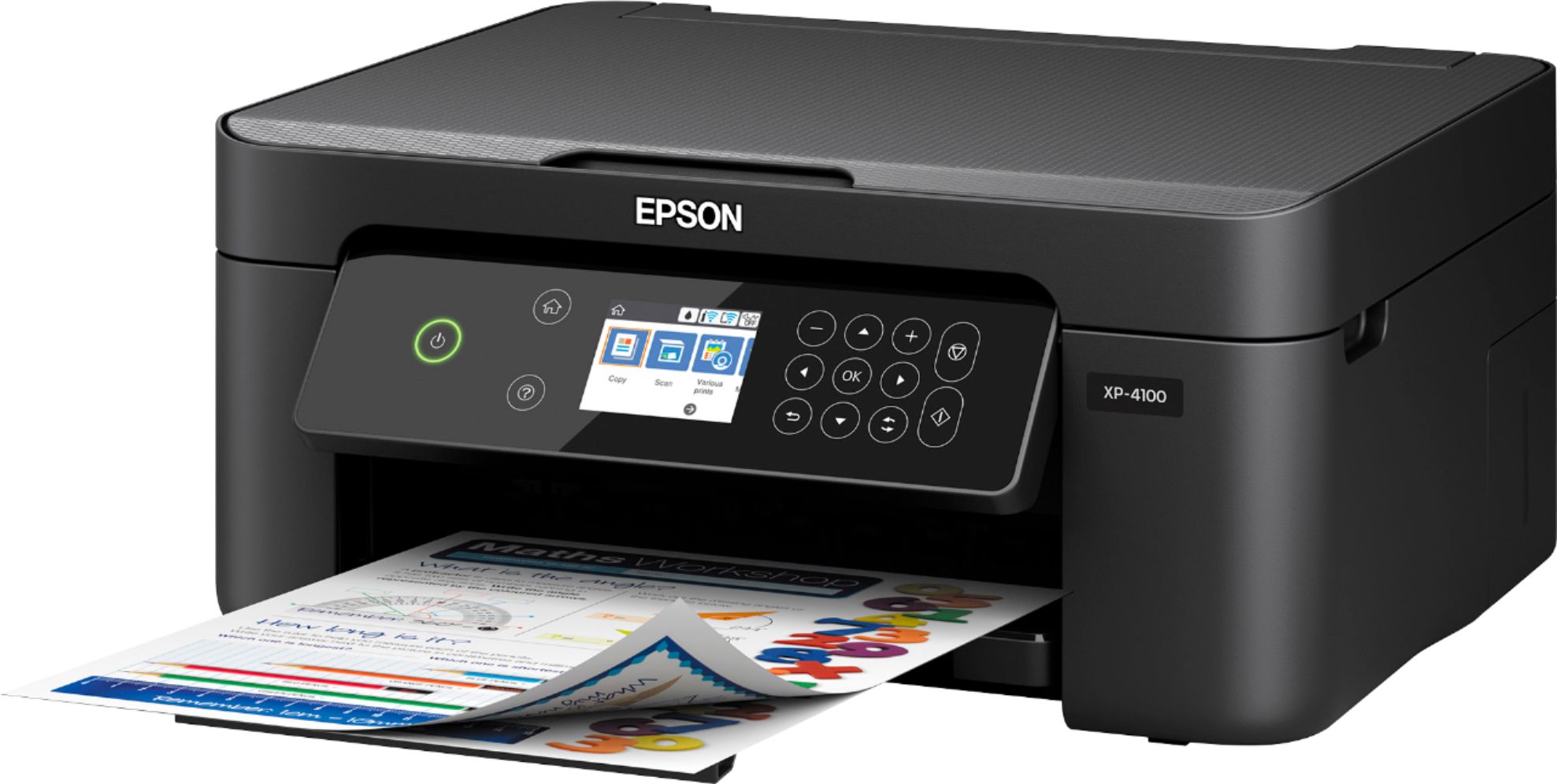
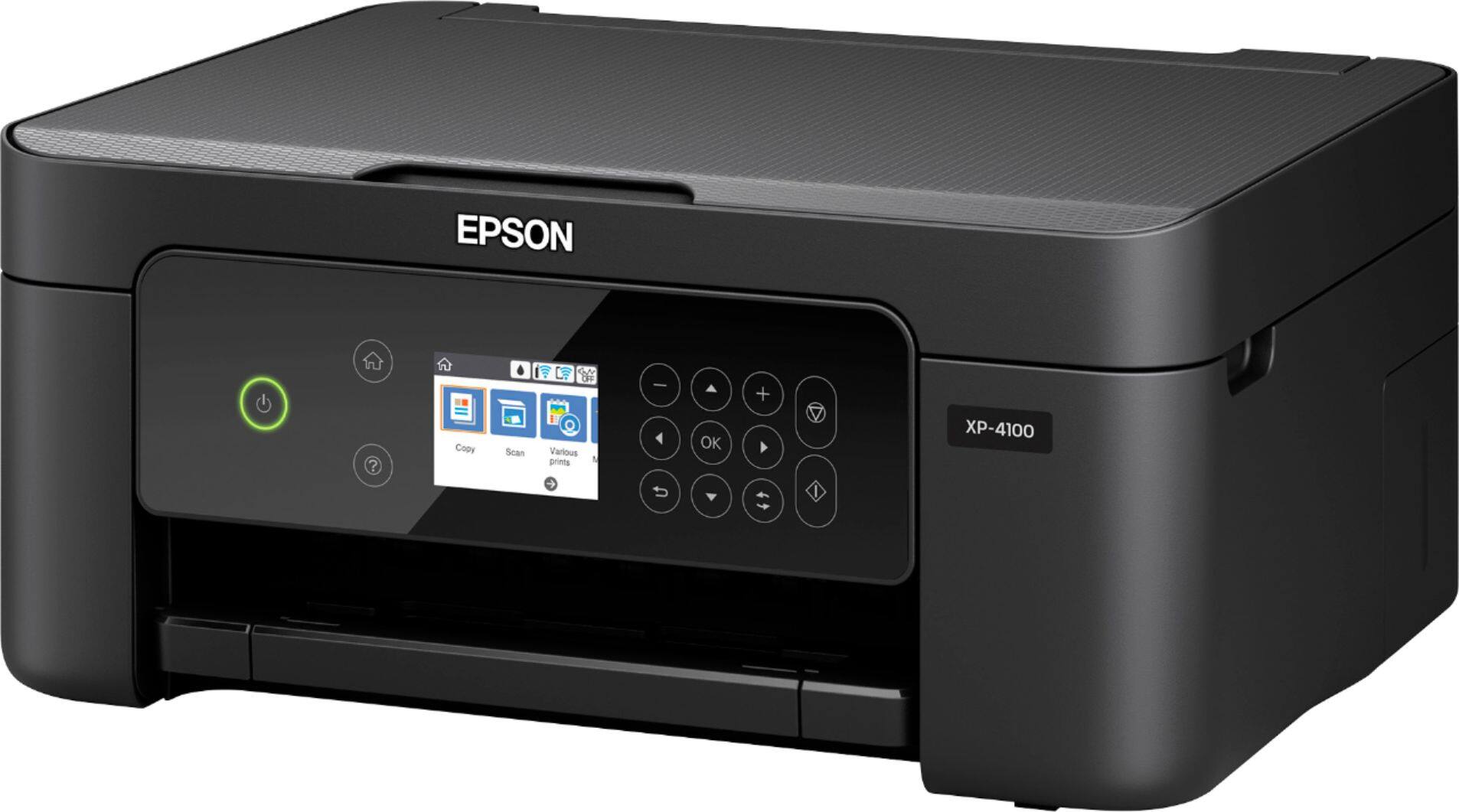
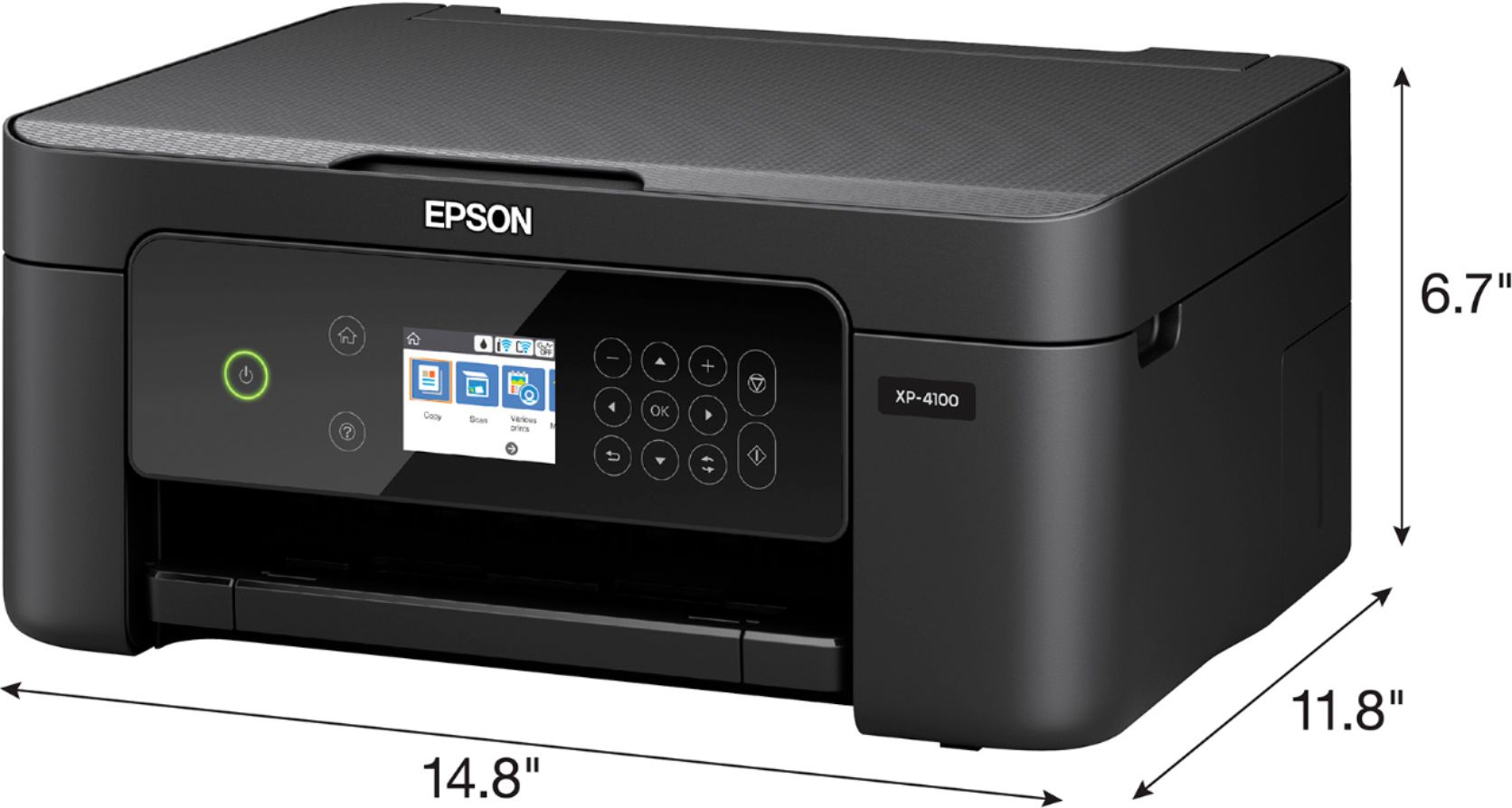
A:AnswerHello CopyOnly. Yes, the XP-4100 can make copies directly from the control panel, without being connected to the computer. Regards, Kevin - The Epson Team.
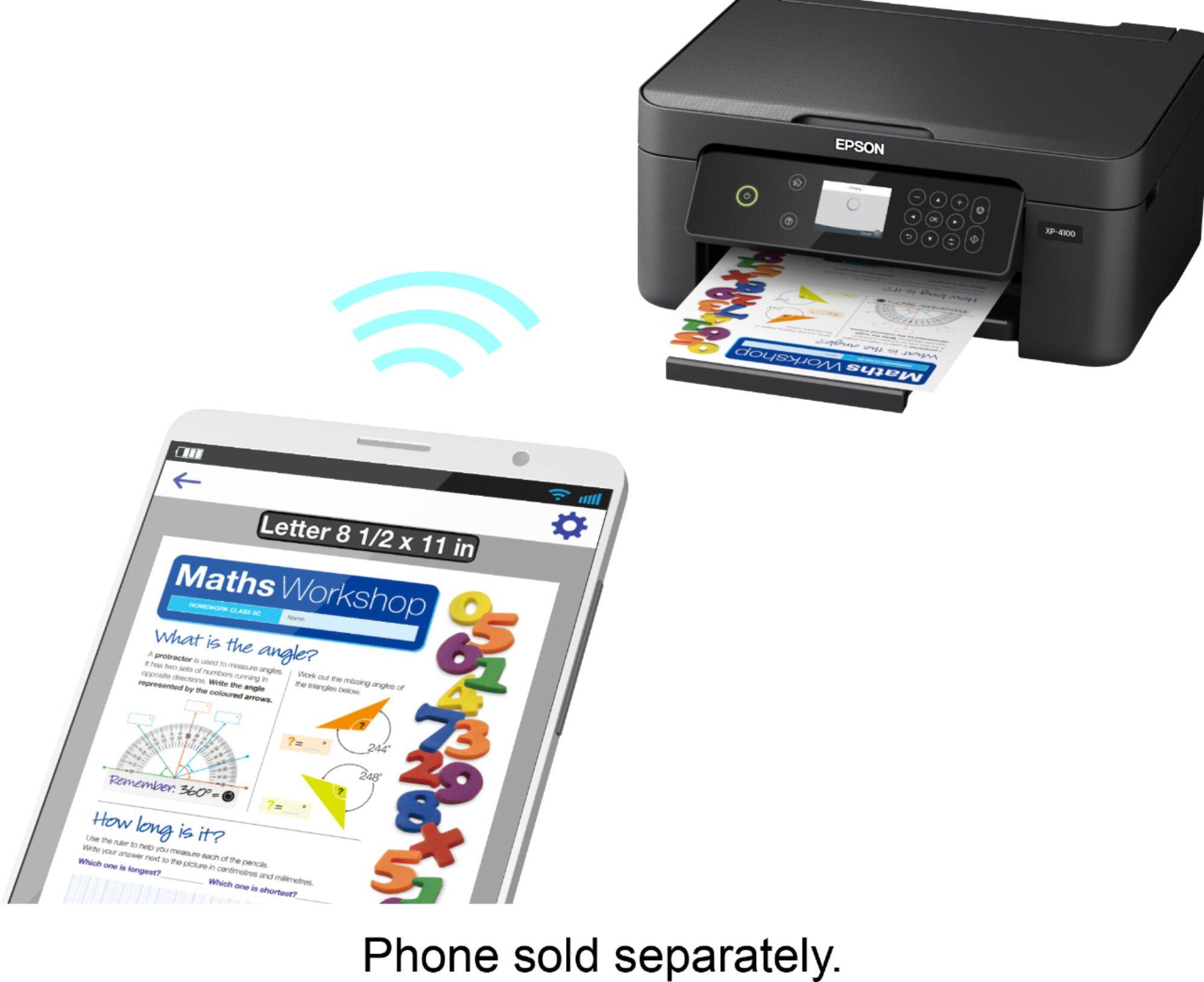
A:AnswerHello Mikey. The XP-4100 does not support Bluetooth connection types. The printer can be connected to Android or iOS devices via Wi-Fi. For more information, please visit the official Epson Support page. Regards, Kevin - The Epson Team.
A:AnswerHi rhs, You do not need a USB cable to scan. As long as your computer and the XP-4100 are on the same 2.4 GHz wireless network, and the software is installed, you can scan and print. Regards, Mark - The Epson Team.
A:AnswerI also looked for a new Epson using 69 cartridges. I did not see any at any of the places I looked. The fact that 69 ink is getting harder to find is one reason I decided to replace my printer. But, yes, our Best Buy had it and so did Staples.
A:AnswerI currently have an Epson 4100 and it's being used for submilimaiton. I did however have to use a special program that cost me $35 to make it work. BUT IT WORKS! ♥
A:AnswerHi Tee. No, the Epson XP-4100 was not designed for dye-sublimation printing nor use non-genuine Epson ink cartridges. Regards, Kevin - The Epson Team.
A:AnswerHi Kenz. No, the Epson Expression Home XP-4100 was not designed for dye-sublimation printing nor use non-genuine Epson ink cartridges. Regards, Bobby - The Epson Team.
A:AnswerHi. The Epson Expression Home XP-4100 printer is compatible with computers running Windows Vista,7,8, 8.1, and 10 operating systems. For additional information, please visit our official Epson Support website. Regards, Kevin - The Epson Team.
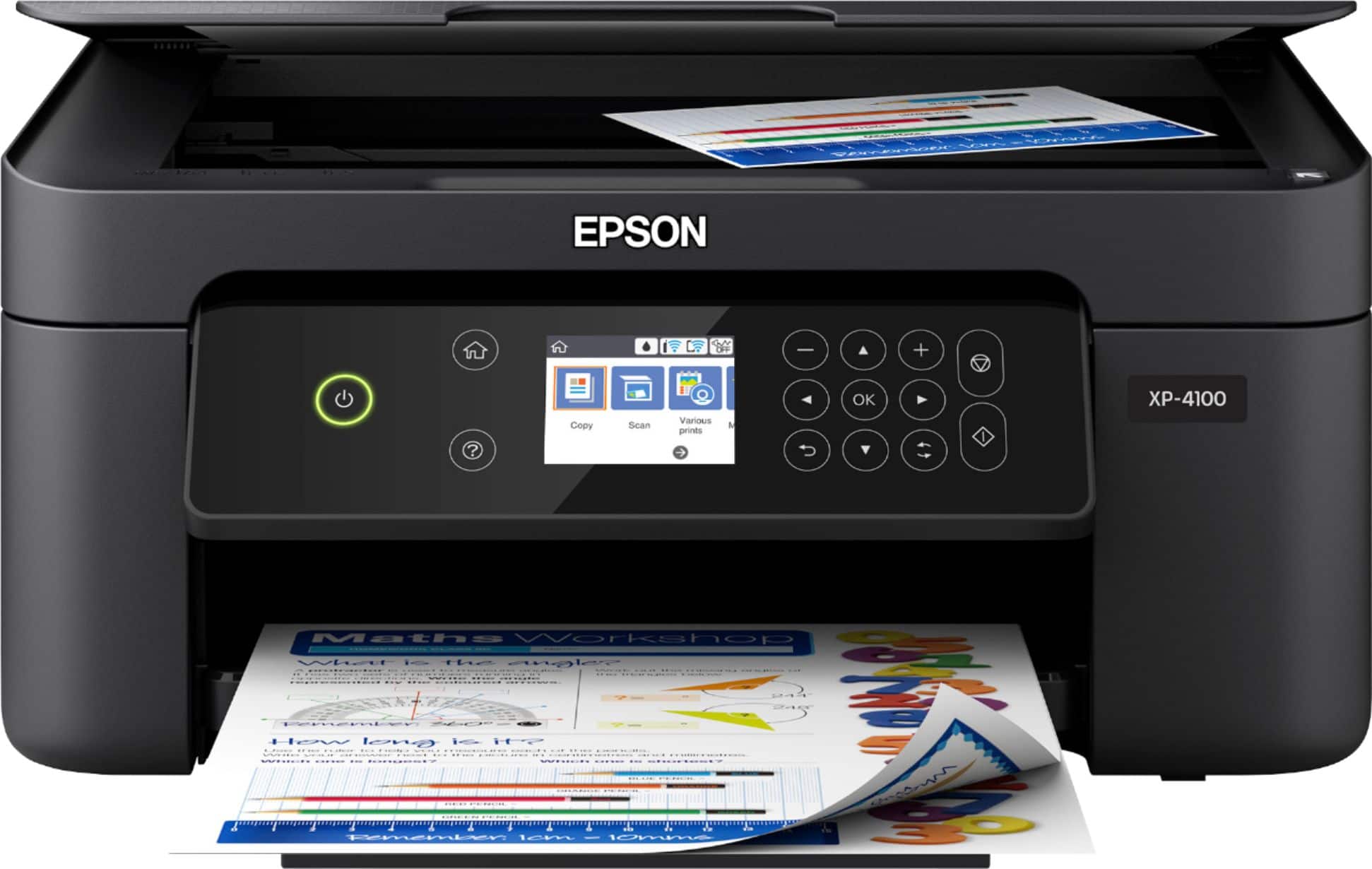
A:AnswerHi Don. Yes, the Epson Expression Home XP-4100 supports Scan To Email functionality via the Epson Connect app. For more information, please visit the official Epson Support website. Regards, Kevin - The Epson Team.
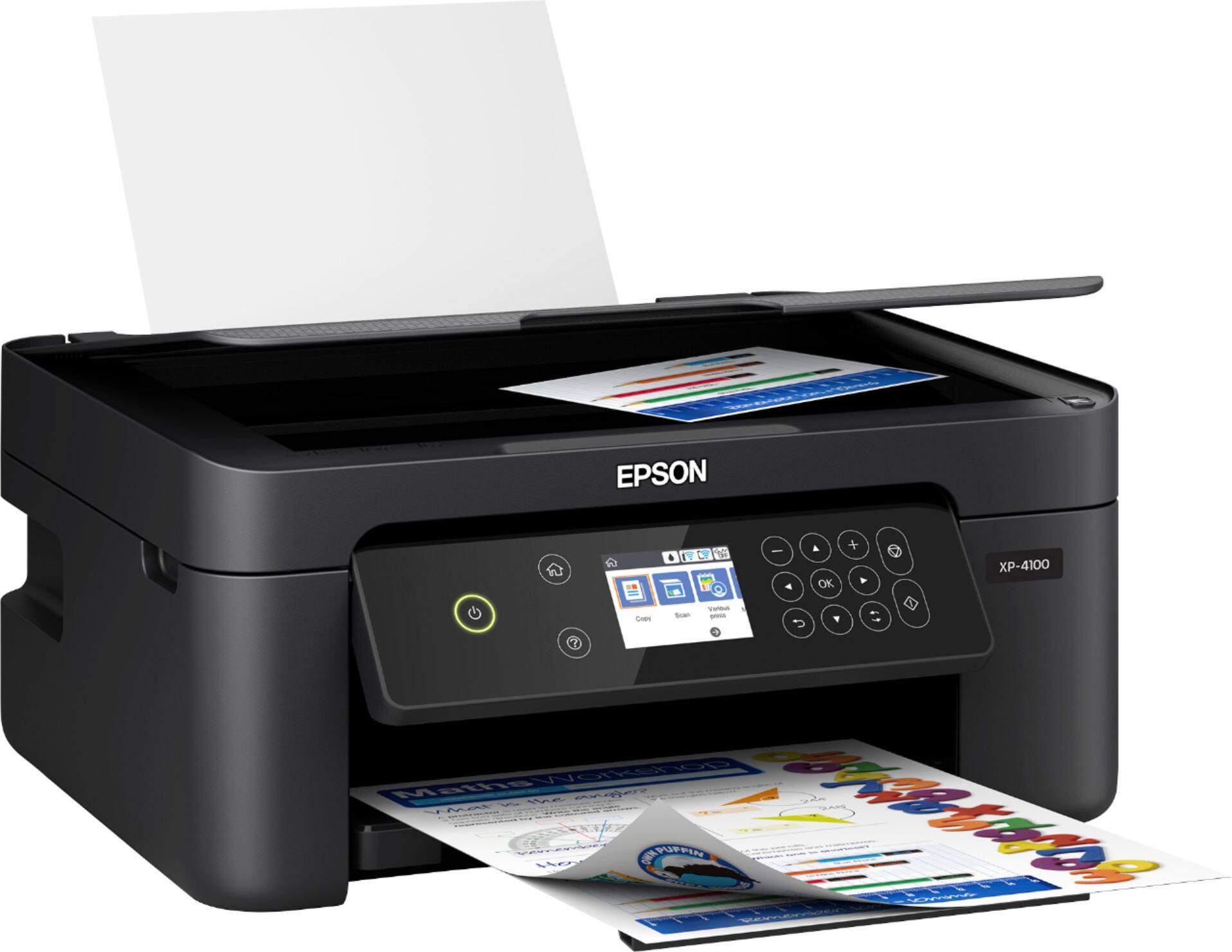
A:AnswerHi, The XP-4100 can print from a ChromeBook using Chrome OS's built-in printer driver. Currently Chrome OS does not have a compatible scanner driver. Set up instructions are on the Epson support site. Regards, Mark - The Epson Team.
A:AnswerHi Mia, Sorry, we do not test the XP-4100 with third-party paper, so we cannot guarantee the print quality. If you do use sticker paper, please make sure it is for ink jet printers. Regards. Mark - The Epson Team.
A:AnswerHi, Yes, you can update the firmware using the front panel controls of the Expression Home XP-4100. The printer must be connected to the Internet via Wi-Fi. Regards, Mark - The Epson Team.
A:AnswerHi Stash, The Expression Home XP-4100 does not fax. It is a printer/copier/scanner. Check Epson's WorkForce line for fax capabilities. In order to use fax, a printer must be connected to a phone line. Regards, Mark - The Epson Team.