Questions & Answers
- Model:
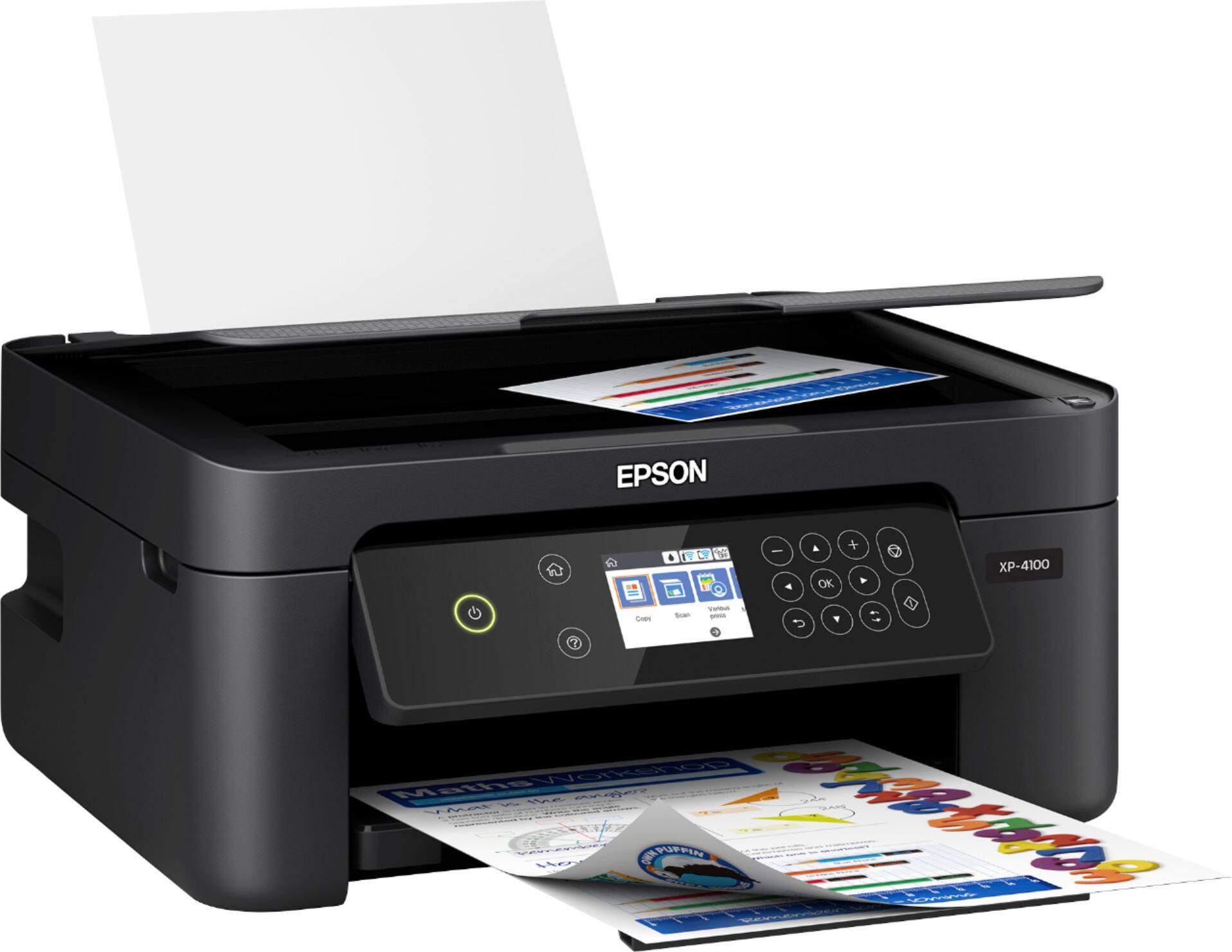
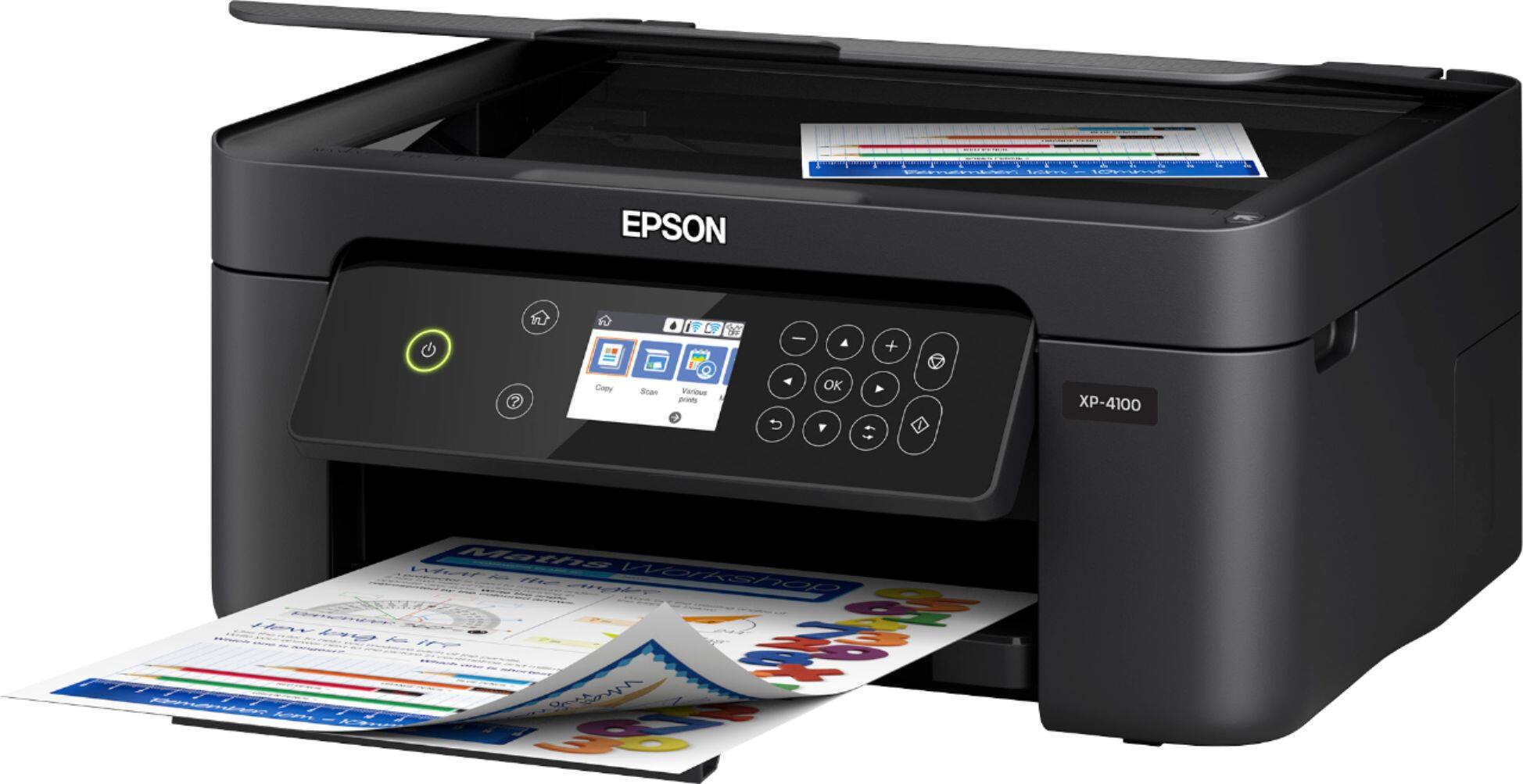
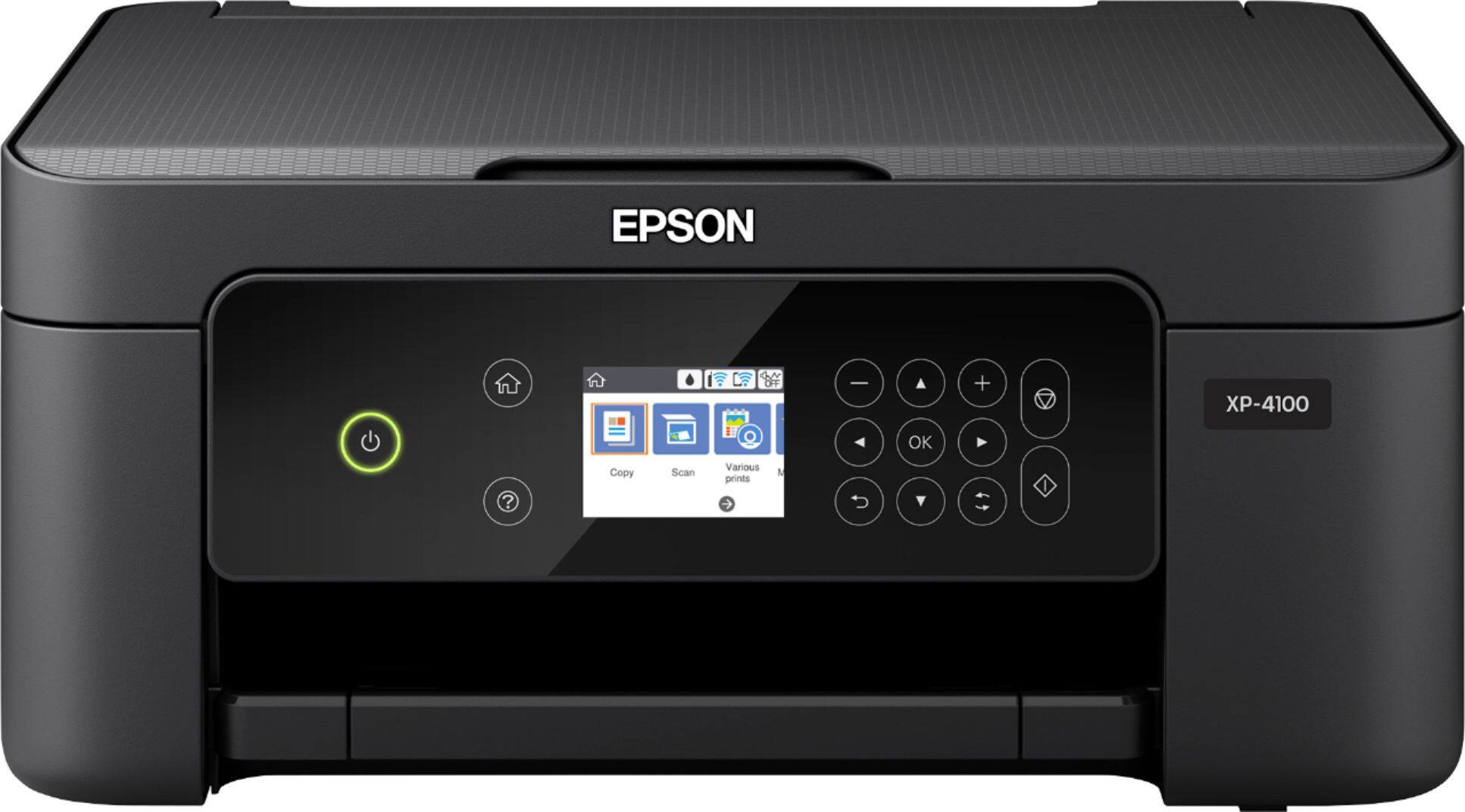
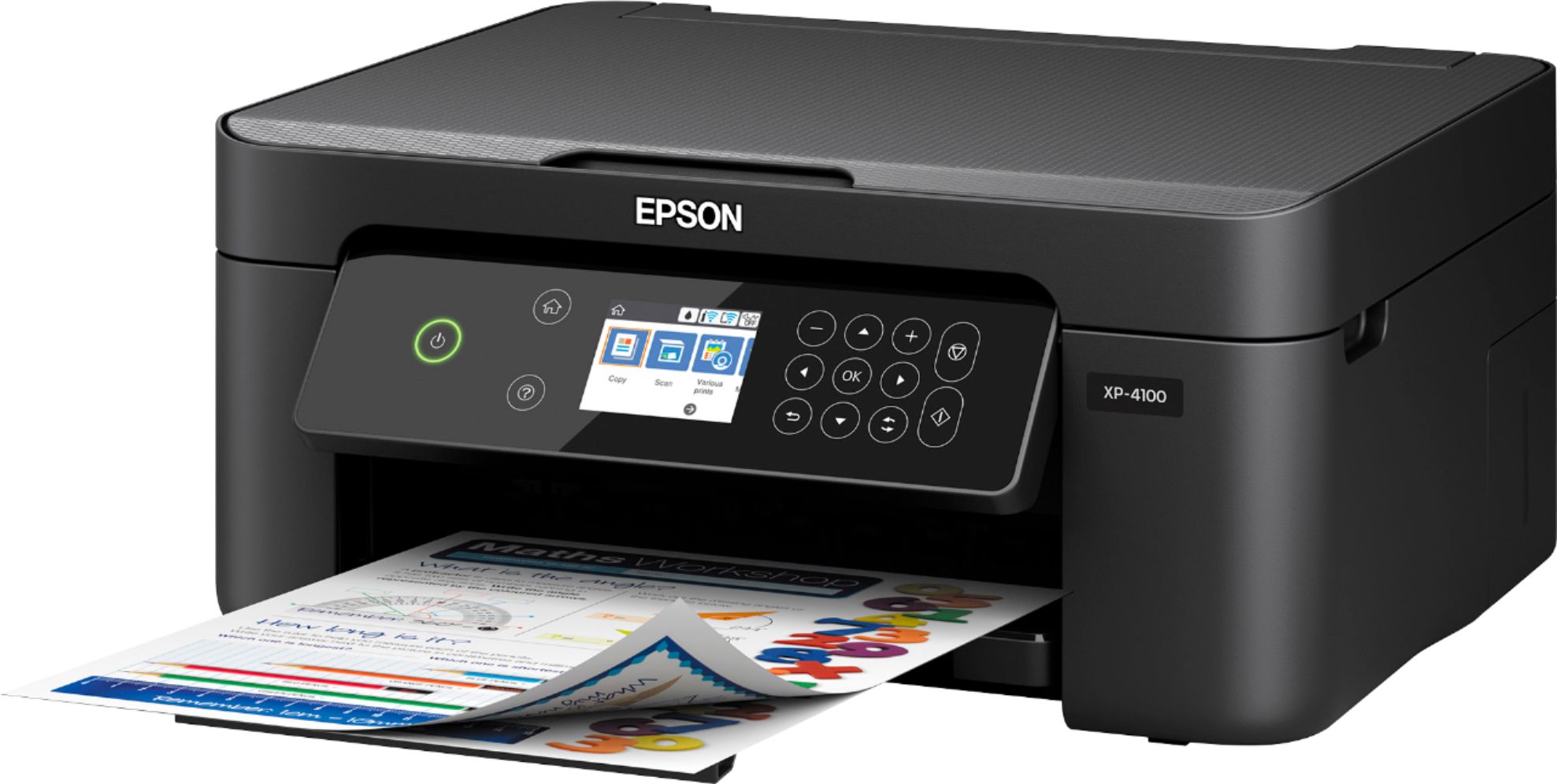
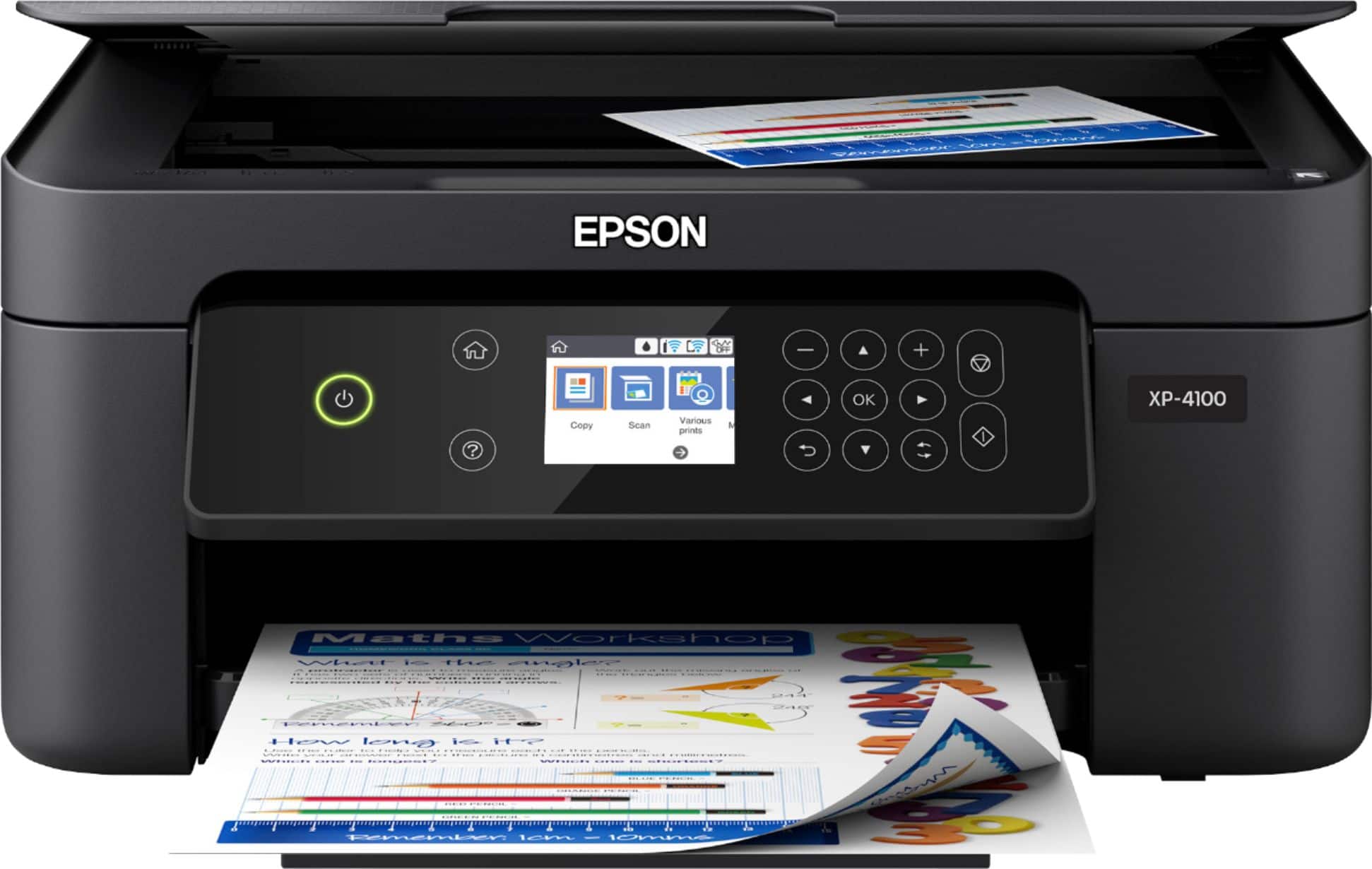
- EPSON XP-4100 PRINTER C11CG33
- |
- SKU:
- 6348813
Highly rated by customers for: Ease of use, Print Quality, Size
Page Showing 341-360 of 706 questions
Q: QuestionDoes this printer fax
Asked by Stash.
- A:Answer Hi Stash, The Expression Home XP-4100 does not fax. It is a printer/copier/scanner. Check Epson's WorkForce line for fax capabilities. In order to use fax, a printer must be connected to a phone line. Regards, Mark - The Epson Team.
Answered by Epson

Q: QuestionDoes this printer print photos? And if so how is the quality?
Asked by Ty.
- A:Answer Hi Ty, The Expression Home XP-4100 is designed as a photo printer. It prints excellent quality photos, especially using Epson photo paper. Regards, Mark - The Epson Team.
Answered by Epson

Q: Questioncan i hook up this printer with a usb cord
Asked by john.
- A:Answer Hi john. Yes, you can connect the Epson Expression XP-4100 to your computer using a USB cable. Regards, Bobby - The Epson Team.
Answered by Epson

Q: QuestionI want to get a printer that does need a smart app. I just want it to print from my laptop
Asked by Teresa.
- A:Answer Hi Teresa. The Epson Expression Home XP-4100 is compatible with computers running Microsoft Windows 10, 8.1, 8, 7, Vista, and XP; and MAC OS 10.6.x - 11.x operating systems. Regards, Bobby - The Epson Team.
Answered by Epson

Q: Questionis this a sublimation printer?
Asked by cj.
- A:Answer Hi cj. No, the Epson Expression Home XP-4100 was not designed for dye-sublimation printing nor use non-genuine Epson ink cartridges. Regards, Bobby - The Epson Team.
Answered by Epson

Q: QuestionIs this printer compatible with google Chromebook?
Asked by Ken.
- A:Answer Hi Ken. Yes, the Epson Expression Premium XP-4100 is compatible with computers running the Chrome OS. If you need more information, visit the official Epson Support website. Regards, Bobby - The Epson Team.
Answered by Epson

Q: Questiondoes this printer work with a PC?
Asked by gatorman.
- A:Answer Hi gatorman, Yes, the Expression Home XP-4100 works with PCs running Windows. Visit the Epson support site to download the latest drivers. Regards, Mark - The Epson Team.
Answered by Epson

Q: QuestionWhich printers support microsoft windows 10 S Mode?
Asked by Daniel.
- A:Answer I just purchased an Epson all in one and it is compatible with Windows and prints anything from Microsoft Office products. It is a small printer, but does the trick and very reasonably priced.
Answered by Malty
Q: QuestionCan documents be faxed without having a landline?
Asked by Zombie.
- A:Answer Hi Zombie. No, the Epson Expression Home XP-4100 does not have Fax capabilities. Regards, Bobby - The Epson Team.
Answered by Epson

Q: Questionhow do i set printer up to dell windows 10 computer with no router or internet? I use my iphone hotspot for internet. i want to do it wireless if possible.
Asked by Natalie.
- A:Answer Hi Natalie. The Epson Expression Home XP-4100 includes a CD-ROM with drivers for initial setup. Additionally, you connect directly to this printer using Wi-Fi Direct. Please visit the official Epson Support website for more information. Regards, Bobby - The Epson Team.
Answered by Epson

Q: QuestionEpson Expression Home XP-4100 Wireless All-In-One Inkjet Printer-Black can you select to print only in black ink
Asked by sweettart.
- A:Answer Hi sweettart, You can select Black/Grayscale in the XP-4100 driver to print in black. A small amount of color ink is used to prevent ink drying around the nozzles. Regards, Mark - The Epson Team.
Answered by Epson

Q: QuestionWhere do I get a driver for mac 10.13.6
Asked by rusty.
- A:Answer Hi rusty, OS X 10.13.6 for the XP-4100 are available on the Epson support site for that printer. Regards, Mark - The Epson Team.
Answered by Epson

Q: QuestionWill this printer work for heat transfer paper?
Asked by Anonymous.
- A:Answer Hi. The Epson Expression Home XP-4100 does not support printing on heat transfer paper. Regards, Bobby - The Epson Team.
Answered by Epson

Q: QuestionDo you have to replace all cartridges if one cartridge runs out of ink
Asked by Anonymous.
- A:Answer Hi. You can continue to print temporarily with black ink when you've expended a color ink. For more information, refer to the "Printing with Black Ink and Expended Color Cartridges" section, page 167, of the User's Guide. Regards, Bobby - The Epson Team.
Answered by Epson

Q: QuestionI purchase XP-4100 2 days ago, have not set it up yet. Seems does not have a paper tray. However, Features says: paper handling 100 pages tray. Is new version with paper tray? Did not notice it when bought it at the store. X6BQ317775 ,
Asked by Susan.
- A:Answer Hi Susan. The Epson Expression Home XP-4100 was not designed with a paper cassette. Paper is loaded into a rear paper feed, which has a maximum capacity of 100 Letter (8.5" x 11") sized sheets. Regards, Bobby - The Epson Team.
Answered by Epson

Q: QuestionCan you do sublimation prints on this computer?
Asked by Pdiddy.
- A:Answer Hi Pdiddy. No, the Epson Expression Home XP-4100 was not designed for dye-sublimation printing nor use non-genuine Epson ink cartridges. Regards, Bobby - The Epson Team.
Answered by Epson

Q: QuestionCan you print, copy and fax from any brand lap top?
Asked by Anonymous.
- A:Answer Hi. The Epson Expression Home XP-4100 was not designed with a Fax. Regards, Bobby - The Epson Team.
Answered by Epson

Q: QuestionDoes this printer print both sides of the paper?
Asked by Tom.
- A:Answer Hi Tom. Yes, the Epson Expression Home XP-4100 can print automatically print 2-sided pages. Regards, Bobby - The Epson Team.
Answered by Epson

Q: QuestionCan I still print black if color is out?
Asked by Lian.
- A:Answer Hi Lian. Yes, the Epson Expression Home XP-4100 can print temporarily with black ink when a color ink cartridge has been expended. Regards, Bobby - The Epson Team.
Answered by Epson

Q: QuestionCan you inlarge or shrink what you coping
Asked by Lori.
- A:Answer Hi Lori. Yes, you can reduce or enlarged scanned images when using the Copier function on the Epson Expression Home XP-4100. Regards, Bobby - The Epson Team.
Answered by Epson

Top-rated Best Buy
- $209.99$209.99The price was $399.99
- $1,429.95$1,429.95The price was $1,499.00
- $1,899.99$1,899.99The price was $2,599.99