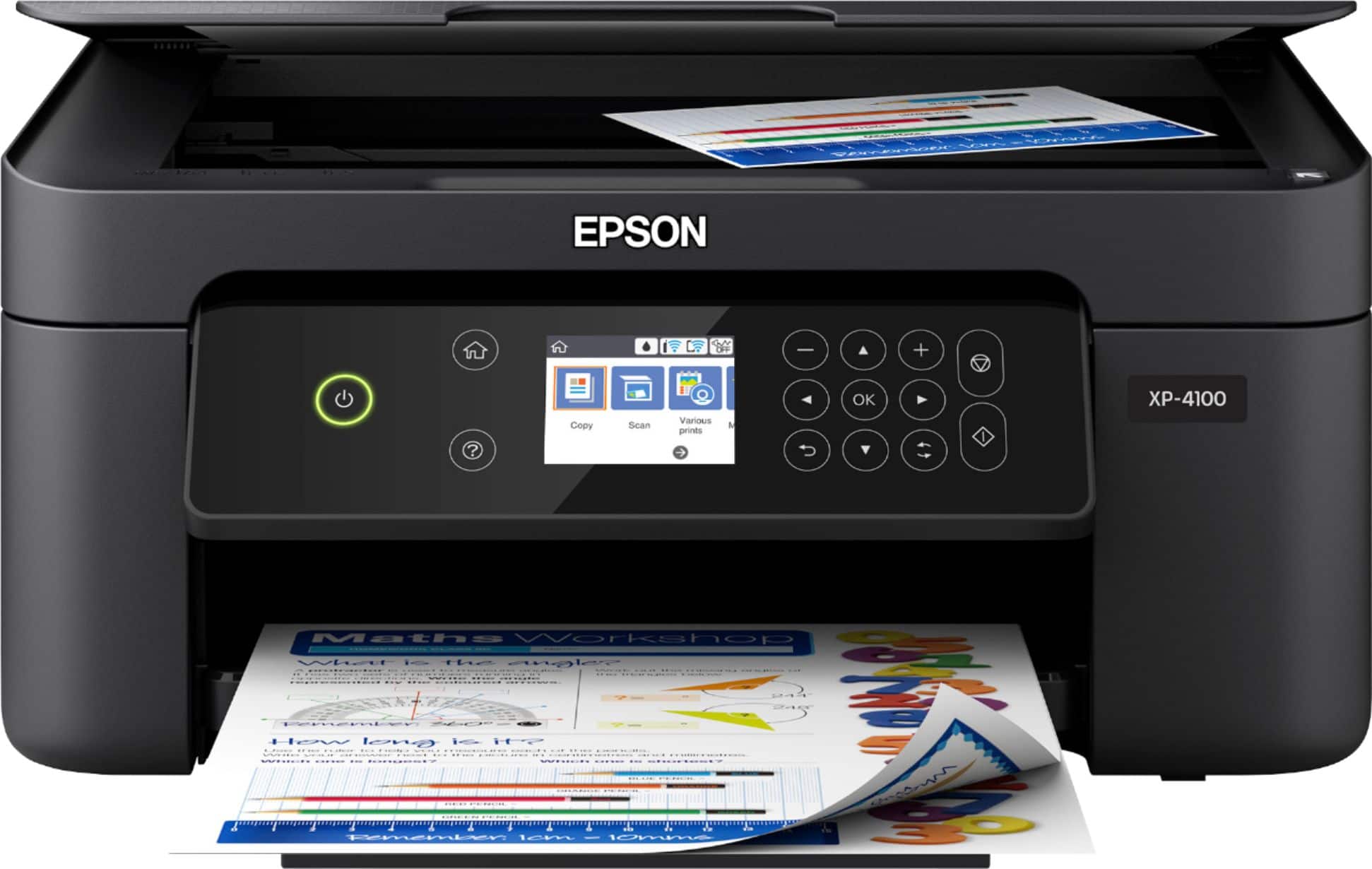
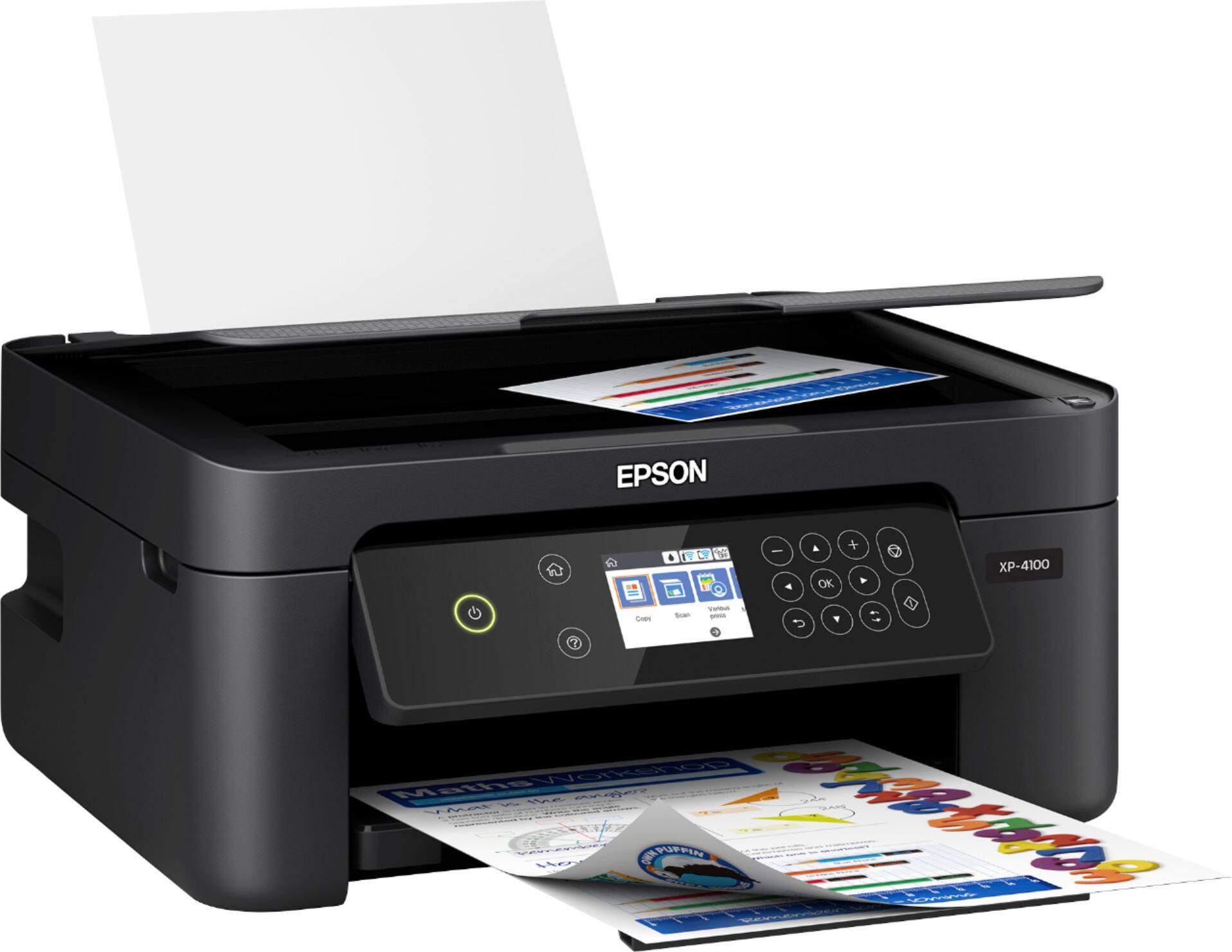
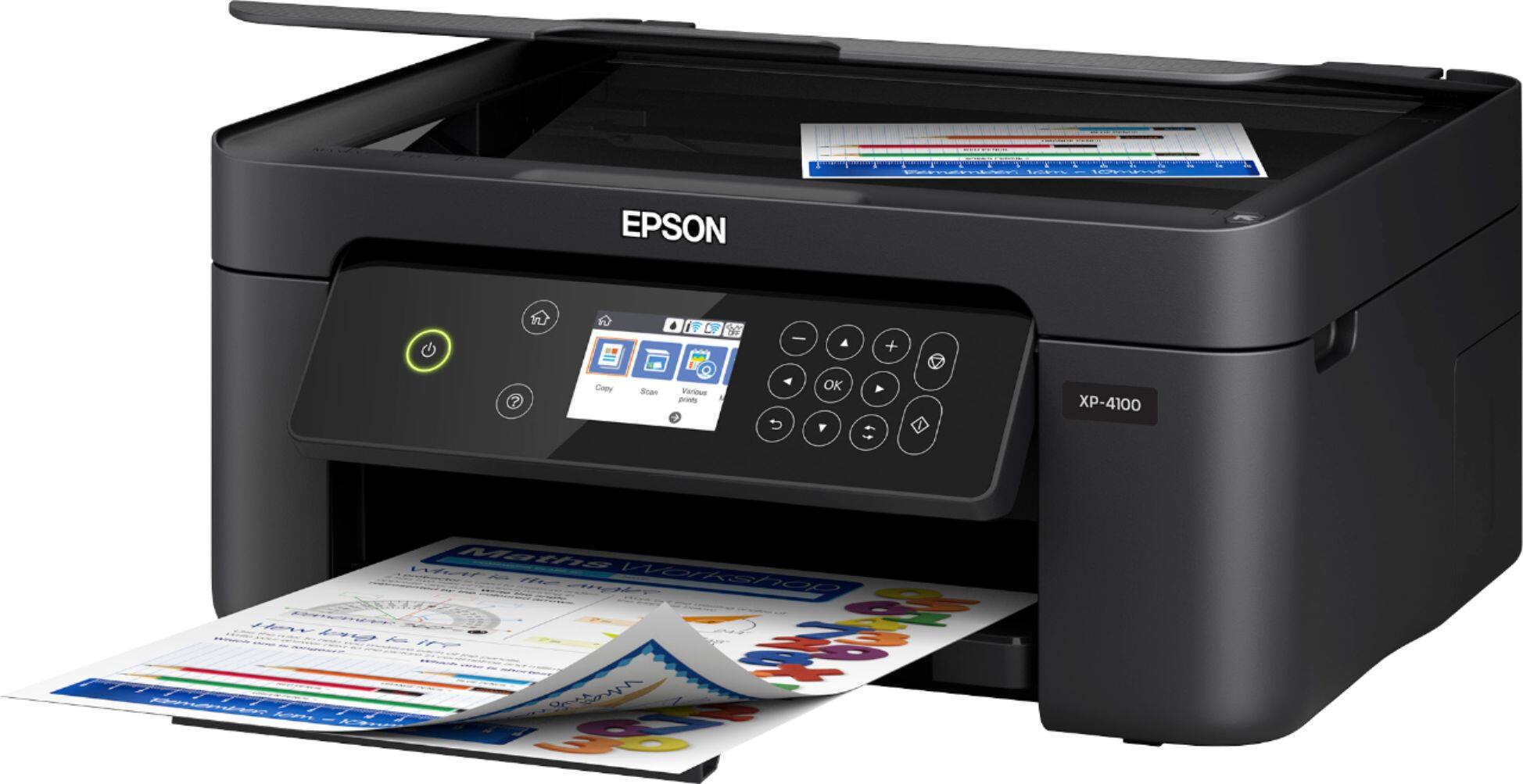
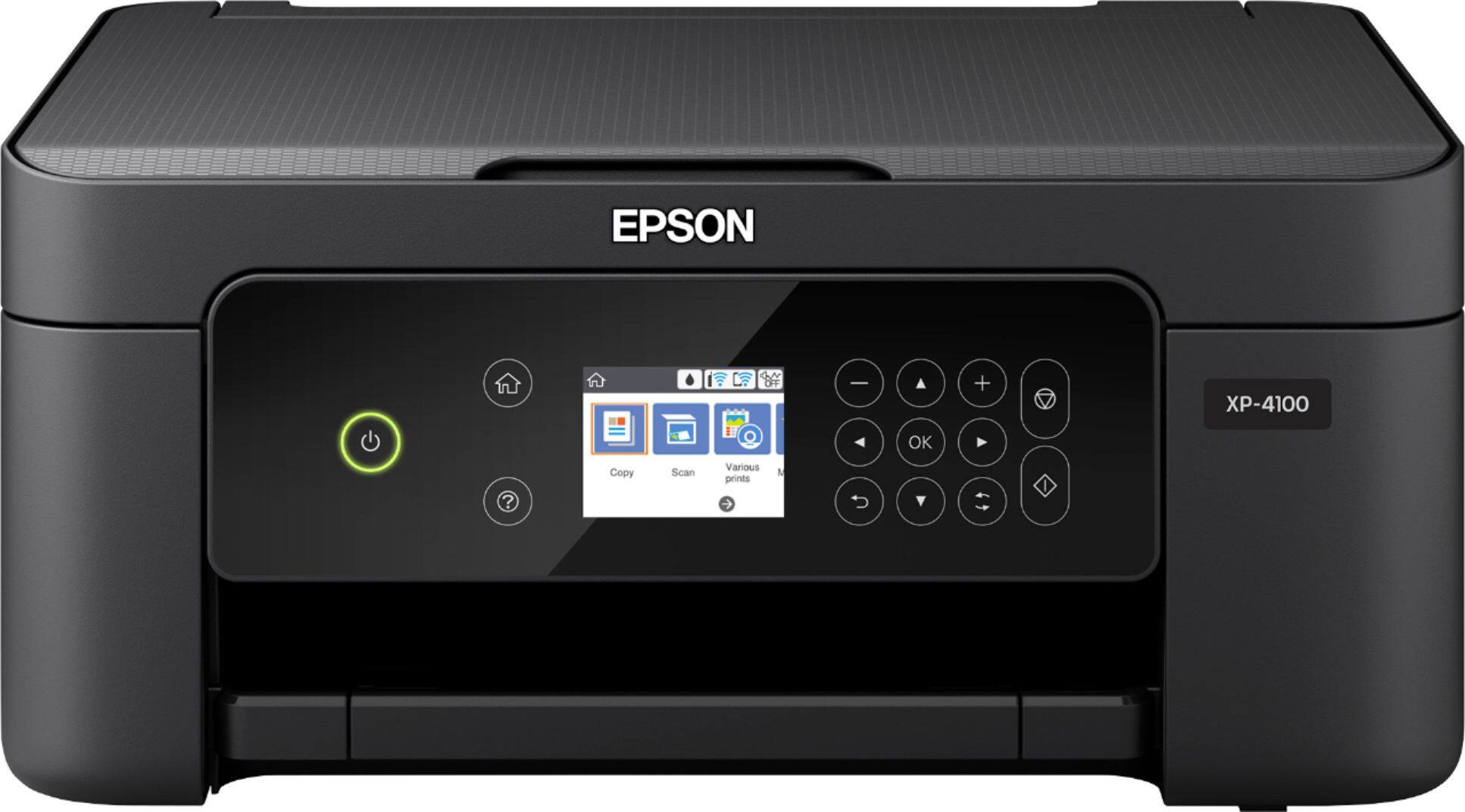
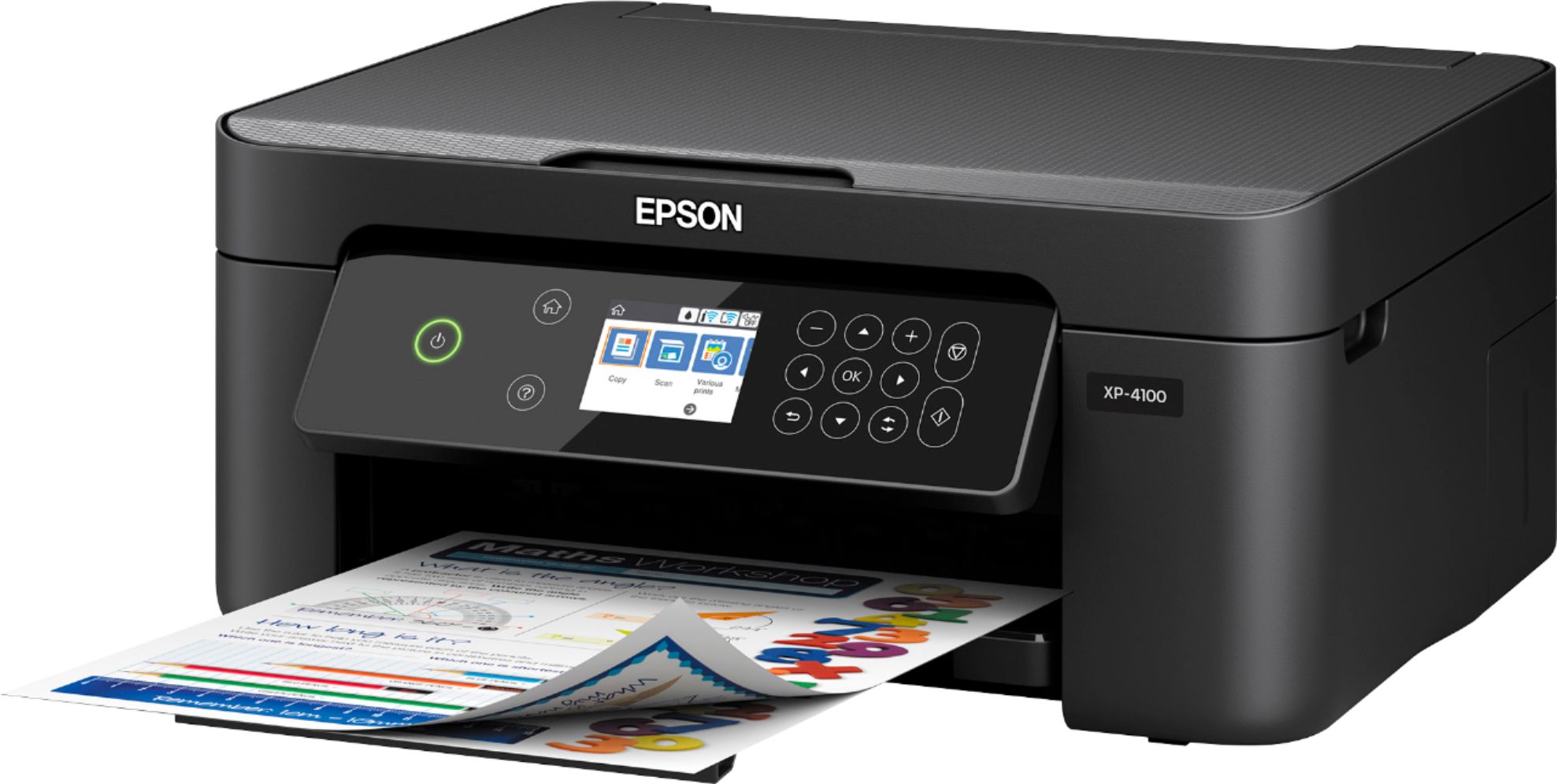
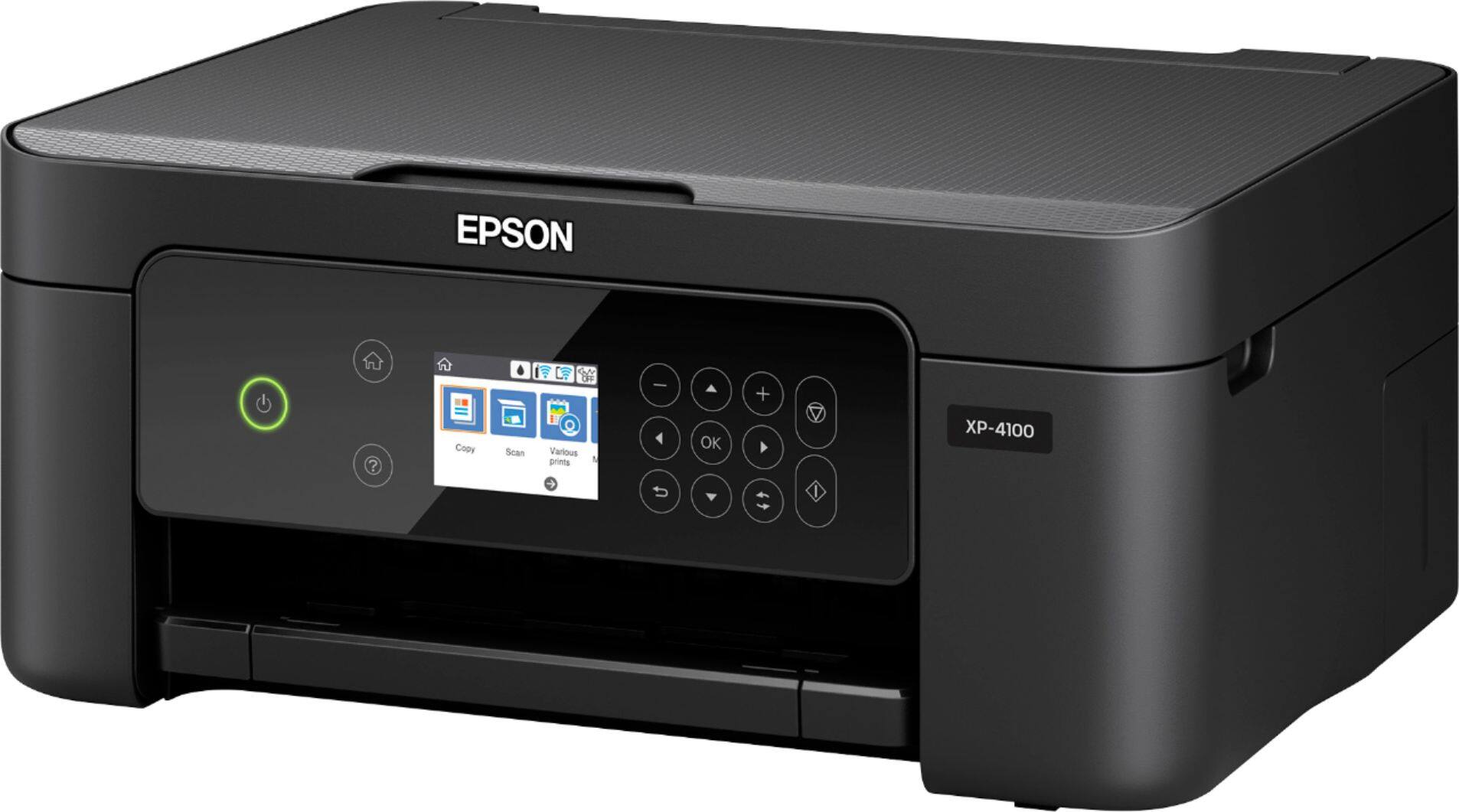
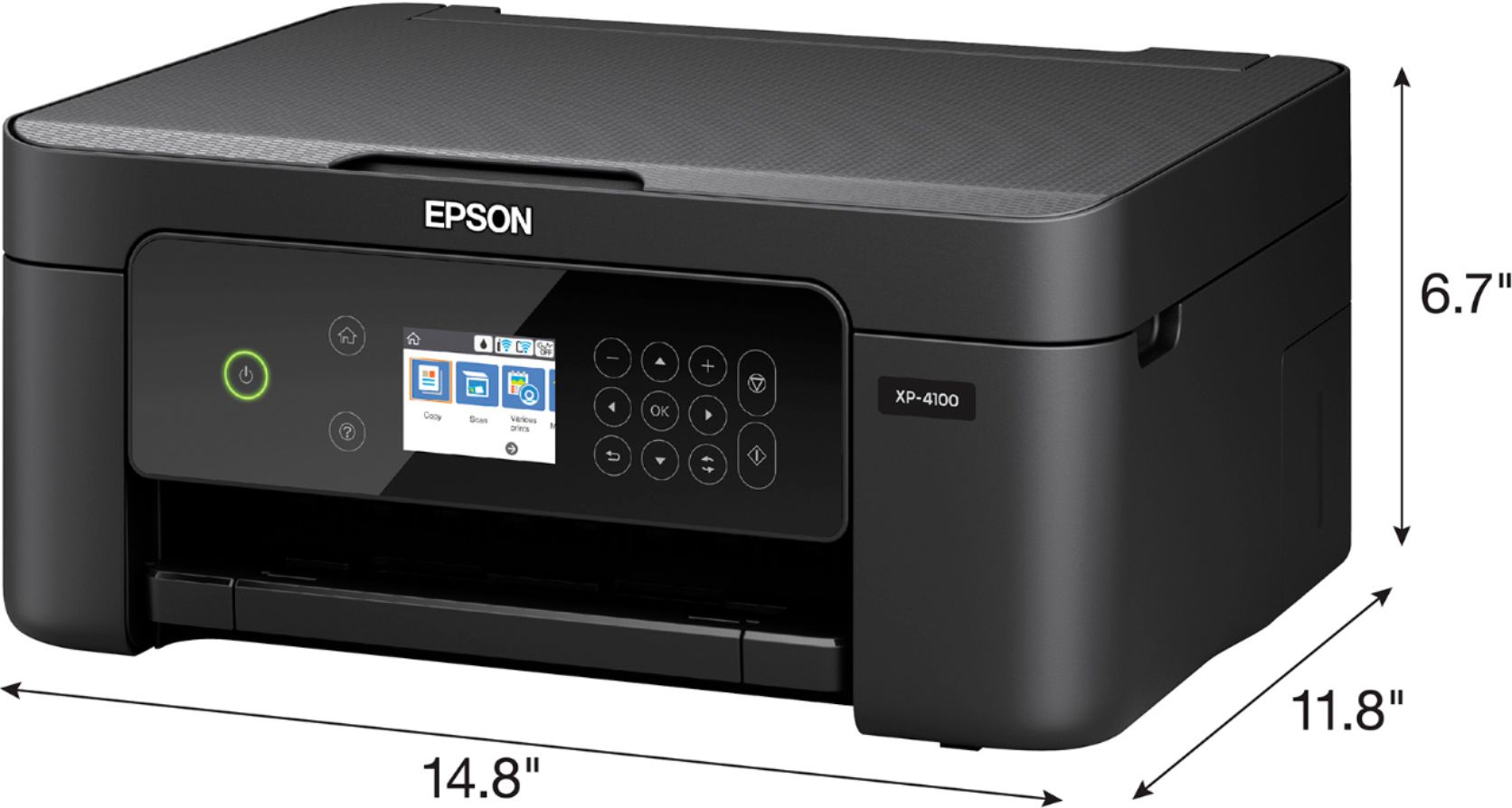
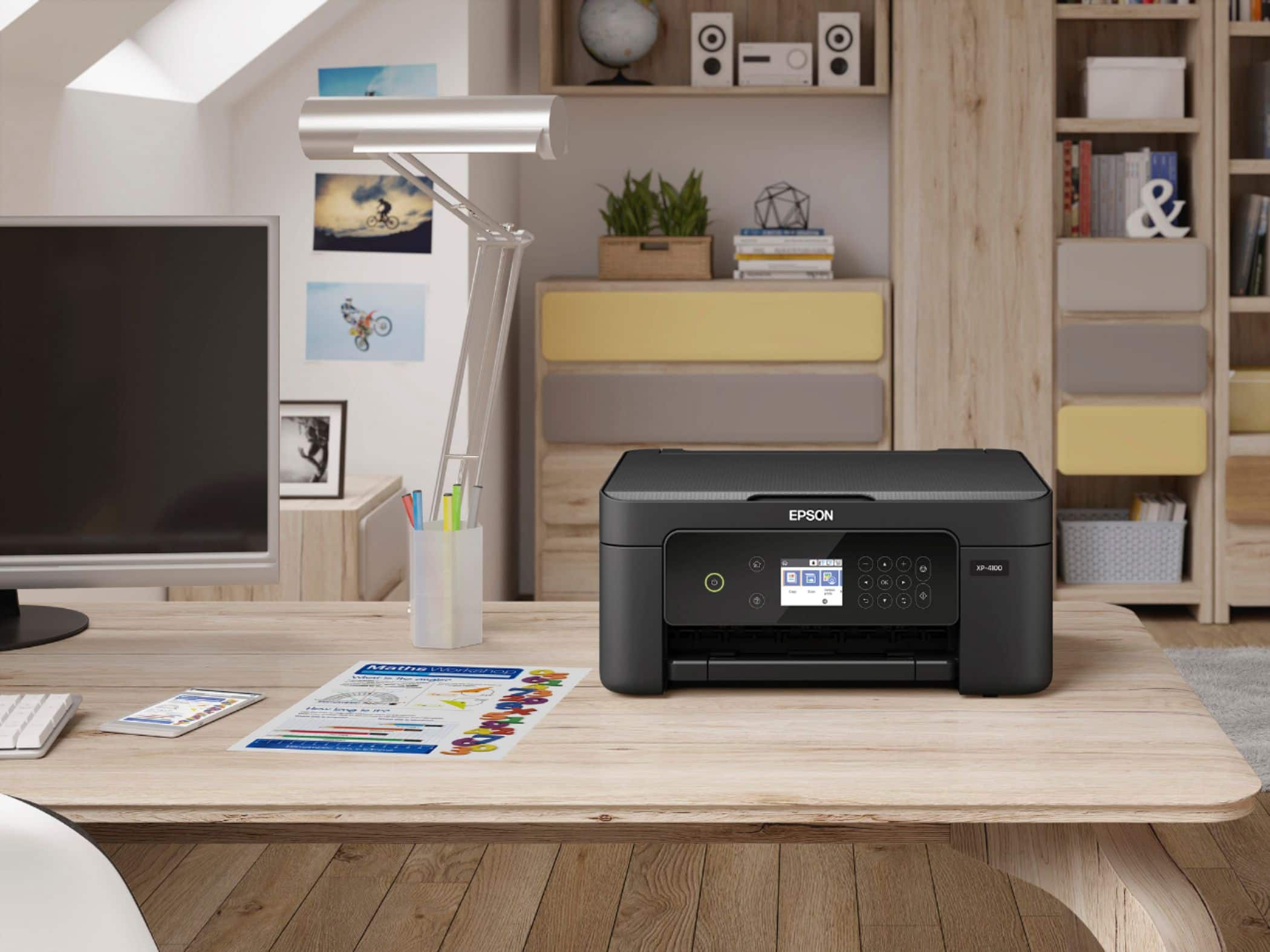
A:Answer Hi Zanner, You can use the Expression Home XP-4100 to print labels such as Epson Photo Quality Self-adhesive Sheets. If you use third-party inkjet-compatible labels, make sure you try a few sheets to test for compatibility, before you purchase large amounts or run large jobs. Regards, Mark - The Epson Team.