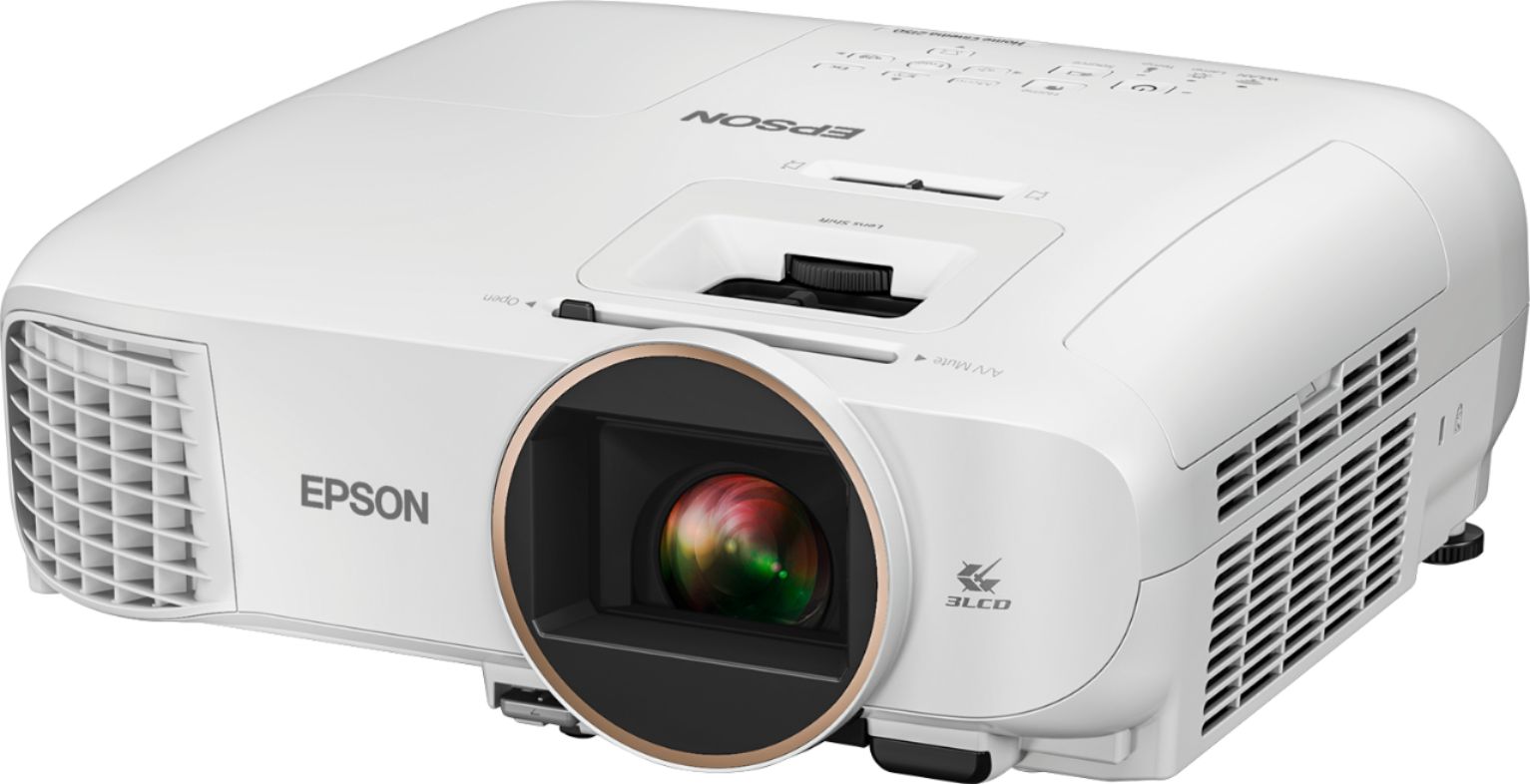
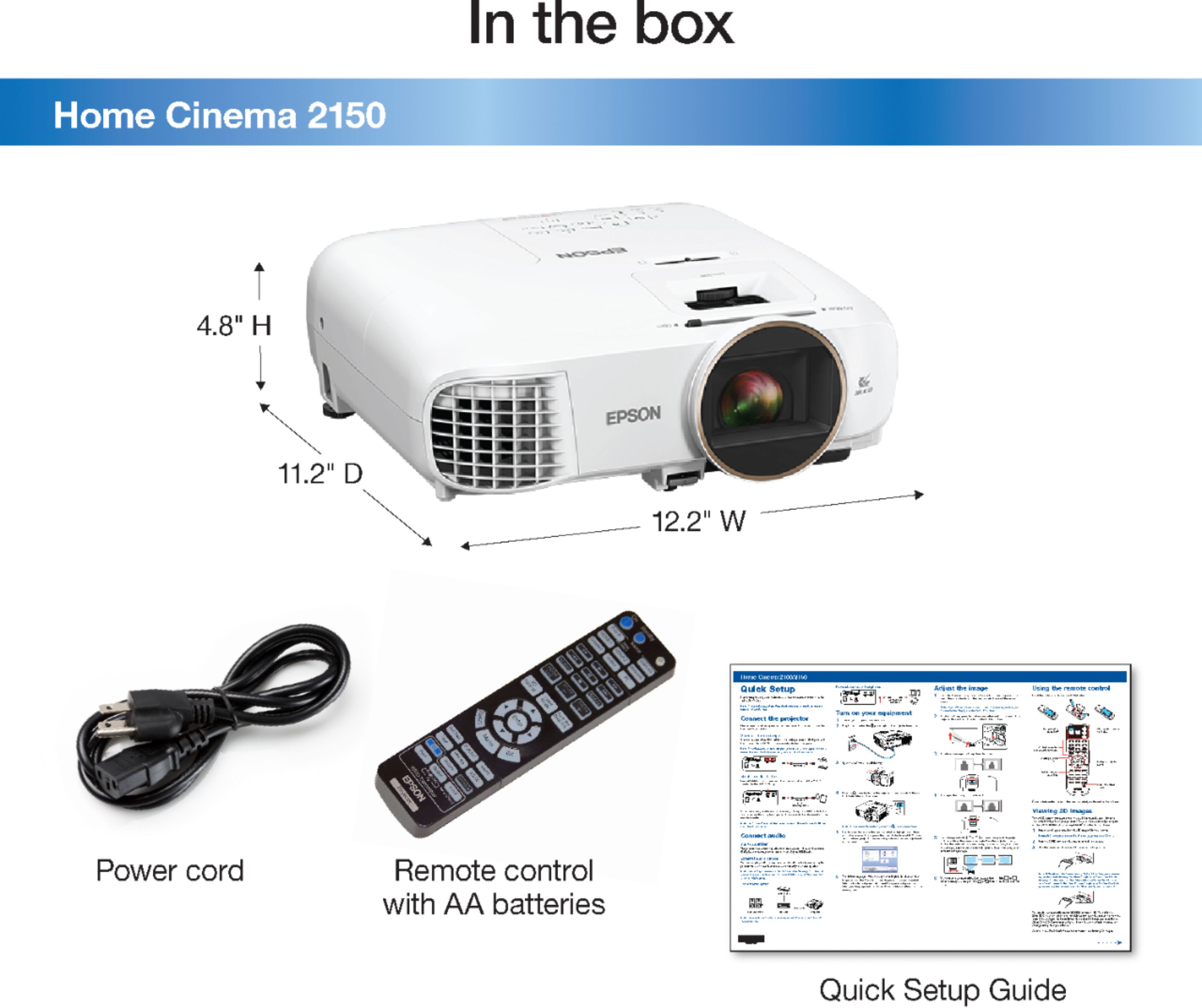
A:AnswerHi ernie, The Epson Home Cinema 2150 requires Epson iProjection (Windows/Mac/Android/iOS) software to be installed for wire less projection. For details, visit the Epson support site. Regards, Alexander - The Epson Team.
A:AnswerHi ernie, The Epson Home Cinema 2150 requires Epson iProjection (Windows/Mac/Android/iOS) software to be installed for wireless projection. For details, visit the Epson support site. Regards, Alexander - The Epson Team.
A:AnswerHi Jari, You can use Epson-compatible RF 3D active shutter glasses with Full-HD RF 3D certification. However, Epson recommends you use the Epson RF 3D active shutter glasses as they have been optimized for Full-HD 3D quality with Epson projectors. Note: Epson does not guarantee the performance of Epson-compatible RF 3D active shutter glasses. Regards, Mark - The Epson Team.
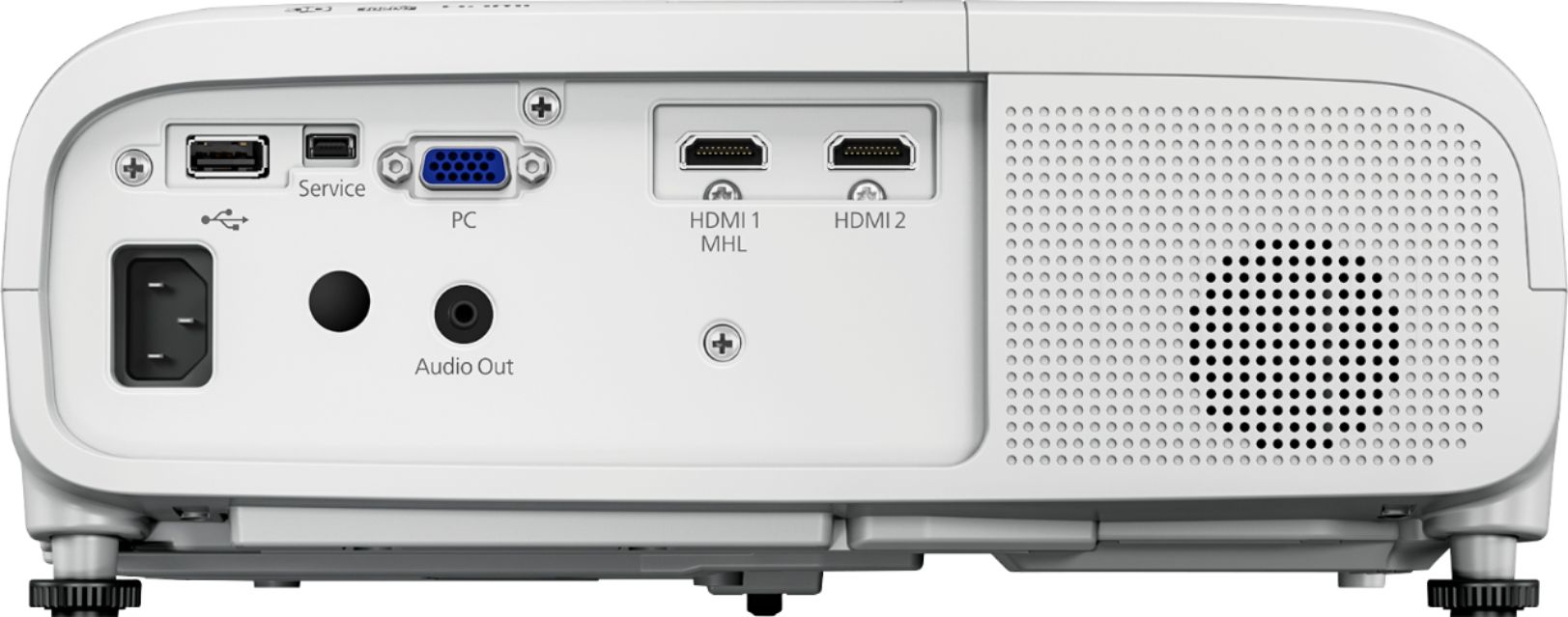
A:AnswerHi Miruex, you can stream wirelessly to the Epson Home Cinema 2150 projector from your iPhone using the"Epson iProjection App." However, this projector can only connect to computers with a VGA or HDMI cable. Regards, Eduard - The Epson Team.
A:AnswerYou need to revisit the user manual. Besides the HDMI connections, the only other audio connection is optical and requires a separate optical cable. I'd be surprised if your Bose system did not have an HDMI connection. This cable would provide the best quality sound, but a 45' cable would be more expensive than the optical cable. Good luck!
A:AnswerHi GMD578, The Epson Home Cinema 2150 is not Bluetooth compatible, you may be able to output sound to external speakers by connecting them directly to the video source or the computer you have connected to the projector. You can also purchase an HDMI audio splitter to split the sound from the HDMI input cable and send it to speakers. Regards, Mark - The Epson Team.
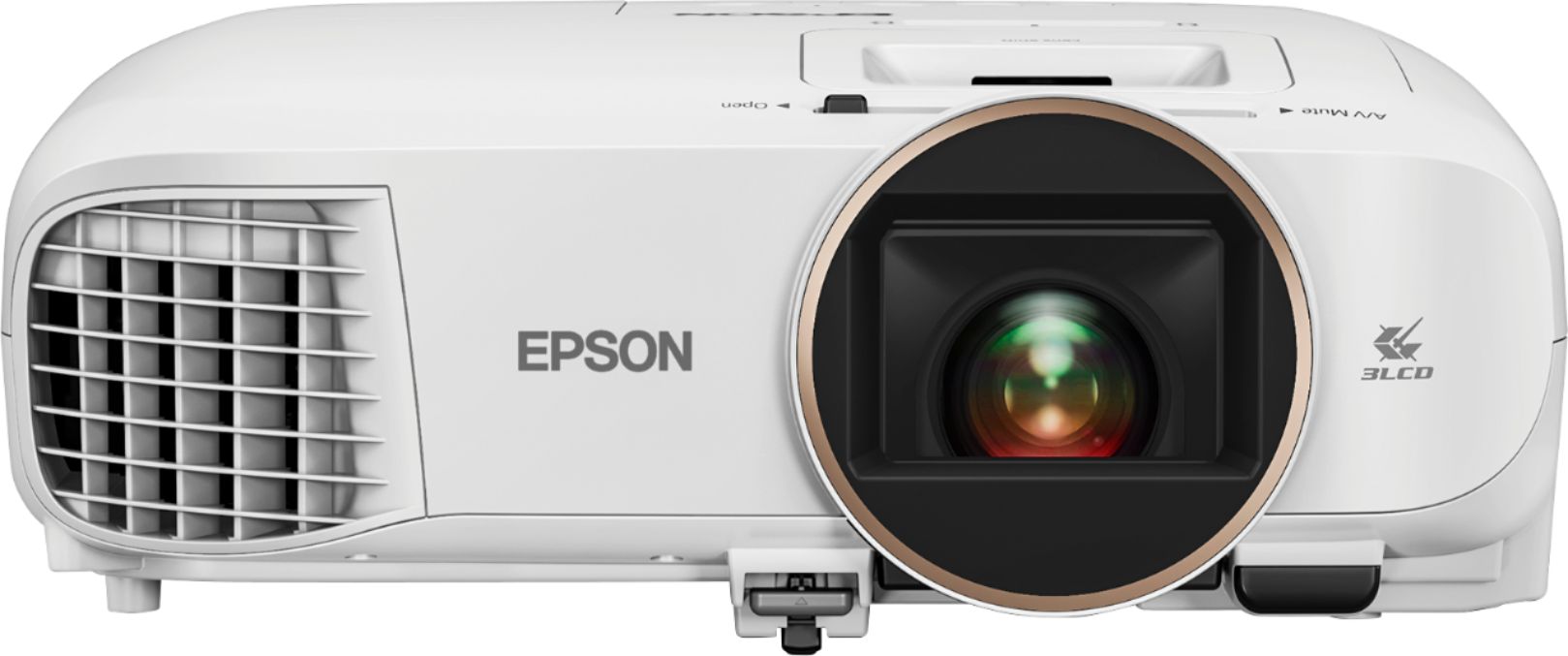
A:AnswerHi Sue, You can connect the Epson Home Cinema 2150 to devices that support an HDMI connection. Check your device's documentation for more information. The distance of the Epson Home Cinema 2150 or any projector depends on the screen size. Check the Projection Distance Calculator in the Epson support site. Regards, Alexander - The Epson Team.

A:AnswerI have my projector connected to a receiver, which I connect the cable box and Apple TV to. The cable box can plug directly into the projector as well.
A:AnswerYes you can. We use the Xfinity steaming up through my Apple Laptop. We had planned to use our iPad but the Xfinity steaming app is not available on IOS devices yet...
A:AnswerI'm using a Playstation 3 it has 3D built into it. Maybe find a used one on the internet cheaper too. And i'm using (Elikliv BT 3D Glasses Rechargeable) Look on Amazon Prime. 2 Pack $43.95 / 4 Pack $85.95. This projector is great for 3D and Blu-Ray. I'm using a 100" screen, use the internet to find all kinds of 3D movies for sale. Enjoy.
A:AnswerYes, you can. You would just need to have the projector on the same network as your phone. I have my projector connected through my surround sound with a 4k hdmi splitter, so I just stream directly from there
A:AnswerMy EPSON HOME CINEMA 2150 PROJECTOR is located 15 feet away from the wall, with max. throw distance for a 150 inch screen. I think it must be about 20 feet away for a max throw distance for a 200 inch screen.