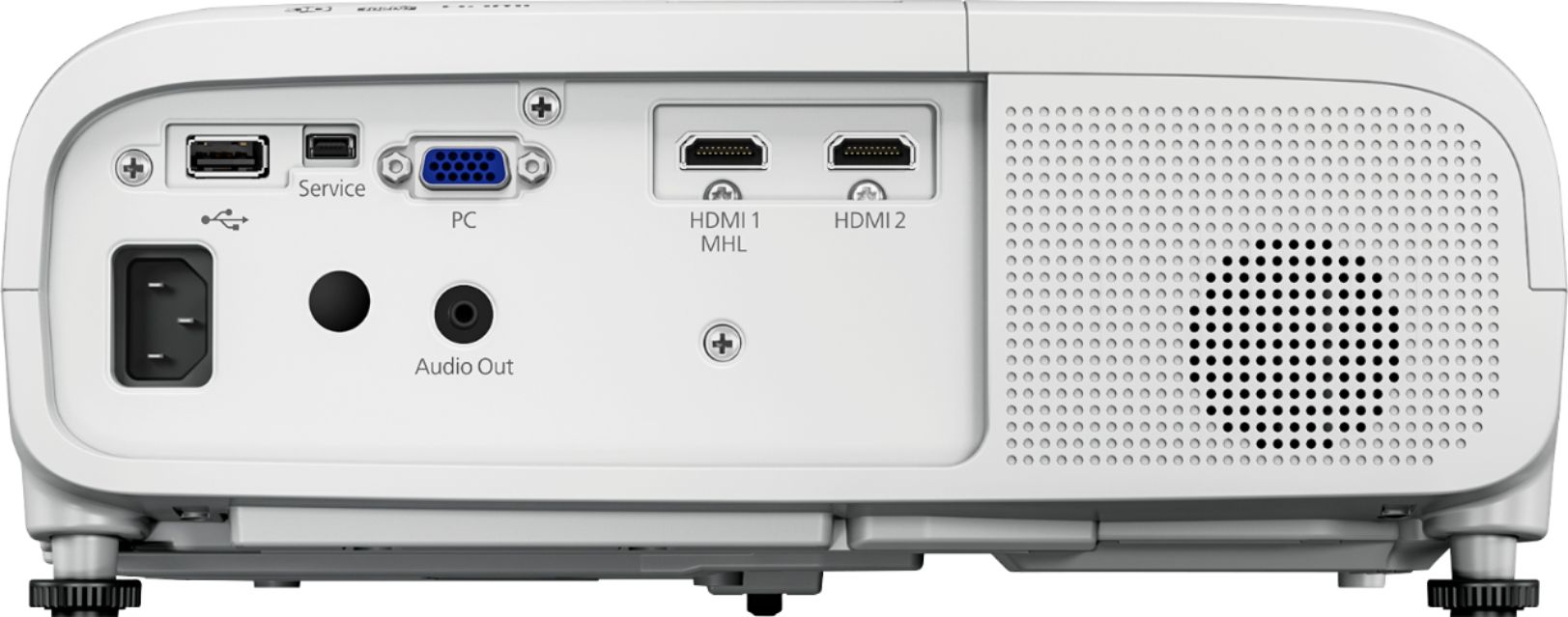
A:AnswerThere should be a USB port you can directly hook your iPhone into the projector. There also may be a chord you can get pretty cheap that will adapt your iPhone into an HDMI and plug it in that way. Or the 2150 has wireless capabilities, therefore you should be able to Bluetooth and Mirror your iPhone that way. Or in the off chance you have an Apple TV, you can Airdrop what’s on your iPhone to the Apple TV.
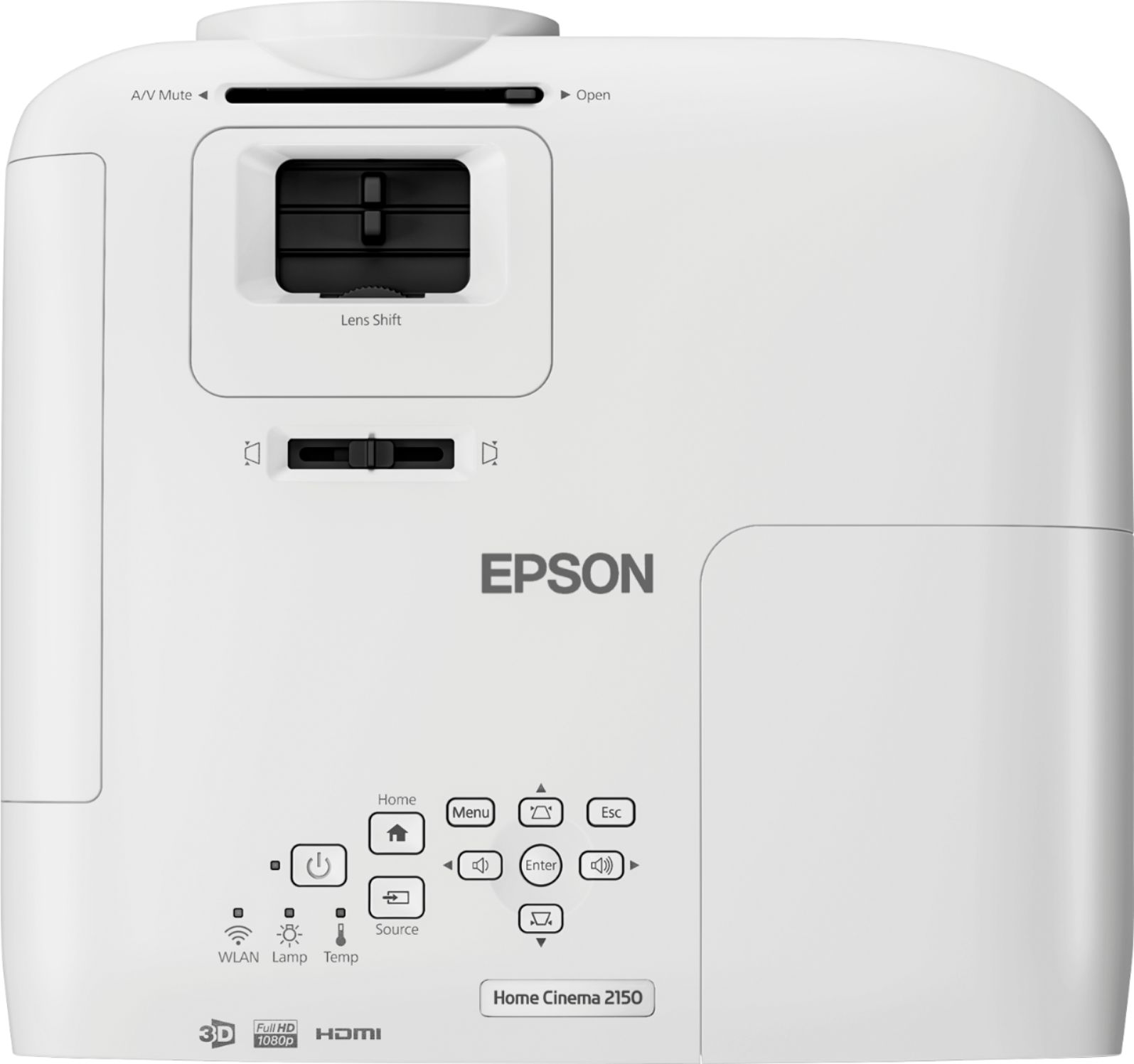
A:AnswerRun a google search for "Epson Throw Distance Calculator" and you should be good to go. Brightness is highest on the low end of the provided range, but I'd aim to mount a little beyond that point to allow some adjustment with zoom once you get it mounted.
A:AnswerHello Geoff, it will display 1080p image but as far as your Apple tv goes I would take a look at what your output settings are from your Apple device to ensure the projector is on the same page. I hope this helps
A:AnswerIt has a dedicated audio Jack output what I did in my settings I use a bluetooth transmitter from the audio Jack and is wireless it work awesome
A:AnswerAnonymous,
According to MovieBuff's review on the Epson web site...
" 3D Simply Stunning " If you like watching 3D movies and don't want to upgrade to 4K just yet, then this is the model for …
You can read the rest of their review at
https://epson.com/For-Home/Projectors/Home-Cinema/Home-Cinema-2150-Wireless-1080p-3LCD-Projector/p/V11H852020?bvroute=Review%2F108422286
TechDad
A:AnswerThis projector has a 3.5mm audio out dedicated port so you can buy a 3.5mm male to male audio cable and hook up one end to this projector rear end and other end to your yamaha pls receiver. I am very sure that your pls receiver must support 3.5mm audio AUX input.