A:AnswerYes, a sound bar can been connected in couple of ways.
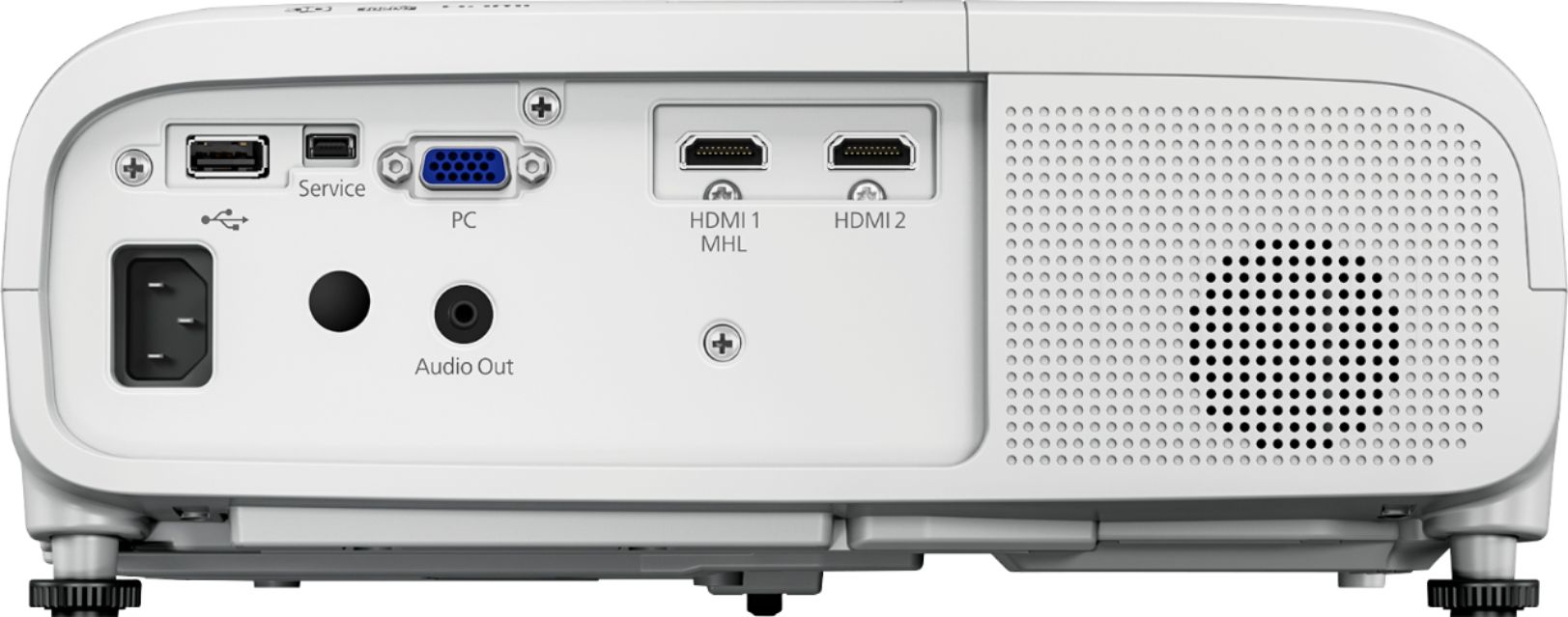
- HDMI - its straight forward
- Bluetooth : however for Bluetooth connection your sound bar should be A2DP compliant. In another words its the latest speakers have this technology (Can search online with following key : "a2dp compatible Bluetooth speakers").
Other ways of connecting your Sound Bar via Bluetooth is to set up your devise source to sound bar.
For example - I use amazon fire stick and I can connect my amazon fire stick via Bluetooth (refer setting).. Similar option would be available for other devices.
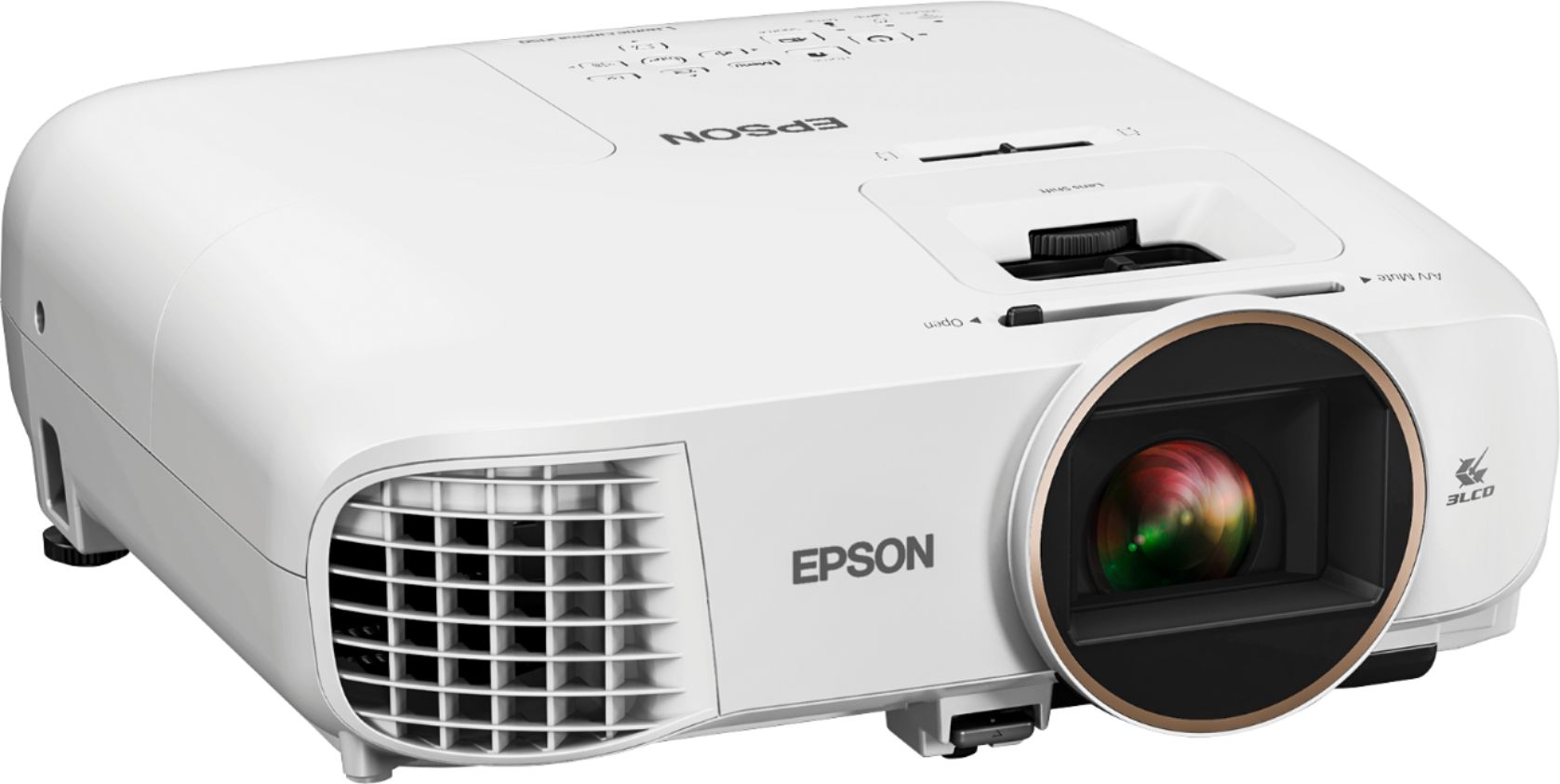
However if you are video output is via USB for video you can use only speaker on Epson 2150 unless you have wired your HDMI or Audio jack (running wire across is the burden here).
A:AnswerA screen may give you a better image but this one projector on a wall is really bright. So bright that I had to find a way to dim it some. I am projecting on a flat white wall and the picture looks really good.
A:AnswerWas the distance from projector to screen calculated properly.
Example: Throw Ratio of 1.47 to 1.61 with a 140 inch screen
140 X 1.47 is the minimum distance you can place the projector from screen
140 X 1.47 = 205.8 inches now divide by 12 to get feet 17.15
140 X 1.61 would be the maximum distance the projector can be from the screen
140 X 1.61 = 225.4 inches now divide by 12 to get feet 18.78
Using my numbers the projector can be placed from 17.15 to 18.78 feet away to fill the screen.
I had the opposite problem with my first projector. I bought the screen before the calculation was done and I had to place it close to fill the screen. Thirteen feet away to be exact.
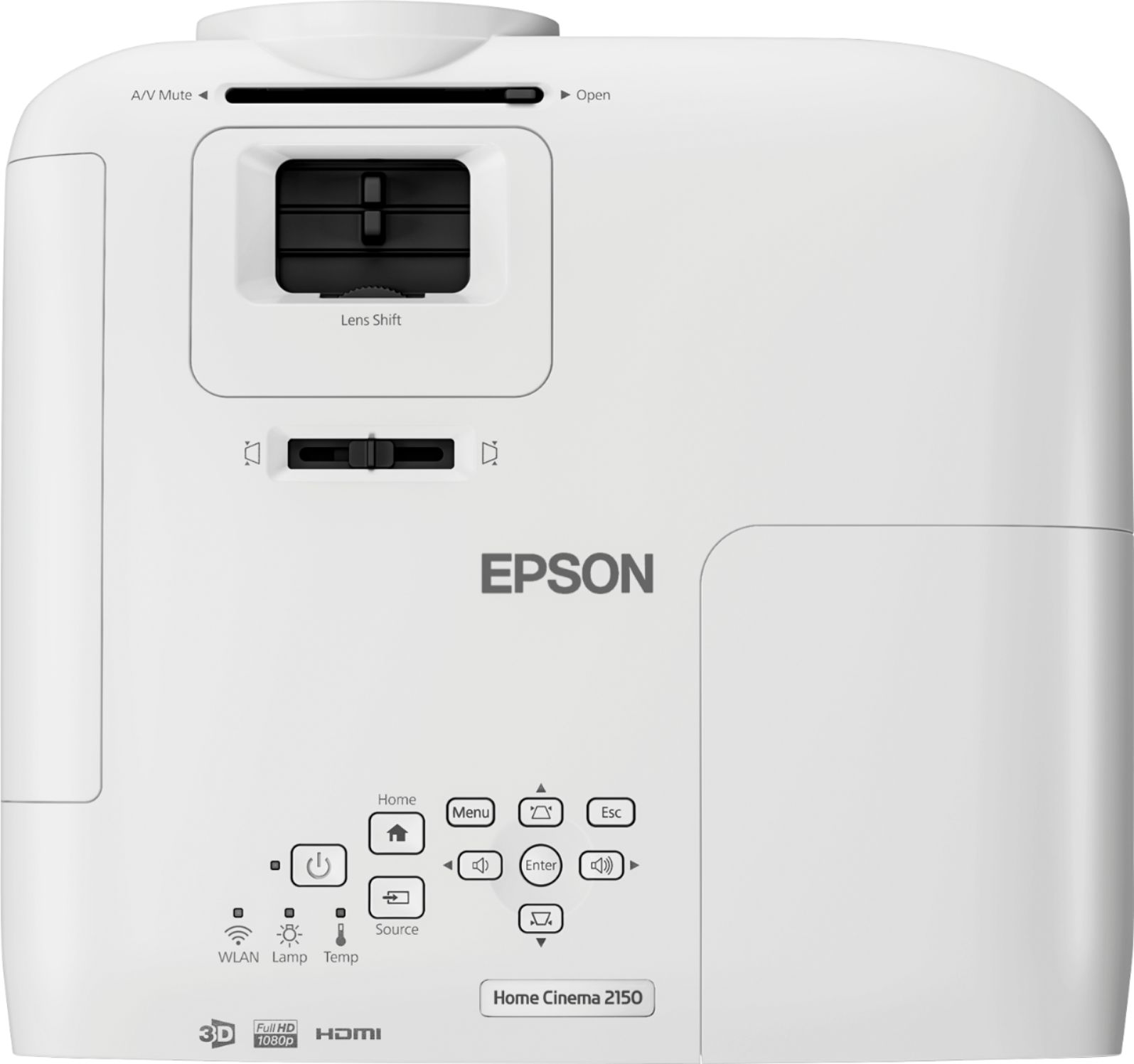
A:AnswerI believe the 60% shift reported by Projector Reviews, based on Epson marketing material, is openly acknowledged to be a typo. The shift is actually more like 15% but it's still nice to have any lens shift adjustment at all at this price point.
A:AnswerThe owners manual states that HDMI1 or HDMI2 displays on the left side of the screen and Miracast (screen mirroring) displays on right side. These sources only with split screen.
A:AnswerDon't listen to the other answer from KeithD - for future buyers reading this, there's no Bluetooth built in to this projector. No mention of it in the official specs or the manual. If your device is one of the newer ones with faster WiFi spec and screen mirroring, you're good to go.
A:AnswerYou cannot stream hulu or netflix by connecting a standard hdmi cable to this projector and your computer because of drm file protections on streaming movies. However, you can get an hdmi splitter that removes the drm protection, then it will work.