A:AnswerHello Brooksie. Yes, the V39 Photo Scanner is compatible with 10.11. The latest scanner driver and software are available on our official Epson Support page. Regards, Kevin - The Epson Team.
A:AnswerHi Tomcat, The Perfection V39 Photo Scanner does work with Monterey. Download the drivers from the Epson support site. Regards, Mark - The Epson Team.
A:AnswerHello. Yes, the V39 Photo Scanner is compatible with Windows 11. Please visit our official Epson Support page to download the latest driver. Regards, Kevin - The Epson Team.
A:AnswerHello jerseydude. The V39 can only be connected via USB cable to a computer using macOS or Microsoft Windows. Unfortunately, there is no option to scan to an external drive. Regards, Kevin - The Epson Team.
A:AnswerHi Fixerdude, Yes, you can use the Perfection V39 to scan documents and receipts and save them in a location you choose on a computer. The included software makes this process easy. Regards, Mark - The Epson Team.
A:AnswerHello. Yes, the V39 Photo Scanner is compatible with Windows 11. Please visit our official Epson Support page to download the latest scanner driver software. Regards, Kevin - The Epson Team.
A:AnswerHi Surfnsb, Sorry, the Perfection V39 will not work with an iPad. It requires a computer. Most Epson print/scanner/copier devices work with smart phones, tablets and computers over a Wi-Fi connection. Regards, Mark - The Epson Team.
A:AnswerHello Marlo. The V39 Photo Scanner can only be connected via USB cable to a computer. Unfortunately, the scanner does not have a separate USB slot for memory drives. Regards, Kevin - The Epson Team.
A:AnswerHello ront. Unfortunately, the V39 isn't compatible with Chromebook computers at this time. We currently support compatibility on computers with macOS and Microsoft Windows. Regards, Kevin - The Epson Team.
A:AnswerHi Manny, Yes, your Mac will work with the Epson Perfection V39 Photo Scanner. Big Sur (and Monterey) drivers are available on the Epson V39 support site. Regards, Mark - The Epson Team.
A:AnswerHi Jo, There are no compatible ChromeBook scanner drivers currently available for the Perfection V39, so it will not work. Regards, Mark - The Epson Team.
A:AnswerHello. Yes, the V39 Photo Scanner is compatible to work with Microsoft Windows 7. To download the latest scanner driver and software, please visit our official Epson Support page. Regards, Kevin - The Epson Team.
A:AnswerHello. Yes, you can place multiple originals on the glass of the V39 Scanner. To ensure that your photos are properly recognized and scanned, place them at least 0.8 inches (20 mm) away from each other. Regards, Kevin - The Epson Team.
A:AnswerHello. You can use the Epson Scan software with your V39 Scanner. It will allow the documents you scan with text to be recognized by software compatible with Optical Character Recognition. Regards, Kevin - The Epson Team.
A:AnswerHi Judy, In order to scan large-format film (4" x 5"), a scanner must have a transparency unit (TPU) and an appropriate film holder. The Perfection V39 has neither. However, the Epson Perfection V850 photo scanner has both. The V850 is currently in stock at BestBuy.com. Inventory levels may change. Regards, Mark - The Epson Team.
A:AnswerHello MARTY. The Epson V39 Photo Scanner includes a 1-year limited warranty from the original date of purchase. For more details on the warranty coverage, please visit our official Epson Support page. Regards, Kevin - The Epson Team.
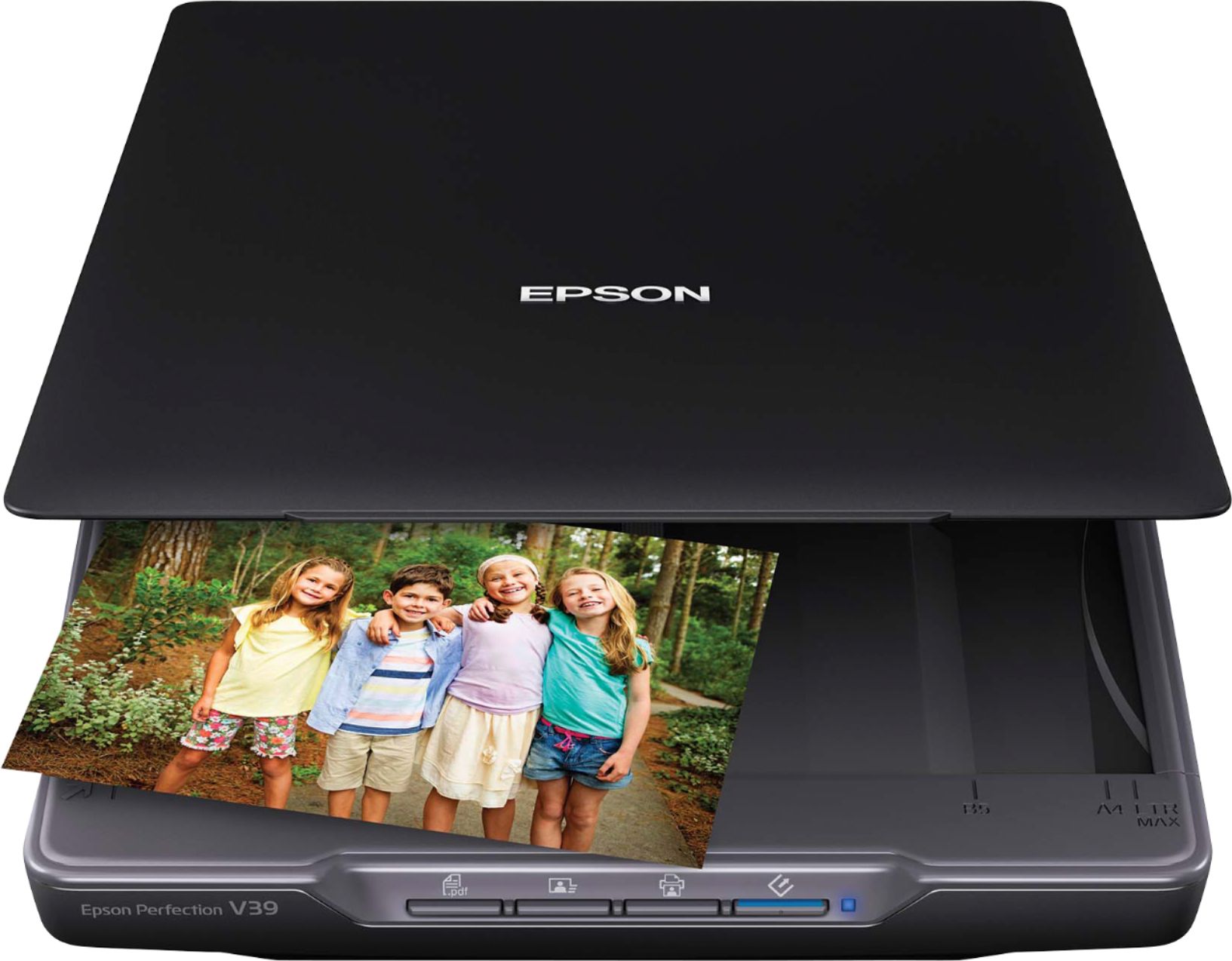
A:AnswerHi DB, The scan bed on the Perfection V39 will hold an 8.5" x 11.7" photo. The outside border of about 1/8" does not scan, so if the photo is borderless the largest scan size is 8.25" x 11.45". Regards, Mark - The Epson Team.
A:AnswerHello Lyzie81. Yes, the Epson V39 Scanner is compatible with computers running Microsoft Windows 10, 8.1, 8, 7, Vista, and XP; and MAC OS 10.6.x - 11 operating systems. To download the latest driver software, please visit our official Epson Support page. Regards, Kevin - The Epson Team.