A:AnswerHi Roxy!
Yes, additional apps can be downloaded to your Fire Tablet. You can download games and apps and use them on the go by following these steps:
1. Select Games & Apps or open the Apps or Games app.
2. Select an app from your Library to download it or search for a new app in the Store.
Have a great day!
A:AnswerHello! Thank you for your question. You can absolutely connect your Fire 7 Kids to the internet via mobile hot spot on your phone. Hopefully this helps. Have a great day!
A:AnswerHi HelpMe,
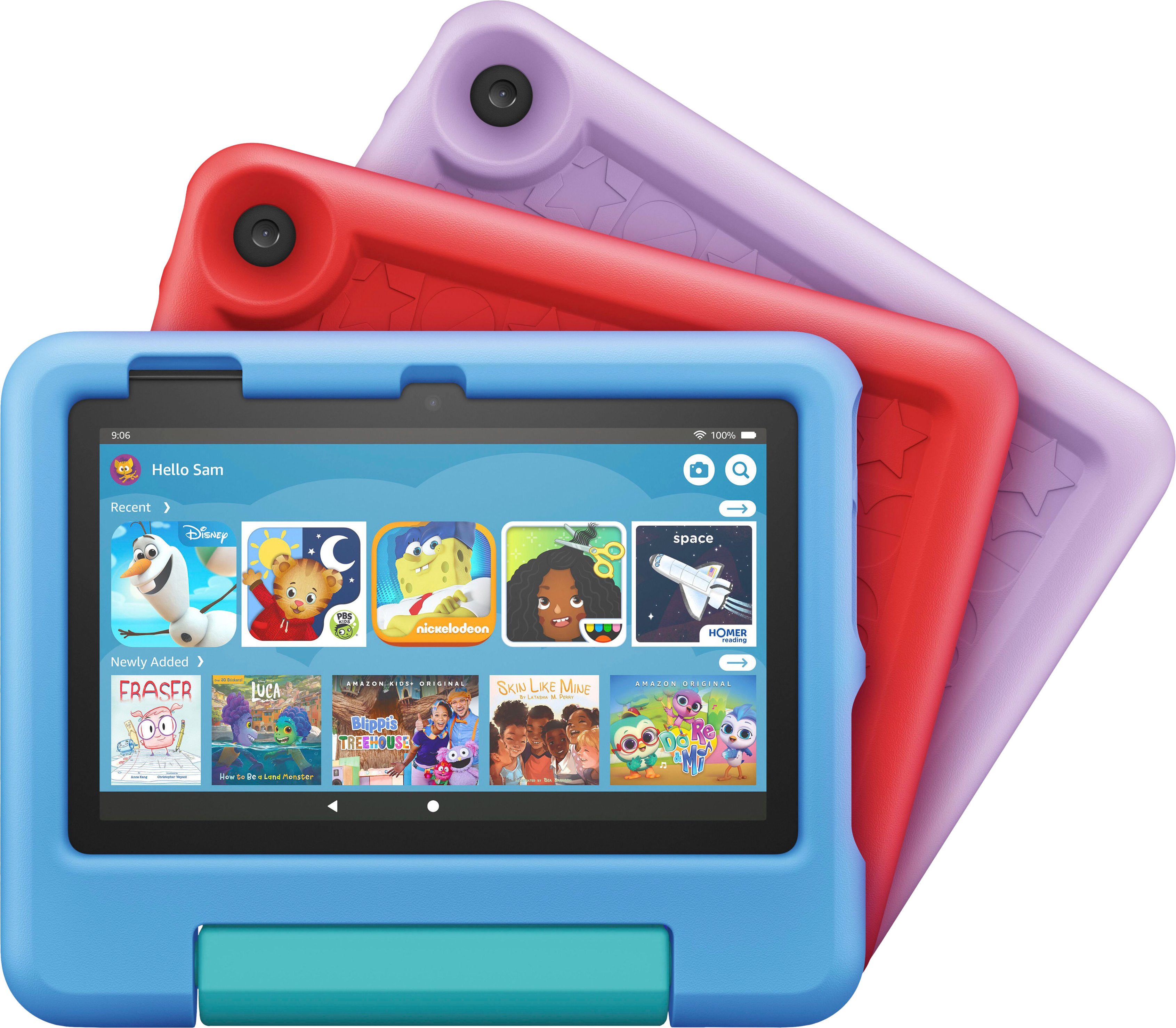
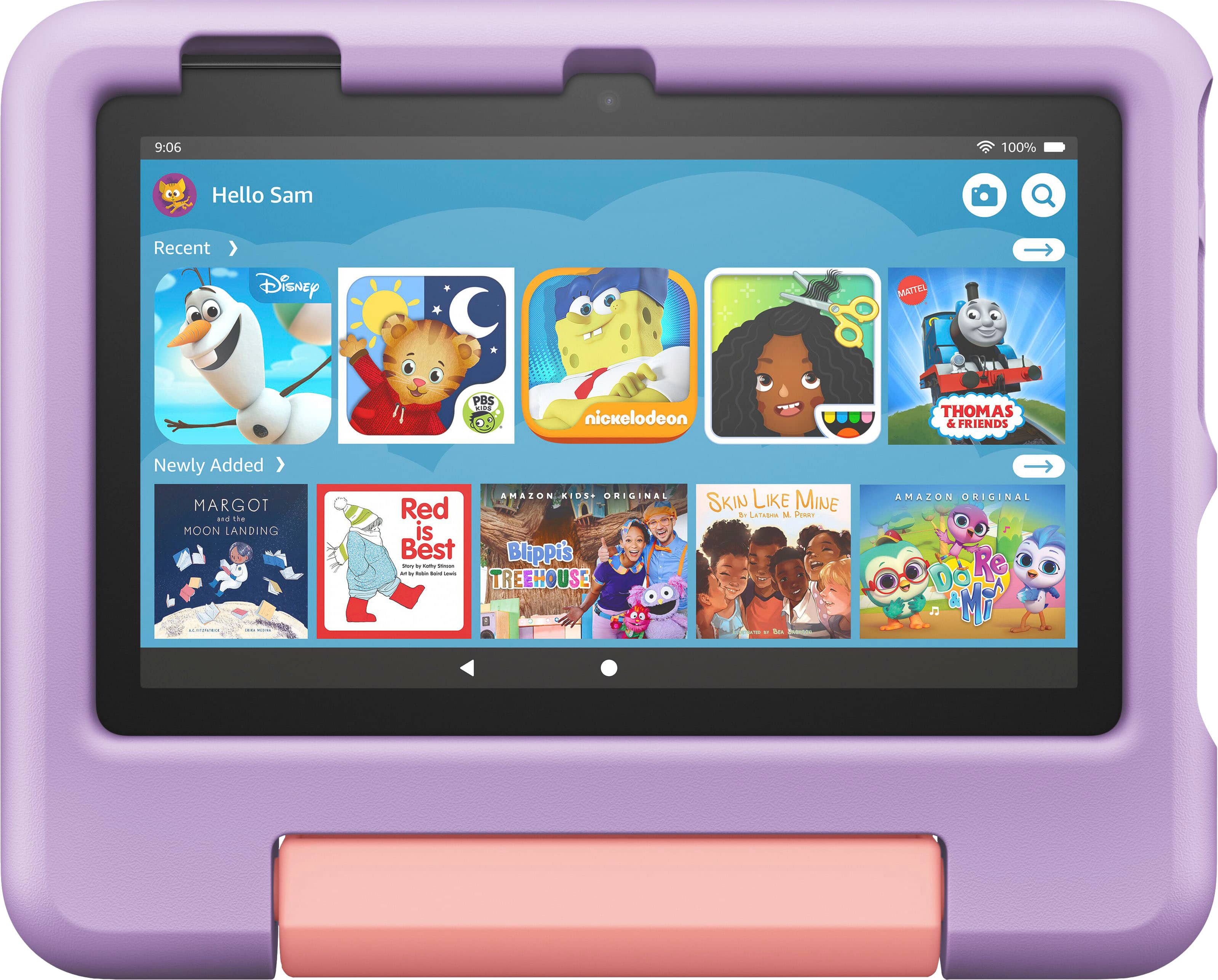
With your purchase of the Kids Fire 7 Tablet, a 1 year subscription of Amazon Kids+ is included! It is the only service with thousands of ad-free books, games, videos, apps and Alexa skills from brands like Disney, Nickelodeon and PBS Kids. After 1 year, your subscription will automatically renew every month starting at just $4.99/month plus applicable tax. You may cancel any time by visiting the Amazon Parent Dashboard or contacting Customer Service if you do not wish to utilize the content. The tablet fully functions without the Amazon Kids+ subscription and by allowing access to certain apps on the parent dashboard your child can download apps and games for their enjoyment. Separate subscription rates may apply with additional purchases.
Hope that helps!
A:AnswerThank you.... When I go to checkout... it will not let me by-pass this at check out.
The message states I NEED to purchase microsoft 365 in order to use this product.
A:AnswerYes as long as you select the older age group when you select the 3 year age group it’s very restricted but the older age group lets you access a lot more like Netflix kids and YouTube kids