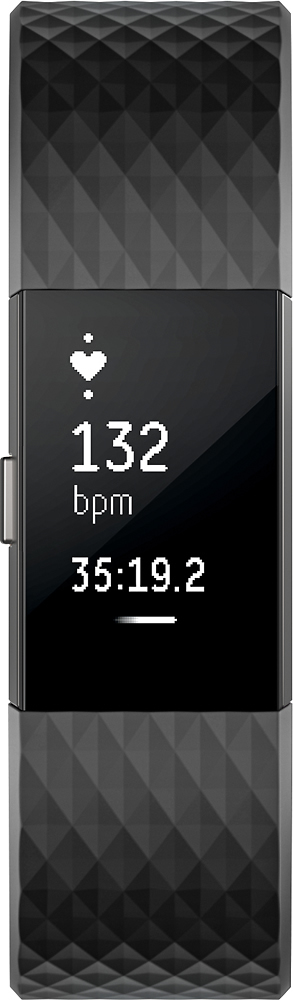
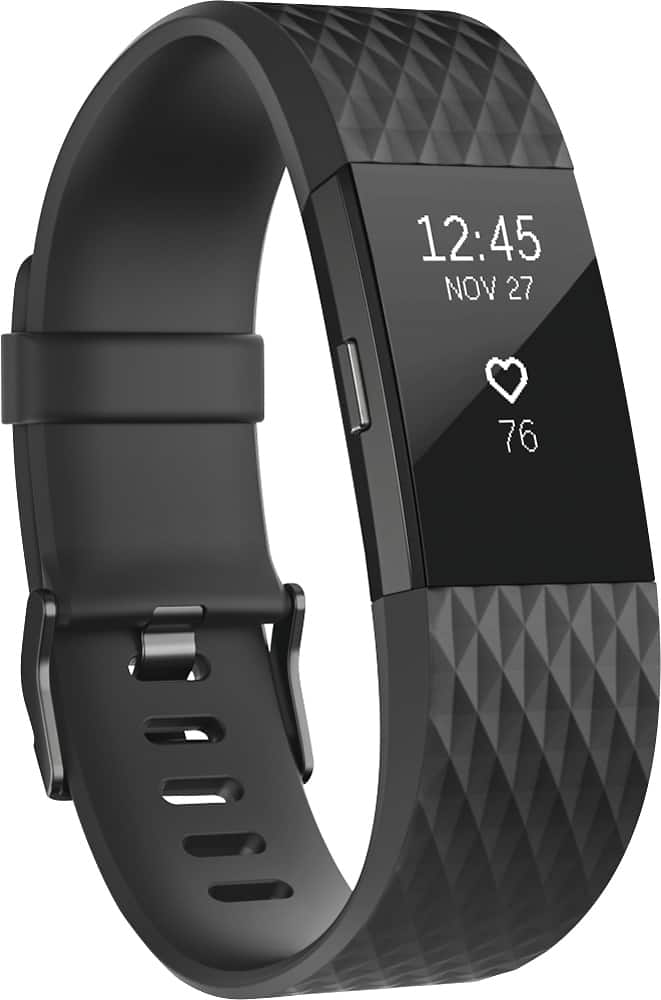
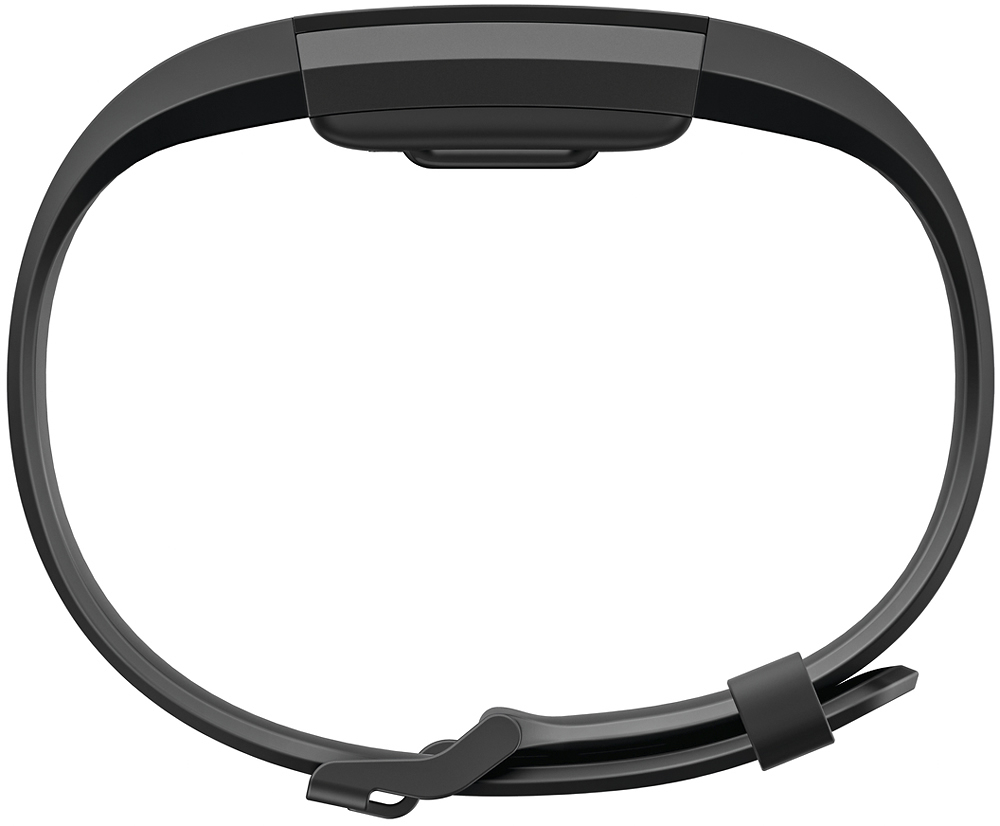
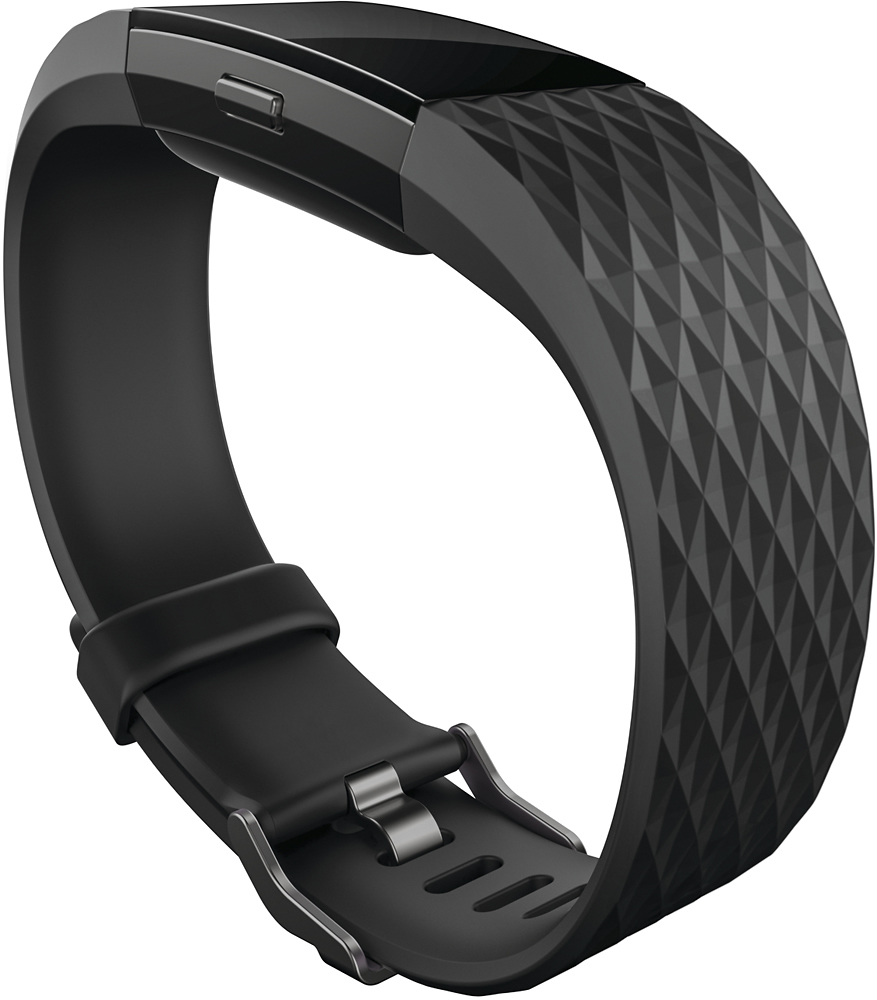
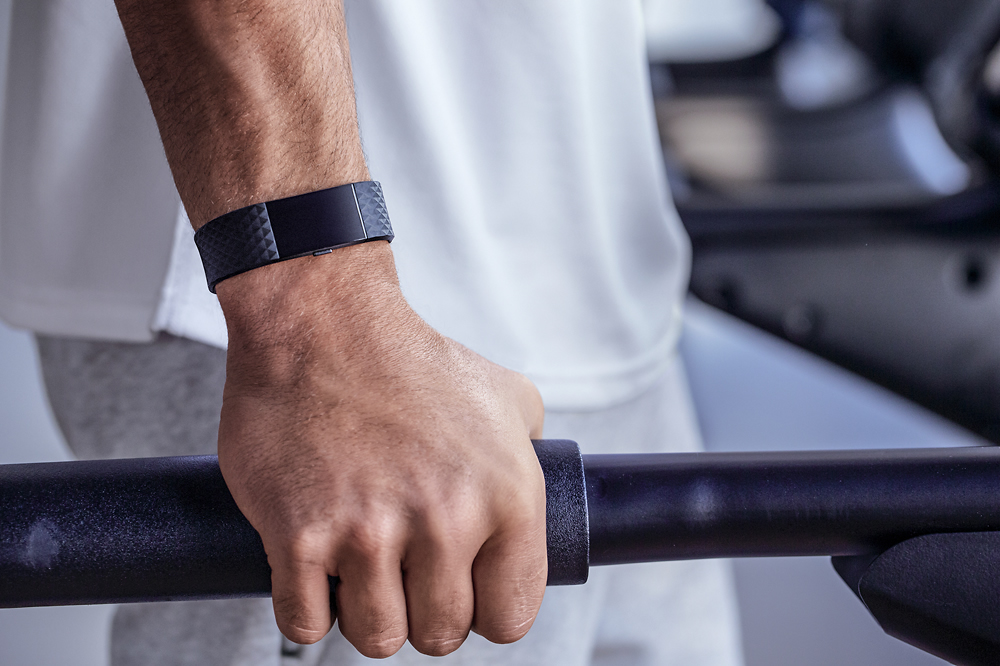
A:Answer Not touchscreen. There's a button on the side or you can tap the screen/band to see different things. Also there's "quick view" where when you turn your wrist to face you it will show you the time and steps, or something else if you change your settings.
Also when you push the button to what you want to see and then tap on the Fitbit screen/band you can see different options. I.e. When you push the button for settings for a workout it might say "run" then you can tap the Fitbit and then go through different workouts like "weights, treadmill, bike" and hold the button to start your workout.
So, it isn't touchscreen but you can tap on the screen/band and see different things.