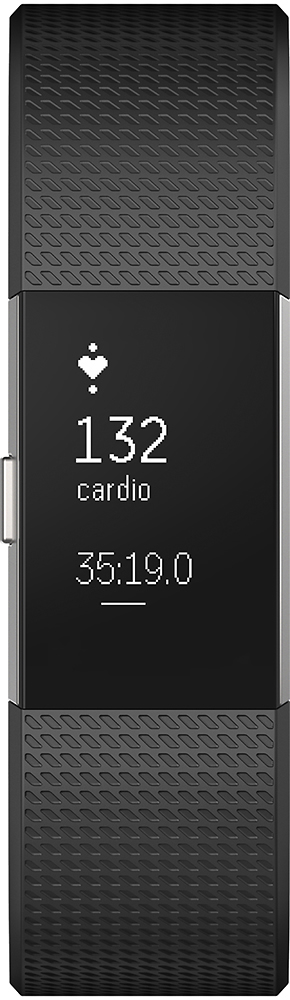
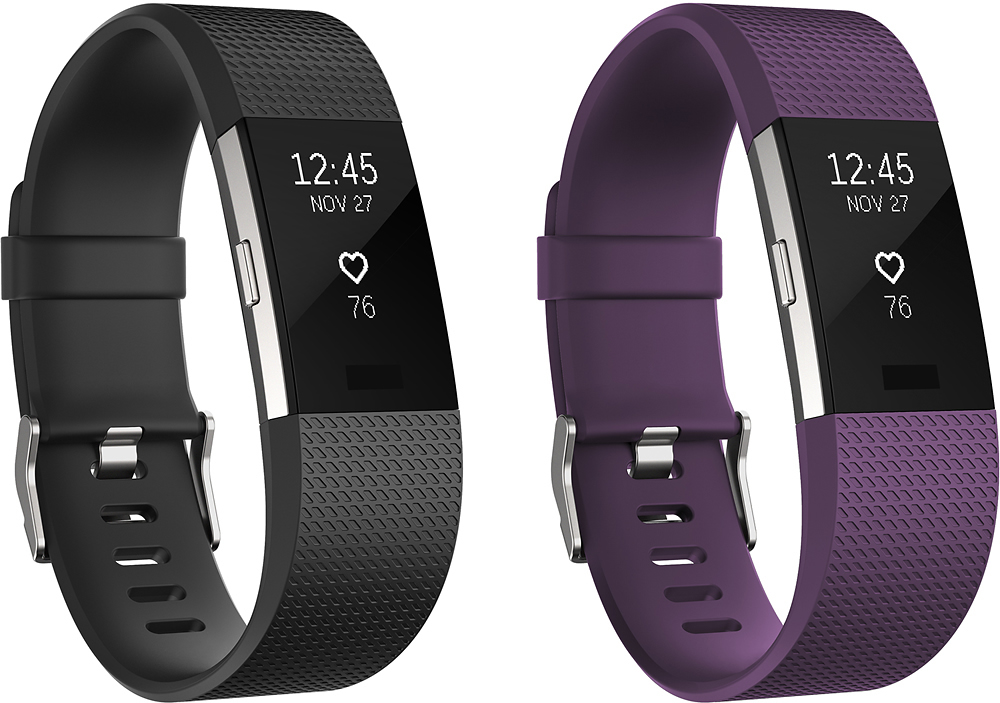
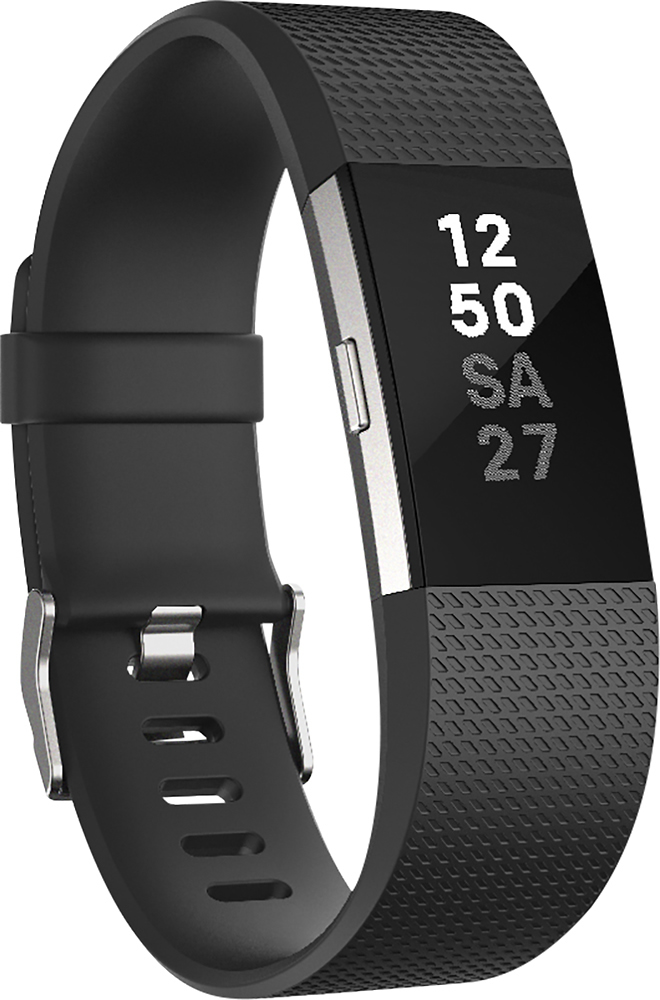
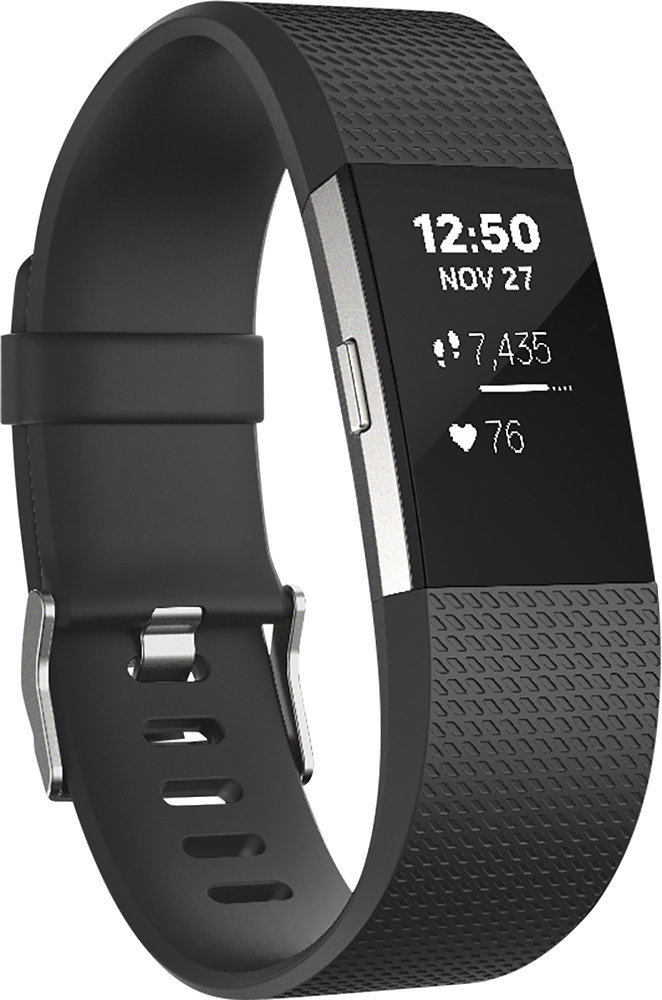
A:AnswerNot touchscreen. There's a button on the side or you can tap the screen/band to see different things. Also there's "quick view" where when you turn your wrist to face you it will show you the time and steps, or something else if you change your settings.
Also when you push the button to what you want to see and then tap on the Fitbit screen/band you can see different options. I.e. When you push the button for settings for a workout it might say "run" then you can tap the Fitbit and then go through different workouts like "weights, treadmill, bike" and hold the button to start your workout.
So, it isn't touchscreen but you can tap on the screen/band and see different things.
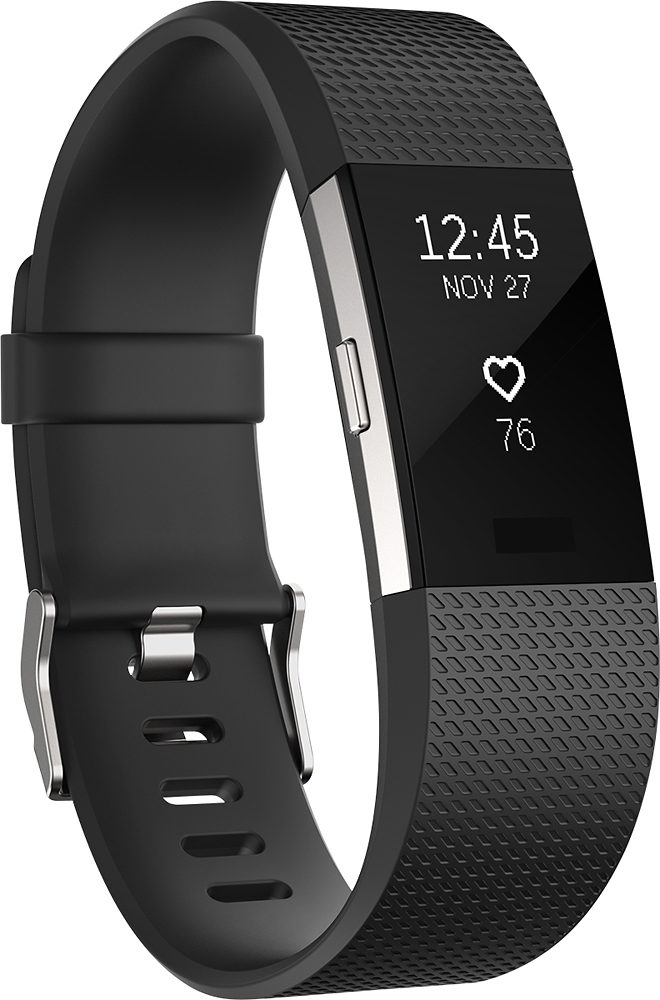
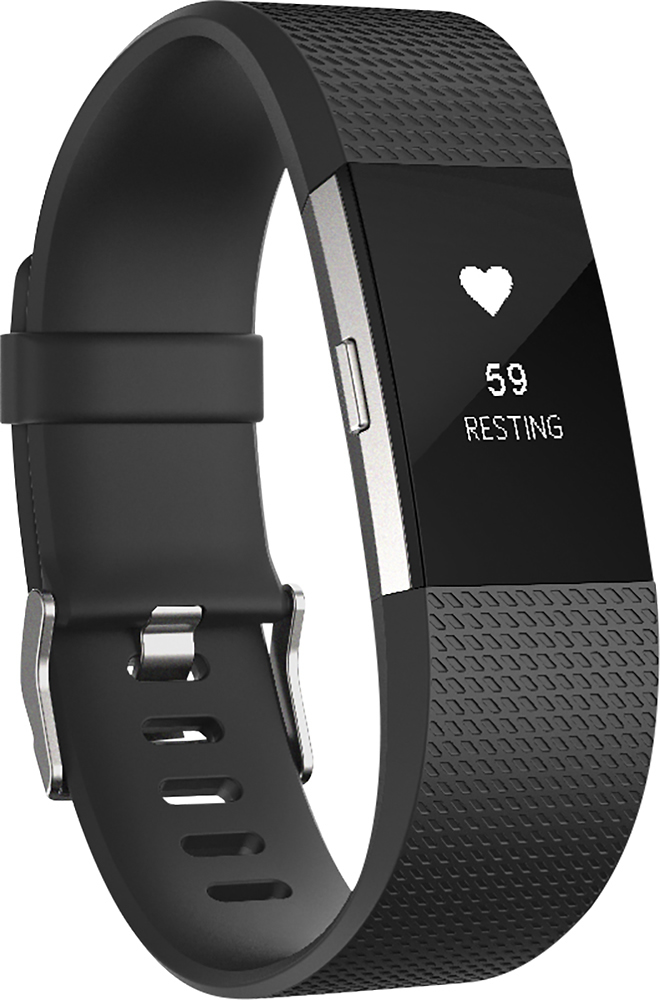
A:AnswerYes it does along with steps,#of flights of stairs, # of minutes of active exercise, heart rate and more. The product I use is the Fit Bit Charge 2
A:AnswerYes it does, when you download the app to your phone, it will sync with your device. Then you can start tracking you exercise, and it shows after you've completed where all you went.
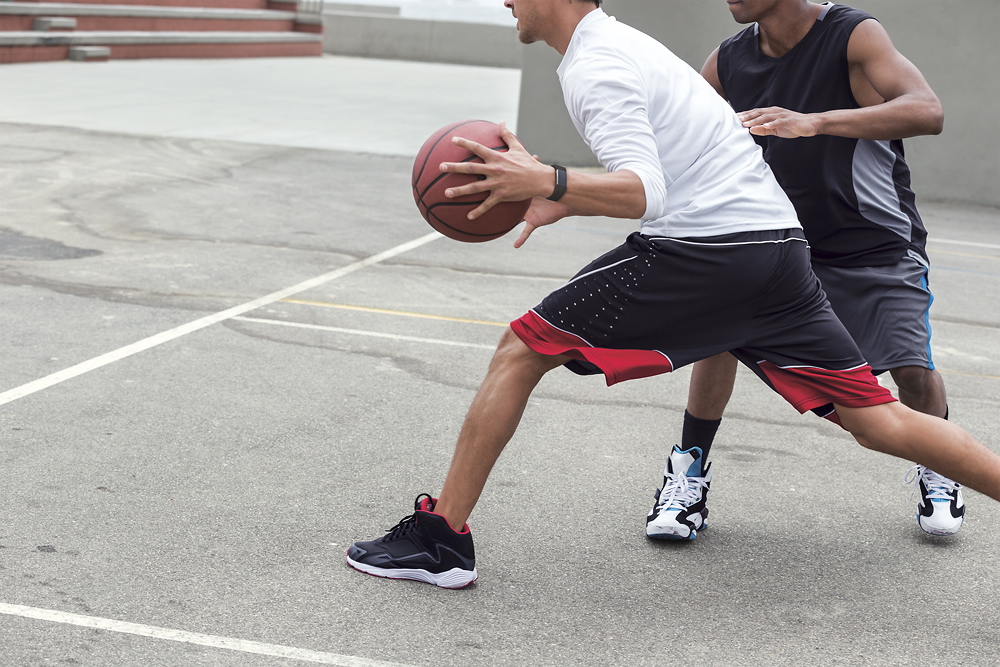
A:AnswerYes it will track calories burned. Just set up the activity and when finished kickboxing, stop the activity then review results. You can also see progress in real time.
A:AnswerMine was a gift , the first one was not the right size. I took it back got and gift card since the right size was not available at the store. later bought the right size. Just make sure everything is in the original package.