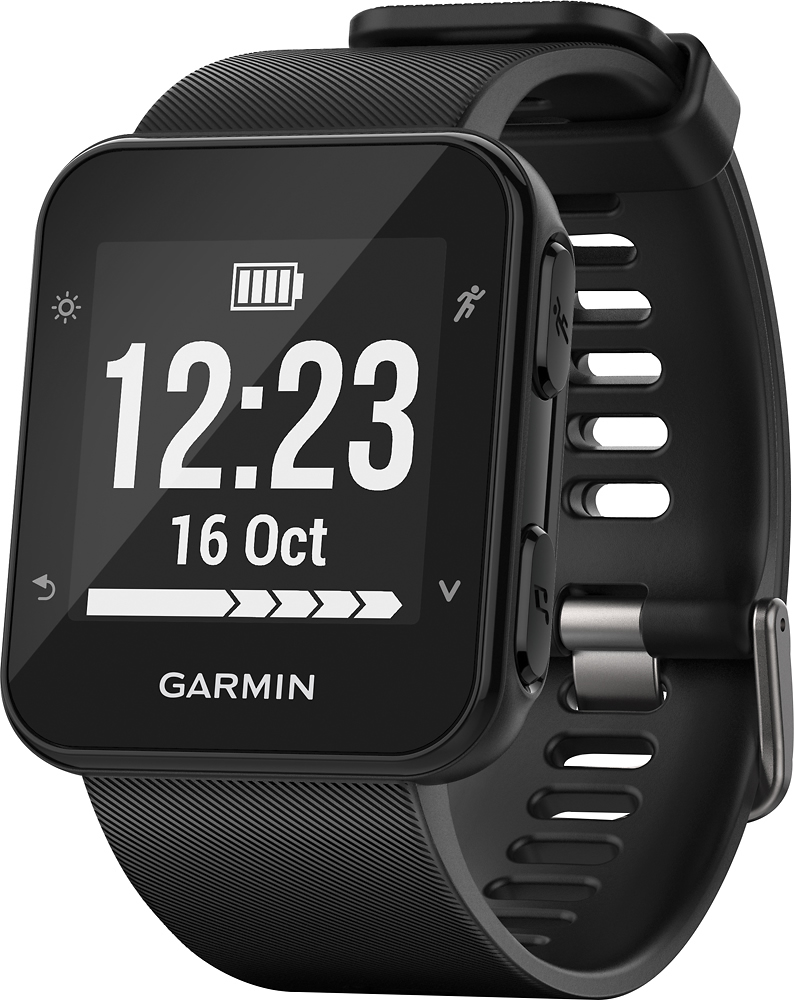
A:AnswerIt connects through Bluetooth. It's very easy to set up and synch. There is also a four pin power and synch cable that comes with it. That is used to update software and charge the watch. It also will synch through that cable.
A:AnswerThat could depend on what what kind of data you're wanting to see before the activity is complete as all the data will upload to your Connect account once the activity is complete and you have done a sync with your Connect account. You may want to go to support.garmin.com where you'll find many helpful videos' and FAQ's on the functions of the device. You may also reach out directly to a product support specialist from that page if you need further assistance.
Debbie with Garmin
A:AnswerIf your phone meets our Bluetooth compatibility requirements it should work, please see the link below.
https://internalsupport.garmin.com/en-US/?faq=pvL8aWsaLU2iKyvF8VrpP9&searchQuery=Bluetooth%20requirements%20for%20Fitness%20devices
Debbie with Garmin
A:AnswerUsing the GPS function you can have a data field(s) set for distance and pace or time, whichever one works best for you to meet your goal.
Debbie with Garmin
A:AnswerNo, music cannot be loaded onto this device. You can control the music on your smartphone using the device but cannot download music directly onto the device.
Debbie with Garmin
A:AnswerPlease go to support.garmin.com where you'll find many FAQ and video's on the device performance as well as Bluetooth requirements. As long as your phone meets those requirements it should work with the Forerunner 35.
Debbie with Garmin
A:AnswerPlease see the link below for compatible Bluetooth Headphone compatibility.
https://internalsupport.garmin.com/en-US/?faq=FnVJLBvvw51RfH3OE2YUO6&searchQuery=Compatible%20headphones
As well, you may go to support.garmin.com for many FAQ's and video's speaking to this question. You may also reach out directly to our product support team from this link should you need to.
Debbie with Garmin