Questions & Answers
- Model:
- 010-01689-02
- |
- SKU:
- 5579458
Highly rated by customers for: Battery life, Heart rate, Easy to use
Page Showing 361-367 of 367 questions
Q: QuestionIs this watch compatible with a smart phone? And is a phone as well?
Asked by KBW.
- A:Answer Yes, it will connect to your phone through Garmin Connect App. It doesn't work as a phone though
Answered by awesome9277
Q: QuestionDoes this watch track ur times on each mile and show u the results?
Asked by Anonymous.
- A:Answer Yeap
Answered by awesome9277
Q: QuestionI'm in the market for a Garmin watch for my daughter who's turning 13 this summer. Would this watch be suitable for her or should I go with the 230. I just don't want to make it complicated for her or overwhelm her with all the features.
Asked by joel.
- A:Answer Children are pretty fast at pick up technology and it is not complicated to work. I think she'll do fine. Best buy also offered to show how to set up and use all the features.
Answered by Barnett
Q: QuestionDoes this watch let you record your weight for accurate number of calories burned?
Asked by Runner1.
This question was asked about the related product: Garmin - Forerunner 35 GPS Watch - Black
- A:Answer Yes.
Answered by Jaedbme
Q: QuestionHow do you turn off alarm?
Asked by PattyM.
This question was asked about the related product: Garmin - Forerunner 35 GPS Watch - Black
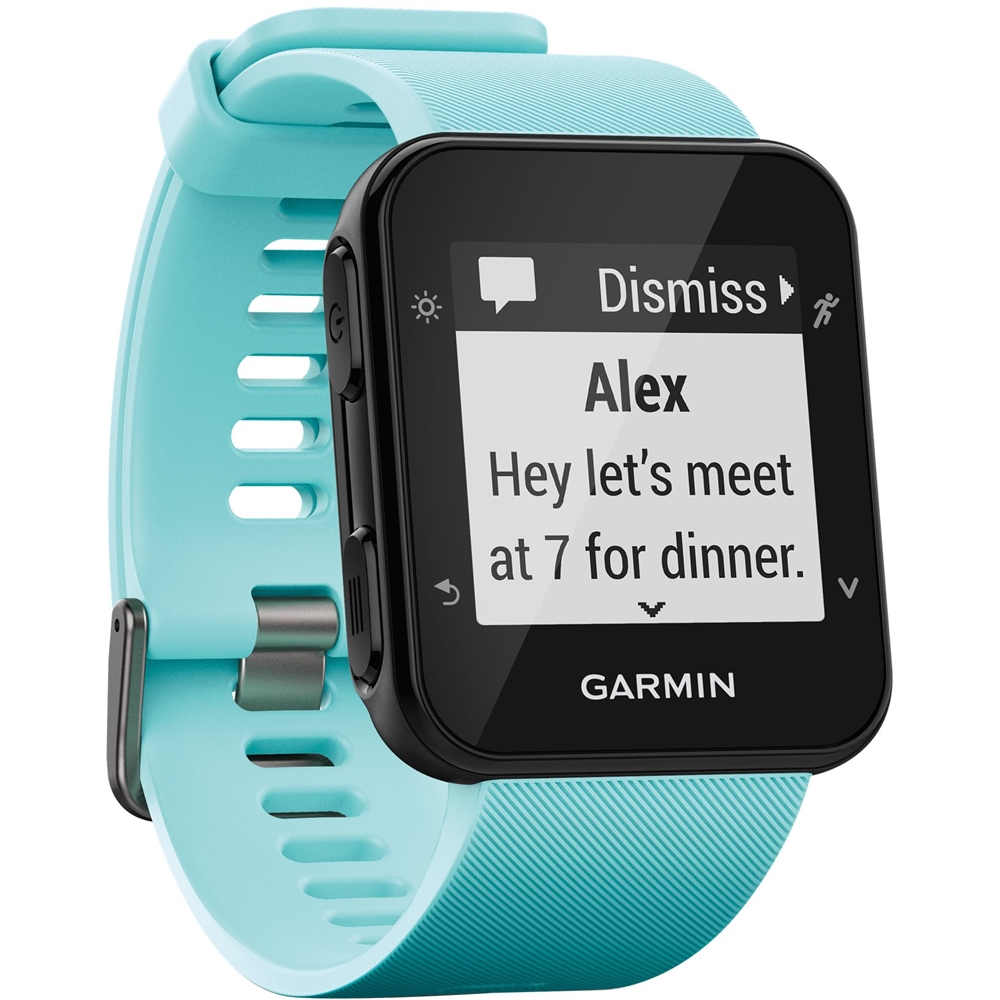
- A:Answer To turn the alarm off press the lower button on the left side of the device. Setting an Alarm 1 Select > Alarm > Add New. 2 Select Time, and enter a time. 3 Select Sounds, and select an option. 4 Select Repeat, and select an option. Deleting an Alarm 1 Select > Alarm. 2 Select an alarm. 3 Select Remove > Yes. Debbie with Garmin
Answered by GarminProductExpert

Q: QuestionHow do I set the current time and date?
Asked by Anonymous.
This question was asked about the related product: Garmin - Forerunner 35 GPS Watch - Black
- A:Answer Under Settings>System>Time in the device you have an option of seeting the time manually or automatically based on your paired mobile device or GPS location. Debbie with Garmin

Answered by GarminProductExpert

Q: QuestionDoes the 35 show current pace AND average pace on screen during use or only after synced?
Asked by Sean.
This question was asked about the related product: Garmin - Forerunner 35 GPS Watch - Black
- A:Answer It will show both as you are using it as long as you are in the proper run mode and have set the watch t display those features. All of this is explained in the online user guide, which is very easy to use.
Answered by Bill
Most-viewed items
- $1,299.99$1,299.99The price was $2,999.99
- $149.00$149.00The price was $399.00
- $329.99$329.99The price was $469.99
- $599.99$599.99The price was $1,299.99
- $849.99$849.99The price was $1,099.99
- $159.99$159.99The price was $179.99
- $122.00$122.00The price was $129.99


















