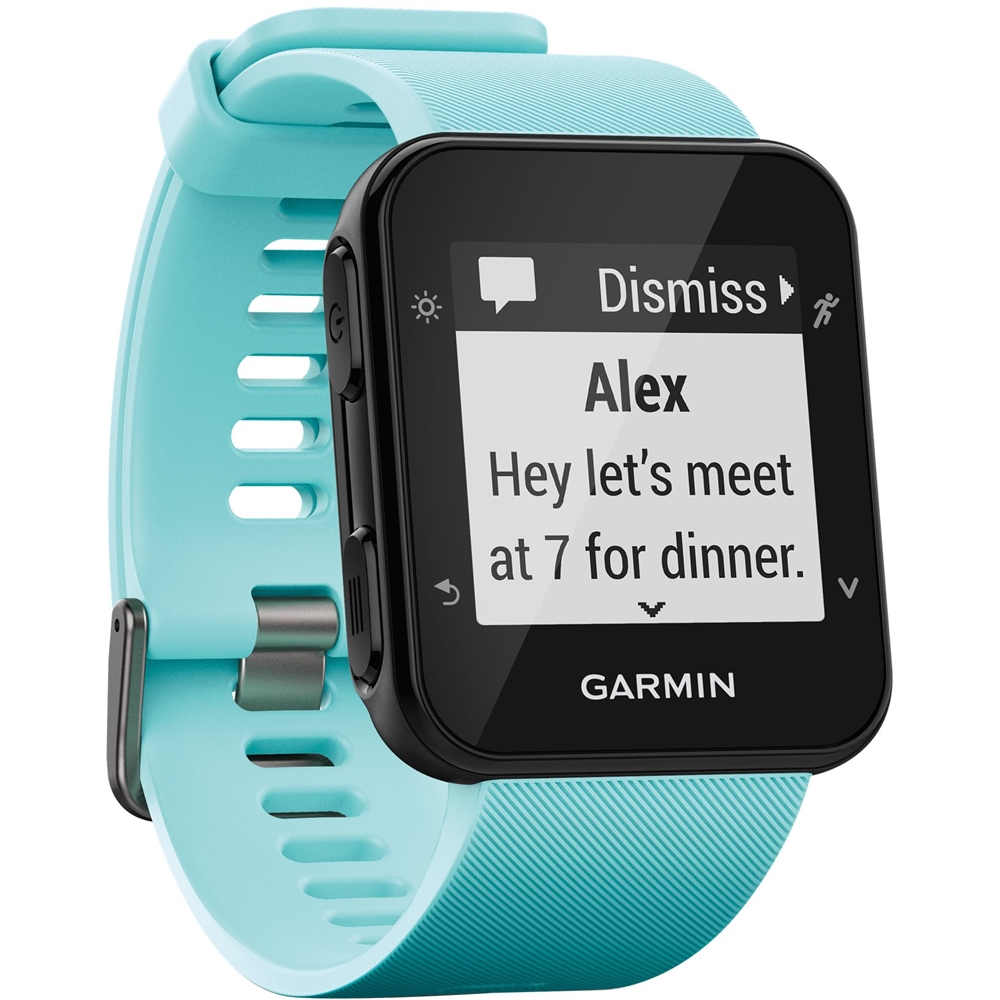
A:AnswerThe watch needs to pair with the Garmin Connect Mobile app on your phone to receive call and text notifications. Please be sure your phone meets our Bluetooth requirements.
Debbie with Garmin
A:AnswerAs long as the phone meets Garmin's Bluetooth requirements it will pair. Please go to support.garmin.com where you'll find FAQ's on Bluetooth requirements.
Debbie with Garmin
A:AnswerThe device charges with a USB charging cable. You can connect the device to your computer to charge and also use a program called Garmin Express to sync the data to your Connect account. Please go to support.garmin.com where you can find many helpful FAQ's and video's on the functions of the device. You may also reach out to a product support specialist from that page if you need further assistance.
Debbie with Garmin
A:AnswerNot exactly. When you exercise, you can select which type of exercise (cardio, walking, biking, etc). It starts counting the time from zero. So you could cheat the system and use that. But otherwise, no, there is not a stop watch setting.
A:AnswerDepending on what you're doing will depend on what heart rate zone your heart will be in. Please go to support.garmin.com where you'll find helpful FAQ's on heart rate zones to explain the zones and benefits of each zone.
Debbie with Garmin
A:AnswerYou can only control the music on the phone with the device. It does not have the ability to have music downloaded to the watch itself.
Debbie with Garmin