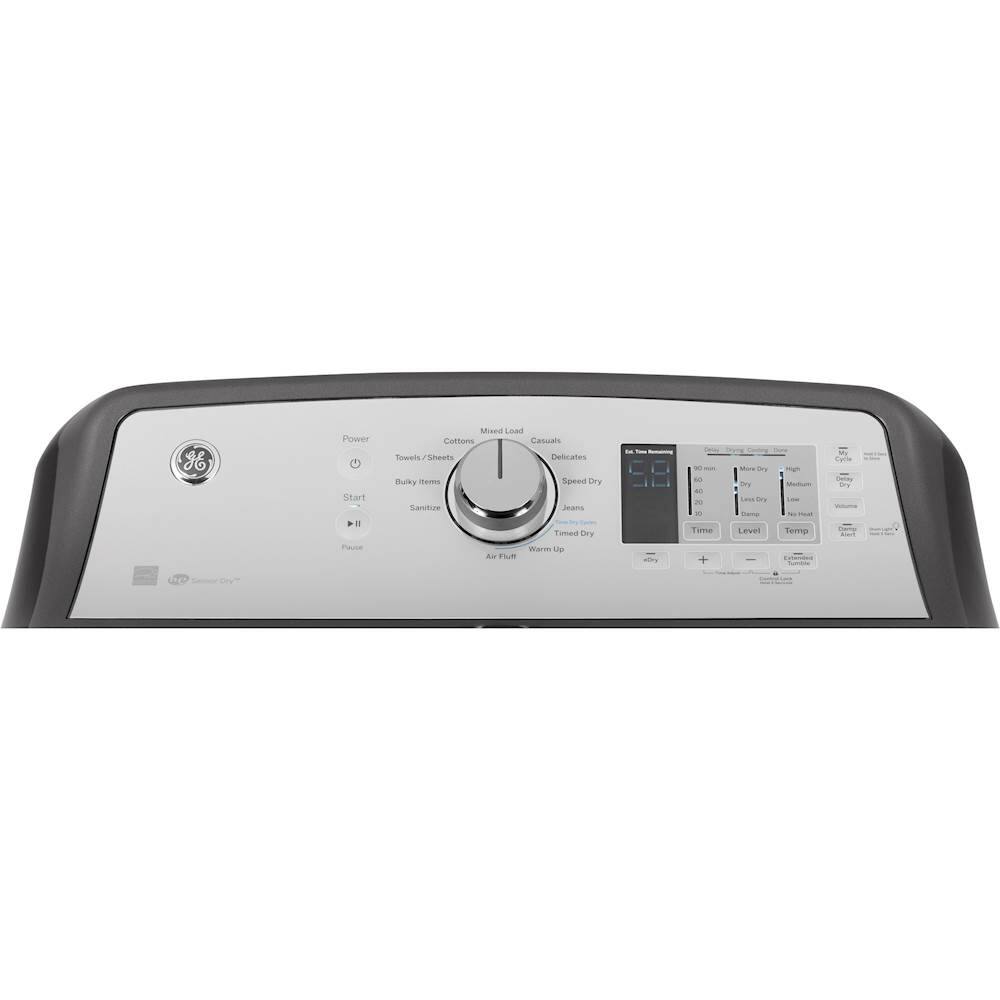
A:AnswerHi - Thanks for reaching out to us. We are sorry to hear of the difficulty getting your new dryer started. Press to “wake up” the display. If the display is active, press to put the dryer into idle mode. Press Start to begin the cycle. NOTE: The door must be closed for the dryer to start the cycle. Pressing Start again will pause the cycle, the Start light will blink and “Pause” will display.
To continue the cycle, press Start again. For reference, see page 5 of the Owner's Manual at the following link: https://products.geappliances.com/MarketingObjectRetrieval/Dispatcher?RequestType=PDF&Name=49-90536-3.pdf - Also, check out Troubleshooting Tip on page 12 of the Owner's Manual. Note: If you see a blinking or flashing light behind your washer or dryer, especially when there is low or no light in the room, this is normal. The light is part of the diagnostic system. This is an internal systems light that flashes all the time and is an indication that everything is operating normally. It will be noticeable in the dark because a small amount of light escapes the control panel and makes the pulsing light visible. It is very dim, this is why it is usually not detectable during the day. Keep in touch at GEAppliances.com - Sue
A:AnswerHi- Thanks for choosing GE! We are sorry to hear of this unfortunate experience and suggest to reset the electronics by unplugging or by turning off power at the circuit breaker for 30 seconds or so. If the reset does not resolve the issue, a qualified service technician is required for an accurate diagnosis. We encourage you to take advantage of your warranty and contact GE Appliance Service at 1-800-432-2737 for assistance or conveniently schedule an appointment online: http://www.geappliances.com/service_and_support/service/ - We apologize for any inconvenience. Keep in touch! SUE@GEA
A:AnswerHi Chadi- Thanks for choosing GE! We are sorry to hear this, as it is not something we would expect to occur. If the dryer timer stops during the cycle, check the power supply. Electric dryers require a separate 220-volt outlet, 30 amp dual breaker or two 30 amp fuses.
Make sure the front of the dryer is not blocked causing it to overheat. The dryer should be leveled front to back. Using the proper venting and making sure the vent pipe is the proper length is very important to the operation of the dryer. GE Appliances recommends the use of solid metal vent pipe, 4" in diameter, for adequate operation. 4" flexible metal venting may be used, but will increase drying time somewhat. GE Appliances does not recommend the use flexible, white, plastic vent pipe. This type of vent pipe can collapse and restrict the airflow, causing lint to build up inside the dryer. This build-up could cause the heaters to fail prematurely. Consult the Installation Instructions for the proper length and number of turns for the vent pipe. See the following link for more details on checking the vent: http://products.geappliances.com/appliance/gea-support-search-content?contentId=18058 - If you would like to schedule a service appointment, please contact GE Appliance Service at 1-800-432-2737 or schedule a service appointment online at: http://www.geappliances.com/ge/service-and-support/service.htm?ICID=GEARsupportflyout-service - We hope this is helpful. Keep in touch! SUEatGEA
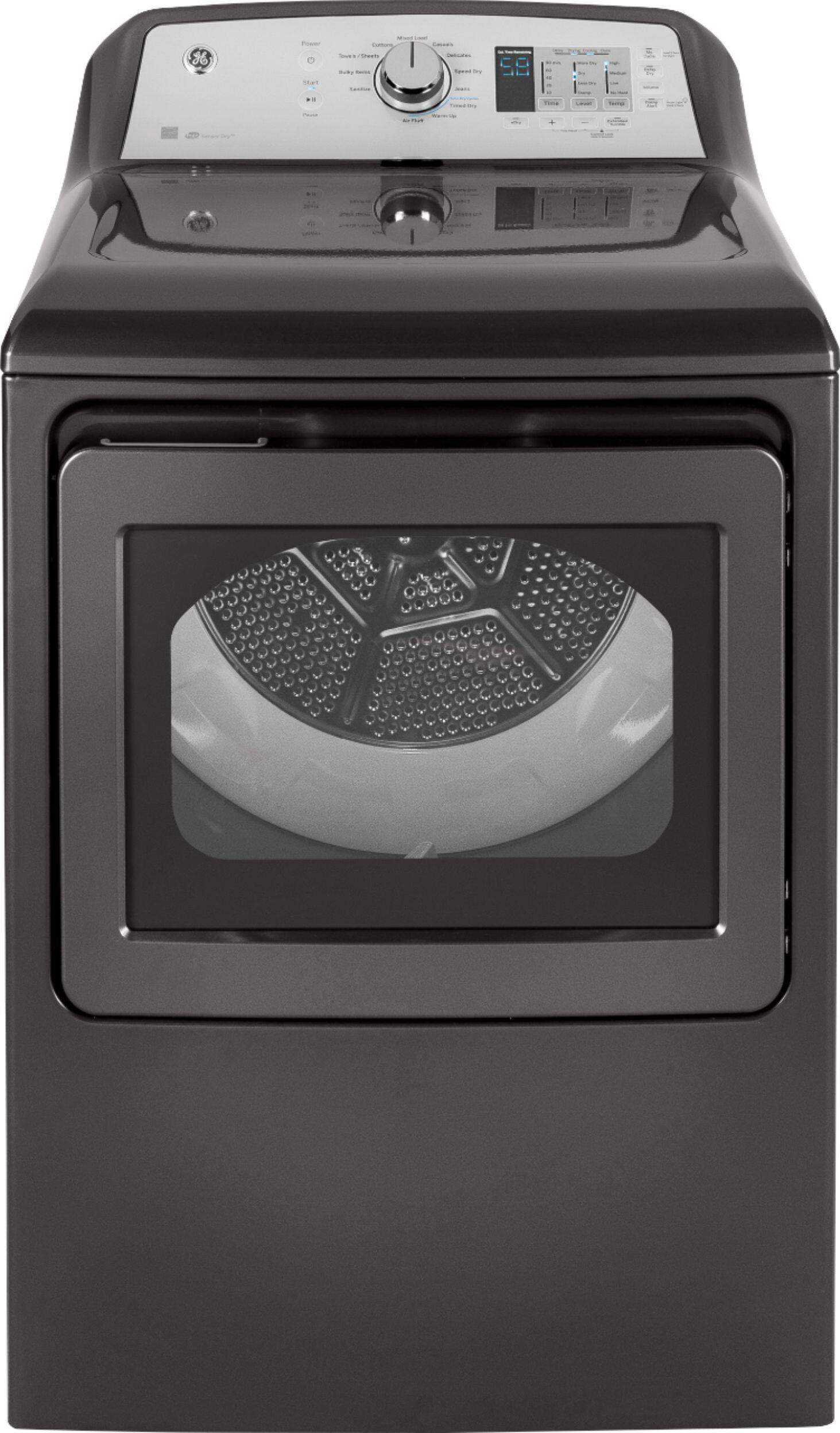
A:AnswerHello Kdade, we are sincerely sorry your dryer is not operating properly when the start button is pressed. We understand how that would be frustrating. We recommend you please schedule an appointment with our certified technicians by calling 1-800-432-2737. - CV
A:AnswerHi kjw84fxr - The Sensor Dry provides greater drying accuracy than standard machines, resulting in shorter dry times and better clothes care. As the clothes tumble, they touch a moisture sensor. The sensor will stop the heating cycle as soon as the clothes have reached the selected dryness. This dryer will adjust the initial estimated drying time of the sensor dry cycles as it “learns” its installation and usage profile. Please allow several weeks for the dryer to customize itself to “you”.
Sensing Indicates the dryer is sensing the level of dampness to determine estimated cycle time remaining. See DRYERS SENSE IN DISPLAY: http://products.geappliances.com/appliance/gea-support-search-content?contentId=17022 - If no numbers displayed during cycle, only lights, dryer is continuously monitoring the amount of moisture in the clothes. This is normal. When the dryer senses a low level of moisture in the load, the dryer will display the dry time remaining. 00 is displayed in Time Remaining if the Extended/Dewrinkle Tumble option was chosen. This is normal. During Extended/Dewrinkle Tumble, the time remaining is not displayed. The extended tumbling option lasts approximately 60 minutes; dewrinkle 60 minutes. For reference, see page 14 of the Owner's Manual at the following link: http://products.geappliances.com/MarketingObjectRetrieval/Dispatcher?RequestType=PDF&Name=49-90536-3.pdf - We hope this is helpful. Keep in touch! SUE@GEA