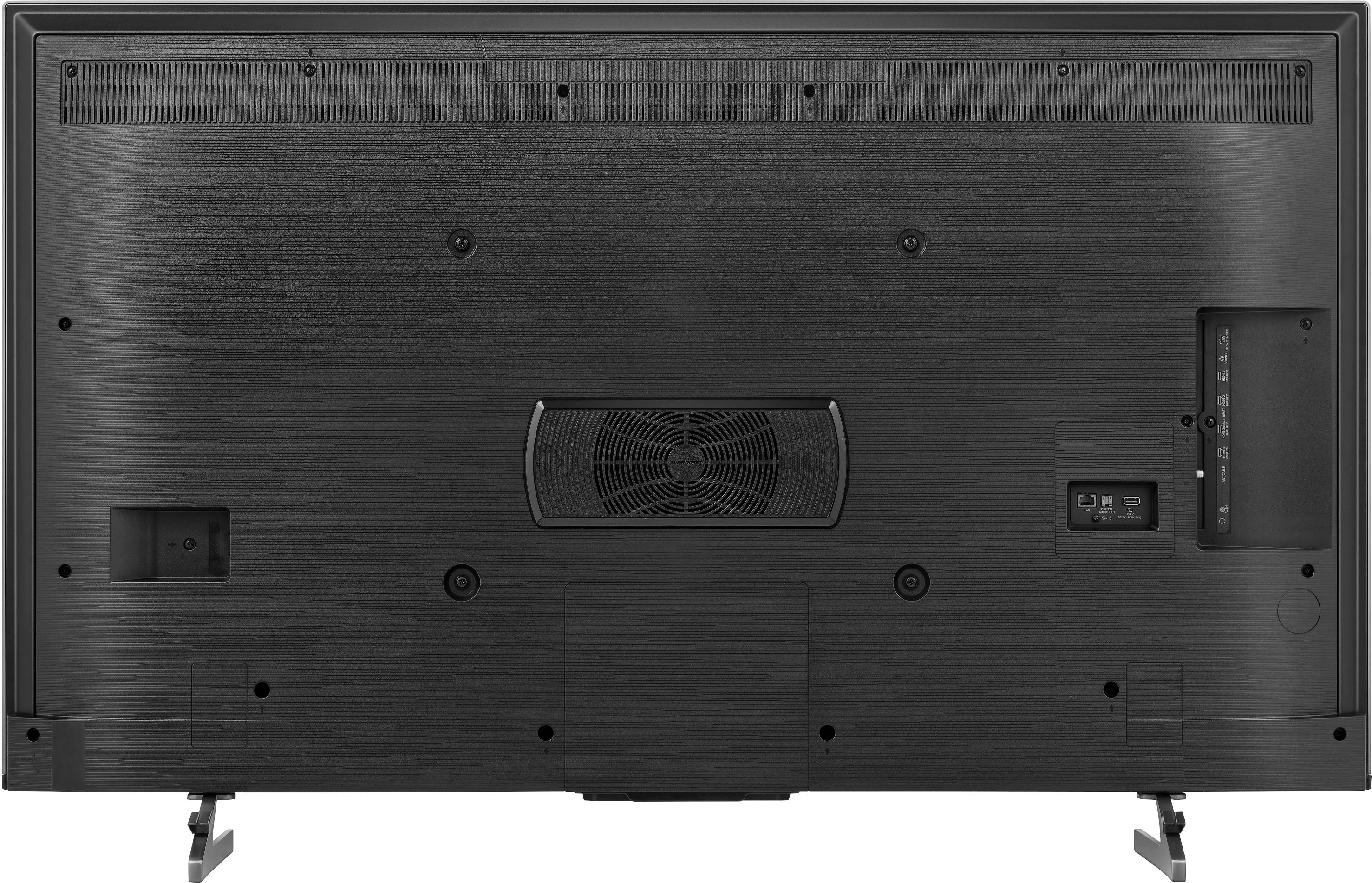
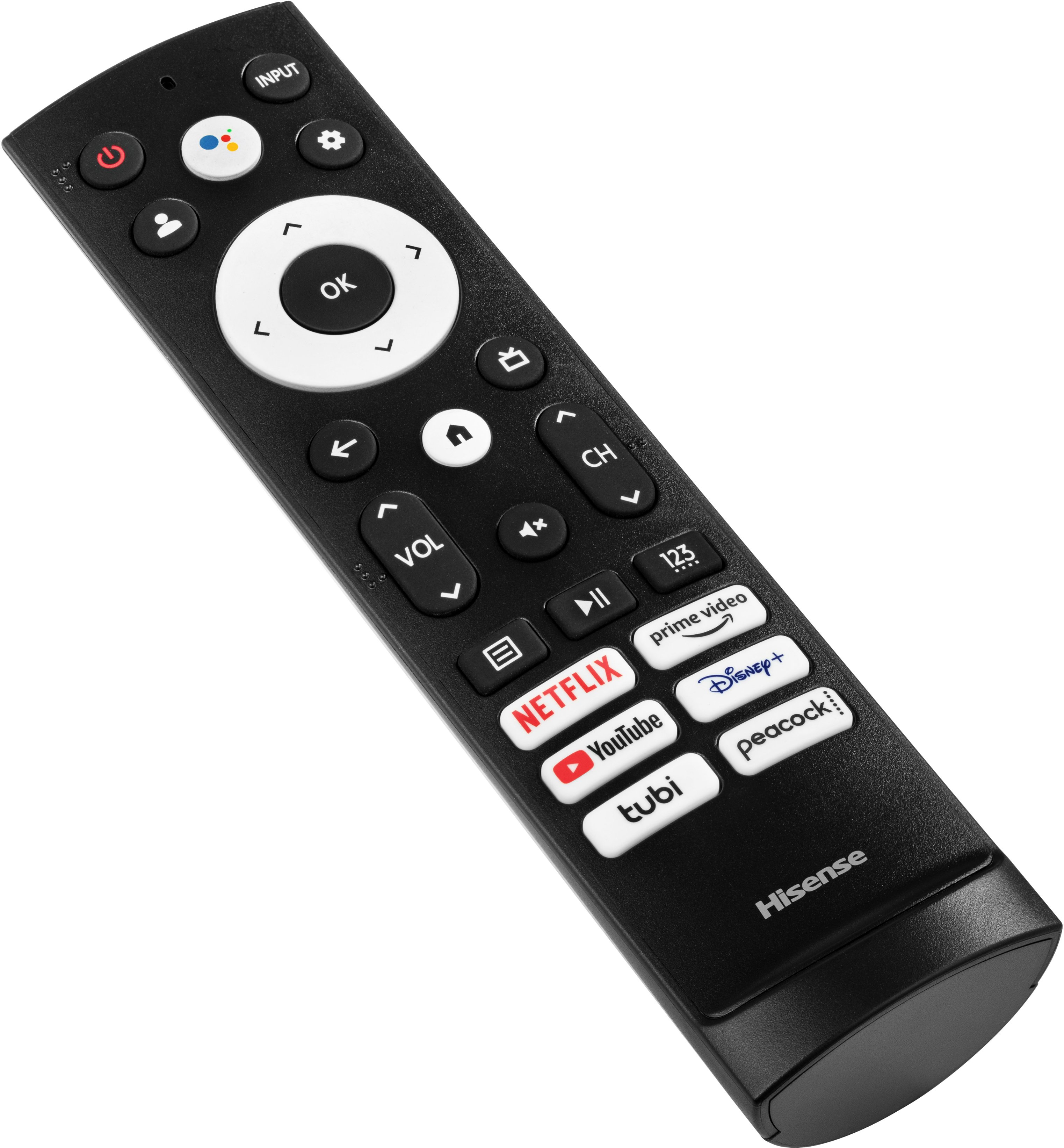
A:AnswerI am the OP and have a follow-up question for the Hisense Expert who answered my question regarding the reset button. So if there's none, what are you supposed to do with this thing if it gets itself stuck in a reboot loop after downloading and installing (or trying) an update? We can't get to the menu through the remote, unplugging with or without holding the power button doesn't do anything, and now there's no reset button or pinhole. This is a brand new TV, downloading the initial updates. Is it trash and just needs to be returned?
A:AnswerYes, this is copied directly from the Best Buy description on the website:
“Game Mode Pro
All the most advanced gaming tech: HDMI 2.1 inputs recognize gaming sequences to automatically adjust settings for smooth, uninterrupted play. Automatic low-latency mode (ALLM), 120Hz variable refresh rate (VRR) and FresSync Premium Pro minimize input lag and frame tearing”
A:AnswerThe 55 inch is an 8 bit panel.
You'll see a lot of banding in dark scenes but not to the point that it'll distract you from enjoying your content.
A:AnswerIt is not the best from the side but not bad. Sd programs are about the same as every other tv except sony which has better processing. Streaming good quality content is where this tv really shines
A:AnswerHi Hisense Customer, thank you for your purchasing the Hisense 55U8H and for taking the time to provide us with this feedback. Yes, the TV has an anti glare screen. If you have any further questions or concerns, please give us a call at 1-888-935-8880 or email us at Service@Hisense-usa.com. Thanks again, Harley with the Hisense Support Team.
A:AnswerThis set handles up to 4k, but little is available in 4K. It will display clearly the signal presented. To answer you: this set will give you one of the very best pictures available using any source. I stream Netflix, Disney + Apple + Prime Video, Peacock, am DirecTV connected, and use Blu-ray player to play both DVD and Blu-ray Discs.