A:AnswerYou can google "how to turn off s mode on windows 10 laptop". Also, instead of paying yearly for MS Office(Excel, Word, etc.), I use Softmaker, which you can get for free at sharewareonsale.com. I had to turn off S mode in order to install. Hope this helps.
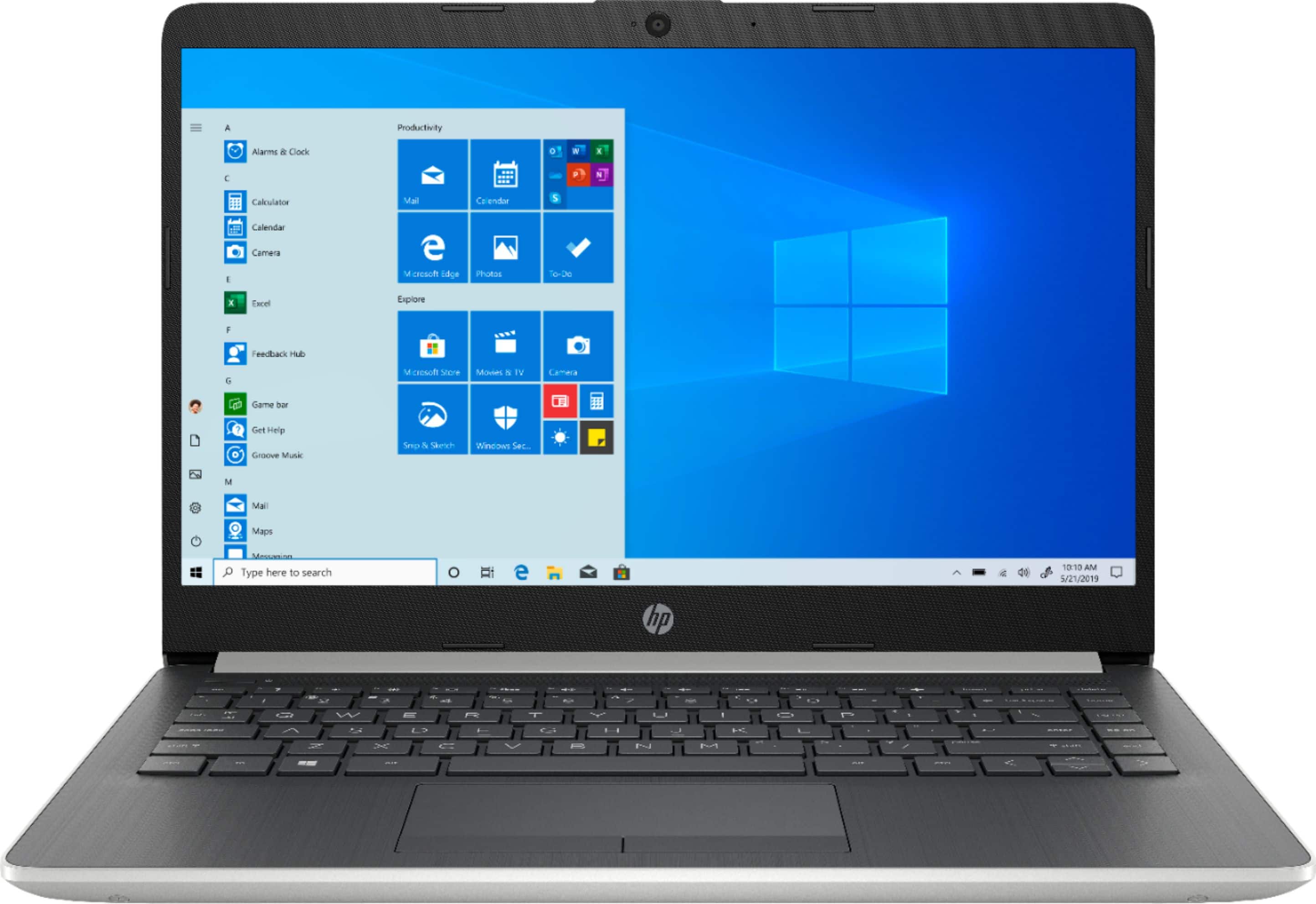
A:AnswerThe processor is fast enough for most college work. However, with only 128 gigabytes of storage, you'll probably run out of storage if you need to keep a lot of large files.
A:AnswerI researched this quiet a bit for work and school. This model is user-friendly, durable, and a good buy. My wife uses this for school and my daughter for research. Be advised: My kids also use this but with supervision. (Broken a screen or two before.) The only complaint I have is not with the product but with Windows 10 S. The program blocks some of my kids websites for school so we use a different laptop. However, this can be reverted to just Windows 10. (I just chose not to do it.)
A:AnswerI would contact HP support at https://support.hp.com or call them a 1-800-HP INVENT.
Before you do that however, you might want to check out this troubleshooting guide that is very helpful with many PC challenges:
https://support.hp.com/us-en/product/hp-14-dk0000-laptop-pc/25040281/model/29204894
A:AnswerYes if you have the software pre loaded on your PC. You do not have to have WIFI to use this laptop. You can use the laptop offline unless your software specifically requires it.
A:AnswerIt can but won’t be able to store a whole lot on its hard drive. But you can get an external hard drive and connect to for additional storage space.
A:AnswerNo ,this computer does not come with a spreadsheet or word processing software. I purchased Microsoft Office 365 to obtain this capability, but it was well worth it. This computer is a fabulous computer for the price! I really like this computer better that my far more expensive Lenovo laptop.
A:AnswerYes, this computer meets the minimum requirements to play The Sims 4 and The Sims 3. You will need to switch of S Mode to play the games. It is free and easy to do. Here are more details: https://support.microsoft.com/en-us/help/4456067/windows-10-switch-out-of-s-mode