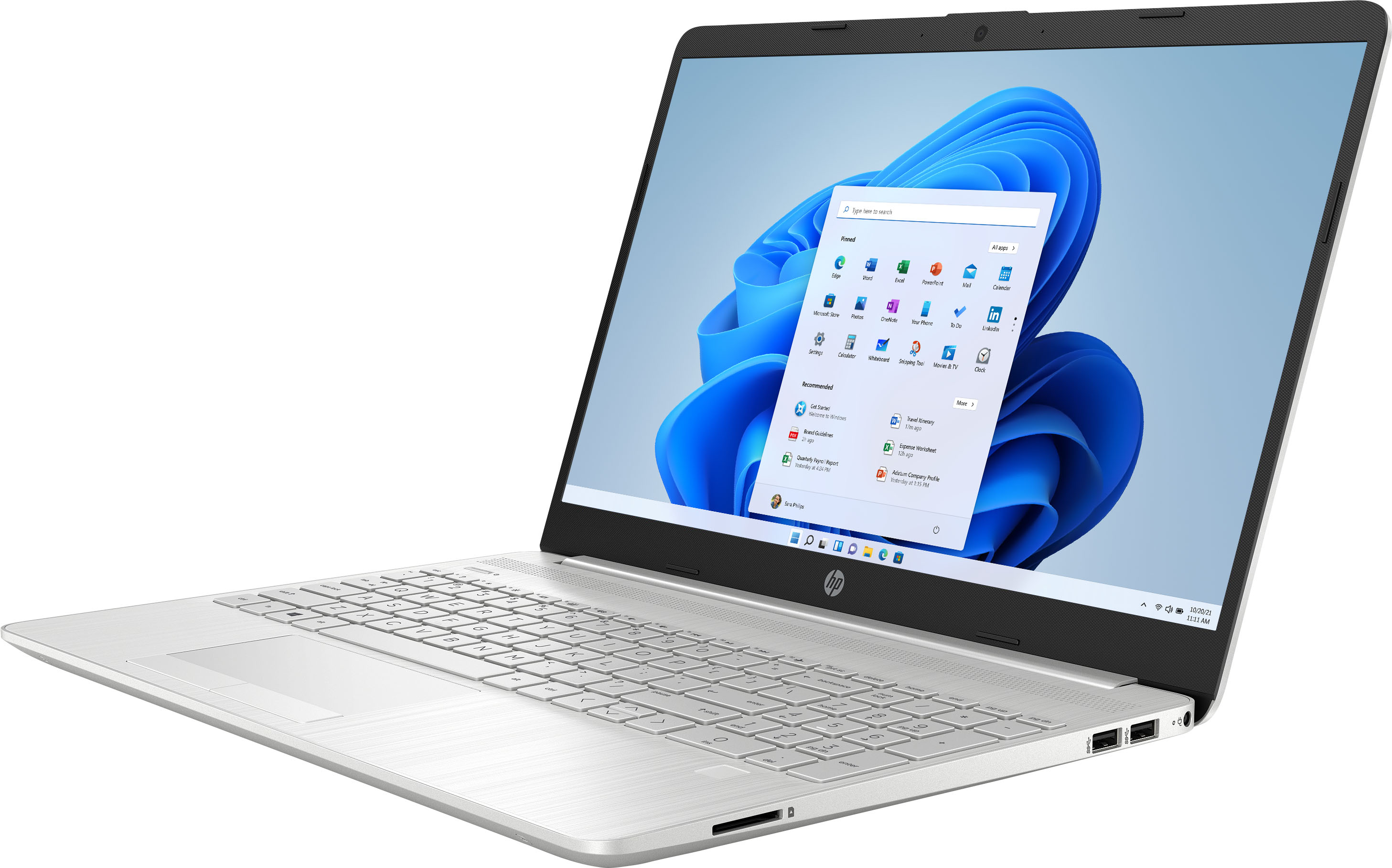
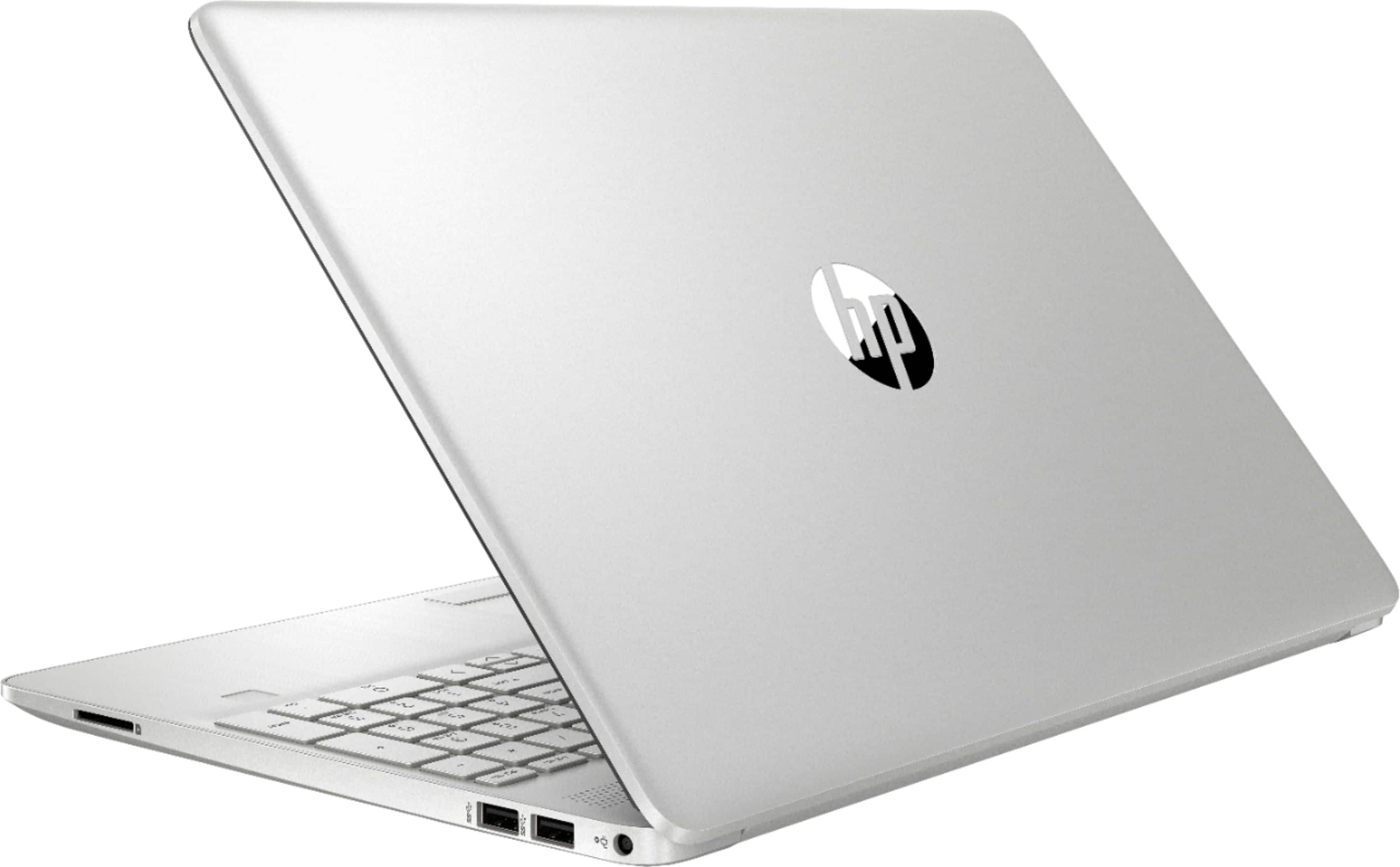
A:AnswerThank you for the question. Photos tend to use a lot of space. This laptop has 256GB of storage; you might want either a model with a larger capacity SSD (512GB or 1TB), or you can use an external drive connected to the USB port.
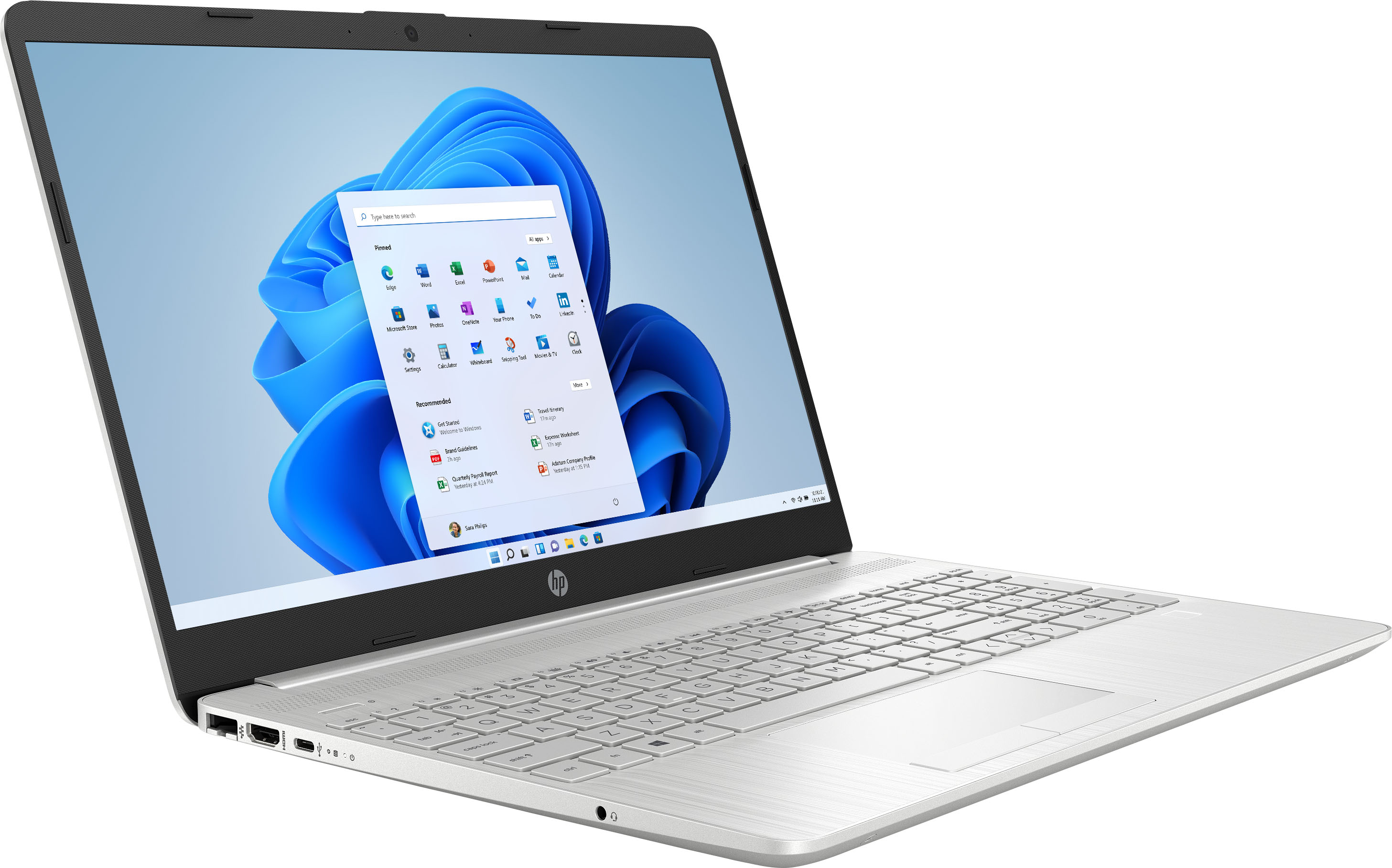
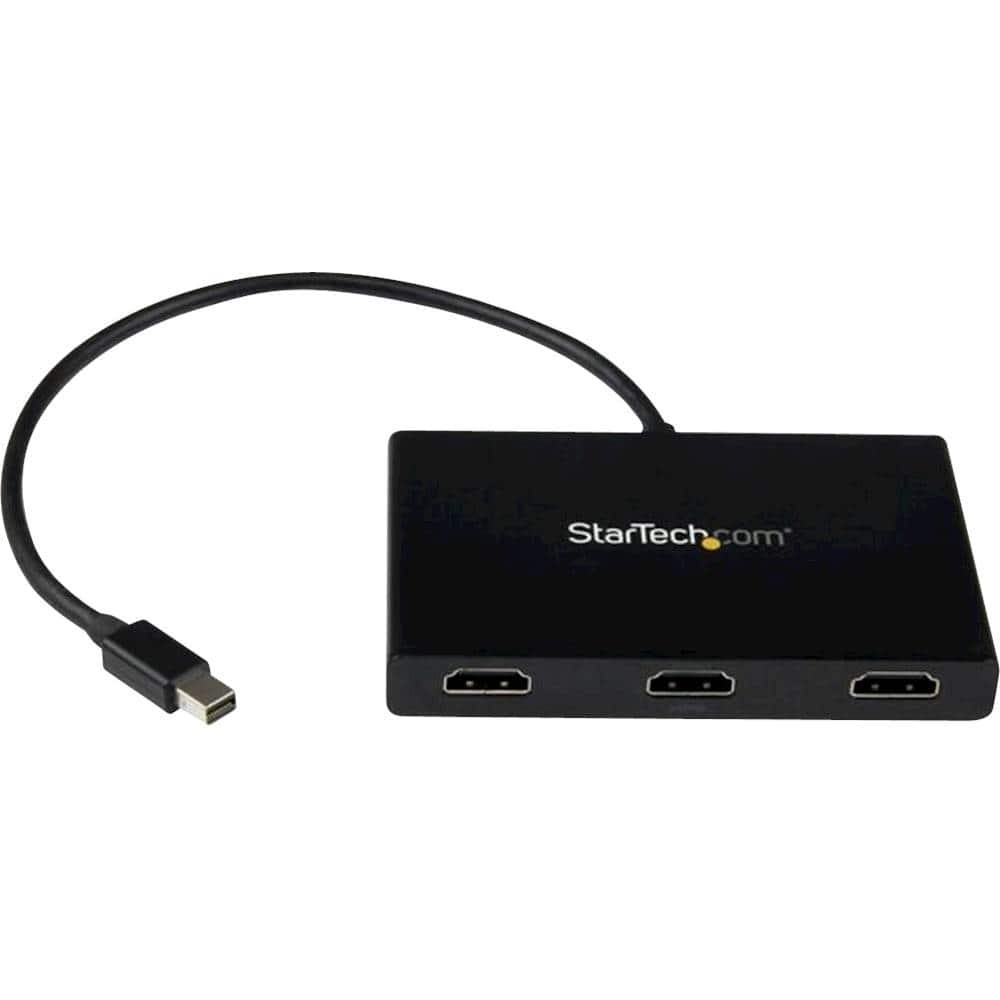
A:AnswerYes this laptop will support two external monitors and its native screen. You can do wireless displays or wired. The laptop only has 1 HDMI port though so you would need a HDMI splitter/hub to connect more than 1 monitor or use the wireless display option. Below is a link walking you through how to setup multiple displays.
https://screenrant.com/windows-10-laptop-dual-monitors-setup-explained/
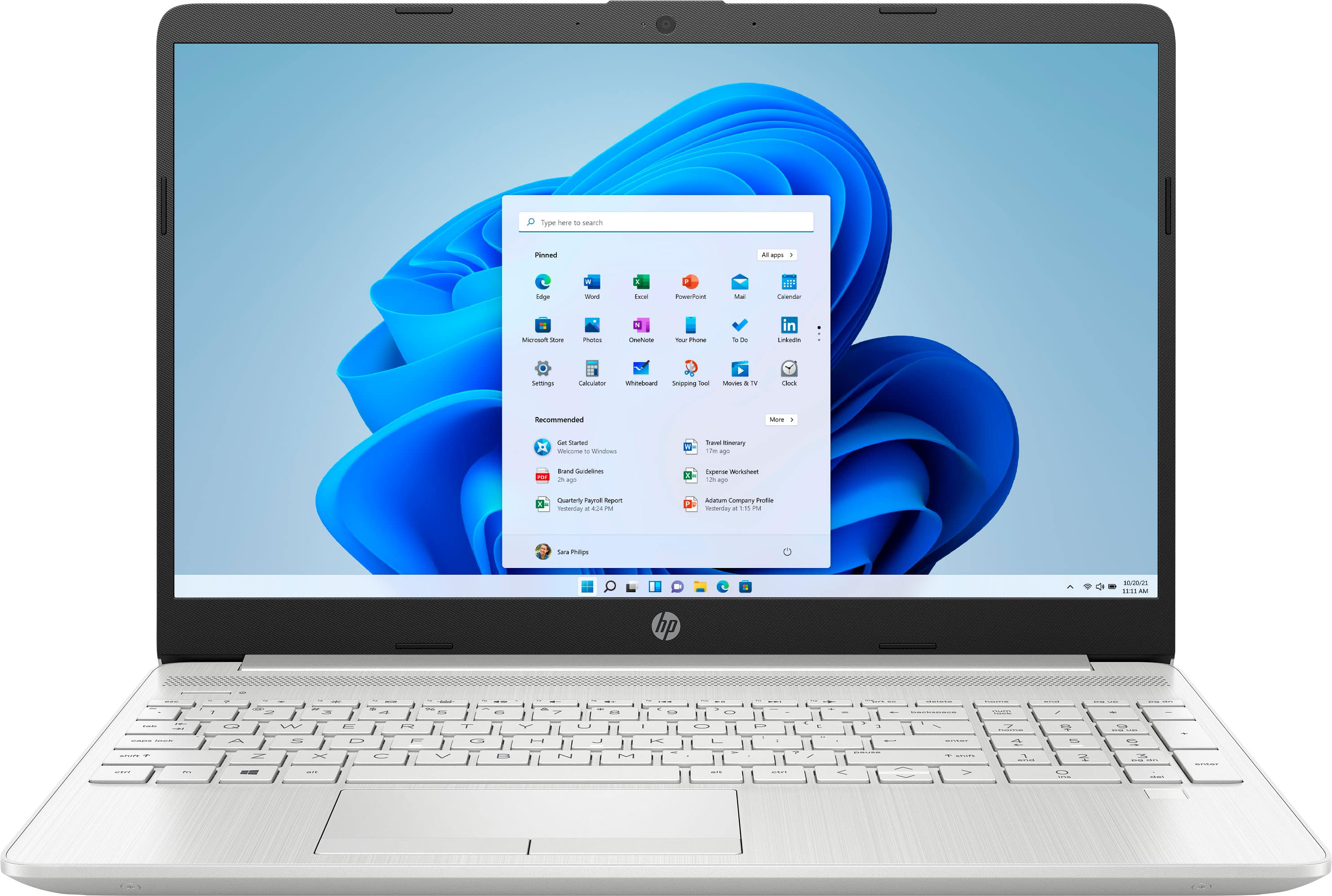
A:AnswerHello Bones. Thank you for your question. As per the information provided on the retailers' website, this HP Laptop 15-dw3033dx does not come with a backlit keyboard. You can check more technical specifications about this product here:
***https://support.hp.com/th-en/document/c07593837***
Thank you for choosing Intel!
A:AnswerIt tends to bog down a bit if I try to run a bunch of apps at once, or load a handful of youtube tabs at once, so I don't think the processor would handle gaming very well.
A:AnswerThanks for asking! Yes, the laptop comes with a 1 month trial for new Microsoft 365 customers. After the trial, you can upgrade to a one year subscription at a time for $70 / year.
A:AnswerTheoretically, yes-if you know what you're doing. But it's fairly major computer surgery so if it's not something you're familiar with, the safest option is to have the Geek Squad do it
A:AnswerI'm a little confused, because you're asking about upgrading the memory, and then asking about what types of storage the computer uses. The RAM can be upgraded up to 64 gigabytes. You can also upgrade the storage by replacing the SSD with a higher-capacity unit. There's no space to mount a traditional HDD in the computer.