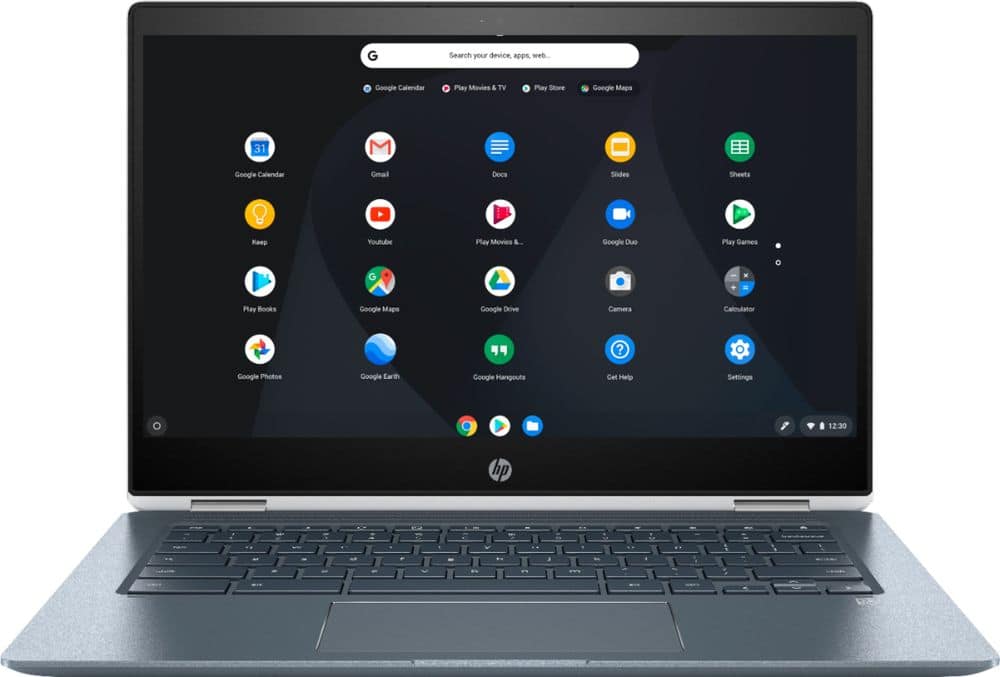
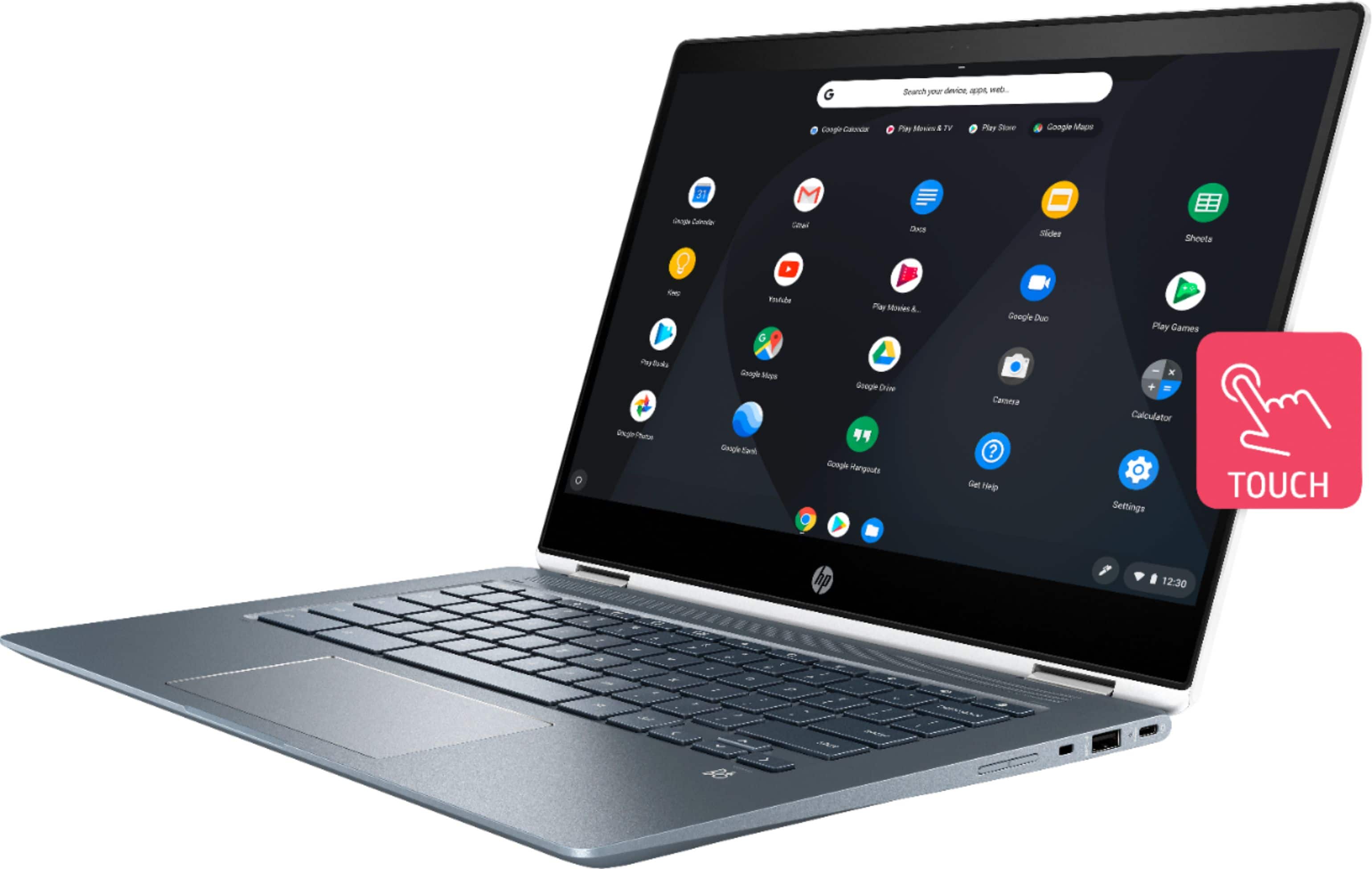
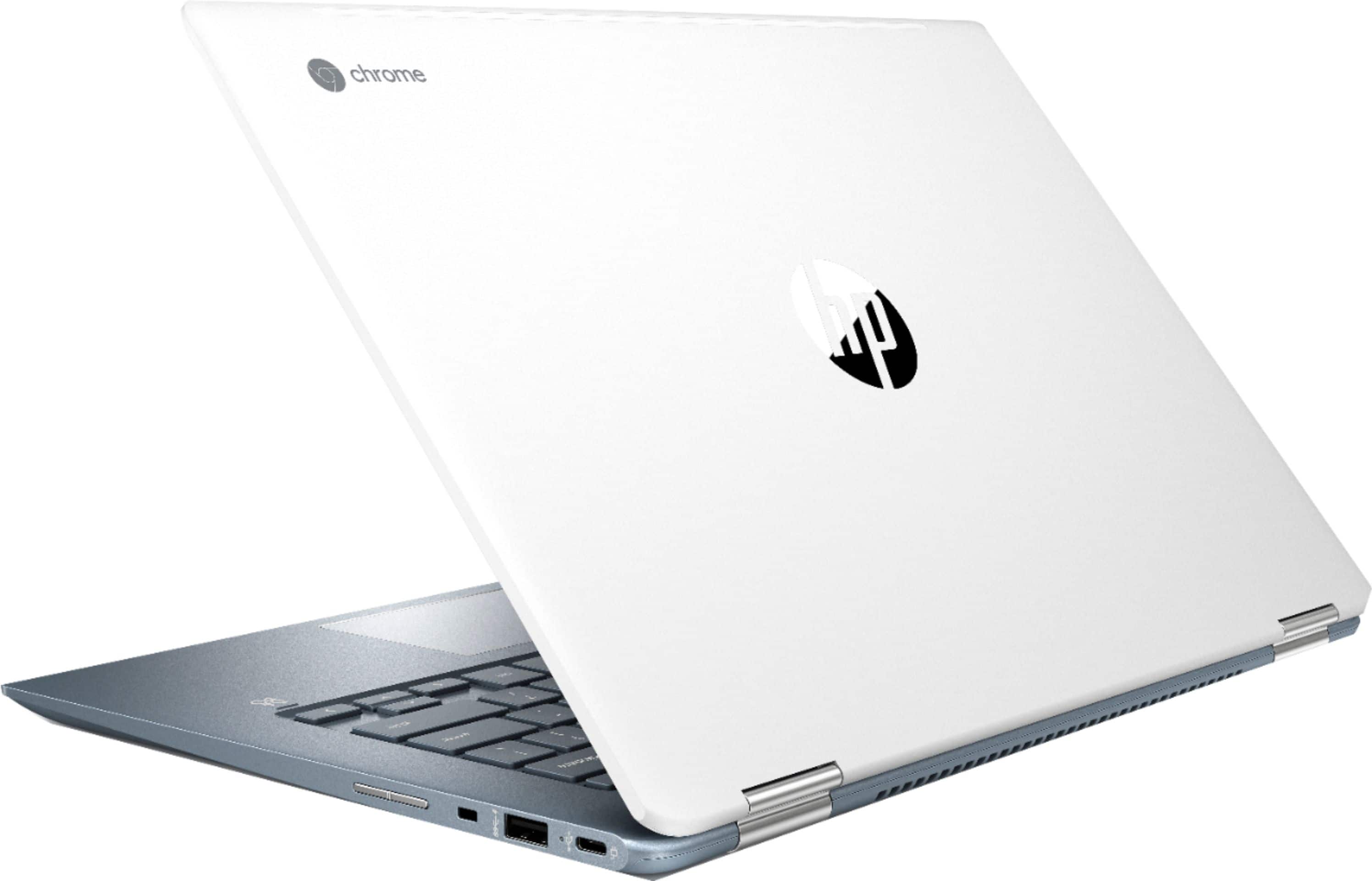
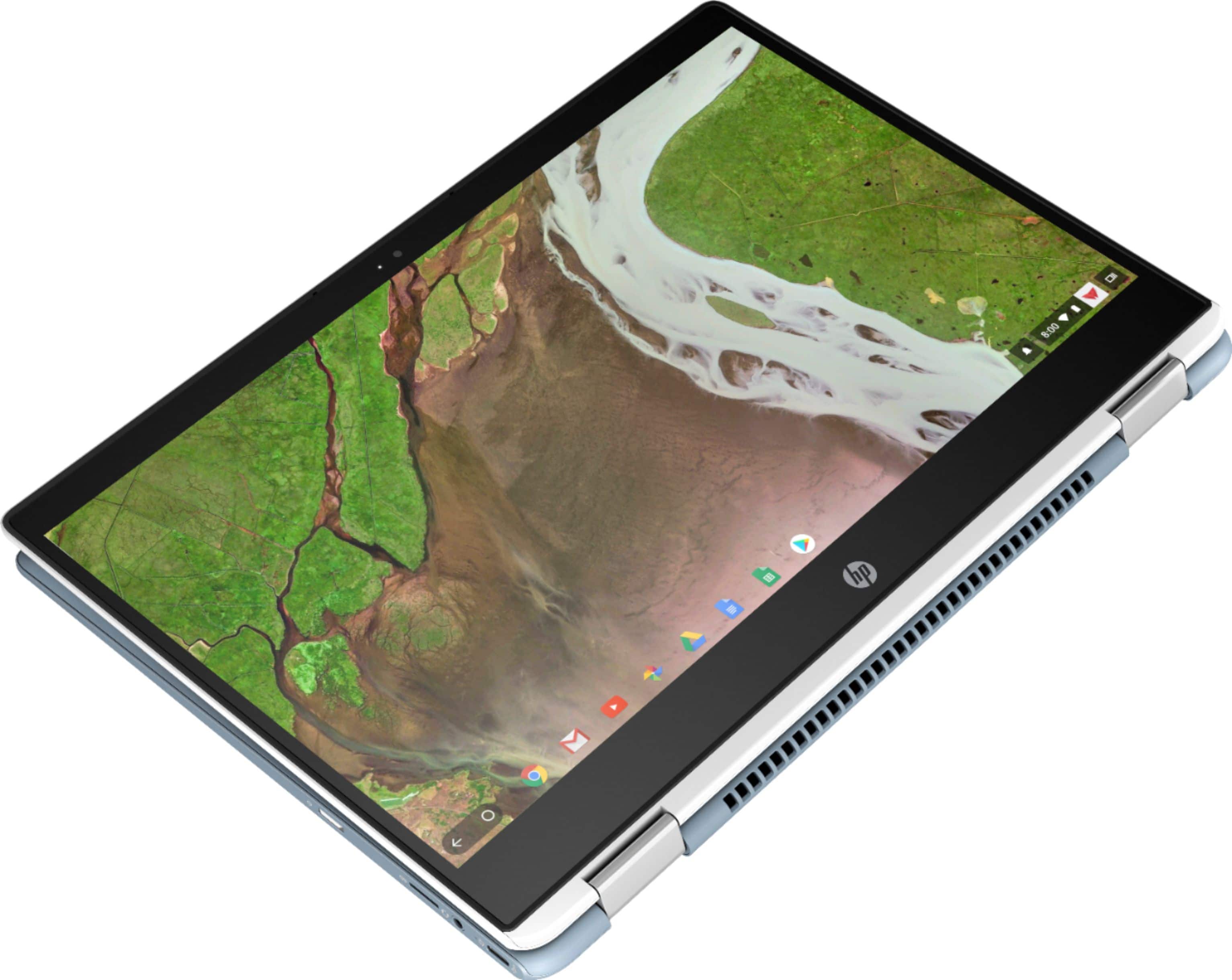
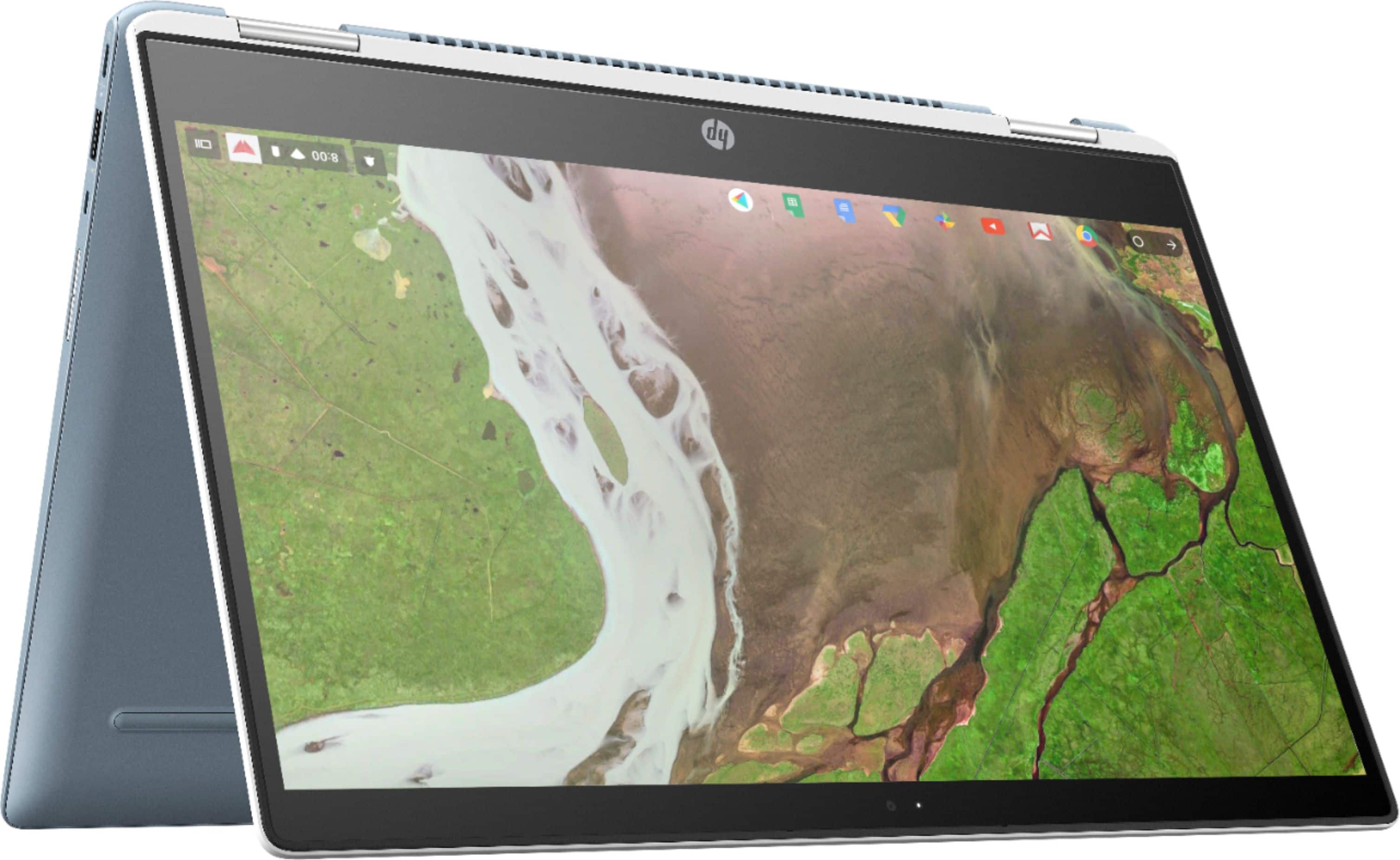
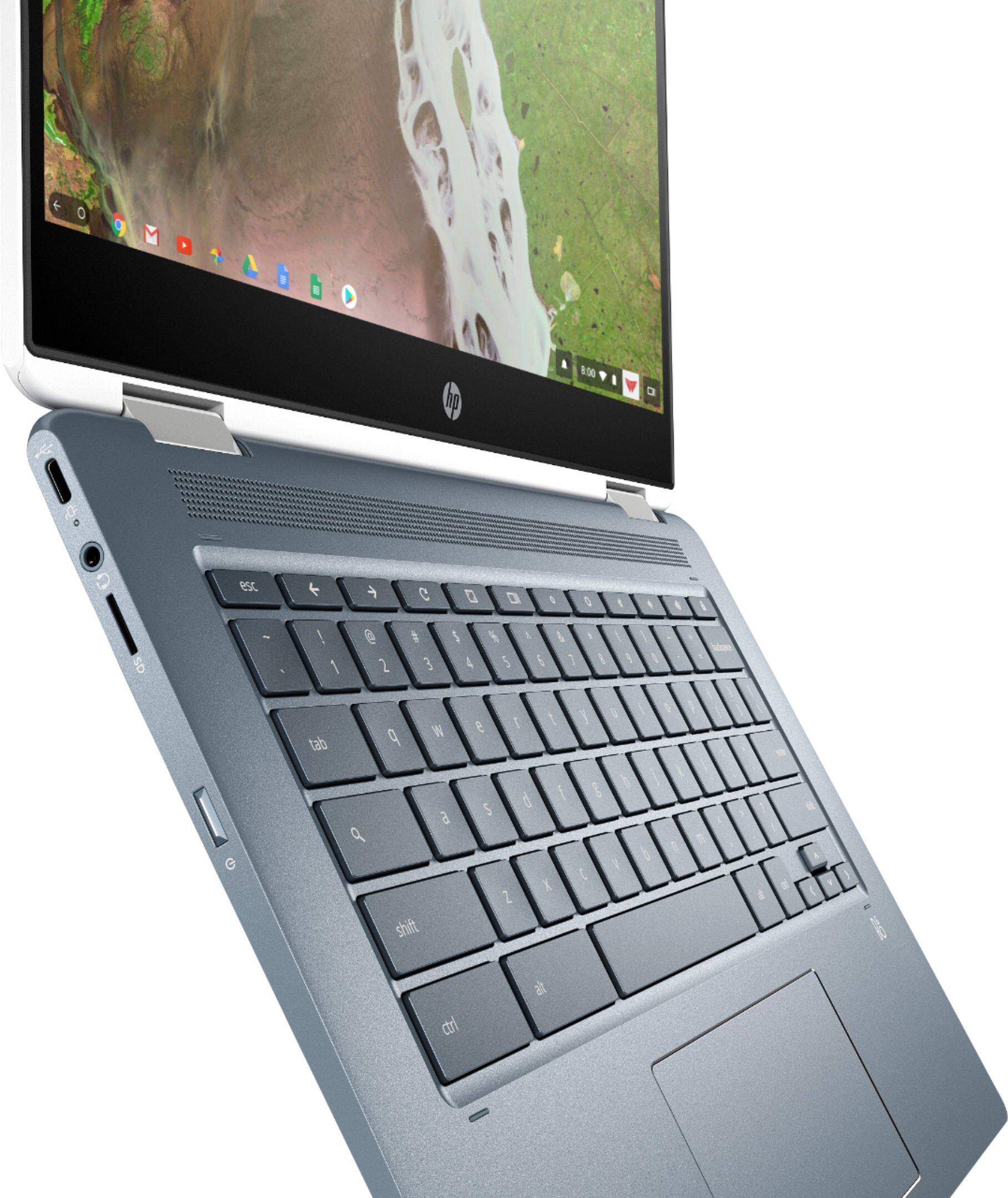
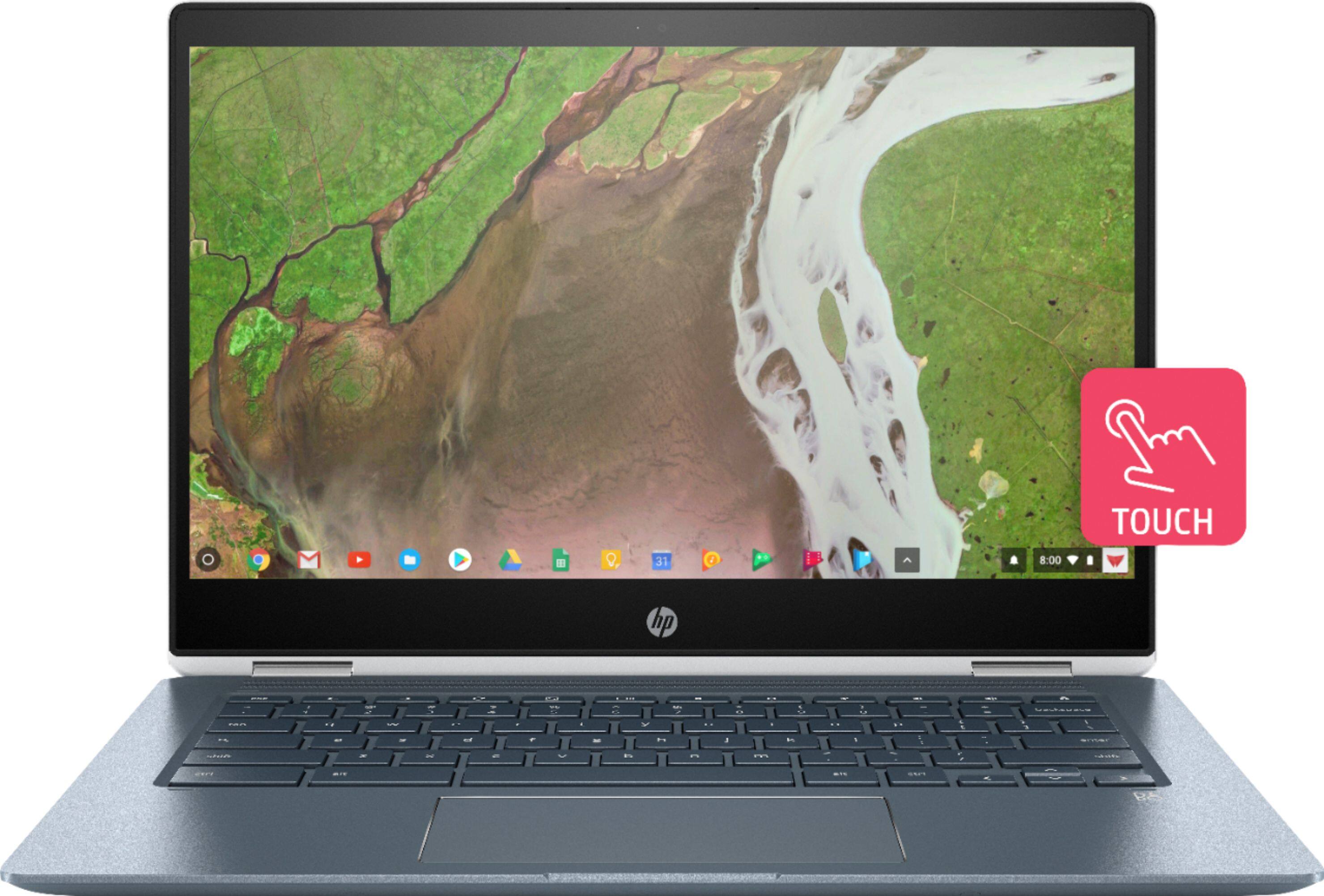
A:Answer You can configure it to keep going with just the external monitor while the lid is closed on the Chromebook itself. For two monitors, you'll need the screen on the unit for the moment. Display Port MST support (so you can have two external & extended monitors) appears to be coming in the next major release of Chrome OS, so with the right USB-C docking station, you can drive two external monitors in extended mode by daisy-chaining the display port interfaces.