A:AnswerThis will be something related to Zoom and not HP. Try this link it has instructions for setting up backgrounds and other helpful information related to Zoom. https://support.zoom.us/hc/en-us/articles/204674889-Zoom-Rooms-Customized-Background
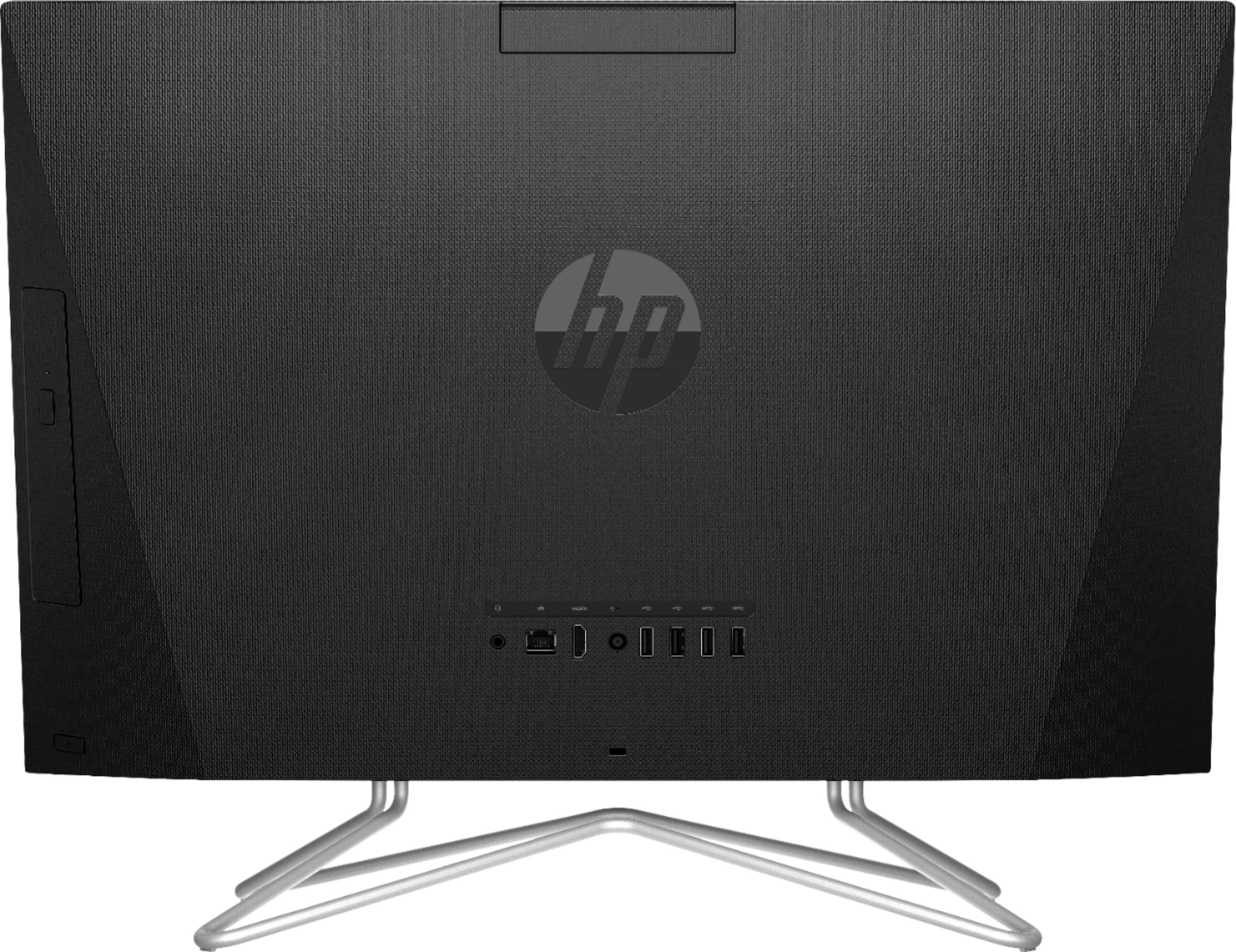
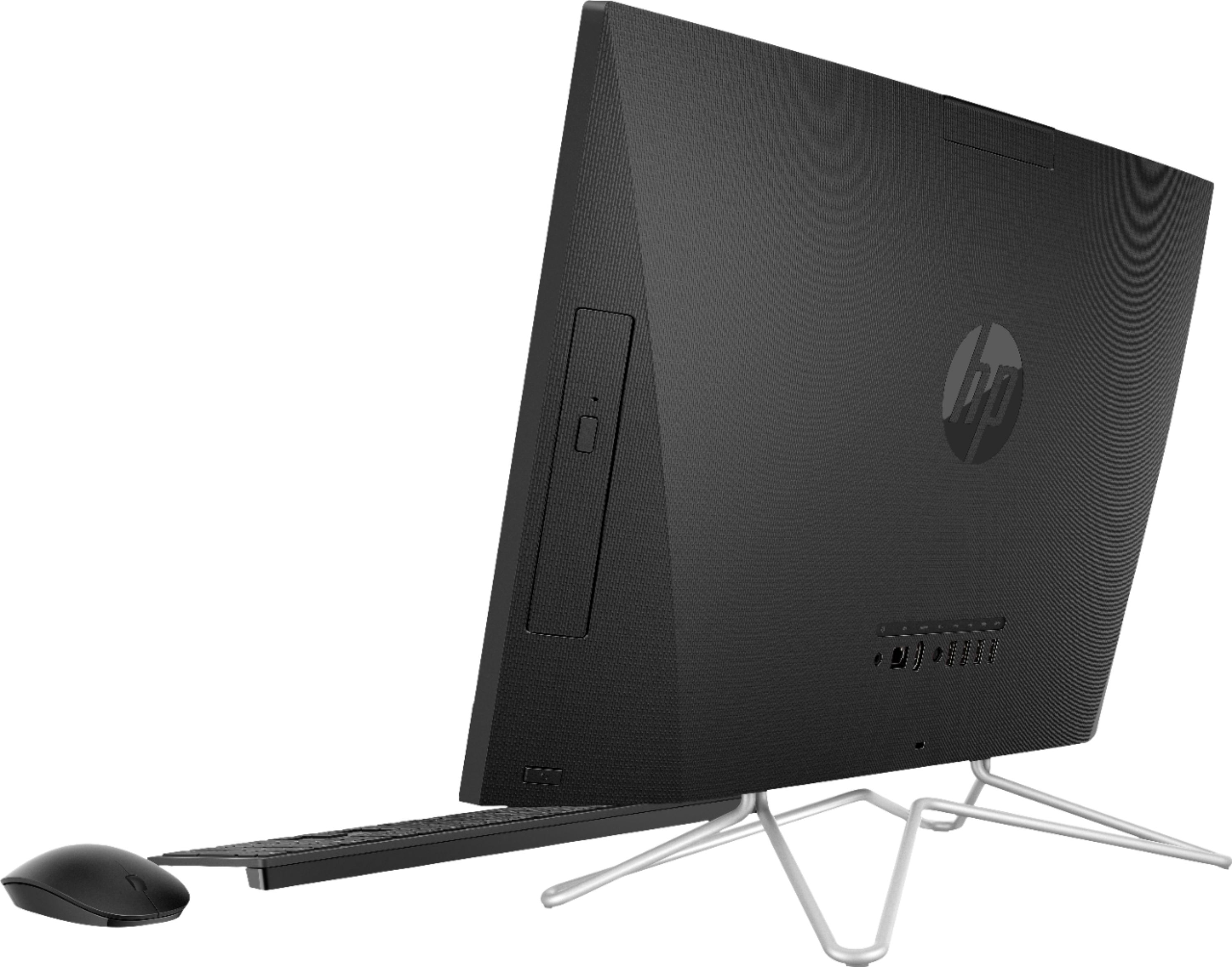
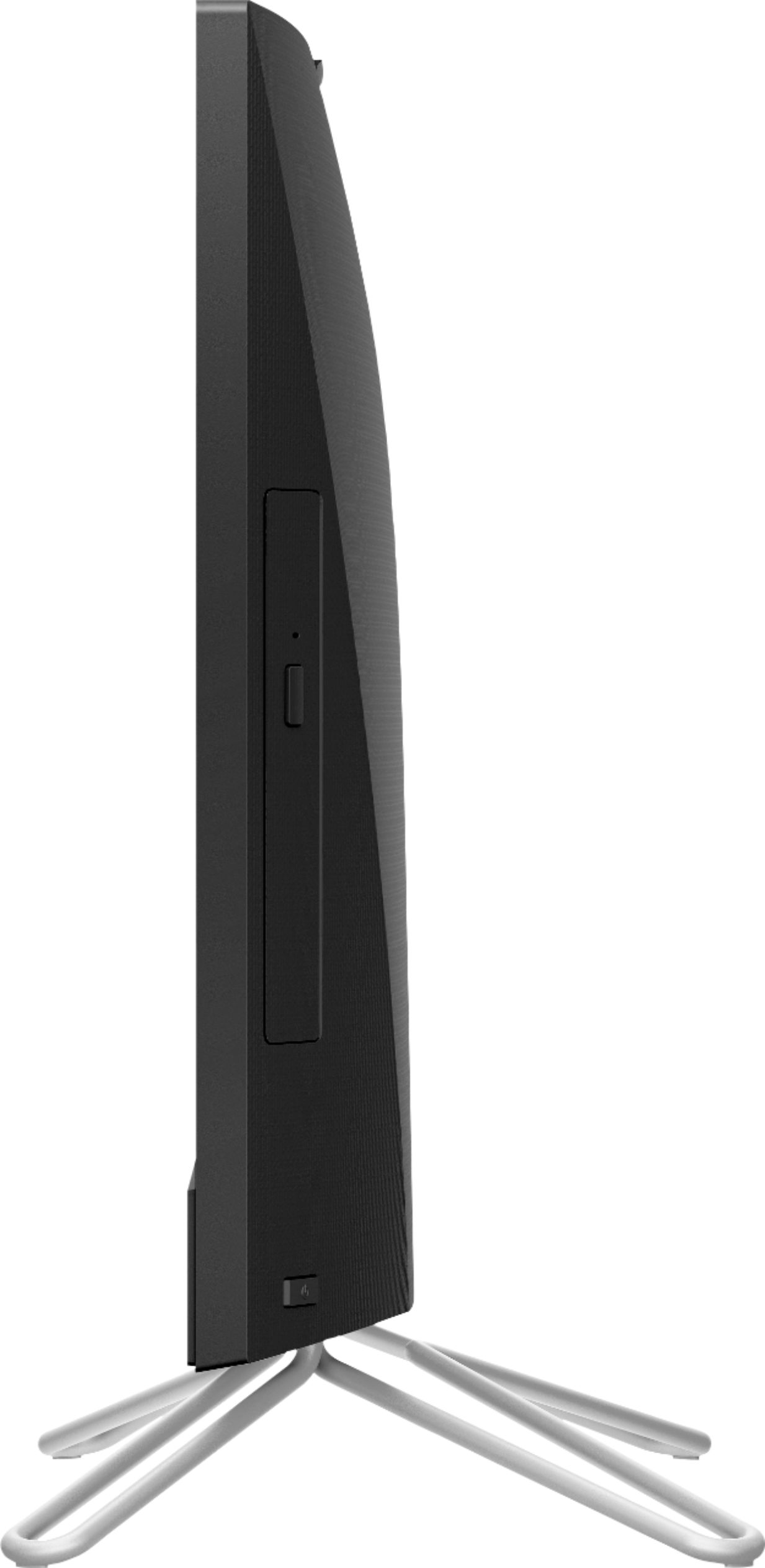
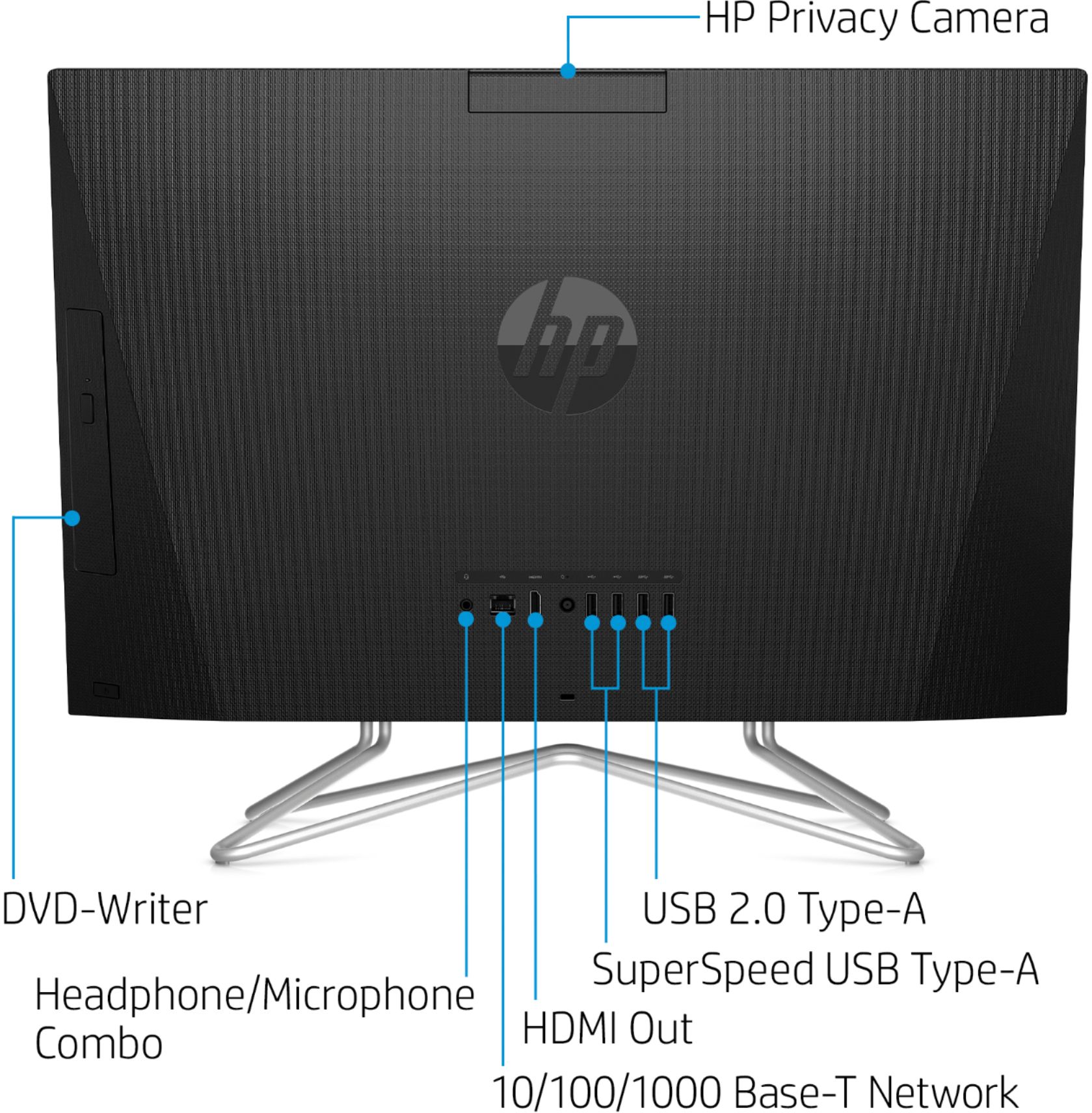
A:AnswerMost all of the HP All-In-Ones contains an optical drive that will allow you to play a CD. The HP - 23.8" Touch-Screen All-In-One you are viewing does have one.
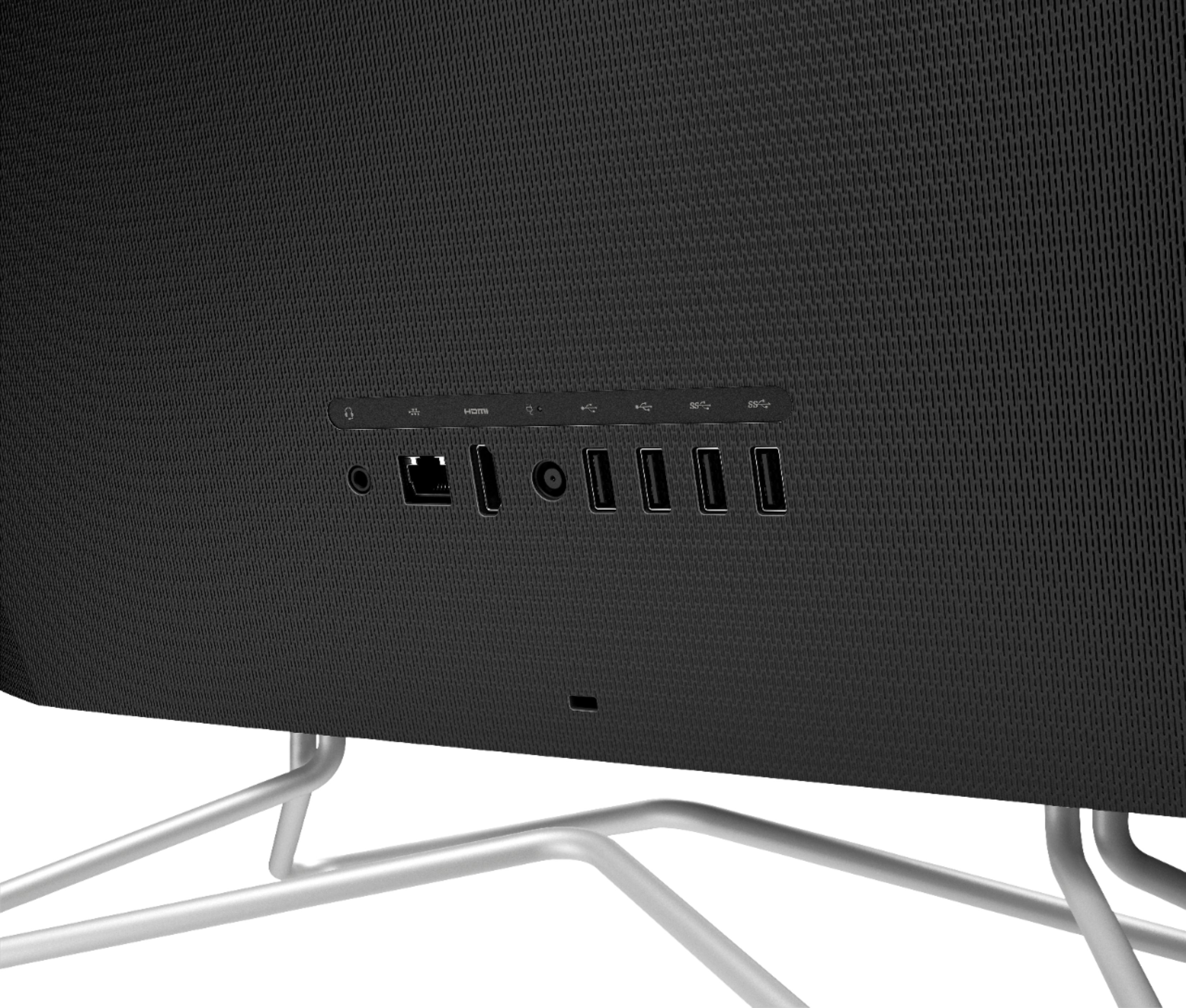
A:AnswerYou will not be able to use the all in one as a monitor. It has an HDMI out port to connect a second monitor, but there is no way to use the computer as a monitor.
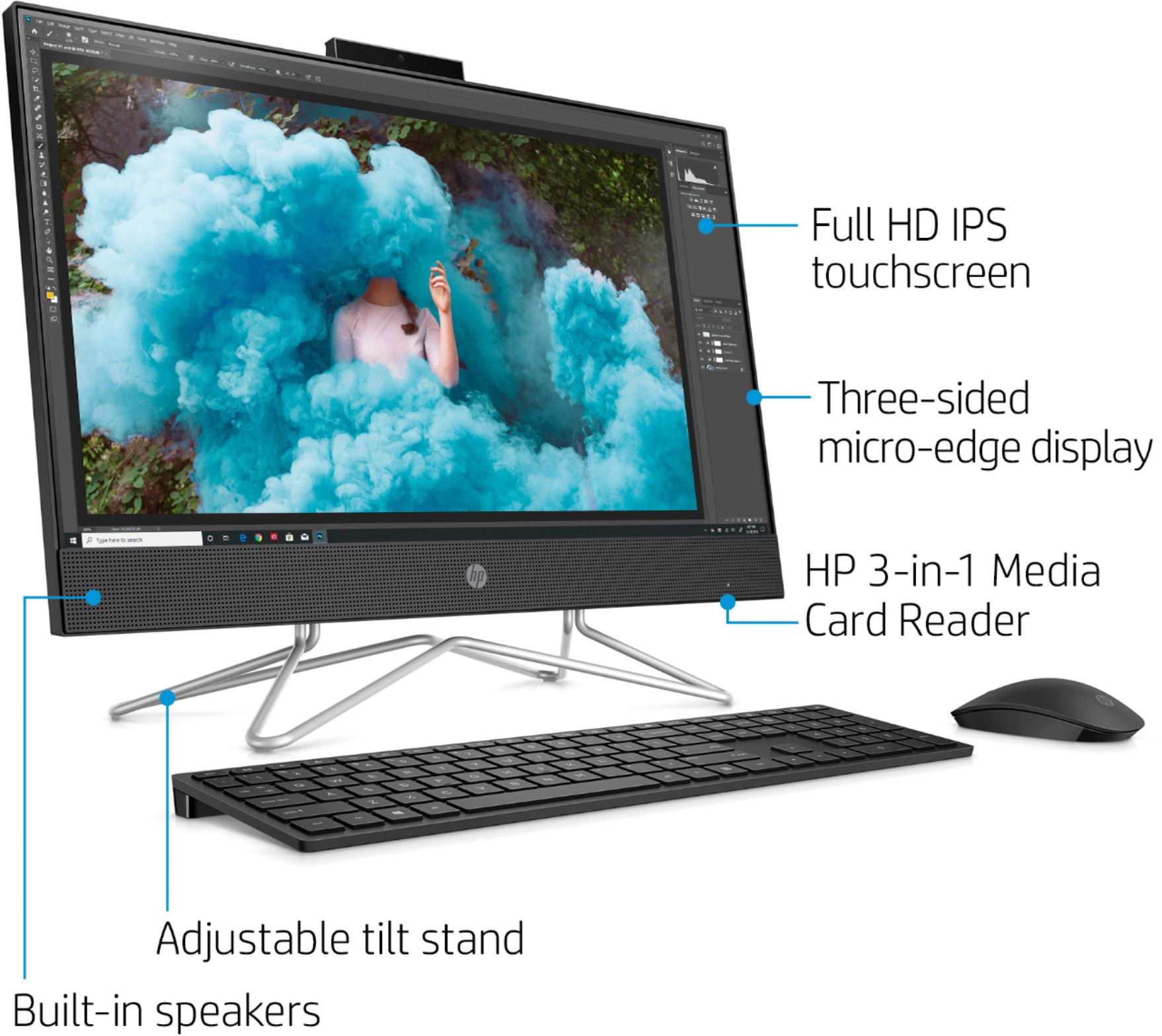
A:AnswerYou can validate the volume of the speakers in the settings and then choose audio. At least on my computer I didn't have to turn on the speakers.
A:AnswerThanks for your question. I'm sorry you are experiencing this. If you feel the fan is not working properly, please contact HP support at https://support.hp.com.