A:AnswerThat should definitely work, but in the event that it doesn't you can always just connect them via bluetooth, that's what i opt for usually because im too lazy to mess with cords
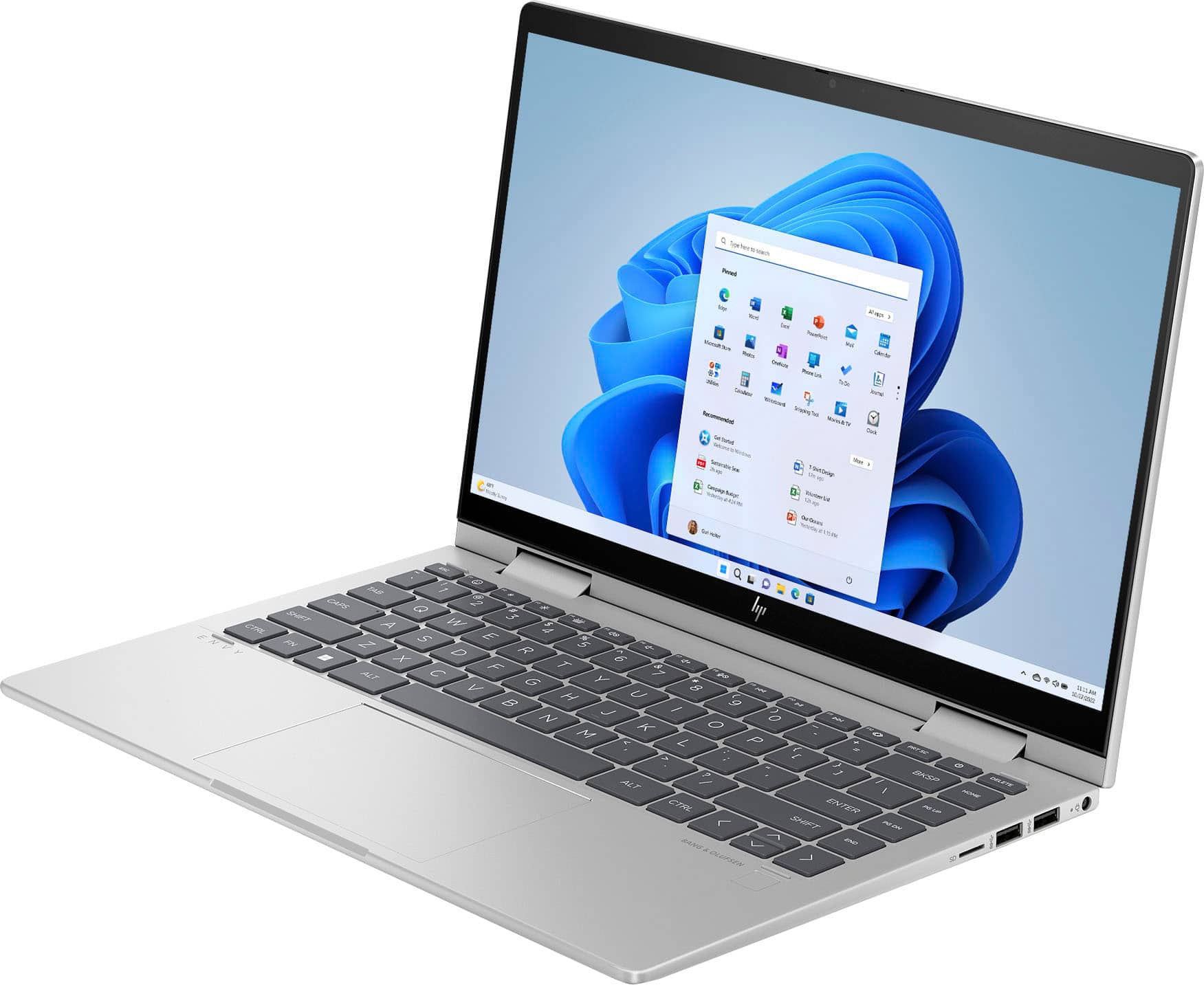
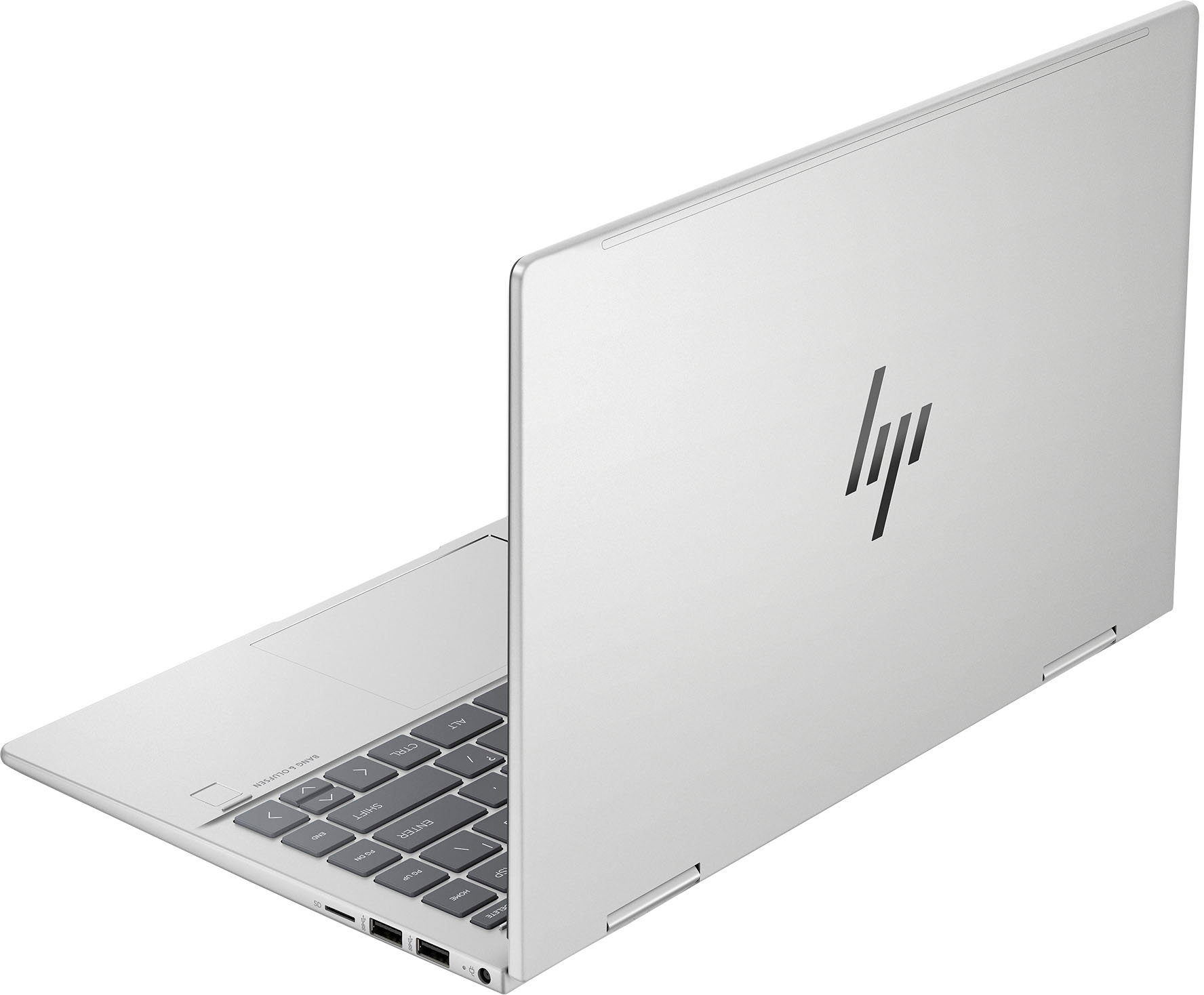
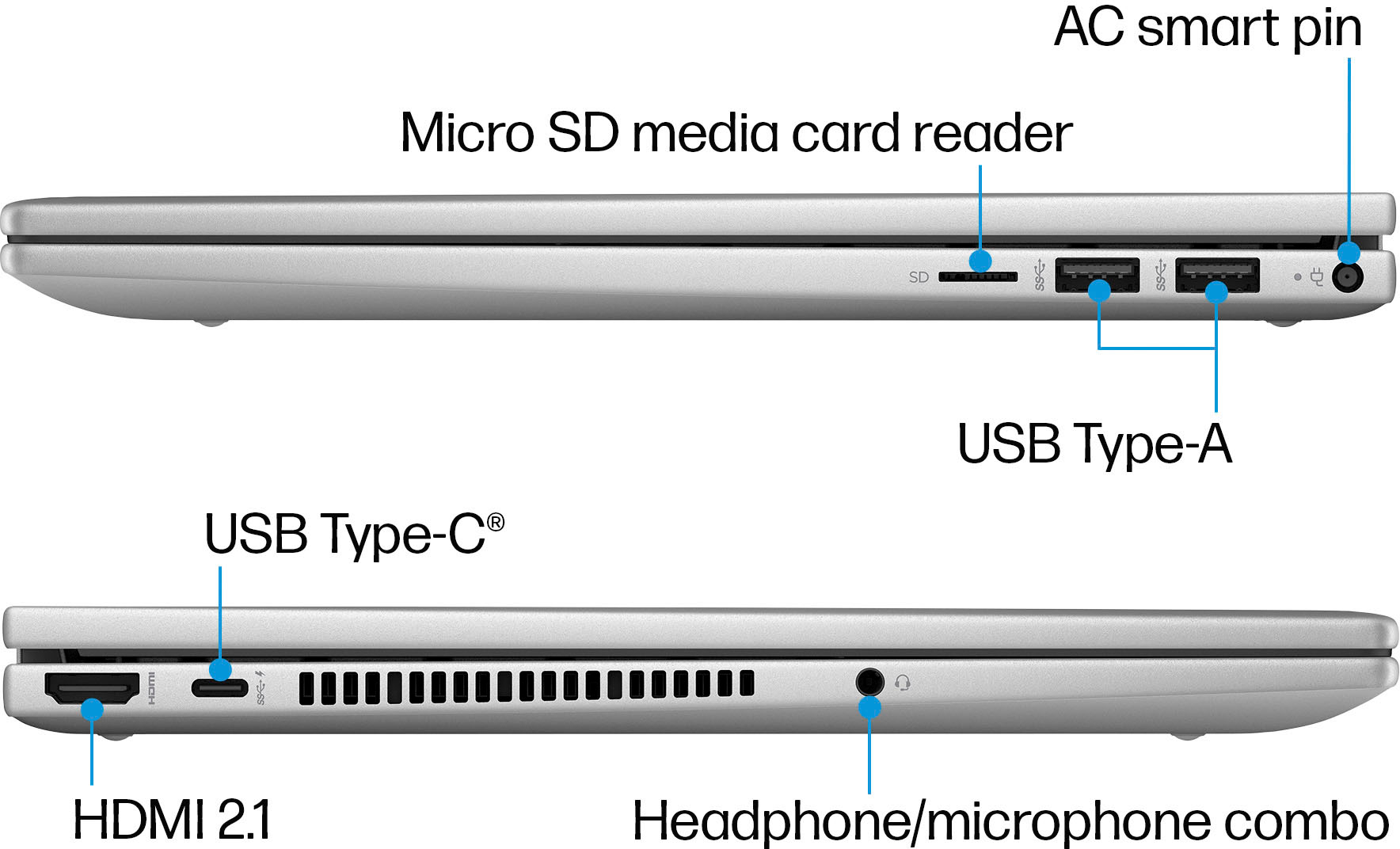
A:AnswerHi there. Thank you for your question! You would be able to connect a wireless mouse to this laptop via Bluetooth if the wireless mouse supported Bluetooth, or with a wireless USB receiver if that is what your wireless mouse used (which would come with the wireless mouse and would plug into one of the USB ports on the laptop).
A:AnswerMine lasts one - two hours. I only run one thing at a time due to this issue. I have to keep plugged in for anything beyond 1-2 hrs. Totally disappointed in the battery life. I don't know if it is just defective or not. But it unreasonable to think I should have just purchased a tablet, if I wanted more than an hour or two of use.
A:AnswerIf your computer and printer are both connected to WiFi and you set it up as a printer through your settings it should. I have an HP printer that is connected through WiFi and it connects and works well.
A:AnswerYes but I would not attempt it yourself unless you are capable with small tools, tiny wire connectors, many little screws and confusing directions. Let the Geek Squad do it.