A:AnswerYou can download the print drivers for your HP Envy 5055 from the HP website. If you Google search for HP Envy 5055 drivers, you will find them.
A:AnswerThe Envy 5055 is a great choice for this kind of use. You can print using just the black cartridge (for lower cost of use). When only a black cartridge is installed, the printer will indicate that it is in Single Cartridge mode and only print black. When you are leaving the printer idle for an extended period, be sure to turn it off using the power button on the printer, then you can unplug it if you wish.
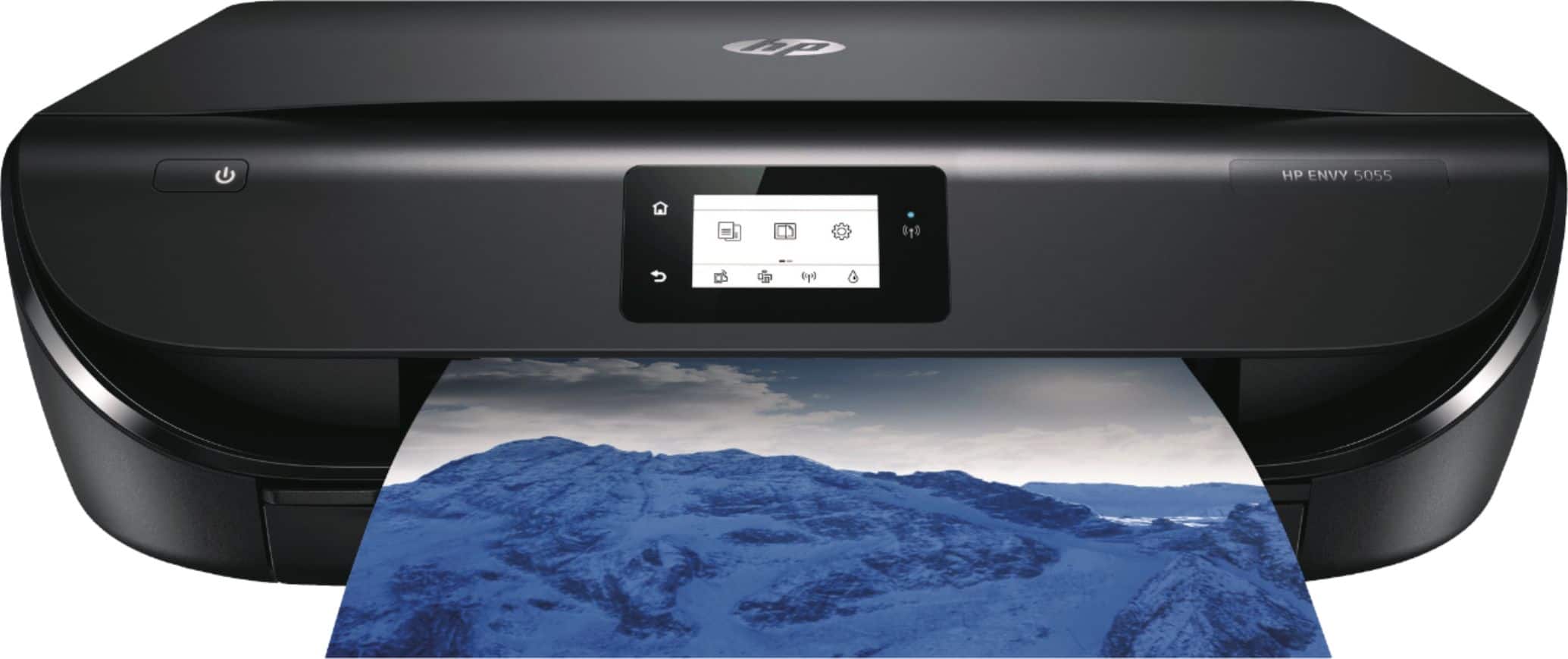
A:AnswerNo, it does not Fax. However you can use the scan function to scan to a pdf, which you can then attach to an email, or use the fax function on your PC to fax it
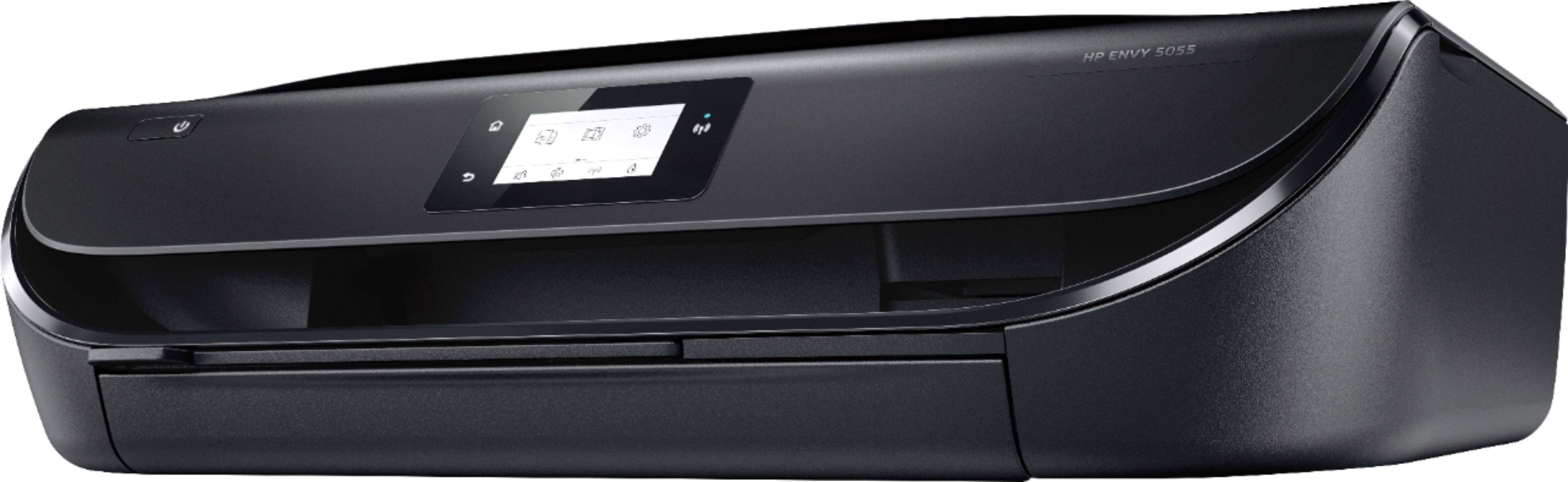
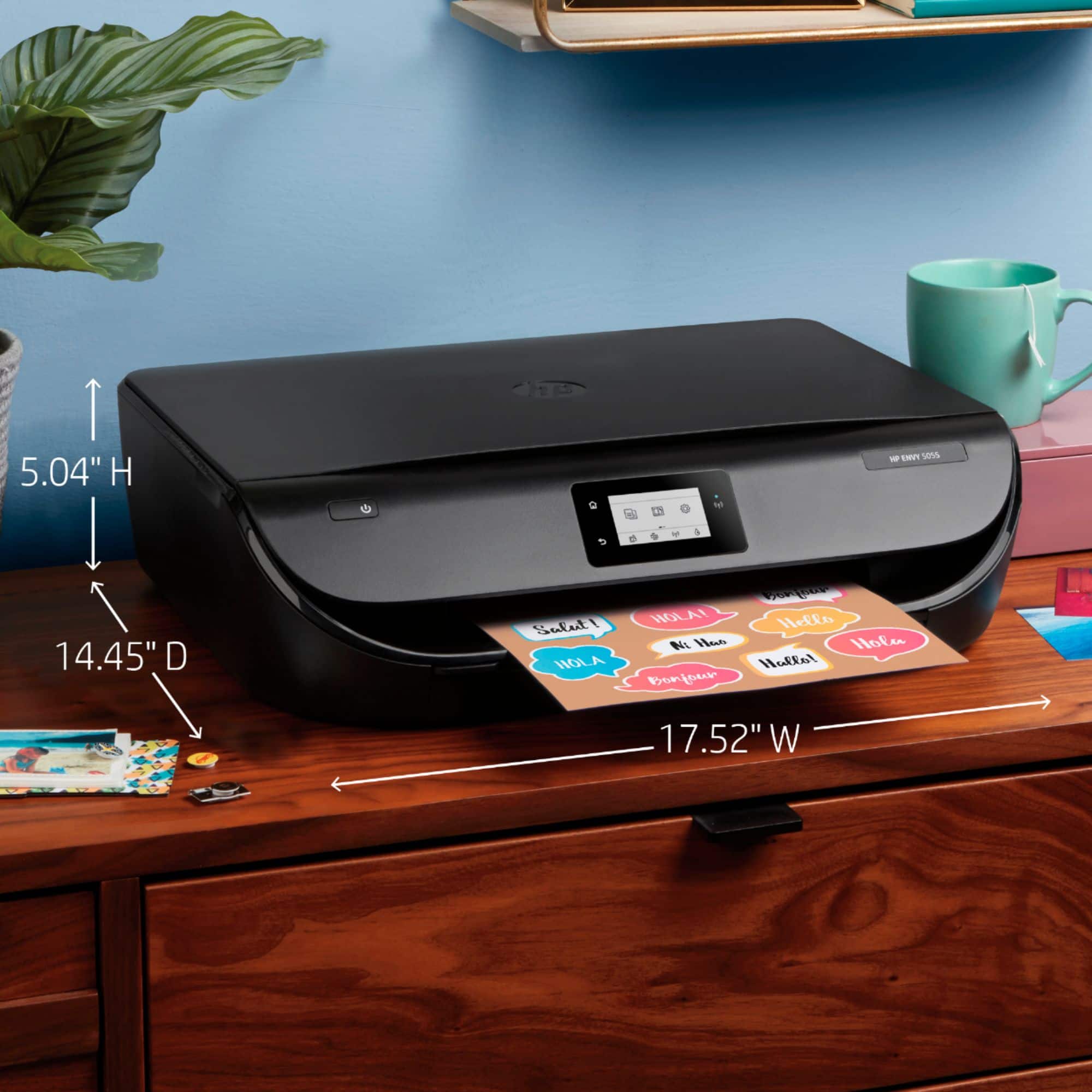
A:AnswerActually, both are correct. The dimensions listed in the questions and answers are the depth of the printer with the arm that holds the printed documents extended. The depth on the picture is if the arm isn't extended.