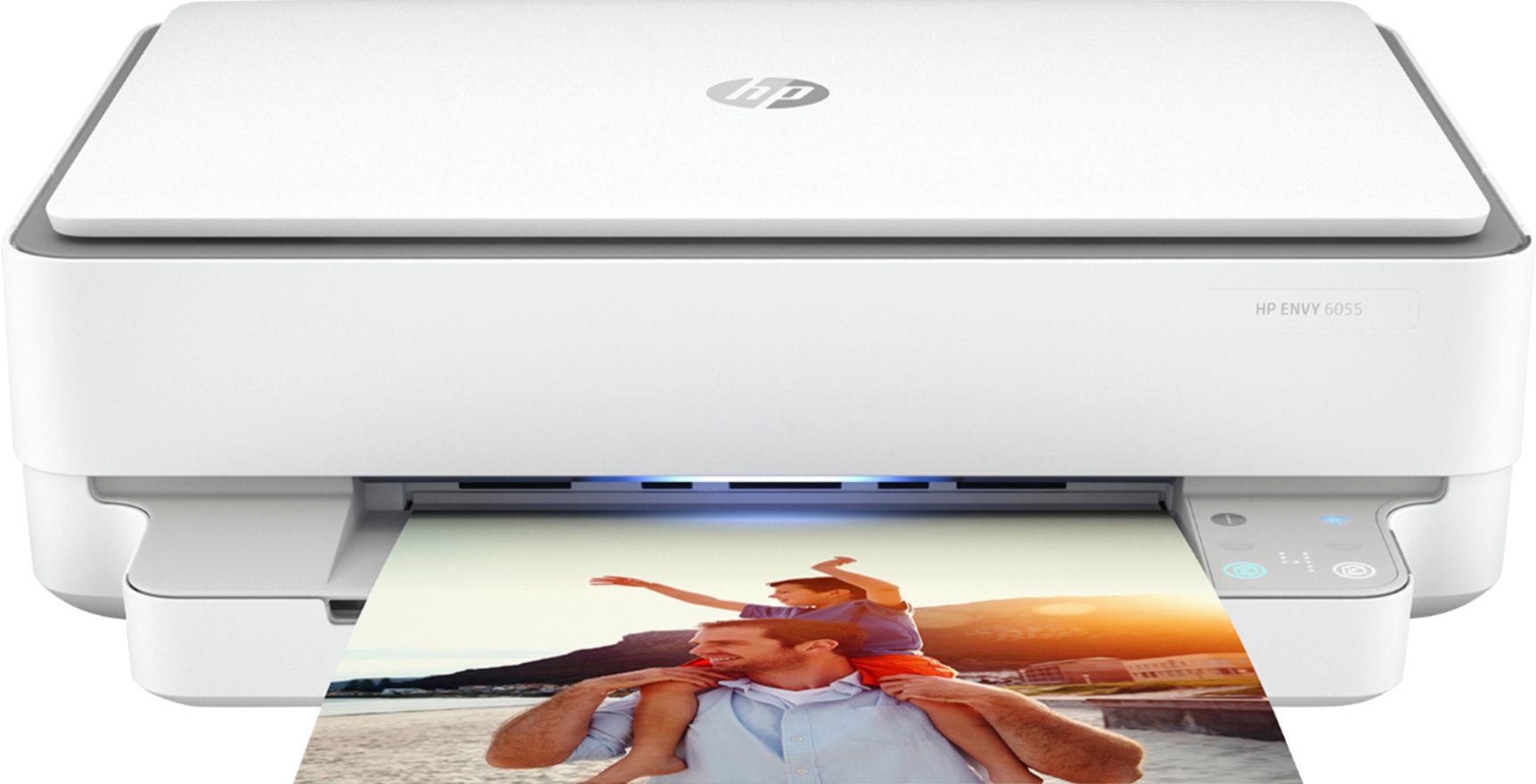
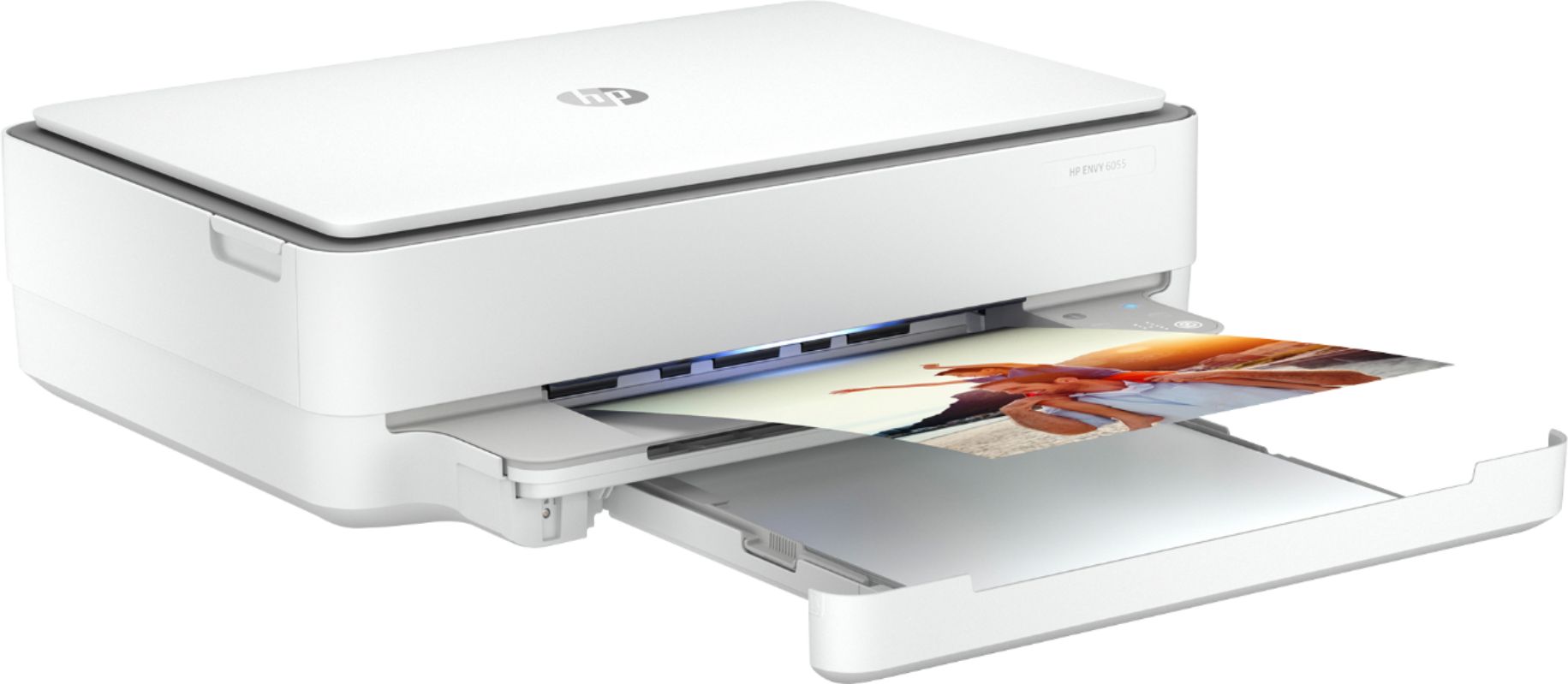
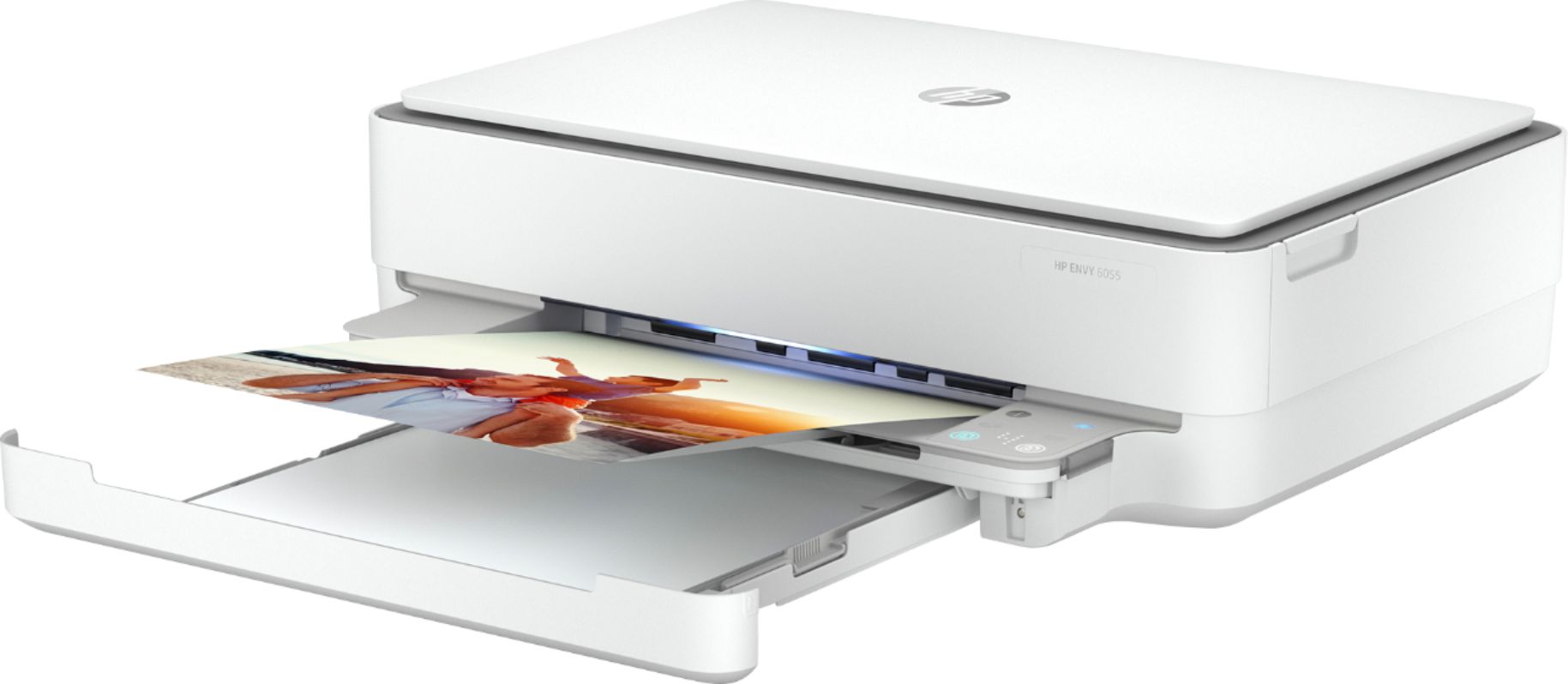
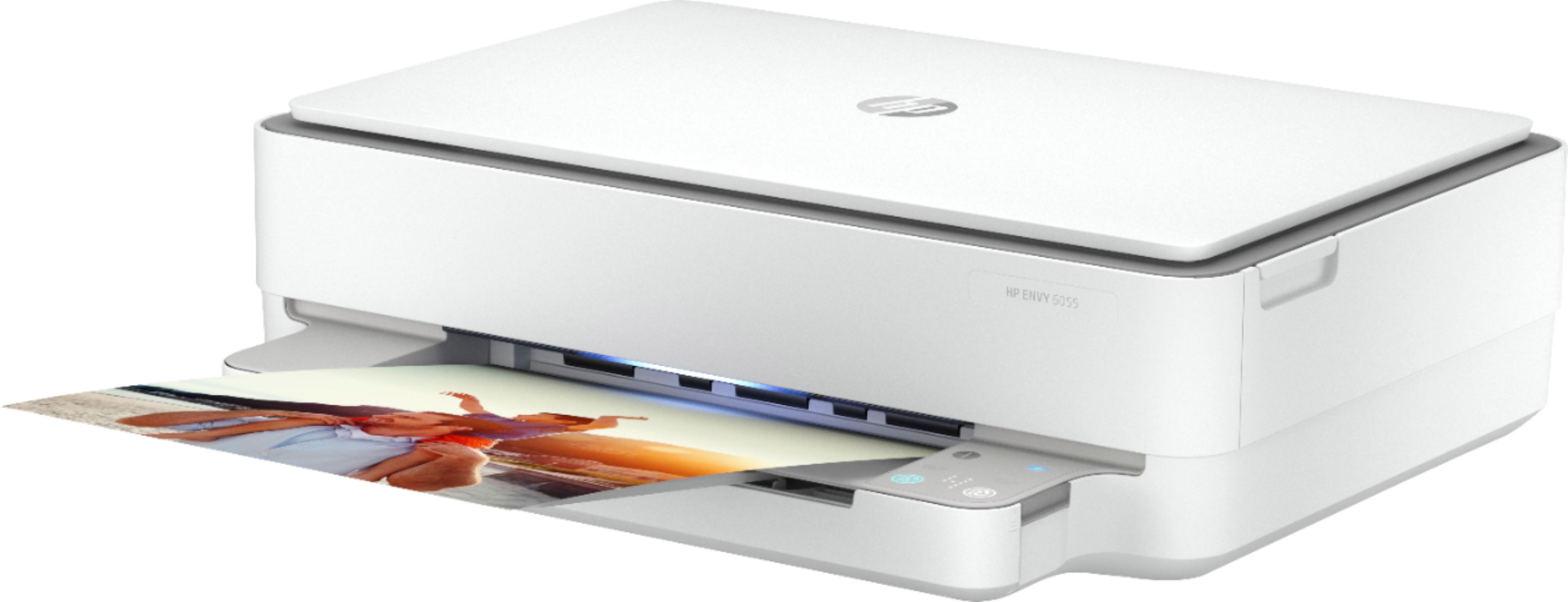
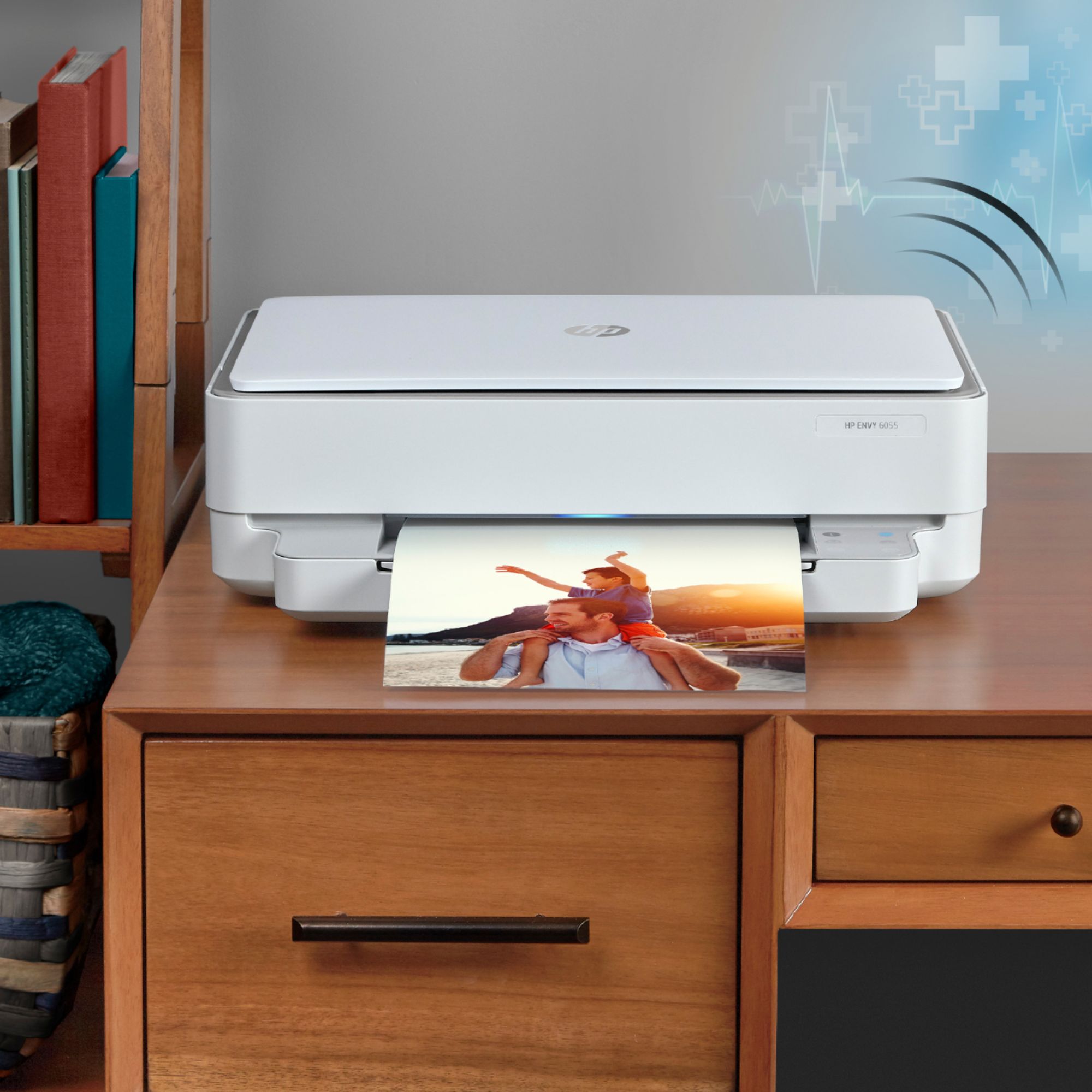
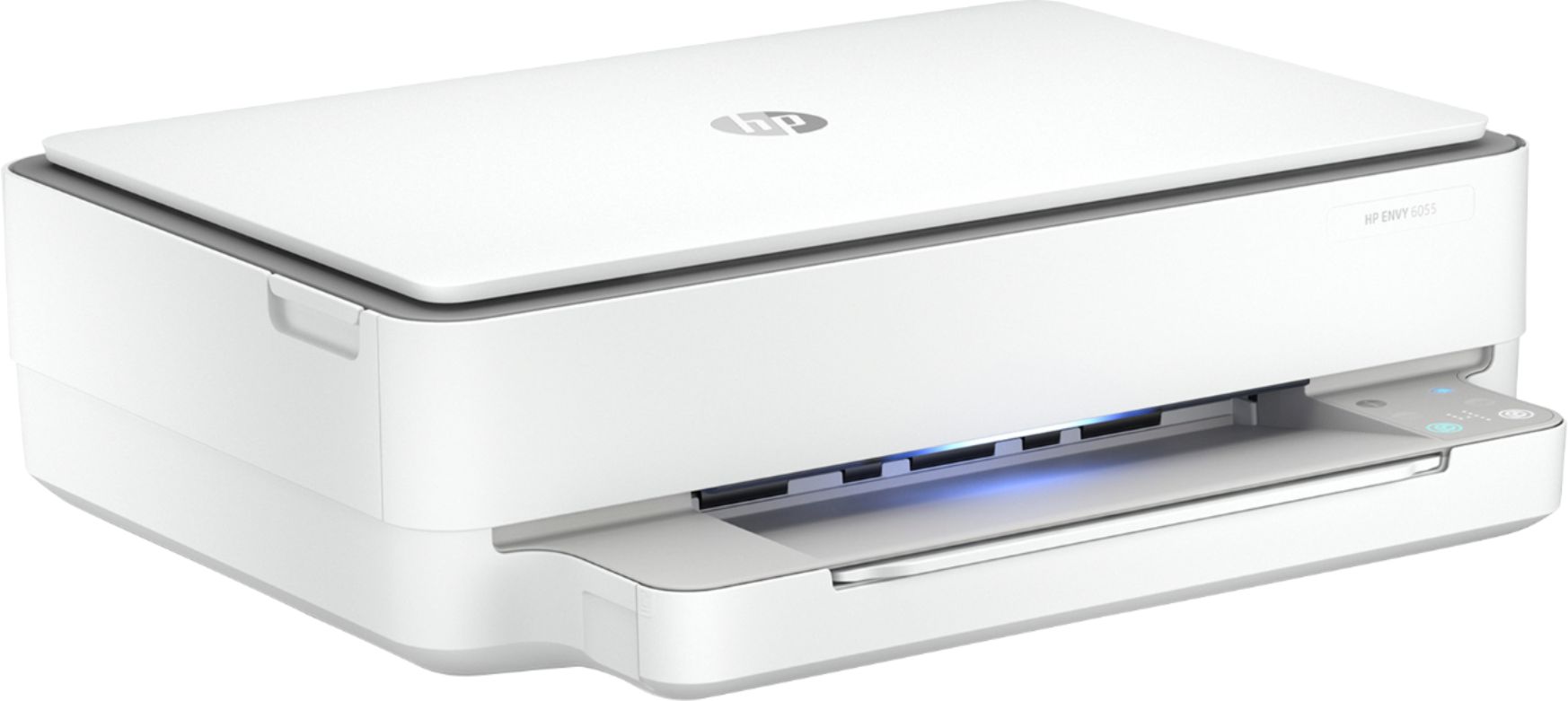
A:AnswerThe paper loads in the same location on this printer. On the image on the Best Buy page, it's a little hard to see, but the tray is right under the photo that you see coming out of the printer.
A:AnswerHi Nick and thank you for your question! Just download our free HP Smart App from your Samsung App store and you will be able to print directly from your tablet!
A:AnswerPrint Resolution: Black (best): Up to 1200 x 1200 rendered dpi
(when printing from a computer); Color (best): Up to 4800 x
1200 optimized dpi color (when printing from a computer on
selected HP photo papers and 1200 input dpi).
A:AnswerIt's only designed for 110v, so unless you've got a step down transformer to convert the 220v to 110, you'll need to use it only in places like the US that have 110v mains.
A:AnswerHello! Thanks so much for asking this question! Yes, all HP Printers are compatible with multiple Operating Systems. Compatible via USB cable or wireless using Apple AirPrint, as well as with Windows devices.
A:AnswerThe HP Envy 6055 printer can print, copy, and scan. That is what an all in one printer can do. Some all in one printers have the capability to fax. This one does not have the fax capability.
A:AnswerThe HP Envy 6055 printer does not have the capability to fax via a landline. You can send faxes through the mobile fax option on the HP Smart app. Or you can use a service like eFax to send or receive faxes.
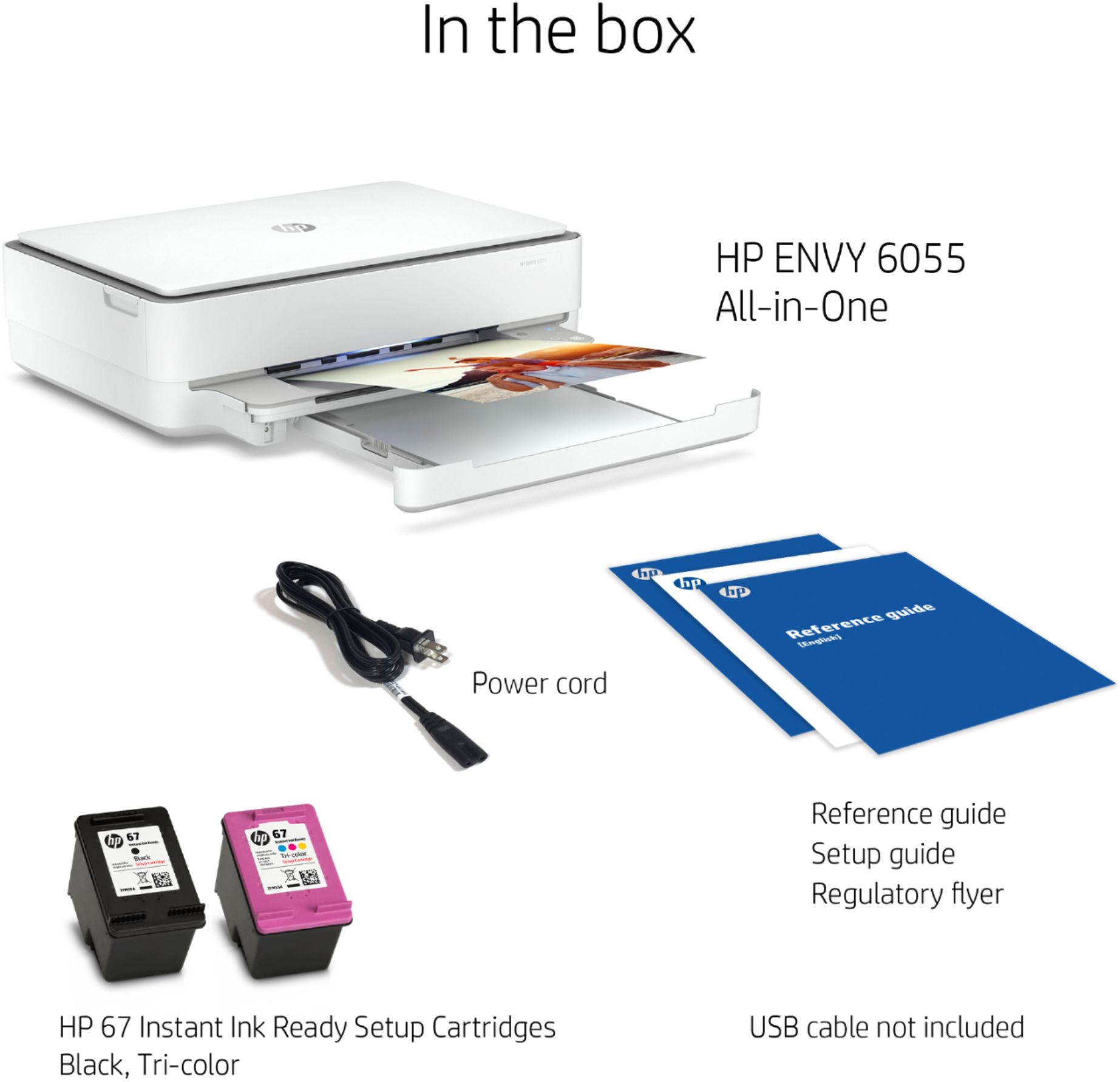
A:AnswerHere are some instructions with a video that shows you how to install in the ink cartridges on this printer: https://support.hp.com/us-en/document/c06543202