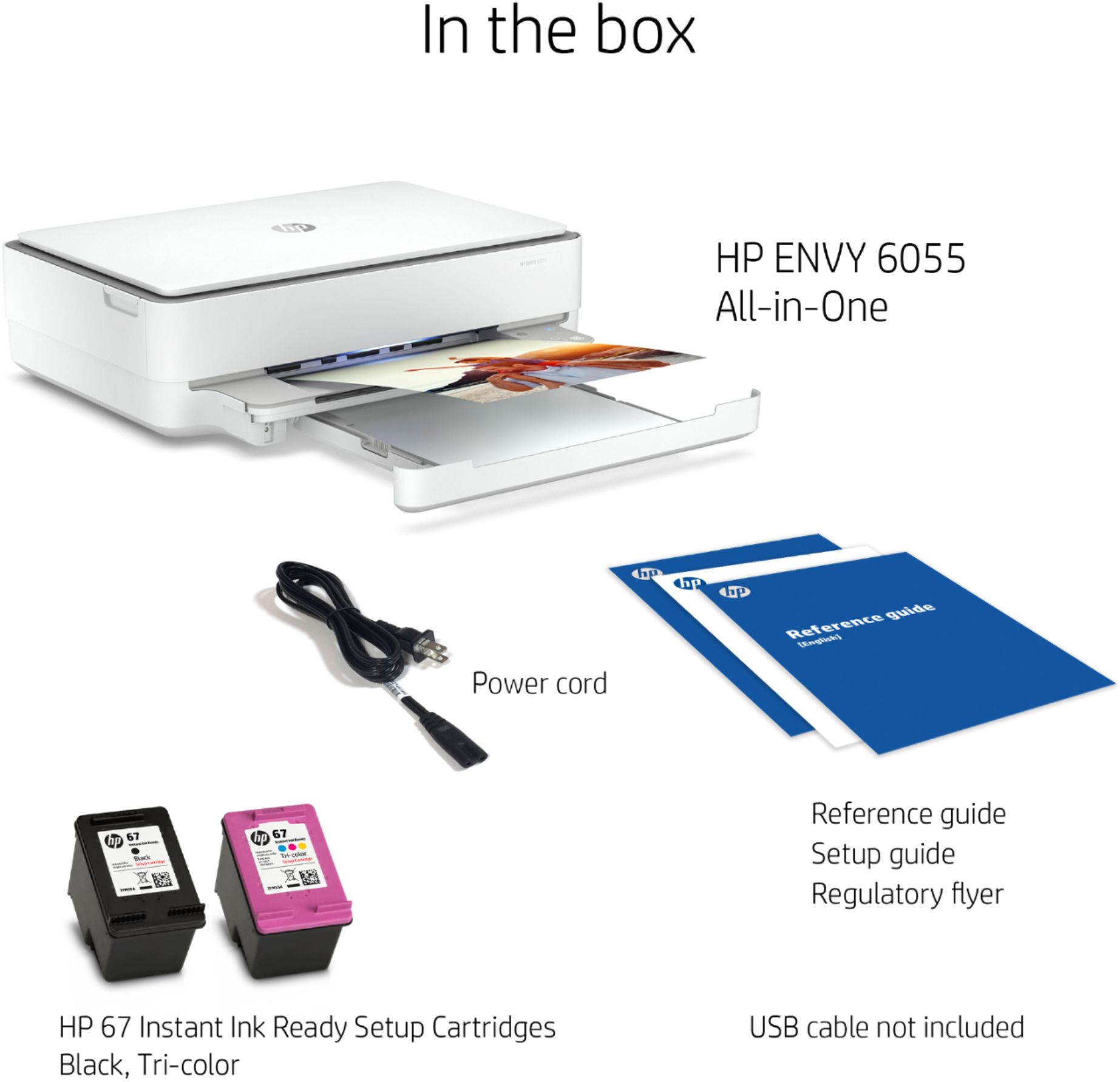
A:AnswerWhile it saves you money and time, it's not required that you sign up for the Instant Ink program if you choose not to. During the initial setup, the printer will ask if you want to sign up. Just tell it "no" and the setup will continue.
A:AnswerHello, the option to cancel print jobs is on the HP Smart app or through the red x on the printer itself on the paper output tray right side. Thank you for being an HP customer!
A:AnswerI was able to hook mine up to my MacBook Air. But I had already had the app as I had a previous HP Printer the I replaced. Did you download the app?
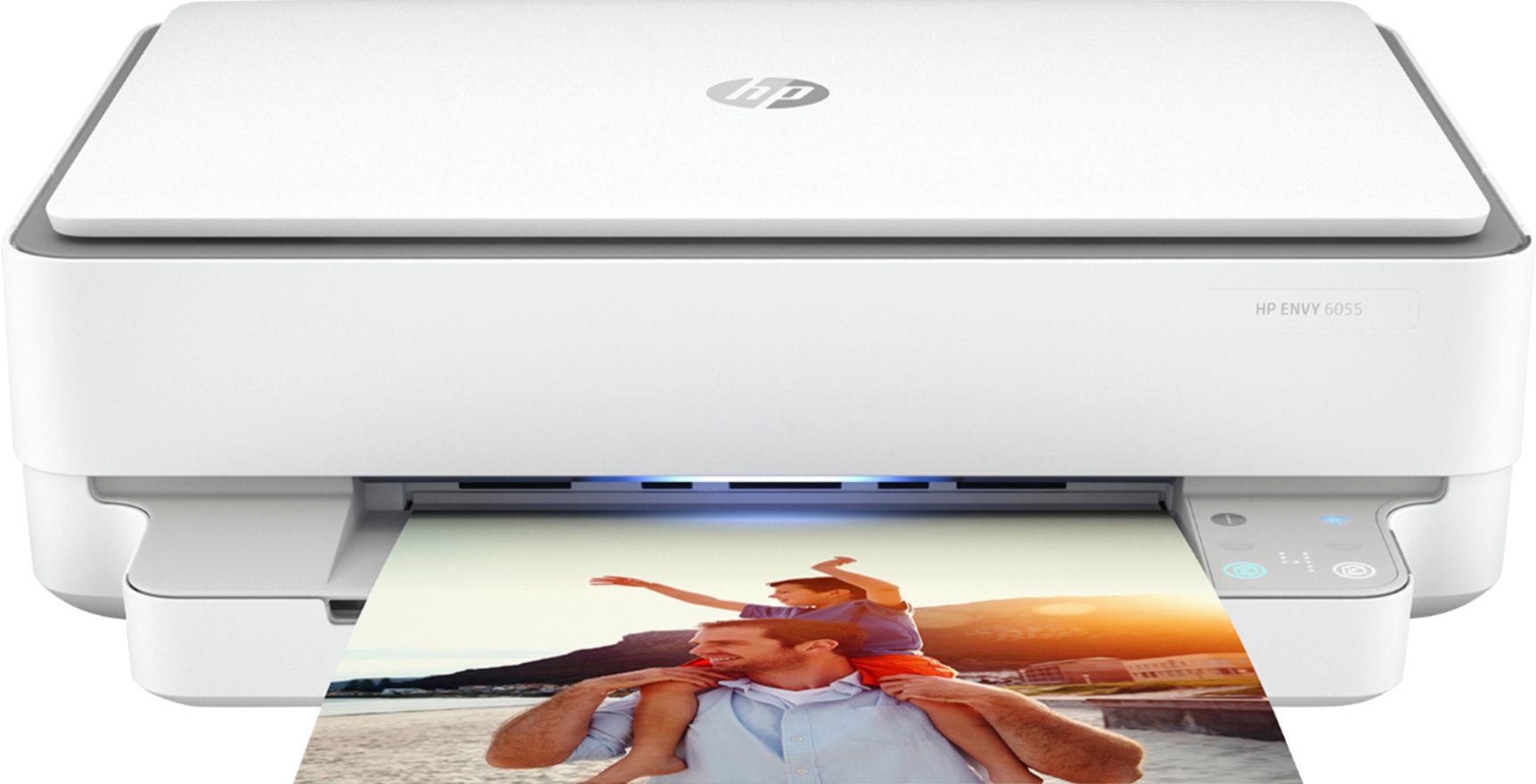
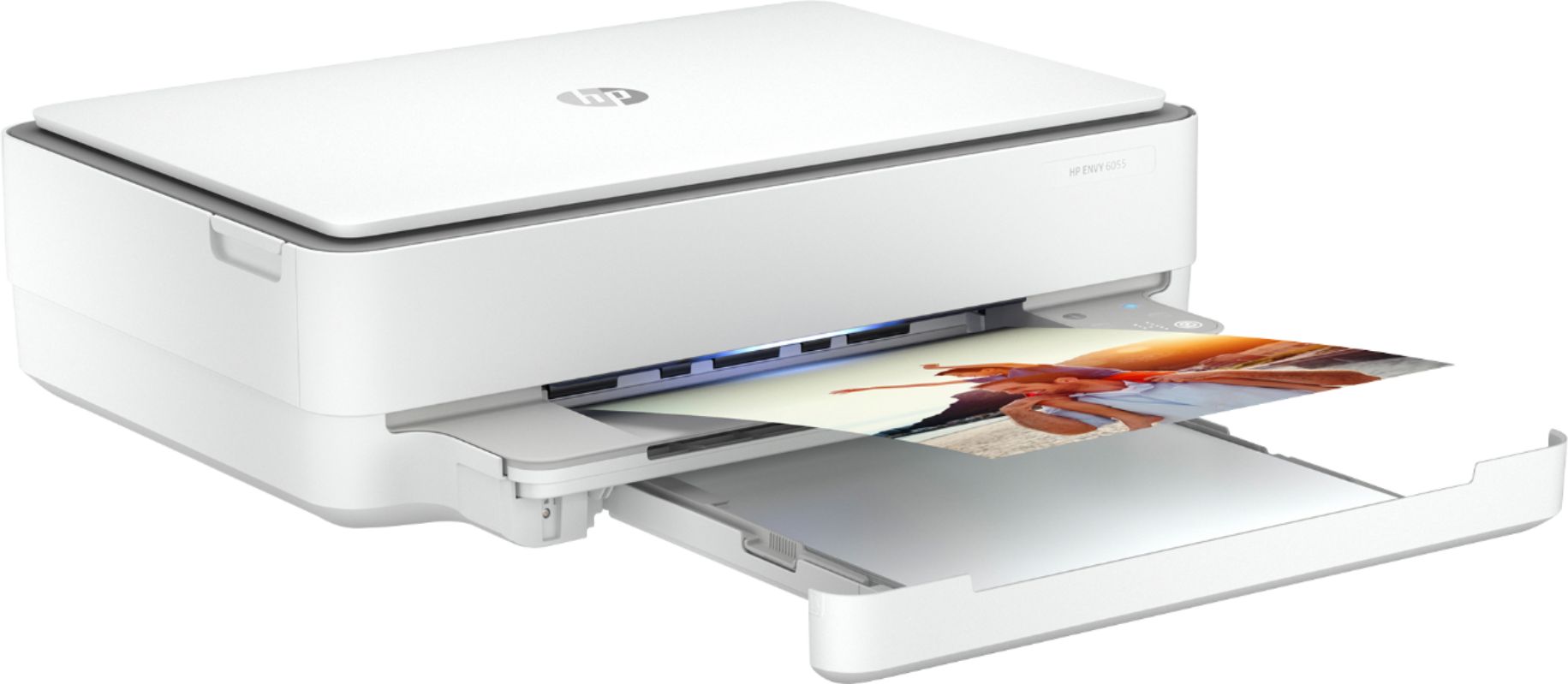
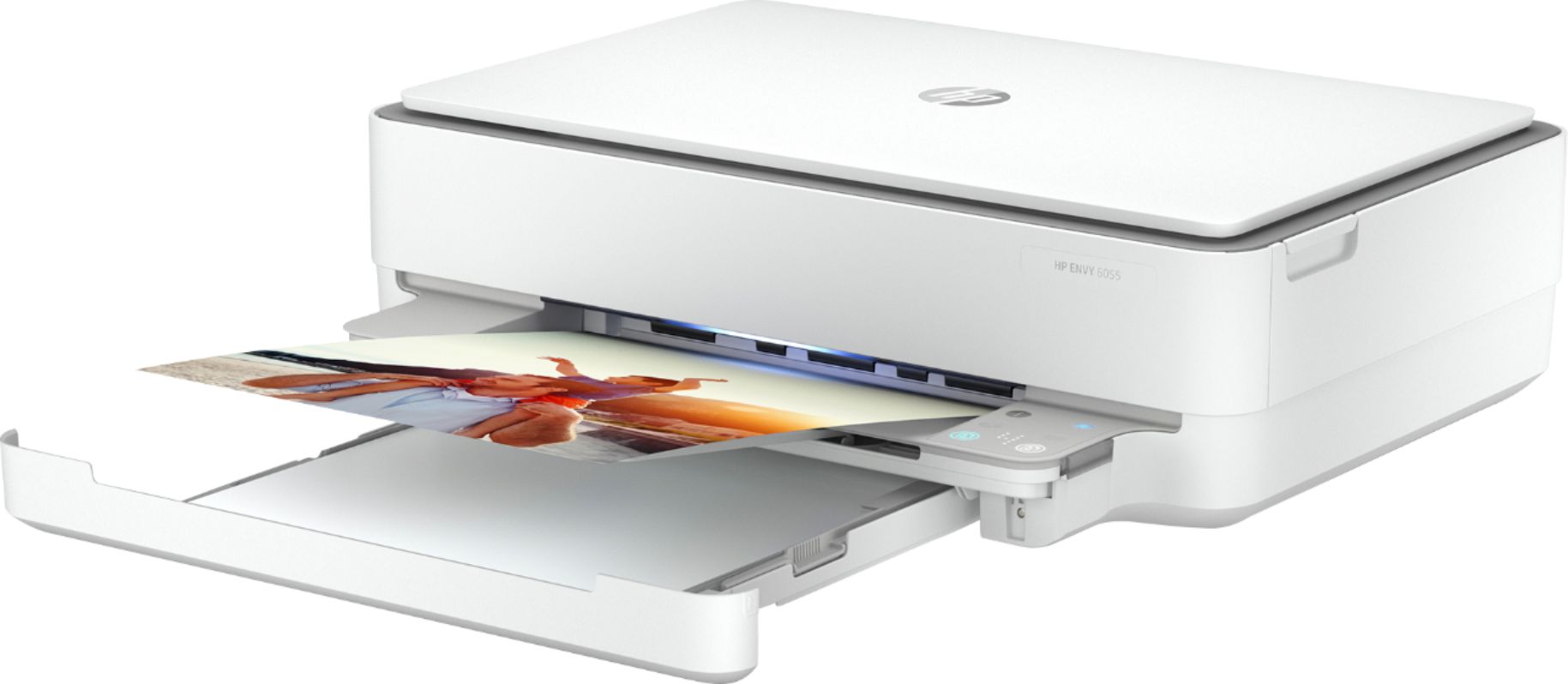
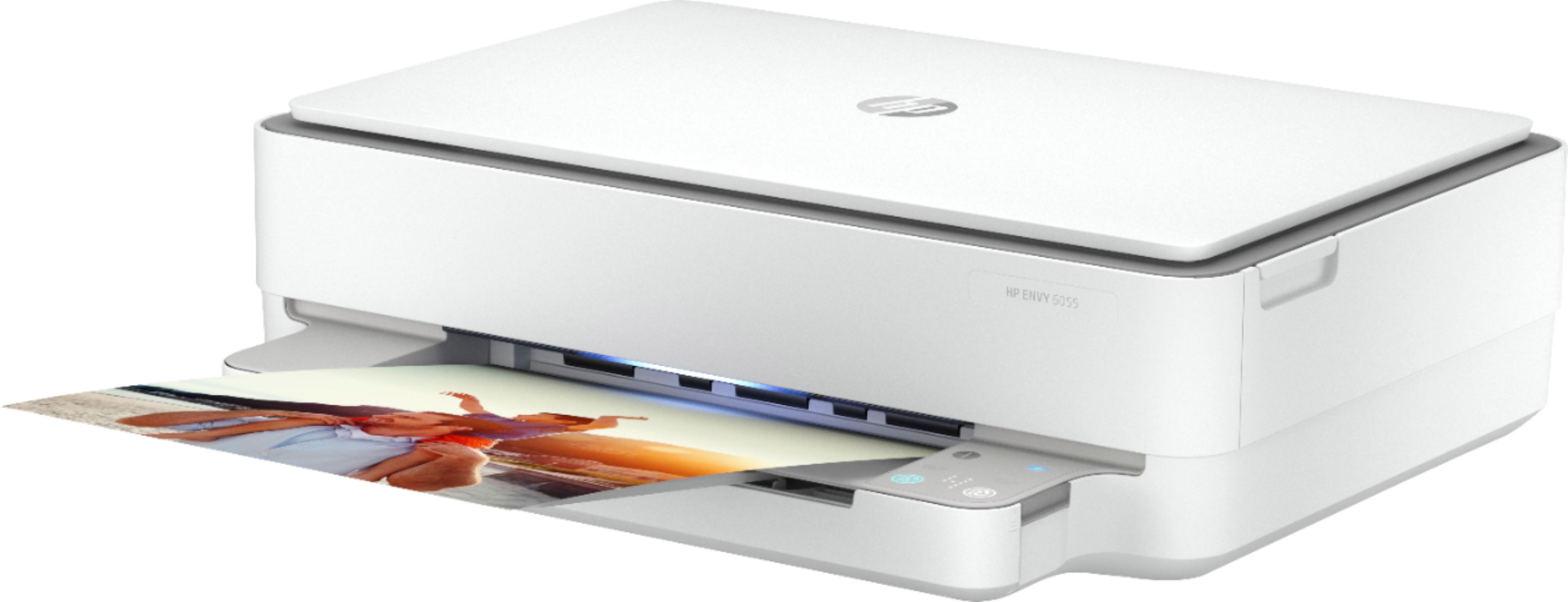
A:AnswerYes, you can certainly make copies of photos with the Envy 6055. You'll place them on the scanner glass on the top of the printer and copy them from there.
A:AnswerHello. Thanks for your question. The HP Envy Photo 7855 or 7858, Envy Photo 7155, Officejet Pro 8025e, 8035e, 9015e or 9025e printers have the capability to reduce or enlarge copies.
A:AnswerI use the instant ink program so all ink cost the same. The Instant Ink Program is wonderful. I pay 10.99 per month and can print 300 copies. If I do not use all 300 copies, they rollover. I had been on the plan and decided I could "save" money by buying ink on sale. How wrong I was!!! Got back on the plan in 6 months when I had spent more in 6 months that I would spend all year with Instant Ink. The instant ink cartridges have way more ink in them. They mail you the ink when you are getting low. Great plan.
A:AnswerNo, you can not use Bluetooth to print. You can use WiFi Direct to print, it does not require internet access. The wireless adapter on your device will connect to the wireless adapter of the printer, no internet is required.