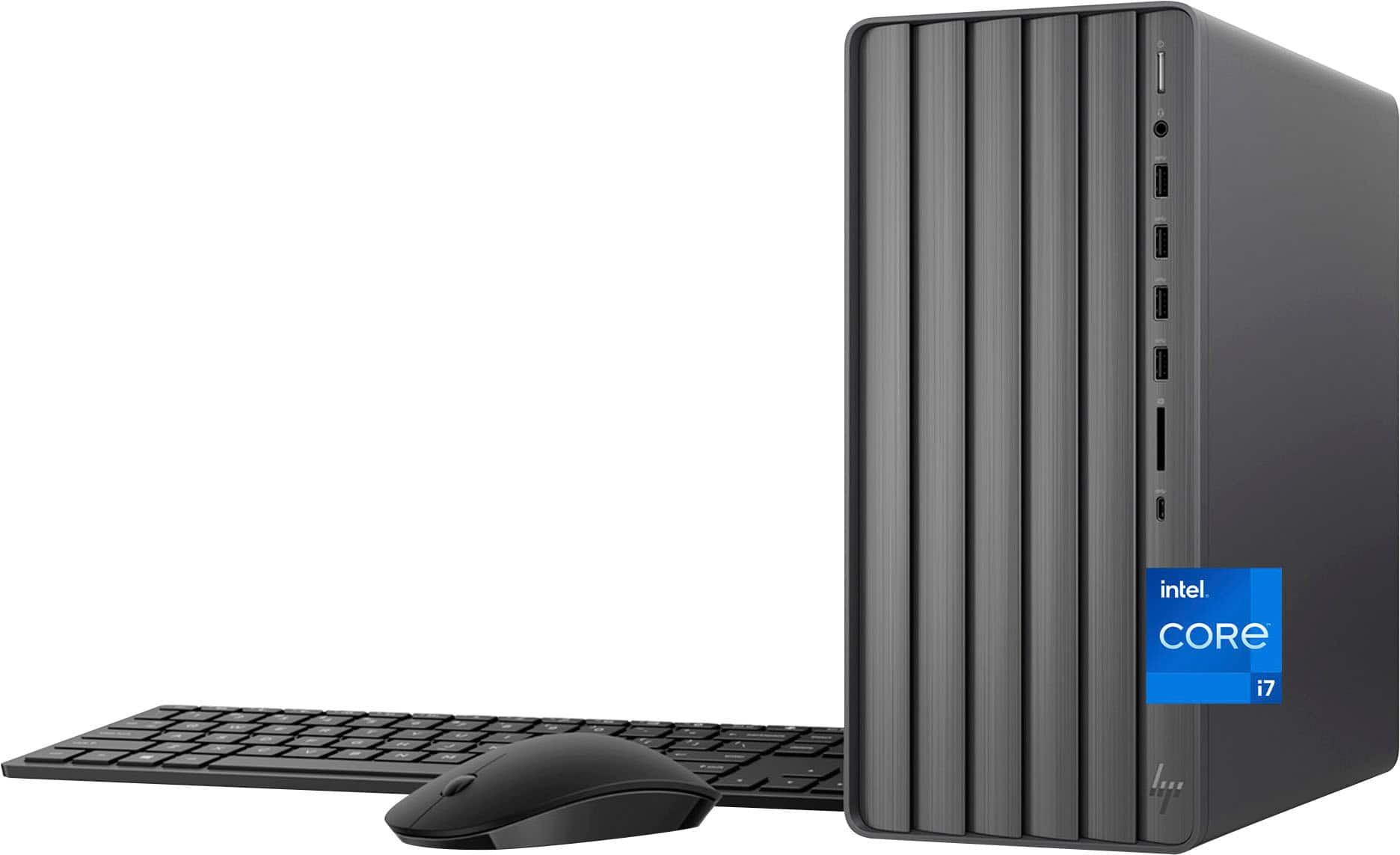
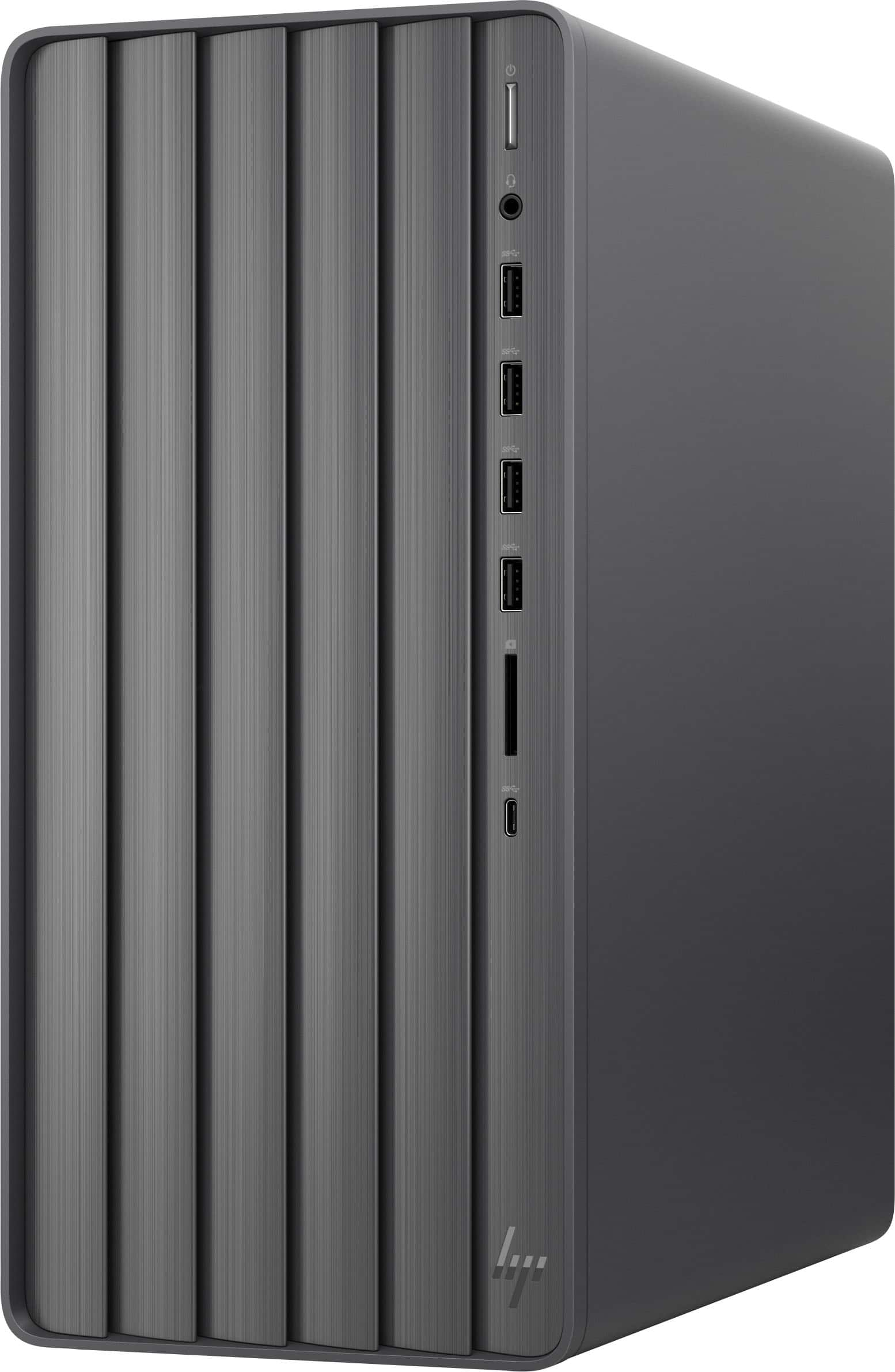
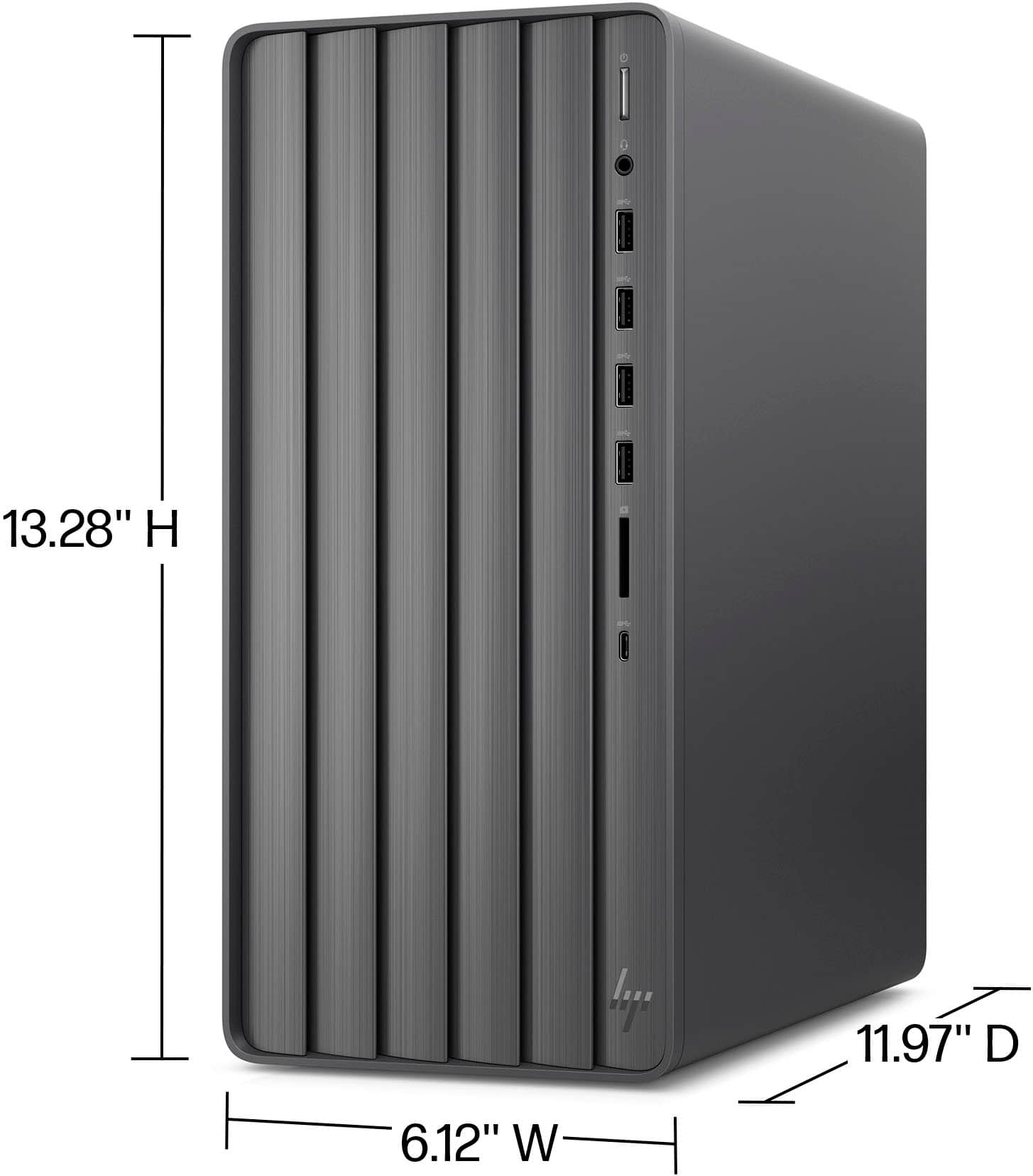
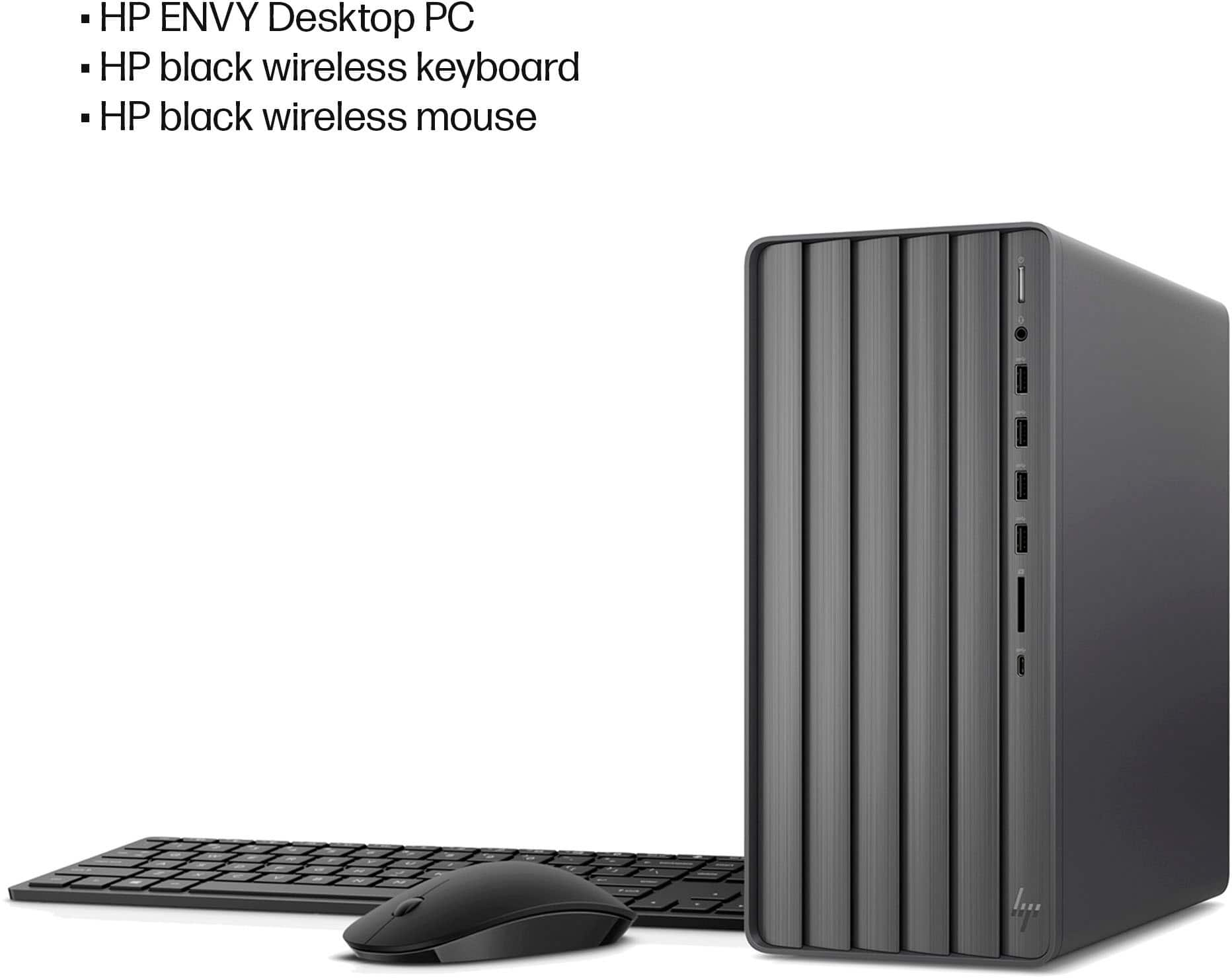
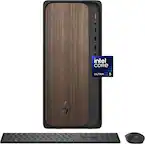
A:AnswerHello! Thank you very much for the interest in this HP Envy Desktop (model TE01-5364). The power supply is the following model: Power Supply - 500W WS20 FR Gold (part L81009-800).
A:AnswerThank you for your question about this HP Envy Desktop! This comes pre-installed with the 64-bit version of Windows 11 Home. The 32-bit edition can only address up to 4GB of memory.
A:AnswerHello and thank you for asking. I am unable to assist you with this. Please contact HP Support. They can help you with your question about surround sound and the Envy TE01-5364 desktop PC.
A:AnswerHi Steve, thank you for asking. It's difficult to answer questions regarding game compatibility due to variables in settings. We recommend reviewing the software developers' specifications to confirm that this Envy desktop meets the requirements.
A:AnswerIf you click the "show full specs" tab, go down to "connectivity", and scroll down to USB's, it reads that there are (2) USB type A 3.0 (5Gb rate on front), (2) USB type A 3.1 (10Gb rate on front), (1) USB type C 3.0 (5Gb rate on front), and the back has (4) USB type A 2.0 (480mb rate). Please verify this for us. If all 8 are USB type A 2.0's that is a deal breaker for me.
A:AnswerThank you for your question. As system requirements for software constantly change, we are unable to answer questions about game compatibility. What is compatible today may not be in a few months. Please check the game developer's website for the most current system recommendations.
A:AnswerThis HP Envy Desktop has only one (1) PCIe-x1 Slot available for the user. The only PCIe-x16 Slot on the motherboard is already used by the NVIDIA RTX 4060 video card.
A:AnswerThe correct answer is to get a M.2 NVMe to PCIe X1 Adapter for M.2 NVMe SSD, PCIe X1 and install the SSD into the adapter before installing it in the 1XPCIEXP slot. Come on BestBuy, you need to up your game for providing helpful information.