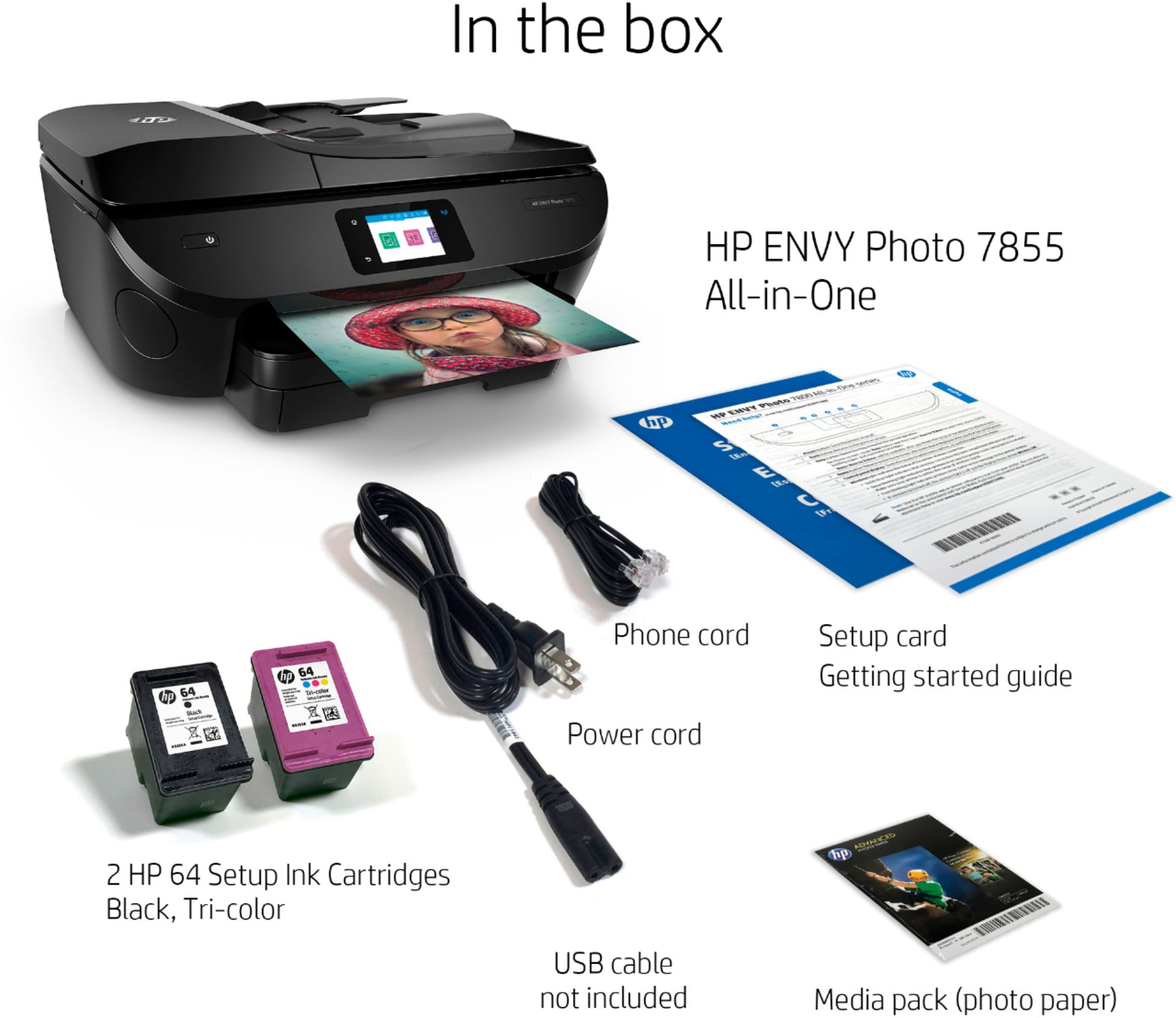
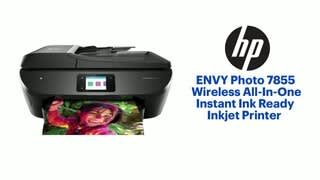
A:AnswerA setup guide should have been included with the printer that would walk you through the steps. If you need a complete guide, it's available from http://h10032.www1.hp.com/ctg/Manual/c05636296
A:AnswerThe HP Envy Photo 7855 printer uses the HP 64 or 64XL black and tricolor ink cartridges. The black 64 or 64XL ink cartridge is pigment based. But the 64 or 64XL tricolor ink cartridge is dye based.
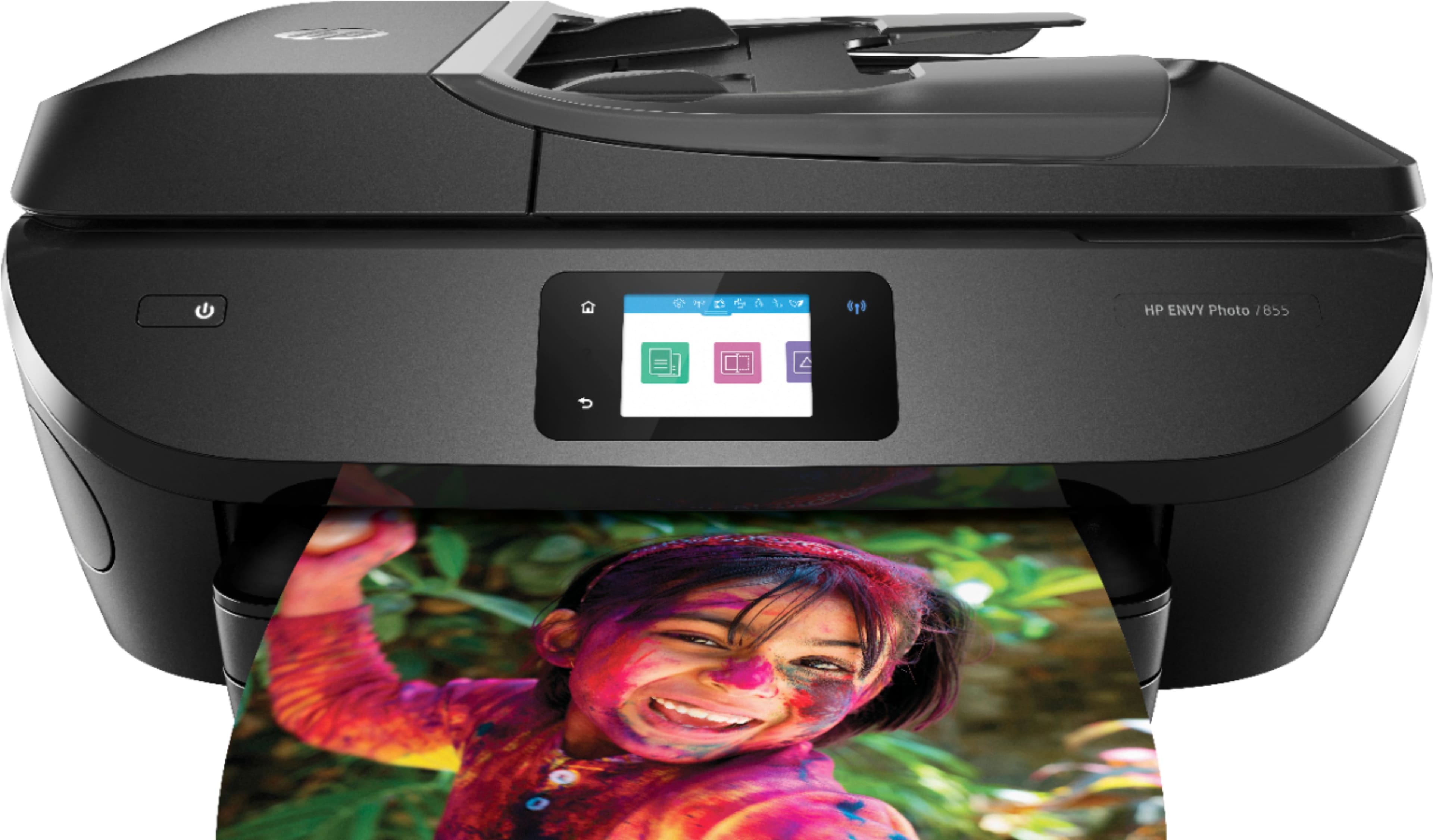
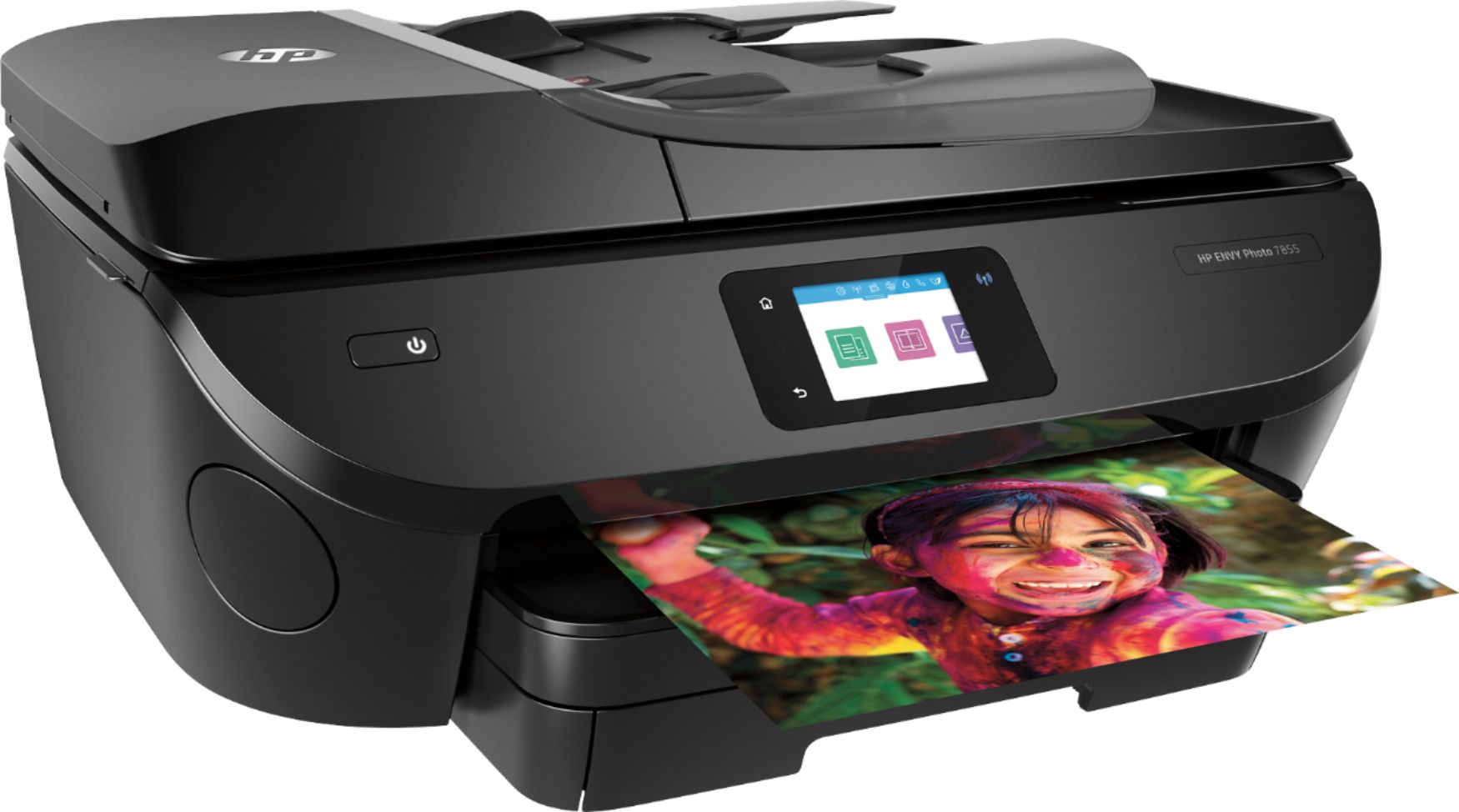
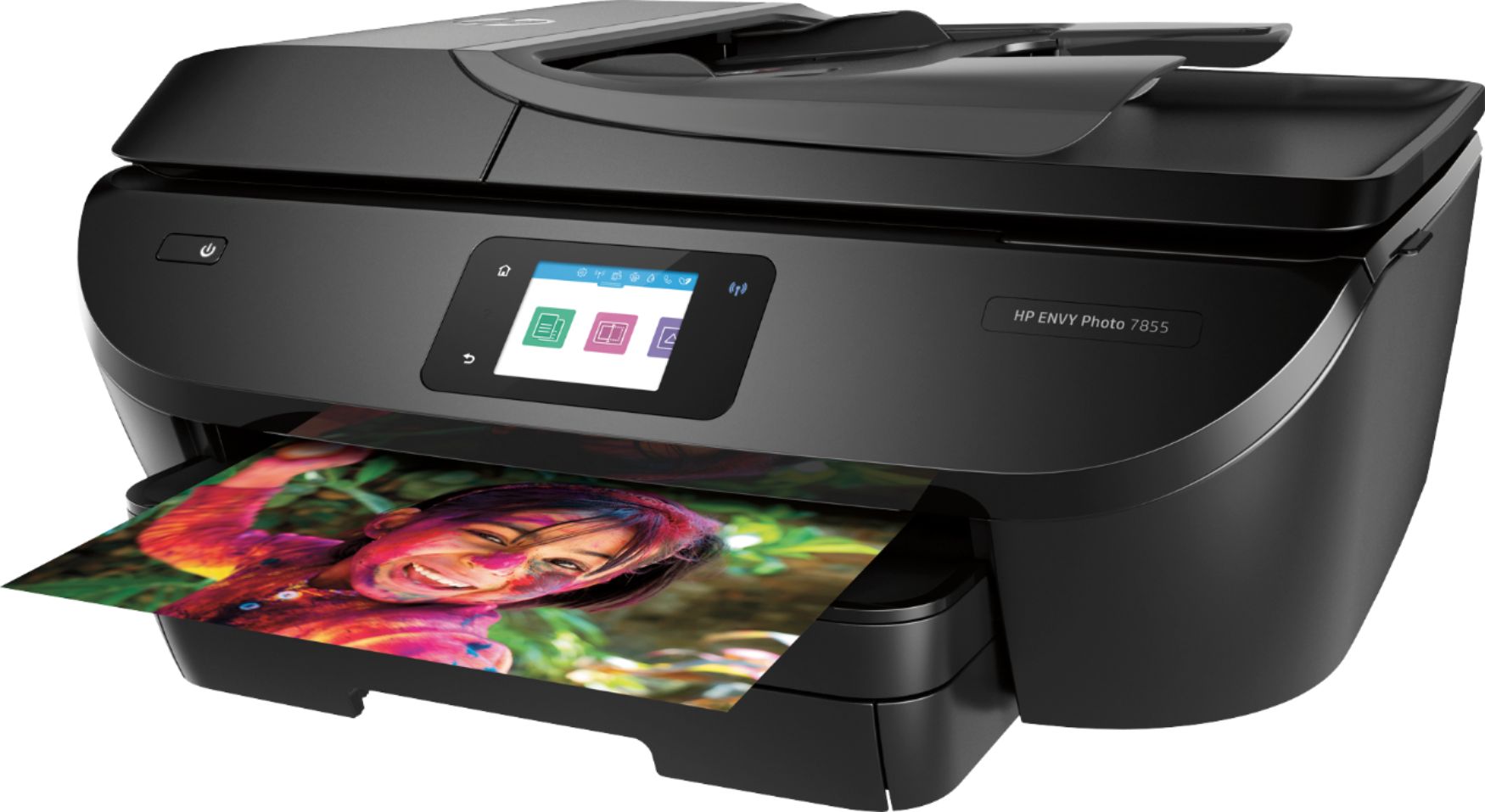
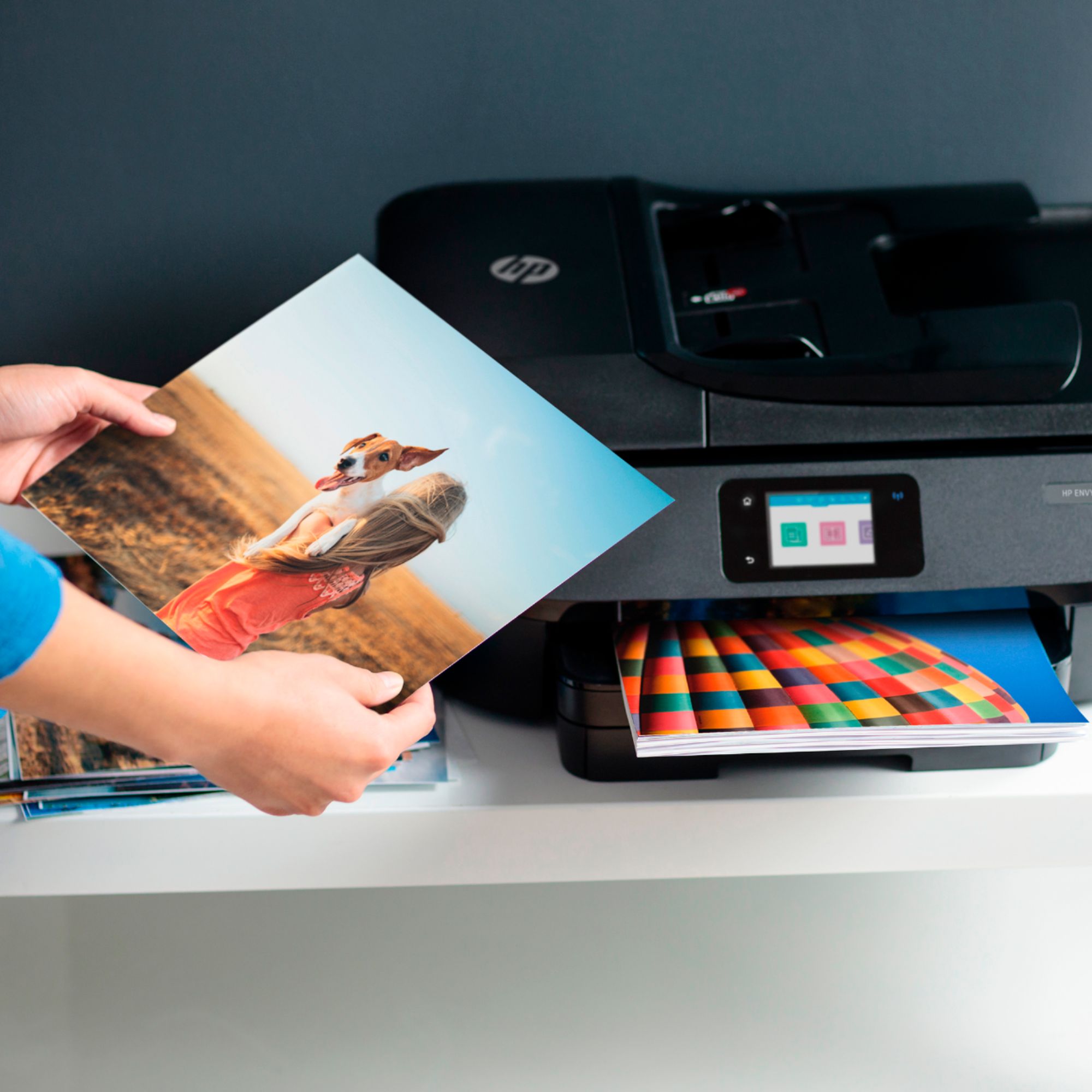
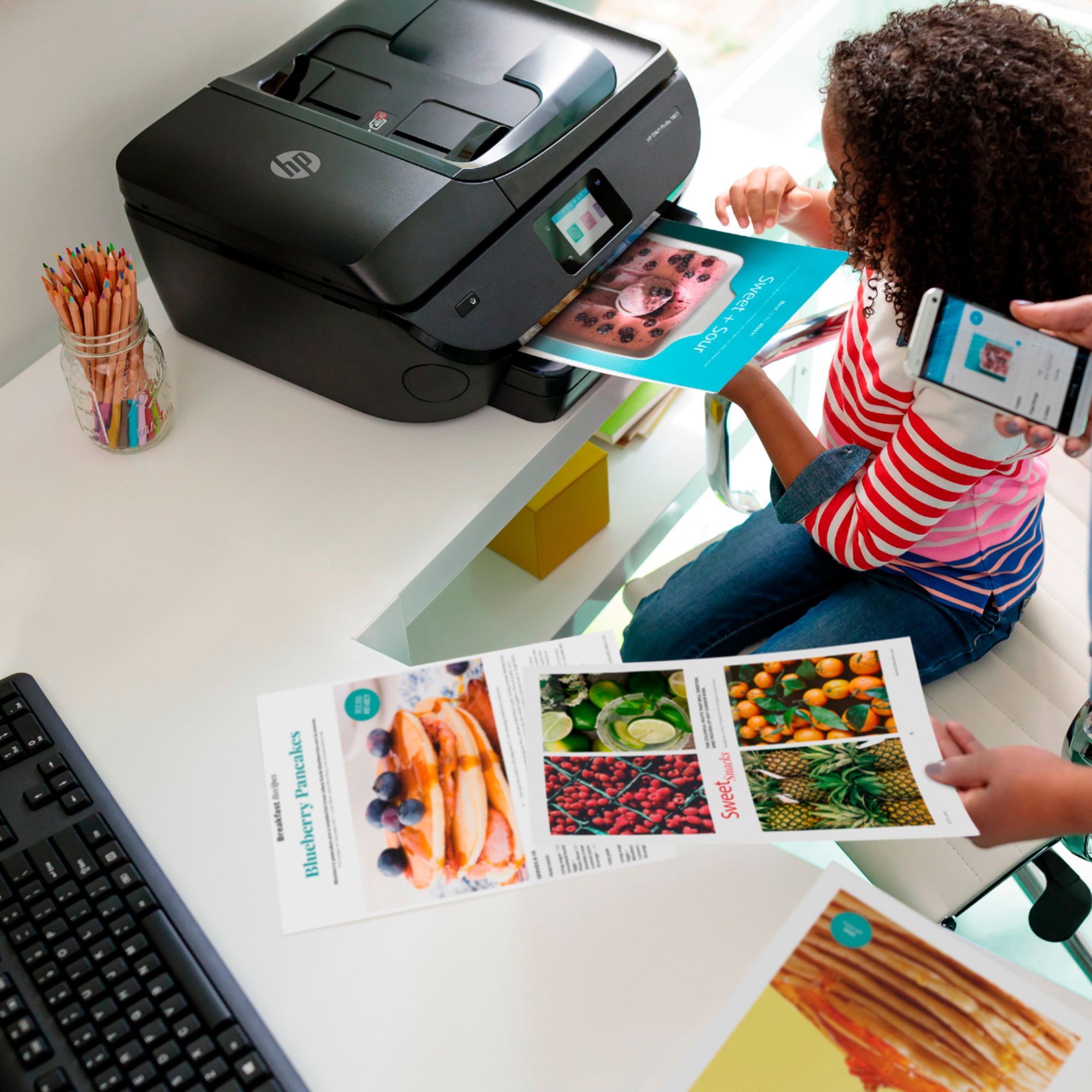
A:AnswerYes, you can print 4x6 and 5x7 photos from the dedicated photo paper tray in the ENVY Photo 7855. This makes printing from your devices even more convenient, with no paper changes needed.
A:AnswerNone of the printers have the software to add borders. Most of your photo apps have that capability.
The exception is the HP Sprocket Photo printers - the HP Sprocket app has the capability to do that.
A:AnswerThe regular HP 64 Black cartridge can print 200 pages and the regular HP 64 color can print 175.
The HP 64XL Black cartridge can print 600 pages and the HP 64XL Color cartridge can print 415 pages.