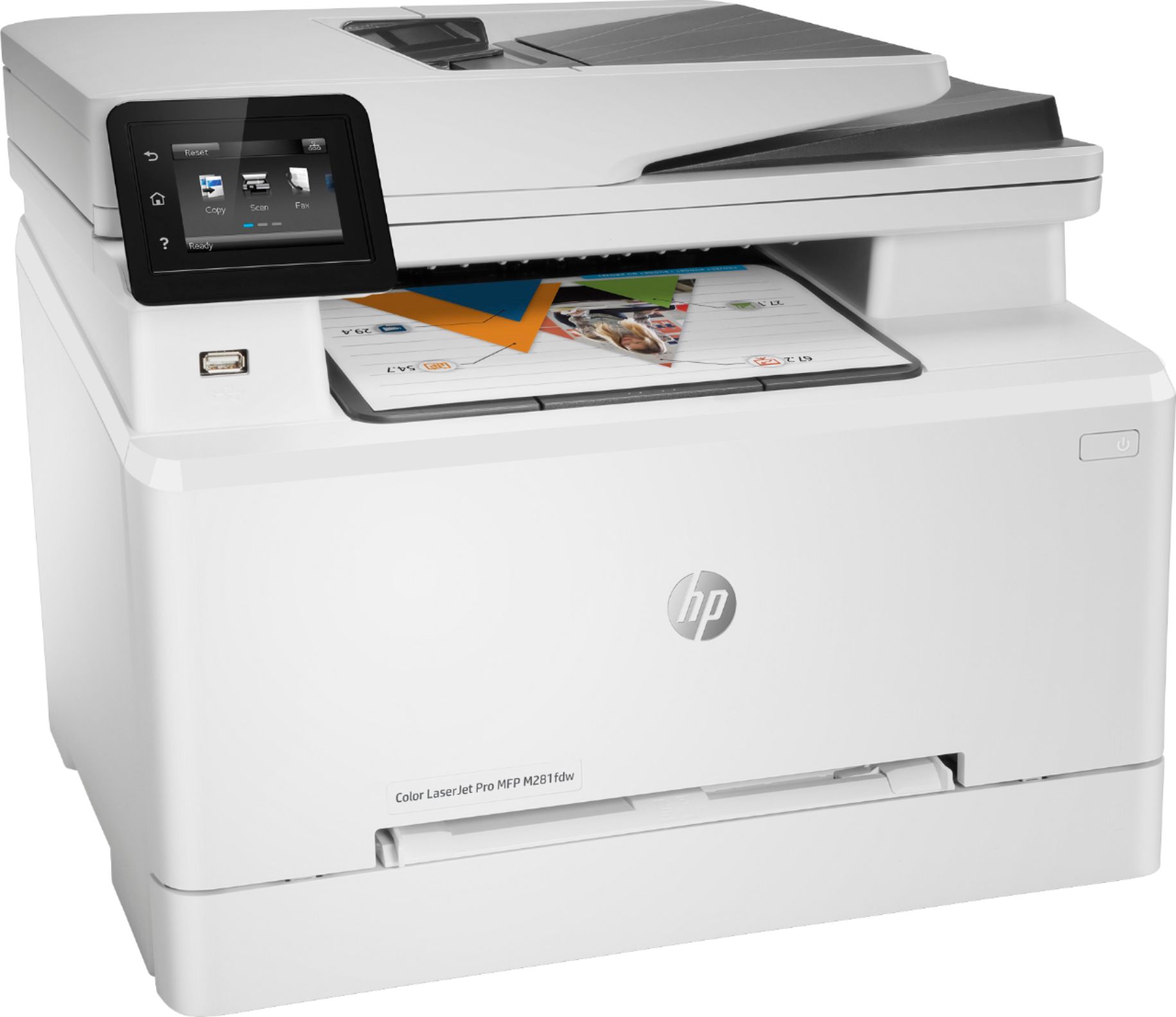
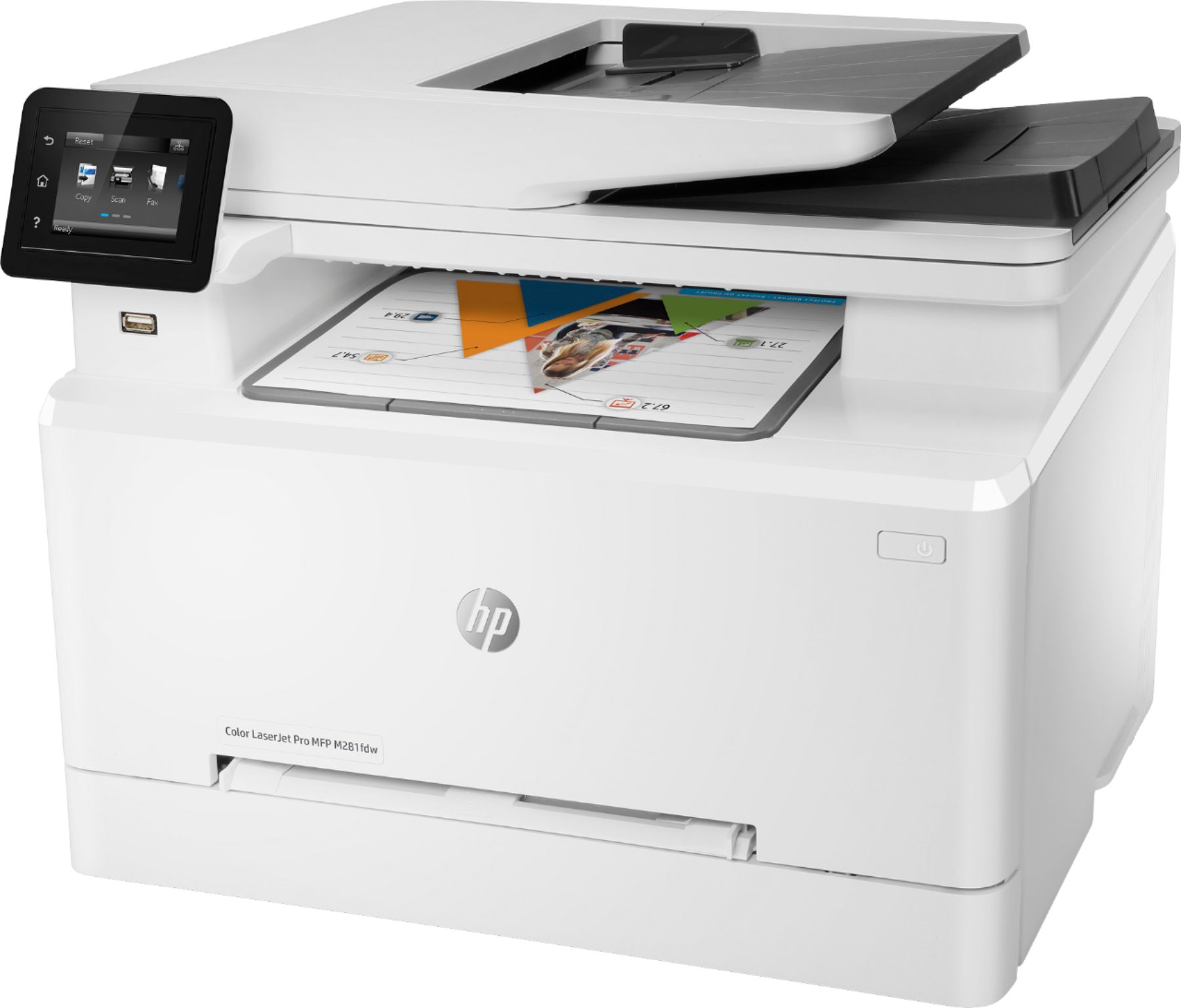
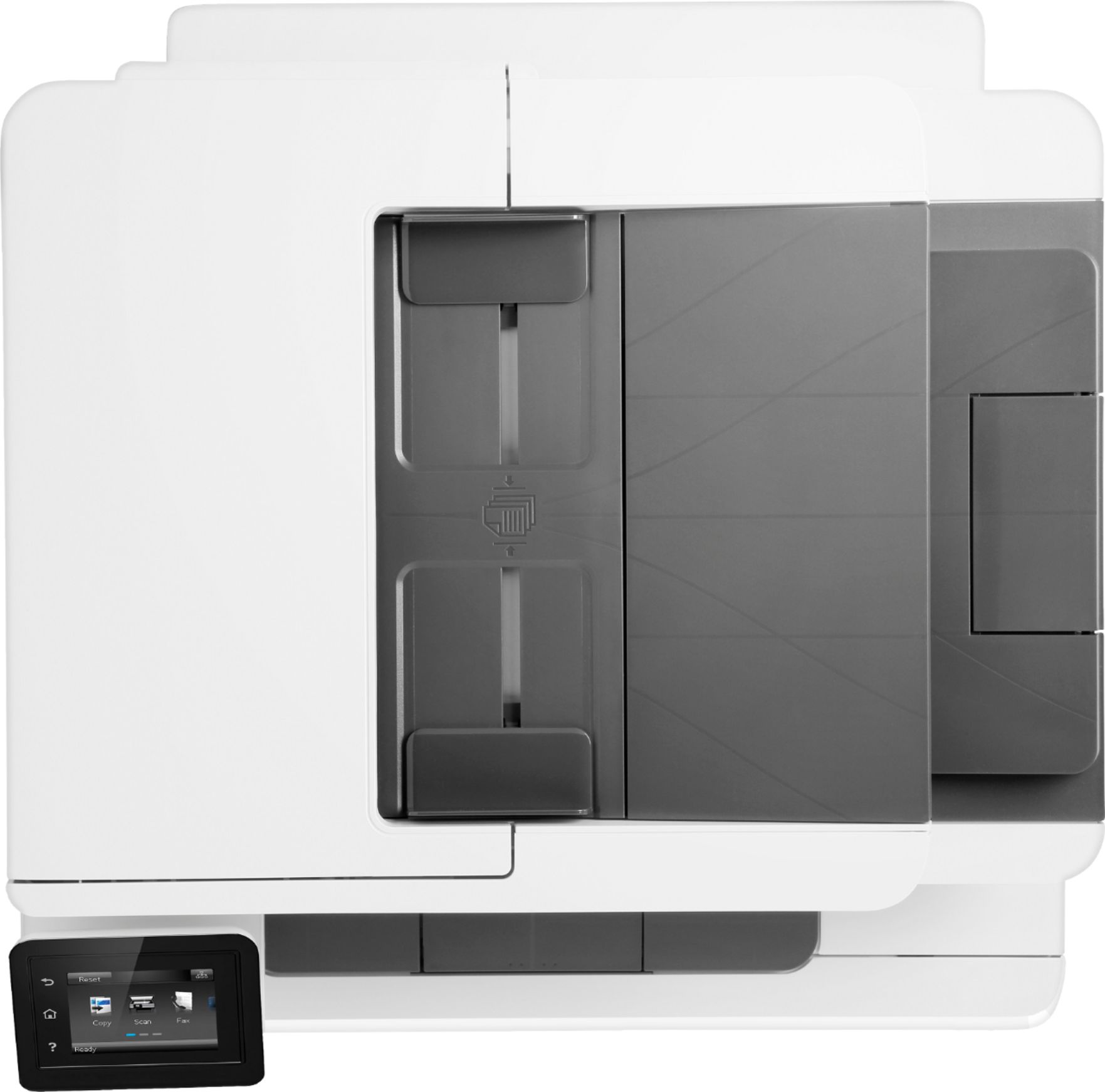
A:AnswerHi. No the LaserJet Pro MFP M281fdw will not support A3 size paper. Here are the specs of paper it can use: A4; Letter; Legal; 4 x 6 in to 8.5 x 14 in.
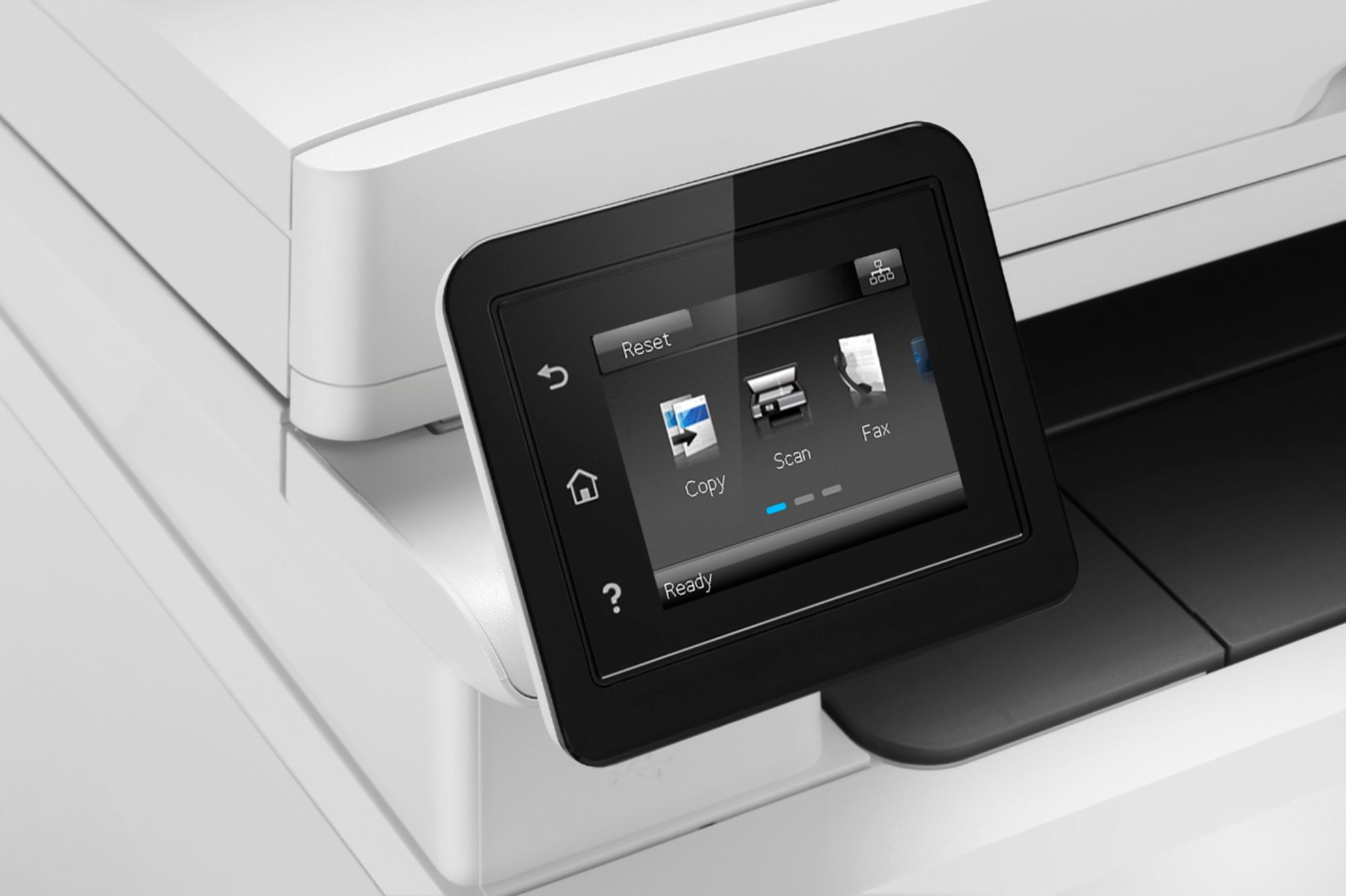
A:AnswerYes the ability to scan pdf documents locally and sent to an email is very helpful. A bonus is also a print from phone feature I thought was useful
A:AnswerYes, the top lifts up so you can place irregular shaped documents on the printer/copier. You can also use the feeder for standard and smaller shaped regular documents.
A:AnswerIt has a second priority tray where you can insert alternative size paper without switching in the tray but it will not hold much paper compared to like our larger M477 series.
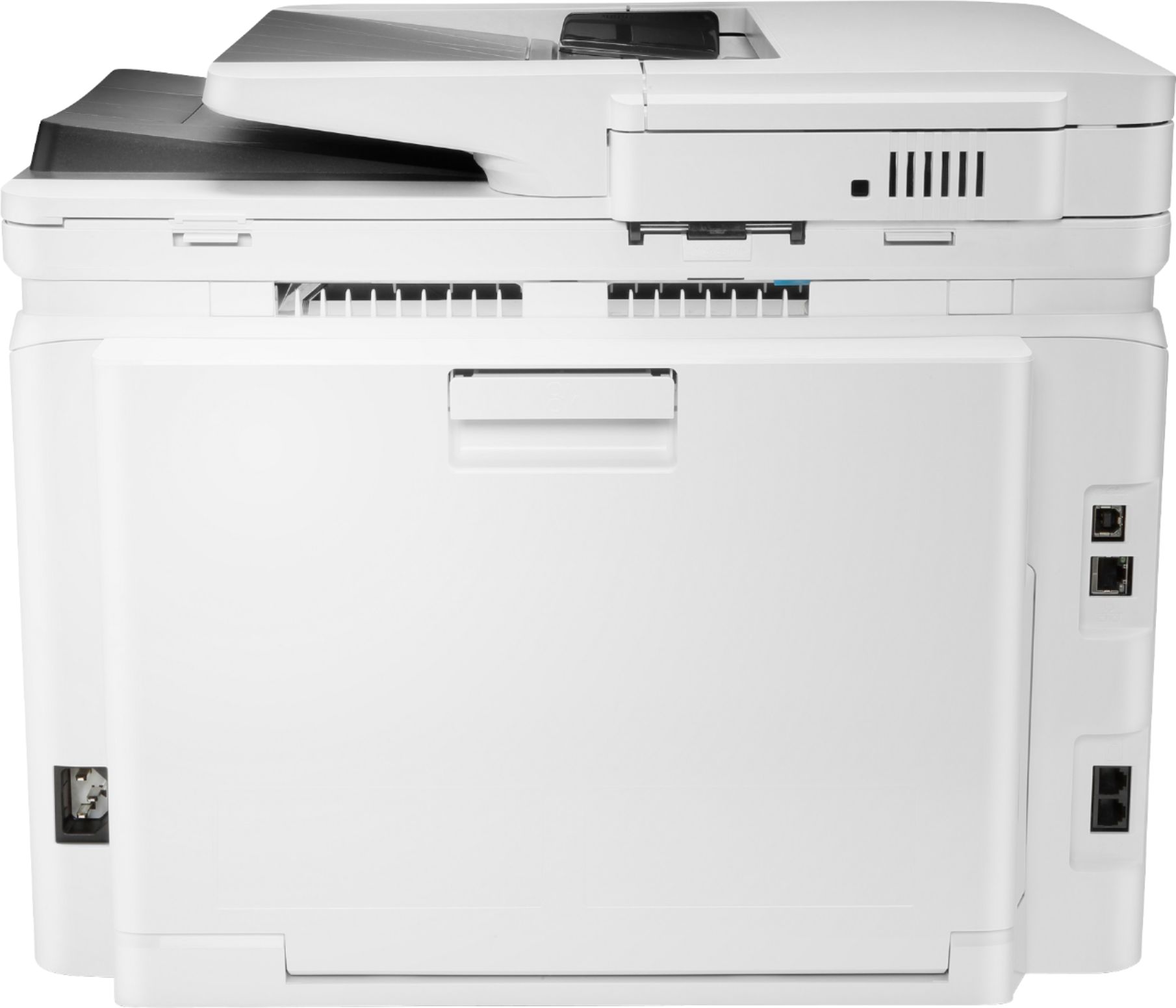
A:AnswerBuy the Best Buy Warranty, it costs a little extra but it always works for a family to replace this product if defective in a pinch. Surge protectors only work so far, the lightening can pass through the telephone cord line for the fax! Also we always try to use that money to "upgrade" . In retrospect we bought a $100 home telephone, It is as of today defective after almost 2 yrs & because it was only $100 (plus I didn't have the money for a $15 warranty at the time) we are now without a home phone, no warranty & will have to replace in just under 2 yrs.
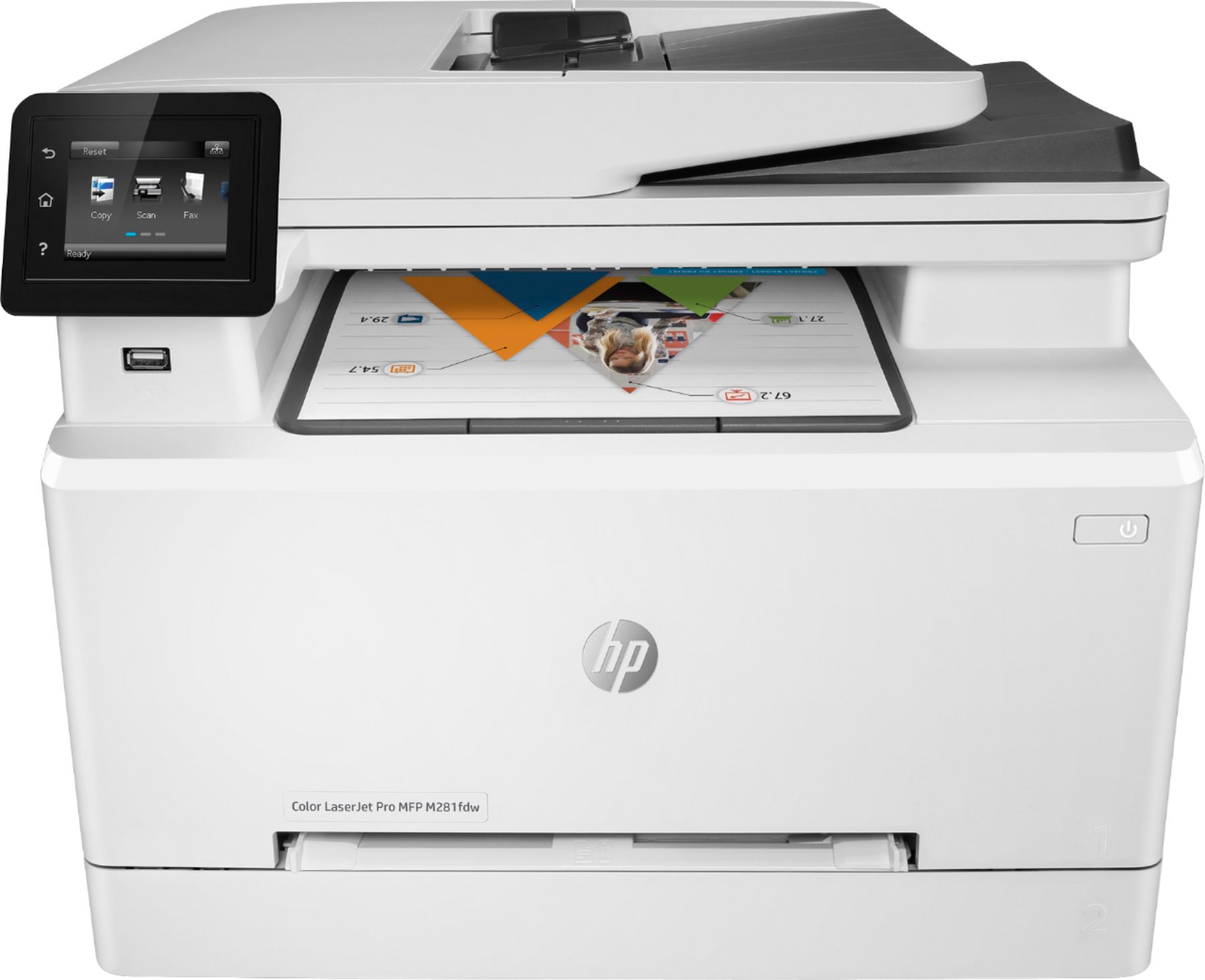
A:AnswerThank you for your question! This is a tough one since it really depends on which set of ink cartridges you use. The M477 laserjet would have a lower cost per page than the M281 also since the cartridges yield more. With our Inkjets we have HP Instant Ink which lowers the cost of printing down closer to $0.05 per page regardless of ink used which is very competitive to laser printers, particularly for color. Calculating the price per page is fairly simple math and only requires you to look at the yield of the cartridge and divide it by the cost. Check out the yields on a few different printers to compare the total cost of ownership.