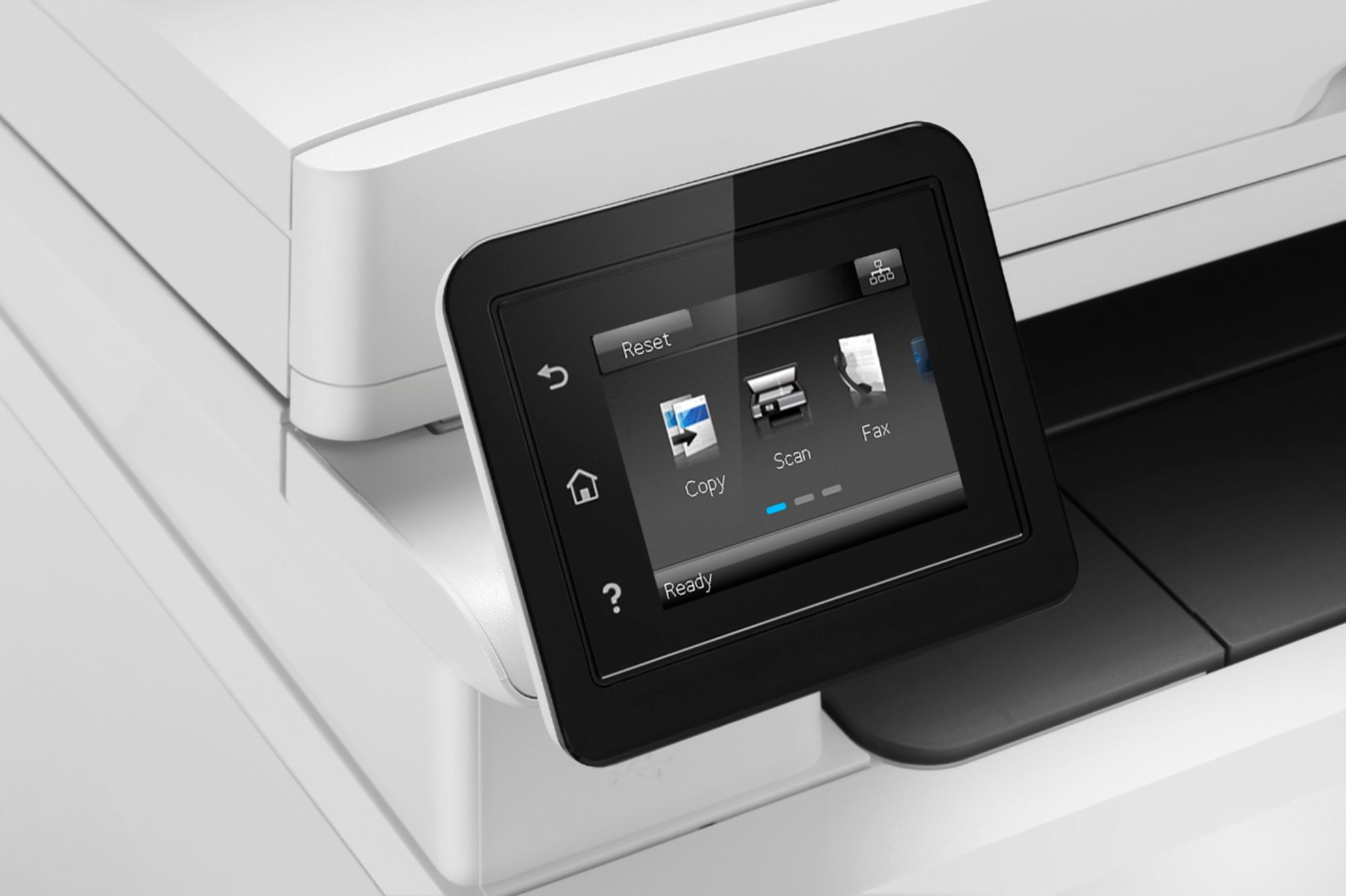
A:AnswerThank you for reaching out. I am not sure of what you are referring to. If it is an error message on the screen I would reach out to HP support for help troubleshooting. 800-HP-Invent
A:AnswerThank you for your question. This printer does have the capability to print on Card Stock. Make sure you use cardstock that is compatible with Laser printers!
A:AnswerWe do not recommend the use of non-genuine HP cartridges as they may not be recognized by the printer, could be of a quality that does not meet our standards for crisp, reliable printing, and they may even cause damage to the printer.
A:AnswerThank you for your question. The price of the printer can vary at times so it may not be the same price that it is at the time I write this as when you are viewing it. From the desktop site the price is located to the right of the picture towards the top of the window. Remember also that Best Buy will match the price, at the time of purchase, on a Price Match Guarantee product if you find the same item at a lower price at a Designated Major Online Retailer or at a local retail competitor's store.
A:AnswerWhen you go to print a document, one option you have is to print on both sides. If you enable that, it automatically flips the page and prints both sides, just like that. This printer is awesome, should of got one years ago.
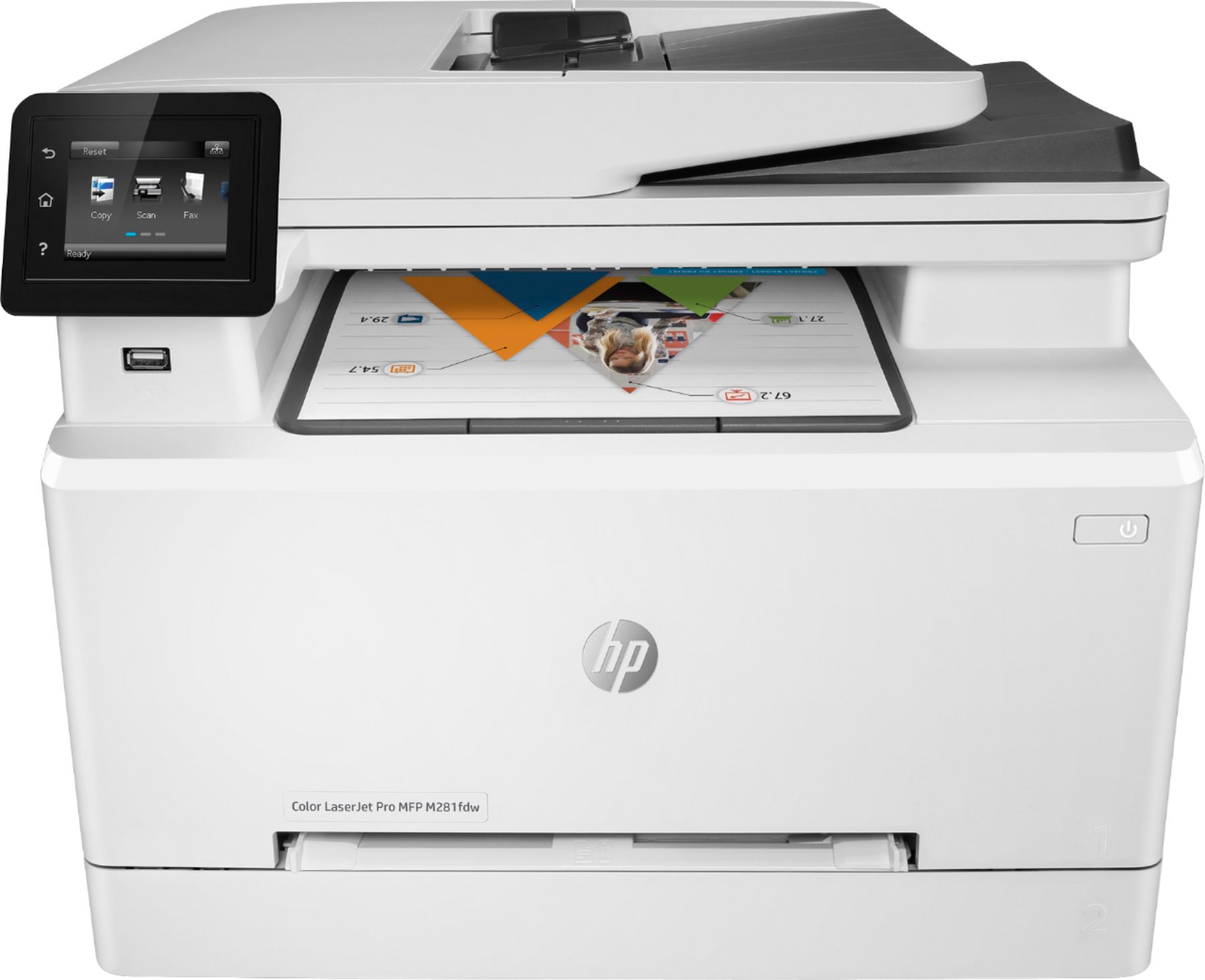
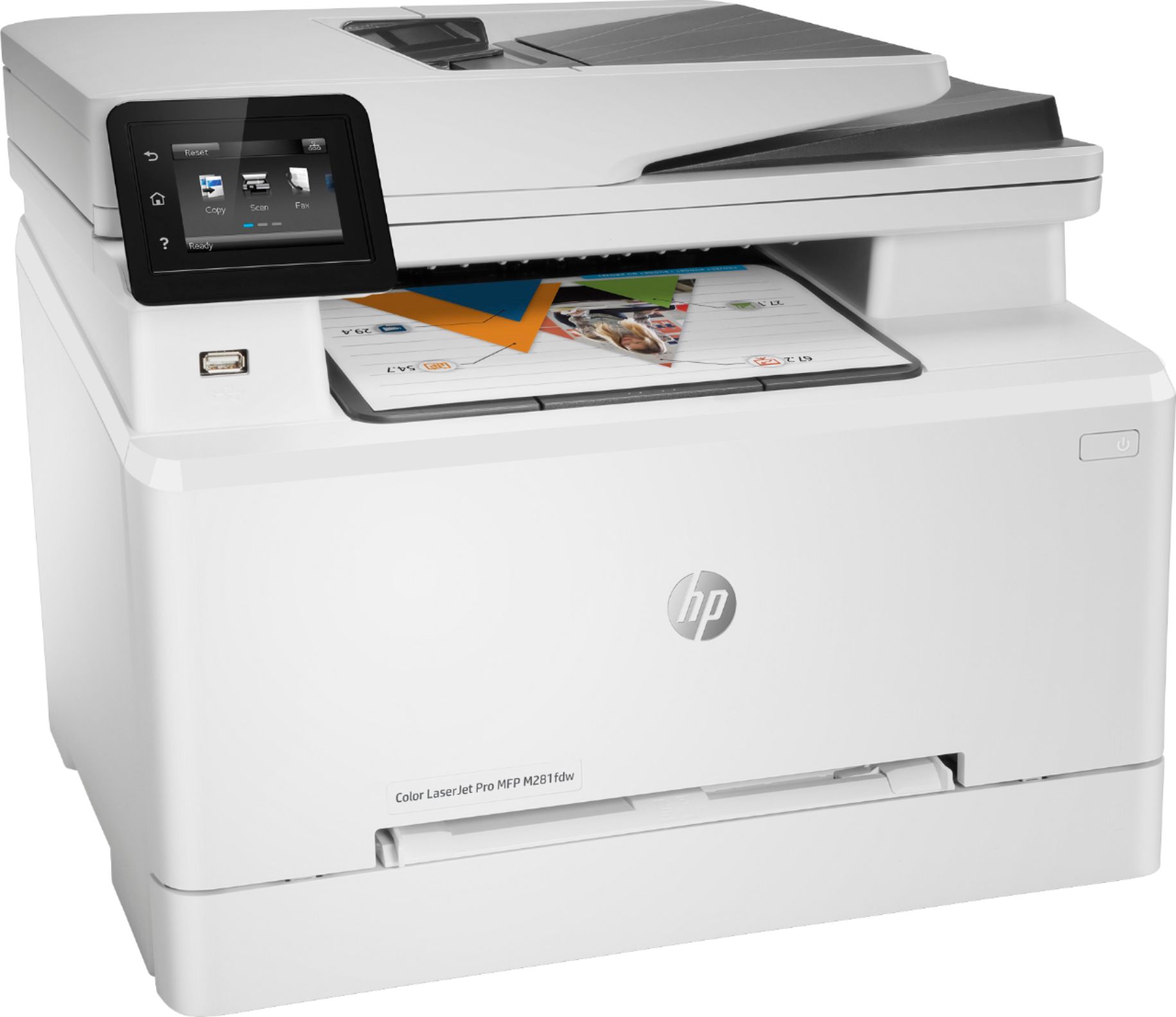
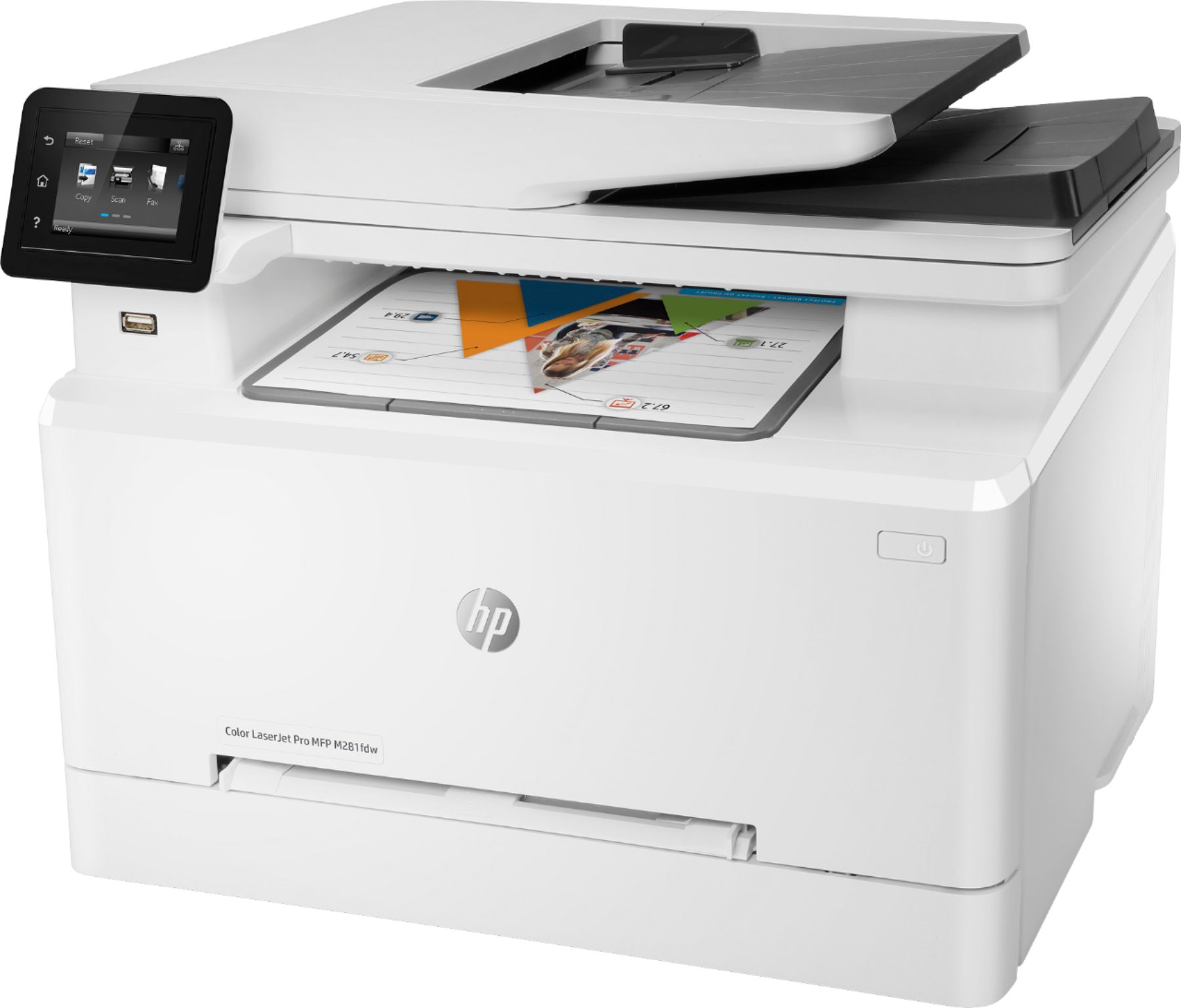
A:AnswerHello, I see that you are interested in knowing if the HP Laserjet Pro M281fdw can print A3 sized documents. The answer is no. The M281fdw supported media sizes are : Letter(216 x 280); Legal(216 x 356); Executive(184 x 267); Oficio 8.5x13(216 x 330); 4 x 6(102 x 152); 5 x 8(127 x 203); A4(210 x 299); A5(148 x 210); A6(105x148); B5(JIS)(182 x 257); B6(JIS)(128 x 182); 10x15cm(100 x 150); Oficio 216x340mm(216 x 340); 16K 195x270mm(195x270); 16K 184x260mm(184x260); 16K 197x273mm(197x273); Postcard(JIS)(100 x 147); Double Postcard(JIS)(147 x 200); Envelope #10(105 x 241); Envelope Monarch(98 x 191); Envelope B5(176 x 250); Envelope C5(162 x 229); Envelope DL(110 x 220); A5-R(210 x 148). I hope that answered your question. Feel free to visit us again if you have any concerns!
A:AnswerIt can handle card stock but not the 65lb paper weight. Here are the paper handling specs:
Media sizes supported (U.S. standard)
Letter (8.5 x 11); Legal (8.5 x 14); Executive (7.2 x 10.5); Oficio 8.5 x 13 (8.5 x 13); 4 x 6 (4 x 6); 5 x 8 (5 x 8); A4 (8.3 x 11.7); A5 (5.8 x 8.3); A6 (4.1 x 5.8); B5 (JIS)(7.2 x 10.1); B6 (JIS)(5 x 7.2); 10 x 15cm (3.9 x 5.9); Oficio 216 x 340 mm (8.5 x 13.4); 16K 195 x 270 mm (7.6 x 10.6); 16K 184 x 260mm(7.2 x 10.2); 16K 197 x 273 mm (7.8 x 10.7); Postcard (JIS)(3.9 x 5.8); Double Postcard(JIS)(5.8 x 7.9); Envelope #10(4.1 x 9.5); Envelope Monarch (3.9 x 7.5); Envelope B5 (6.9 x 9.8); Envelope C5 (6.4 x 9); Envelope DL (4.3 x 8.7); A5-R (8.3 x 5.8)
Media sizes, custom (U.S. standard)
3 x 5 to 8.5 x 14 in
Media types
Paper (bond, brochure, colored, glossy, heavy, letterhead, light, photo, plain, preprinted, prepunched, recycled, rough), transparencies, labels, envelopes, cardstock
Media weight supported (U.S. standard)
16 to 43 lb (Uncoated/Matte, recommended), however up to 47 lb Postcards and 53 lb HP Matte is allowed in the driver; 16 to 43 lb (Coated/Glossy, recommended), however up to 47 lb Postcards and 59 lb HP Glossy is allowed in the driver.