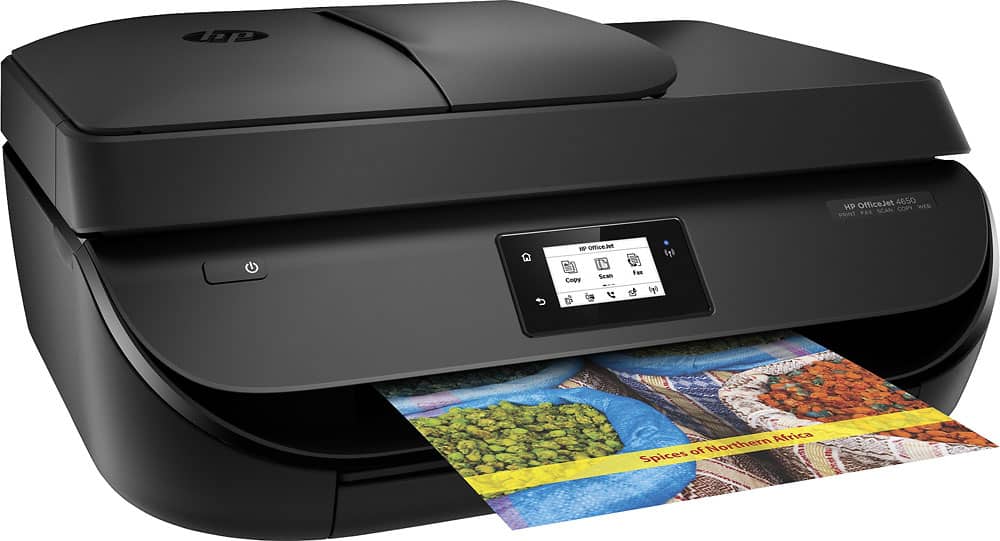
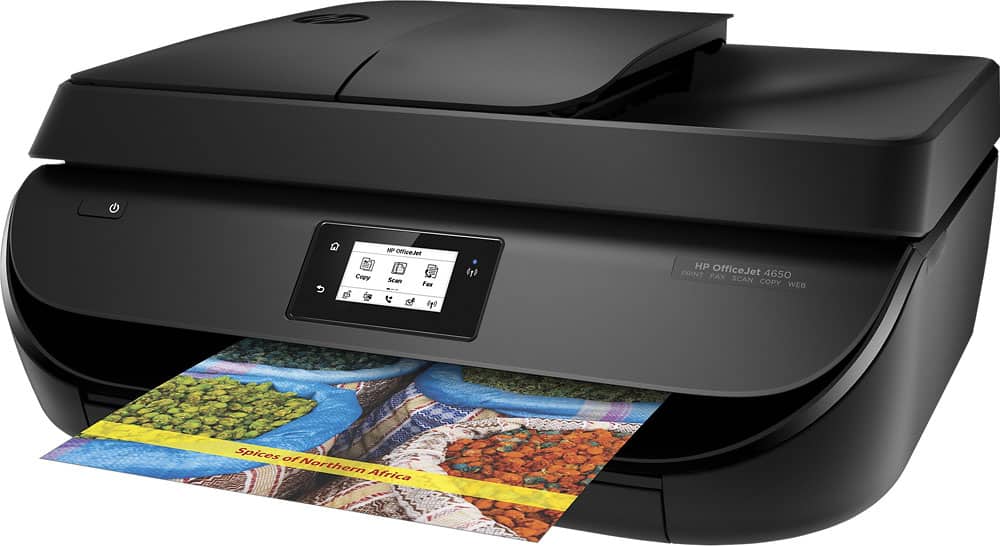
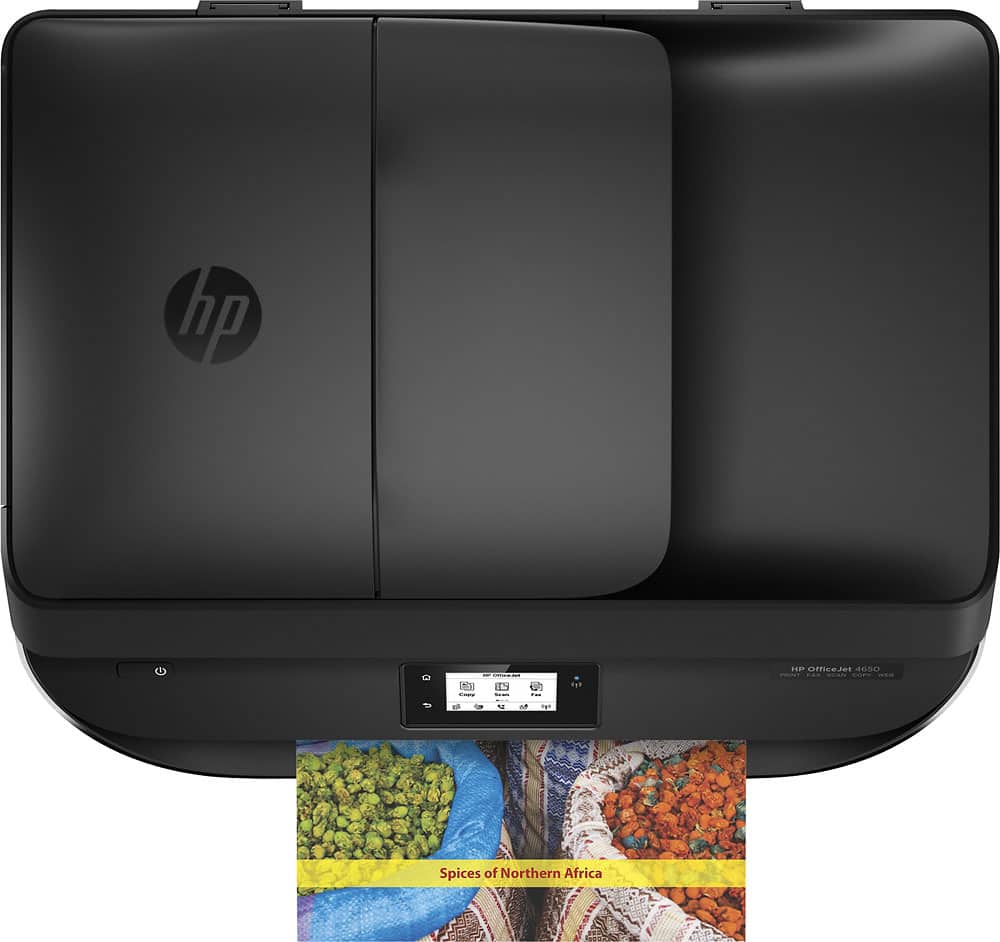
A:AnswerDoesn't have a number on it anywhere but I would guess it will hold at least 75 sheets of paper. For faxing, you pull up the keyboard on the LCD screen. I have not had a paper jam yet but I can tell you the paper tray is not removable as far as I can tell.
A:AnswerHi. I previously bought this printer which has been great so far. I think any internet will work. I use Frontier with a wireless router where I'm in Rochester, NY DSL is considered to be high speed, but they call it Broadband Max it depends on the speed of your provider. It may say on your phone bill or you can call your provider or do a Google search they can explain it a little better also & you don't have to wait forever to speak to a person. Google has been awesome for me since I finally upgraded to 4G this century...LOL I hope this helps you a little bit :)
A:AnswerThis printer is compatible with any computer that has Windows 7, 8 or 8.1: 1.0GHz 32-bit (x86) or 64-bit (x64), 2GB of available hard disk space, a CD-ROM/DVD drive or Internet connection, a USB port, and Microsoft Internet Explorer.
A:AnswerHi-
SUPER easy. You just hit the print button on iPad email and it prints. My mom got confused with my old printer turning on/off this goes into sleep mode so it's perfect. Hope I'm not too late. :)