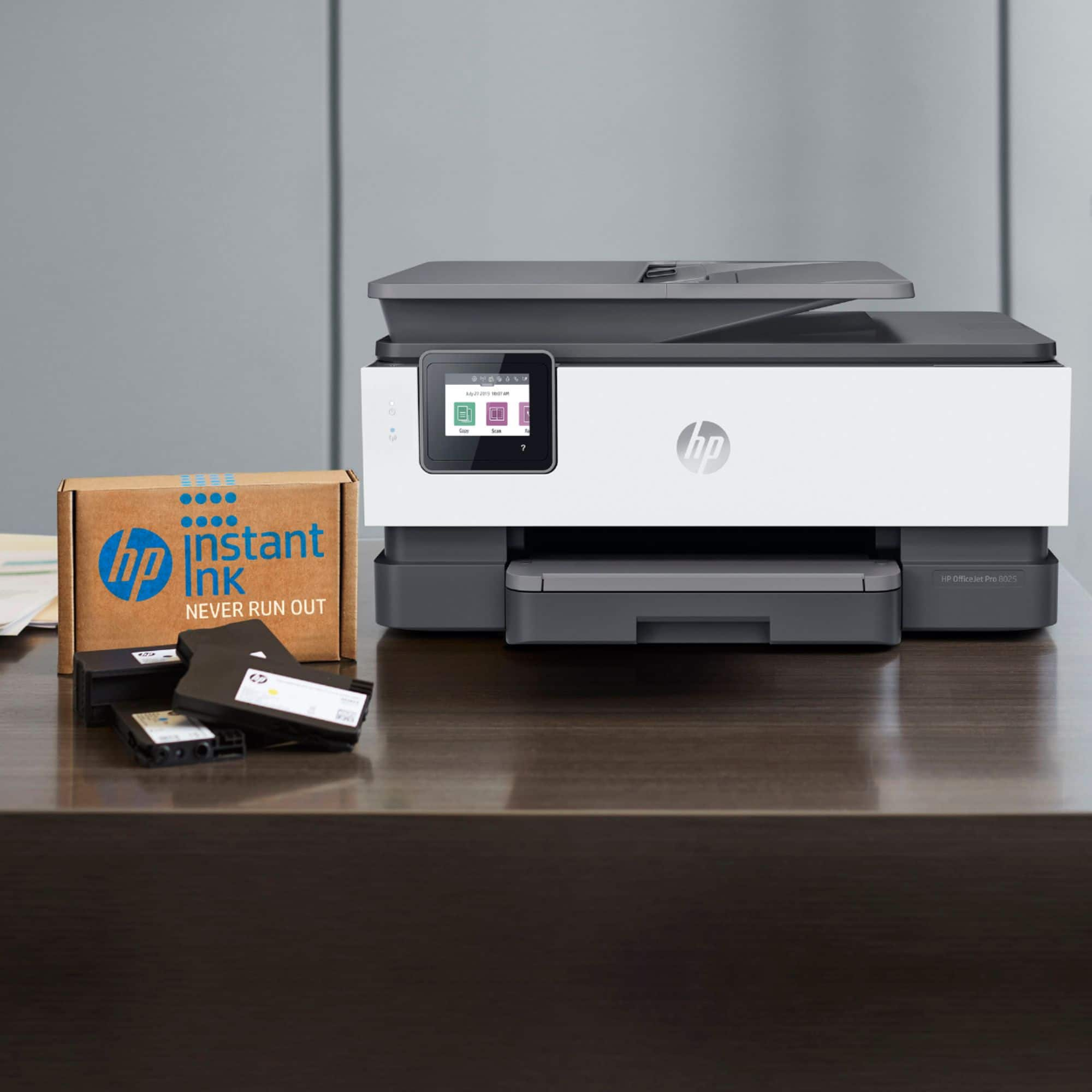
A:AnswerThis printer comes with setup cartridges in the box. The yield of setup cartridges varies by model but tends to be enough to get the average user through setup and initial printing jobs. You can learn more about Ink and Toner by the model at www.hp.com/go/learnaboutsupplies
A:AnswerThere was an issue identified with the HP 900 series Cyan and Yellow inkjet cartridges that may impact the print quality or cause potential damage to your printer. HP has implemented an expedited call and exchange process for customers who may have been impacted by this. The HP Support team will be able to further assist you with this matter. Here's the link for HP Support: https://bit.ly/3mULd9E .
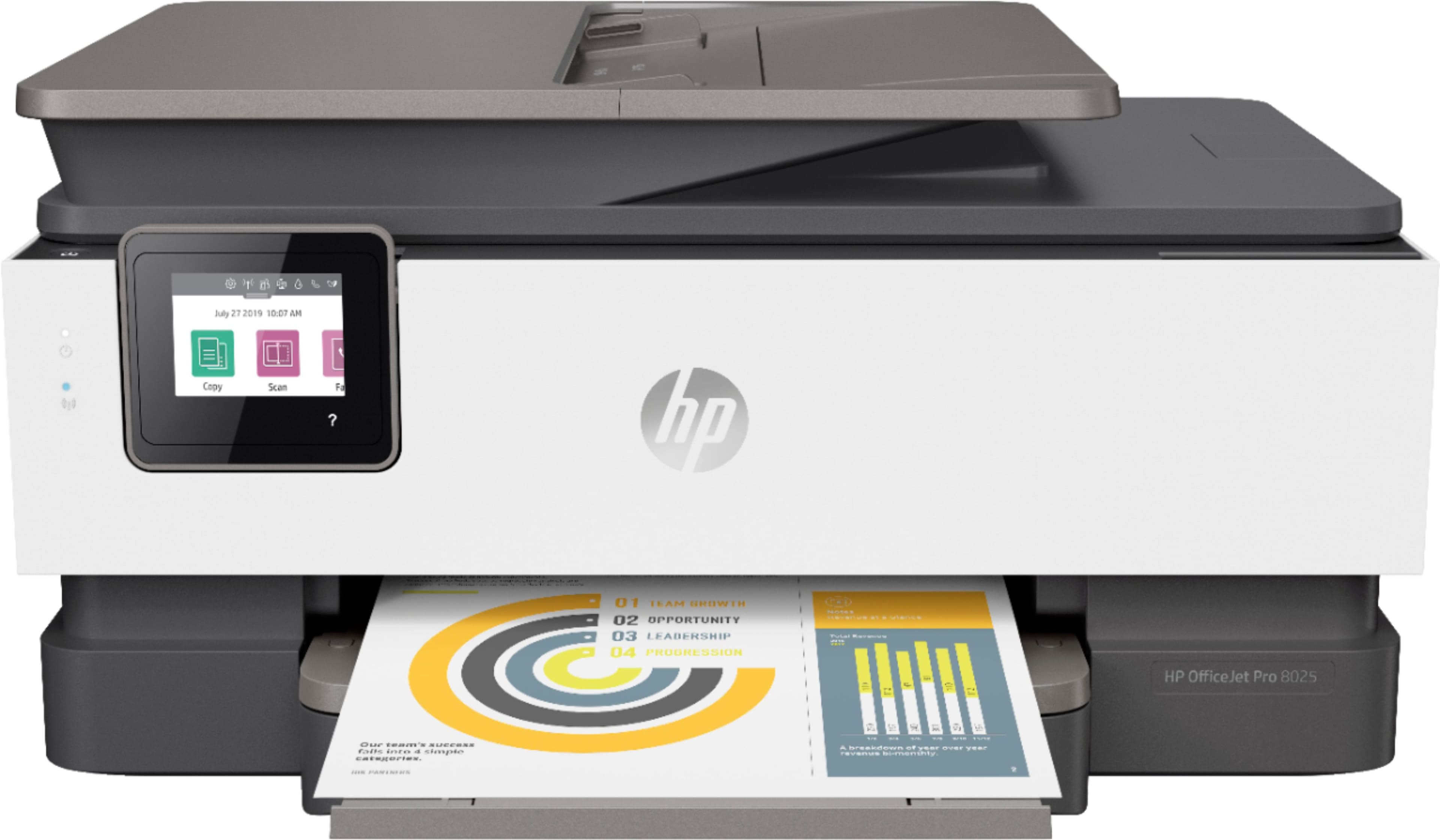
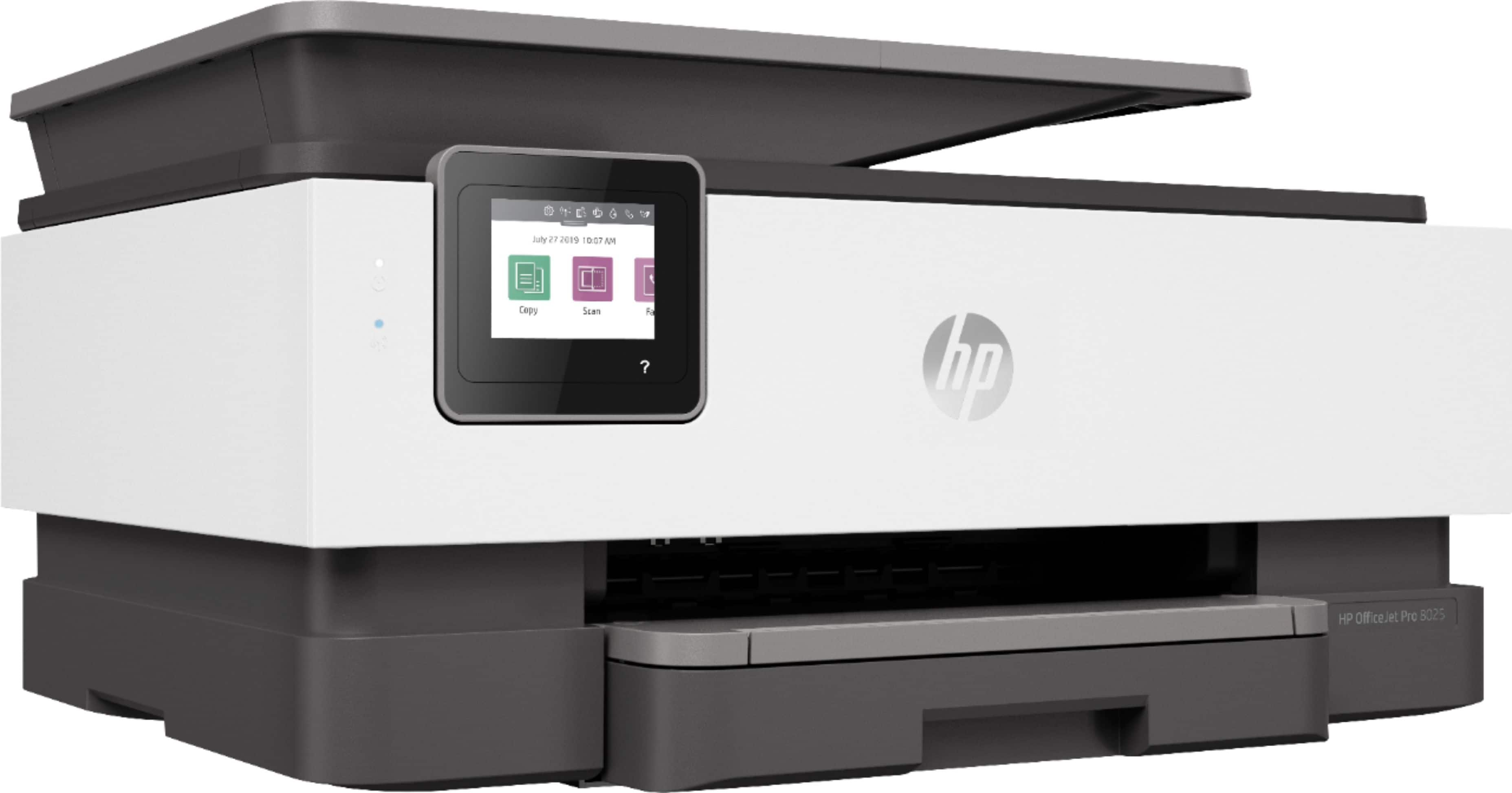
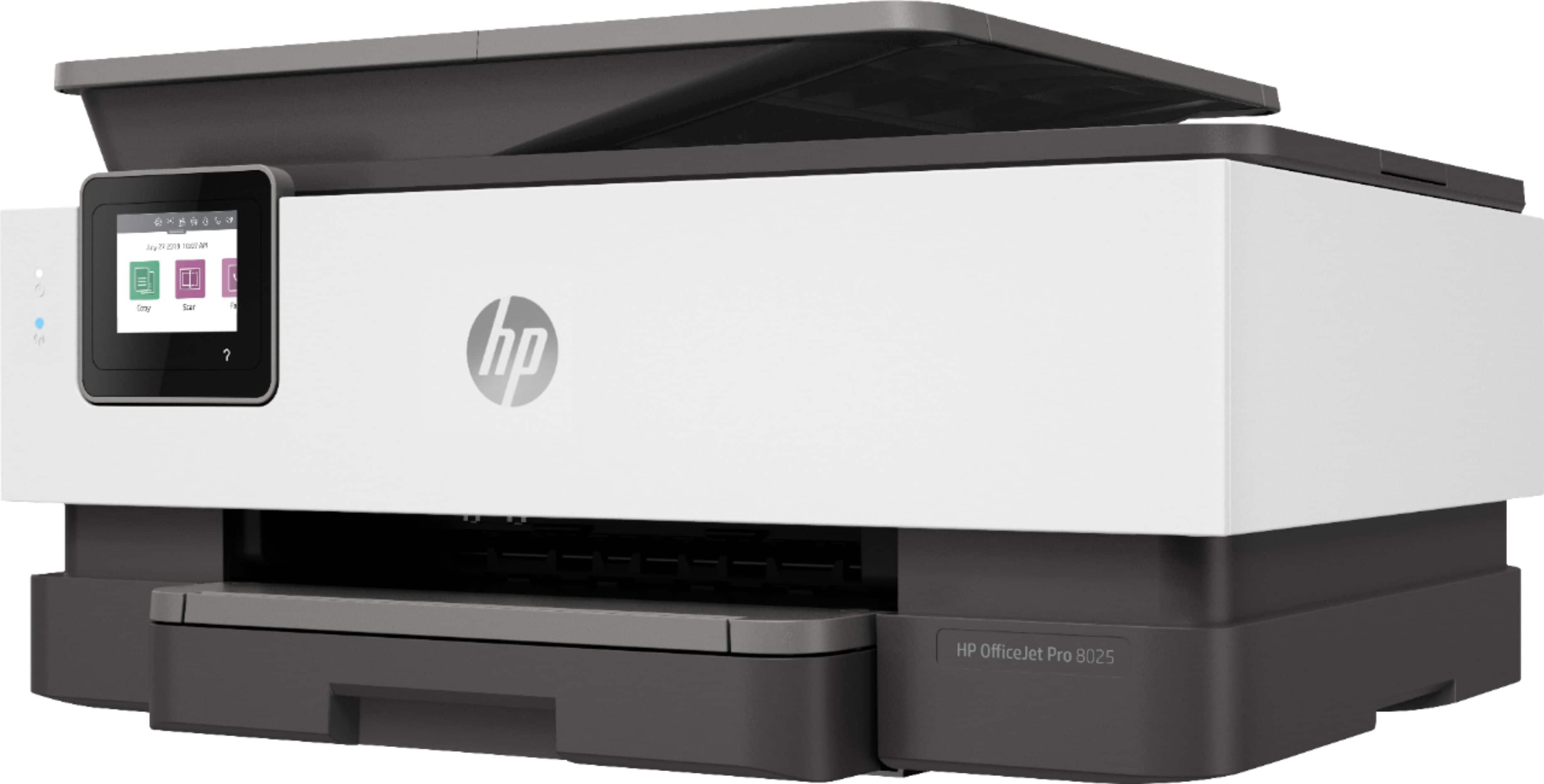
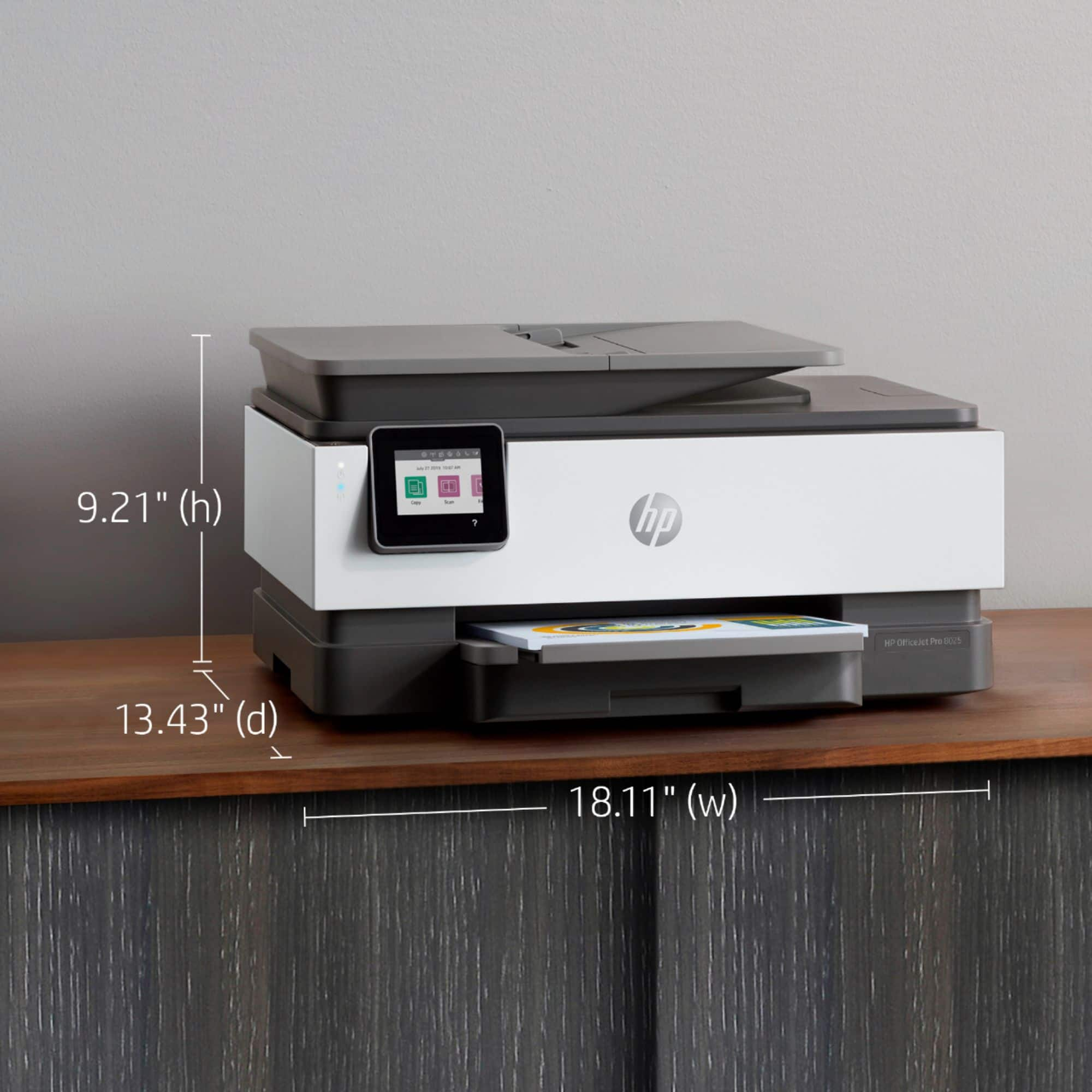
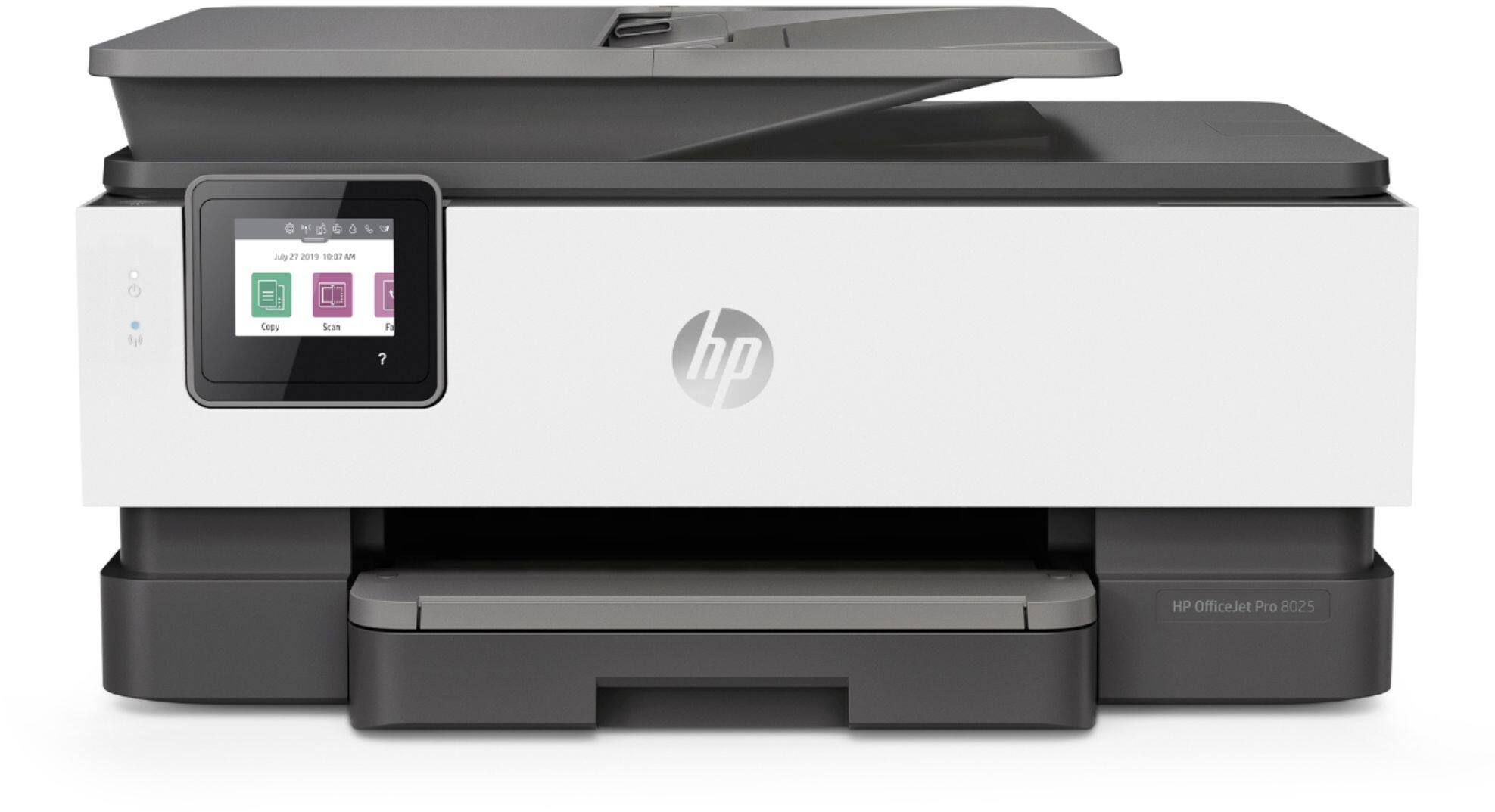
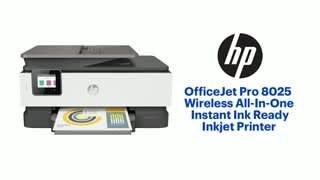
A:AnswerThe dimensions of the HP Officejet 8025 printer are (W x D x H) 18.11 x 20.13 x 9.17 inches. The best thing to do is to look at SKU 6335311 on Best Buy's website for the price of the HP Officejet Pro 8025 printer.
A:AnswerThis printer comes with a 1 year limited warranty from HP. For further details, this link covers the Warranty and Support guidelines: http://h10032.www1.hp.com/ctg/Manual/c00747726.pdf
A:AnswerYes the OfficeJet Pro 8025 should work on Linux Mint 19.1. Here is a link to information about Linux and HP printers. Thie 8025 is listed as the HP OfficeJet Pro 8020 series:
https://developers.hp.com/hp-linux-imaging-and-printing/supported_devices/index