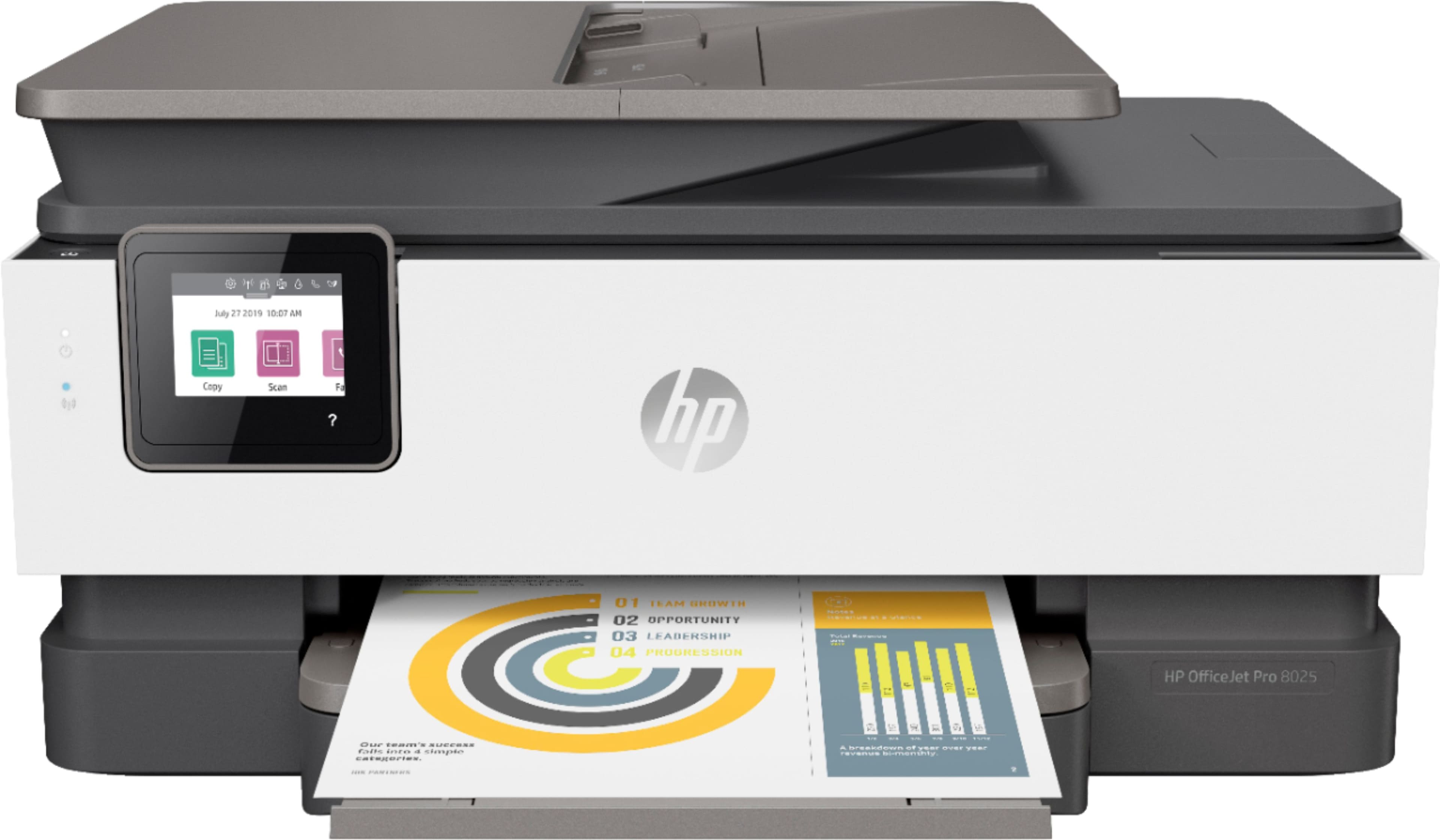
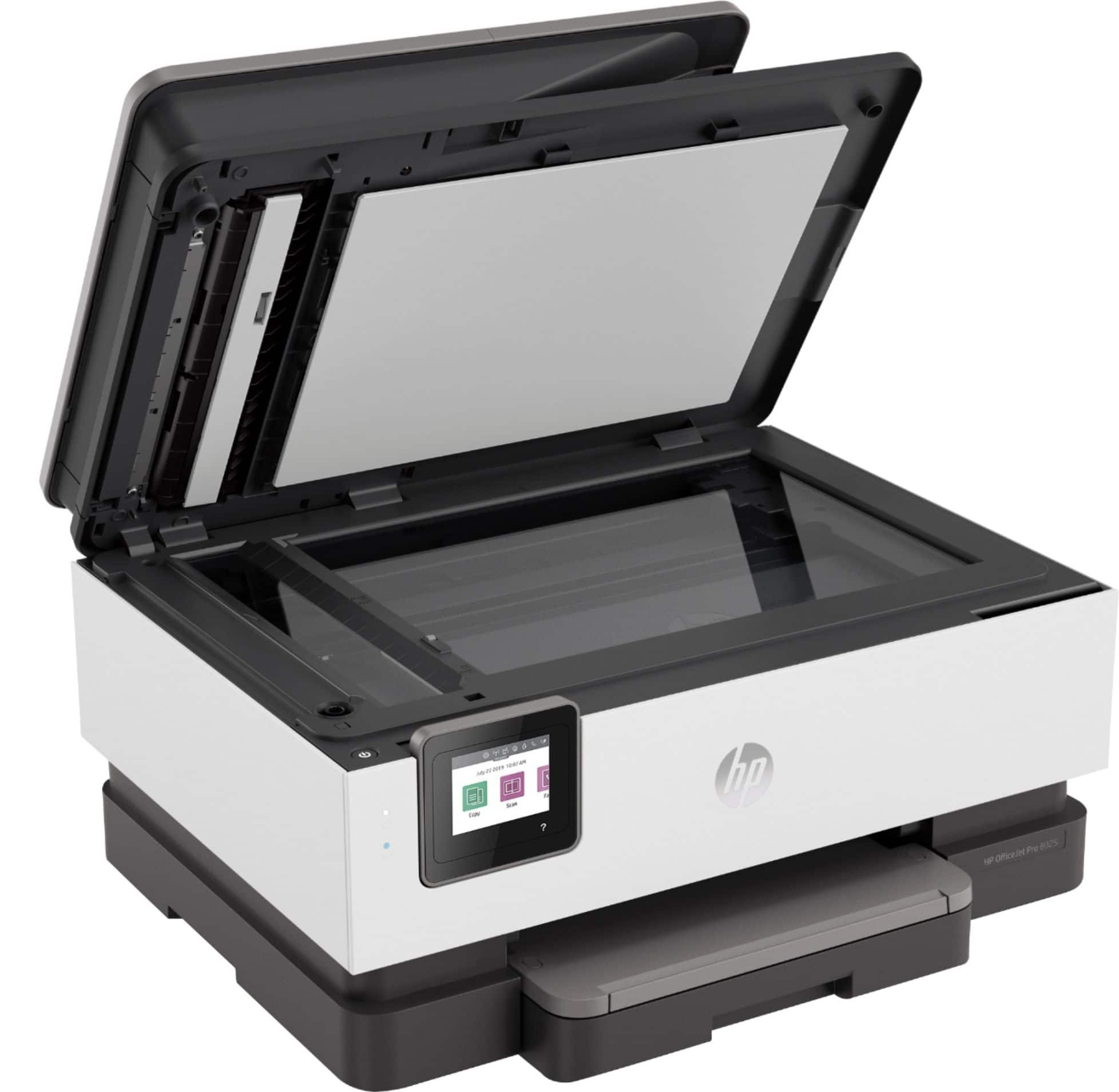
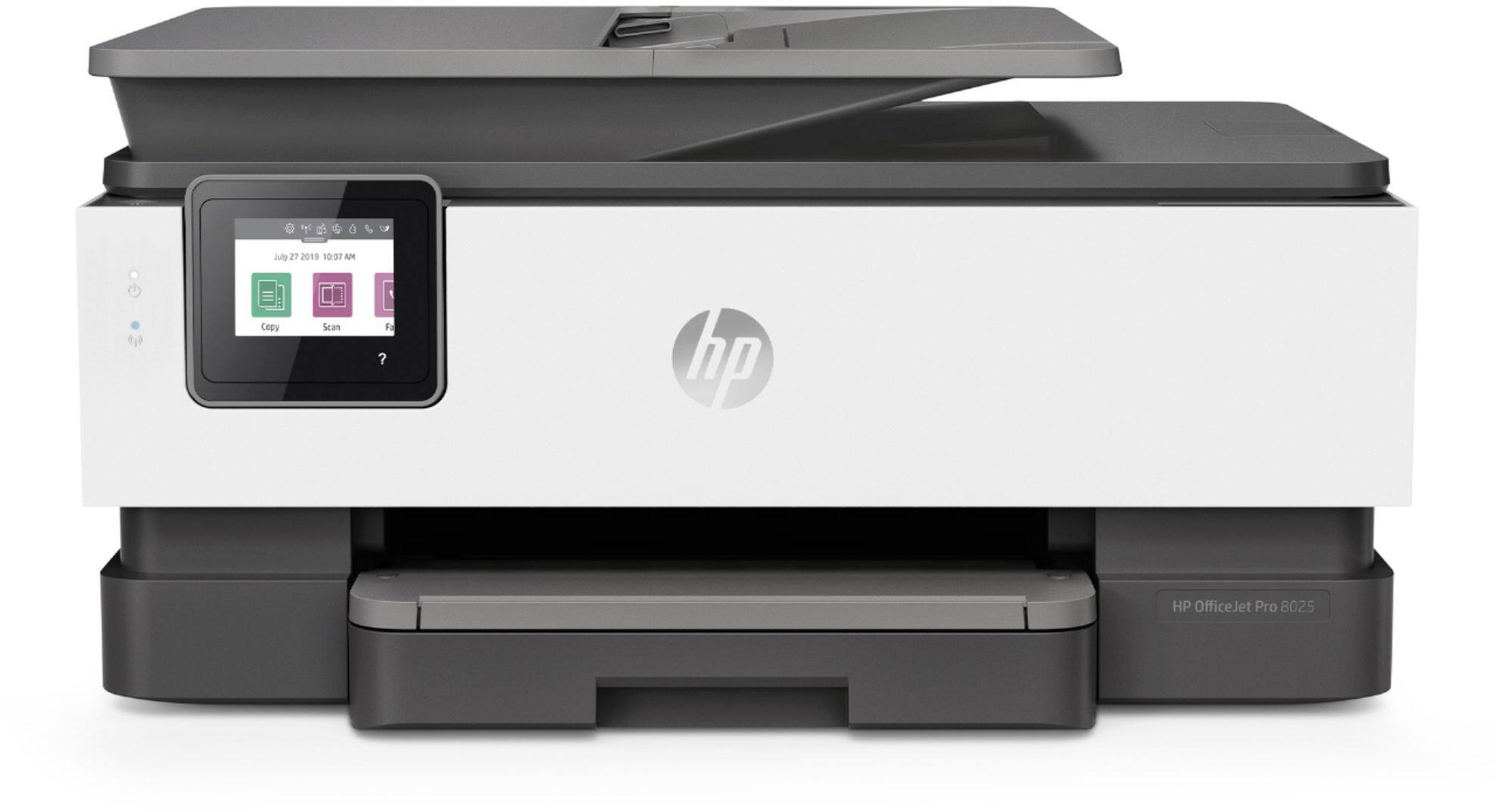
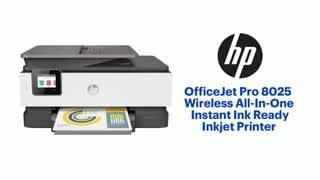
A:AnswerHello. Thanks for your question. This HP Officejet Pro 8025e printer does not have Bluetooth. This HP Officejet Pro 8025e uses WiFi technology. If you want a direct connection. We recommend using WiFi Direct. Wireless Direct (WiFi Direct) allows you to directly connect to a printer from a mobile device or computer without the need for internet access or a wireless network. You would connect to the printer’s wireless direct signal just like you would connect to a wireless network. The printer would have a unique name in your wireless connections, i.e. Direct-04-Printer.
A:AnswerThe printer that most closely matches the Photosmart 7520 is the Envy Photo 7855 or 7858. Those are actually the same printer with a different model number.
A:AnswerMedia types
Plain Paper, HP Photo Papers, HP Matte Brochure or Professional Paper, HP Matte Presentation Paper, HP Glossy Brochure or Professional Paper, Other Photo Inkjet Papers, Other Matte Inkjet Papers, Other Glossy Inkjet Papers, Thick Plain Paper,Light/Recycled Plain Paper,HP Tri-fold Brochure Paper, Glossy
Recommended media weight
16 to 28 lb (plain paper); 60 to 75 lb (photo); 20 to 24 lb (envelope); 90 to 110 lb (card)
Supported media weight
16 to 28 lb (plain paper); 60 to 75 lb (photo); 20 to 24 lb (envelope); 90 to 110 lb (card)
A:AnswerYes. According to my spec sheet:
Media sizes supported Letter; Legal; Government Legal; Executive; Statement; 4 x 6 in; 5 x 7 in; 13 x 18 cm; 8 x 10 in; 10 x 15 cm; L; Photo 2L; Envelope (#10, Monarch, 5.5 bar); Card (4 x 6 in, 5 x 8 in)
Media sizes supported A4, A5, A6, B5(JIS), Card (A4, Hagaki, Ofuku Hagaki); Photo (13 x 18 cm, 10 x 15 cm); Envelope (A2, C5, C6, DL. Chou #3, Chou #4); 8.5 x 13 in
Media sizes supported, key 4 x 6 in; Letter; Legal; Envelopes
Media sizes supported, key 10 x 15 cm; A4; Envelopes
Media sizes, custom Tray 1: 3 x 5 to 8.5 x 14 in
A:AnswerIt's literally the same printer. Sometimes, retailers want a unique model number, so HP will take an existing printer and give it a new number.
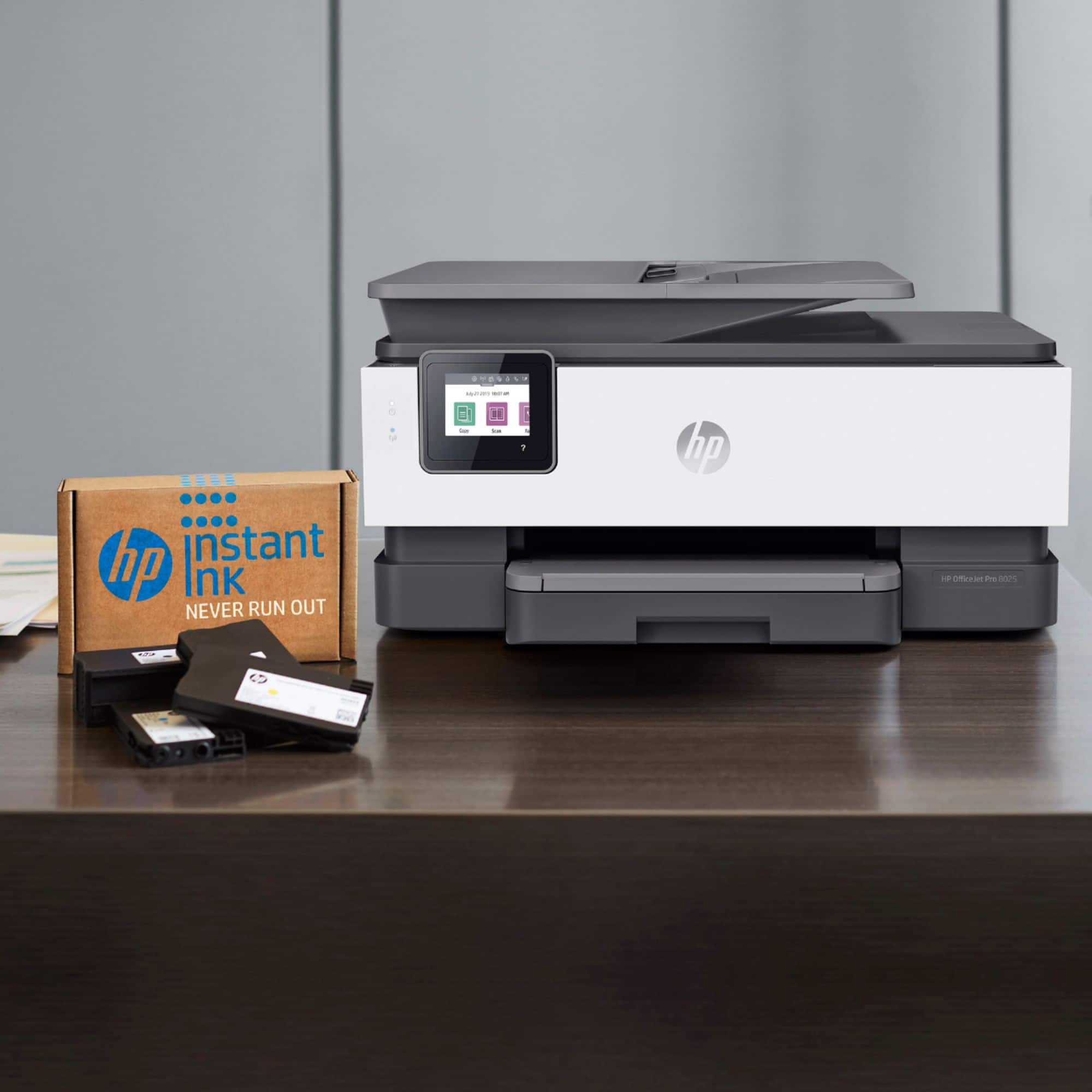
A:Answeronly comes with the starter pkg of ink black is one cartridge color is 3 pkg of ink ( cyan magenta and yellow juane all individual cartridges in the same pkg all separate cartridges)
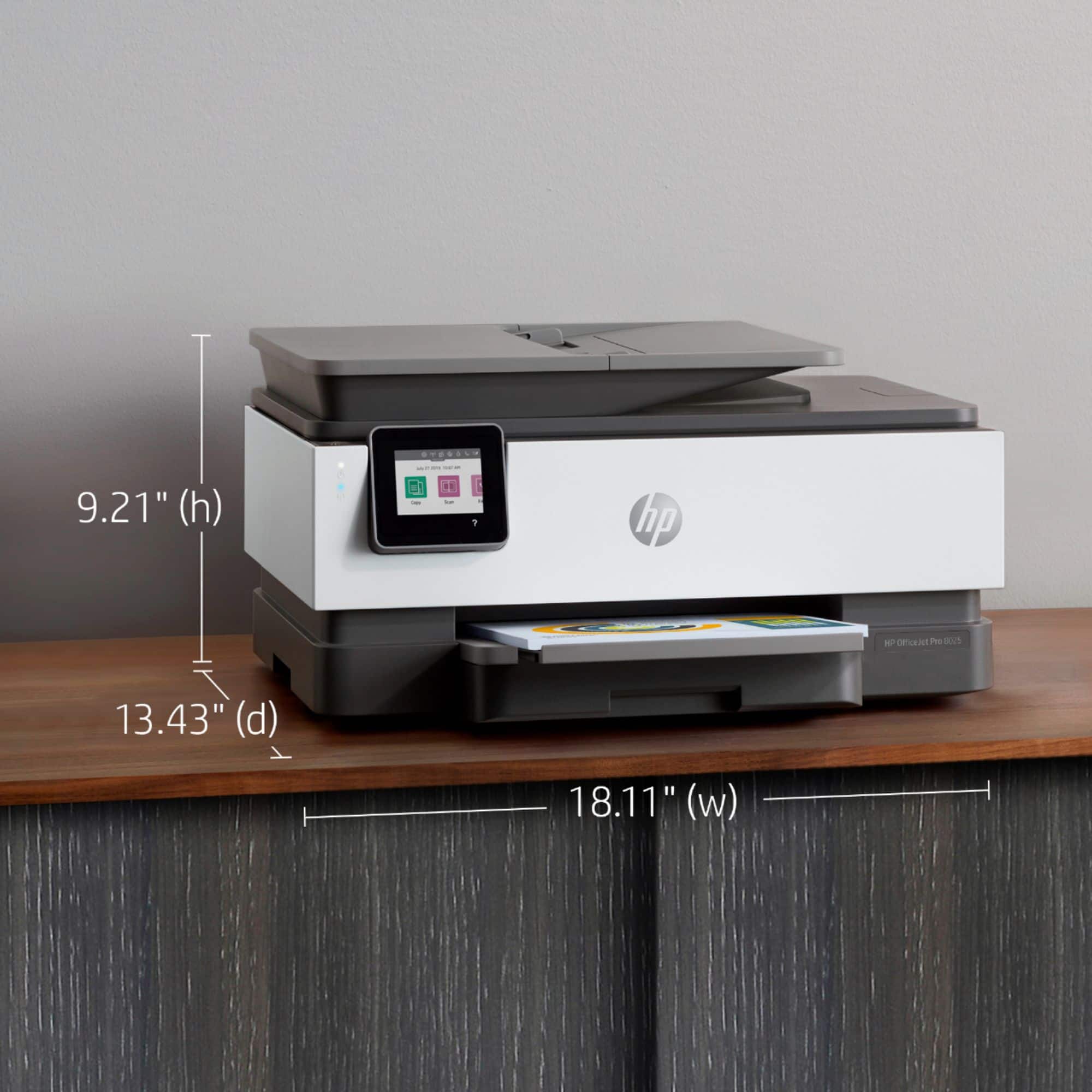
A:AnswerThe Officejet Pro 8025 can handle paper up to 8.5x14. Currently, the OfficeJet Pro 7740 Wide Format would be the model to get for printing 11x17.
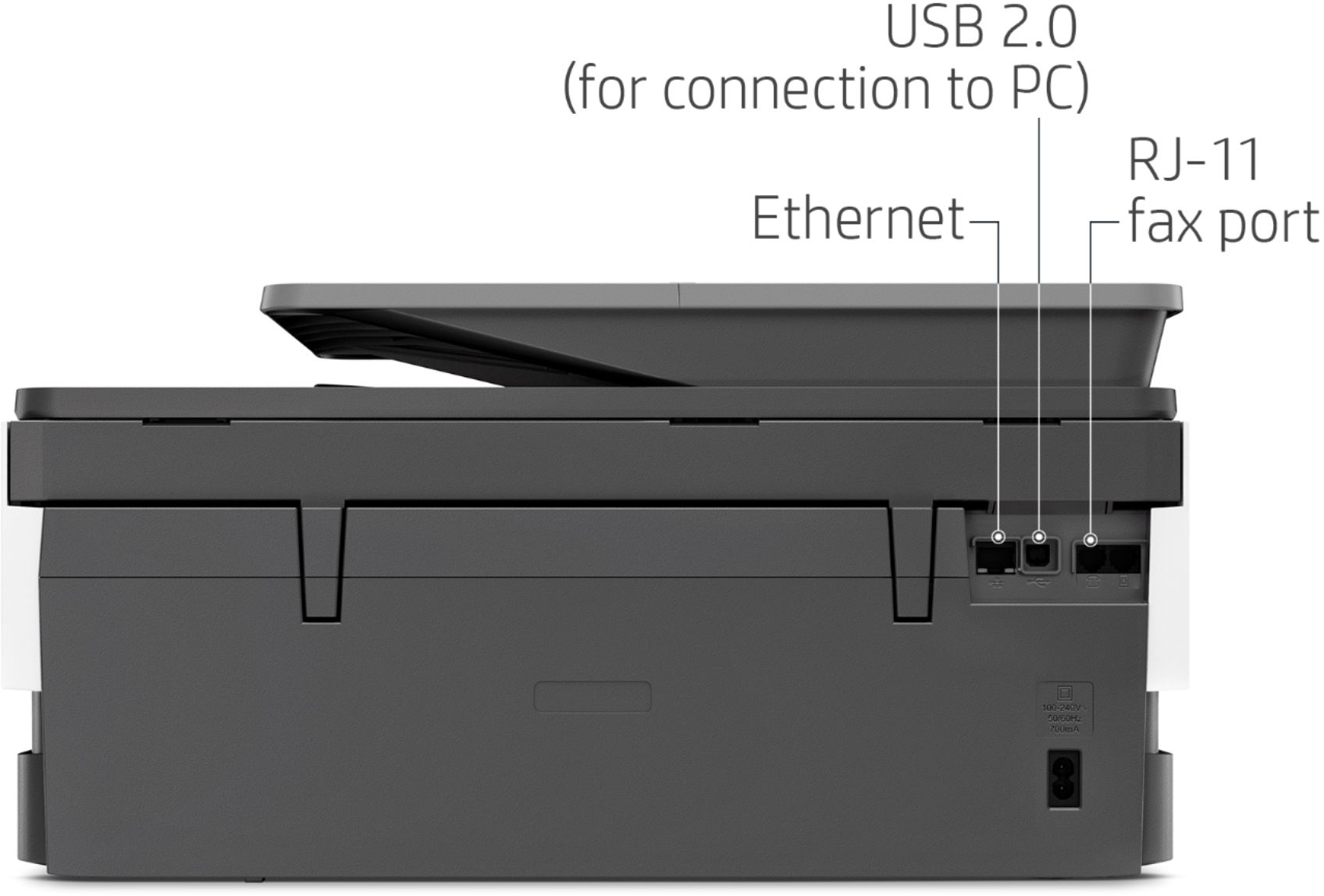
A:AnswerNot sure if I fully understand the question but you can scan from the printer itself. There is a USB port which I think allows you to scan a document or pic to a jump drive, for example. You can scan directly to your email as well. I've used this option several times. I find it very convenient and it is easy to do.
A:AnswerThe OfficeJet Pro 8025 is compatible with HP 910 cartridges, available through Instant Ink, online, or in store.Your cartridge choces include HP 910 (black, cyan, magenta, yellow), HP 910XL (black, cyan, magenta, yellow), and HP 916XL black original ink cartridges.