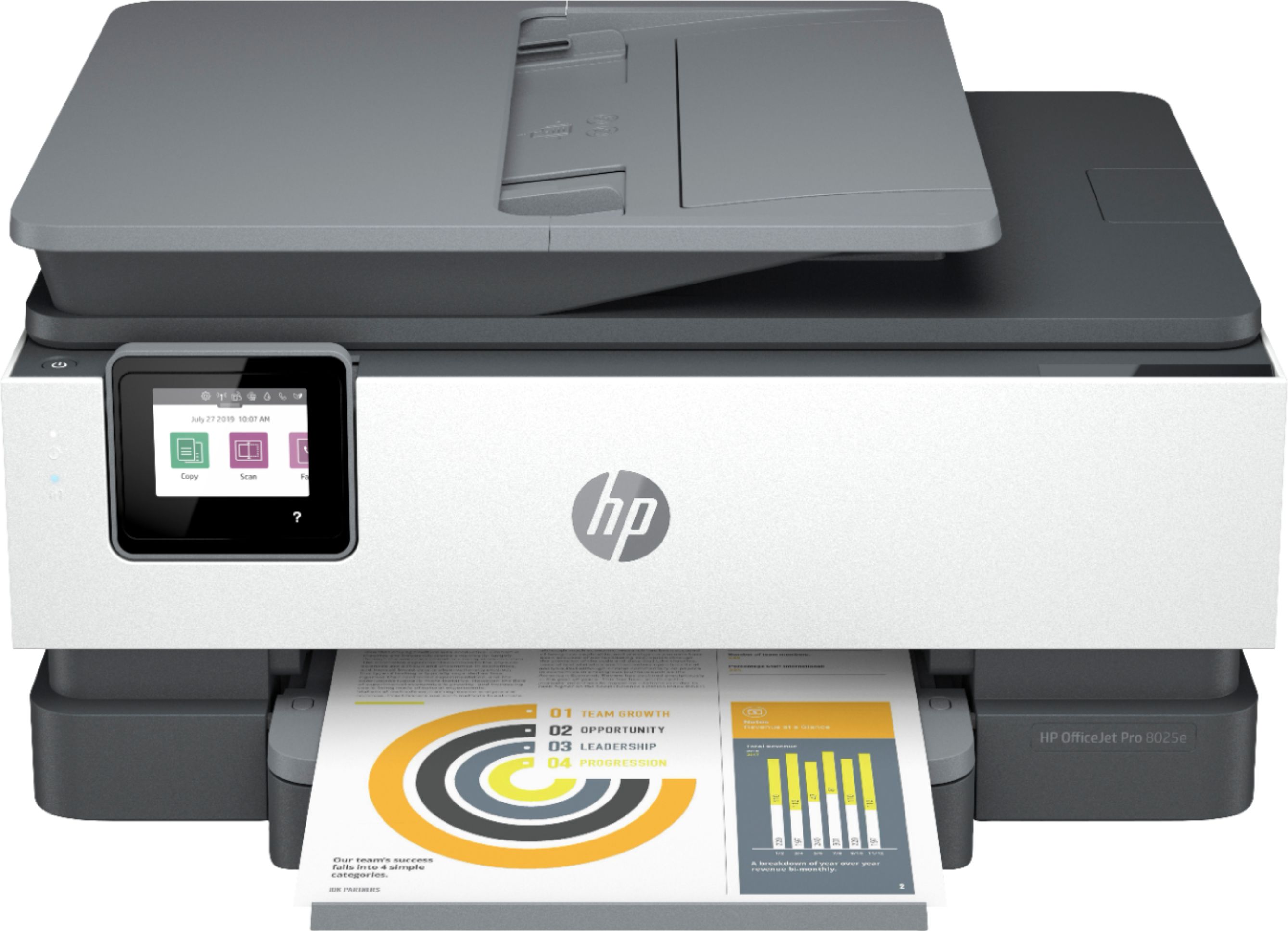
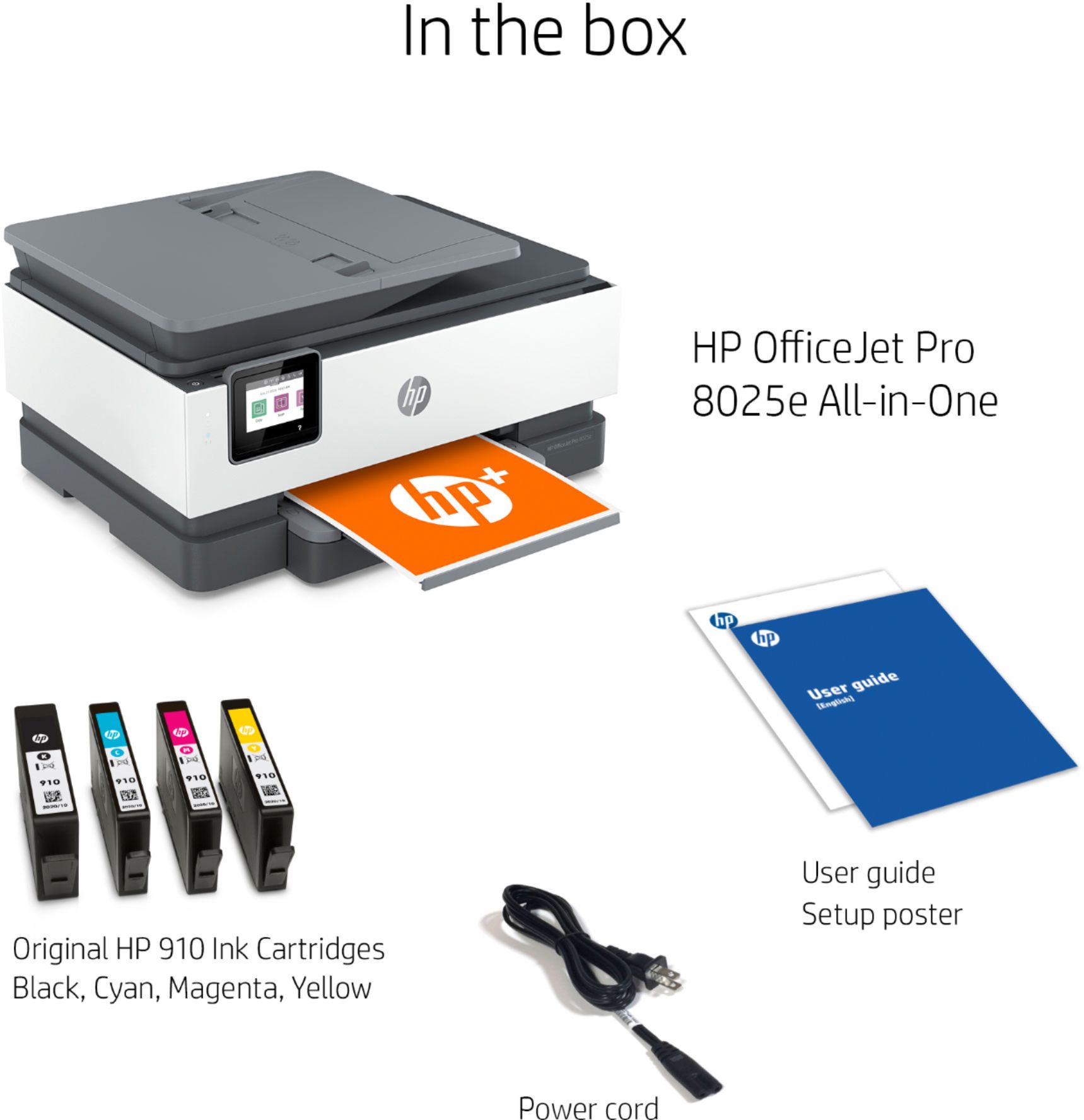
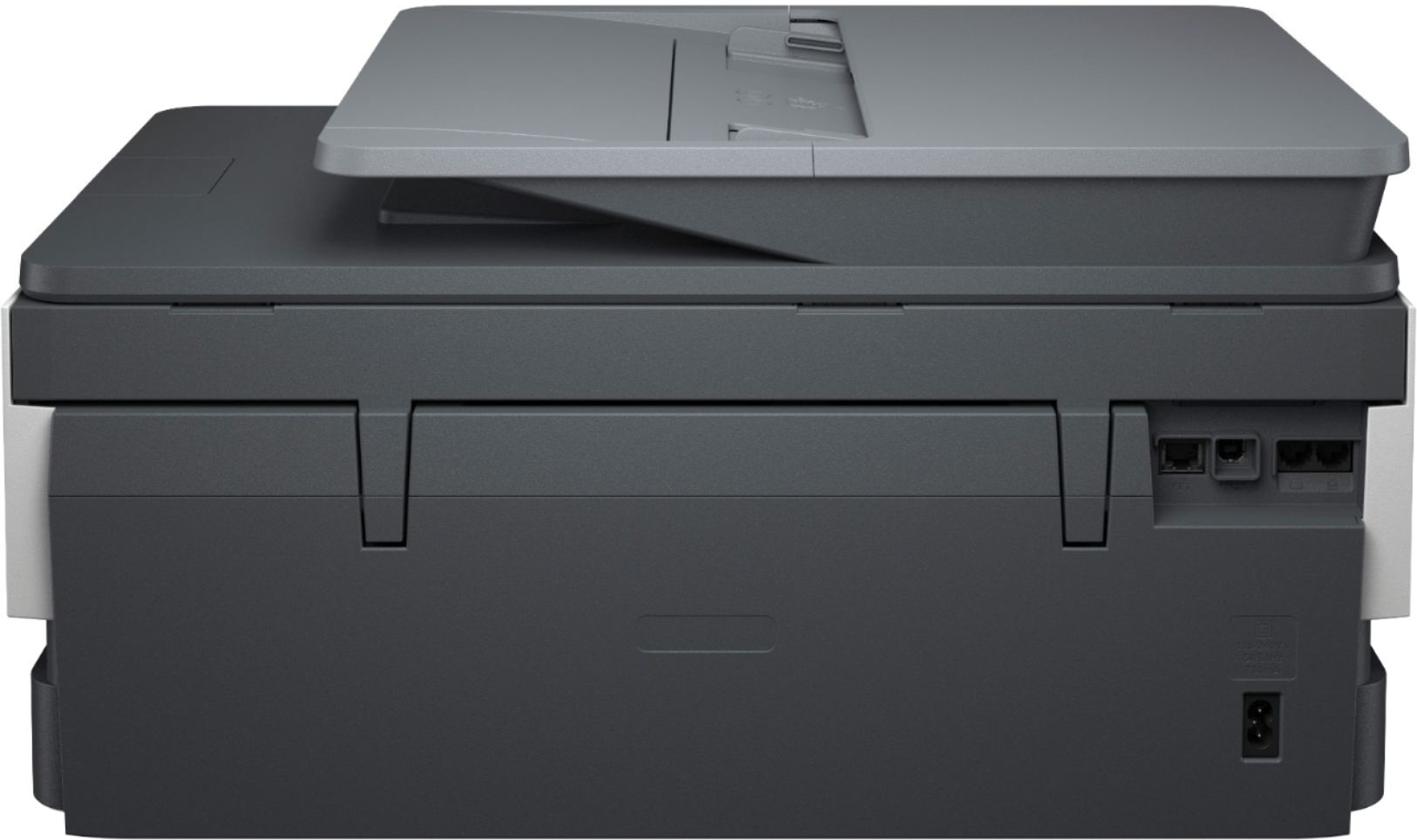
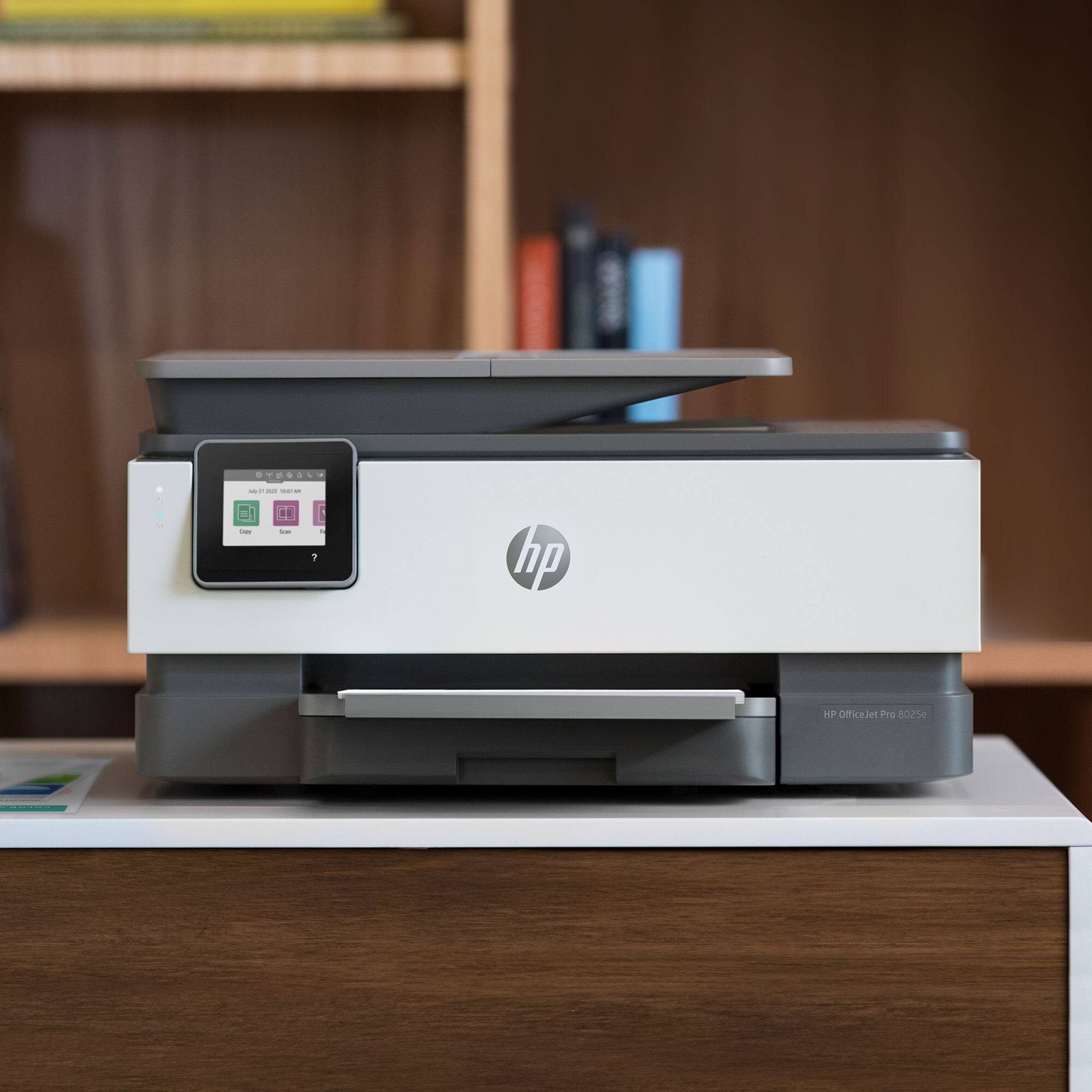
A:AnswerUnfortunately, with the OfficeJet Pro models, you need all four cartridges to be installed in order to print, even in black. The printhead is built into the printer, and would be damaged by printing without ink in each of the cartridges.Also, setup cartridges are included in the printer box for all four colors (black, magenta, cyan, and blue). If you are looking for an affordable printer for single-cartridge printing (black only) with an option for adding a color cartridge, check out the OfficeJet and Envy models. If you want to print black only, with no option for color, a monochrome laser is another option.
A:AnswerI'm not quite sure the actual number of pages, but I've already printed 115 pages on the cartridges that came out the box and the ink indicator is still at about 75%
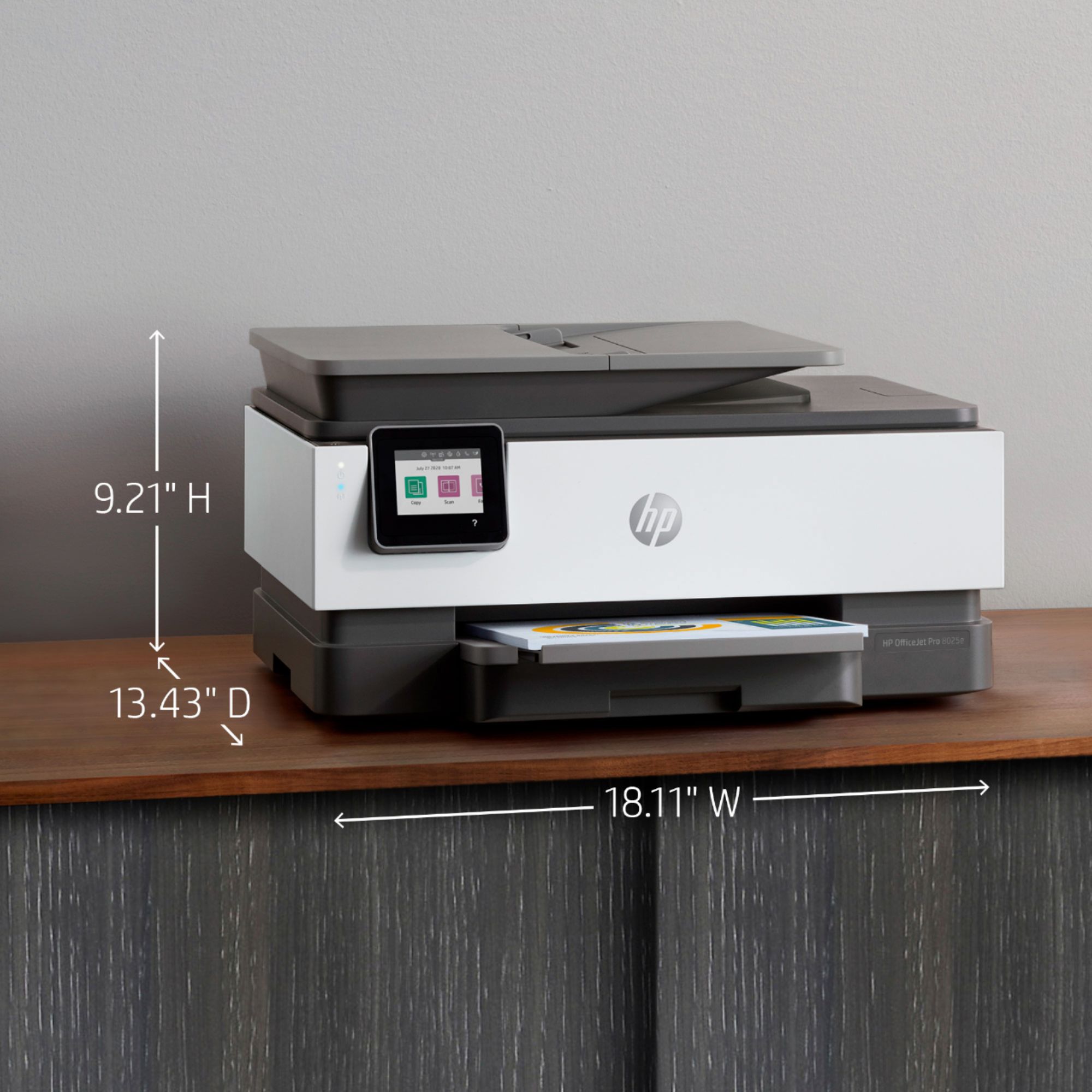
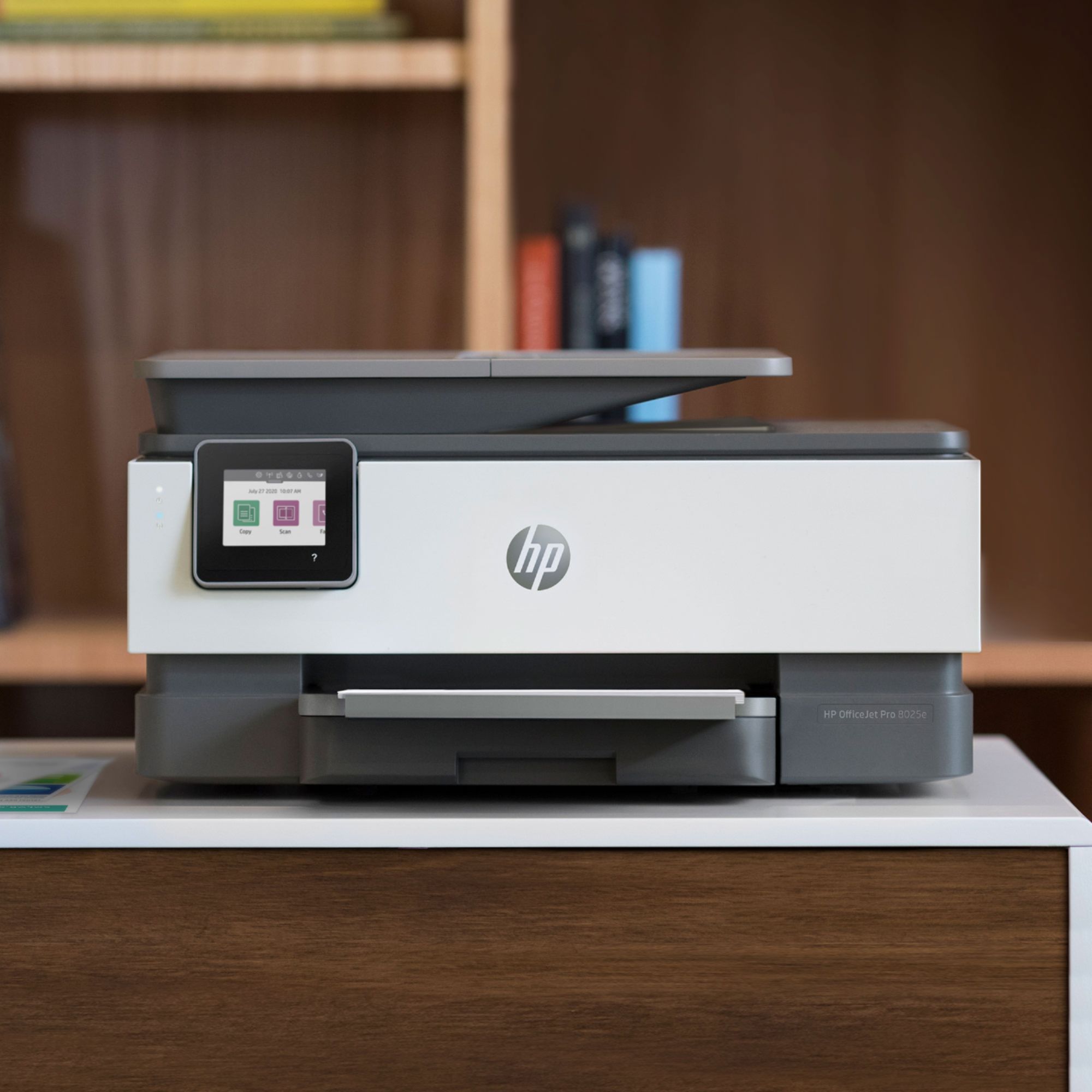
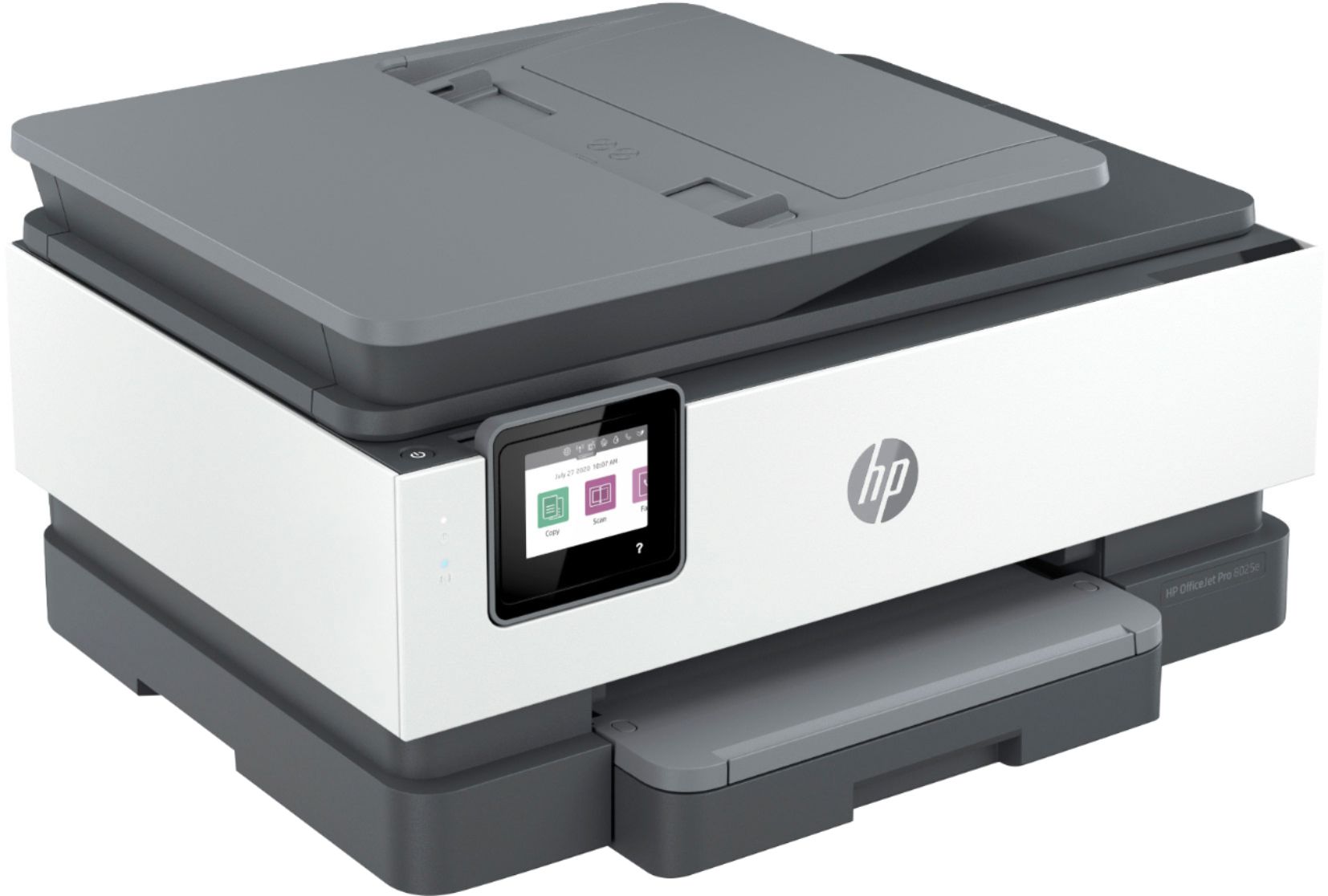
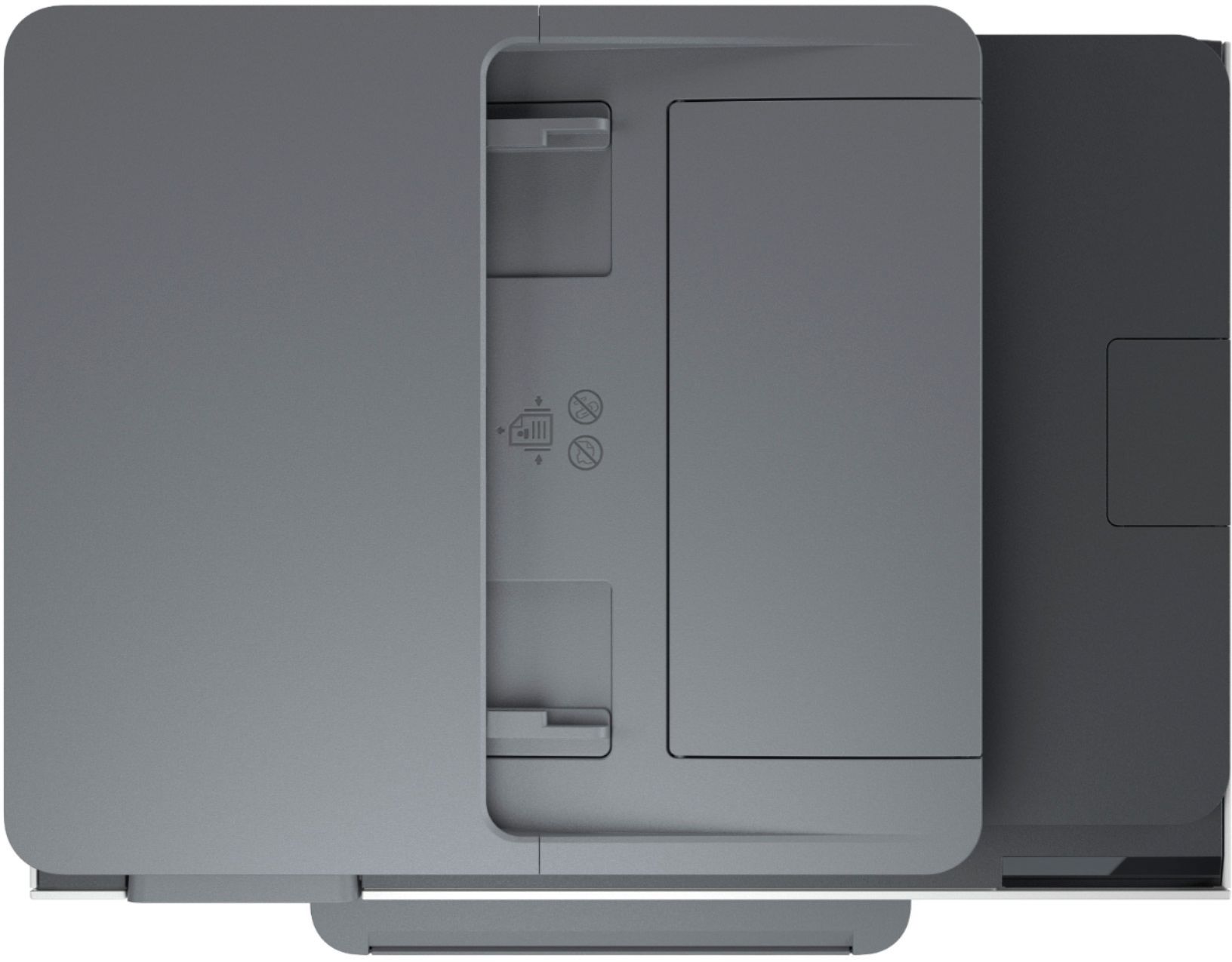
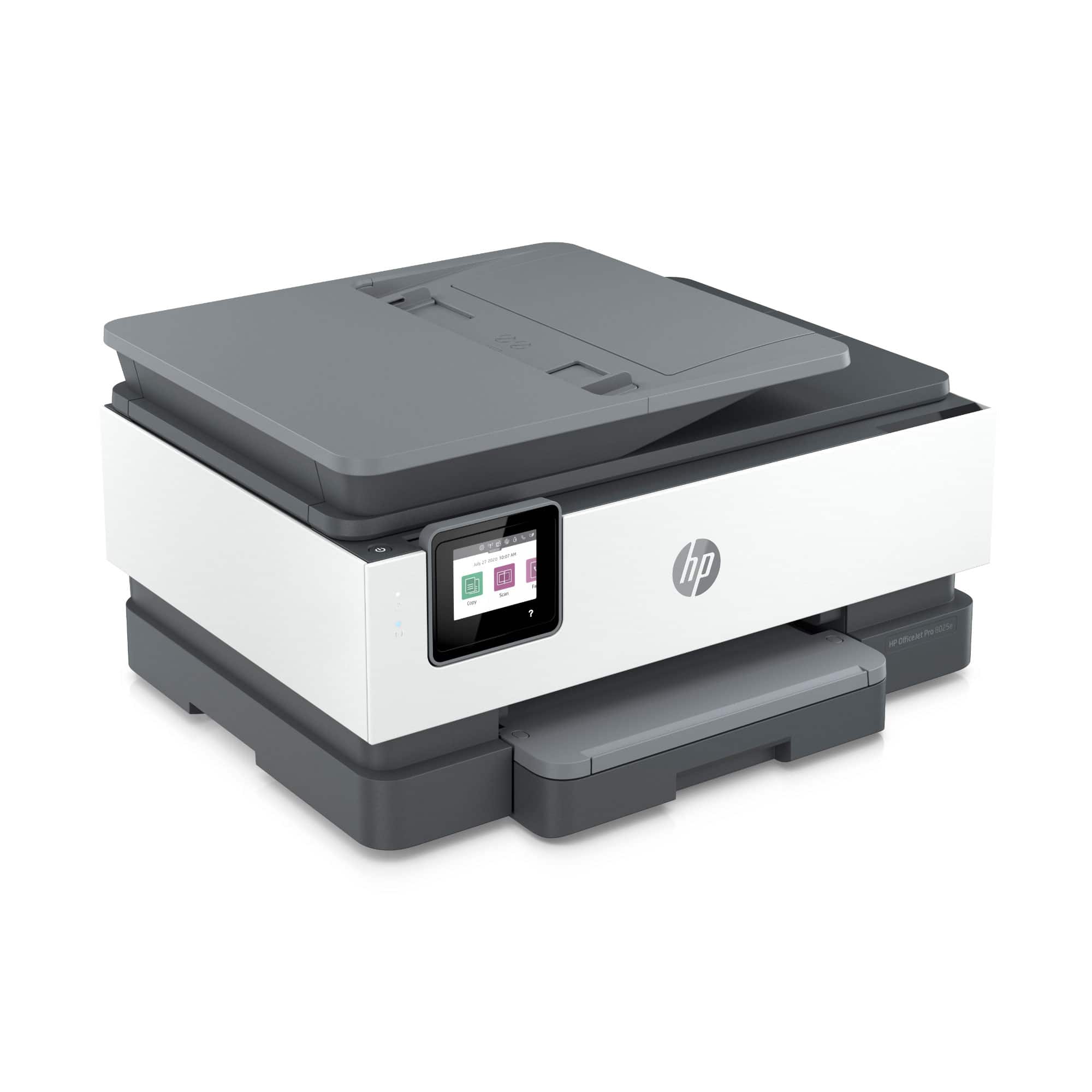
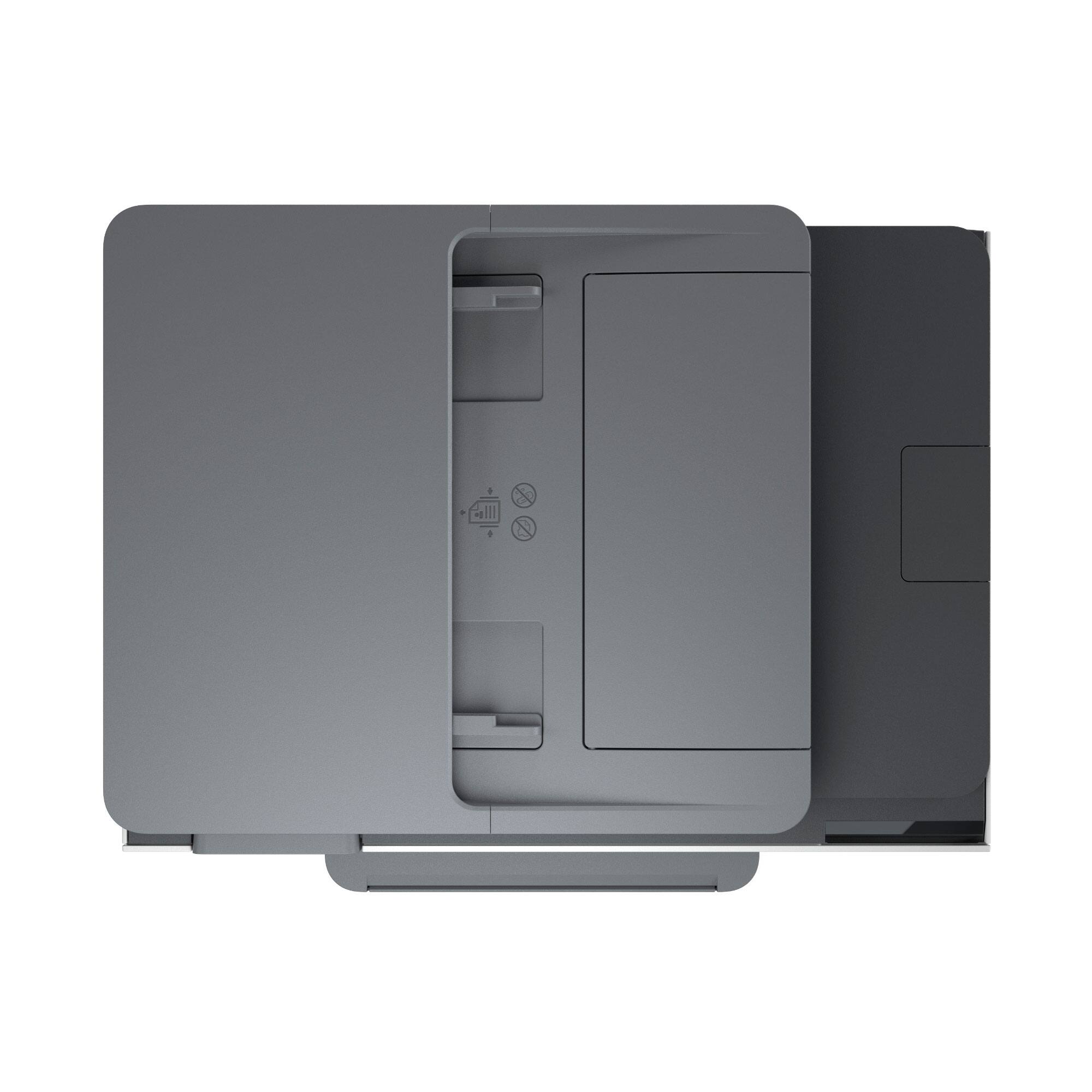
A:AnswerThank you for your question! The max dimensions (trays out) are 18.1" W x 20.13" D x 9.2" H and the compact dimensions are 18.1" W x 13.43" D x 9.2" H.
A:AnswerHello. Yes, this OfficeJet Pro 8025e will be able to print on stickers and on card stock up to 80lbs. Always make sure that the stickers or any other project paper mentions 'inkjet compatible' on the packaging.
A:AnswerHello Aurora. Great question! I’ll give you the full dimensions of the HP OfficeJet Pro 8025. The full dimensions of the HP OfficeJet Pro 8025 are: (Width x Depth x Height - metric - “inches”) 18.11 x 20.13 x 9.17 in.
A:AnswerThe only difference between these two printers are the benefits. The HP 8025e model comes with 6 months of free printing and 2 years of HP warranty. This model is currently not being offered at Best Buy. The HP 8025 model currently has a 4-month HP Instant Ink trial and 3 months of Canva Pro promotion that ends on March 31st, 2021. This model only comes with one year of HP warranty. For more details, visit http://www.HP.com/canvapro
A:AnswerPrint resolution (best)
Up to 4800 x 1200 optimized dpi on HP Advance Photo Paper 1200 x 1200 dpi input
This printer can print on the following sized paper:
Media sizes supported (U.S. standard)
A4; A5; A6; B5(JIS); 6 x 8 in; Executive; Index card 3.5 x 5 in; Index card 4 x 6 in; Index card 5 x 8 in; Index card A4; Index card Letter; 3.5 x 5 in; 4 x 6 in; 5 x 7 in; 13 x 18 cm; 8 x 10 in; 10 x 15 cm; L; Photo 2L; 8.5 x 13 in; Letter; Statement; Envelope #10; Envelope C5; Envelope C6; Envelope DL; Envelope Monarch; Card Envelope 4.4 x 6 in
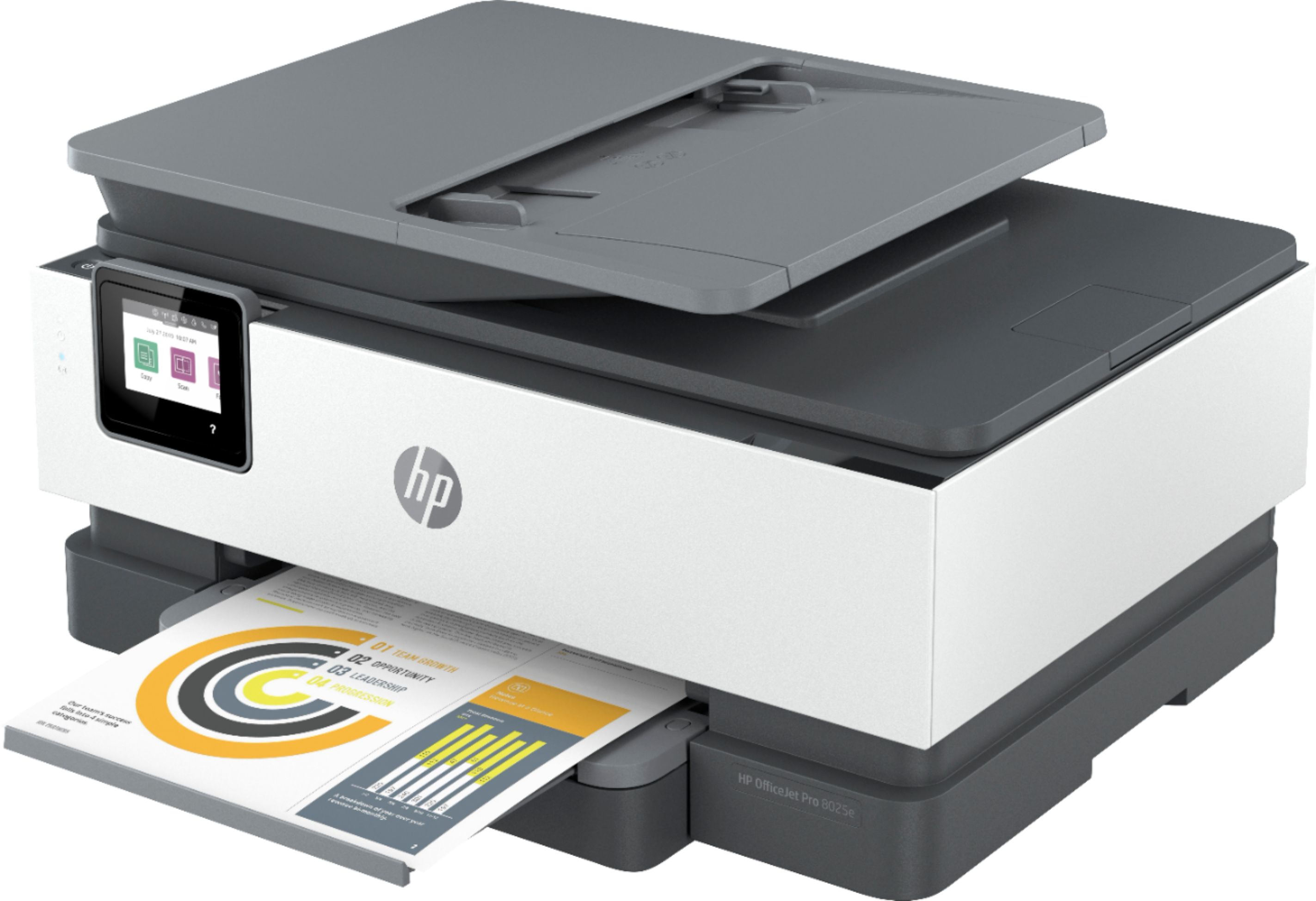
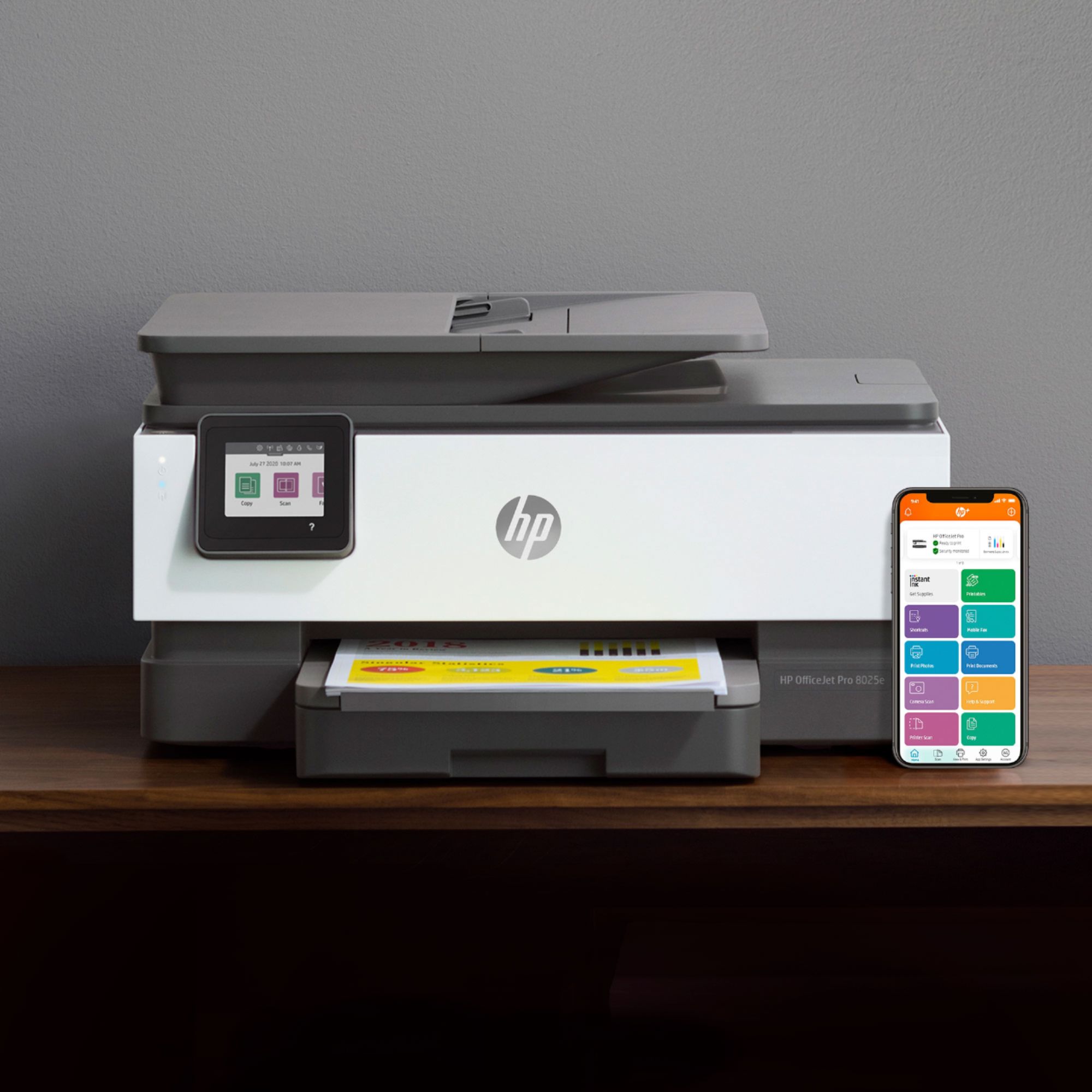
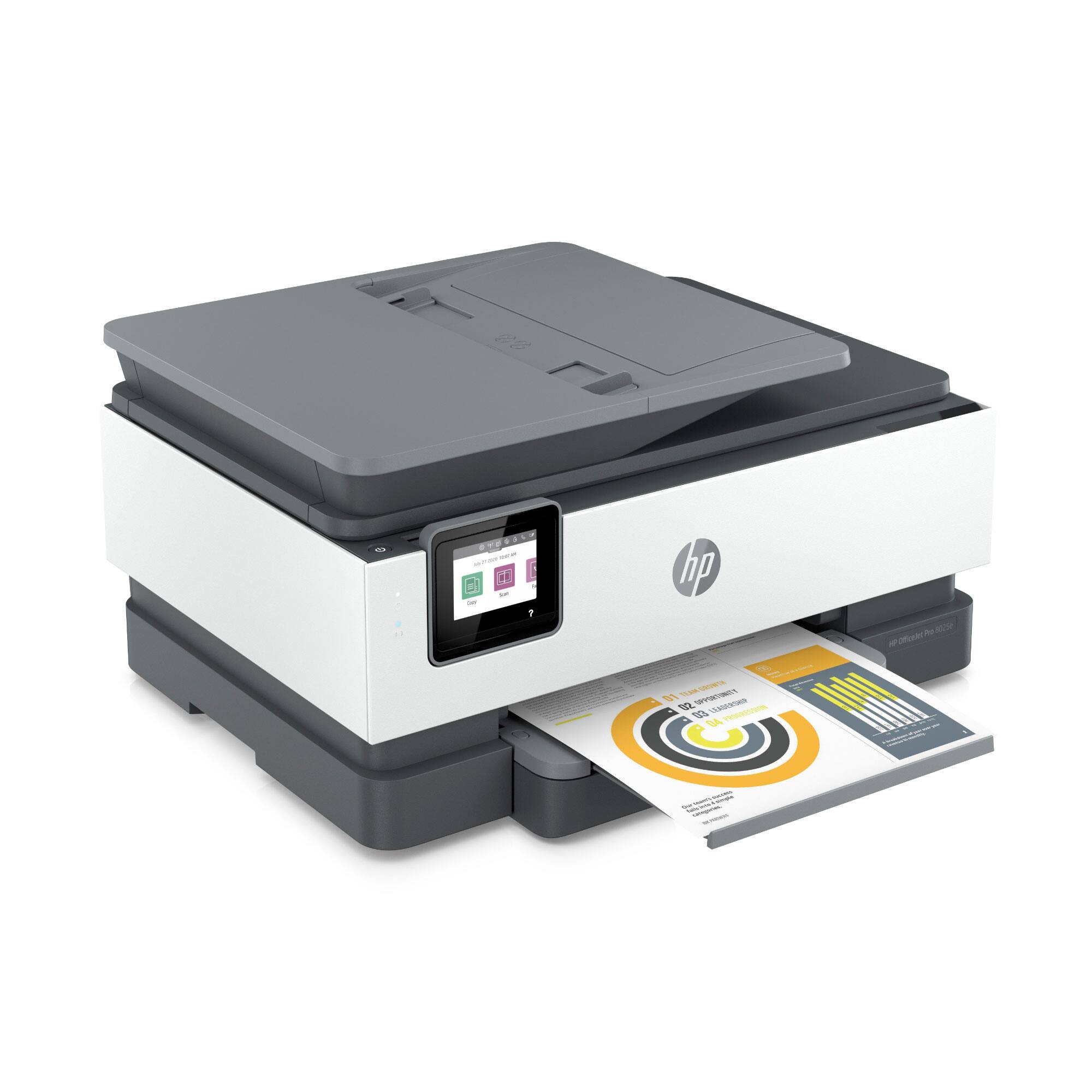
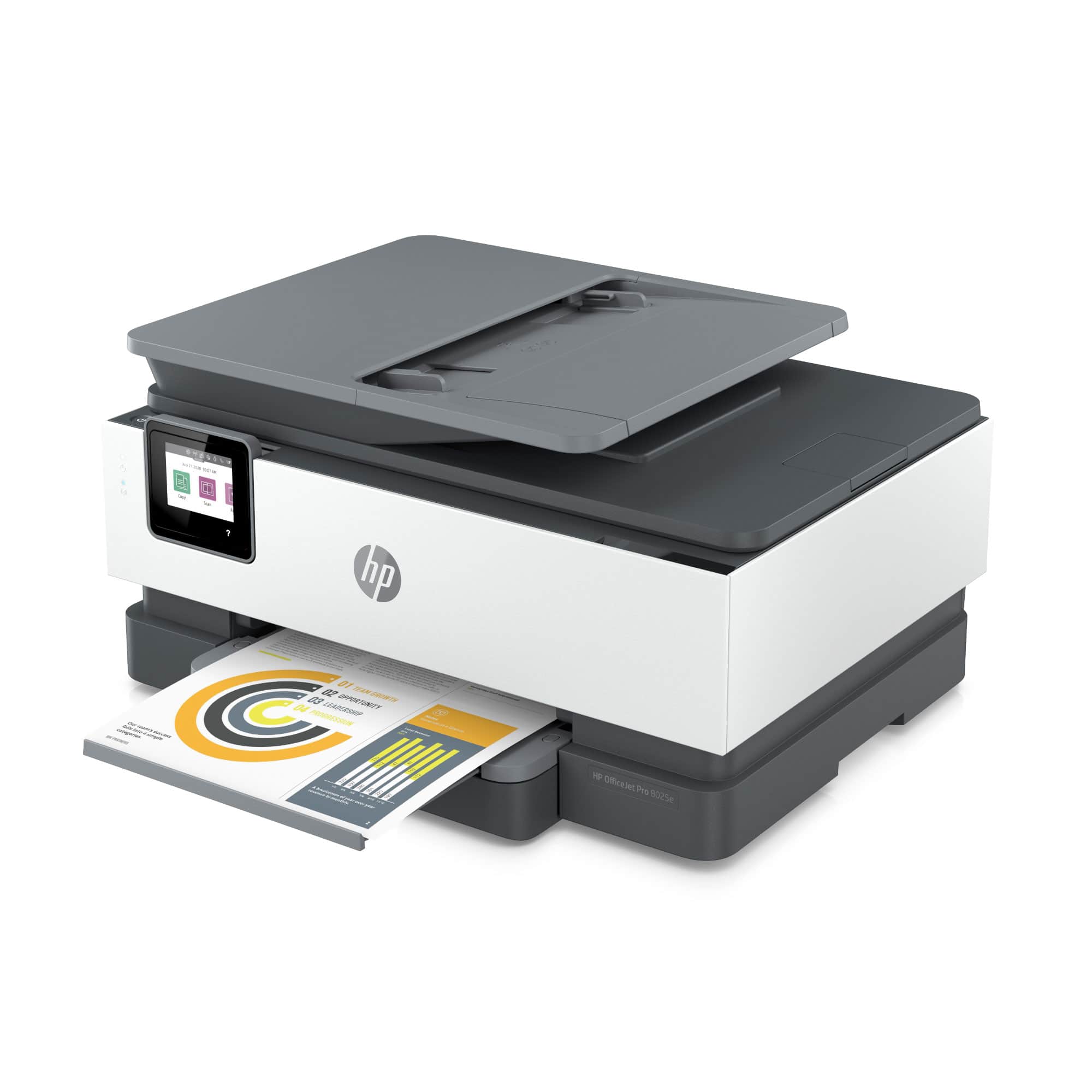
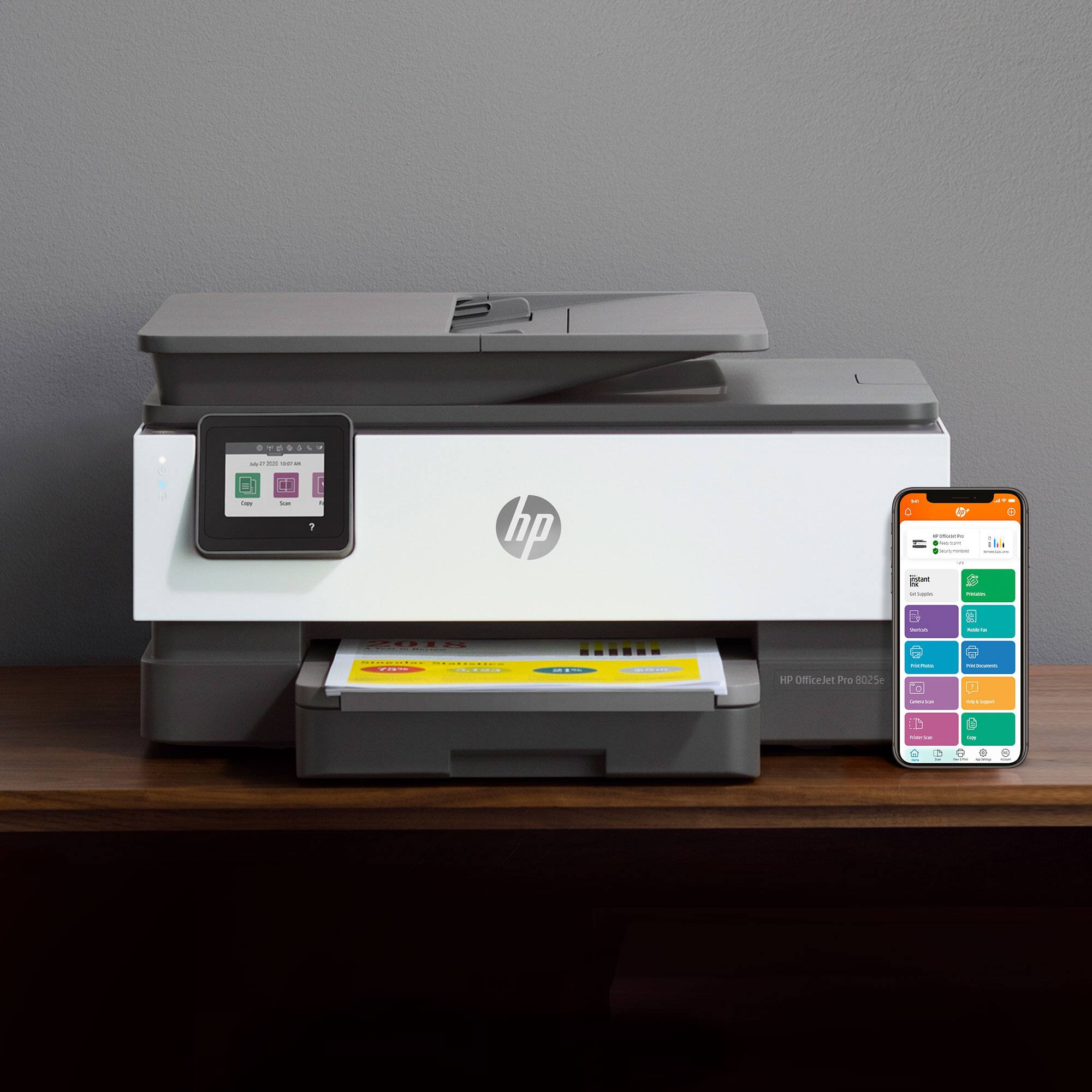
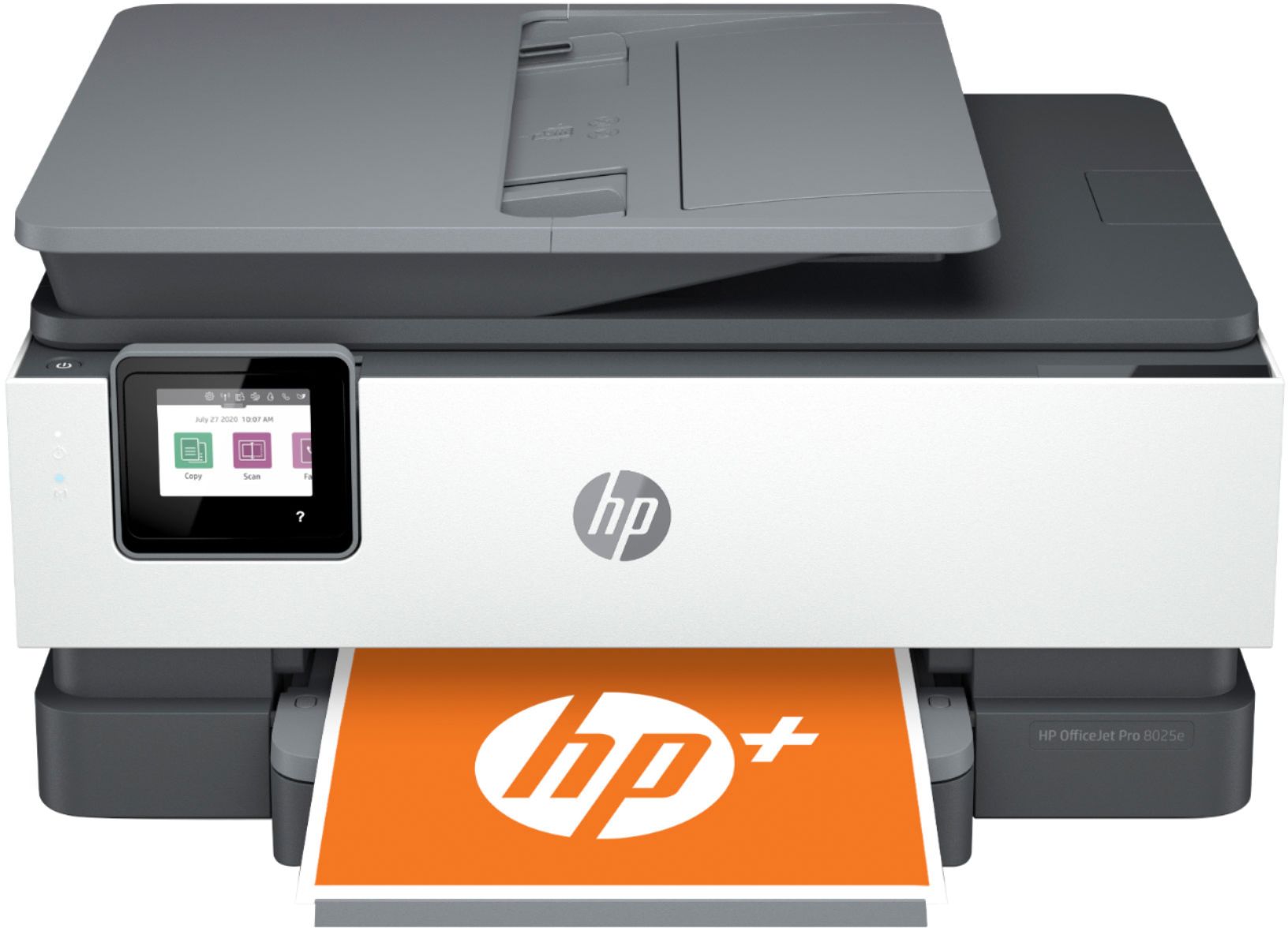
A:AnswerHello Al and thank you for asking. The OfficeJet Pro 8025e does have an output paper tray for copies and prints. It is at the front of the printer, above the input paper tray, where the orange HP+ paper is shown in the photograph.