A:AnswerHi Joe, I believe windows installed the drivers automatically when I first plugged it in, but I later downloaded the software which gave me more functionality so I can send attachments from it and send documents to be printed from multiple services.
A:AnswerI lost my HP printer in the recent California fires. I purchased this one after having my last for 6 years. I've used this one a couple of times but have in packed up because we're moving. I know it does everything you want except faxing. I don't know whether it does or doesn't. I will say, it is a great printer and I'm very happy that I chose this one over other manufacturers.
A:AnswerYou should be able to print from your iphone and the printer will automatically wake up and print. Here is a link regarding this: https://support.hp.com/us-en/product/hp-officejet-pro-8030-all-in-one-printer-series/24208734/document/c06426749
A:AnswerYes, you can print from a Chromebook. Here are some instructions on how to set up the printer on the Chromebook: https://support.hp.com/us-en/document/c04122530 and a YouTube video: https://youtu.be/Mf6LUKTMw9c
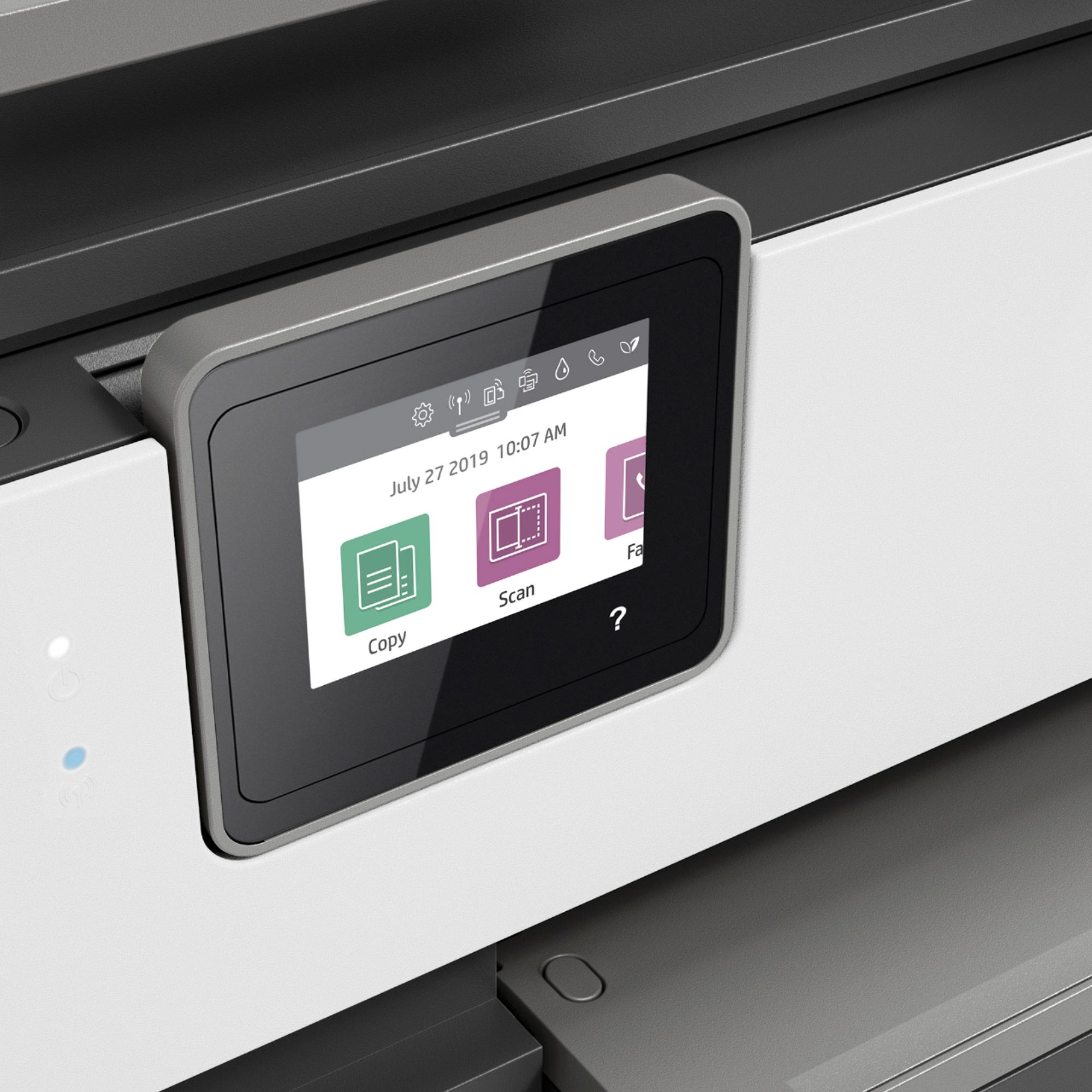
A:AnswerThe OfficeJet Pro 8035 will be a good option. The built-in touchscreen control panel on the printer makes this model easy to set up and use. Also, this printer comes with 8 months of free printing with HP Instant Ink!
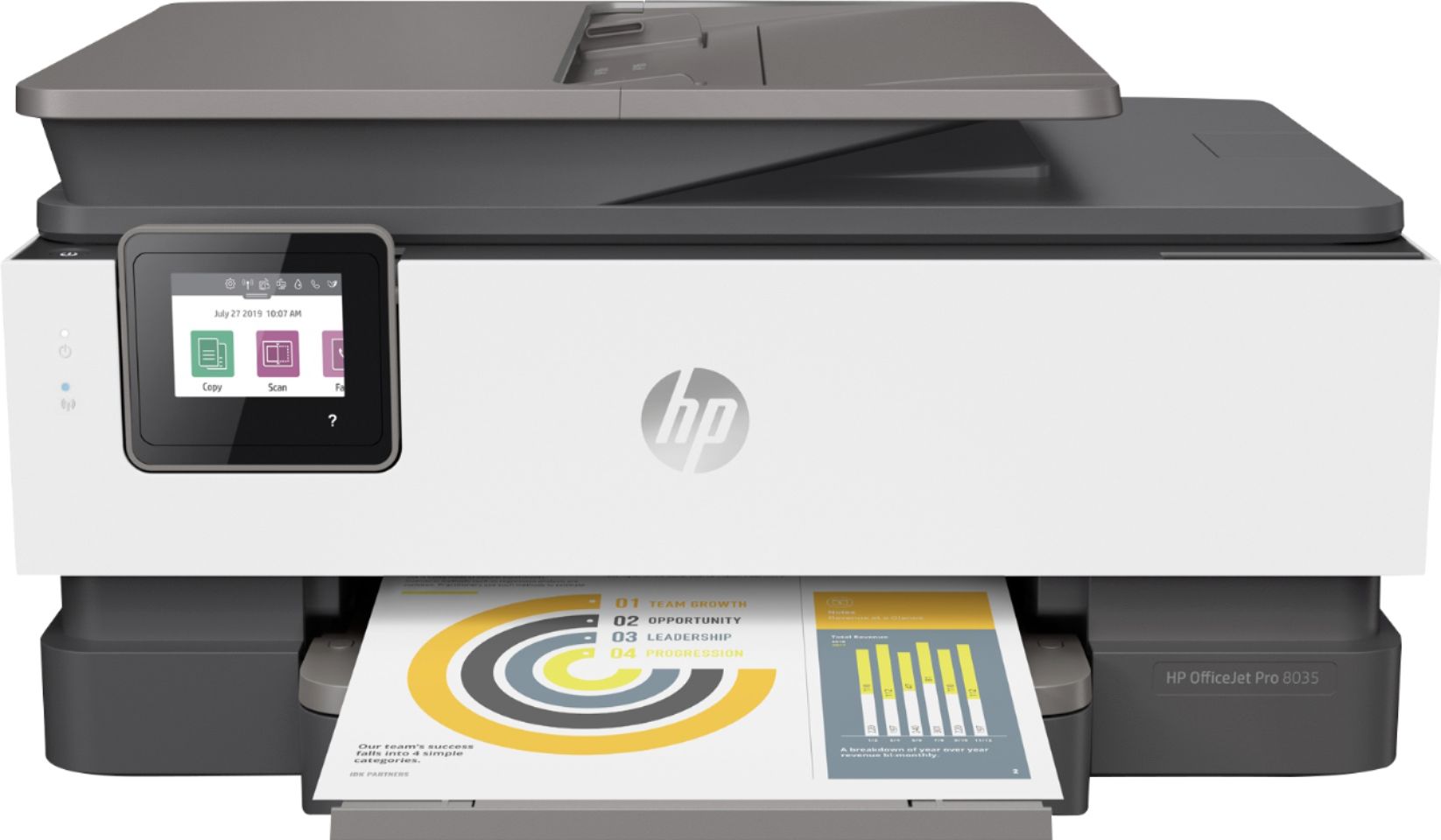
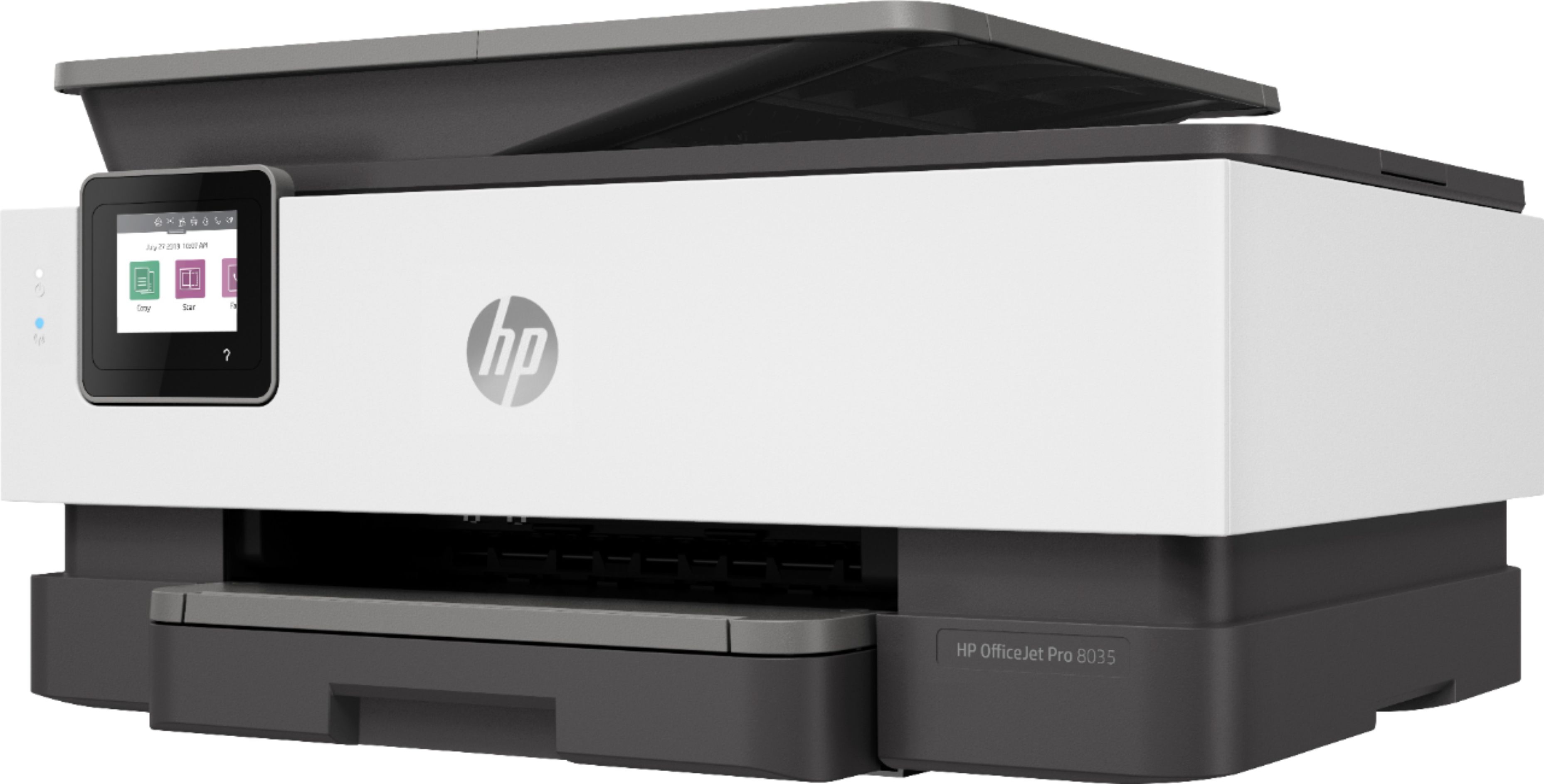
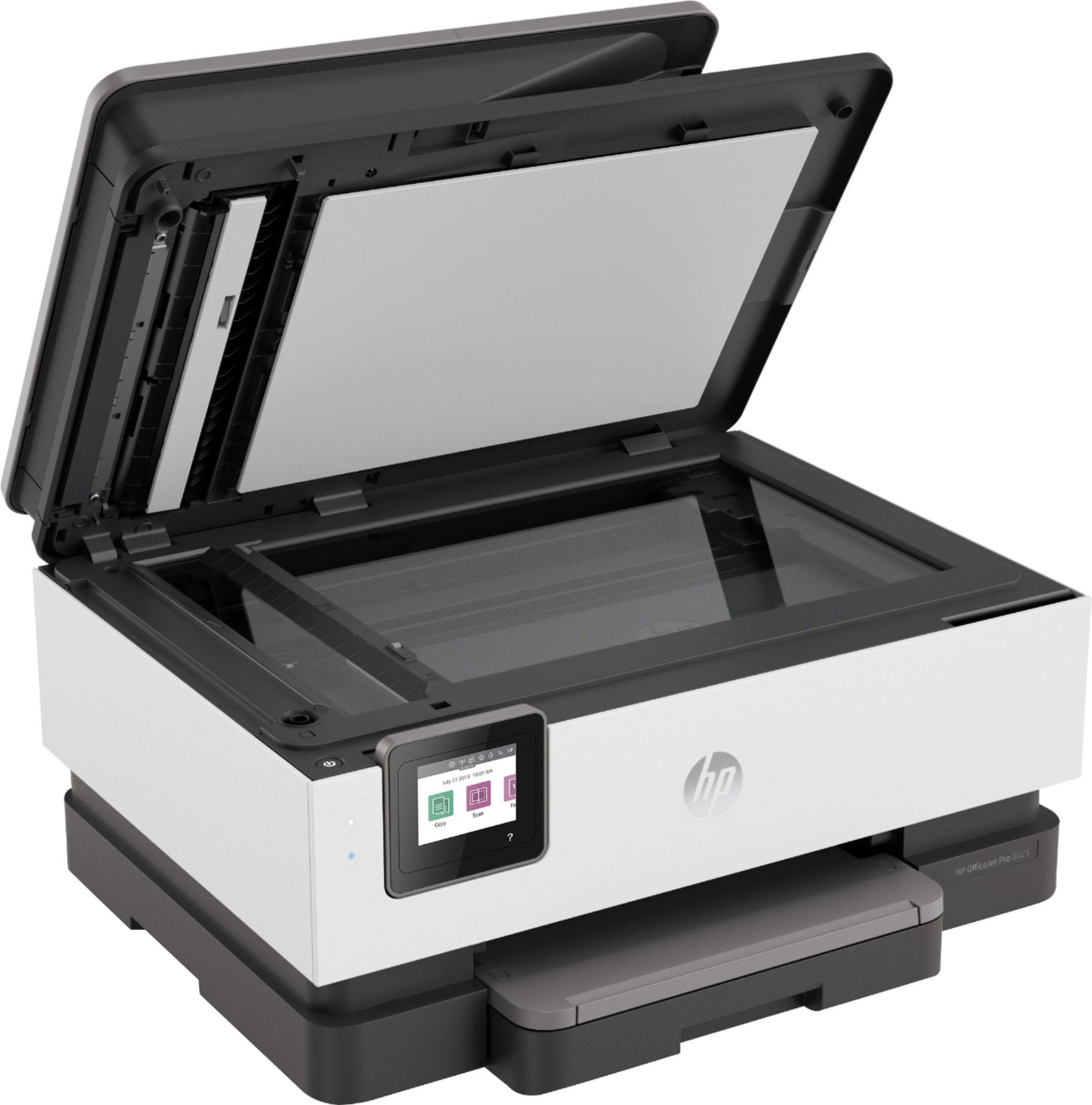
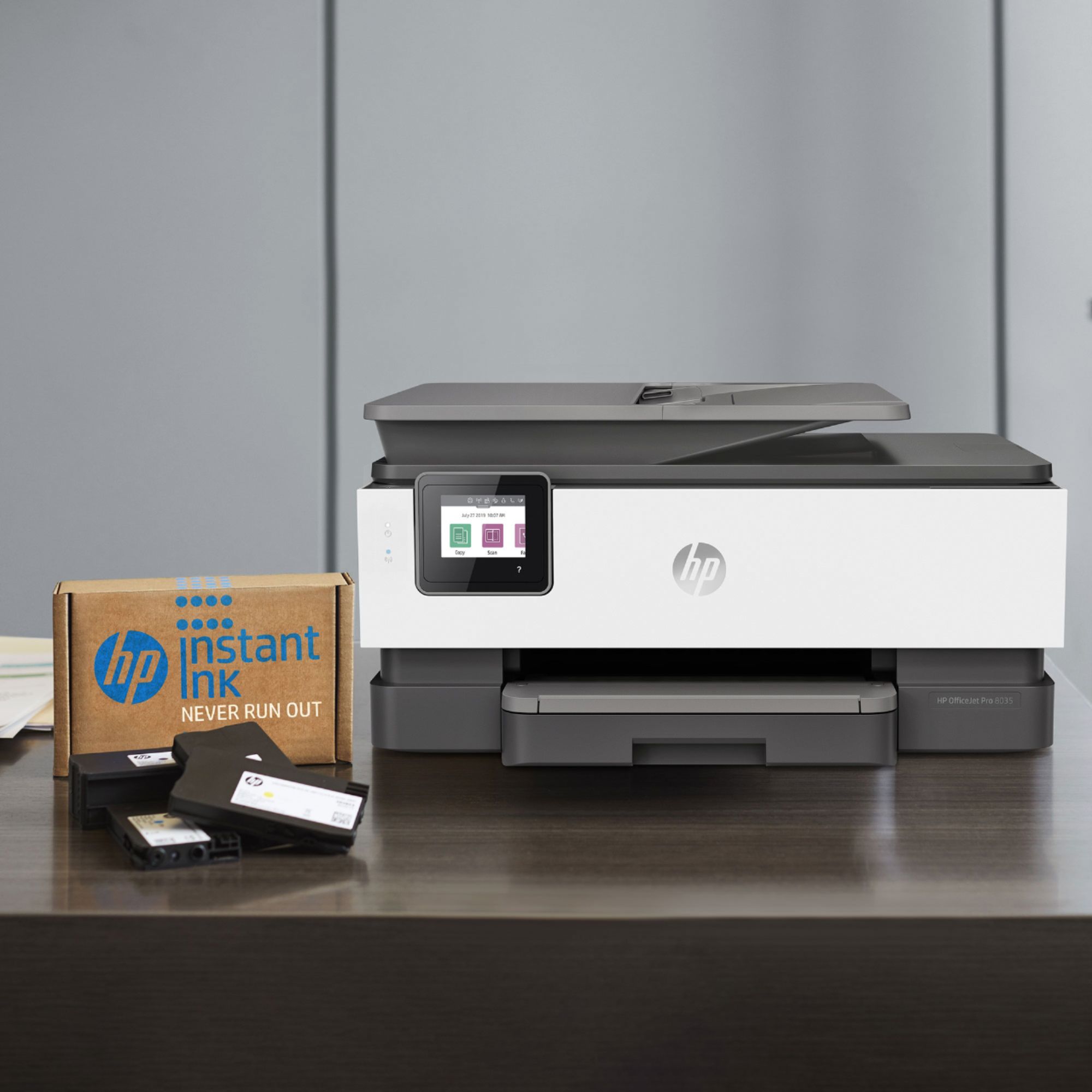
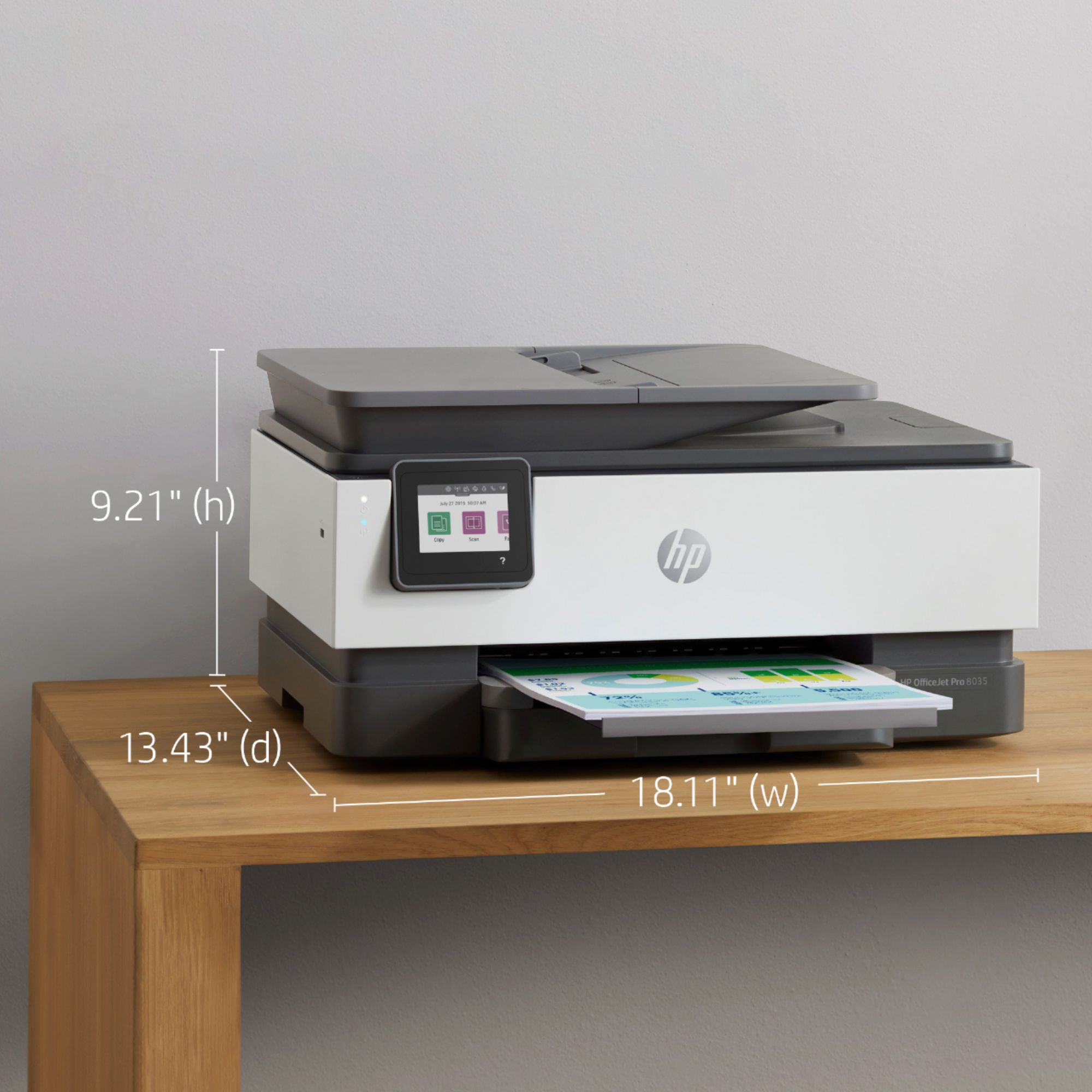
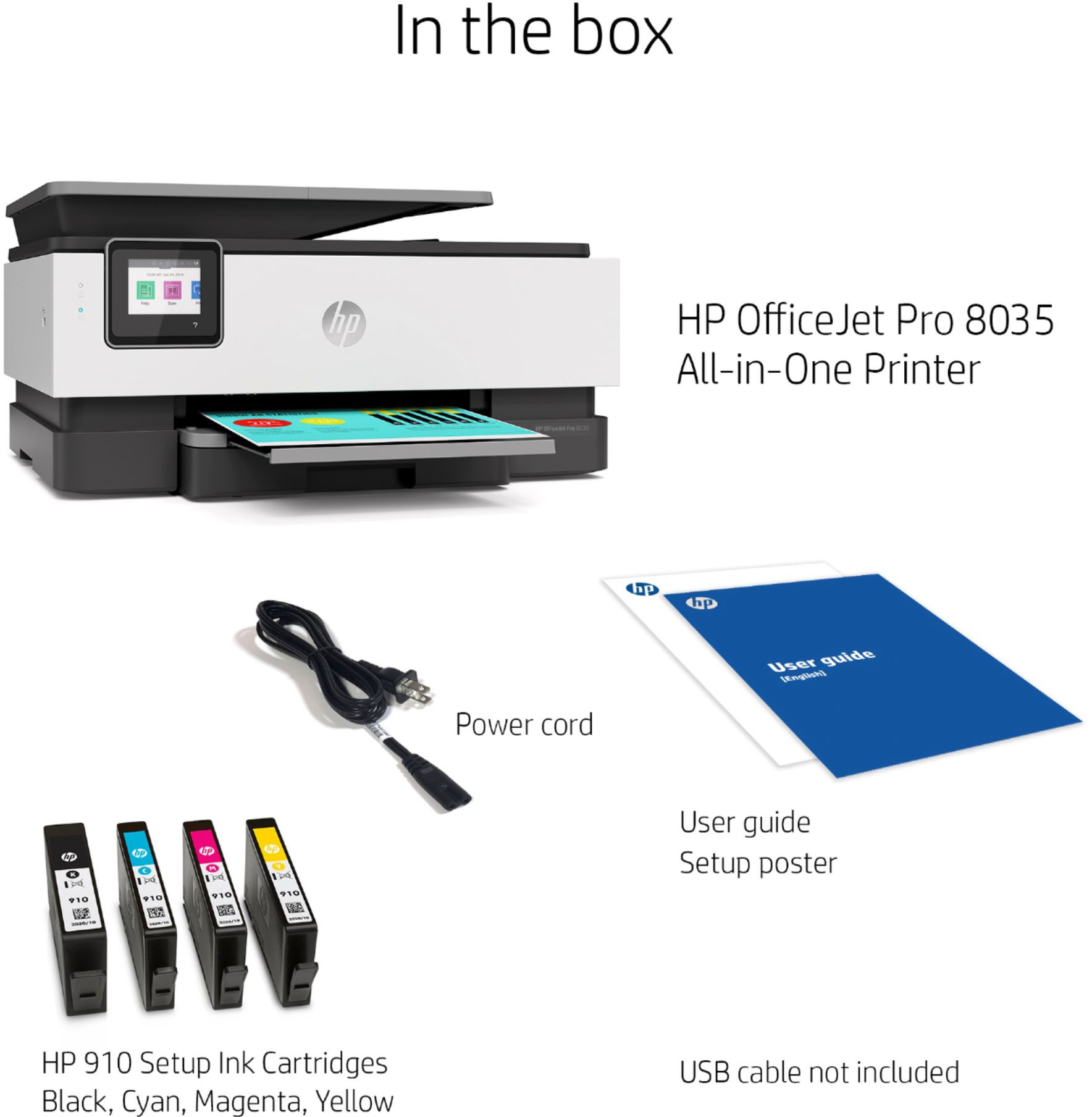
A:AnswerHP - OfficeJet Pro 8035 Wireless All-In-One Inkjet Printer with 8 Months of Instant Ink Included
Wireless and mobile printing capability
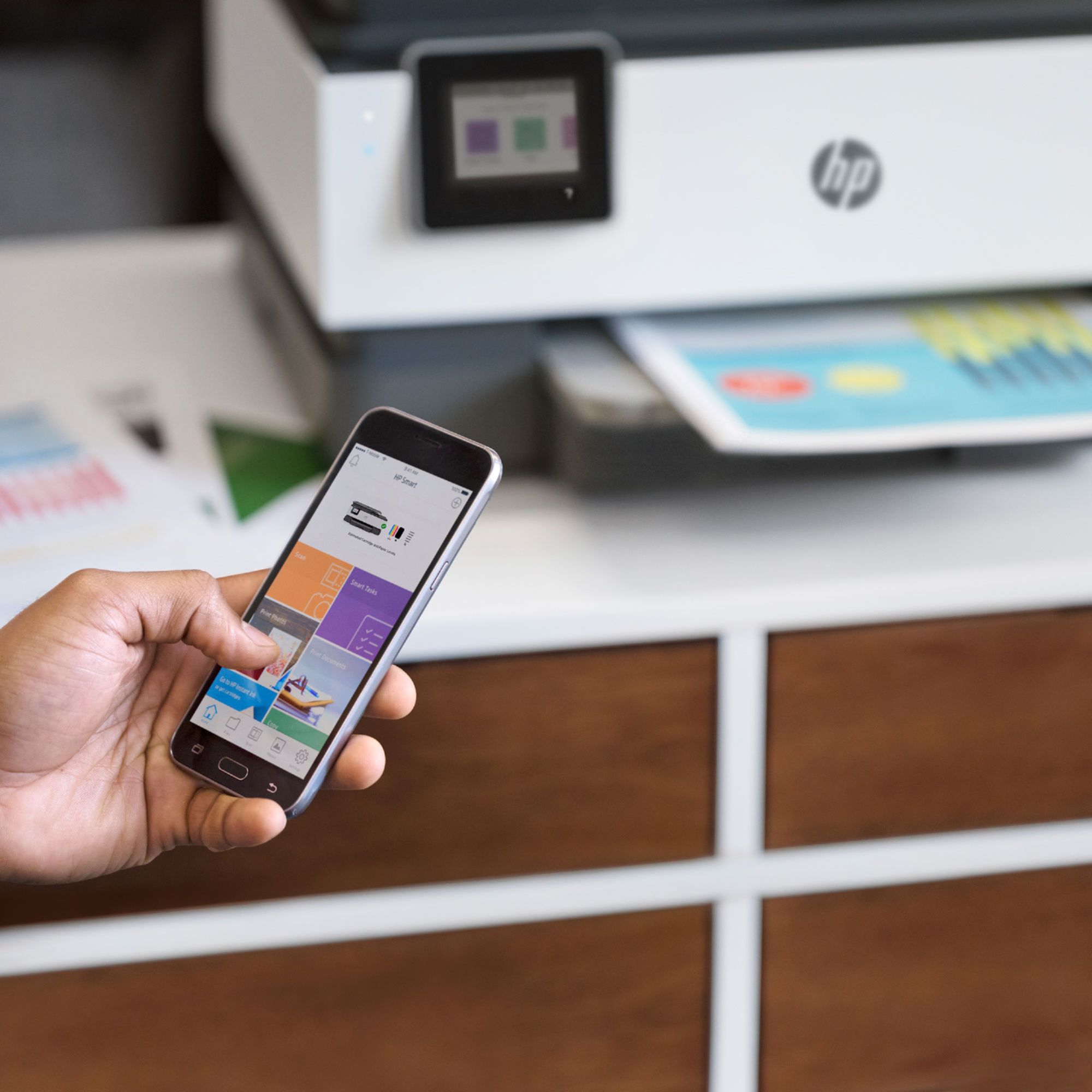
Connect to cloud-based printing with Wi-Fi or your cellular network to print from anywhere. Get high-quality scanning to share to Dropbox, Google Drive, e-mail, or the cloud almost from anywhere.**
Reduce interruptions with self-healing Wi-Fi that keeps you connected. Print from your mobile devices with the free HP Smart app or Apple® AirPrint, Wi-Fi Direct printing, Mopria™ Print Service.**
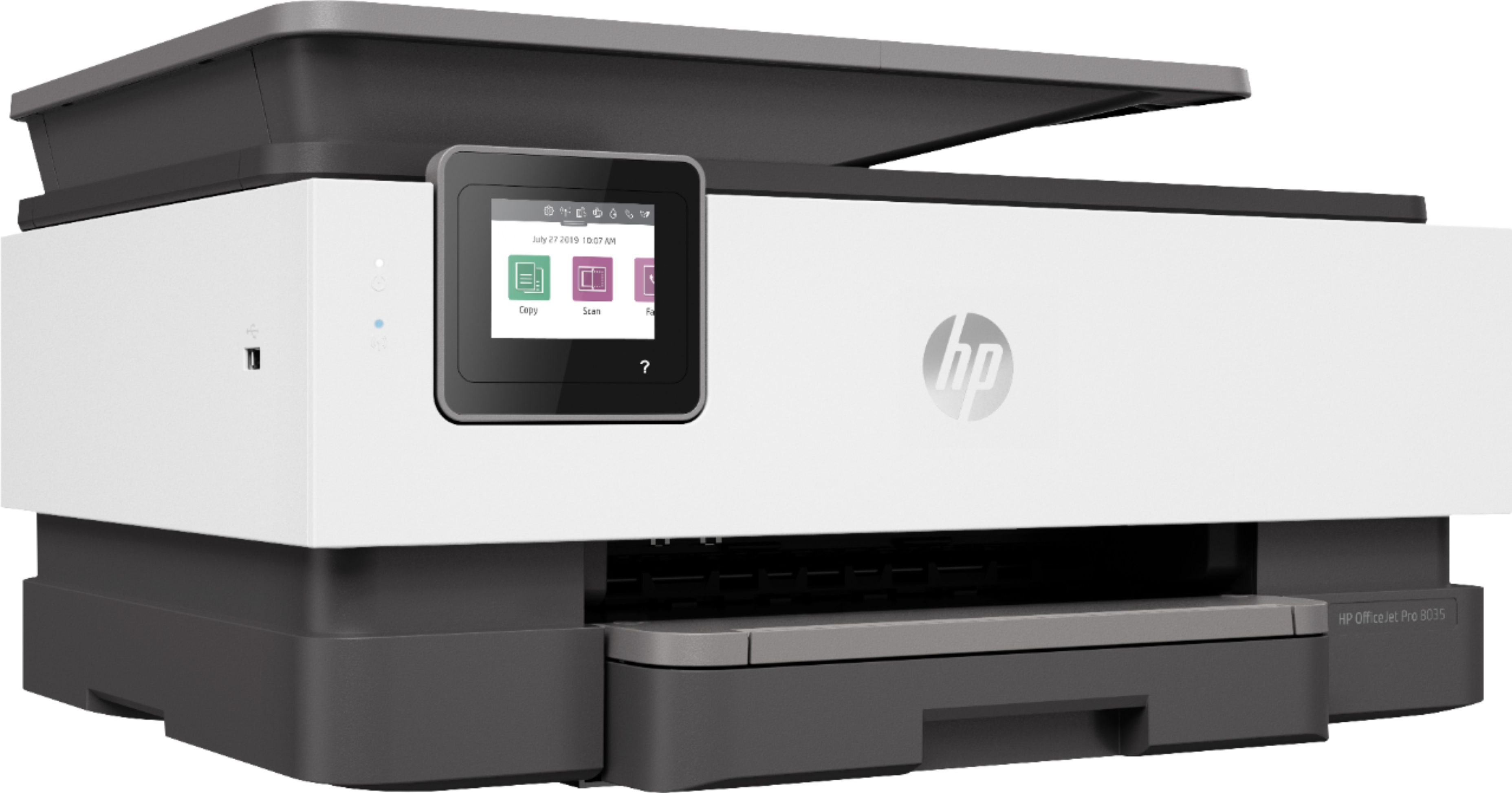
A:AnswerYou can print on 8.5 x 11 and 8.5 x 14 inch paper with both printers. The HP Officejet Pro 8035 printer has a front USB port that allows you to scan to a USB flash drive. Or you can print photos from a USB flash drive. This printer comes with 8 months of HP Instant Ink, which is based on the $4.99 plan (100 pages). When you need ink, HP will send you ink at no additional cost. HP Instant Ink is where you pay for the number of pages you print. Not the ink. So, you could print 100 full page photos all month if you wanted to. The HP Officejet Pro 8025 printer would come with a 2 month free trial of HP Instant Ink.