A:AnswerHi Nessa, thank you for the question. Unfortunately, there is no white ink. However, you can achieve this by using white card stock (maximum supported is 110 lb) and setting your colors to black for the background and white for the text. These settings will be within the software you're using to create the document.
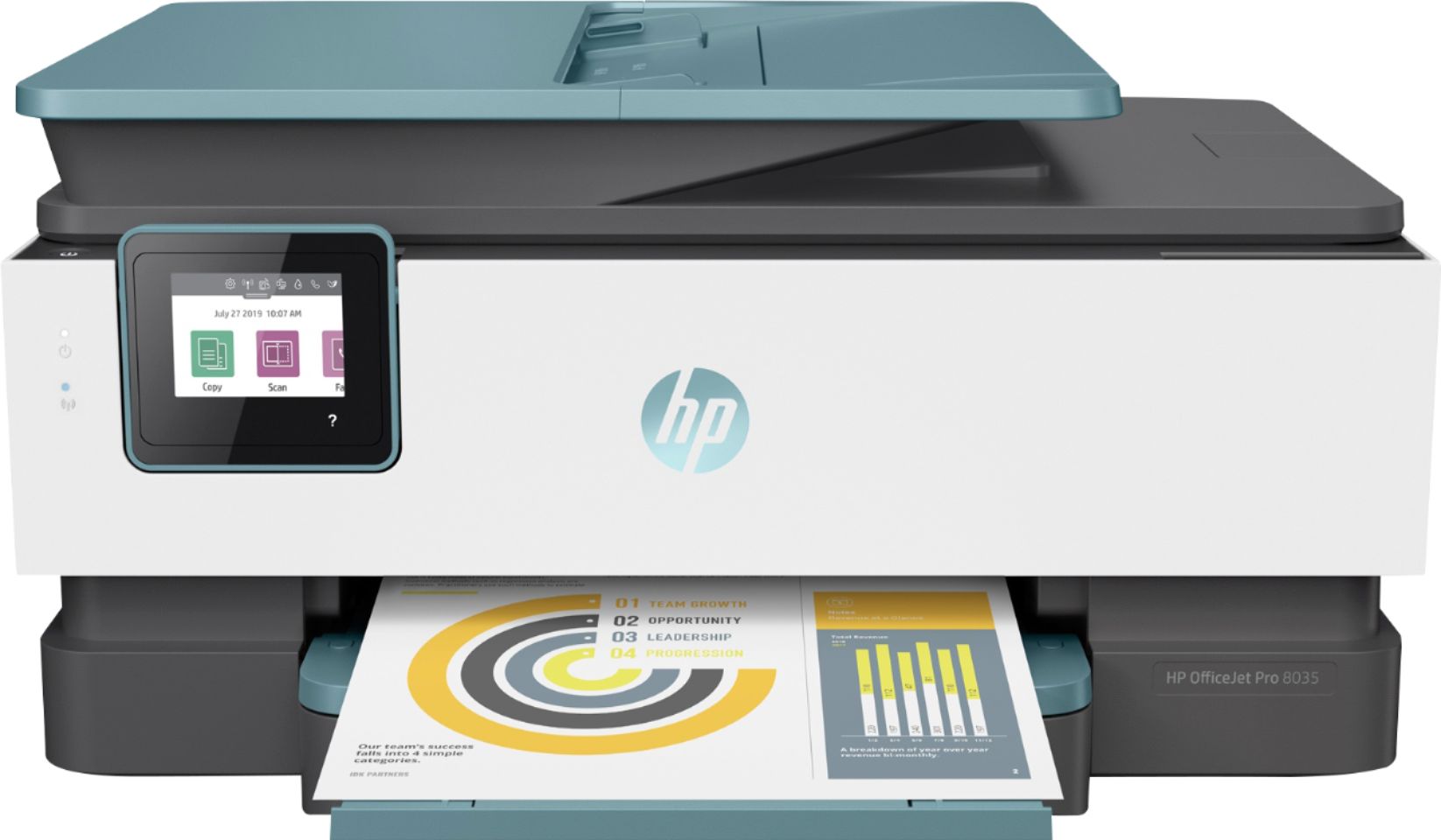
A:AnswerHi Star, thank you for the question. The OfficeJet Pro 8035 uses dye and pigment inks. If you need a sublimation printer, please see the HP Stitch family of printers.
A:AnswerIt's not that the cartridges are no longer being manufactured. There was an issue identified with the HP 900 series Cyan and Yellow inkjet cartridges that may impact the print quality or cause potential damage to your printer. HP has implemented an expedited call and exchange process for customers who may have been impacted by this. The HP Support team will be able to further assist you with this matter. Here's the link for HP Support: https://bit.ly/3mULd9E .
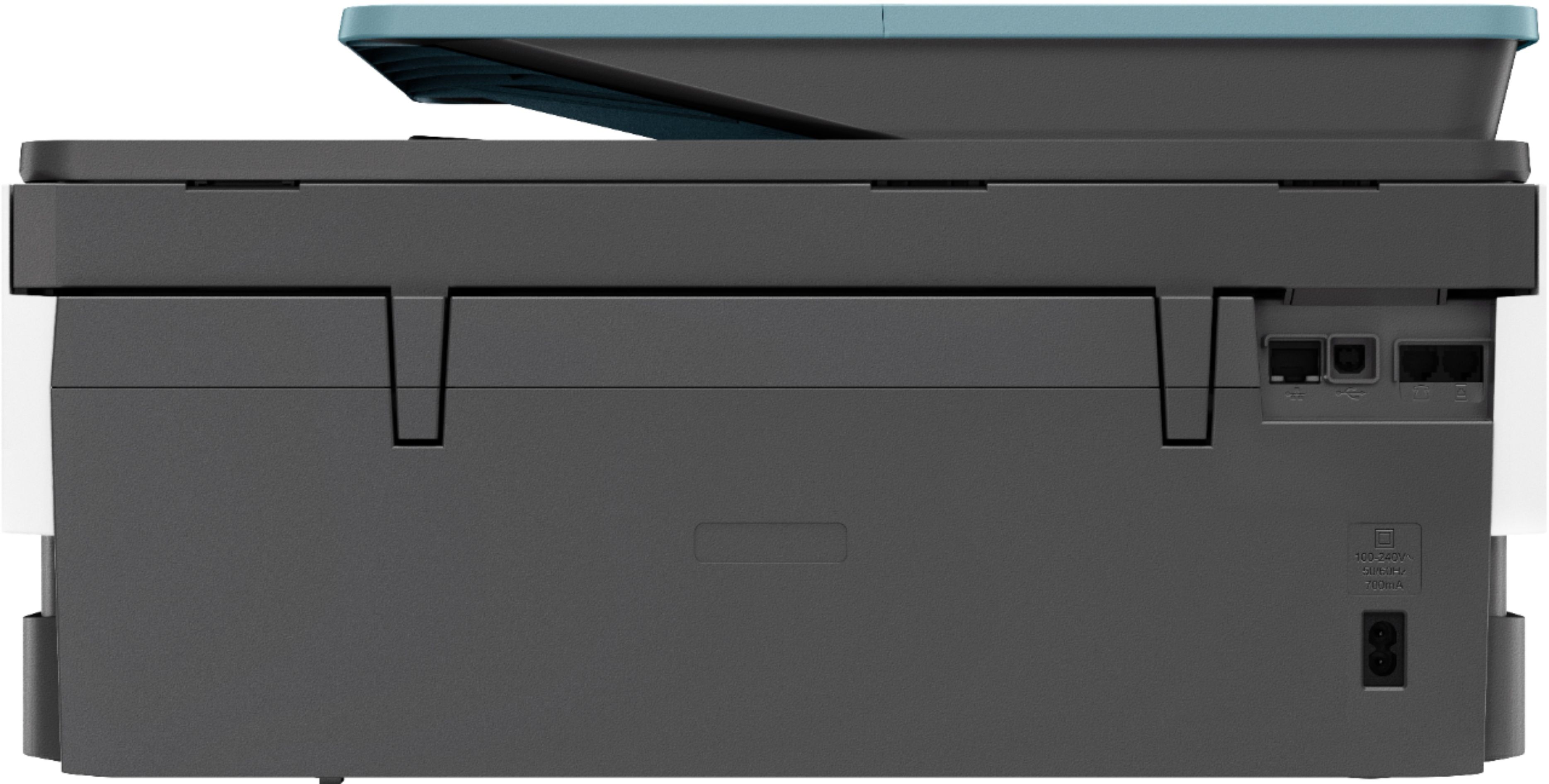
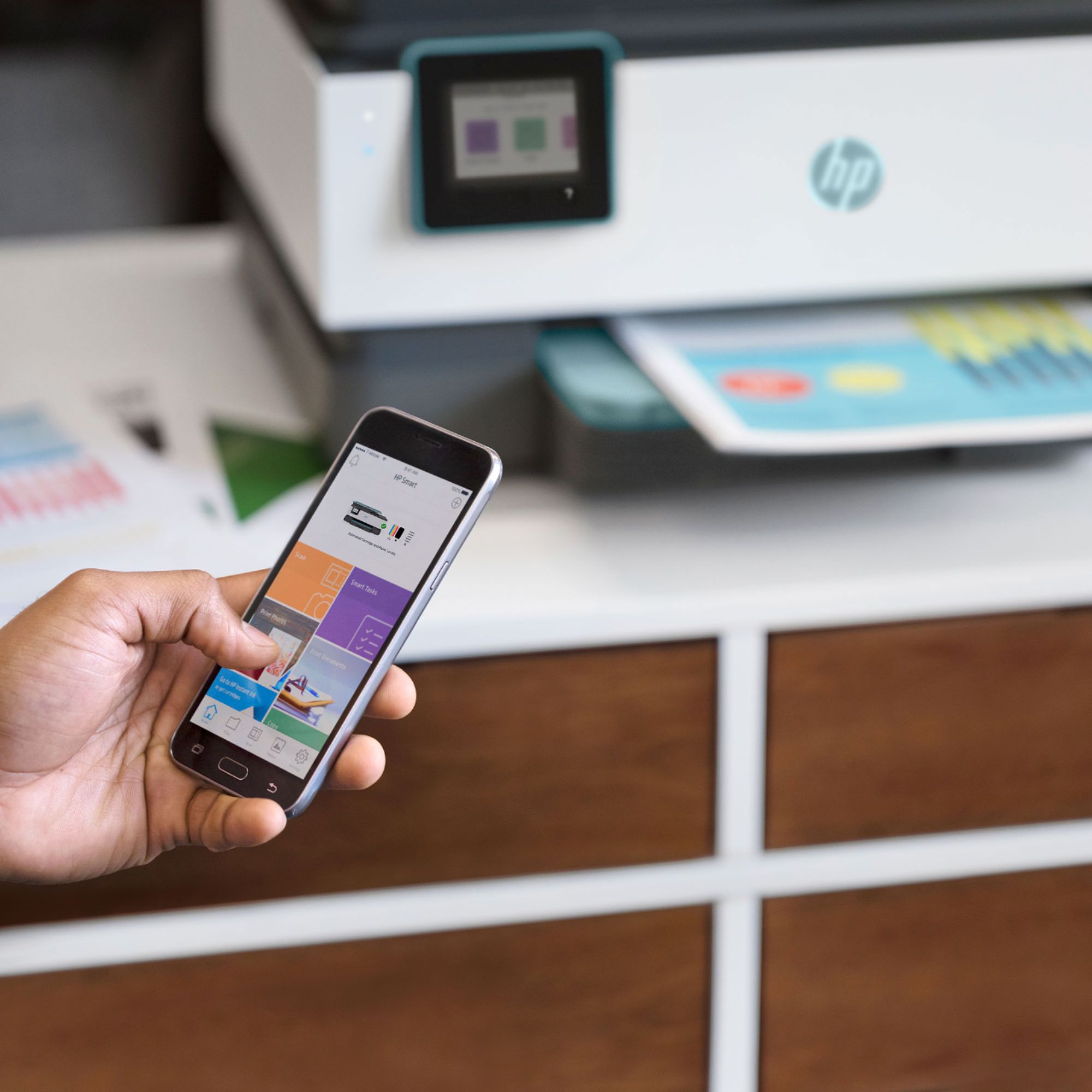
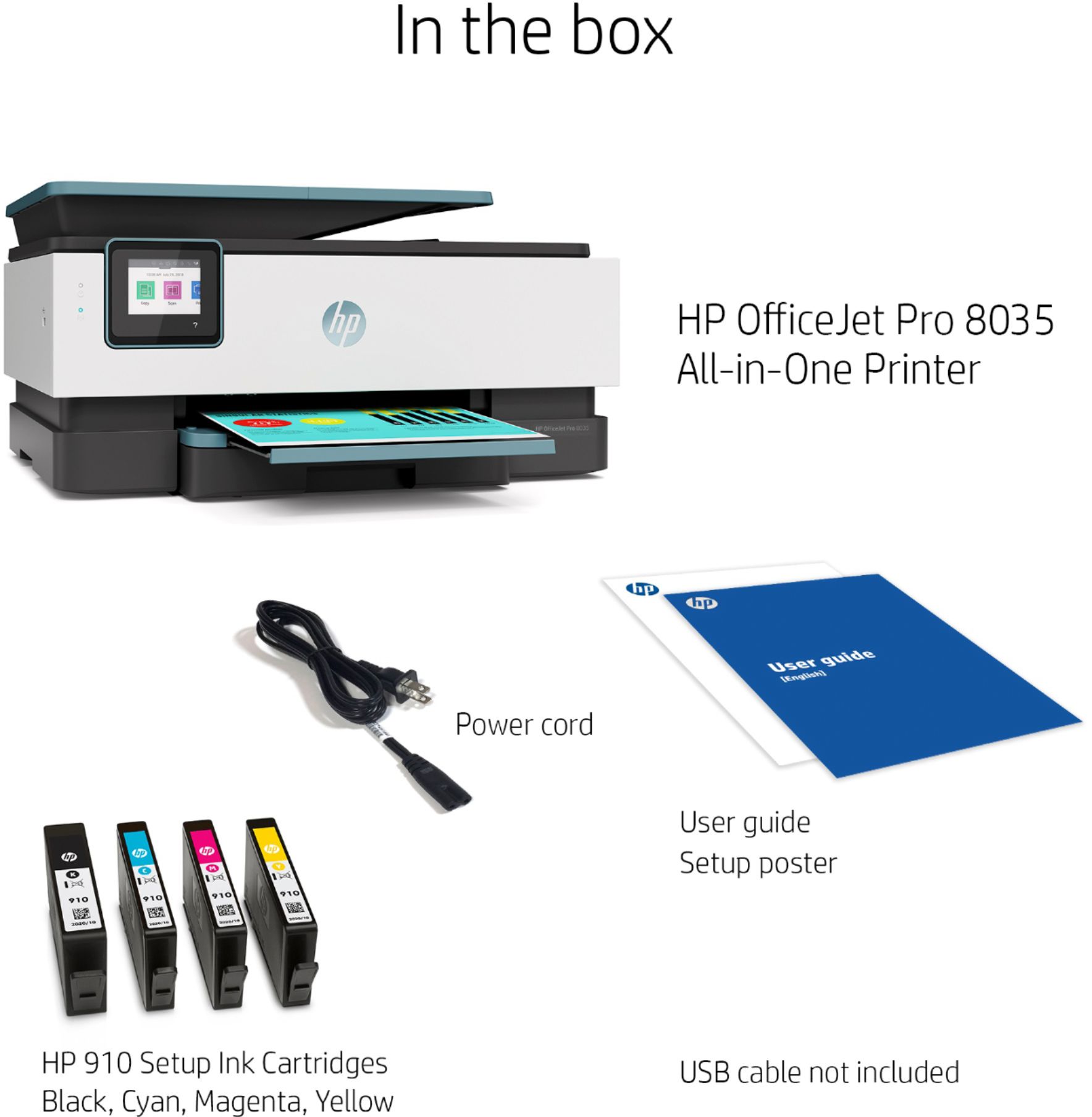
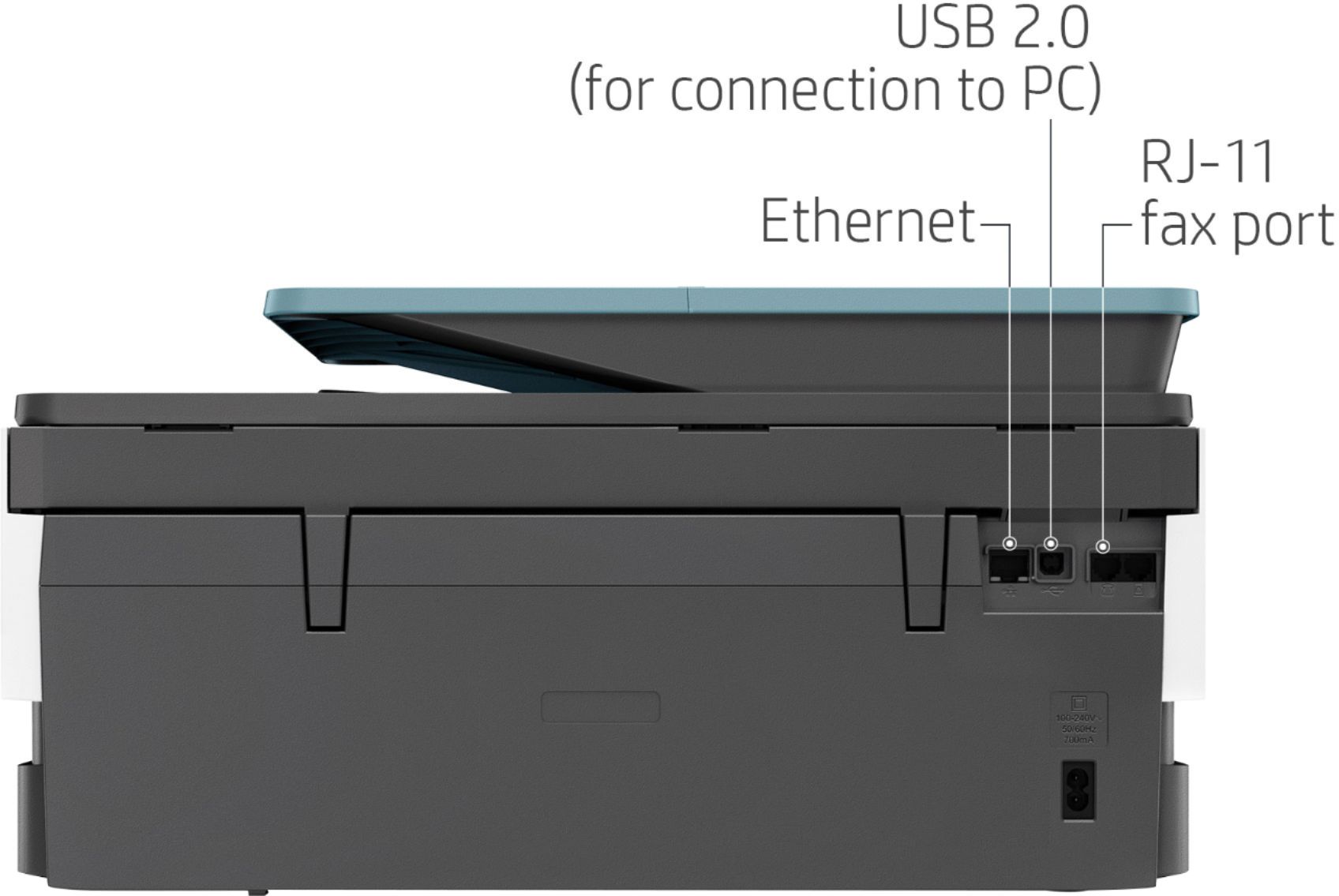
A:AnswerSince this is a wireless printer it comes with only a power cord. In fact, the directions specifically advise you not to connect the printer with a USB cable because all necessary connections are done wirelessly via the software download.
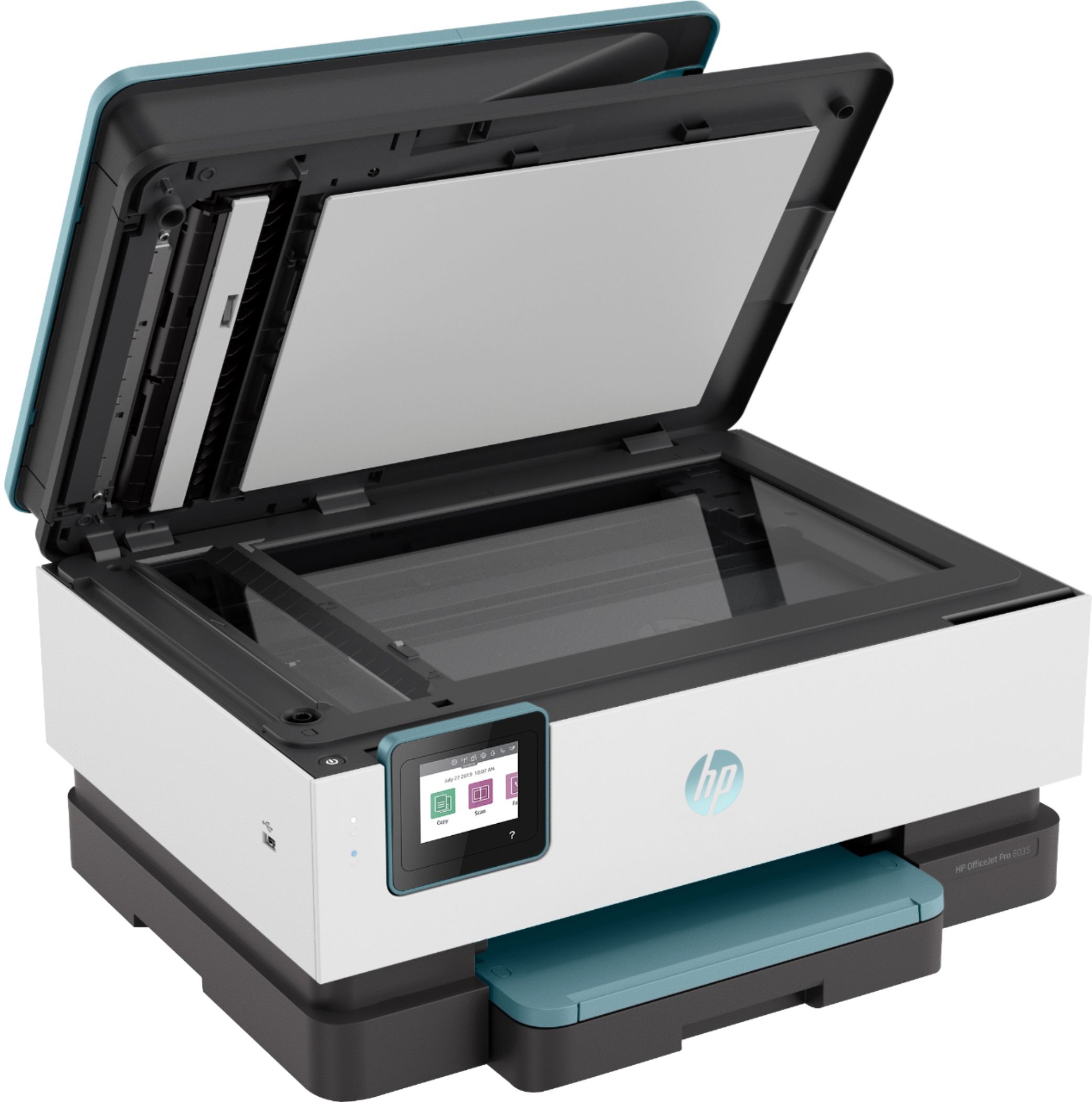
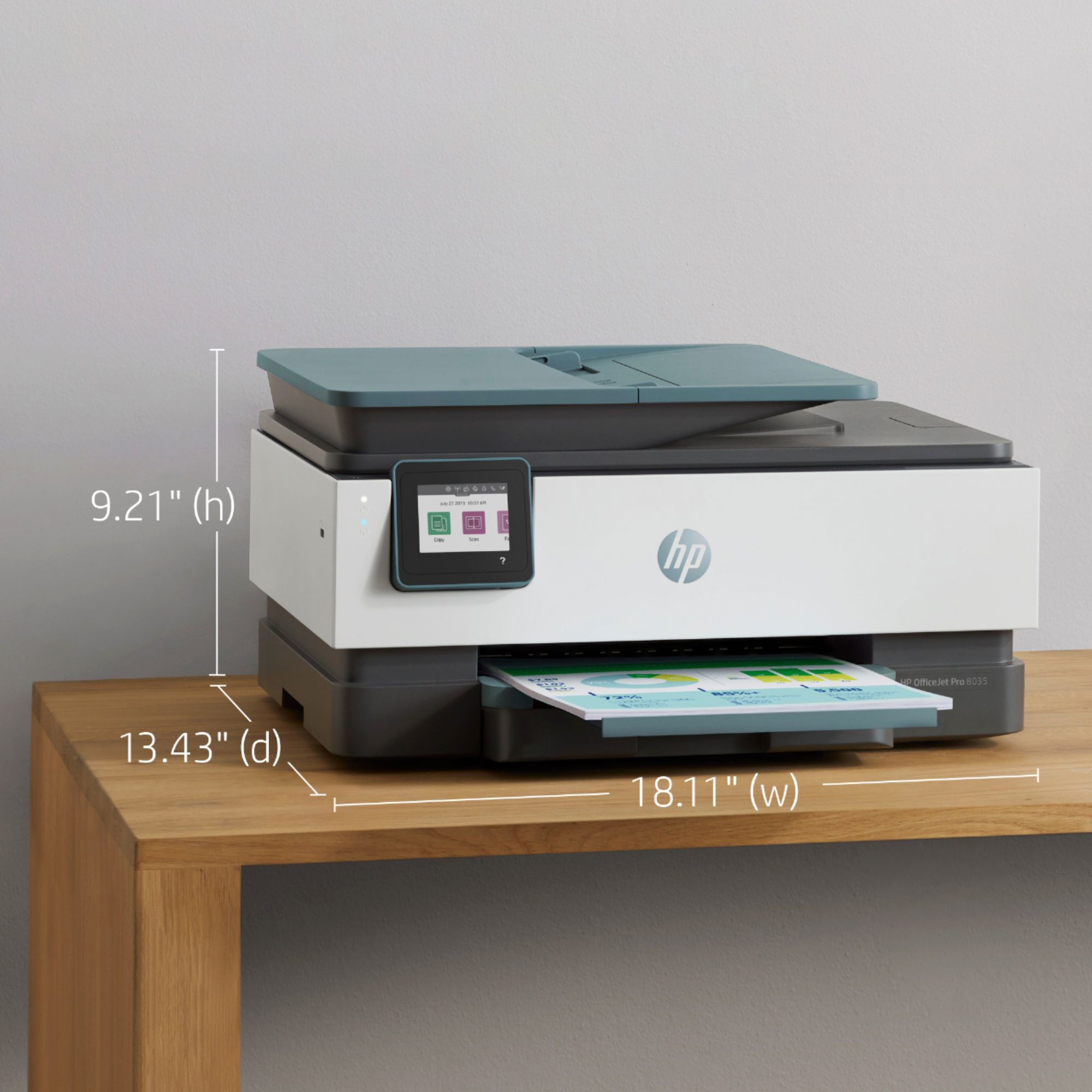
A:AnswerNo, the flatbed is only big enough to handle a 8 1/2 x 11 piece of paper. This printer has a paper tray that would scan a legal size paper document.

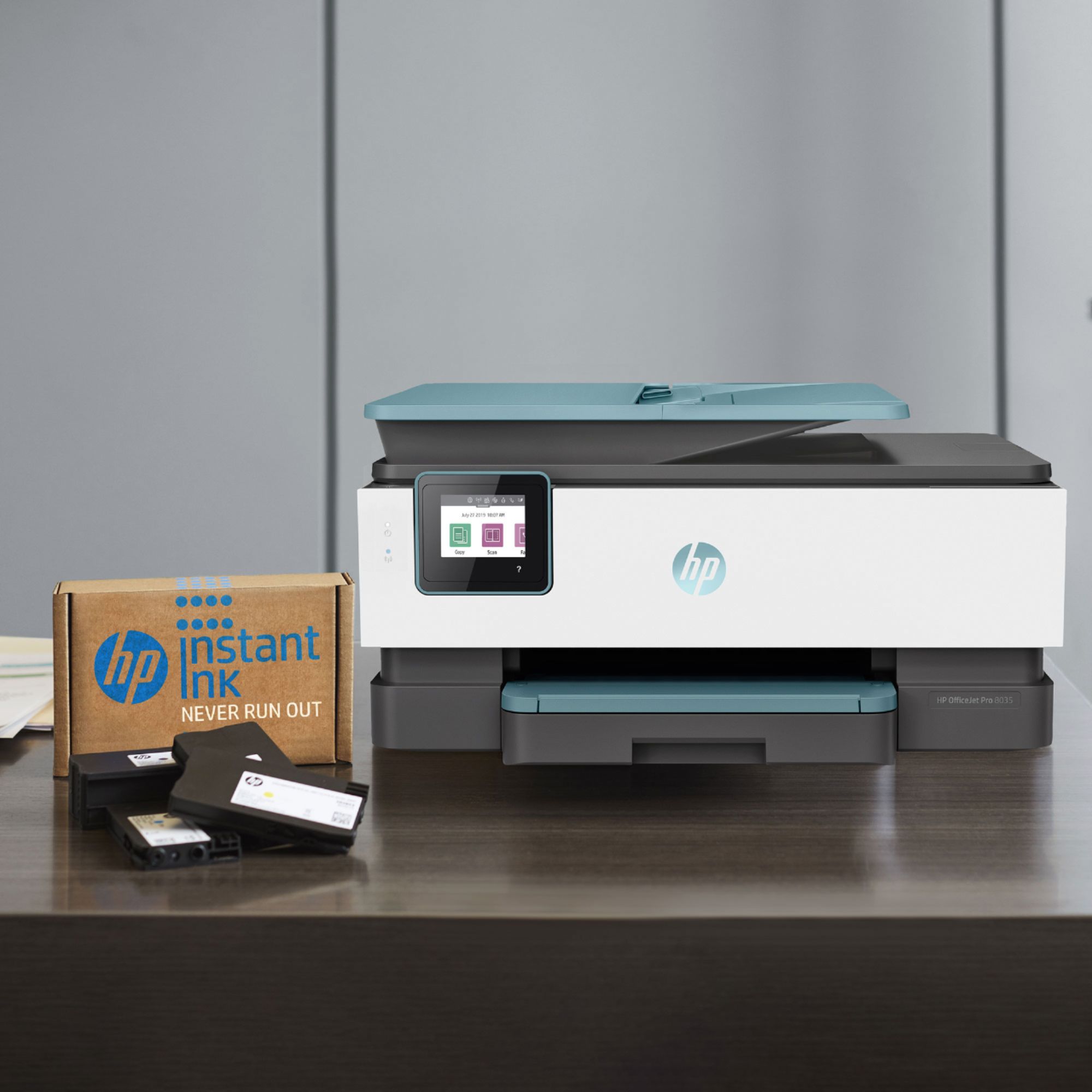
A:AnswerThis printer comes with setup cartridges in the box. The yield of setup cartridges varies by model but tends to be enough to get the average user through setup and initial printing jobs. You can learn more about Ink and Toner by the model at www.hp.com/go/learnaboutsupplies The only parts that need to replaced with this HP Officejet Pro 8035 is the ink.