Questions & Answers
- Model:
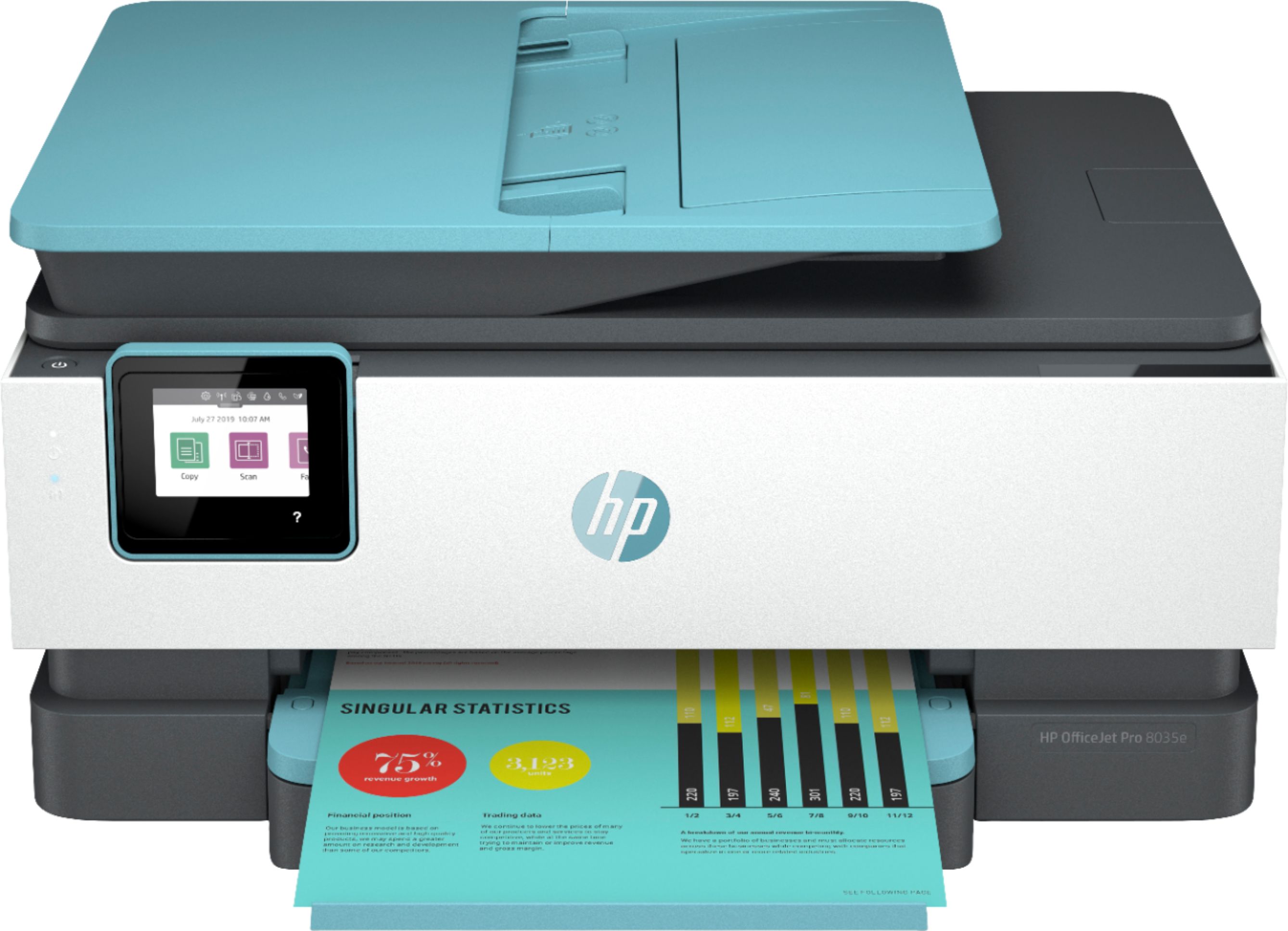
- OJP 8035e Oasis
- |
- SKU:
- 6450664
Q: Questionprint envlopes?
Asked by Anonymous.
- A:Answer Yes, the OfficeJet Pro 8035e printer can handle up to 10 envelopes at a time.
Answered by HP Team

Q: QuestionHow do I order a renewal of the ink?
Asked by Kathryn.
This question was asked about the related product: HP - OfficeJet Pro 8035 Wireless All-In-One Inkjet Printer with 8 Months of Instant Ink Included - Basalt/White
- A:Answer I signed up for the Instant ink, the printer sends a message to the company when it’s low on ink and you’ll get ink at your front door before you run out! It’s great!
Answered by Nutribullet
Q: QuestionIs the HP Office Pro 8035 available at the NW Wichita store?
Asked by Jack.
- A:Answer ? In a different state!
Answered by RockingROKU
Q: QuestionDoes this printer print on cardstock
Asked by Berger.
This question was asked about the related product: HP - OfficeJet Pro 8035 Wireless All-In-One Instant Ink Ready Inkjet Printer - Oasis/White/Gray
- A:Answer Thank you for the question. The OfficeJet Pro 8035 will support card stock up to 110 lb.
Answered by HP Team

Q: QuestionCan the printer 8035e receive a fax without a landline. And if so how would that work.
Asked by Fax.
- A:Answer Hello. Thanks for your question. The only way you can receive a fax without a landline is to use a service like eFax that allows you to send and receive faxes without a landline.
Answered by HP Team

Q: QuestionDoes this printer have a front or any USB port?
Asked by MsNae.
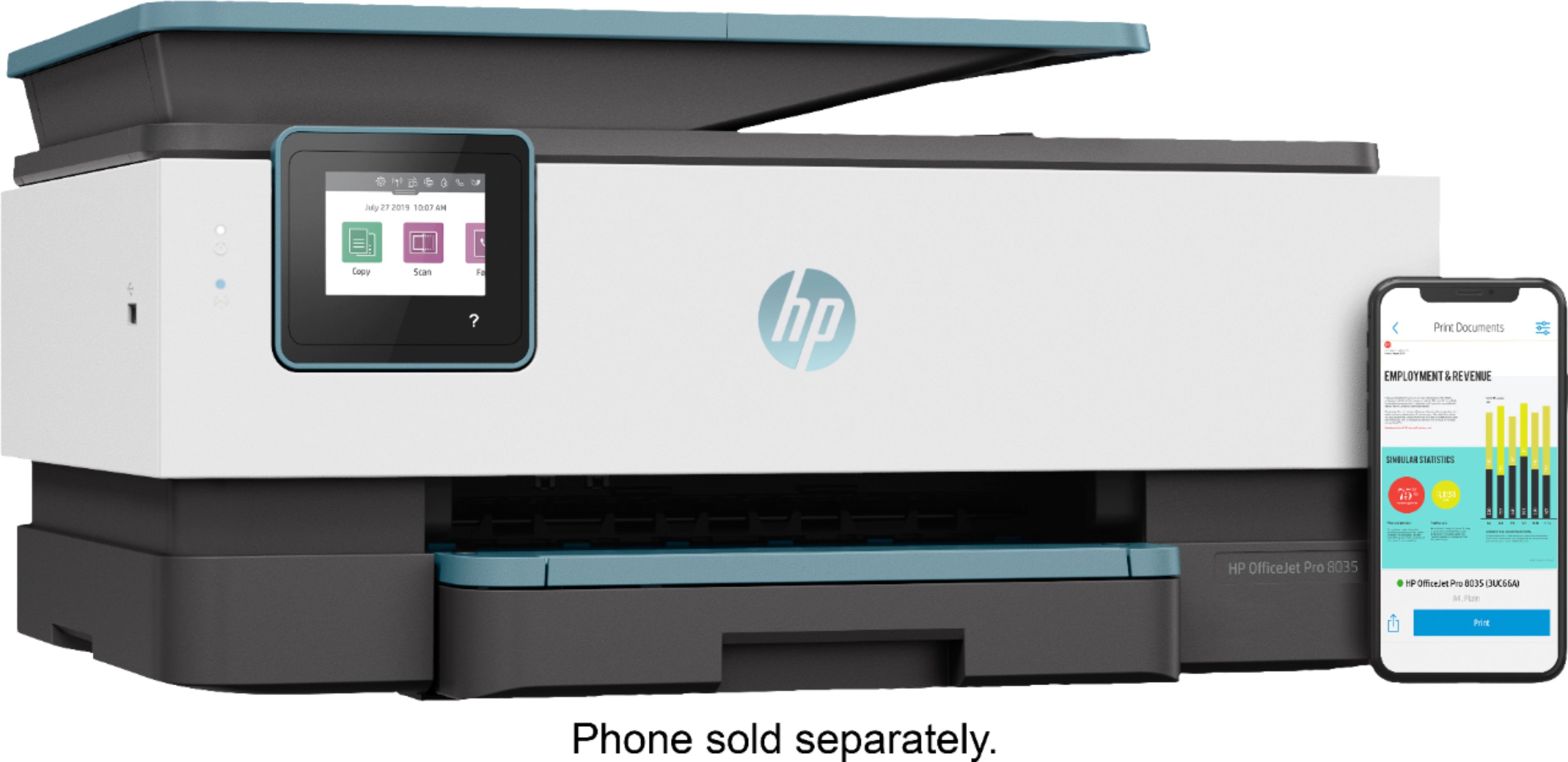
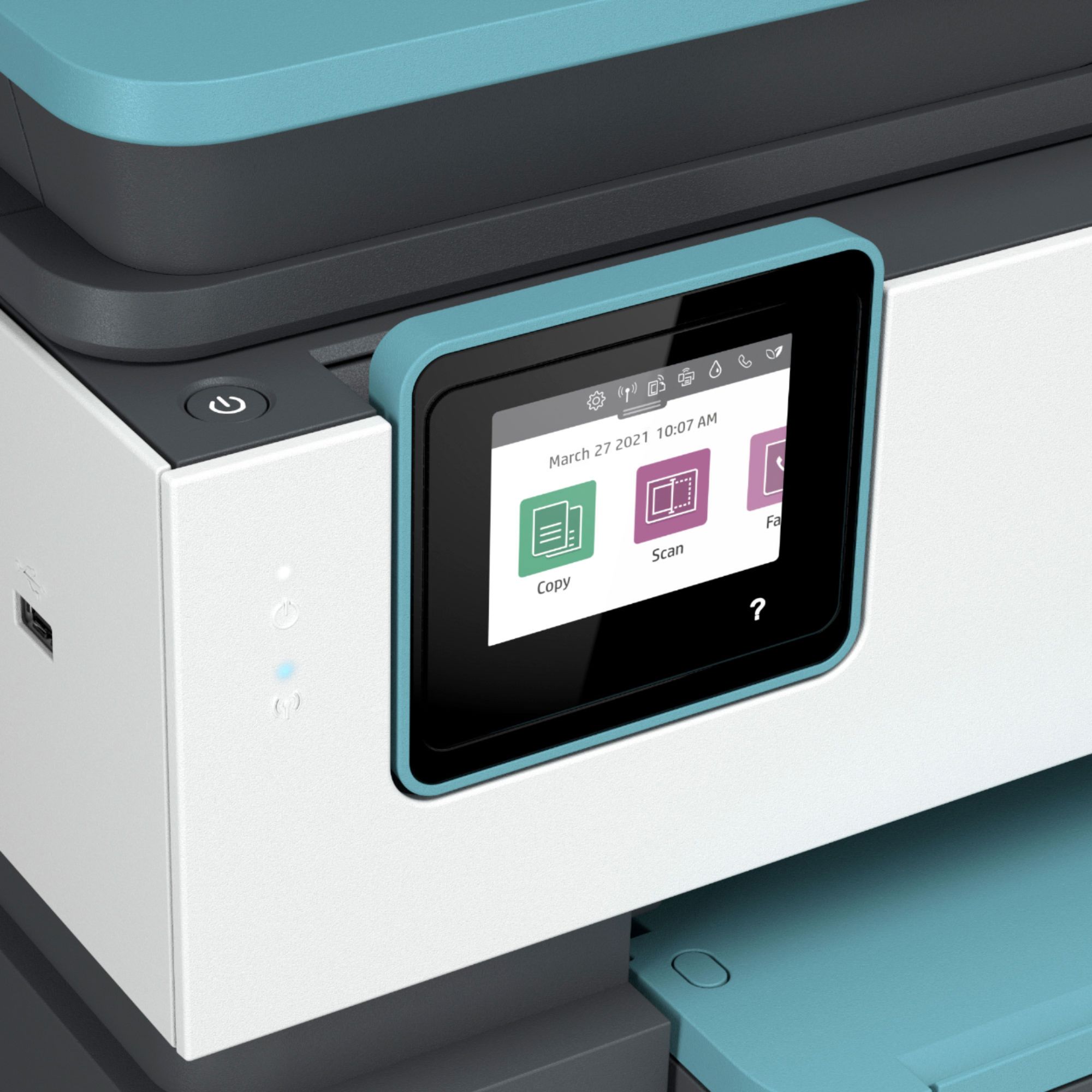
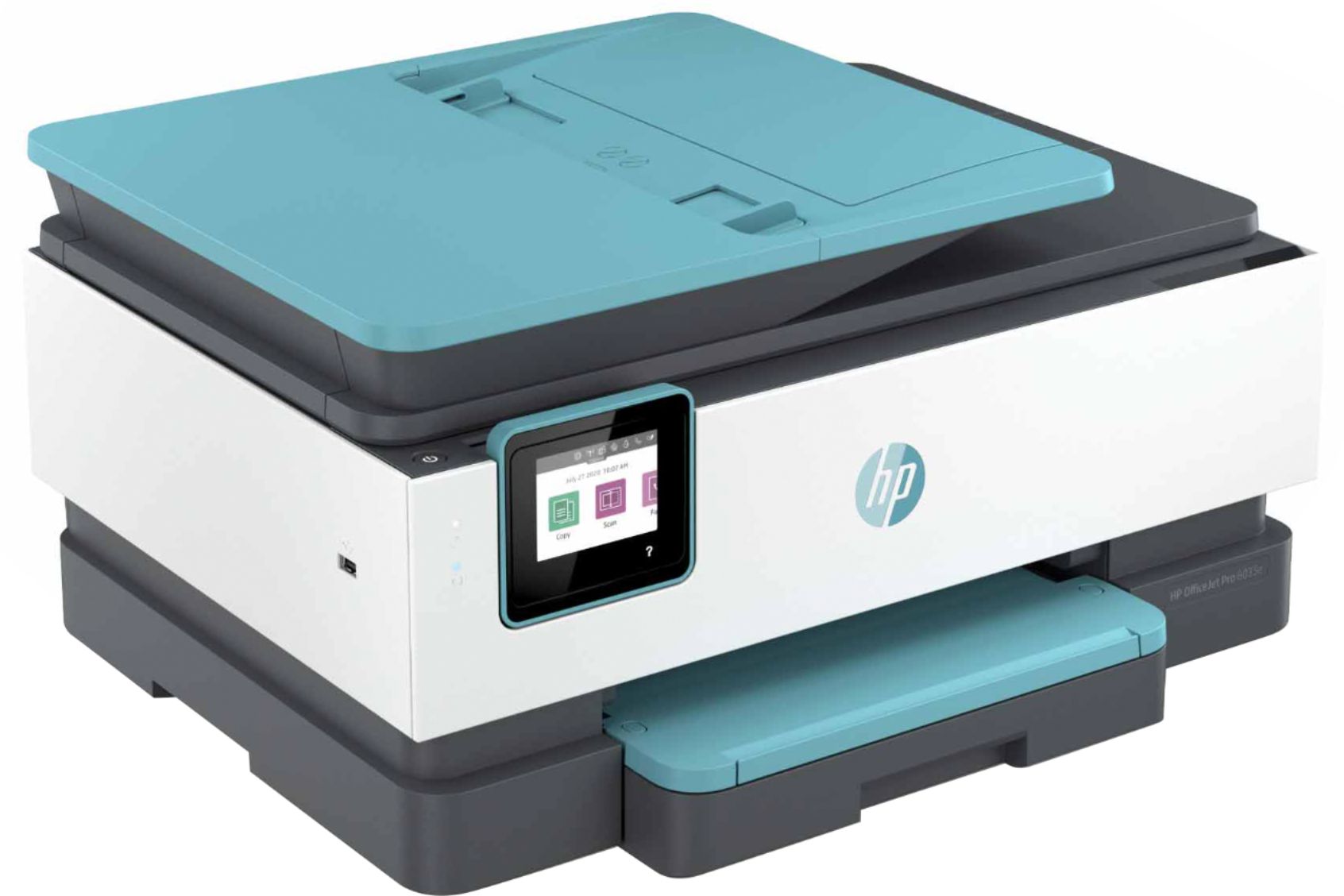
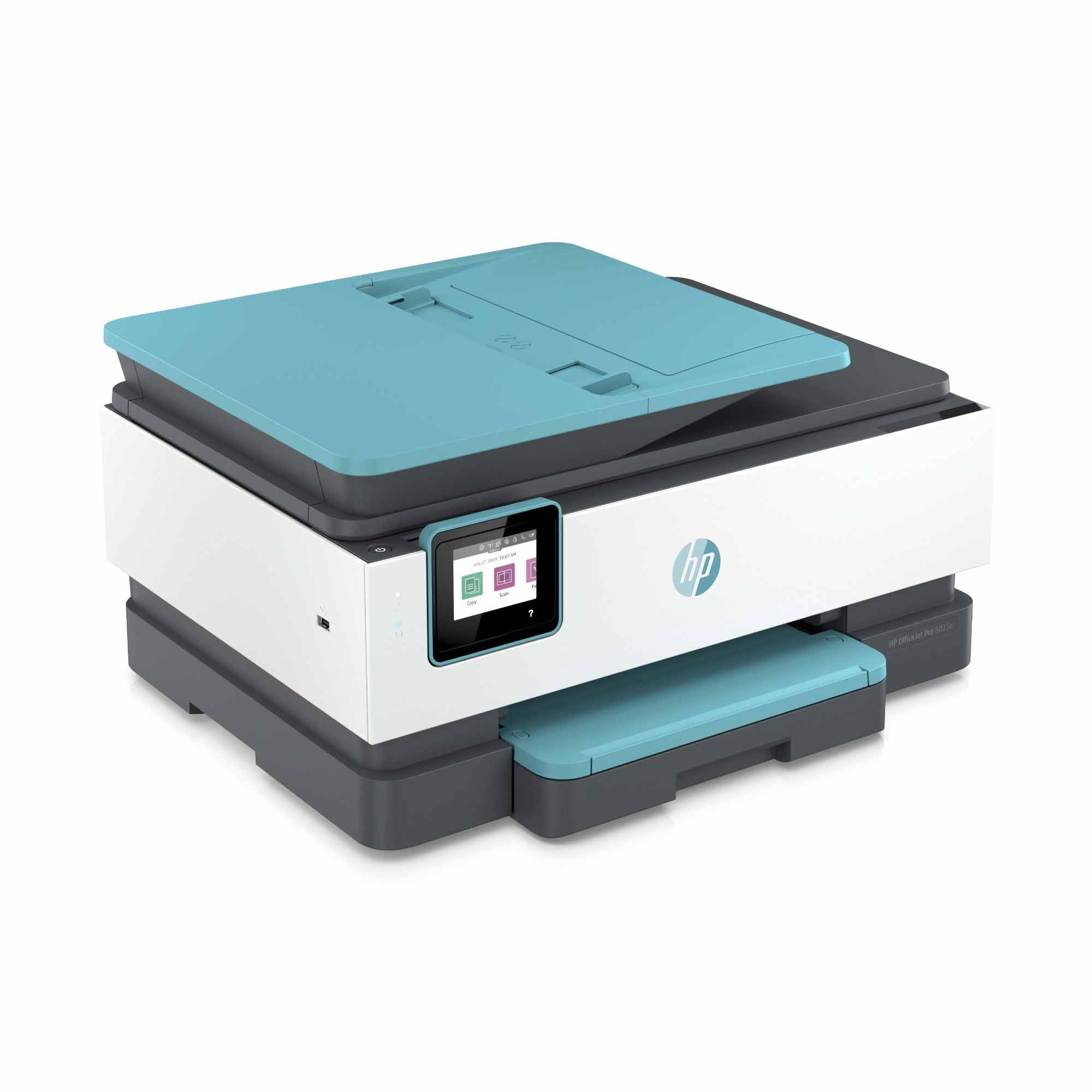
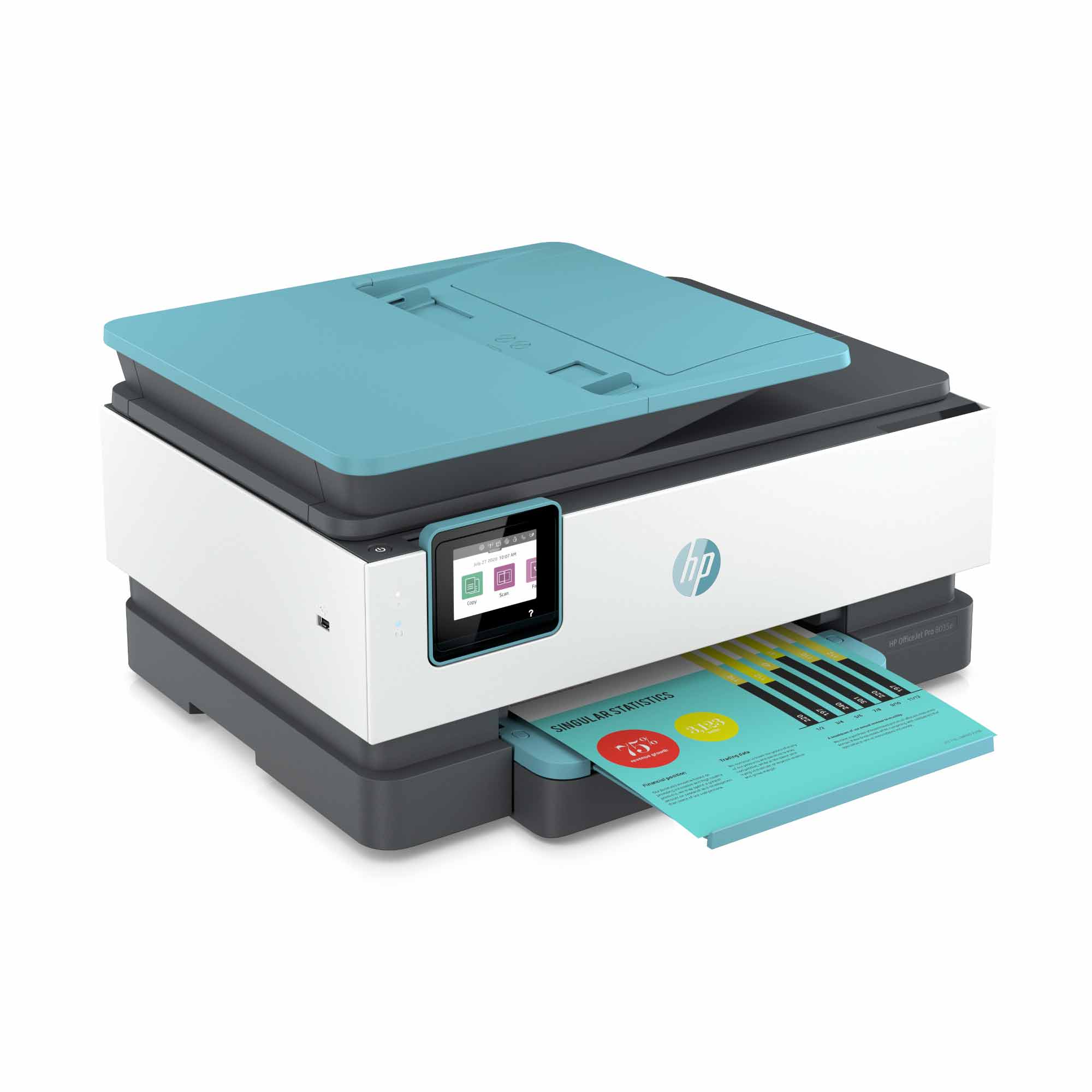
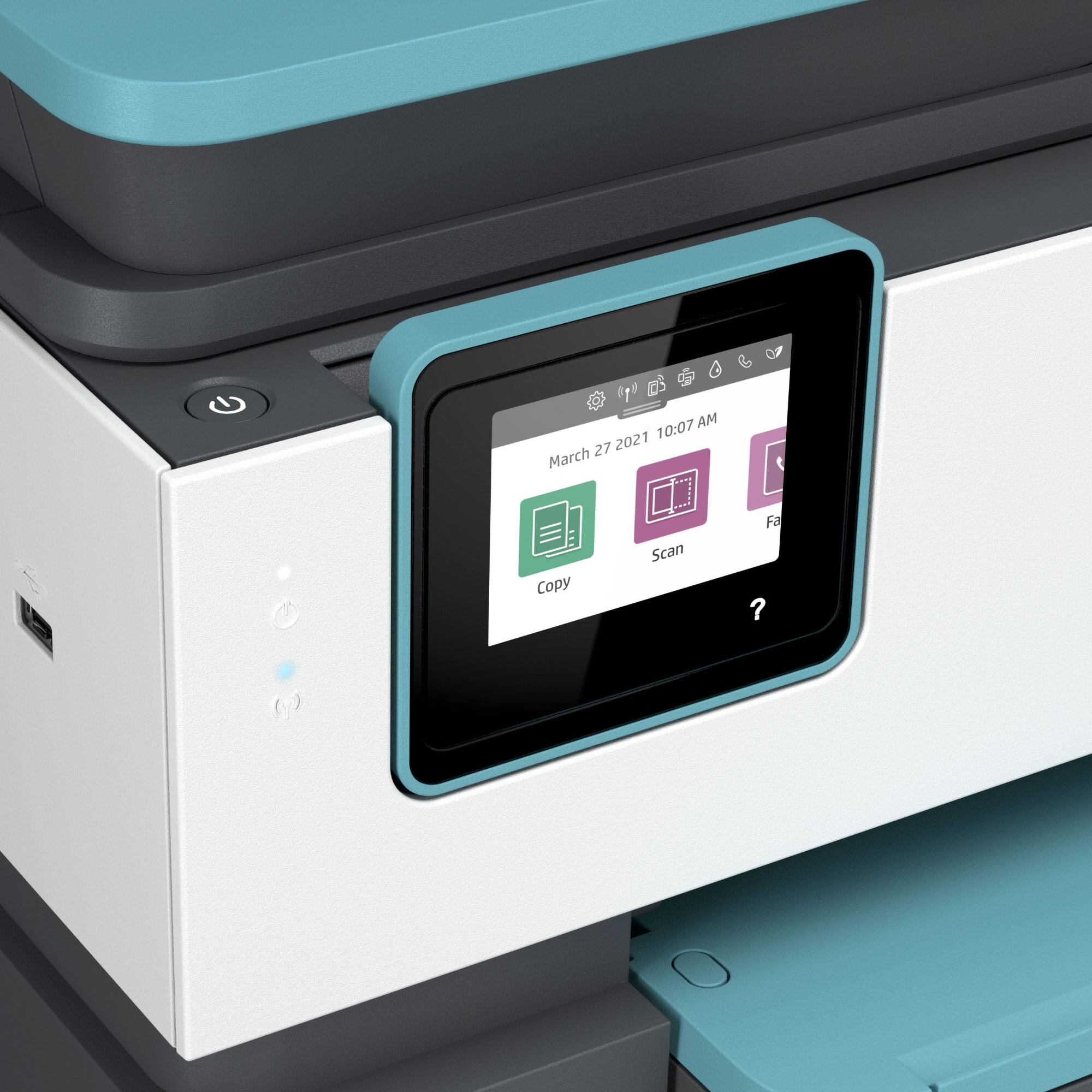
- A:Answer Thank you for the question. Yes, the OfficeJet Pro 8035e has a host USB port on the left side.
Answered by HP Team

Q: QuestionDoes This printer work with sublimation paper?
Asked by Eric.
- A:Answer Hi Eric and thanks for your question! The HP OfficeJet Pro 8035e will work with sublimation paper that is designed for inkjet printers.
Answered by HP Team

Q: Questionwhat is Basalt
Asked by Anonymous.
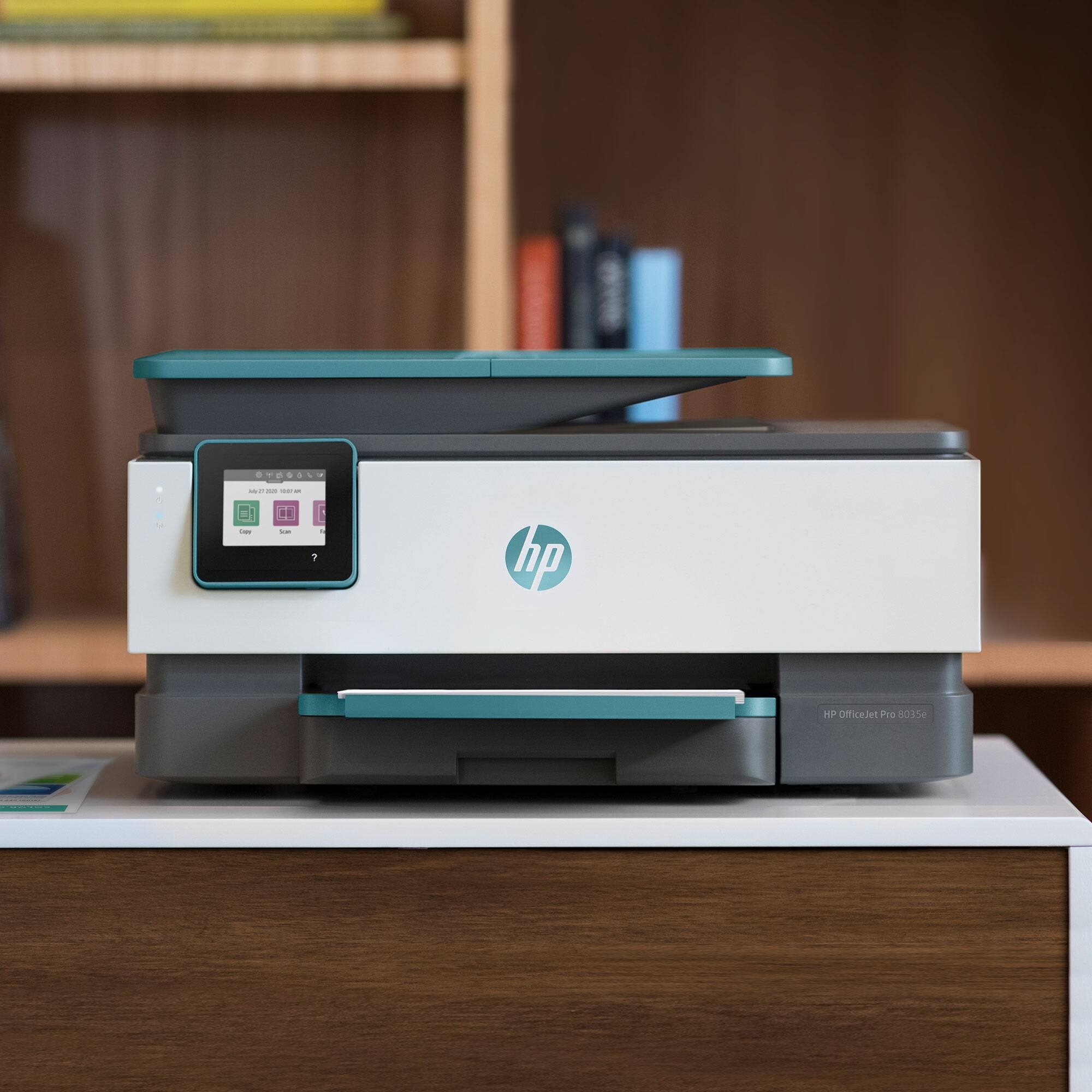
- A:Answer Color. The machine comes in white and Basalt (dark grey to black).
Answered by Jamwaun
Q: Questionbest way to load the paper
Asked by Anonymous.
This question was asked about the related product: HP - OfficeJet Pro 8035 Wireless All-In-One Inkjet Printer with 8 Months of Instant Ink Included - Basalt/White
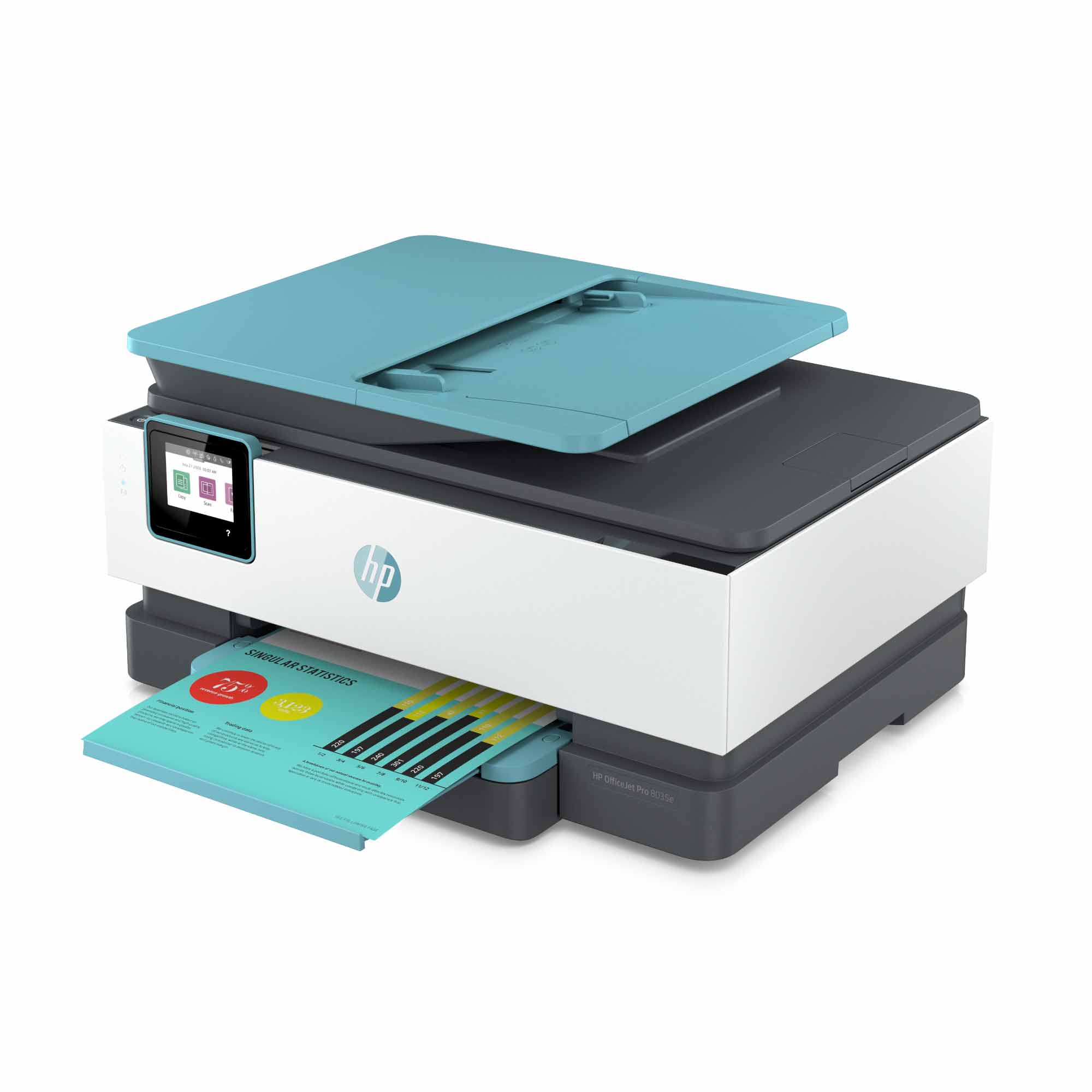
- A:Answer Thank you for the question. Slide out the paper tray at the bottom of the printer, and push the blue paper guides to the outer edges. Load no more than 225 sheets into the tray, and move the guides inward and touching the edges of the paper stack, not so tightly that it buckles the paper. Close the paper tray, pull out the output tray above, and you're ready to print. See the video here: https://www.google.com/search?q=load+paper+on+HP+OfficeJet+Pro+8035e&rlz=1CABUSA_enUS908US908&oq=load+paper+on+HP+OfficeJet+Pro+8035e&aqs=chrome..69i57.9152j0j1&sourceid=chrome&ie=UTF-8#kpvalbx=_Ai-tYO6MBs3wsAXz64eoBg84
Answered by HP Team

Q: QuestionIs the scanner capable of scanning a double sided document through the feeder?
Asked by Anonymous.
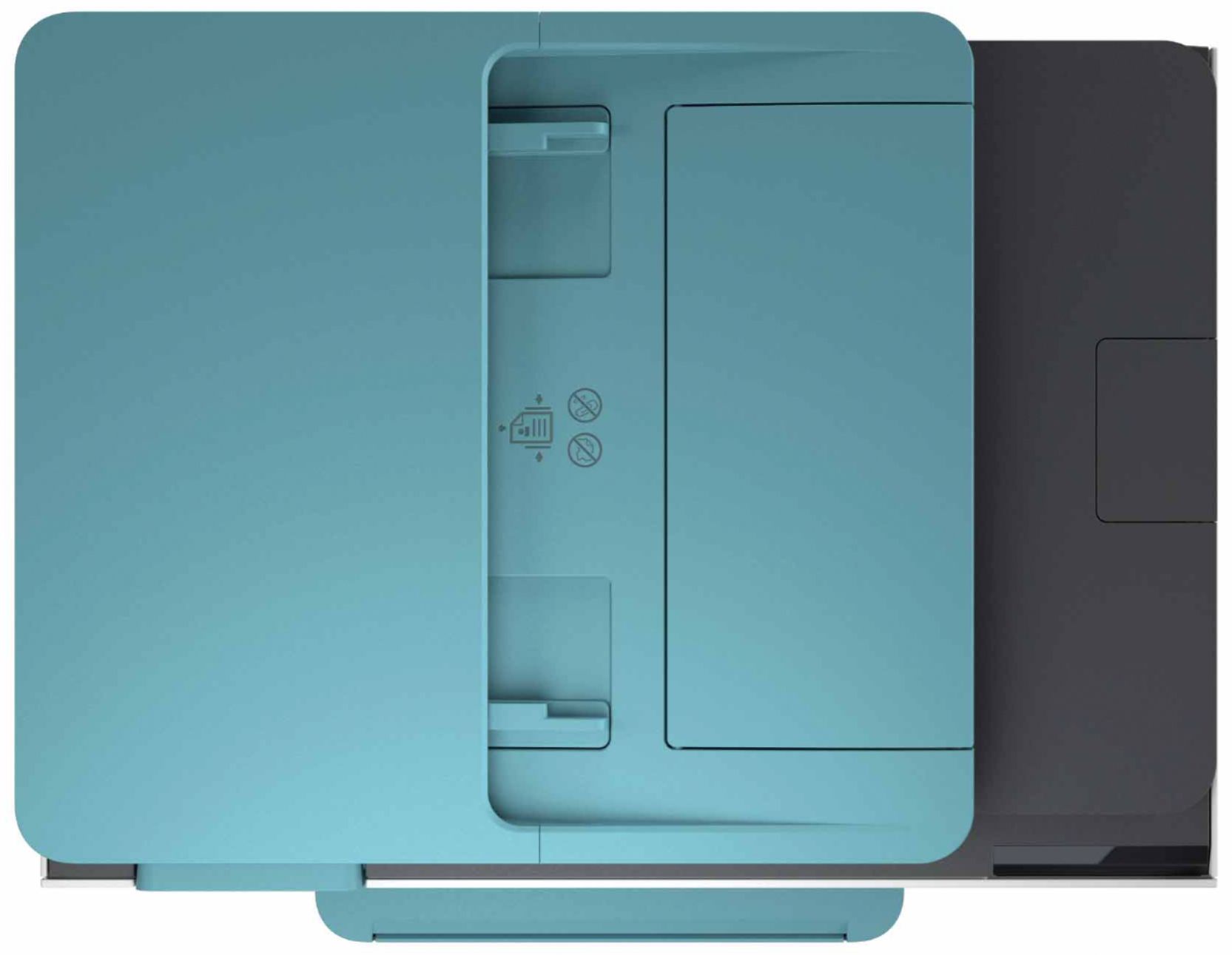
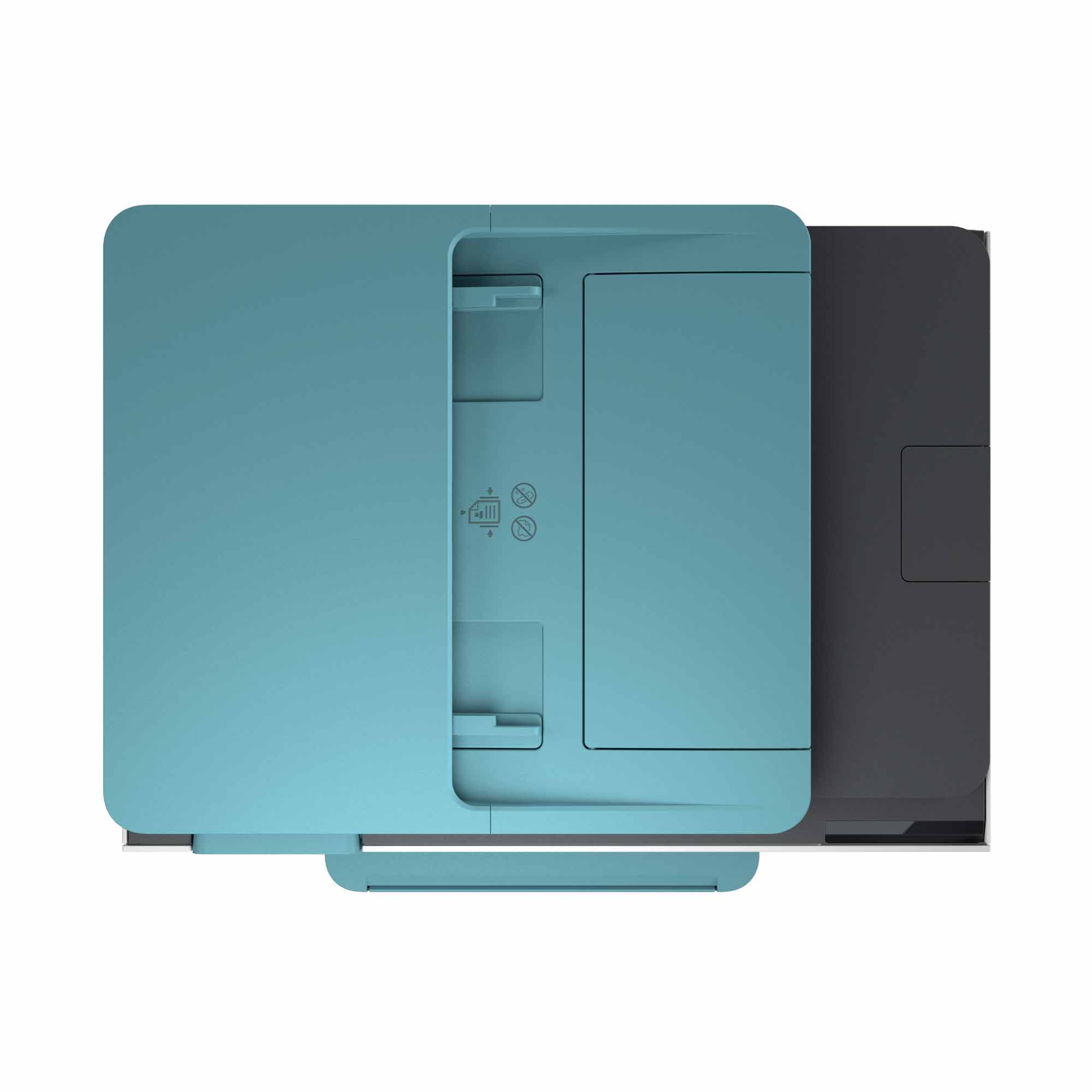
- A:Answer Thank you for the question. The OfficeJet Pro 8035e will not automatically scan both sides of a document through the feeder in one pass. You would need to feed the reverse side separately. For automatic scanning of 2-sided documents in one pass, please see the OfficeJet Pro 9015e.
Answered by HP Team

Q: QuestionCAN I USE ELECTRIC INSTEAD OF WIRELESS?
Asked by Dennis.
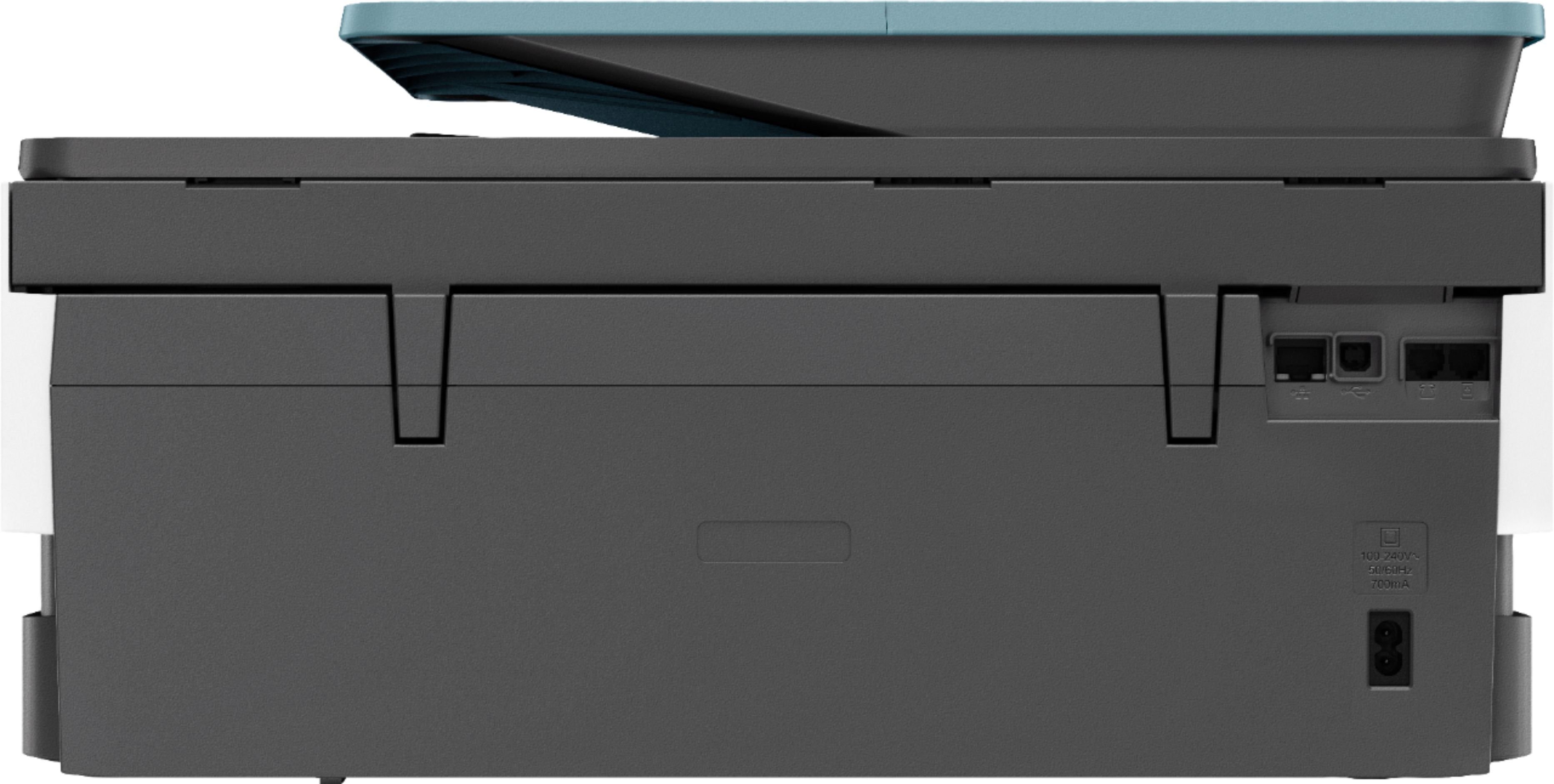
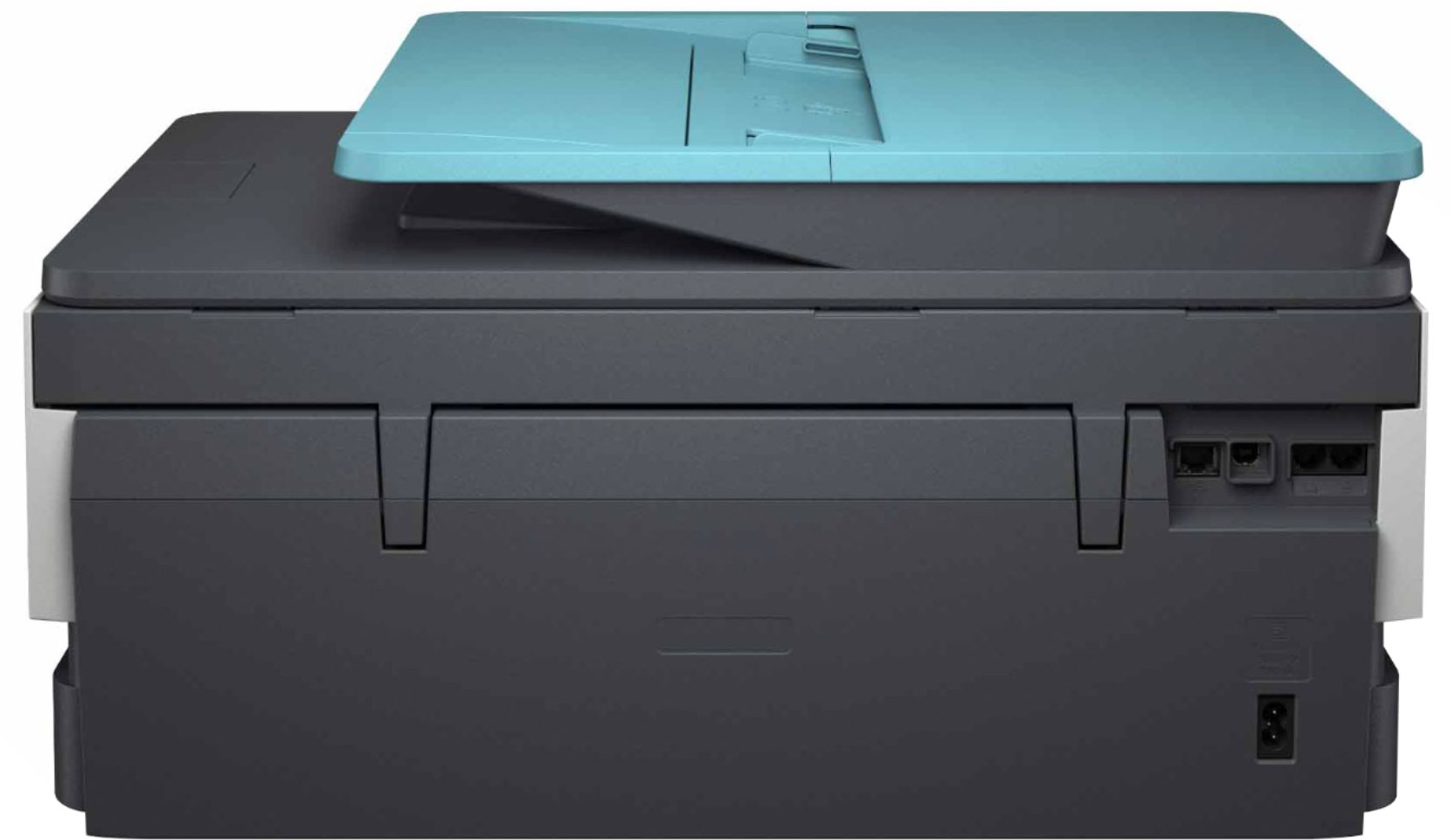
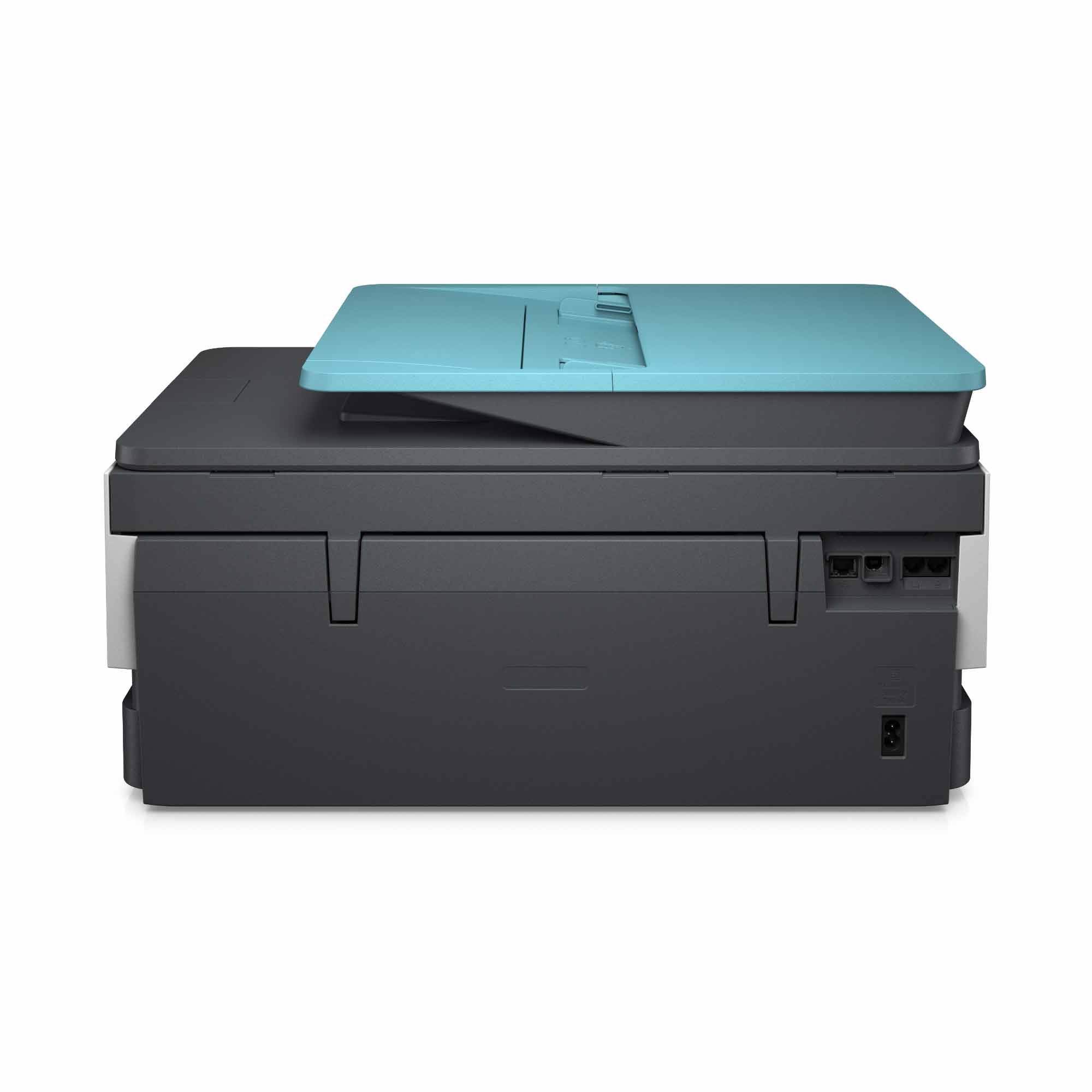
- A:Answer If you don't want to use wi-fi, there is an ethernet port.
Answered by SSwift
Q: QuestionMy daughter bought us an HP printer (HP Smart Tank Plus 650 Series) How do I print a 2-sided document?????
Asked by Anonymous.
This question was asked about the related product: HP - OfficeJet Pro 8035 Wireless All-In-One Inkjet Printer with 8 Months of Instant Ink Included - Basalt/White
- A:Answer Thank you for the question. 2-sided printing with the Smart Tank 650 is manual, driver supported. It involves setting up the document to print one side, and then loading the output stack to print the reverse side. Please review this HP Support video for instructions: https://www.youtube.com/watch?v=rzKBuHJNbso
Answered by HP Team
Q: QuestionDose the 8035e print labels?
Asked by JPNP.
This question was asked about the related product: HP - OfficeJet Pro 8035e Wireless All-In-One Inkjet Printer with up to 12 months of Instant Ink Included with HP+ - Coral
- A:Answer Hello! Thank you for your question. The HP OfficeJet Pro 8035e will print labels. When you load them into your printer, be sure to change the setting to specialty paper on the printer's touch screen.
Answered by HP Team

Q: QuestionHow many pages per month do you get with the free 12 months of instant ink?
Asked by Lindsey.
- A:Answer Hi Lindsay, thank you for asking. You can select a monthly plan based on your printing needs: 15 pages, 50, 100, 300 or 700 pages. You're able to "roll over" unused pages (up to two months) or even change your plan if you find you're printing more or fewer pages per month than initially estimated.
Answered by HP Team

Q: QuestionCan the ADF do duplex scanning? That is to say, can I feed double-sided pages into the ADF and will the printer scan both sides?
Asked by KVD.
- A:Answer You will want to look at the OfficeJet Pro 9015 for duplex scanning. https://www.bestbuy.com/site/hp-officejet-pro-9015-wireless-all-in-one-instant-ink-ready-inkjet-printer-gray/6320038.p?skuId=6320038
Answered by HP Team

Q: QuestionCan you enlarge and reduce with this printer?
Asked by LaurieW.
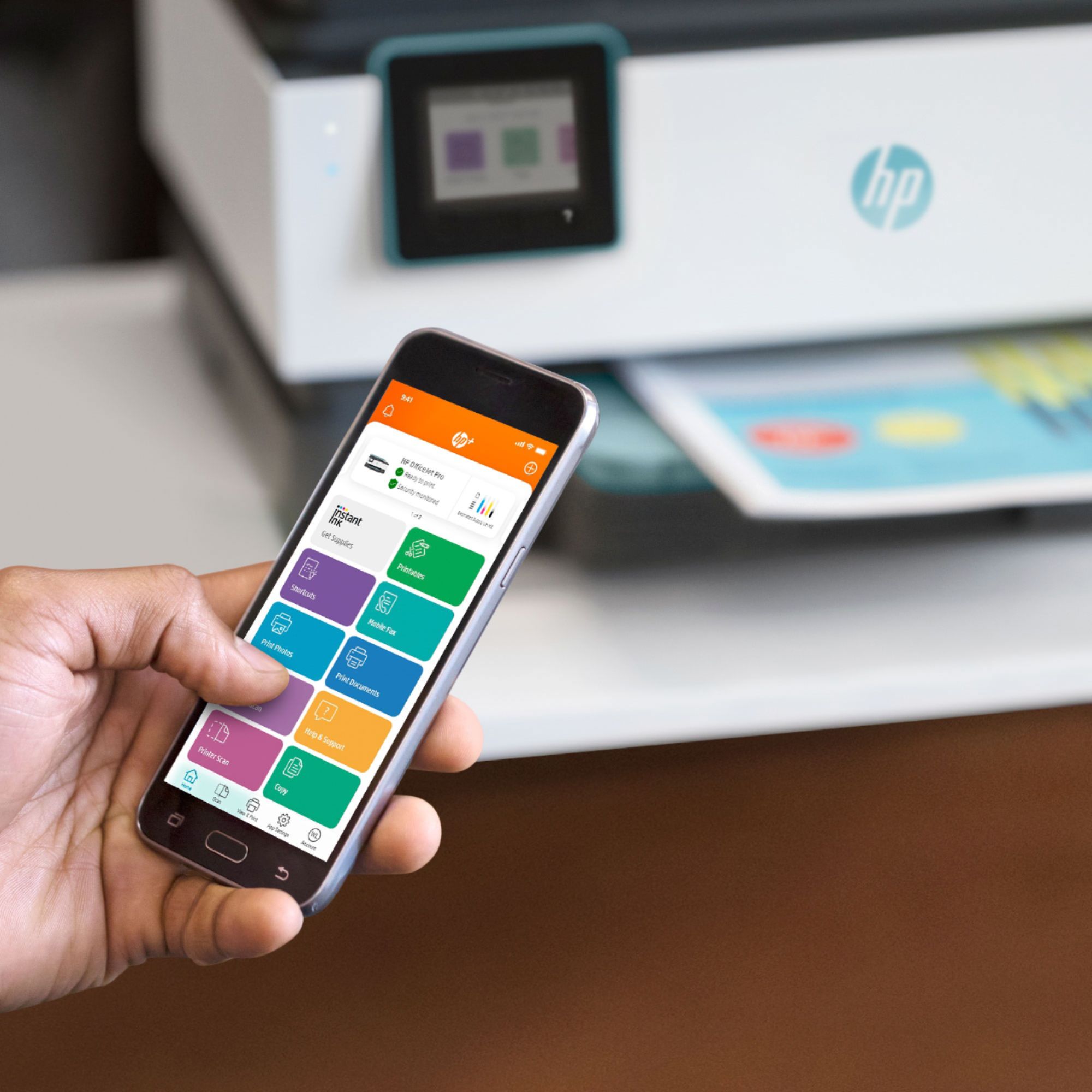
- A:Answer Hi Laurie, thank you for the question. Yes, you can enlarge and reduce using the OfficeJet Pro 8035e touchscreen, from the print dialog on your computer, or using your Smartphone and the HP Smart App. The size range is 25 to 400%.
Answered by HP Team

Q: QuestionDoes this printer not come with automatic 2-sided scanning?
Asked by mrsdriver5.
- A:Answer Thank you for asking! No, the OfficeJet Pro 8035e does not have automatic 2-sided scanning. The Office Jet 9015e or 9025e both offer 2 sided scanning. The 9025e can do single pass 2-sided scanning. https://www.bestbuy.com/site/hp-officejet-pro-9025e-wireless-all-in-one-inkjet-printer-with-6-months-of-instant-ink-included-with-hp-white/6450665.p?skuId=6450665
Answered by HP Team

Q: QuestionHi, it is going really bad with my new printer. It won't scan for the setup. I don't know what to do and I need the printer. Thank you.
Asked by Moon.
This question was asked about the related product: HP - OfficeJet Pro 8035 Wireless All-In-One Inkjet Printer with 8 Months of Instant Ink Included - Basalt/White
- A:Answer We are sorry for the challenges you are facing with your printer install. We recommend visiting our HP Support website for assistance with fixing this problem.
Answered by HP Team

Q: QuestionI only have an Apple MacBook Air. Operating system is High Sierra 10.13.6. Will this printer work with my MacBook Air. Does this printer require a CD to download the software. I do not have a c computer which uses a CD. Thanks
Asked by Steve.
- A:Answer Hi Steve, thank you for the question. The specification for the OfficeJet Pro 8035e lists the minimum Macintosh requirements as macOS v10.14 Mojave, macOS v10.15 Catalina, macOS v11 Big Sur. Drivers are updated regularly. No CD is furnished or required for installation. Software and drivers can be downloaded from 123.hp.com.

Answered by HP Team

Q: QuestionIf instant ink tracks how much I print each month, can HP also see the content of the documents I print?
Asked by Alissa.
This question was asked about the related product: HP - OfficeJet Pro 8035 Wireless All-In-One Inkjet Printer with 8 Months of Instant Ink Included - Basalt/White
- A:Answer Hello, Alissa. The only thing that HP monitors is your ink levels, so that they know when to send you more ink. HP cannot see the content that you are printing.
Answered by HP Team

Most-viewed items
- Tech Fest Deal$99.99