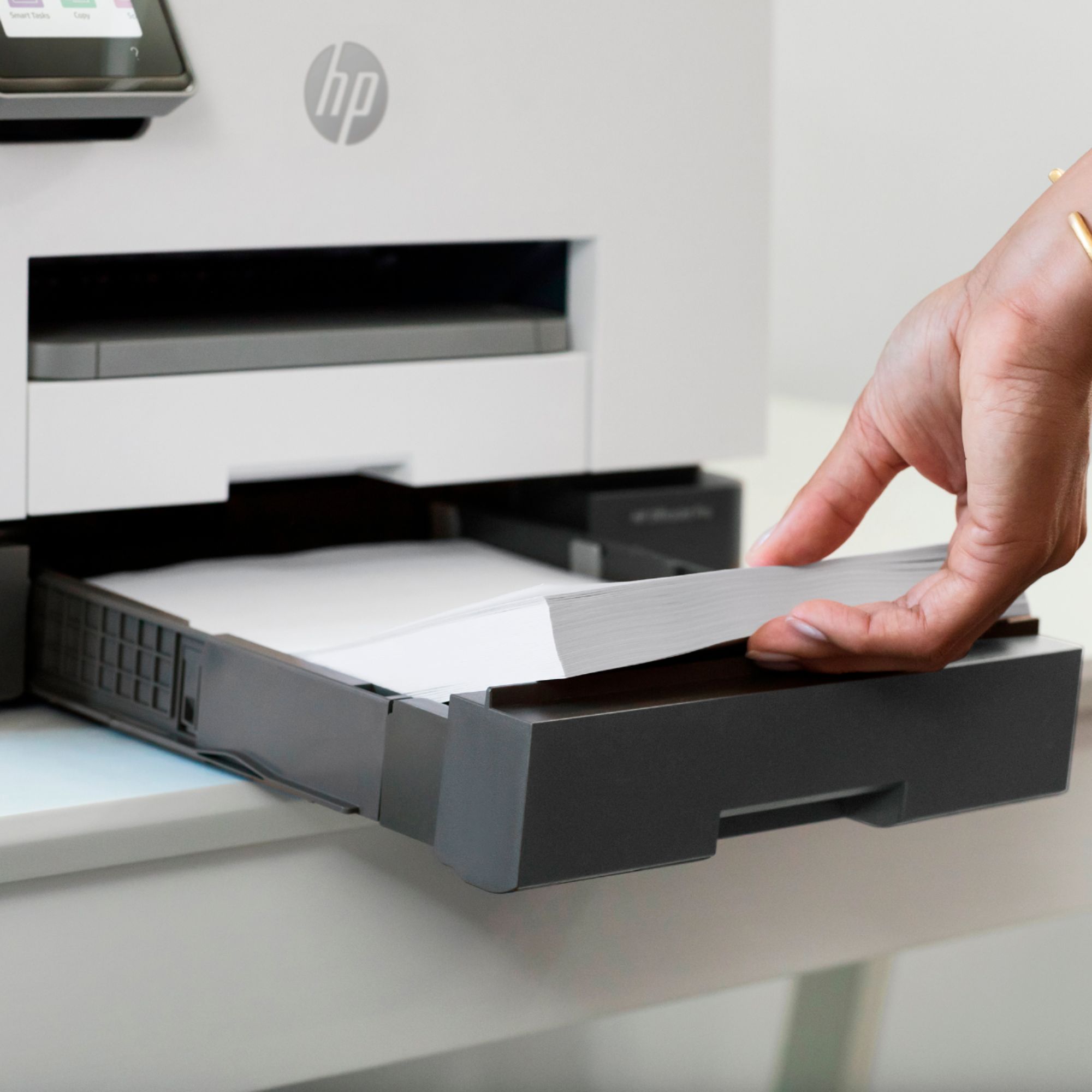
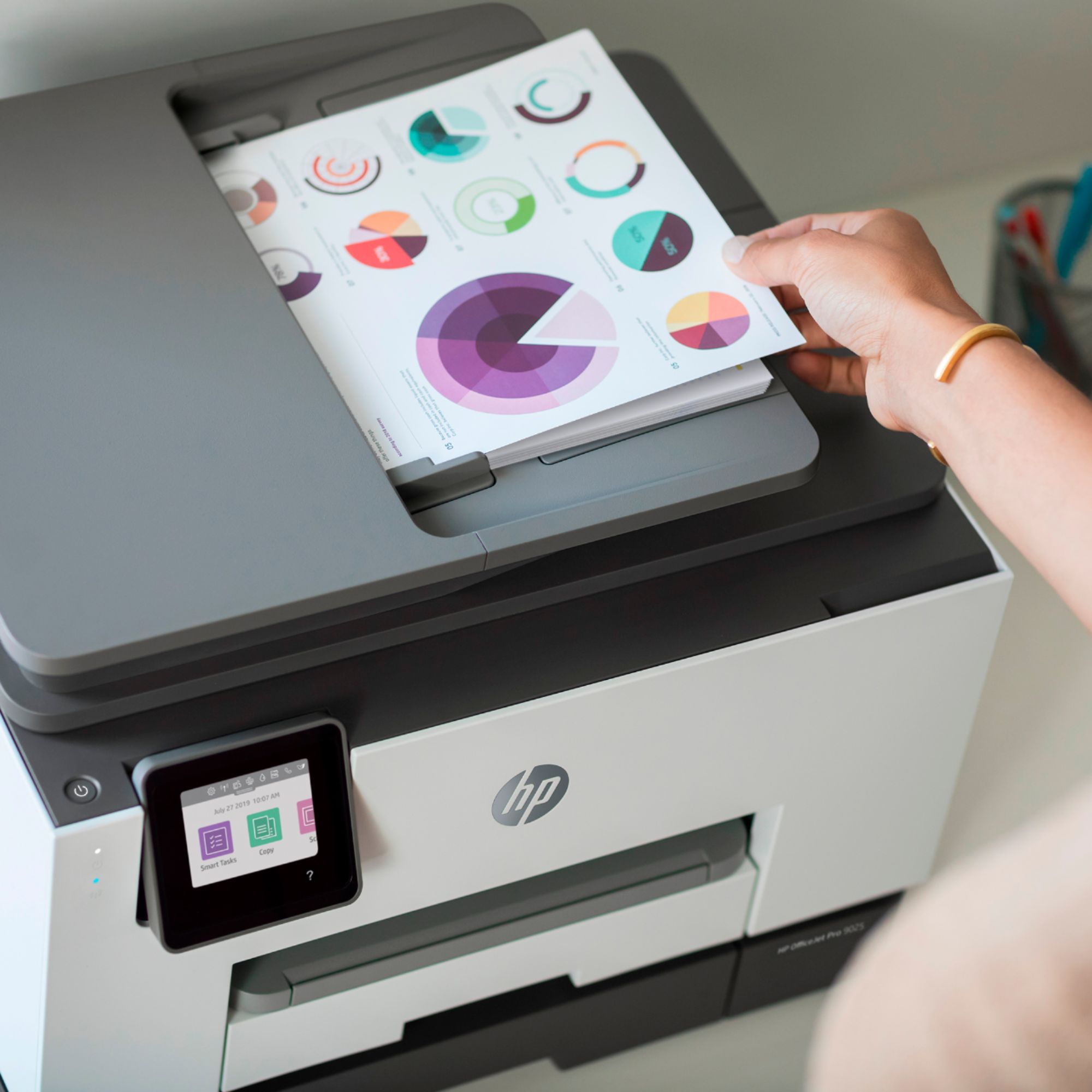
A:AnswerHi Linda, thank you for the question. Yes, you can. See "Working with Trays" (page 23 and onward) in the User Guide, here: http://h10032.www1.hp.com/ctg/Manual/c06940373.pdf
A:AnswerYes, you will be able to do that. For each computer you will download hp's new software which is Fabulous by the way, and run the install each time from each machine.
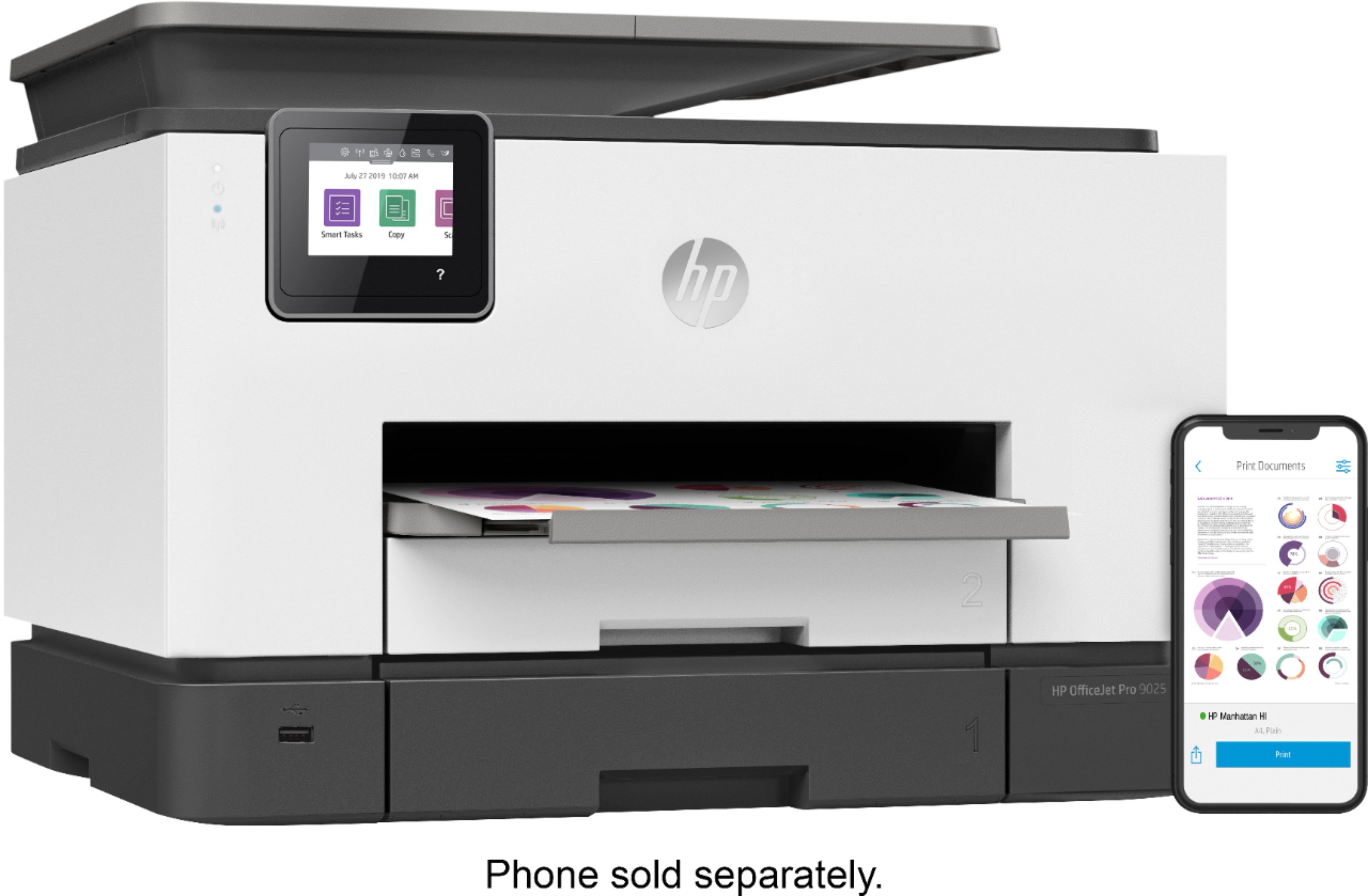
A:AnswerHi Tony! Here are the main differences between the 2 products. The HP 9025e can scan a double sided page in a single pass. The 9015e flips the page over in the automatic document feeder and so is not as fast at copying 2 sided documents. The 9025e can use a larger black ink cartridge the 966XL which can print up to 3000 pages vs the 962XL. The 9025e has 2ea. 250 sheet paper input trays, and the 9015e only has one 250 sheet paper input tray. The 9025e is about 10% faster in print speed. Finally, the RMPV (recommended monthly page volume) is 2500 for the 9025e and 1500 for the 9015e. Thanks for being an HP customer!
A:AnswerHi Sonny, thank you for the question. Yes, the OfficeJet Pro 9025e has the ID Copy function. The largest paper supported is 8.5" x 14" (legal size paper). In order to copy two sides of an ID on one page, you'd need the original to be slightly less than half the measurement of the chosen paper, as you'll need to place the original .25 inch from the top and side edges of the scanner glass. So, for letter paper (8.5" x 11"), the maximum original to get two sides on the page would measure 8" x 5.25".
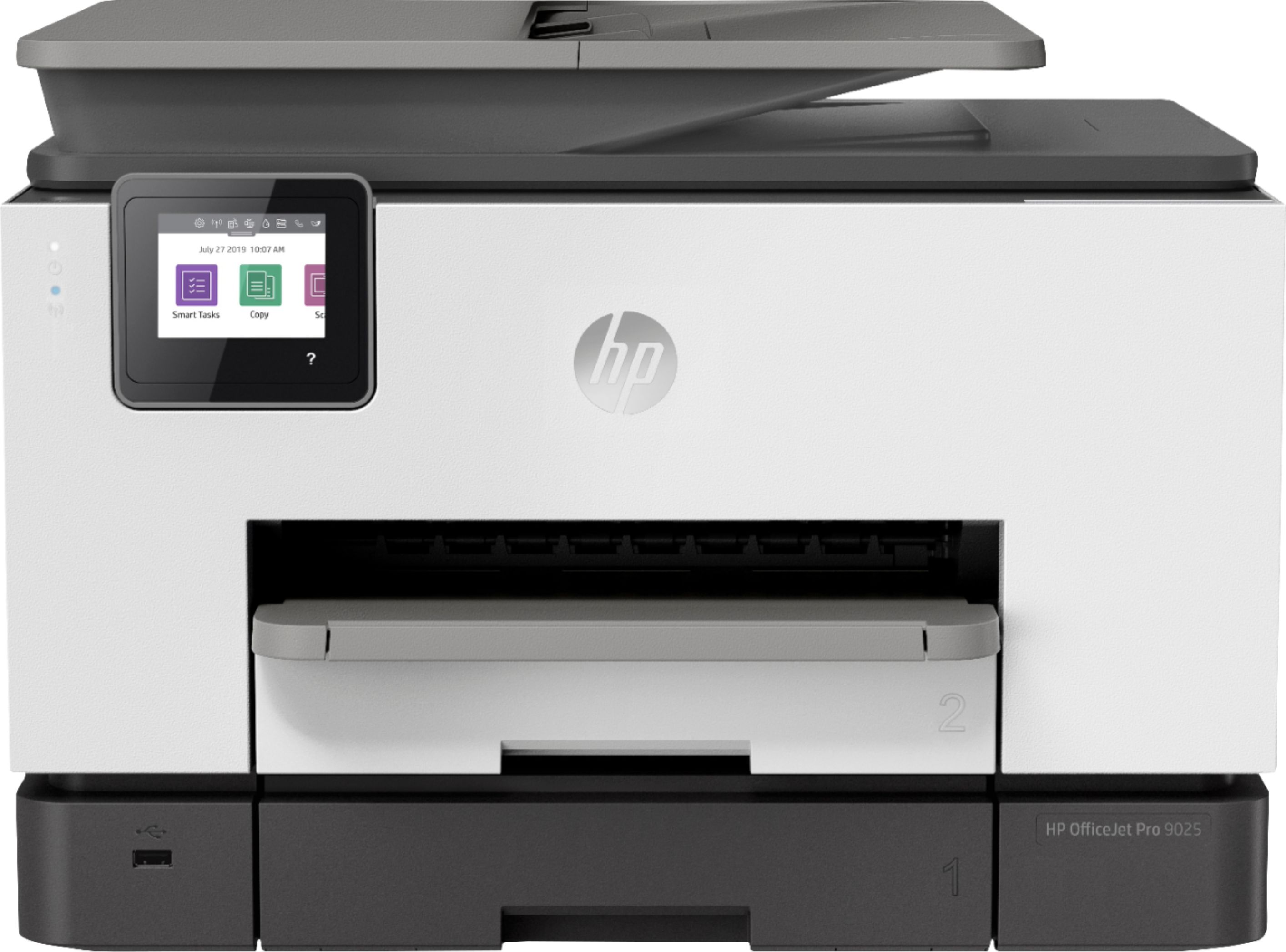
A:AnswerGreat question, Winston! Yes, you can easily scan to and print from your iPhone (iOS 13 and later) using the HP Smart app found in the App Store.
A:AnswerHello Lou! Yes, you absolutely can! Here is an illustrated how-to guide for loading envelopes: https://support.hp.com/us-en/document/c06198816 - Please note that you will still need to select the correct paper size and paper type settings for each print job.
A:AnswerThe OfficeJet Pro 9025e can accommodate the following media sizes; Tray 1:Letter, Legal. Tray 2:Letter; Legal; Government Legal; Executive; Statement; 3 x 5 in; 4 x 6 in; 5 x 7 in; 13 x 18 cm; 8 x 10 in; 10 x 15 cm; L; Photo 2L; Envelope( #10, Monarch, 5.5 bar); Card (3 x 5 in, 4 x 6 in, 5 x 8 in).
A:AnswerThe 9025 has two paper trays instead of only one and the 9025 has Advanced scanning capabilities in that the scanner is not only quieter and faster, but it will scan both sides of a document in a single pass
A:AnswerHello, they are both great printers! The 9025e is designed for someone who uses the automatic document feeder daily and needs double sided copy and scan features because it does a one pass on the scanning both sides. The 9025e is also a bit faster, plus dual trays in lieu of one paper tray holding 500 sheets of paper vs. 250 pages. The ink cartridges give you more prints with the 9025e as well as a decrease in the cost per color photo print. Thank you for being an HP customer!