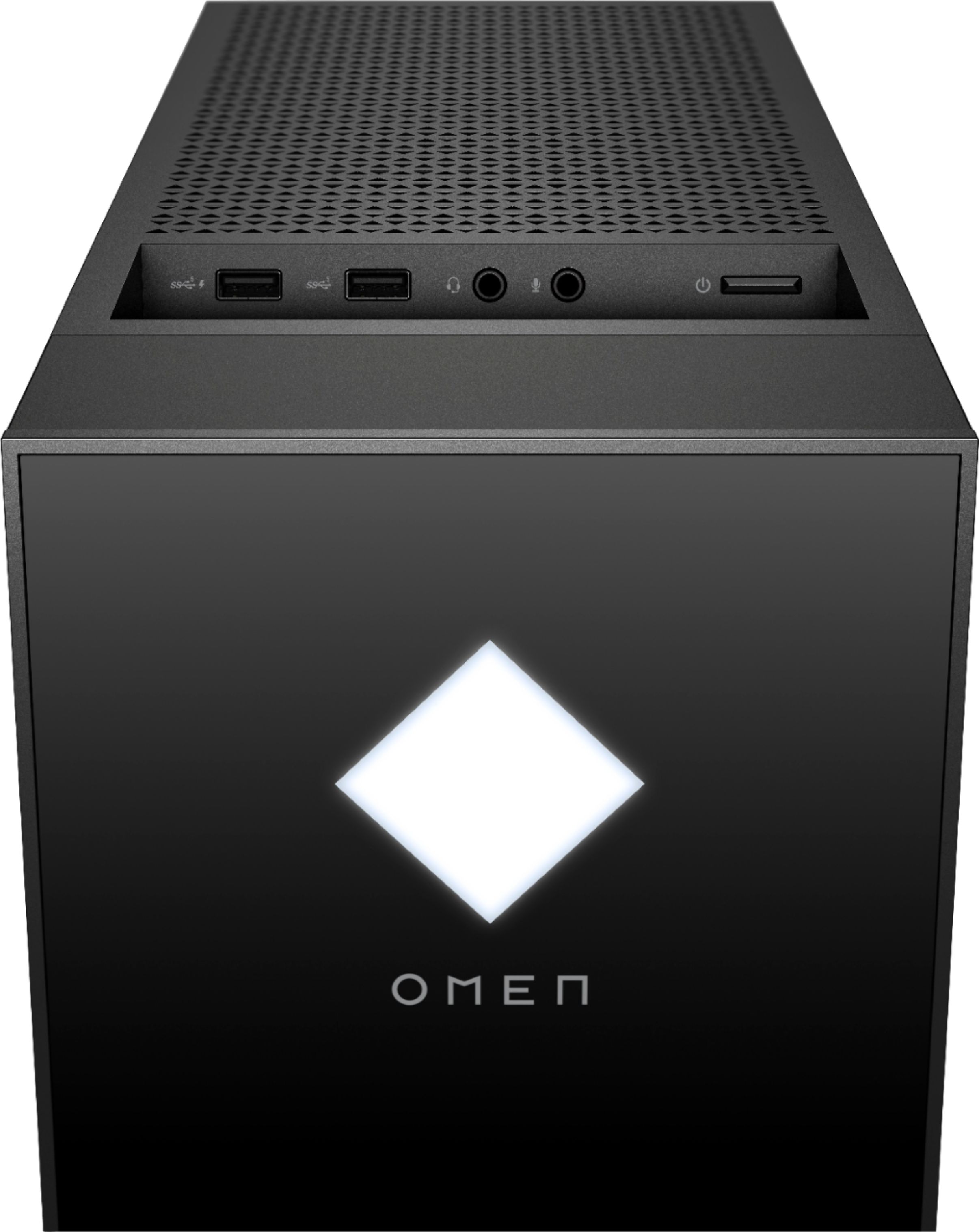
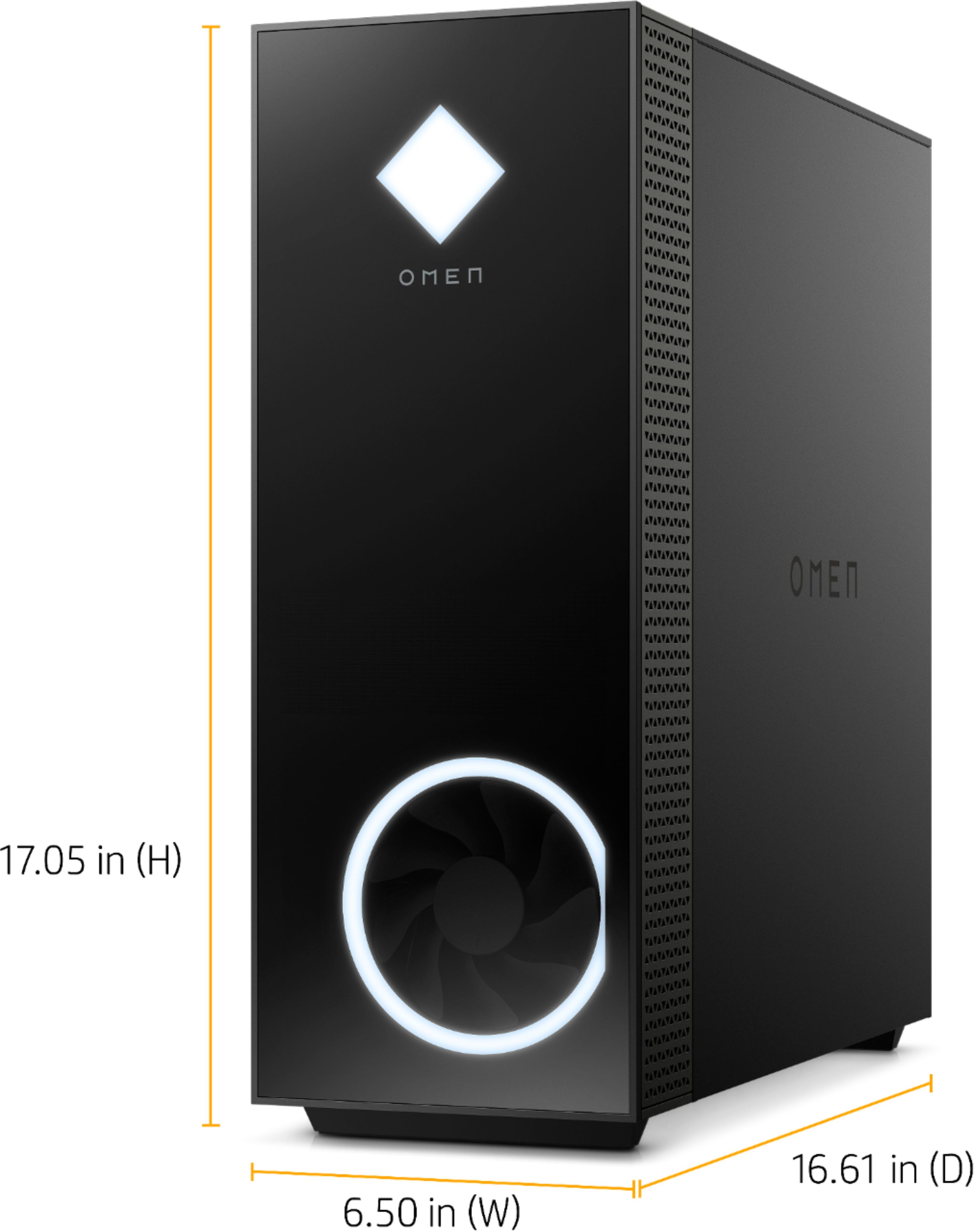
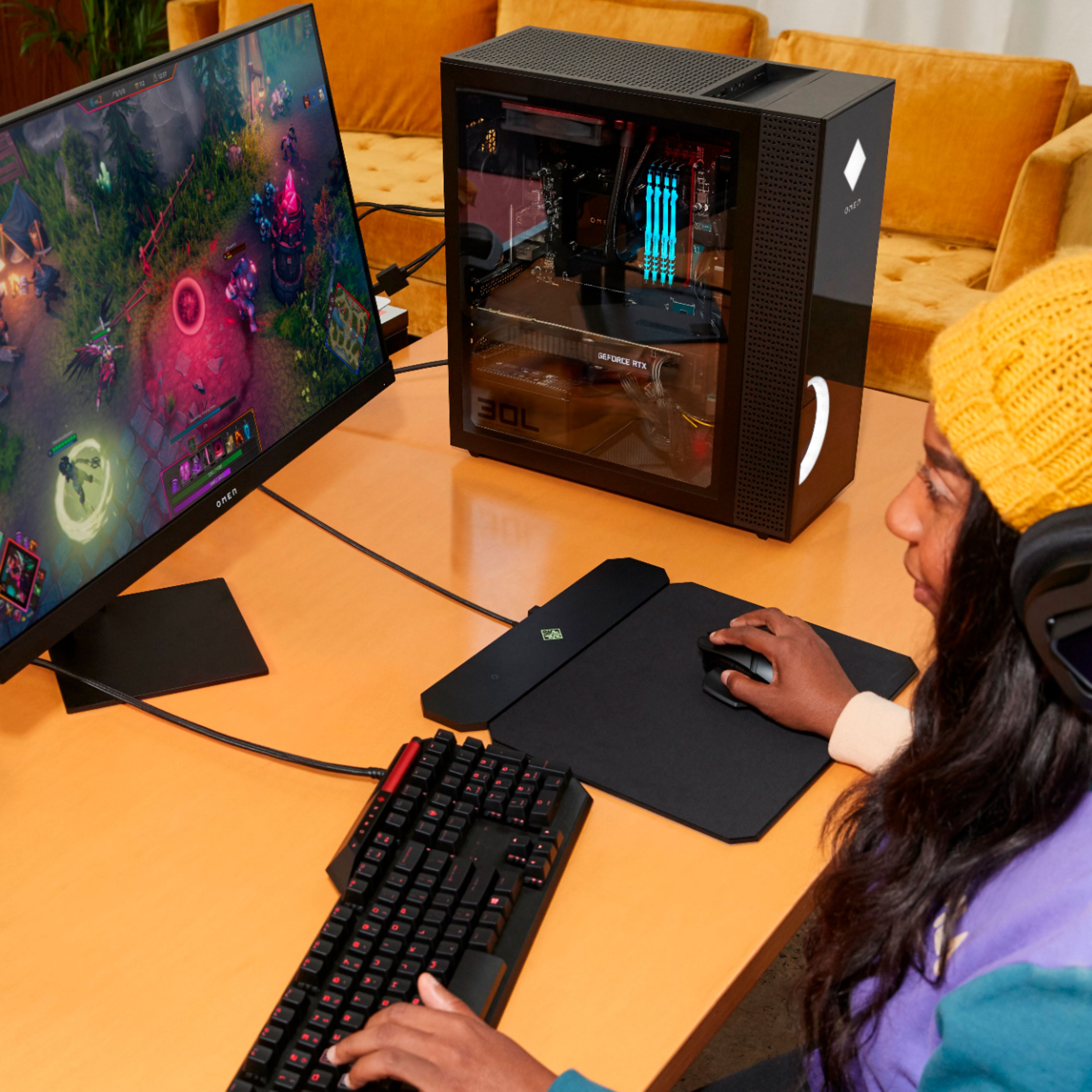
A:AnswerHello, you have multiple options for connecting monitors to this device. The first monitor would connect through the HDMI port, then your second monitor would connect through the Display Port. Thank you for being an HP customer!
A:AnswerBased on the processor, RAM and video card, it shouldn't have a bottleneck. Please note that if you're doing something unusual (like running software that really needs more than 16 gigabytes of RAM or playing games with really high details and framerates on multiple 4k monitors, you might run into some issues.
A:Answerit would be pointless unfortunately to do this as hp has the bios locked on the motherboard and 3200 is what you're getting no matter what. it will also knock back the clock speed to about 2300mhz if you add more. been there done that. huge fail on their part.
A:Answeri havent tried any other fans in my unit as of yet but you can open the nvidia center, go into performance and manually set the fan rpm yourself. i have mine set at 1900 rpm and that keeps it well in the green. the default rpm was around 1250
A:AnswerYou would want to look at the developer's website for the system requirements. Updates can affect what settings you could run it on or if you can run it at all. MINIMUM: Requires a 64-bit processor and operating system OS: Windows 10 Processor: Intel i5-4460 | AMD Ryzen 3 1200 Memory: 8 GB RAM Graphics: NVIDIA GTX 770 | AMD Radeon RX 570 DirectX: Version 11 Storage: 150 GB available space are the minimum requirements at this time.
A:AnswerYou can put more ram inside of it, it has 4 slots but usually 16 gb is good for gaming but if you want to spend $60+ on 2x8 gb you can just as long as its 3200 megahertz ram
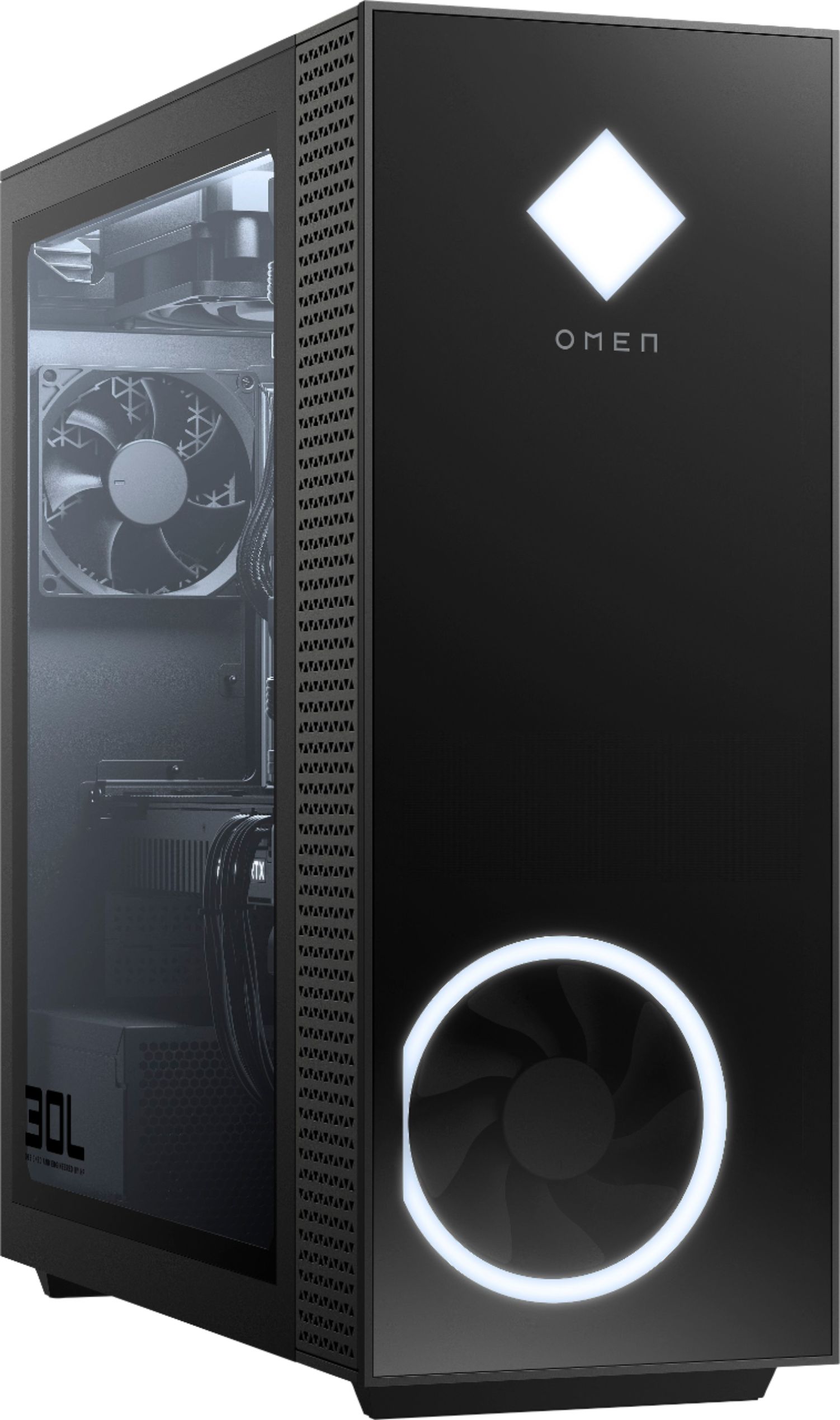
And for space you cant buy it more storage off the bat but you buy a hard drive for like $70 for 4tb but you get low read and write cause its a hard drive (aka moving parts) while ssd is yes more $$$ but it doesn't having any moving parts (aka goes zoom), i got my hdd on bestbuy too, and if you do choose to buy this pc and buy hdd the drive bays are easy to get to they are right on the front all you gotta do is take off the glass side panel with the press of the back button, then at the top front of the pc there is 2 hdd slot if i remember right,
I hope this answers your question and sorry for all of the words
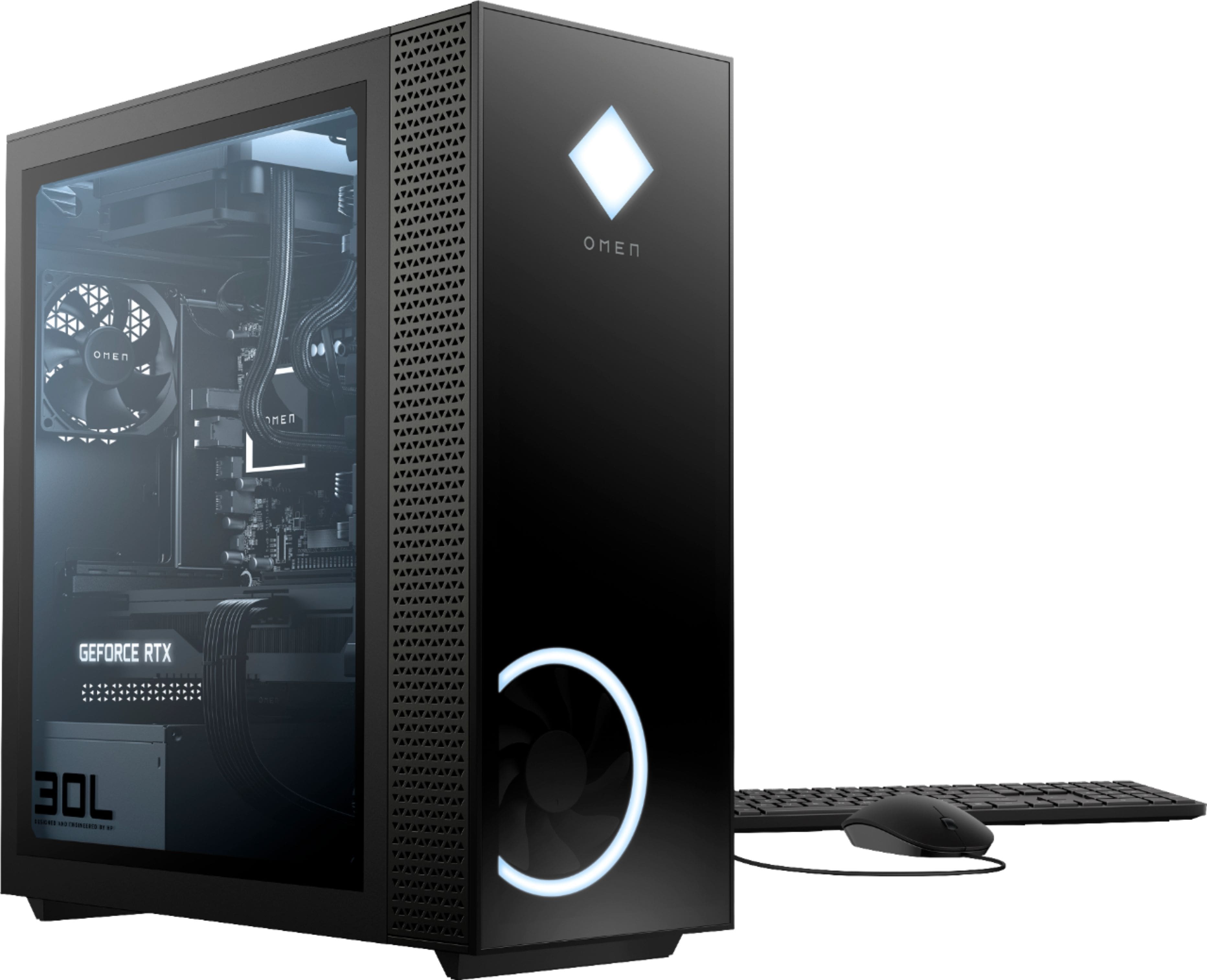
A:AnswerThis OMEN Gaming Desktop comes with a 1 TB PCIe NVMe TLC Solid-State Drive: Size: 1 TB, Interface: PCIe Gen 3.0, Form Factor: M.2 2280, Type: TLC Solid-State.
A:AnswerI'd say so. I purchased one and there is still plenty of room for me to upgrade later. I might wanna change the fans though as it can get a little hot
A:AnswerThere isn't a version that is a "horizontal" computer with similar features. However, this computer will be perfectly happy laying on it's side.