A:AnswerTry pressing and holding down the Power button for 10 seconds to turn it off. Then, turn it back on. If that doesn't clear the problem maybe contact the Geek squad for tech support. It comes with a 1 year parts and labor warranty.
A:AnswerThis answer I give here came from asking your question in Copilot +.
Copilot is Microsoft’s cloud AI assistant (the chatbot and in‑app helper), while Copilot+ refers to a class of Windows PCs with special AI hardware and extra on‑device AI features.
What Copilot is
Copilot is a generative AI assistant that runs mostly in the cloud and can answer questions, generate text, and create images from prompts, similar to ChatGPT.
It shows up in Edge, Windows, and Microsoft 365 apps, with a free tier and an optional Copilot Pro subscription for faster GPT‑4 access and more image generation boosts.
What Copilot+ is
Copilot+ (often “Copilot+ PCs”) is a marketing name for Windows laptops/desktops that include a powerful NPU capable of at least 40 TOPS for running AI tasks locally.
These devices unlock extra Windows‑level AI features like Recall, Cocreator image generation on‑device, Windows Studio Effects, and advanced Live Captions/translation that are not available on regular PCs.
Type of thing: service vs hardware
Aspect Copilot Copilot+ PCs
What it is AI assistant service/software Hardware category of AI‑capable PCs
Where it runs Mostly cloud (Azure) Mix of cloud + on‑device NPU
Key requirement Microsoft account / browser/app PC with NPU ≥ 40 TOPS and Windows 11
Extra features Chat, text/image generation Recall, Cocreator, Studio Effects, Live Captions
How they relate
You can use Copilot on almost any modern device via the web or apps, regardless of hardware, but without the Copilot+ extras.
A Copilot+ PC still uses Copilot as the assistant, but adds system‑wide, faster, and more private local AI processing thanks to the NPU and special Windows features.
Related
How does Copilot Pro differ from Copilot and Copilot
Which features run locally on Copilot+ PCs versus cloud Copilot
Do I need a Copilot+ certified PC to use Copilot features
How much does Microsoft 365 Copilot cost and how to subscribe
What are NPUs and why Copilot+ requires 40 TOPS performance
can I receive Copilot + with a microsoft 365 account?
You can use Copilot alongside a Microsoft 365 subscription, but Copilot+ is not included with Microsoft 365 Personal or Family plans. They are separate offerings.
Here’s the breakdown based on the latest information:
How Copilot and Microsoft 365 relate
Microsoft 365 Copilot is the AI built into apps like Word, Excel, PowerPoint, Outlook, and Teams.
This requires a Microsoft 365 subscription (Personal, Family, or business plans).
Copilot Chat (the free version you’re using now) works with any Microsoft account and does not require Microsoft 365.
Copilot+ (the premium Copilot subscription) is a separate upgrade and is not automatically included with Microsoft 365 Personal or Family.
So what do you get with Microsoft 365?
If you have Microsoft 365 Personal or Family, you get:
Copilot is integrated inside Word, Excel, PowerPoint, Outlook, and OneNote
AI features that work directly with your documents, emails, and files
But Copilot+ is still an additional paid tier, not bundled into Microsoft 365.
I hope this helps. The best thing is that whichever version of Copilot you use, you should just ask the question in Copilot and you will get back the same answer I brought up here> ASK COPILOT anything....You will be pleasantly surprised.
Merry Christmas!
John A.
A:AnswerIt is sold with Windows 11 Home installed. You upgrade Windows 11 Home to Pro by buying a Pro license (key) and entering it in Settings → System → Activation.
Option 1: Buy Pro directly in Windows
Open Settings → System → Activation.
Under “Upgrade your edition of Windows,” click “Upgrade in the Microsoft app” or “Open Store.”
The Microsoft Store page for “Windows 11 Pro” will open; buy the upgrade while signed in with your Microsoft account.
Follow the prompts; Windows will restart and switch to Pro automatically. Your files and apps stay in place.
or just call or chat with Microsoft Support.
I have office365 and it works well with that. I have as many as four to six windows open at the same time and I have not noticed any issues.
Hope that Helps! Merry Christmas!
John A.
A:AnswerBasic requirements
For an HP laptop running Windows, Cricut Design Space generally needs:
Windows 10 or later, 64‑bit, fully updated.
At least 4 GB of RAM and a dual‑core (or equivalent) processor.
At least 2 GB of free storage and a screen resolution of 1024 x 768 or higher.
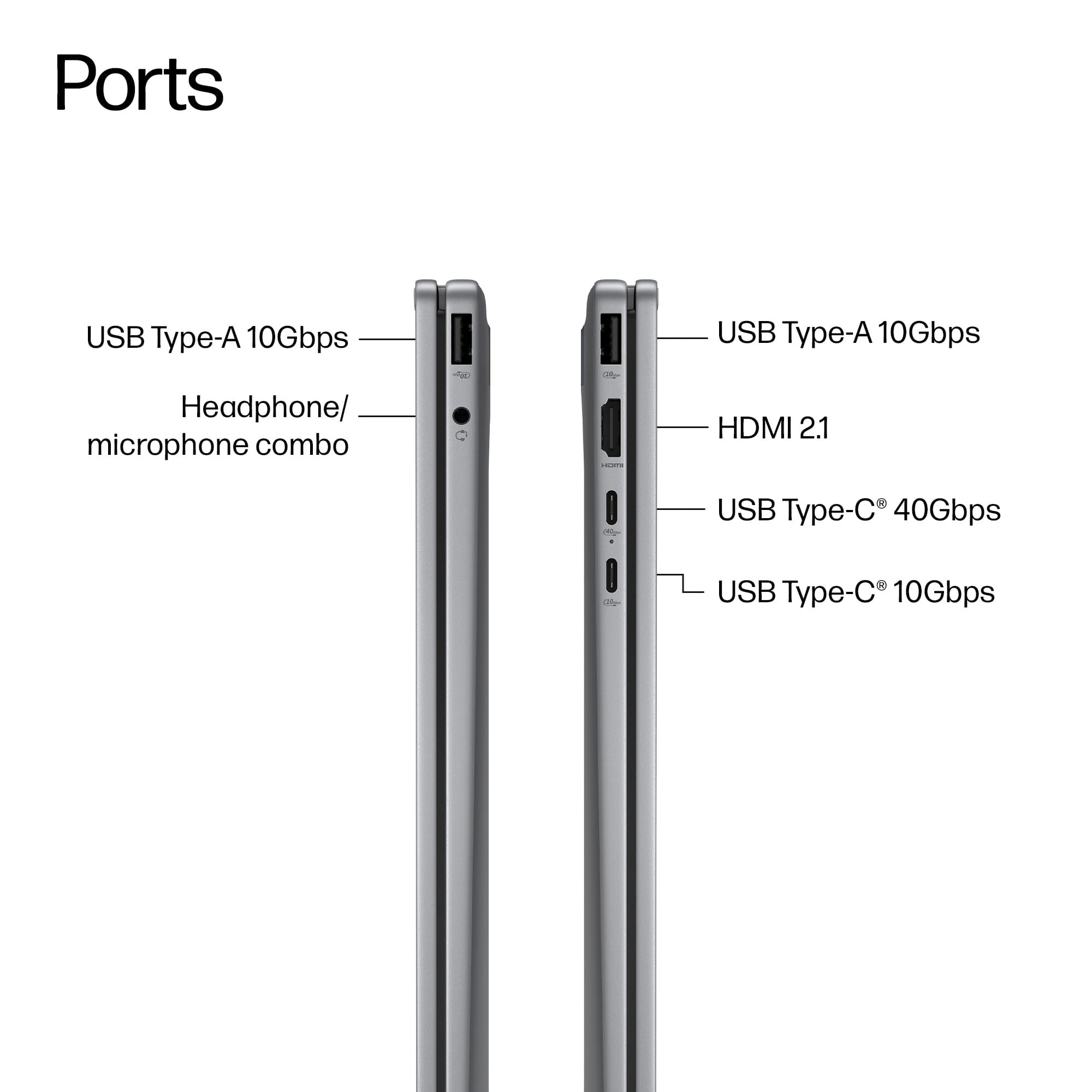
Reliable internet connection, plus either a USB port or Bluetooth for connecting to the Cricut machine.
As far as Home Schooling you need internet access and a good speed from your internet host. If you can get Fiber Optic internet with your hosting company that would be the best connection.
But I am sure that this laptop will meet all your requirements for home schooling.
Merry Christmas!
John A.
A:AnswerHi LanellR.
This may help you!
It might, but it depends on both your laptop model and the type of Bluetooth your hearing aids use.[1][2]
## What needs to match
- The laptop must have Bluetooth (built‑in or via a USB dongle) and, for many newer hearing aids, support for Bluetooth LE Audio in Windows 11.[2][1]
- Many prescription hearing aids use special systems (MFi for iPhone, ASHA for Android, or brand‑specific adapters), so they often do not connect directly to a Windows laptop without an extra streaming accessory from the hearing‑aid brand.[3][1][2]
## How you can check quickly
1. On the laptop, open Settings → Bluetooth (Windows) or System Settings → Bluetooth (Mac) and make sure Bluetooth is on.[3]
2. Turn your hearing aids off and back on (or follow their manual) to put them into pairing mode and hold them close to the laptop.[3]
3. In the Bluetooth “Add device” screen, see if your hearing aids appear and can be added as an audio device.[2][3]
If you tell the exact laptop model and the hearing‑aid brand/model, a much more precise yes/no answer and exact steps can be given.
[1](https://support.microsoft.com/en-us/windows/using-hearing-devices-with-your-windows-11-pc-fcb566e7-13c3-491a-ad5b-8219b098d647)
[2](https://www.oticon.com/support/pairing/tvs-and-other-systems-with-sound/how-to-pair-hearing-aids-with-computer)
[3](https://www.miracle-ear.com/blog-news/connect-hearing-aids-to-pc-smartwatches)
[4](https://www.youtube.com/watch?v=1eTCqlE1ey4)
[5](https://www.reddit.com/r/HearingAids/comments/1133jou/how_do_i_connect_my_hearing_aides_via_bluetooth/)
[6](https://www.hearingsolutions.philips.com/en-us/support/pairing/tvs-and-other-systems-with-sound/how-to-pair-your-hearing-aids-with-a-computer)
[7](https://www.reddit.com/r/HearingAids/comments/1mx38kp/hearing_aid_compatible_laptops/)
[8](https://www.reddit.com/r/HearingAids/comments/1er5s02/seeking_advice_on_bluetooth_hearing_aids_with/)
[9](https://www.starkey.com/support/connectivity-and-pairing)
[10](https://h30434.www3.hp.com/t5/Notebook-Audio/Pair-my-laptop-to-my-hearing-aids/td-p/9000457)
This may be confusing to you but read through the first part of this answer and then use and of the URL links labeled 1 thru 10. Just copy the text that is within the ( and ) bracket and place it into the ADDRESS BAR at the top of your browser( Microsoft Edge, Google chrome, Comet, etc. and you will be delivered to more information about the problem
Merry Christmas!
John A.
A:AnswerUninstall and delete the 365 version. Then install the regular cheapest version of Office (for Home and Student). Shrink wrapped box $100-150, look for Cyber Monday sale. Or buy OEM license and just download and install it. Are you with me in hating Greedy-o-Soft for making life 4 times harder for those of us that want Office Forever, just so that they can dangle the yearly version in front of the dumb folks who are willing to pay MS every year for 10 years?
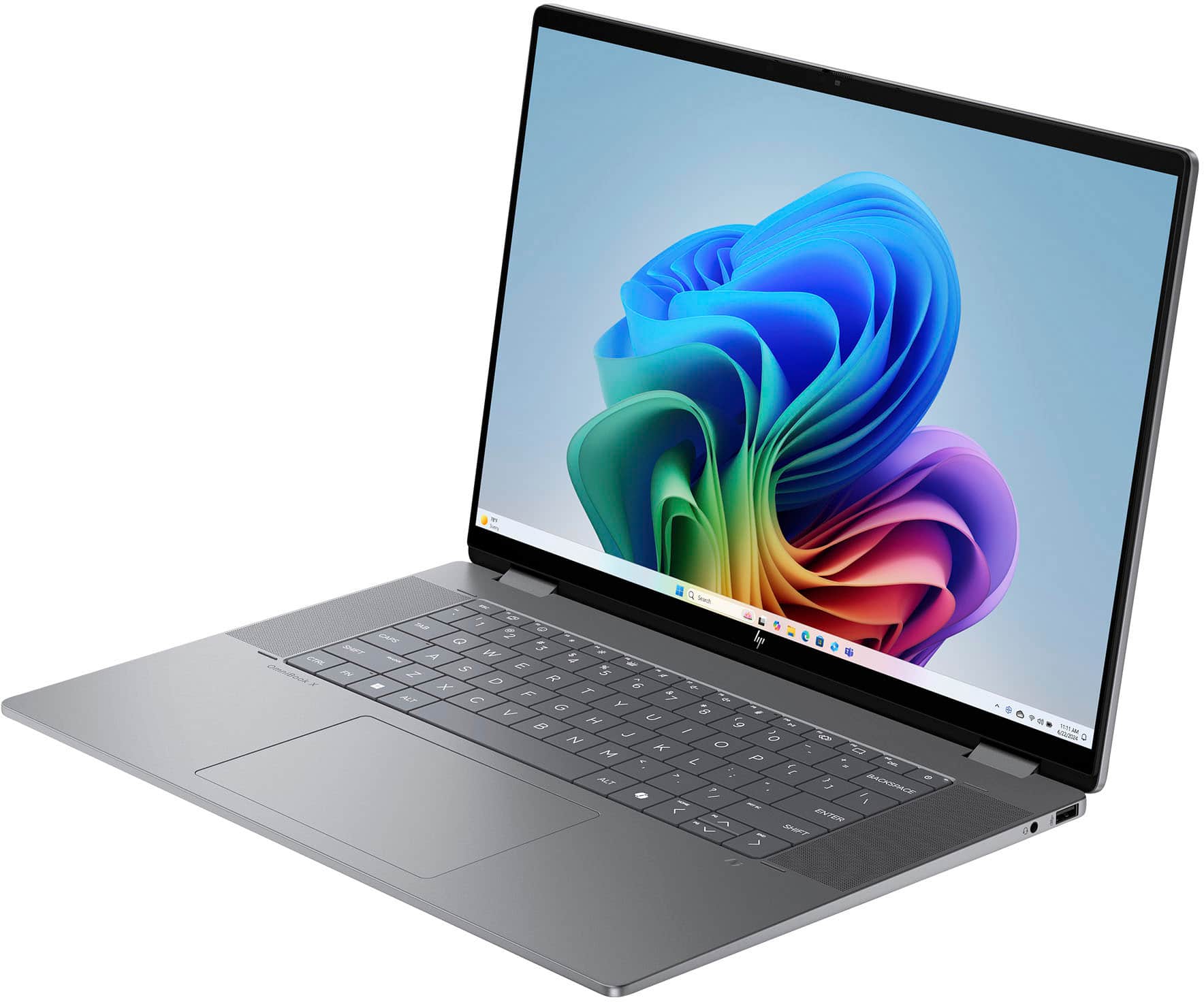
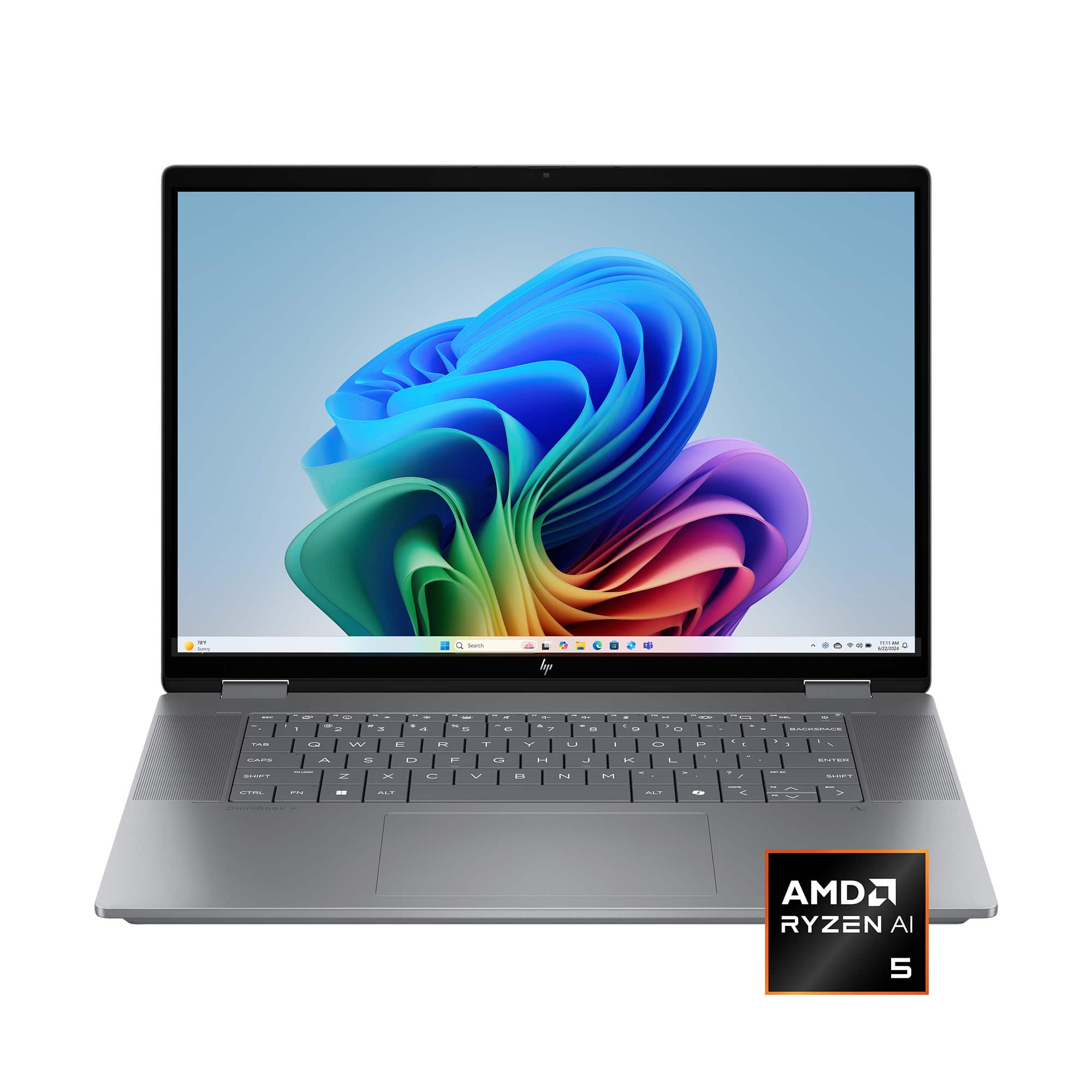
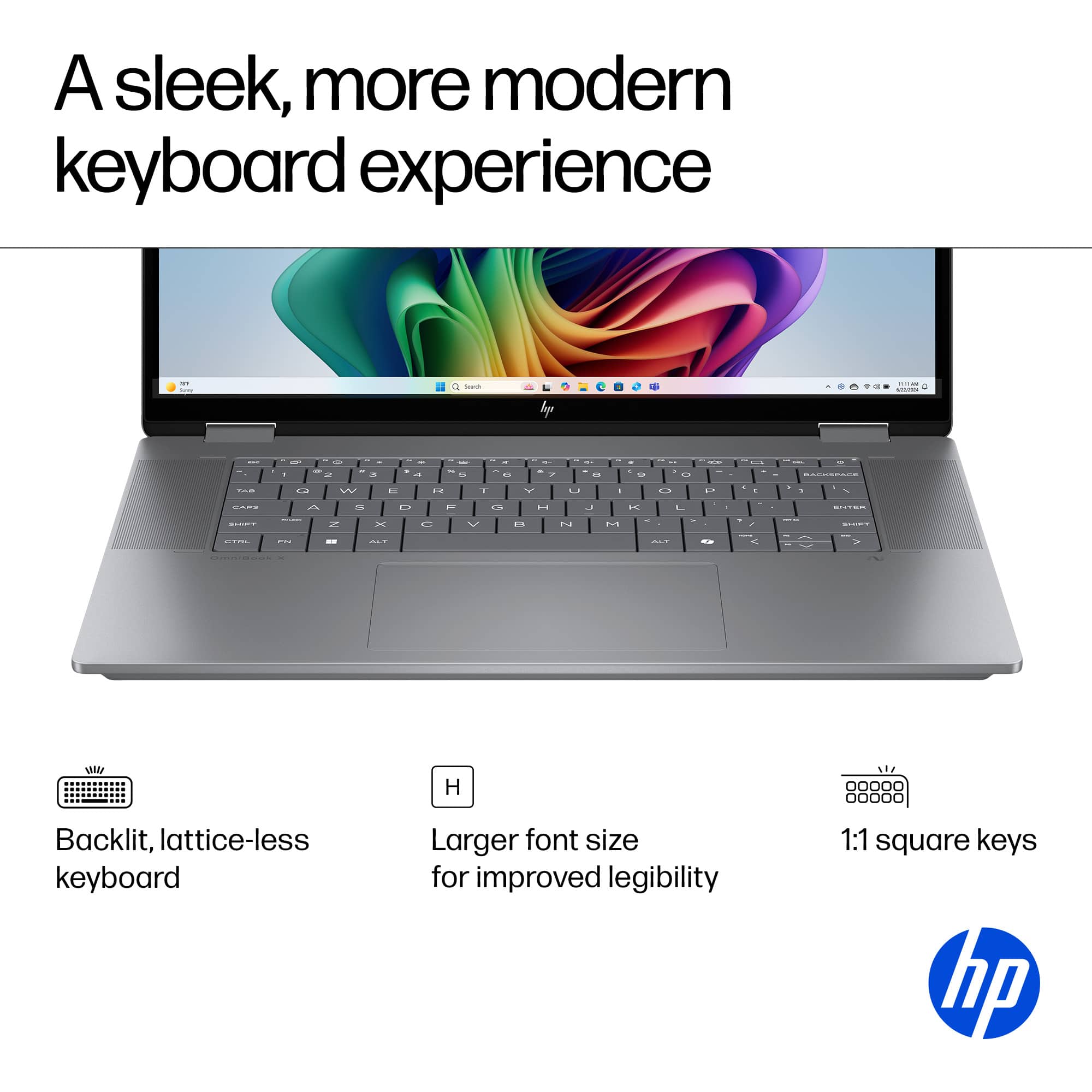
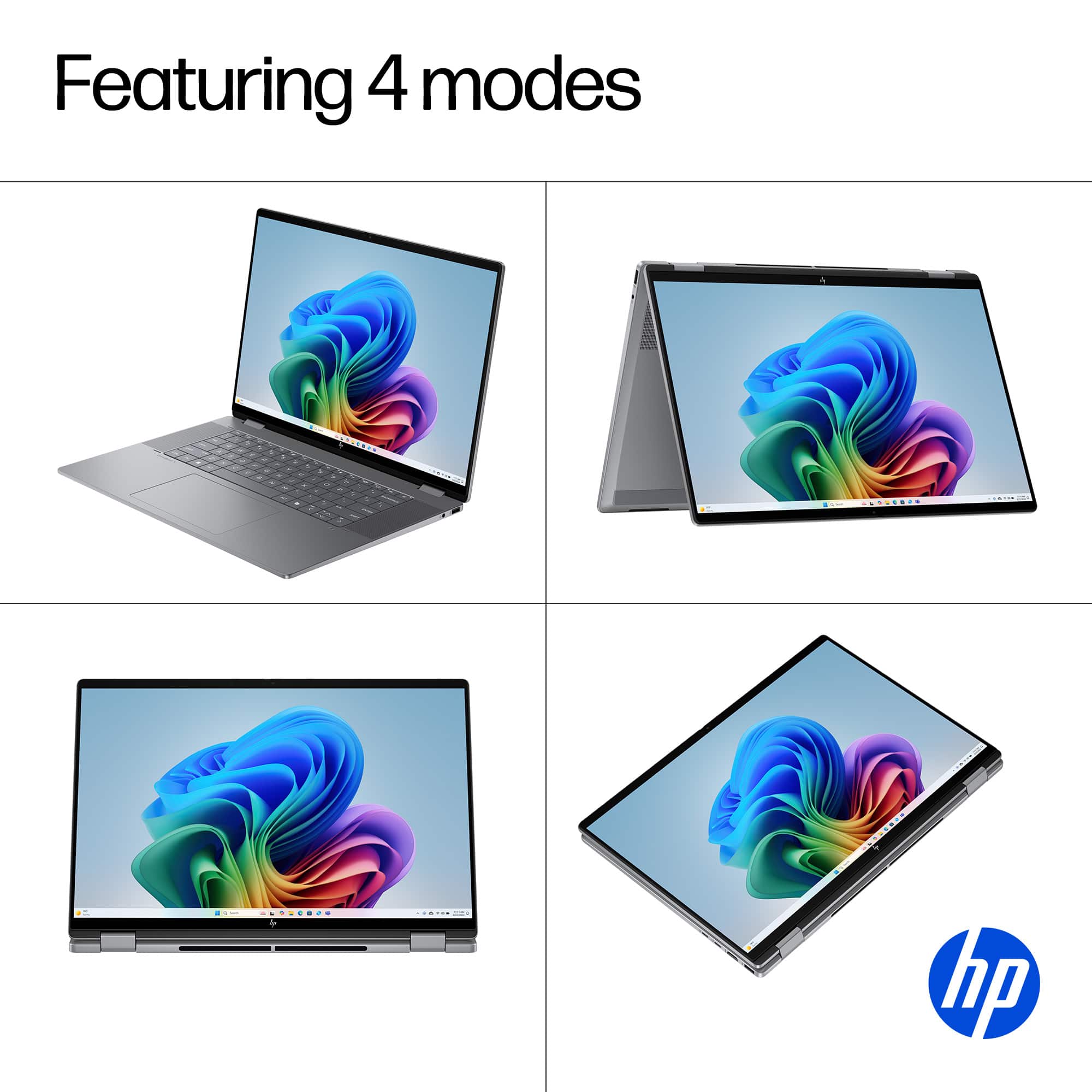
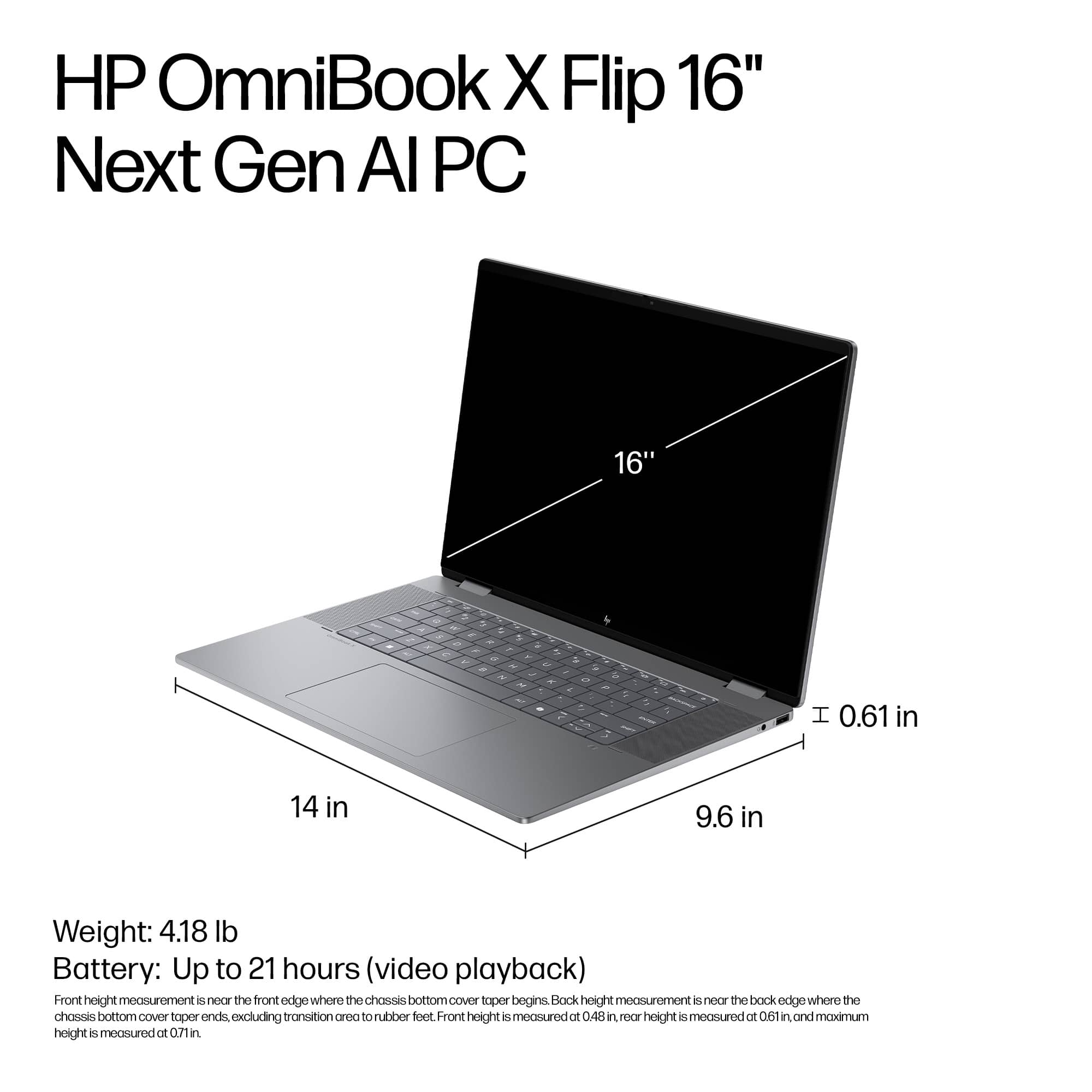
A:AnswerYes this OmniBook X is absolutely amazing for word and photos. I use it primarily for classes and have not had any issues or problems with power.
Photos, rather you’re just viewing or editing this can most definitely handle anything you throw at it.
 for registration status and tier levels by country. ENERGY STAR and the ENERGY STAR logo are registered trademarks of the US Environmental Protection Agency.](https://pisces.bbystatic.com/image2/BestBuy_US/images/products/528679fa-c5a1-4feb-bbc5-6eed3cb9cfad.jpg)