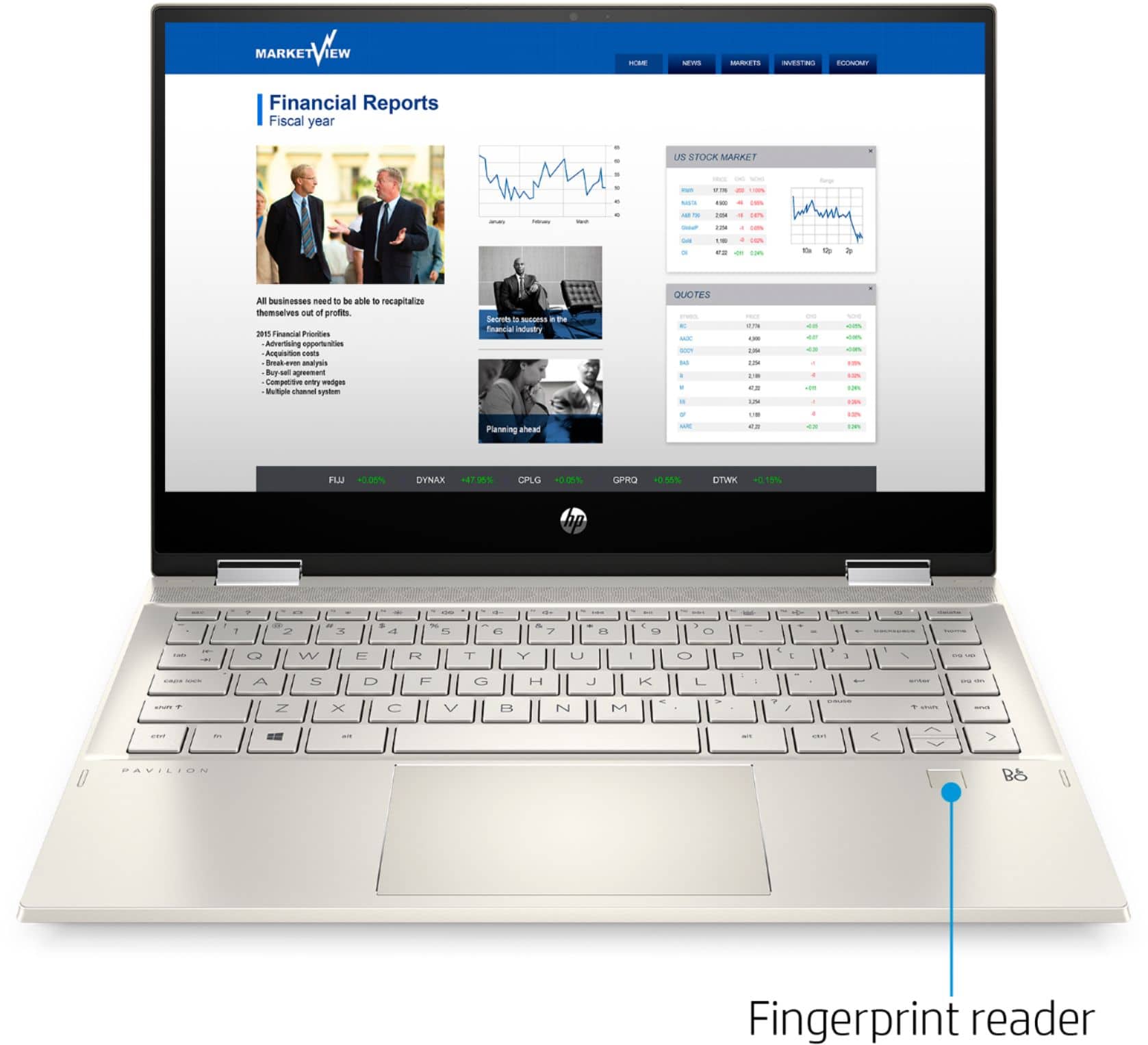
A:AnswerThank you for the answer but I just needed to know how to get the keys to light up. After all I kept looking and I found that the key F11 actually has a little keyboard painted on and is the key to control the light on the key board not F5 as someone said in the Q&A and made me to think that the computer was defective.
A:AnswerIn order to save the $100, you will need to sign up for the student deals at the below link and then activate the offer for this laptop. https://www.bestbuy.com/site/back-to-school/college-student-deals/pcmcat276200050000.c?id=pcmcat276200050000
A:AnswerYes.
1. Type CONTROL PANEL in the SEARCH BAR at the lower, left corner of your screen.
2. Click on USER ACCOUNTS.
NOTE: If you don't this option, try clicking on SETTINGS and then USER ACCOUNTS.
3. Select MANAGE ANOTHER ACCOUNT.
4. Click on the link that says, ADD A NEW USER IN PC SETTINGS, located under the large box on your screen.
5. Select ADD A FAMILY MEMBER or you can choose to ADD SOMEONE ELSE TO THIS PC...
Good luck!!
*As the Administrator, whatever you do don't forget your password. And I recommend not giving other users administrative rights to your PC.
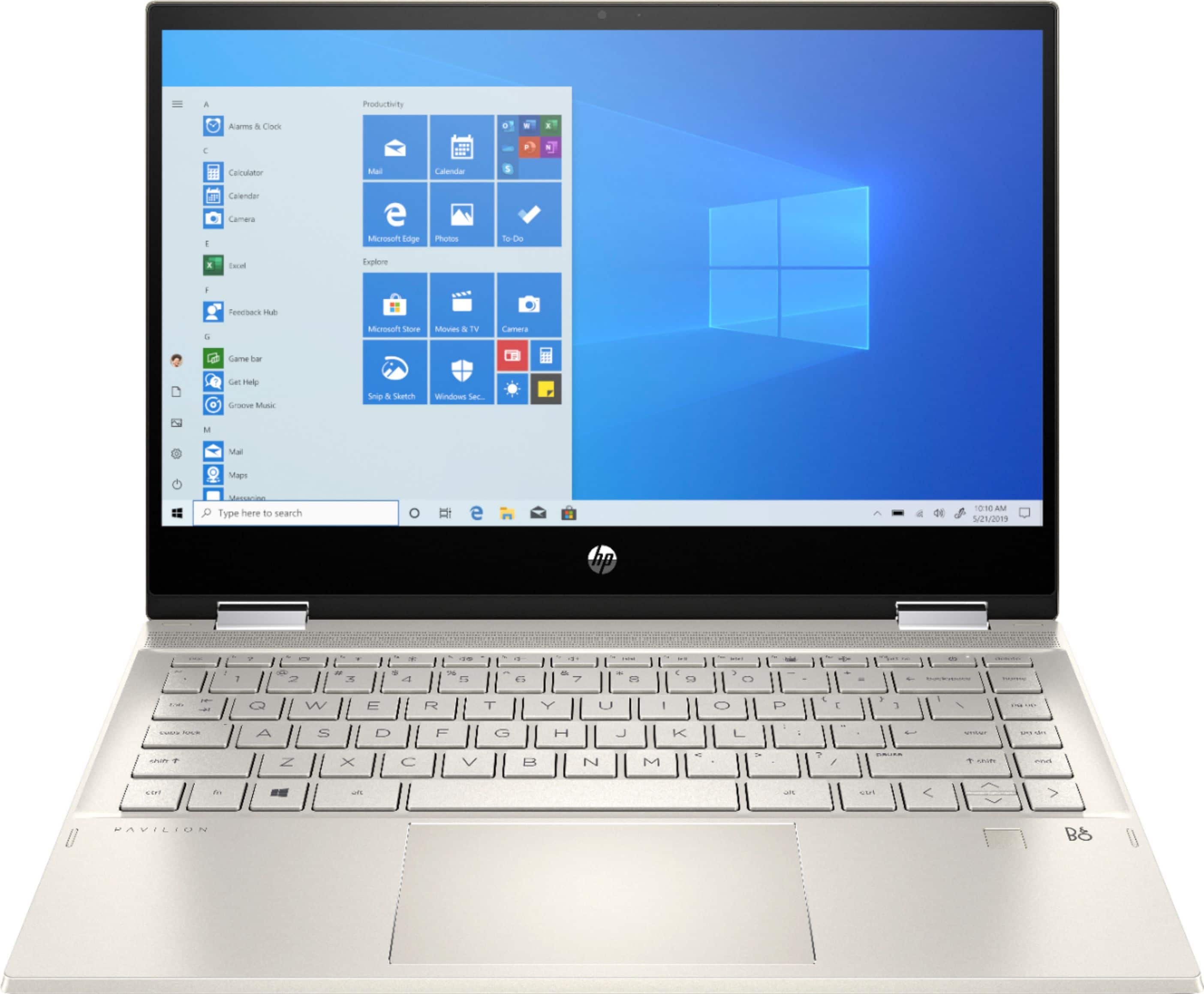
A:AnswerYes, you can play games like Fortnite and Minecraft on this laptop. If you want to play games like Call of Duty, we recommend looking at the HP Pavilion Gaming or Omen laptops.