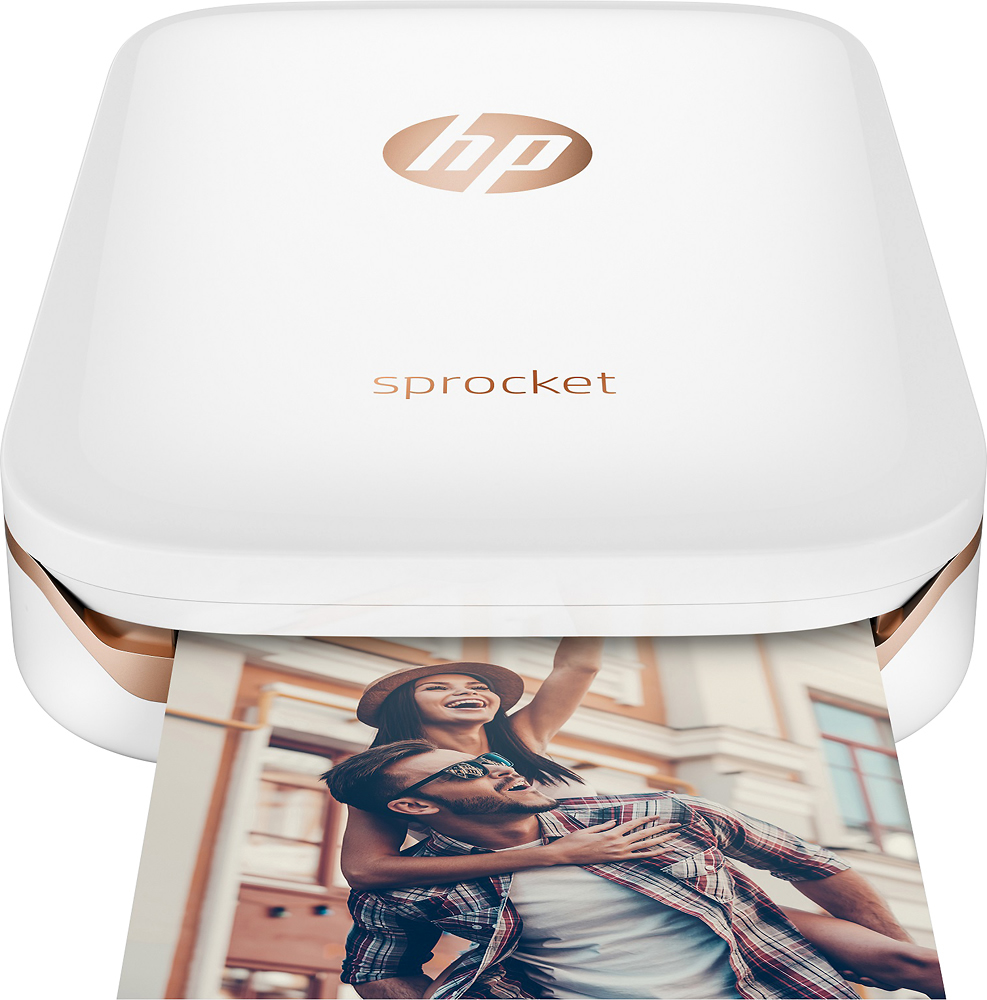
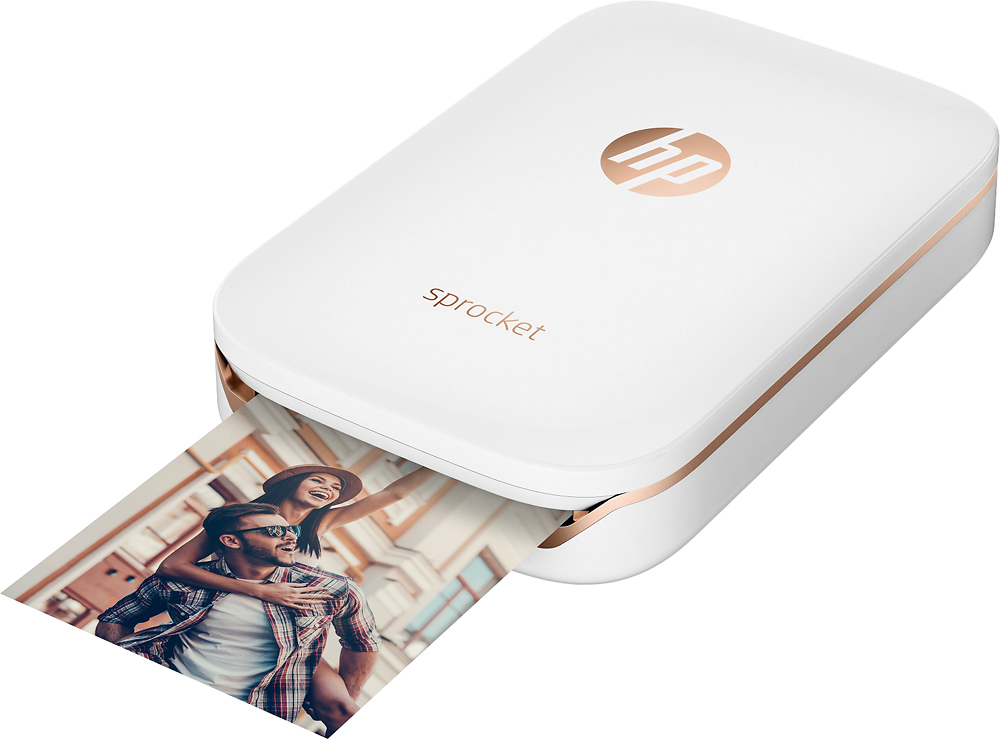
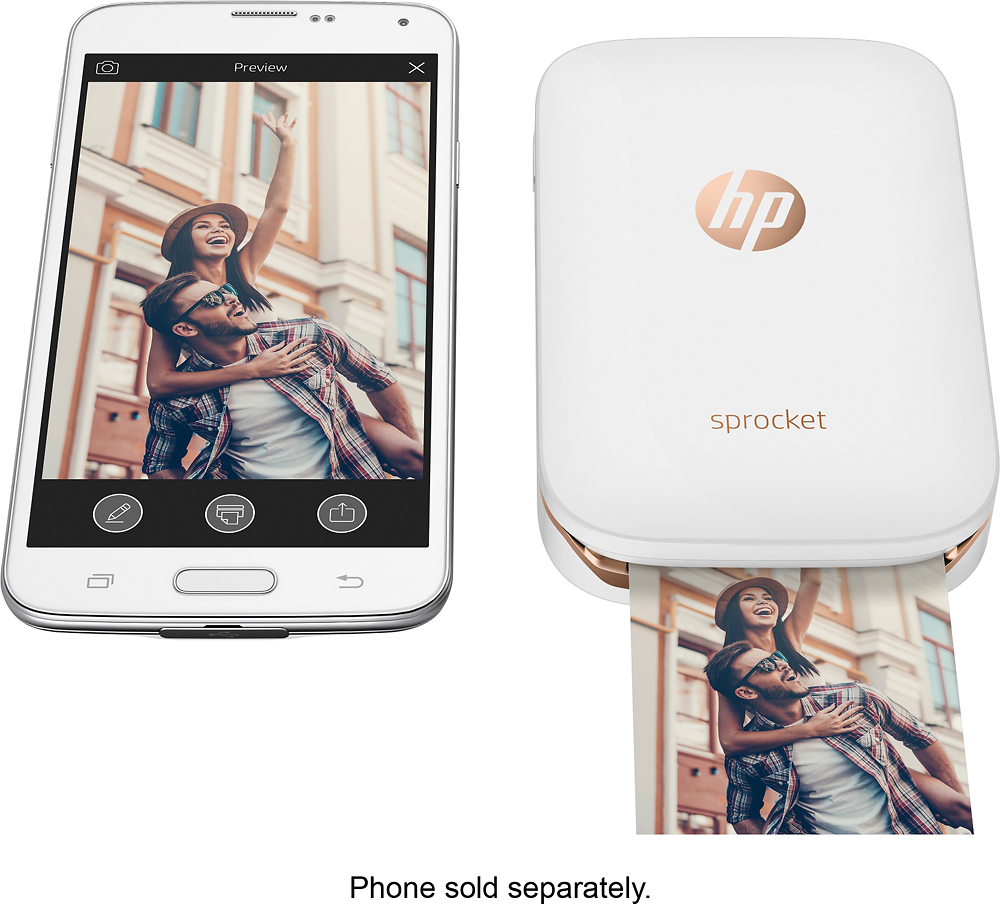
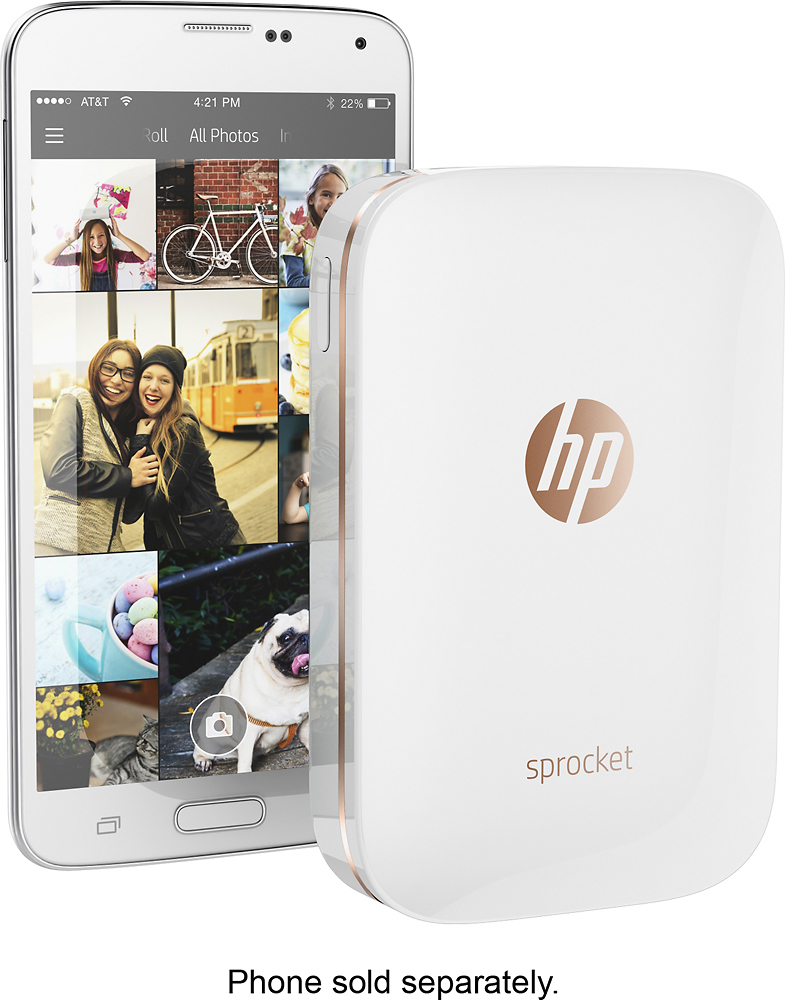
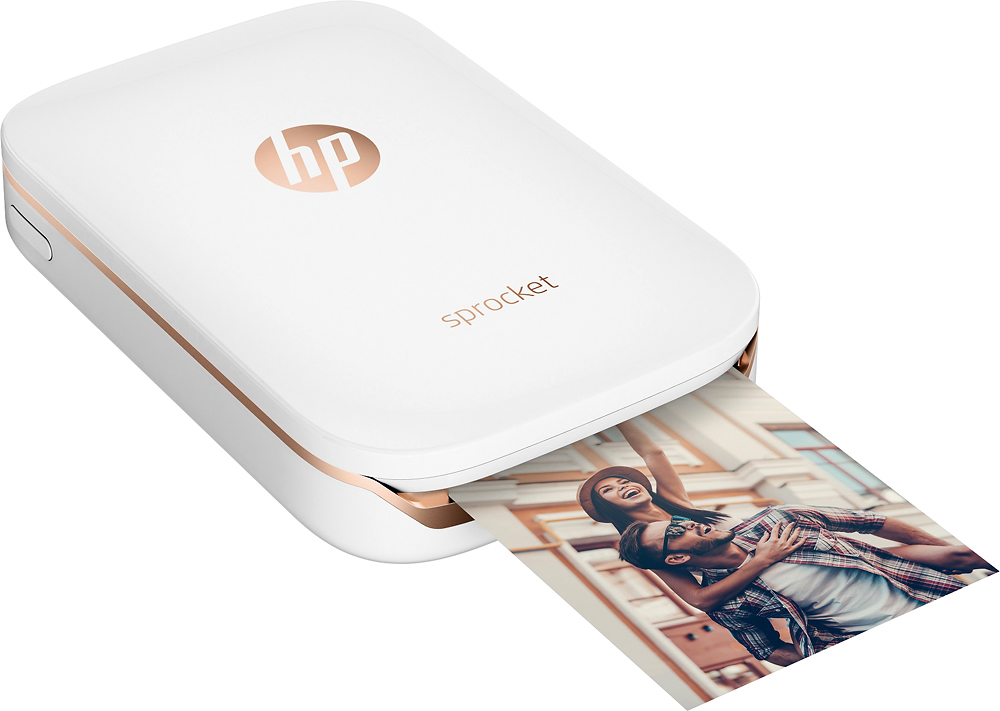
A:AnswerThank you for reaching out. You can print photos from your smartphone or tablet using the HP sprocket app. In order to print pictures you have already printed you would need to scan them to your phone and print them on the sprocket.
A:Answeryes as long as it's not running on IOS 11.2. A firmware update needs to be done on the printer for it to work on IOS 11.2. if it is an old ipod, it will work.
A:AnswerJust the cost of the paper, there is no additional ink or supplies needed. Simply divide the number of sheets by the cost of the paper pack to determine the per print cost. For example if a 20 pack costs $10.00, then it's 50 cents per photo.
A:AnswerI've used with galaxy Note 5 and galaxy s5. Getting S8 soon. You just have to download app in the play store. Works great. The best part is you don't have to buy ink. I hate Apple products, so I'm glad it is made by HP. Buy one, you won't regret it.
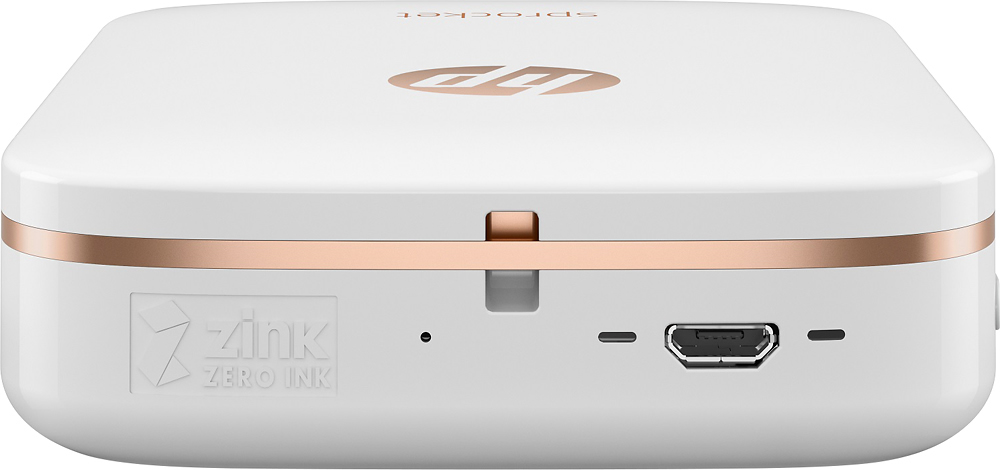
A:AnswerThe paper packets contain 20 photo papers. There is no ink involved. The ink is on the paper. Also, the packets are relatively inexpensive. You would buy 20 sheets of paper photo for $10.