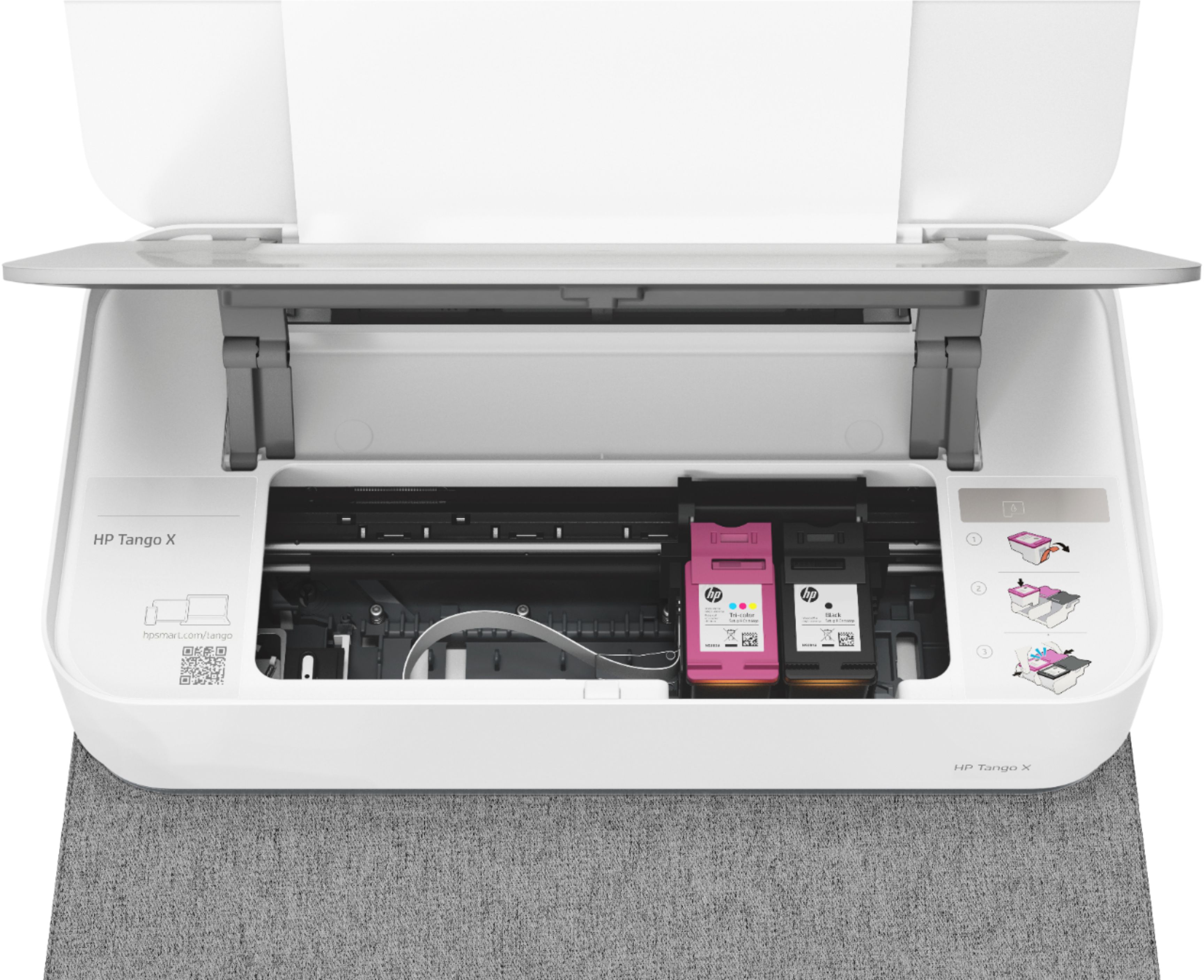
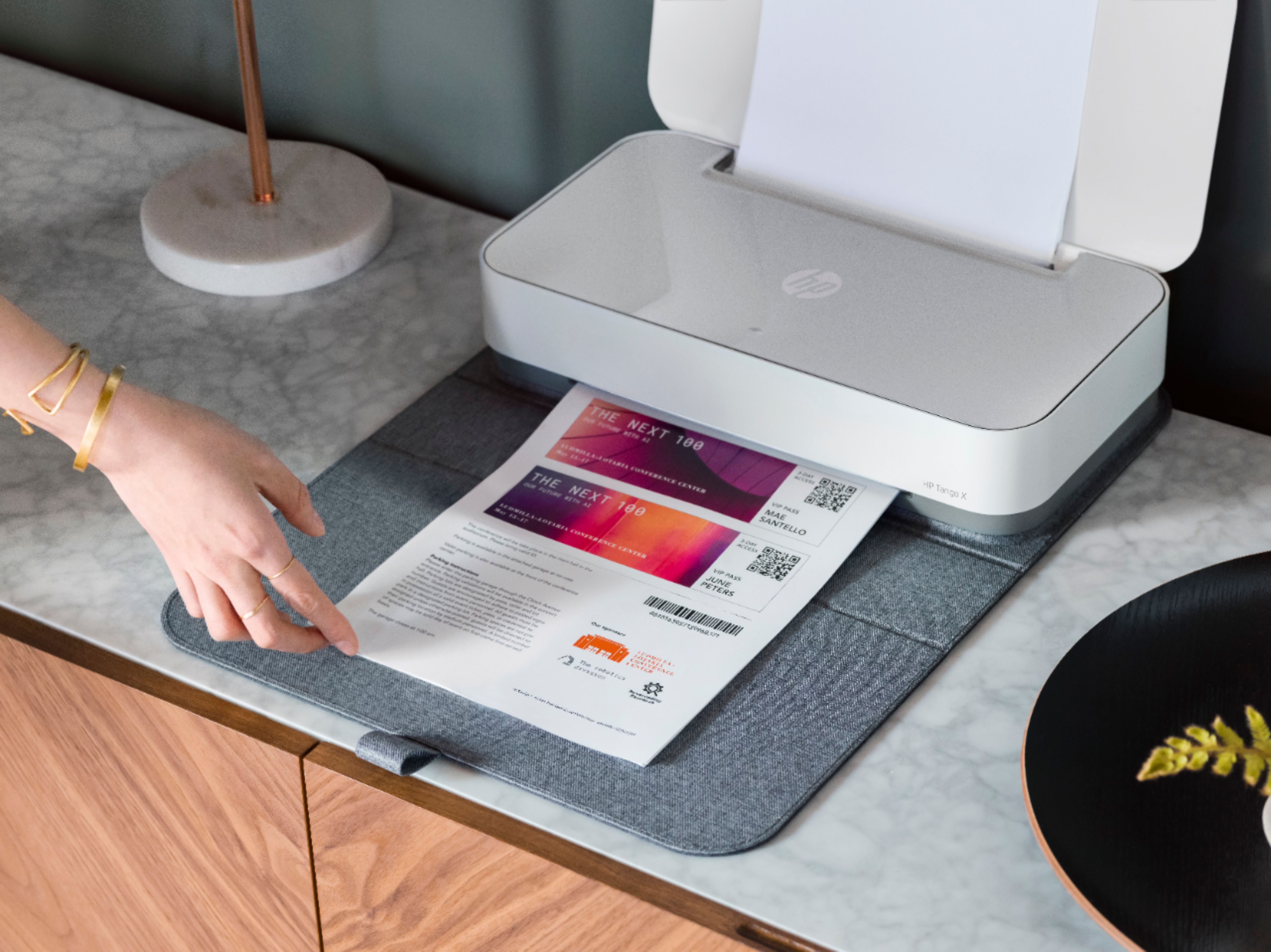
A:Answer Thank you for the question. Make sure you've selected the correct paper size/type. Go to Settings, and then click Printers. Right-click the Tango, and then click Properties. Click the Paper tab, and then click the paper type and size you want to use. Click OK, and then close the Printers folder.