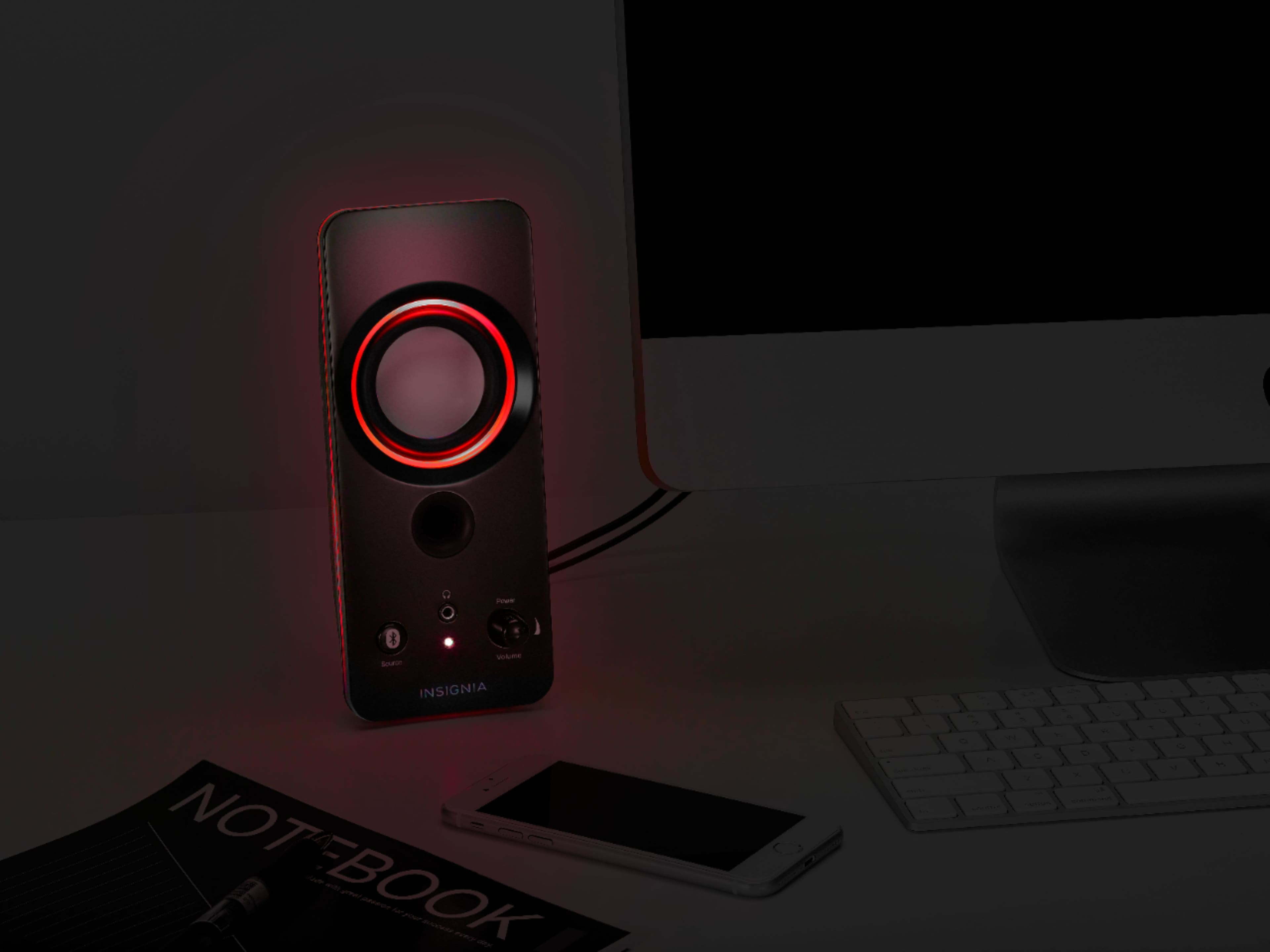
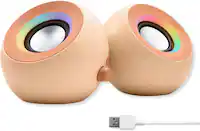
A:AnswerYes, you could. you could set it to your favorite color, I don't see how colors be whatever mood you are feeling, it doesn't have to be mood or emotion you are feeling, it could be your favorite color.
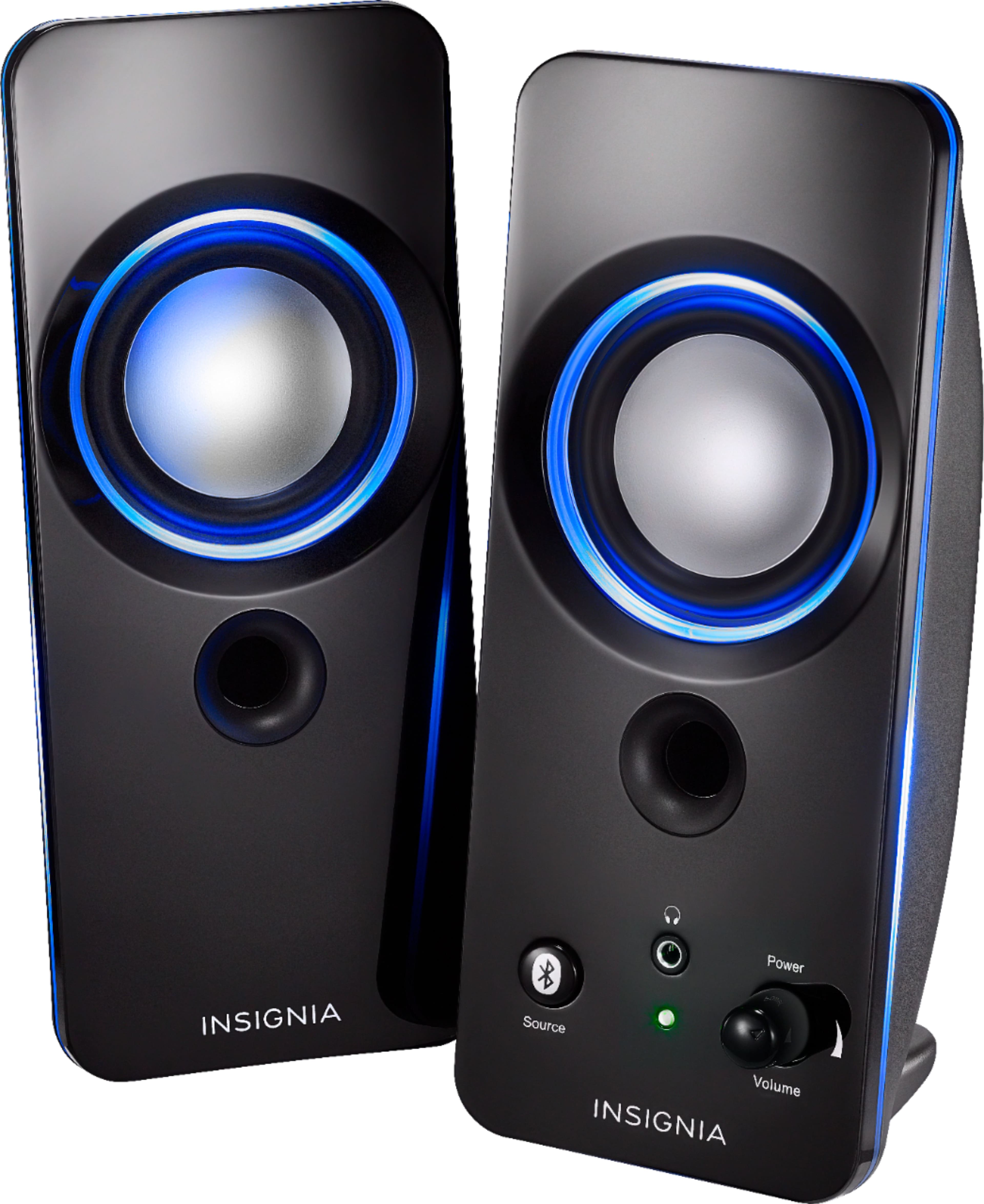
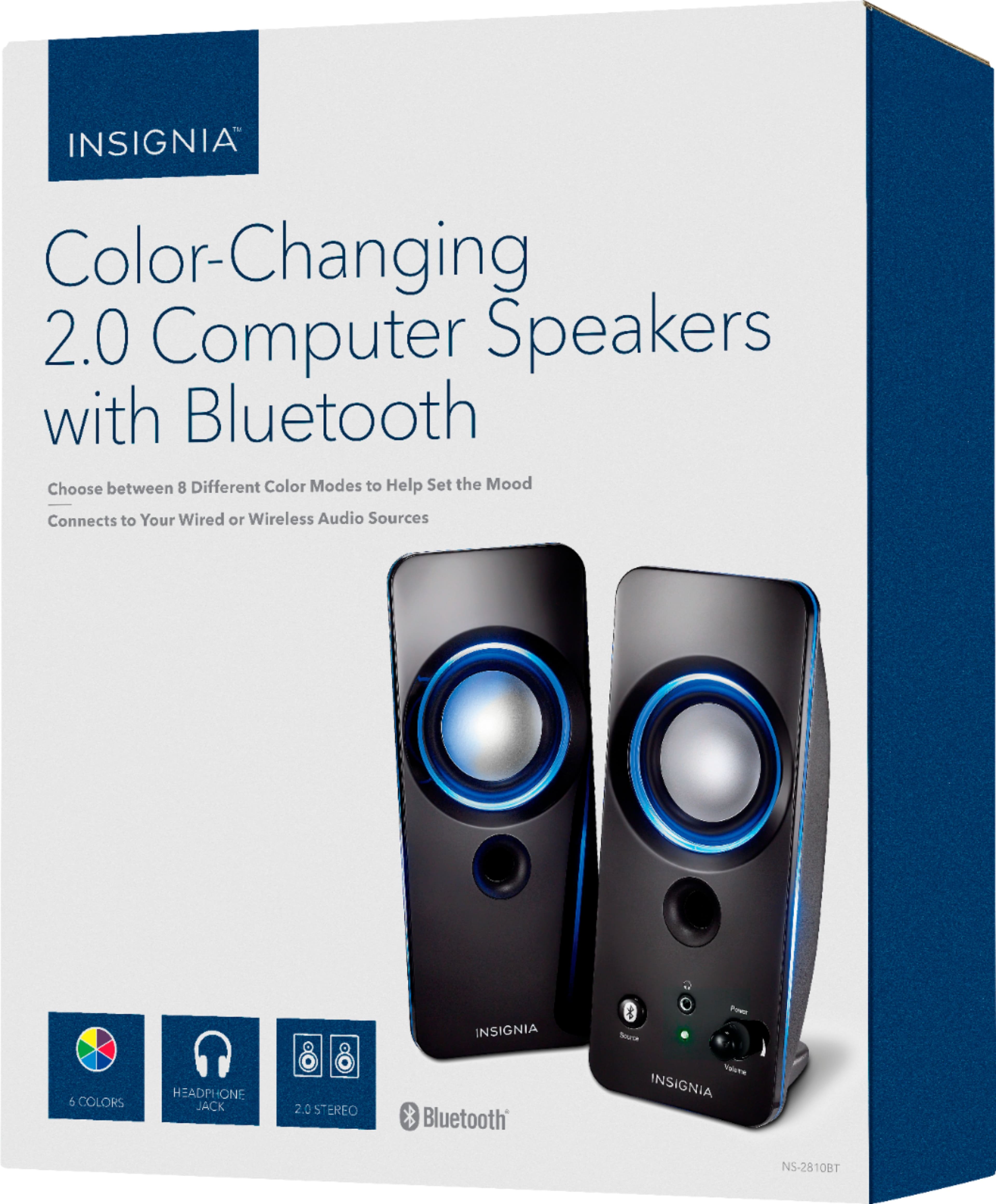
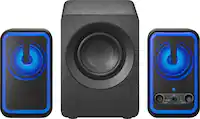
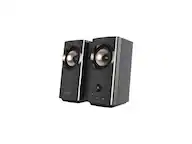
A:AnswerYes, Jeff! These Insignia 2.0 Bluetooth Lighted Speakers provide high-quality stereo sound. Each satellite speaker delivers 2.5W output, ensuring a balanced audio experience. Plus, they come with a headphone jack for private listening and an AUX input for wired connections. Hope that helps! Let me know if you need more details.
— Shiela | Insignia Support
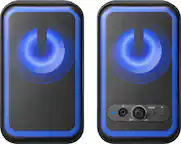
A:AnswerHi Frank! To turn the speakers on or off and adjust the volume, use the rotary knob located on the front of the right speaker. Turning the knob clockwise will power on the system and increase the volume, while turning it counter-clockwise will decrease the volume and eventually power off the speakers.
— Shiela |Insignia Support
A:AnswerThank you for your inquiry! Yes, the Insignia™ 2.0 Bluetooth Lighted Speaker System (2pc) can be connected to a television, depending on your TV’s available audio outputs. These speakers support both Bluetooth and 3.5mm AUX input, giving you two options: Keith | Insignia Support
A:AnswerThank you for your inquiry! Yes, the Insignia™ 2.0 Bluetooth Lighted Speaker System (2pc) is compatible with a Chromebook. You can connect it in two ways: wirelessly via Bluetooth, if your Chromebook supports it, or through a 3.5mm AUX cable using the headphone jack. This flexibility makes it easy to enjoy audio from your Chromebook whether you prefer a wireless setup or a traditional wired connection. Keith | Insignia Support
A:AnswerBought these after getting reading the answer from that Insignia representative that they were magnetically shielded.
They are in fact NOT MAGNETICALLY SHIELDED.
Wasted time and money.
A:AnswerYes, you can turn off the lights on the Insignia™ 2.0 Bluetooth Lighted Speaker System. To do this, simply press the light button on the speaker until the lights turn off. Ed | Insignia Support | https://www.bestbuy.com/site/brands/best-buy-brands/pcmcat1596746025285.c?id=pcmcat1596746025285
A:AnswerHi there,
Please make sure that your Bluetooth device is not connected to any other device. For further assistance, please use the link below to reach us.
Shai | Insignia Support
https://www.bestbuy.com/site/best-buy-brands/support/pcmcat1693515381920.c?id=pcmcat1693515381920
A:AnswerHi BluetoothSpeakerQuestion,
If you have paired your speakers with an unknown device and want to pair them with your own device, press and hold the Source button for three seconds until the blue LED begins blinking. Search your new device’s Bluetooth list for Insignia NS-2810BT, then tap to pair and connect.
Shai | Insignia Support
https://www.bestbuy.com/insignia
A:AnswerPower cord comes with a 110 V plug which is connected to power cable via USB plug so should be able to remove 110 V plug and plug into usb outlet. I have done this with mine and plug it into my desktop computer via usb and it works fine.
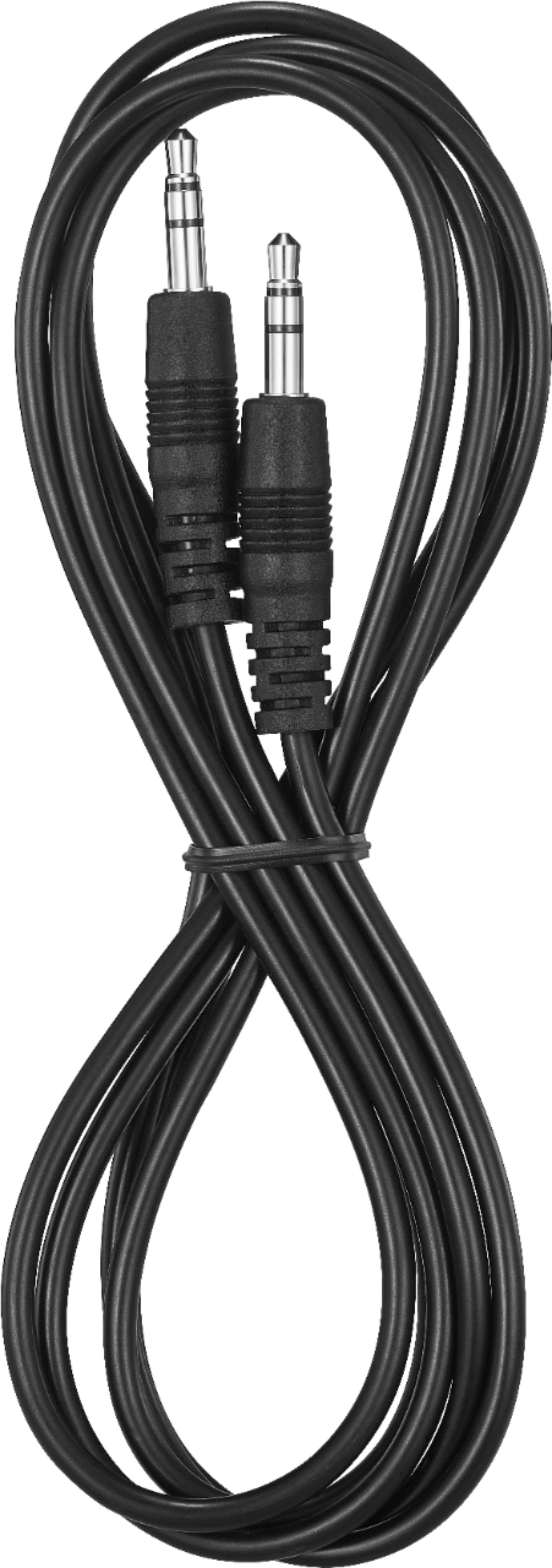
A:AnswerYou should be able to connect these speakers to your laptop via either headphone cable, usb cable or bluetooth whichever yur capability your laptop has. Speakers can connect via any of these ways
A:AnswerThere is a button on the back of the main speaker that lets you scroll through the six color options, the seventh is color changing and the last is no light.