A:AnswerHi There,
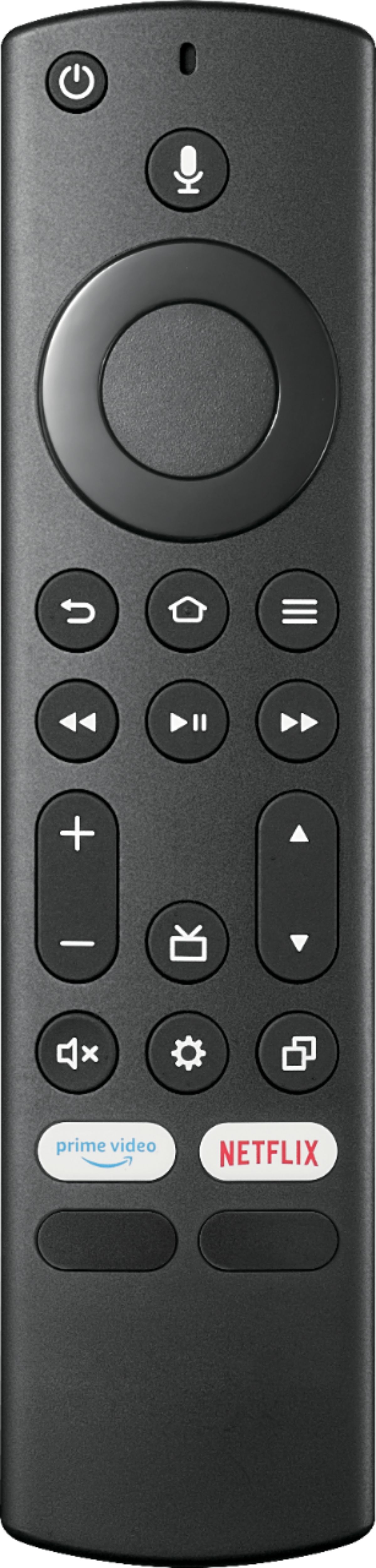
If you have lost your Firestick remote, you can get a new remote that works with the Firestick. There are both official and third-party models available. You can also use the Firestick app to add or replace the remote.
Insignia Support
Alvin
www.insigniaproducts.com
A:AnswerTurn on your TV.
Press and hold Setup until the light at the top of the remote changes from red to green.
Enter 9-9-1. The light should flash green twice.
Keep pressing CH ^ until the TV turns off.
Once the TV turns off, press Setup to lock in the code.
Press the TV power button on the remote.
Rudson S.| Insignia Support. https://www.insigniaproducts.com/contact-us
A:AnswerHi Campinggal,
Starting today, Apple AirPlay 2 and HomeKit support is available on the 2020 and 2021 Toshiba and Insignia 4K UHD Smart Fire TVs. AirPlay lets you effortlessly stream, share and control content directly from your iPhone, iPad and Mac right to your Fire TV. If you have any questions or concerns, please use the link below to reach us and also you can contact this phone number 877-467-4289 for further assistance.
Insignia Products
Nikki
https://insigniaproducts.com
A:AnswerHi Itdoesntmatter,
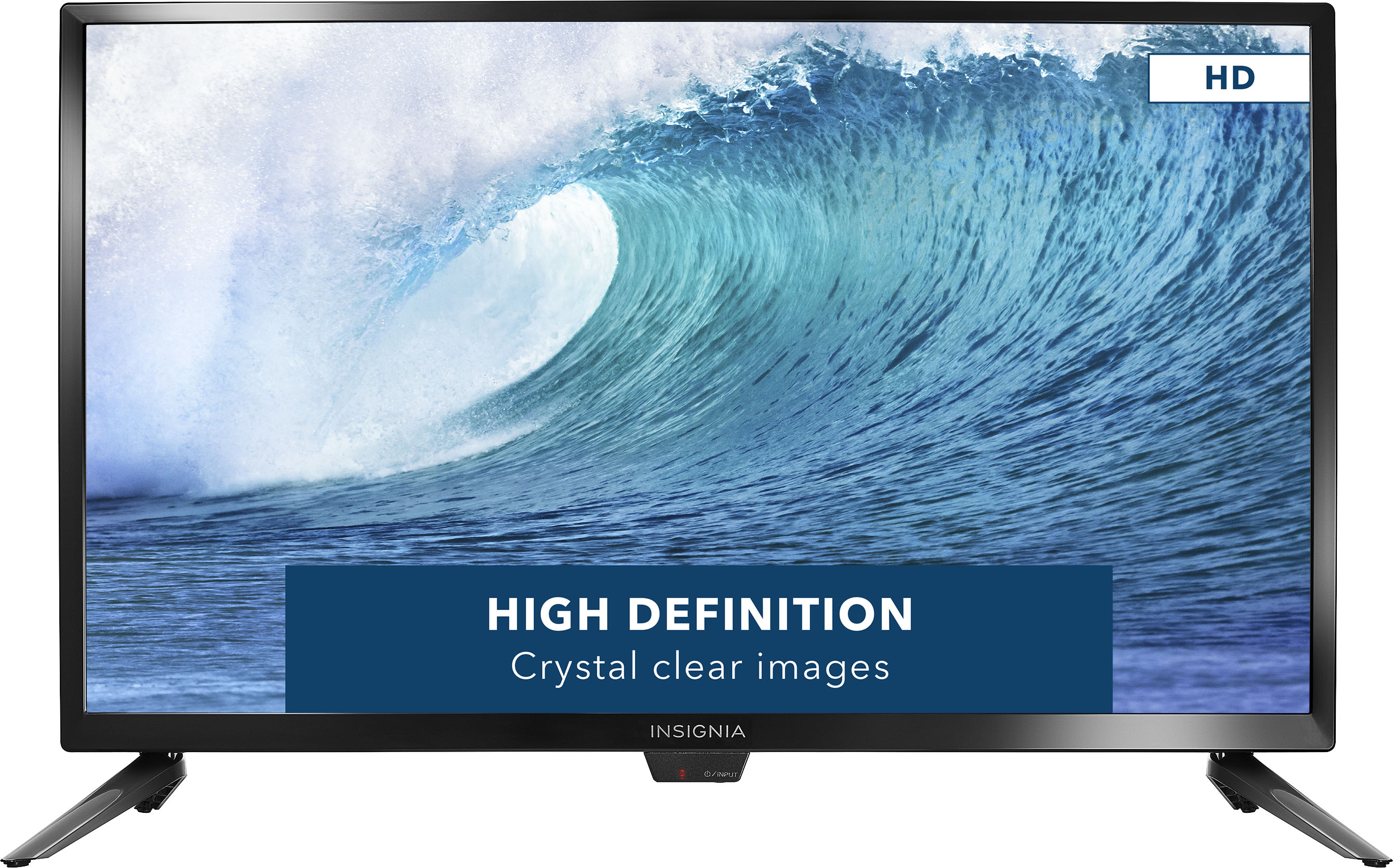
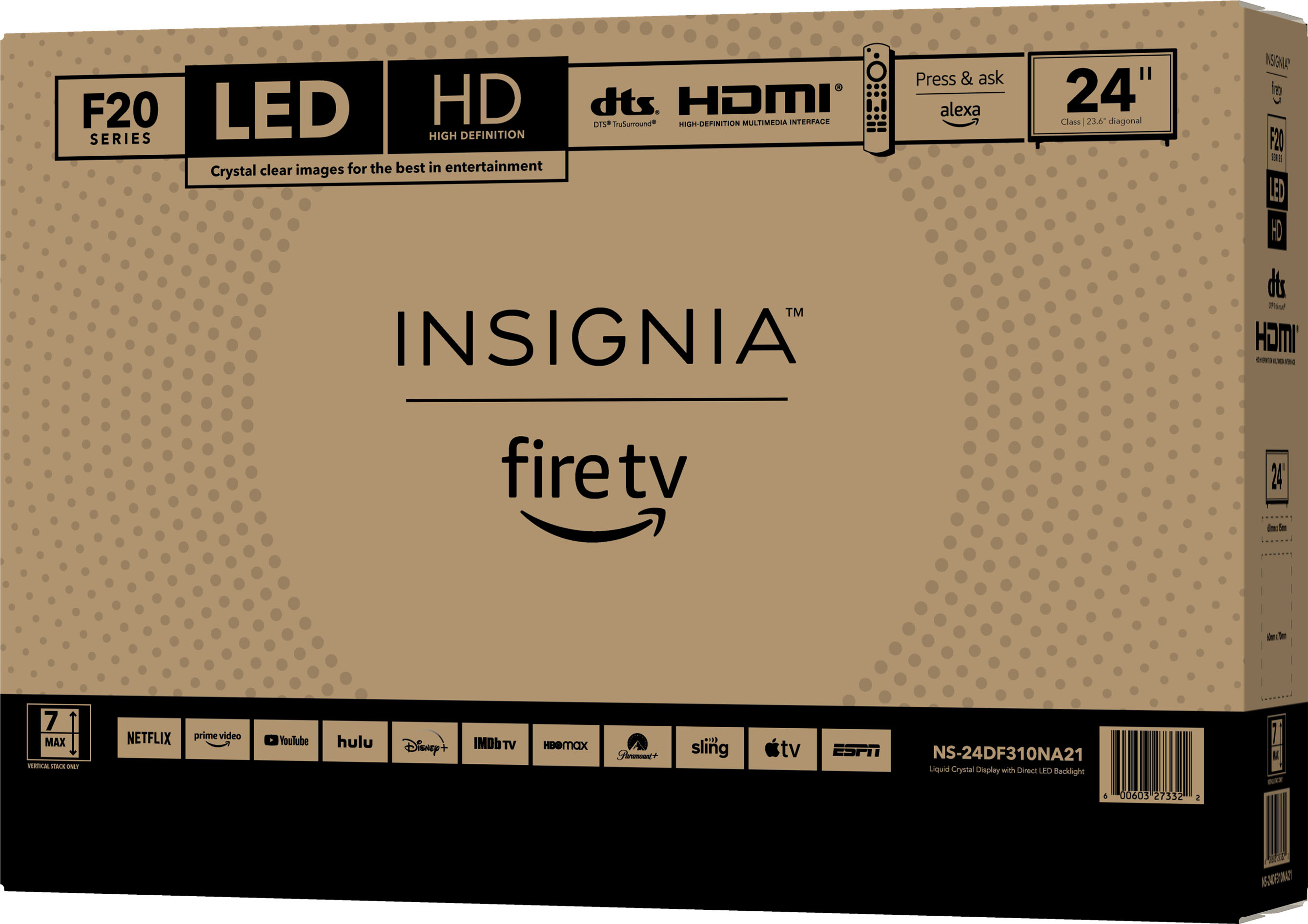
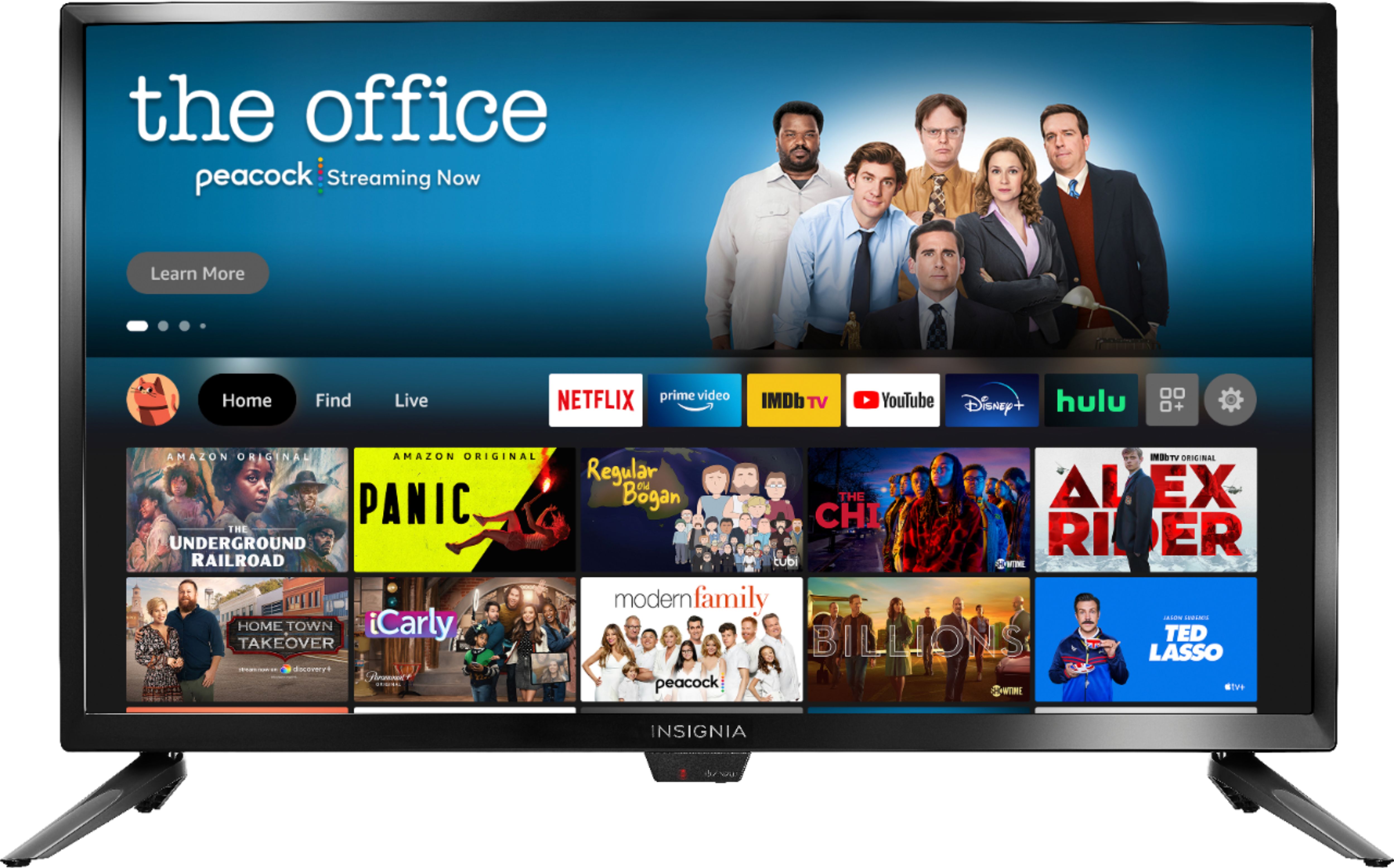
No, you cannot mirror your phone to this Insignia™ - 24" Class F20 Series LED HD Smart Fire TV.
Insignia Products
Lisa
https://insigniaproducts.com
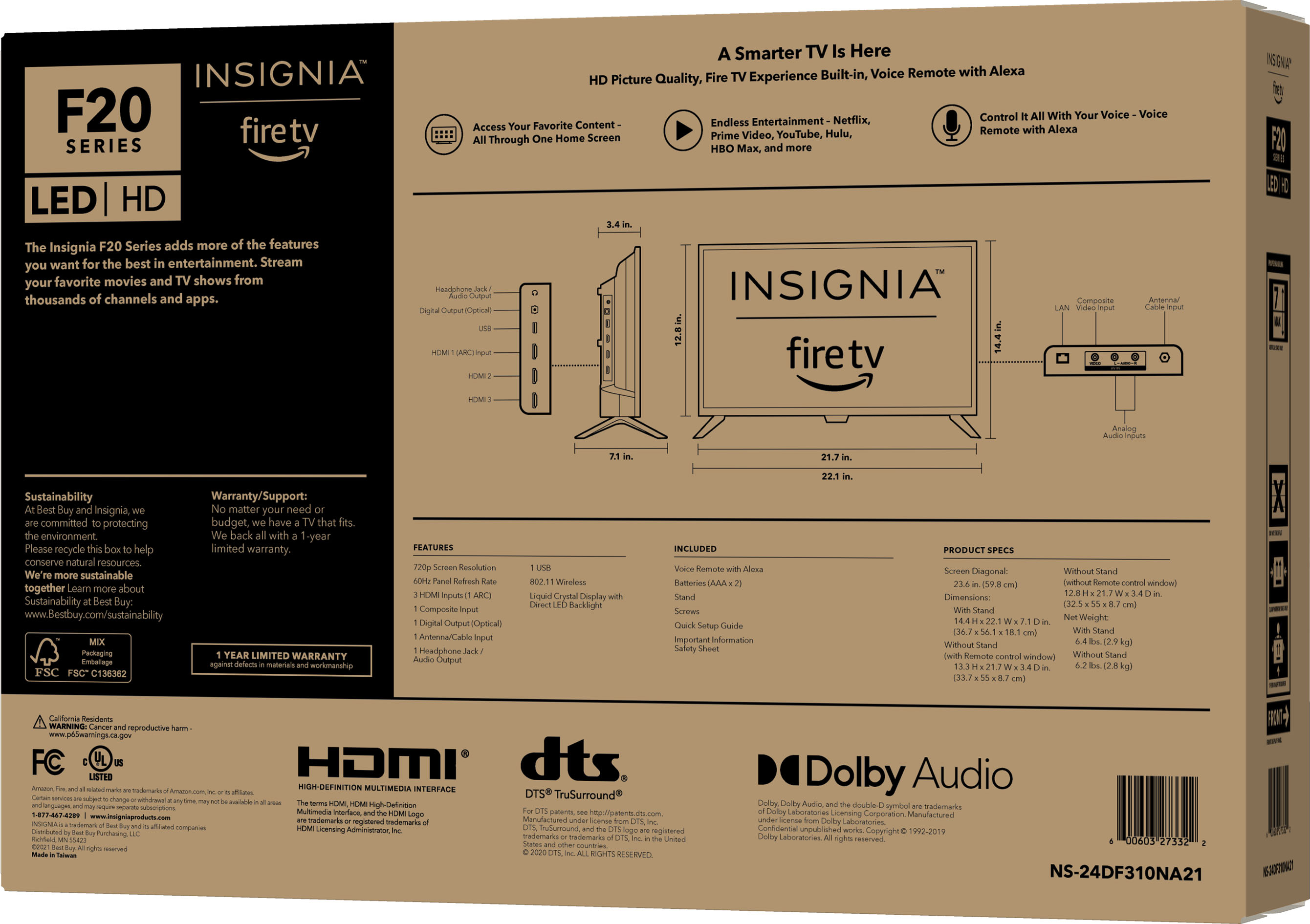
A:AnswerHi SourwoodTom,
You can get Tubi TV on FireStick, Android, and iOS mobiles, Android TV devices, via the official app stores. You can also stream Tubi TV on Windows and Mac through the browser login.
Insignia Products
Lisa
https://insigniaproducts.com