A:AnswerHi,
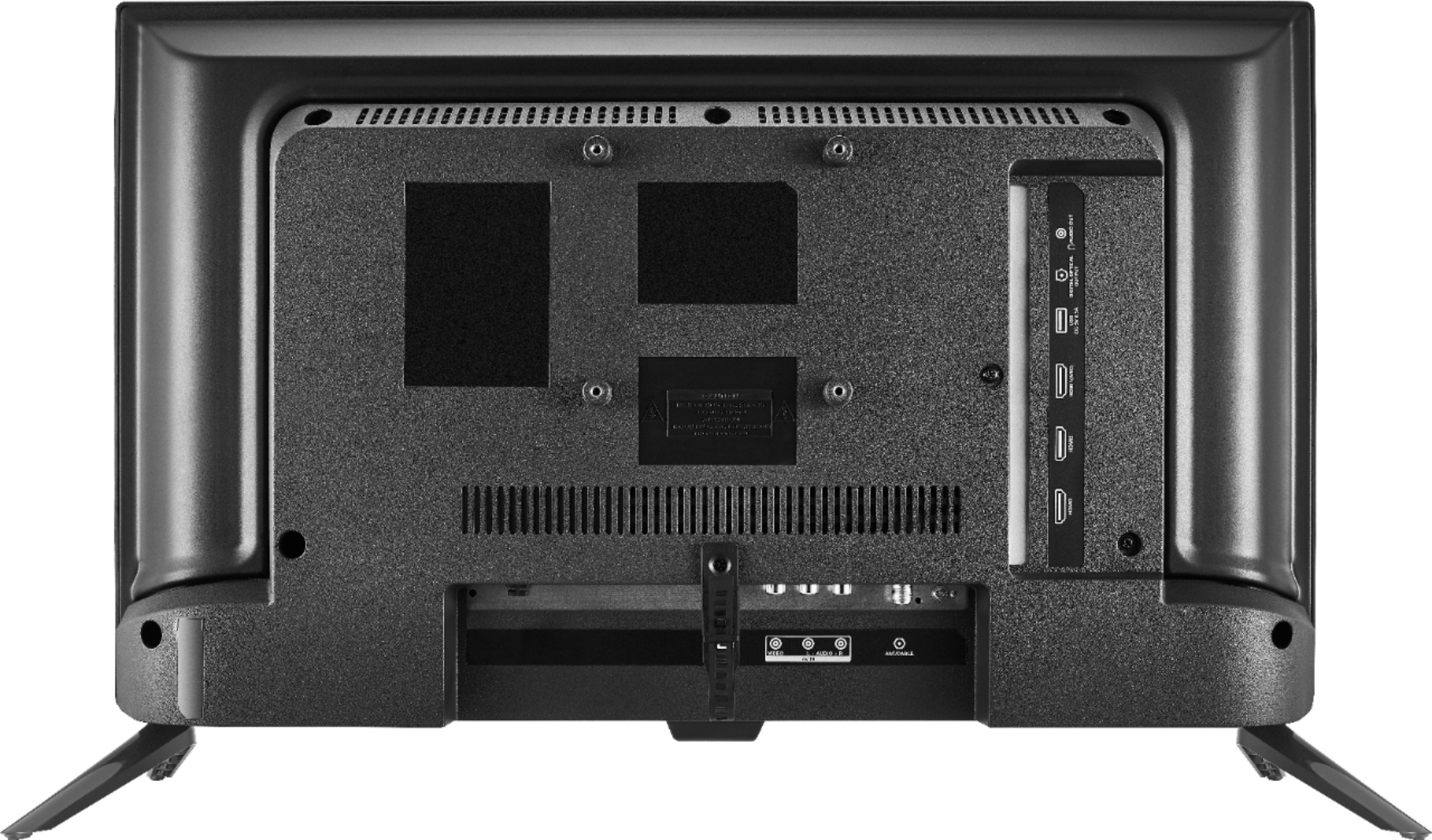
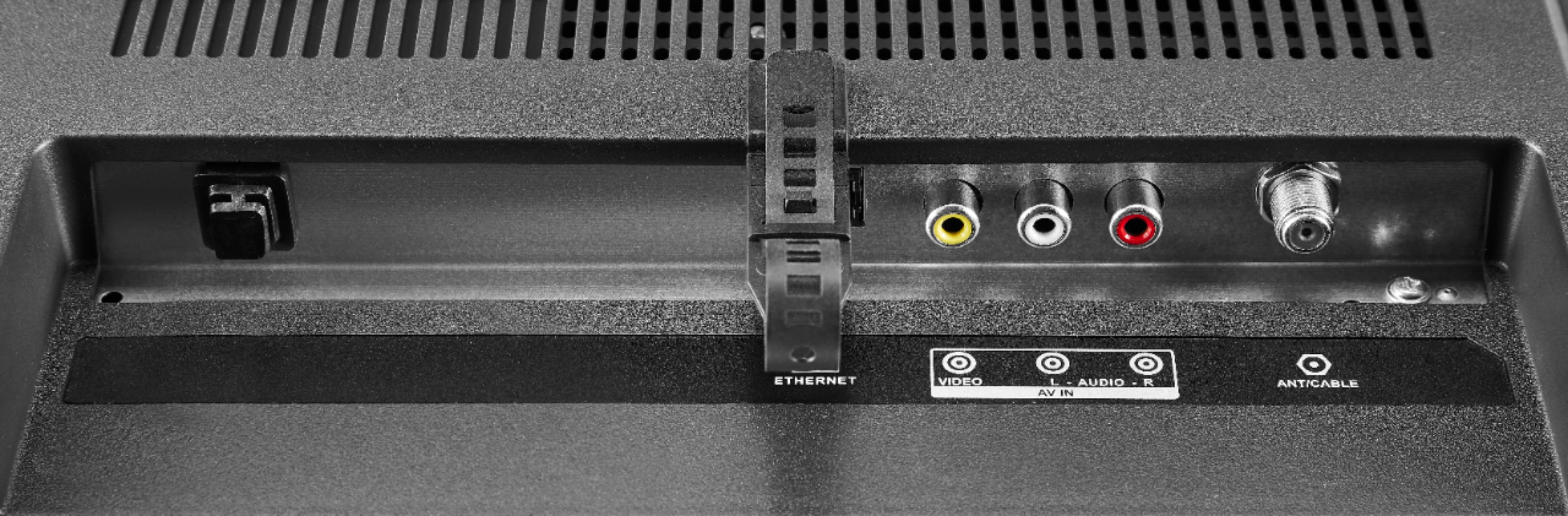
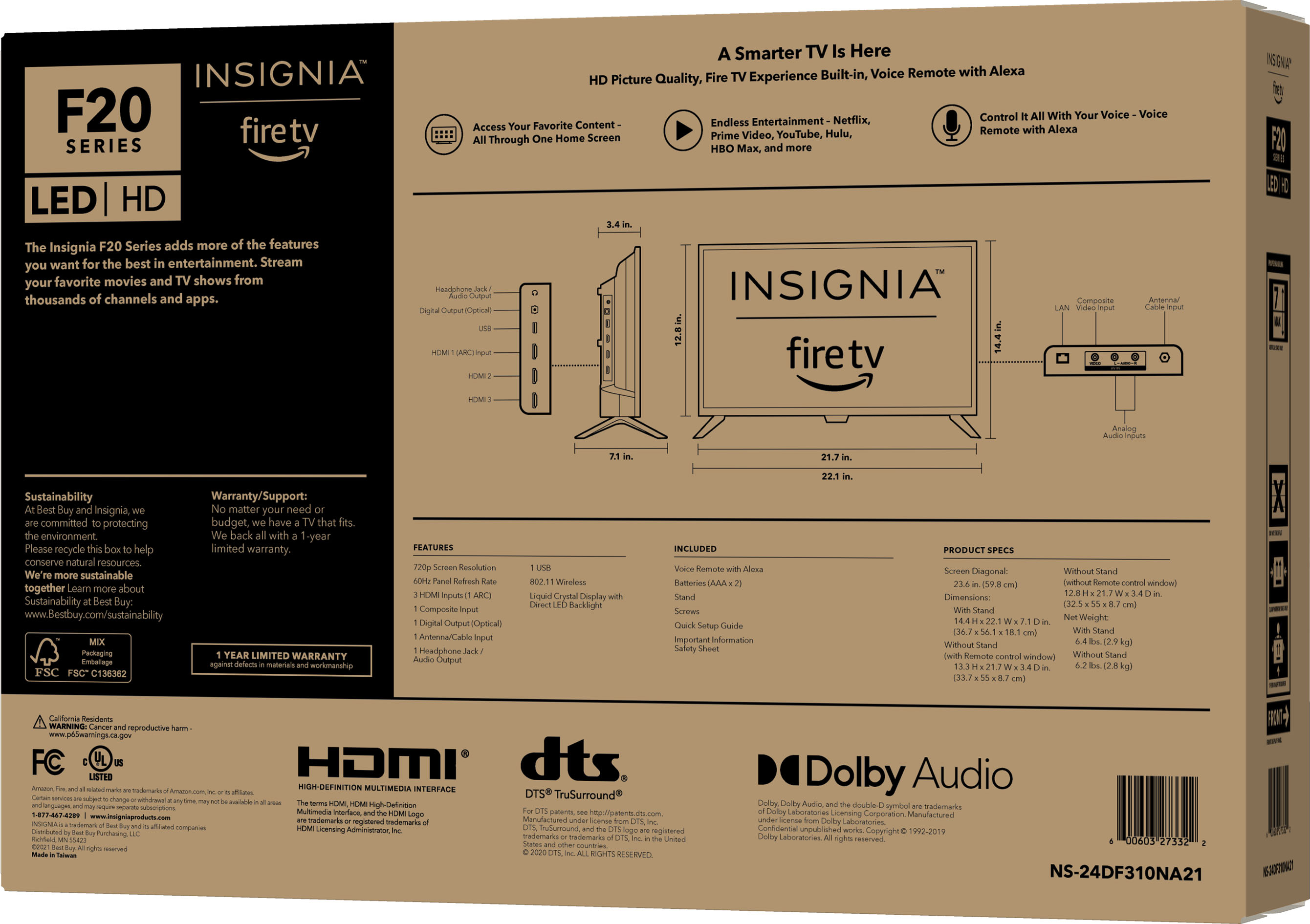
If you have a smart device connected to your TV, chances are it has Bluetooth, and you can connect to that. If not, a Bluetooth transmitter can connect to your TV through either the RCA or 3.5mm jack, and you can connect to that transmitter with your headphones. If you have any questions or concerns, please use the link below to reach us and also you can contact this phone number 877-467-4289 for further assistance.
Insignia Products
Nikki
https://insigniaproducts.com
A:AnswerHi Jamchris,
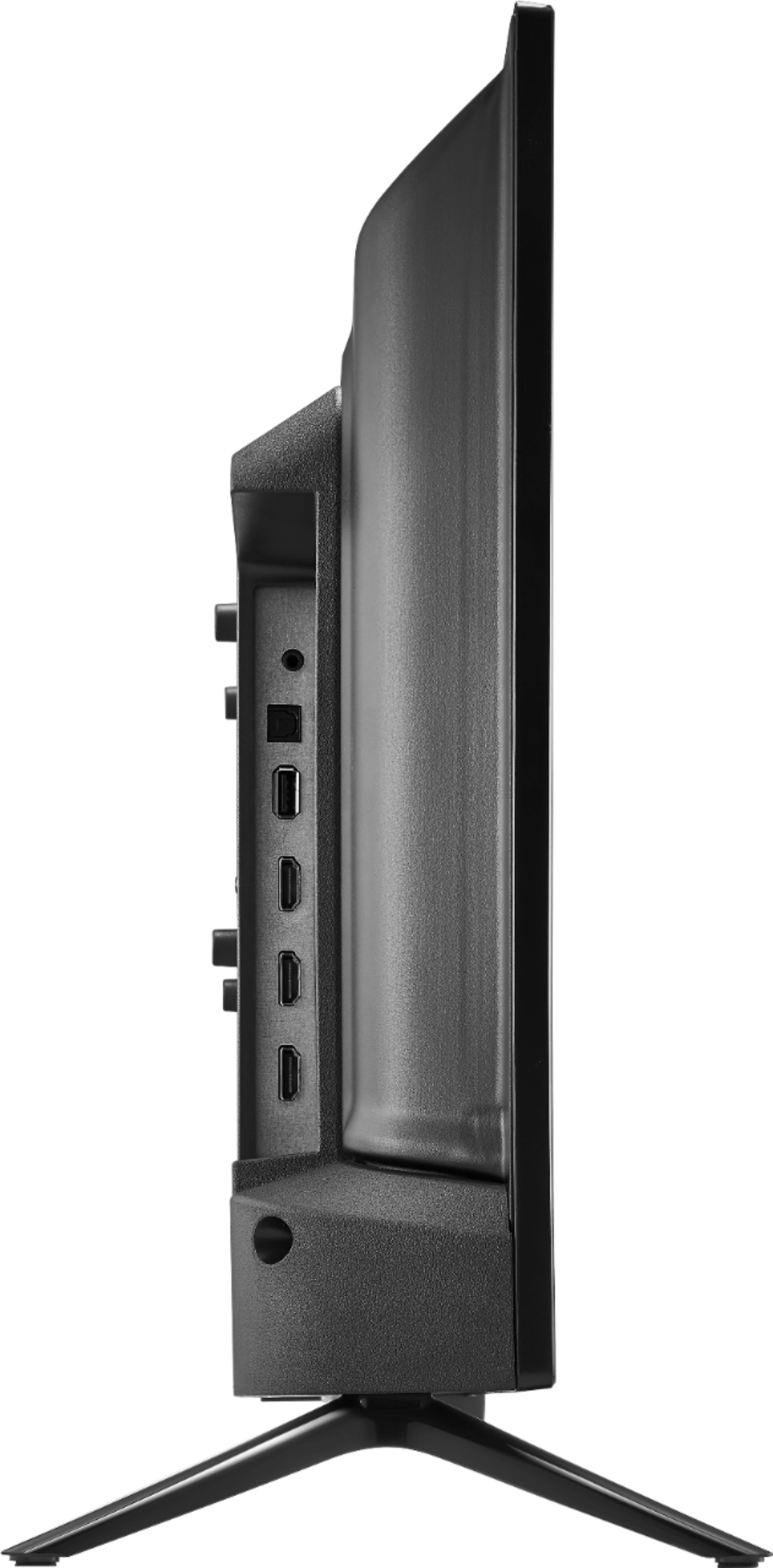
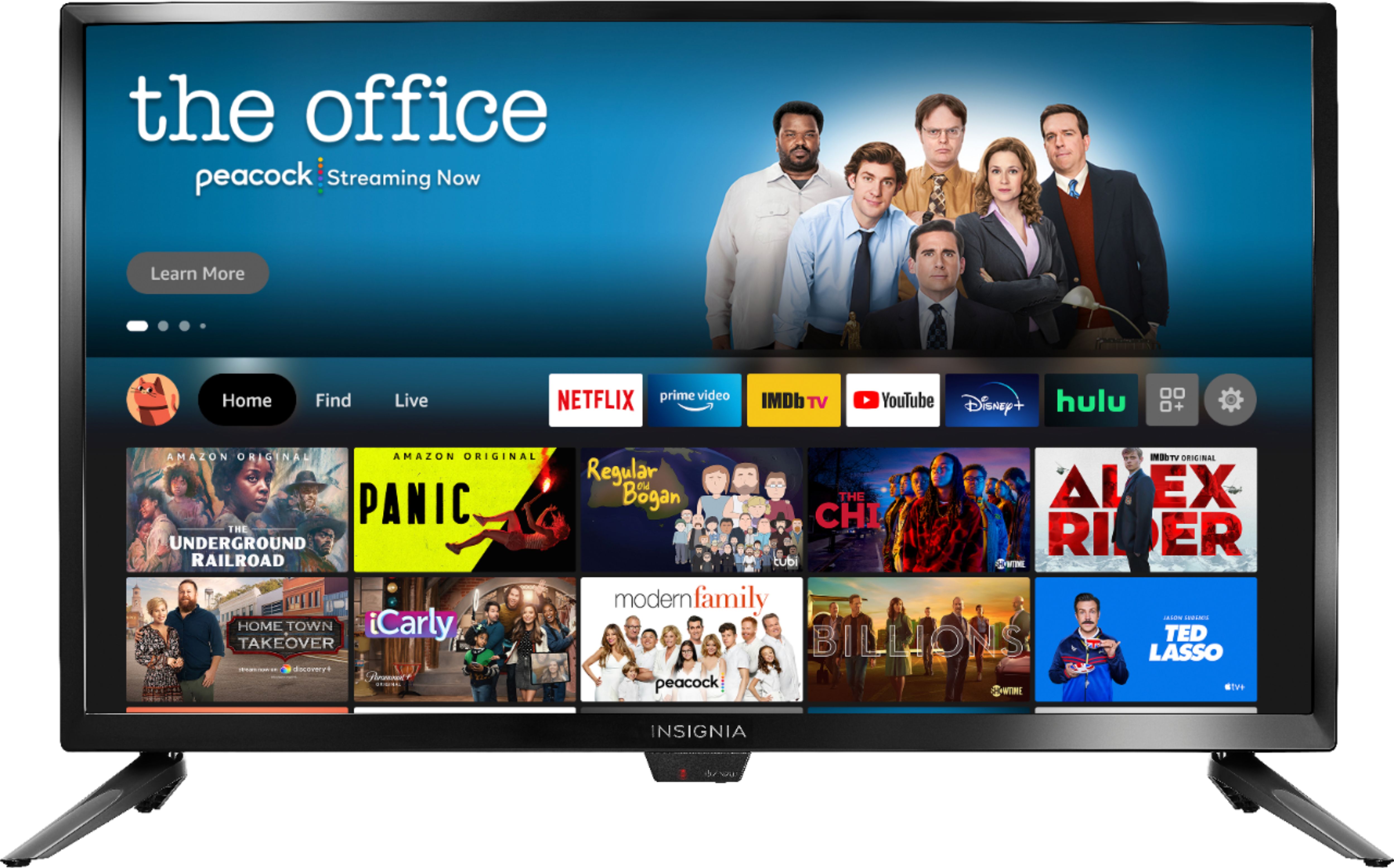
You can install this TV on a VESA mount to vertical or change the screen of the tv to vertical follow the steps below:
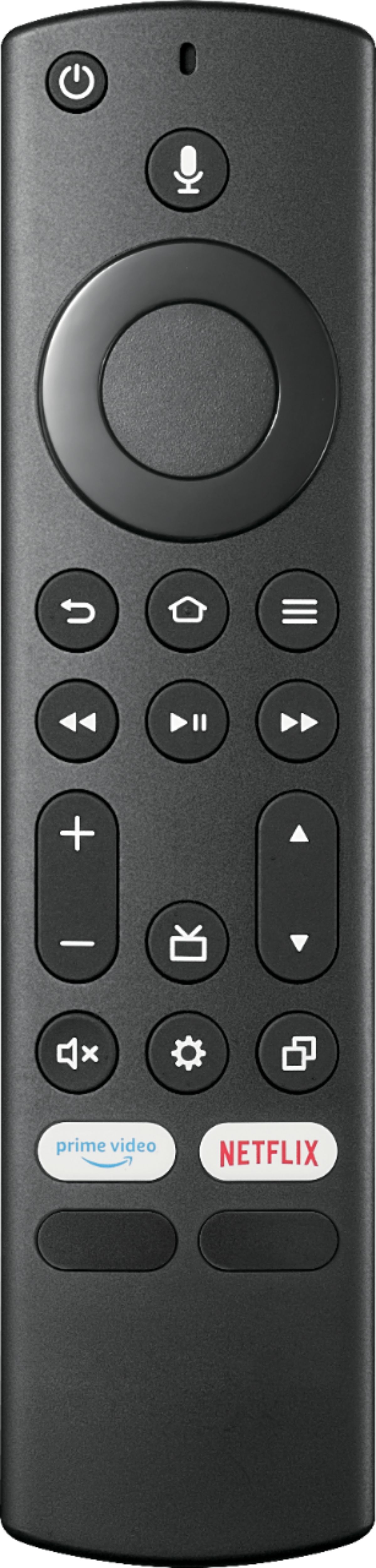
-Press the "Home" button on the remote control.
-Select "Menu" and hit "OnScreen Display".
-Move to the right and go to "Display Orientation".
-Change the Display Orientation from "Landscape" to "Portrait".
-This will be the result!
Insignia Support
Alvin
www.insigniaproducts.com

A:AnswerHi Panthercit1,
You can connect an Apple TV box to use Airplay and share the screen, or use a cable from tv to your phone.
Insignia Support
Alvin
www.insigniaproducts.com

A:AnswerHello Wyze,
Wi-fi-enabled security cameras such as Wyze cam can stream live footage to your smart TV without needing an internet connection. Even if it's unnecessary, a smart TV allows for voice activation and easier integration with other technology.
Insignia Support,
Merjorie
www.insigniaproducts.com/support
A:AnswerHi TriGuy,
Mirror your iPhone on Apple TV or a smart TV:
- Open Control Center on your iPhone. , then choose your Apple TV or an AirPlay 2-enabled smart TV as the playback destination. If an AirPlay passcode appears on the TV screen, enter the passcode on your iPhone. If you have any questions or concerns, please use the link below to reach us and also you can contact this phone number 877-467-4289 for further assistance.
Insignia Products
Nikki
https://insigniaproducts.com