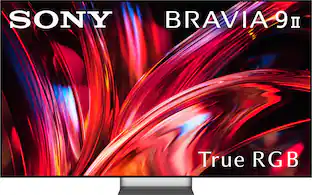
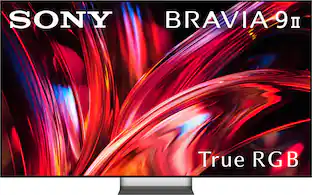
Sony - 65" Class BRAVIA 7 II True RGB 4K HDR Google TV with Gemini
Customers are saying
Customers enjoy the fantastic picture quality and exceptional brightness that make this product ideal for daytime viewing. Users also appreciate how easy the device is to set up right out of the box. While the overall experience is positive, some individuals have noted occasional issues with audio synchronization.
Highlights
Features
True RGB, the future of color
Powered by a newly evolved Backlight Master Drive, Sony's True RGB drives three-color LEDs independently for unprecedented color volume, precise color gradation, and a significantly wider viewing angle.
Elevated color accuracy without compromise
Sony unites the color range of our flagship OLED with the high brightness of a Mini LED. This combination enables enhanced color volume and the ability to render colors with greater accuracy.
See the hidden depths in a new way
From the brightest peak to the darkest shade, Sony's True RGB captures subtle tonal details. It brings greater depth to the story on screen.
Color, faithfully reproduced
Sony's True RGB sensing function detects LED operating efficiency in real time and optimizes brightness accordingly, so the TV consistently reproduces the color tones of the input video with high fidelity.
Vivid color from every seat
With X-Wide Angle Pro, color and contrast stay vivid and natural from the side as well as the front, giving the whole room a true cinema view.
Smarter picture in real time
The XR Processor uses AI scene recognition to optimize color, contrast, and clarity in every frame for lifelike realism.
Make everything you watch look closer to 4K
XR Clear Image AI restores lost detail and reduces noise for a clearer, more natural image.
Contrast intensified. Depth amplified
XR Contrast Booster precisely balances light across the screen, adjusting brightness for higher peaks in glare and deeper blacks in shadow.
Even fast-moving action stays smooth, bright and clear
XR Motion Clarity analyzes movement across several frames and precisely synchronizes the backlight with on-screen motion so you see clear, bright images, however fast the action.
My Cinema presets. Tailored to the moment
Choose from cinema-optimized picture and sound presets designed for various viewing environments. These presets adjust your TV for the best movie-watching experience with just a single step.
Cinema-like sound, perfectly matching pictures
Hear sound from exactly the right place. Not from beneath the screen but seemingly straight from the screen itself. With Acoustic Multi-Audio+, what you see and what you hear are perfectly matched.
From stereo to expansive 3D surround, wider and clearer
Ordinary sound becomes extraordinary. With our evolved 3D Surround Upscaling including proprietary virtualizer, stereo expands into wider, more precise 3D audio, crisper, clearer, and more immersive than ever.
Crystal clear voice. With AI technology
No more muffled voices. Our Voice Zoom 3 recognizes human dialogue through AI machine learning and amplifies or reduces its volume so even small dialogue sounds loud and clear.
Easily expand your cinema: Direct TV connection
Add just what you want, subwoofer, rear speakers, or both, directly to BRAVIA for your ideal cinema sound. Enjoy stronger bass, greater impact, and a wider surround field, transforming movies into a bigger, more cinematic experience.
Control your BRAVIA Theater effortlessly
Easily control features such as sound field and volume using just the TV remote. With an integrated UI, soundbar sound settings automatically appear on the BRAVIA Quick Settings menu.
Touch and control from your headphones
Control your BRAVIA TV with a tap. Play, pause, skip, or adjust the volume directly from your connected Bluetooth headphones.
Movies included with your TV in premium picture quality
Access Sony Pictures Core with Pure Stream and the largest IMAX Enhanced collection included with BRAVIA.
Bring cinematic standards home
Our TV supports the rigorous standards of Dolby Vision, Dolby Atmos, IMAX Enhanced, and DTS:X for an unbelievably atmospheric and immersive viewing experience.
Authentic picture. From the studio to your screen
Sony's Studio Calibrated modes deliver pictures that stay faithful from studio to screen, across your favorite streaming platforms.
Find what to watch faster with Gemini on Google TV
Just ask Gemini to get personalized recommendations and browse movies and shows from all your apps in one place.
Compatible with Apple AirPlay 2
Stream effortlessly to your TV from your iPhone, iPad or Mac. Watch movies from apps or Safari. Share photos with friends in the room.
Google Cast
Cast content from your phone or tablet directly to your TV.
Chat with Gemini hands-free to find the perfect movie or show
Tell Gemini what you're in the mood for and get personalized recommendations. You can also find content, open apps, and control compatible smart home devices, all without reaching for the remote.
Take your PS5 gaming to the next level
Auto HDR Tone Mapping and Auto Genre Picture Mode optimize picture quality for gaming and streaming.
All your gaming essentials in one place
Game Menu 2 lets you check your status, fine tune settings and access assist functions from one place. You can even search for YouTube videos and switch to Multi-View in an instant.
Specifications
- Display TypeRGB LEDResolution4K (2160p)Screen Size Class65 inchesHigh Dynamic Range (HDR)YesHigh Dynamic Range FormatHDR 10, Hybrid Log-Gamma (HLG), Dolby Vision
Reviews
Rating 4.7 out of 5 stars with 104 reviews
- Picture Quality (72)
- Brightness (14)
- Ease of Setup (14)
- Audio Sync (7)
Customer Images
The vast majority of our reviews come from verified purchases. Reviews from customers may include My Best Buy members, employees, and Tech Insider Network members (as tagged). Select reviewers may receive discounted products, promotional considerations or entries into drawings for honest, helpful reviews.

Compare similar products
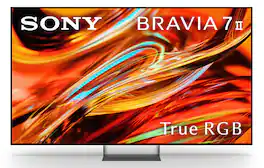
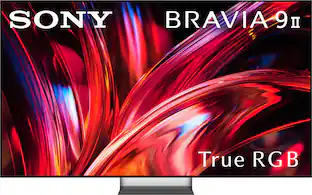
A new dimension of color. True RGB technology delivers vivid color, deeper contrast, and wide‑angle viewing with precise control—faithfully reproducing content with consistent, true‑to‑life color in any lighting conditions.
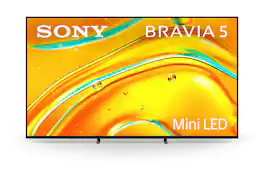
Step up to Mini LED brightness and contrast, and the big screen experience you’ve always dreamed of. A crystal-clear picture, upscaled with AI technology, and sizes ranging up to a massive 98 inches, will make movie nights unforgettable. Unique gaming features and support for HDMI 2.1 unlock the full potential of your favorite games.
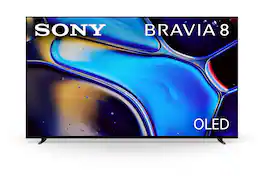
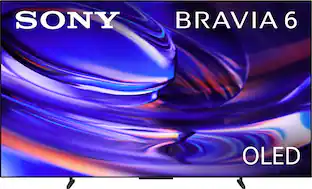
The perfect centerpiece for your living space with slim styling and cinematic picture and sound to match. Pure OLED black and vibrant color brings out astonishing texture and realism in everything you watch. The screen is the speaker delivering a totally unique and immersive theater-like sound that keeps you on the edge of your seat.
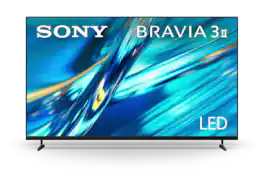
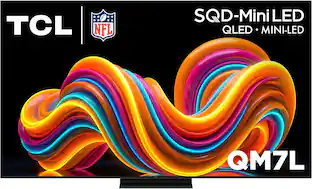
Pop of brilliance. Smart and refined. Bright, crisp, and true-to-life color that pops off the screen. With 4 HDMI 2.1 ports, smooth 120Hz motion, clear sound, and Google Gemini, this TV makes every choice feel easy and every moment look its best. Plus, *Anti-Glare Screen technology.
| Pros for Sony - 65" Class BRAVIA 7 II True RGB 4K HDR Google TV with Gemini | |||
|---|---|---|---|
| Picture Quality, Brightness, Ease of Setup | Picture Quality, Brightness, Setup Ease, Features, Viewing Angle | Picture Quality, Black Level, OLED Quality, Ease of use, Design | Picture Quality, Ease of Setup, Anti-Glare Performance |
| Cons for Sony - 65" Class BRAVIA 7 II True RGB 4K HDR Google TV with Gemini | |||
| Audio Sync | Remote Control, Weight | Remote Control, Brightness, Connectivity, Price | There were no cons for this product— |
Specs
Questions & Answers
Does this TV support G-sync and/or Freesync? Read in an article from Wired.com that it had G-Sync support.
Answered by SonyListensHi MrStark, Thank you for your question! While the Sony BRAVIA 7 II does not feature dedicated NVIDIA G-Sync hardware built into the panel, it fully supports the industry-standard HDMI 2.1 Variable Refresh Rate (VRR) protocol. Modern NVIDIA graphics cards, such as the RTX series, are fully compatible with this standard via "G-Sync Compatible" mode. To get it up and running, simply connect your PC to one of the TV's HDMI 2.1 ports, enable VRR in the TV's input settings, and you will be able to toggle G-Sync right on through the NVIDIA Control Panel on your computer for a smooth, tear-free gaming experience. Thank you for considering Sony! Regards, Dominick
Can this tv have sound from a audio video receiver and the tv audio at the same time
Answered by SonyListensHello Bern, Thank you for considering Sony products! We appreciate your inquiry about whether the K65XR70M2 TV can output sound simultaneously from an Audio/Video receiver and the TV speakers. When using a standard HDMI eARC/ARC connection or optical cable with a conventional AV receiver, the TV is designed to send all primary audio directly to the receiver, which automatically turns off the TV’s built-in speakers to prevent audio echo and latency issues. However, there are options to achieve integrated audio depending on your setup: Acoustic Center Sync: By connecting a compatible Sony soundbar or home theater system via the S-Center Speaker port, the TV uses Acoustic Center Sync to allow its speakers to function as the center channel, enhancing dialogue clarity as if voices are coming directly from the screen. Dual Audio Output: You can also enable simultaneous audio output through external devices (via optical cable or Bluetooth) and the TV speakers by adjusting settings under Settings → Display & Sound → Audio Output. For more details and setup guidance, please visit: https://www.sony.com/electronics/support/articles/00266459. Best regards, -Fred
Can I use my Samsung Soundbar on this tv
Answered by SonyListensThank you for contacting Sony, Barnyard12. Yes, you can use your Samsung soundbar with the BRAVIA 7II! We appreciate your interest in Sony products. Should you require any further assistance, please don't hesitate to reach out for support here: https://us.esupport.sony.com/support/s/support-contact?language=en_US&category=tv Best regards, Gus, Sony North America Customer Support
How does this compare to my Bravia XBR 65A1E
Answered by SonyListensThank you for contacting Sony. Your older Bravia XBR 65A1E is a 2017 OLED TV with amazing black levels, while the K-65XR70M2 is a much brighter Mini LED model featuring HDMI 2.1 ports and a faster Google TV system. For detailed information, check: XBR-65A1E- Specifications: https://www.sony.com/electronics/support/televisions-projectors-oled-tvs-android-/xbr-65a1e/specifications BRAVIA 7 II - Specifications: https://www.sony.com/electronics/support/televisions-projectors-lcd-tvs-android-/k-65xr70m2/specifications We appreciate your interest in Sony products. Should you require any further assistance, please don't hesitate to reach out for support here: https://us.esupport.sony.com/support/s/support-contact?language=en_US&category=tv Best regards, Gus, Sony North America Customer Support
I just bought Sony Bravia 7 II Picture looks like evening tone while watching broadcast channels Is there any solution?
Answered by SonyListensHi GV, We are sorry to hear that you are experiencing this issue with the picture quality on your new Sony BRAVIA 7 II while watching broadcast channels. We would love to help get this resolved and share some recommendations you can try right away: 1- Adjust Picture Mode: Using your Sony remote, press the Quick Settings button and choose a different picture mode. You can try testing modes like Vivid, Standard, or Cinema to see which one best fits your broadcast content. 2- Fine-Tune Color Settings: Navigate to Settings > [Display & Sound] — [Picture & Sound] > Picture. From here, you can go into the Color section and adjust the options to your desired preference. For more detailed reference steps, you can check the official Sony help guide here: https://helpguide.sony.net/tv/nusltn1/v1/en-003/contents/TP1002006220.html If you would like personalized, live assistance with walking through these settings, please feel free to contact our specialized technical support team at: https://us.esupport.sony.com/support/s/support-contact?language=en_US Thank you for choosing Sony! Regards, Dominick

Customers often buy these together
Monitor and Television Mounts
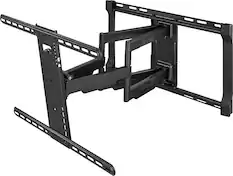
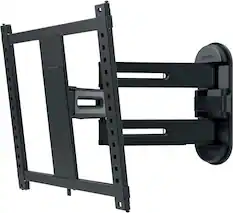
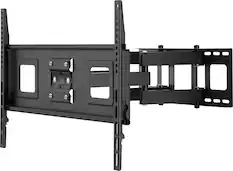
Rocketfish™ - Full-Motion TV Wall Mount for Most 42"–90" TVs — Extends 26" - Black
Techtober Deal$143.99The price was $179.99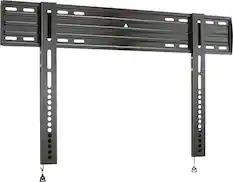
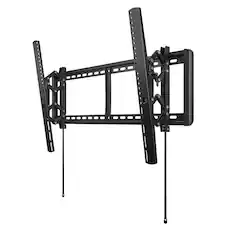
SANUS Elite - Super Slim Fixed-Position TV Wall Mount for Most TVs 32"-80" up to 150lbs - Easy Cable Access - Lateral Shift - Black
Techtober Deal$89.99The price was $104.99

Soundbars
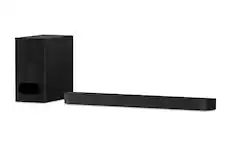
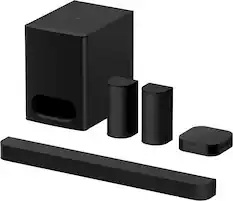
Sony - BRAVIA Theater Bar 6, 3.1.2ch subwoofer, Dolby Atmos/DTS:X compatible - Black
Our 365-day lowest price$449.99The price was $699.99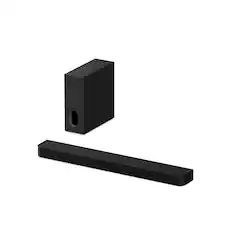
Sony - BRAVIA Theater Bar 7 + Sub 7, Dolby Atmos/DTS:X compatible - Black
Techtober Deal$799.99The price was $1,099.99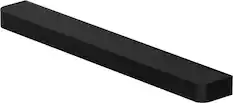
Sony - BRAVIA Theater Bar 7 with 9 speakers, Dolby Atmos/DTS:X compatible - Black
$619.99The price was $869.99




More recommended items
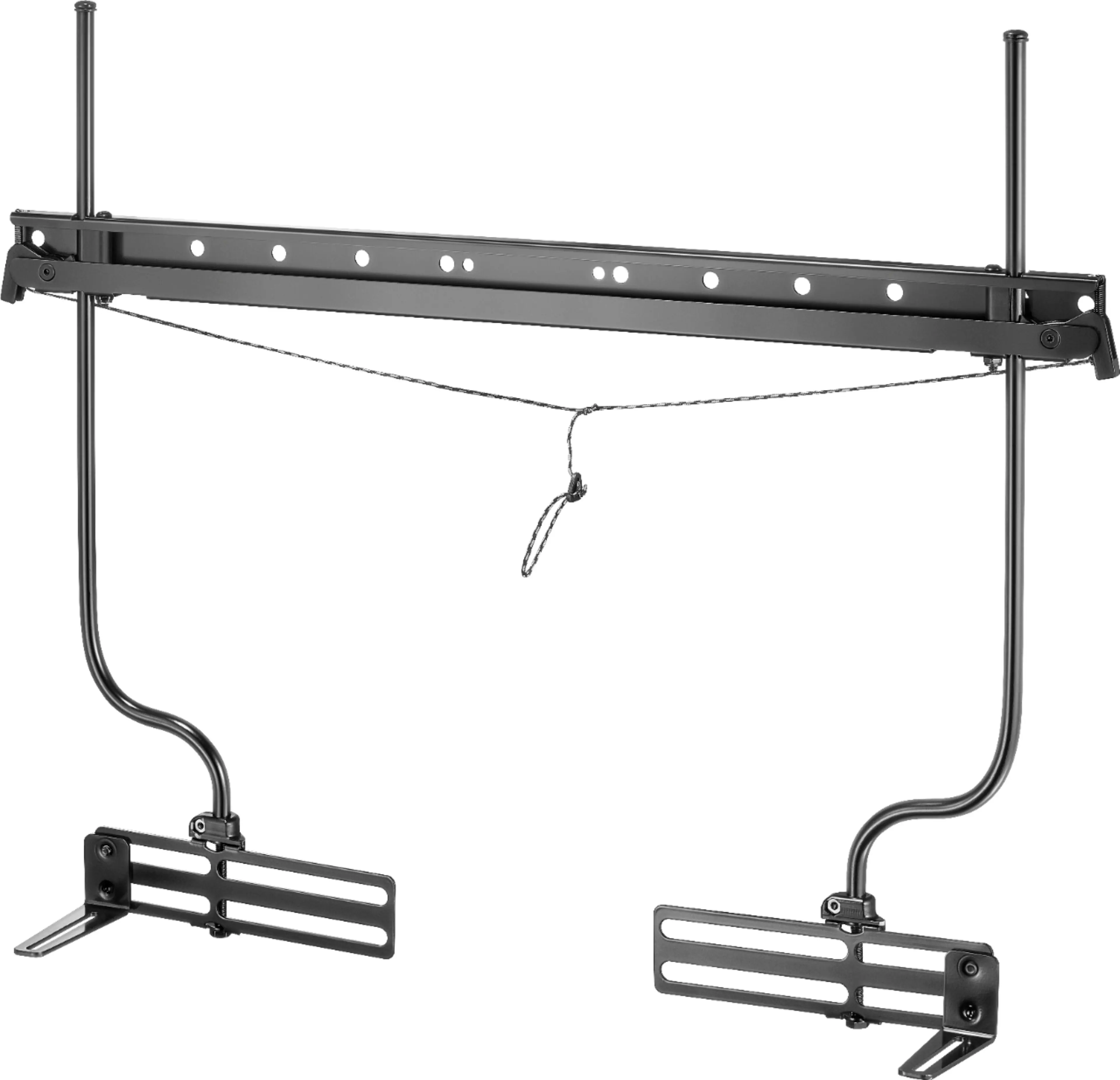 Speaker Mounts
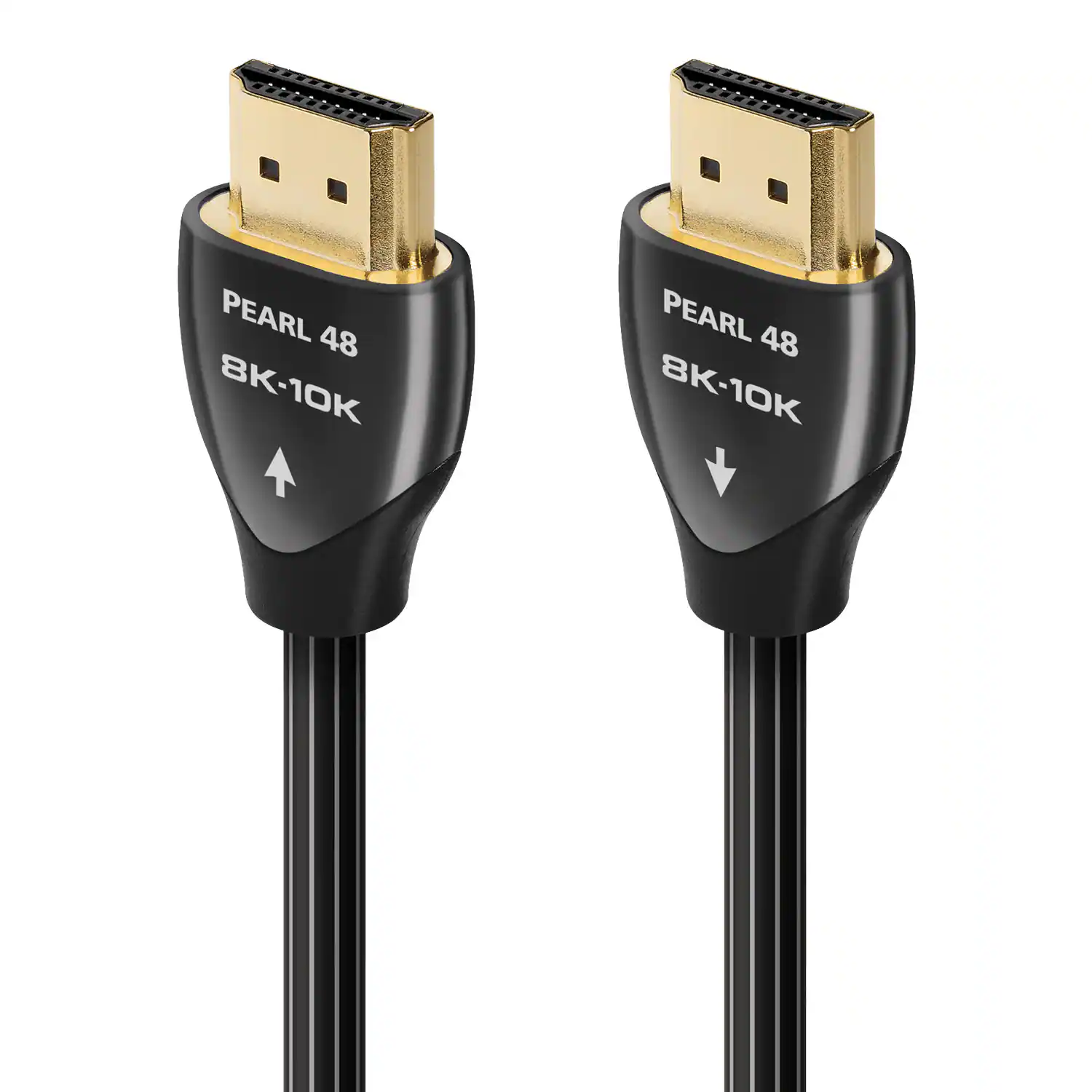 4K HDMI (2.0) Cables
 Surge Protectors
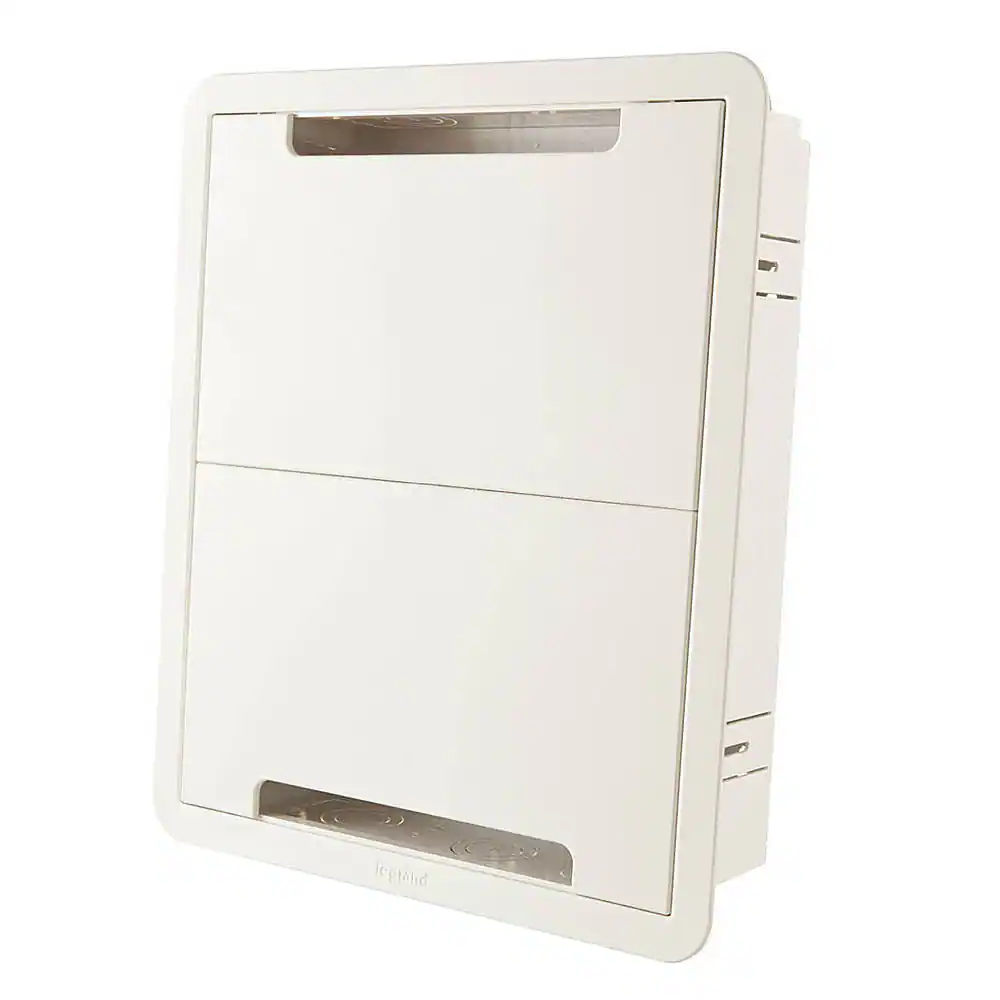 Cable Concealers
More to consider
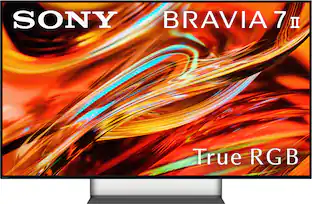 Techtober Deal$1,699.99The price was $2,099.99
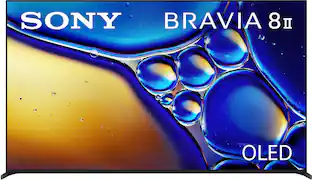 Techtober Deal$2,499.99The price was $3,299.99
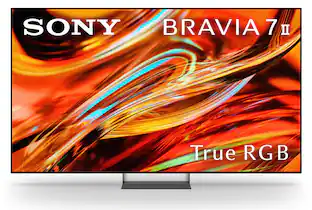 Techtober Deal$2,299.99The price was $3,099.99
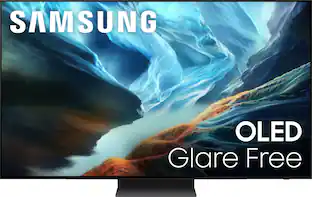 Techtober Deal$1,499.99The price was $2,699.99
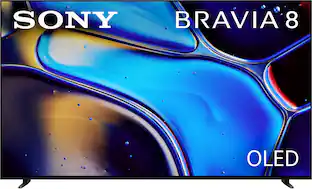 $1,799.99The price was $1,999.99
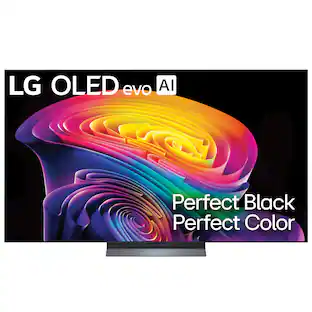 Our 365-day lowest price$1,499.99The price was $2,699.99
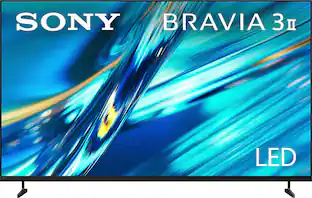 $799.99The price was $899.99
 $1,399.99The price was $1,499.99
 Techtober Deal$1,099.99The price was $1,999.99
 Techtober Deal$1,599.99The price was $2,099.99
 $1,188.00The price was $1,699.99
Elevate your entertainment Sponsored
 Clearance$695.99The price was $1,199.99
- Techtober Deal$1,699.99The price was $2,099.99
 $899.99The price was $1,499.99
 Techtober Deal$899.99The price was $1,999.99
Discover related products
 $179.99The price was $189.99
 $219.99The price was $239.99
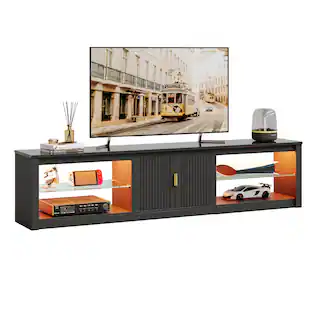 $169.99The price was $174.99
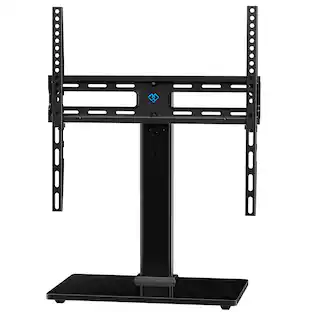 $46.99The price was $49.99
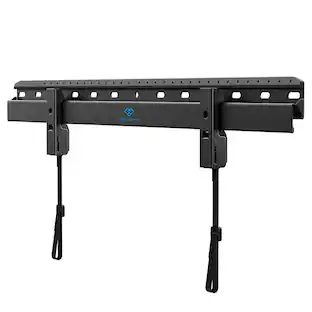 $18.99The price was $39.99
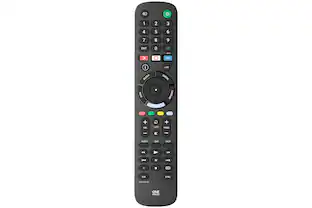
Keep exploring
 Techtober Deal$449.99The price was $575.99
 $2,297.99The price was $2,997.99
 $1,299.99The price was $1,386.49
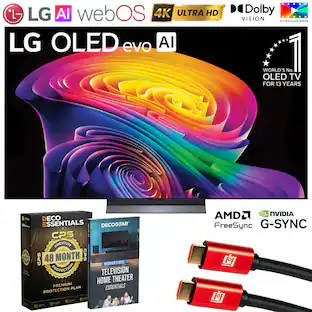 $1,339.99The price was $1,499.99