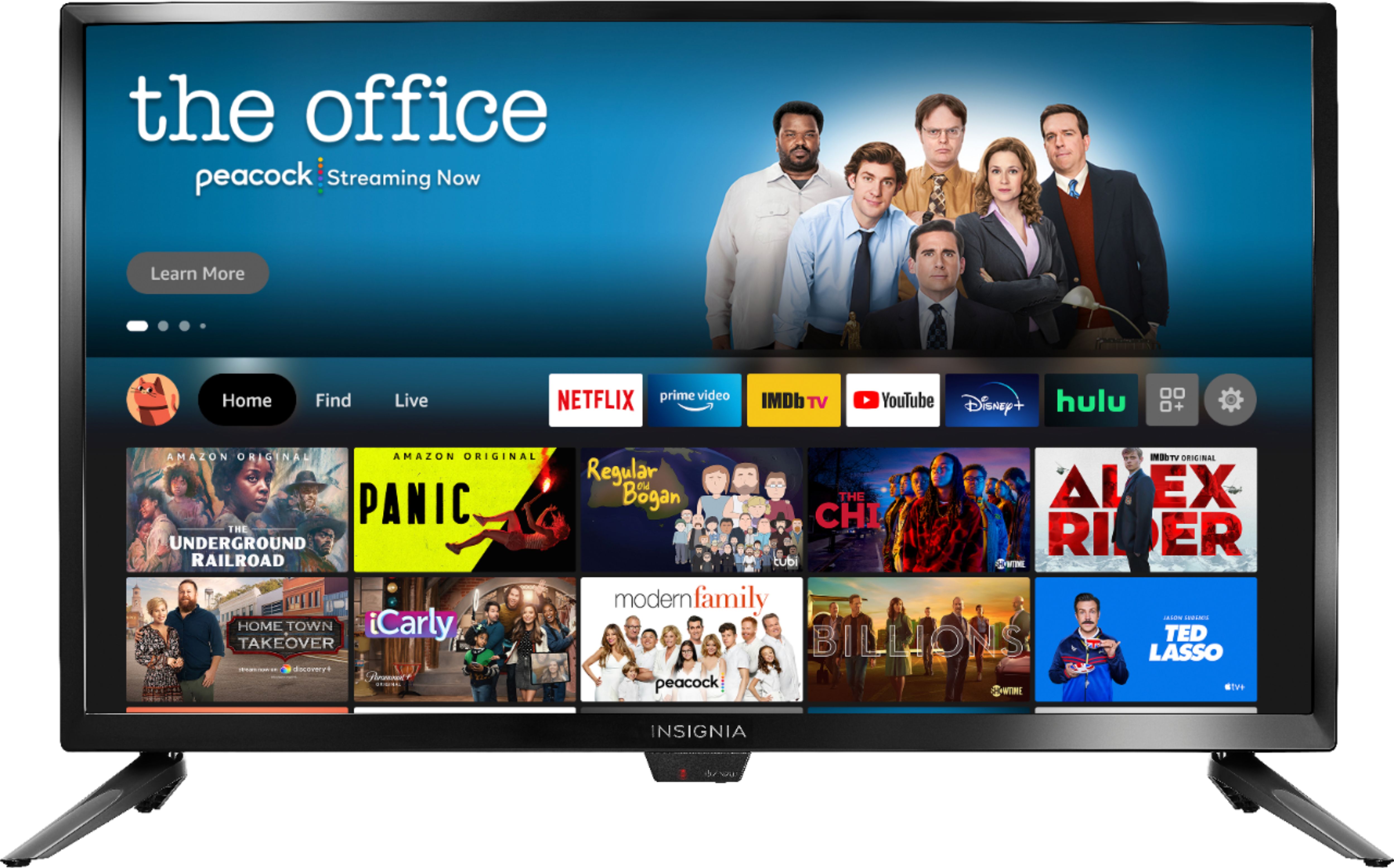
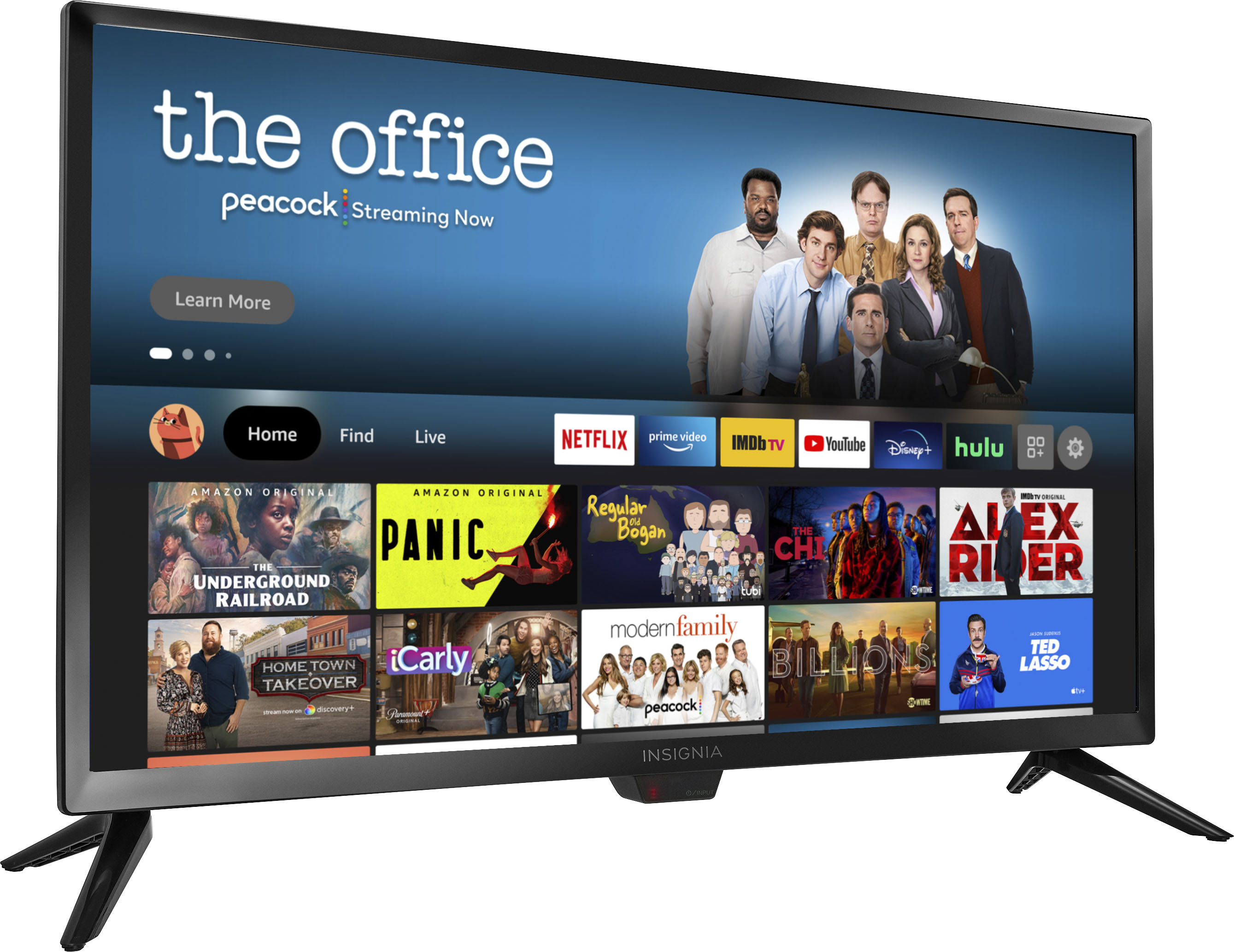
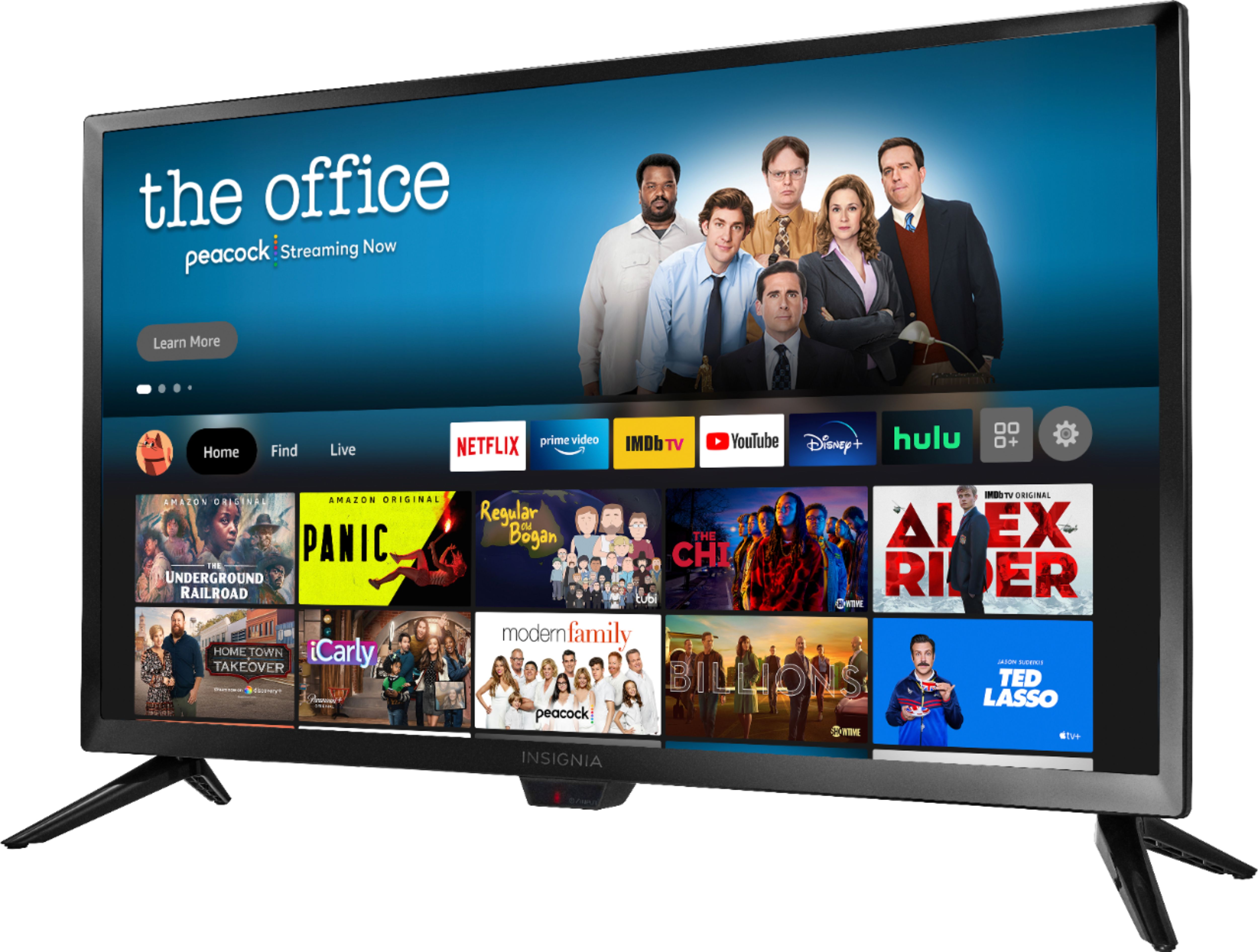
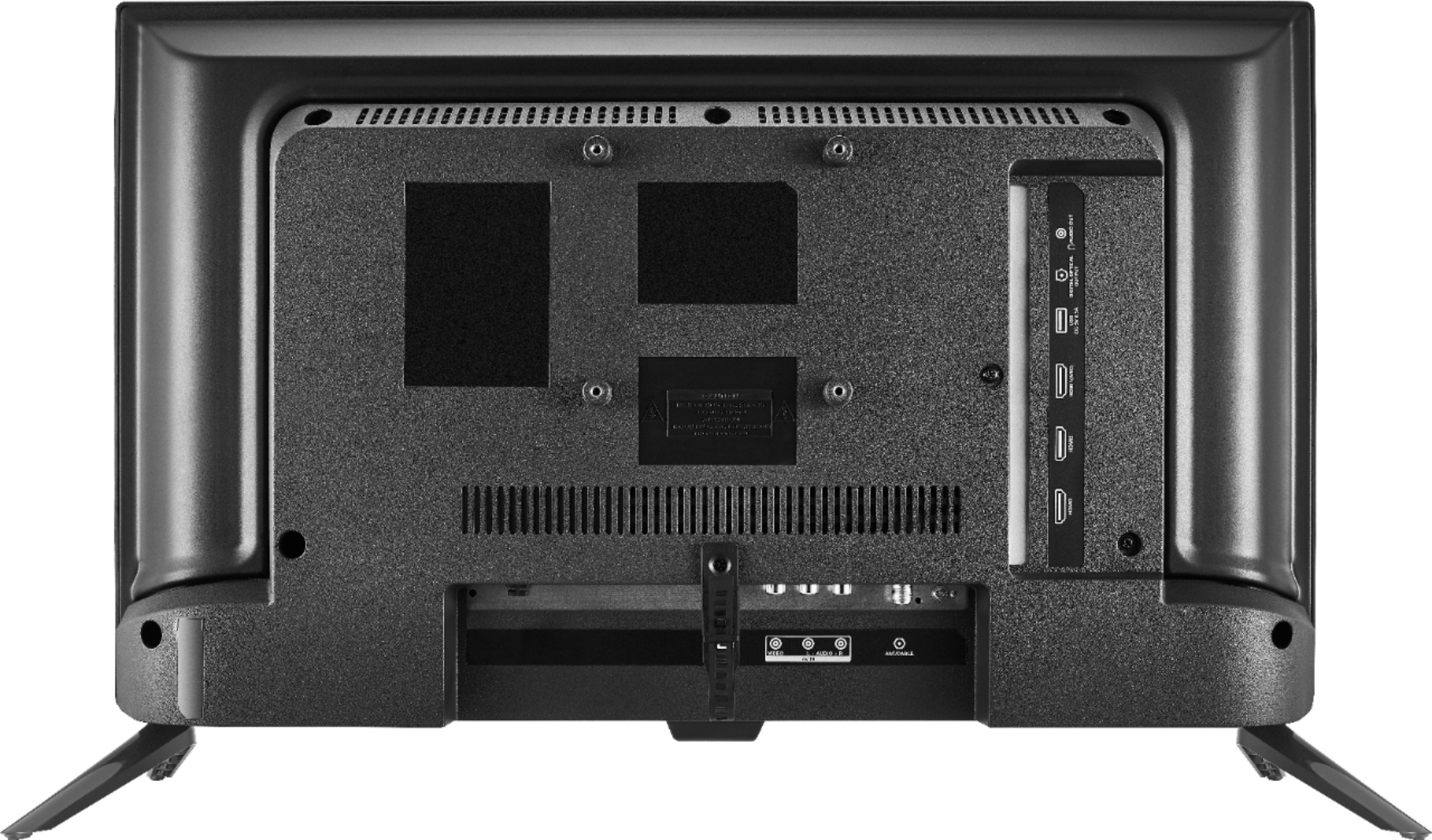
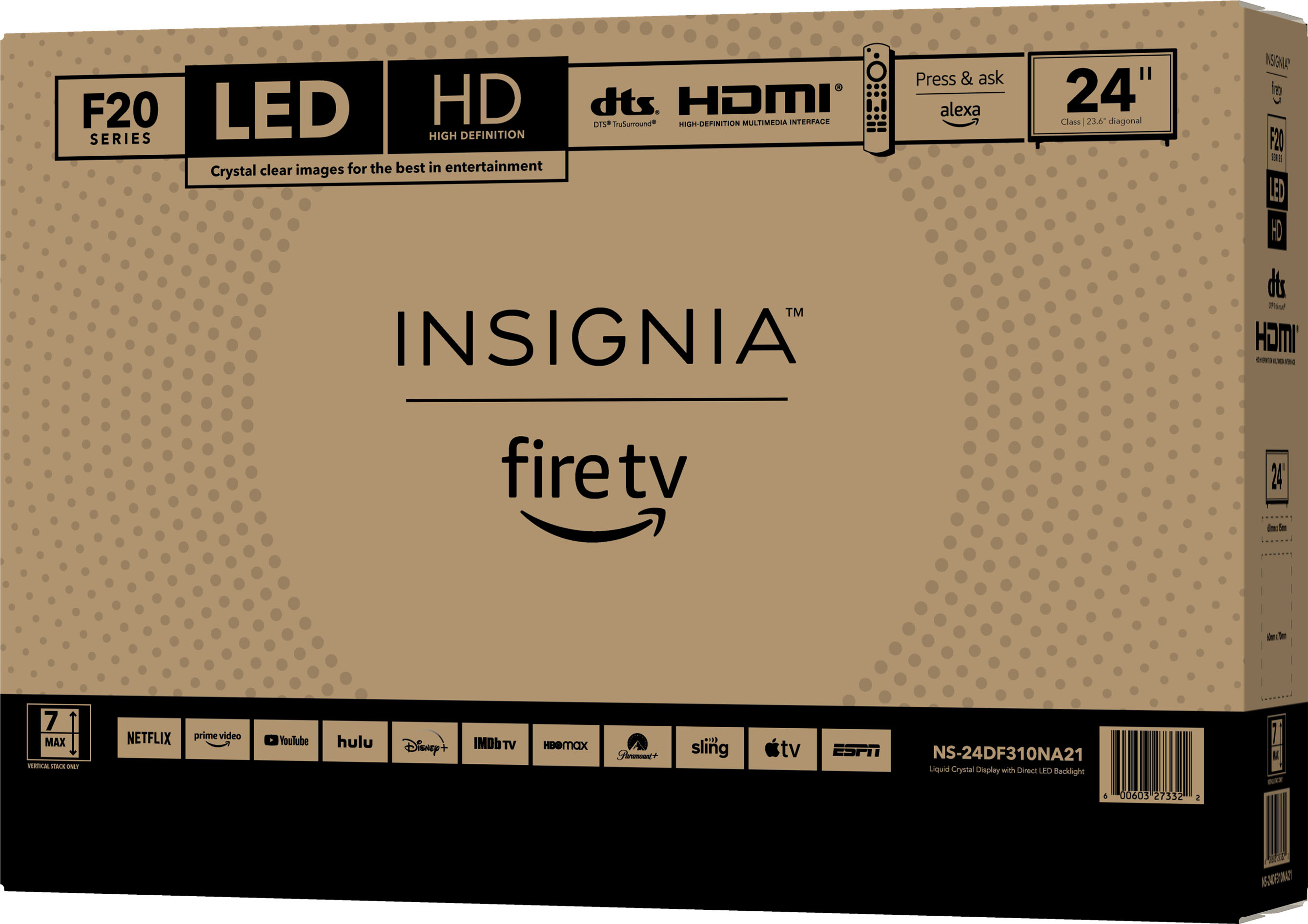
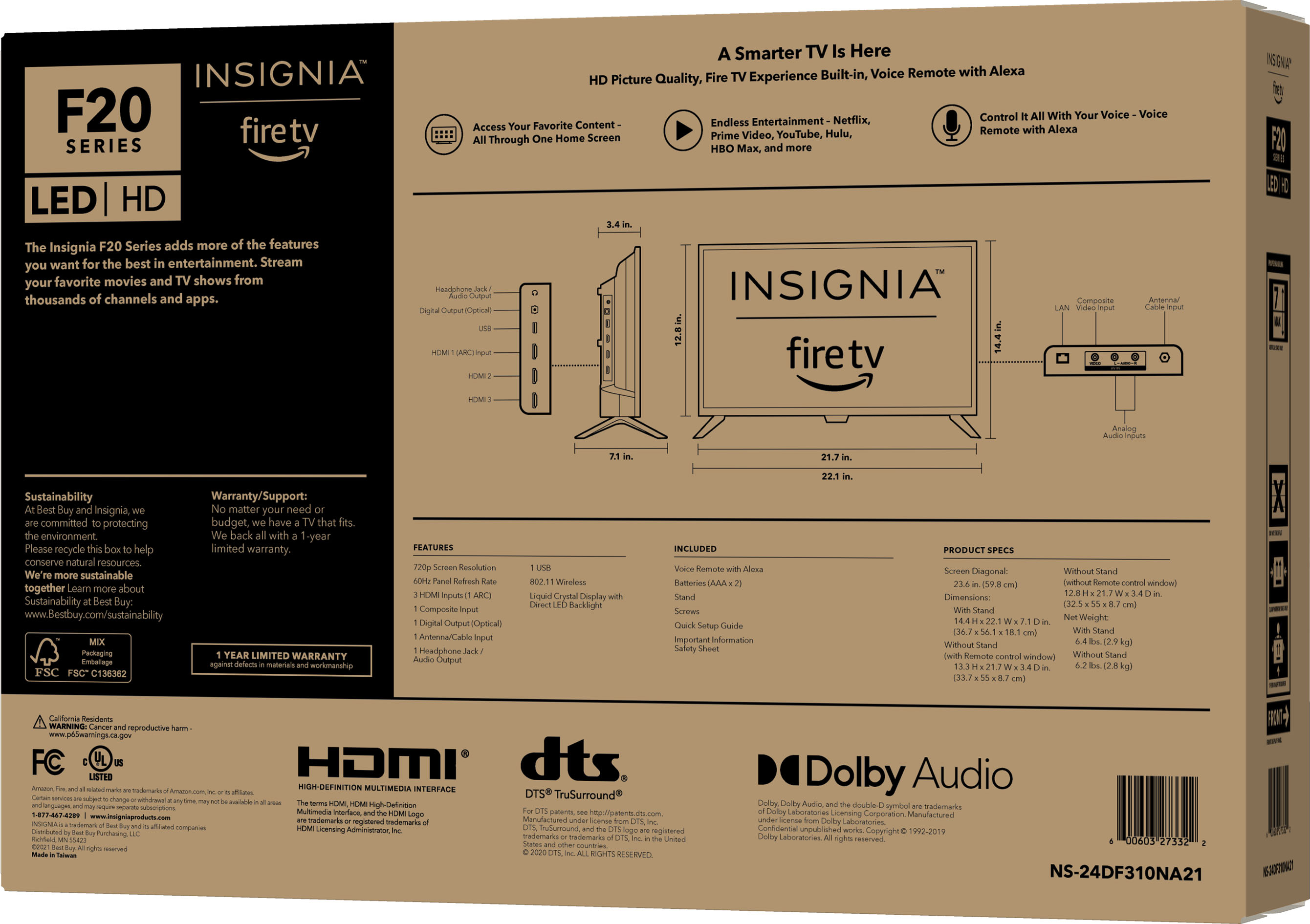
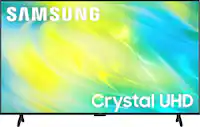
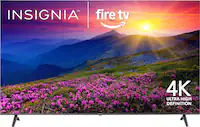
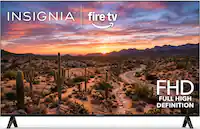
A:AnswerYes, you can mount it on the wall. You will find the four threaded mounting holes on the back towards the top. They are in a 100mm x 100mm spacing. You’ll need a mounting kit that attaches to the wall and then the flat screen attaches to the kit. Happy viewing!
A:AnswerYou need a free Amazon US account to enjoy the Full Experience.
If you do not want to have an Amazon account, you can use the Basic experience.
A:AnswerThe warranty is for 1 year.
Please take your original receipt and the Product to any Best Buy store.
For product support, please visit https://www.insigniaproducts.com/contact-us
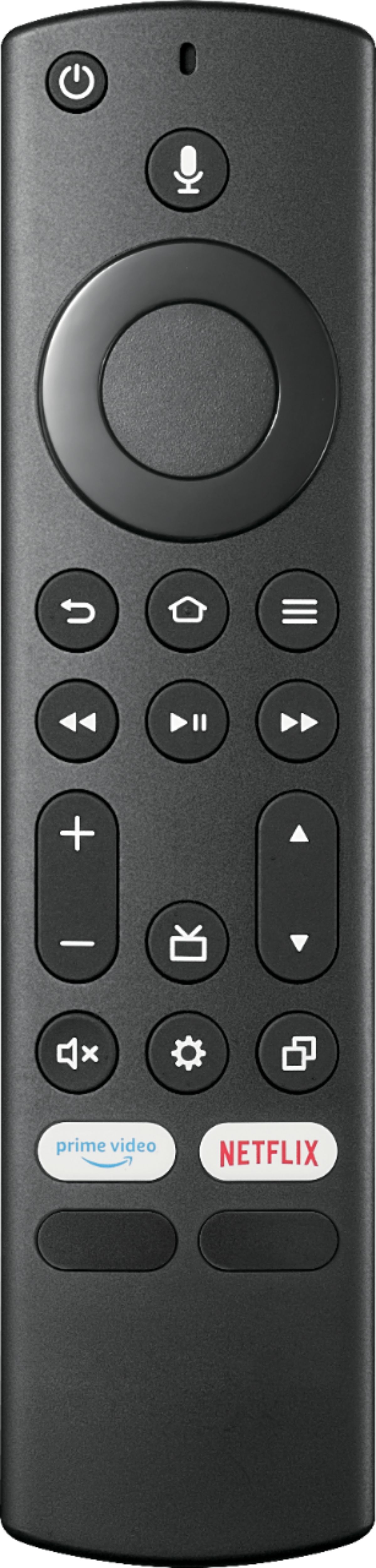
A:AnswerWhile watching TV press the menu button ( ≡ ) and select Captions and Audio.
To adjust the Closed Caption settings, go to: Settings > Accessibility > Closed Caption.
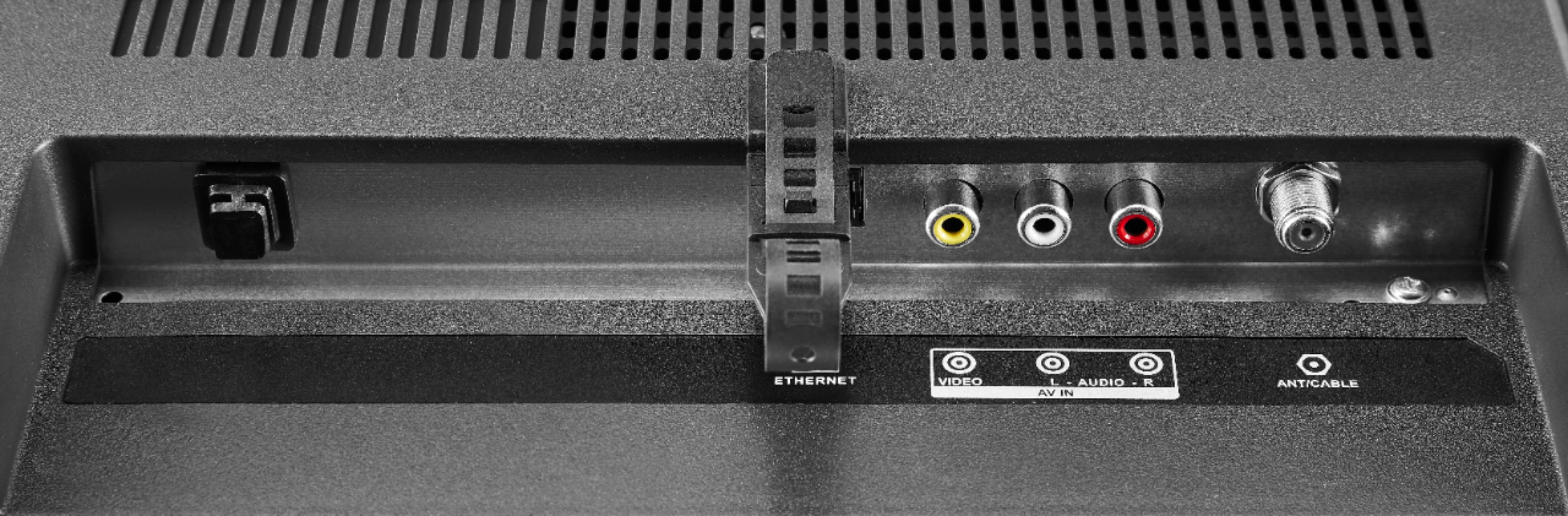
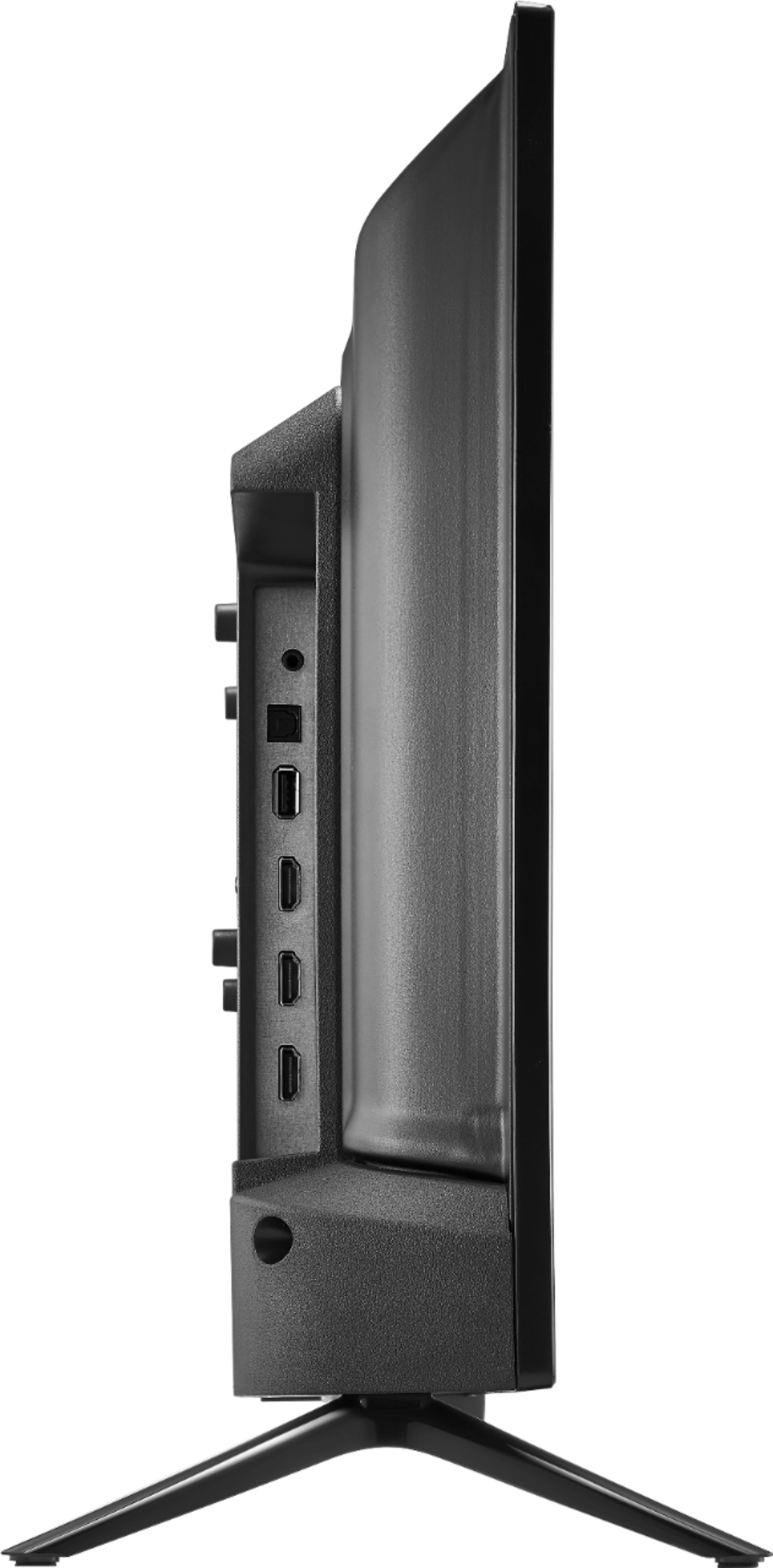
A:AnswerYes, you can connect your Cable Box into one of the HDMI inputs on the TV.
Then, go to Settings > Display & Sound > Power Controls > Power On > and select Last Input.
A:Answer1. No, this TV does not have a built-in Blu-ray/DVD player. If you want to play a Blu-ray/DVD disc, you need to hook up an external Blu-ray/DVD player into one of the HDMI inputs on the TV.

2. Yes, you can connect your gaming consoles into the other HDMI inputs on the TV.