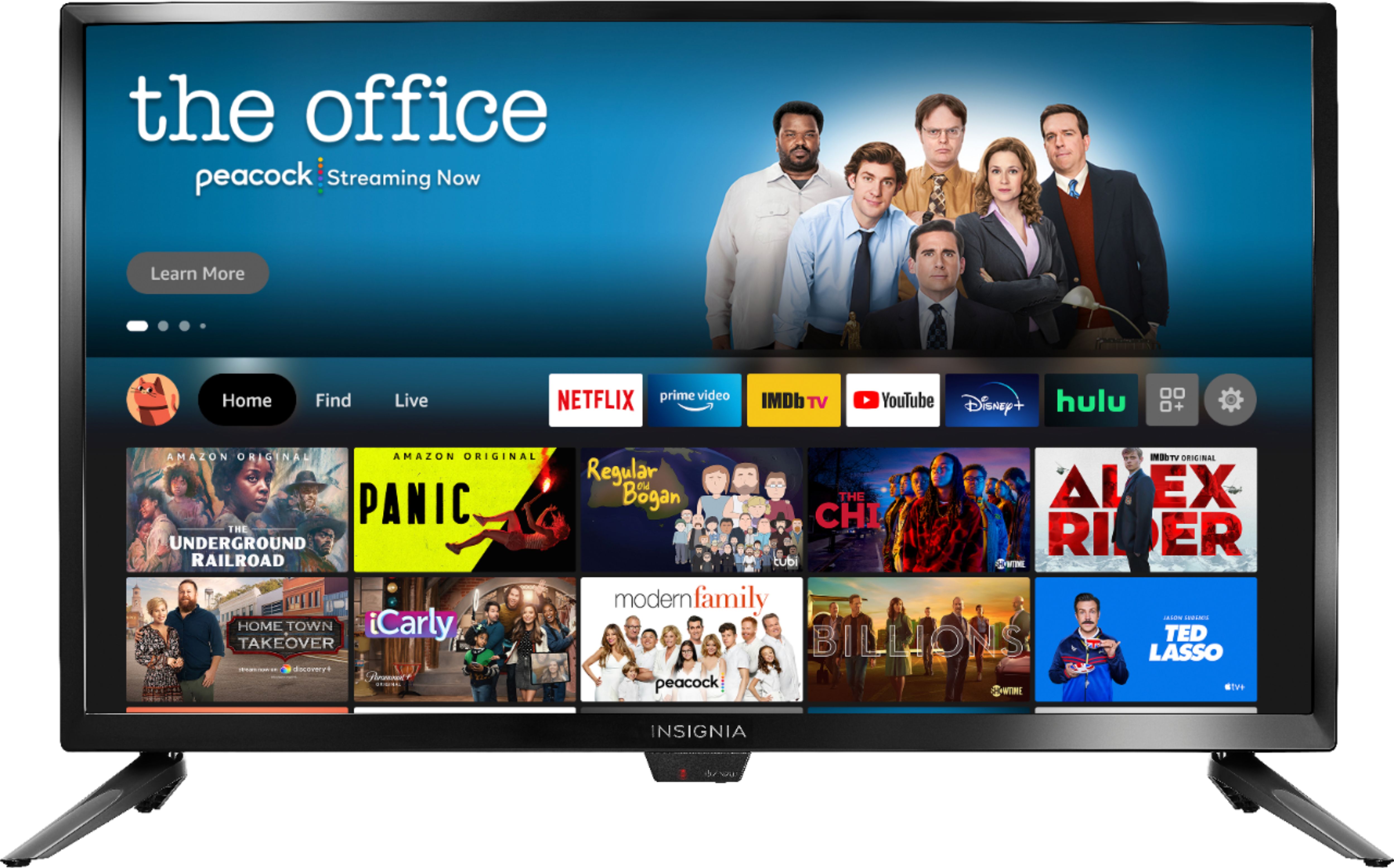
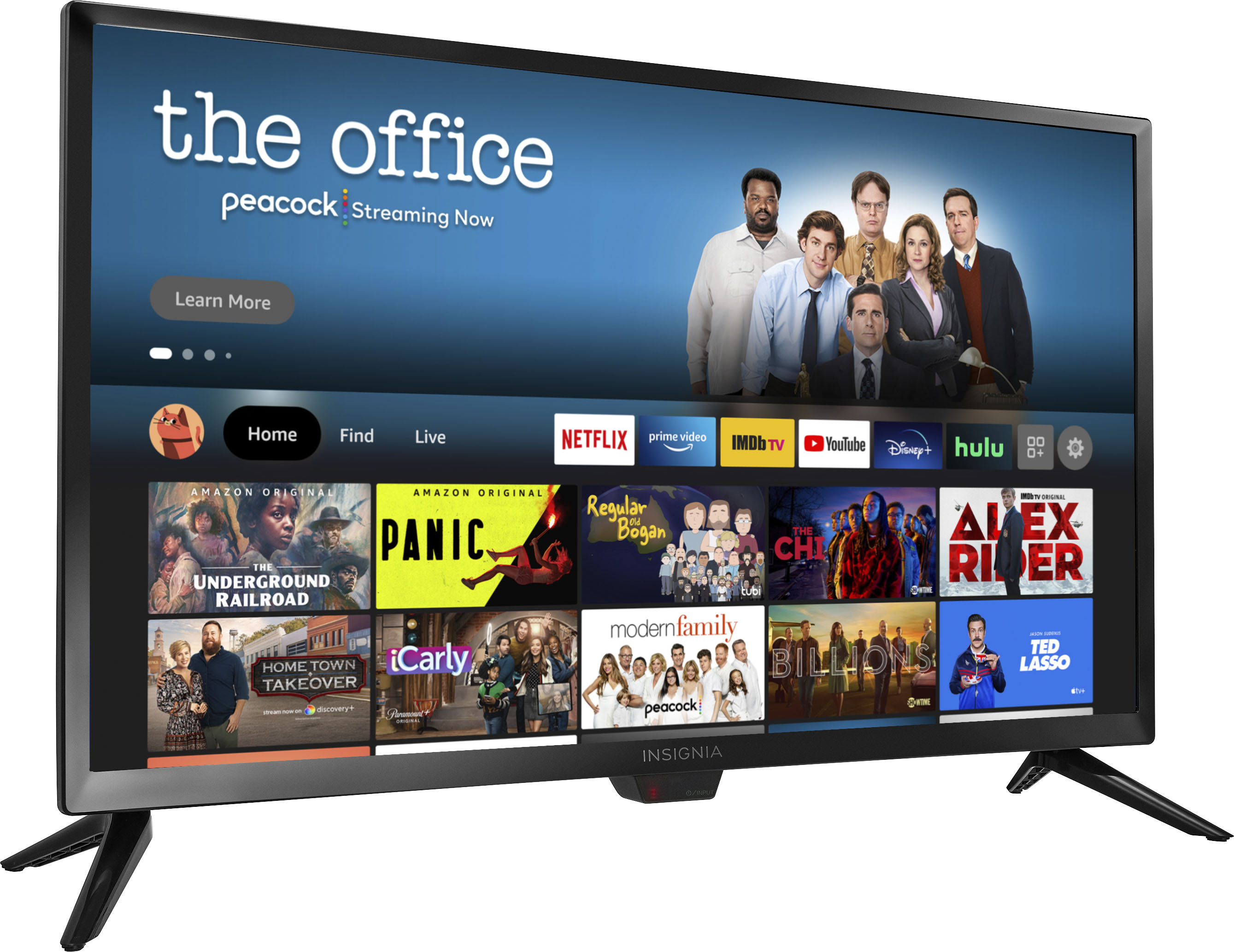
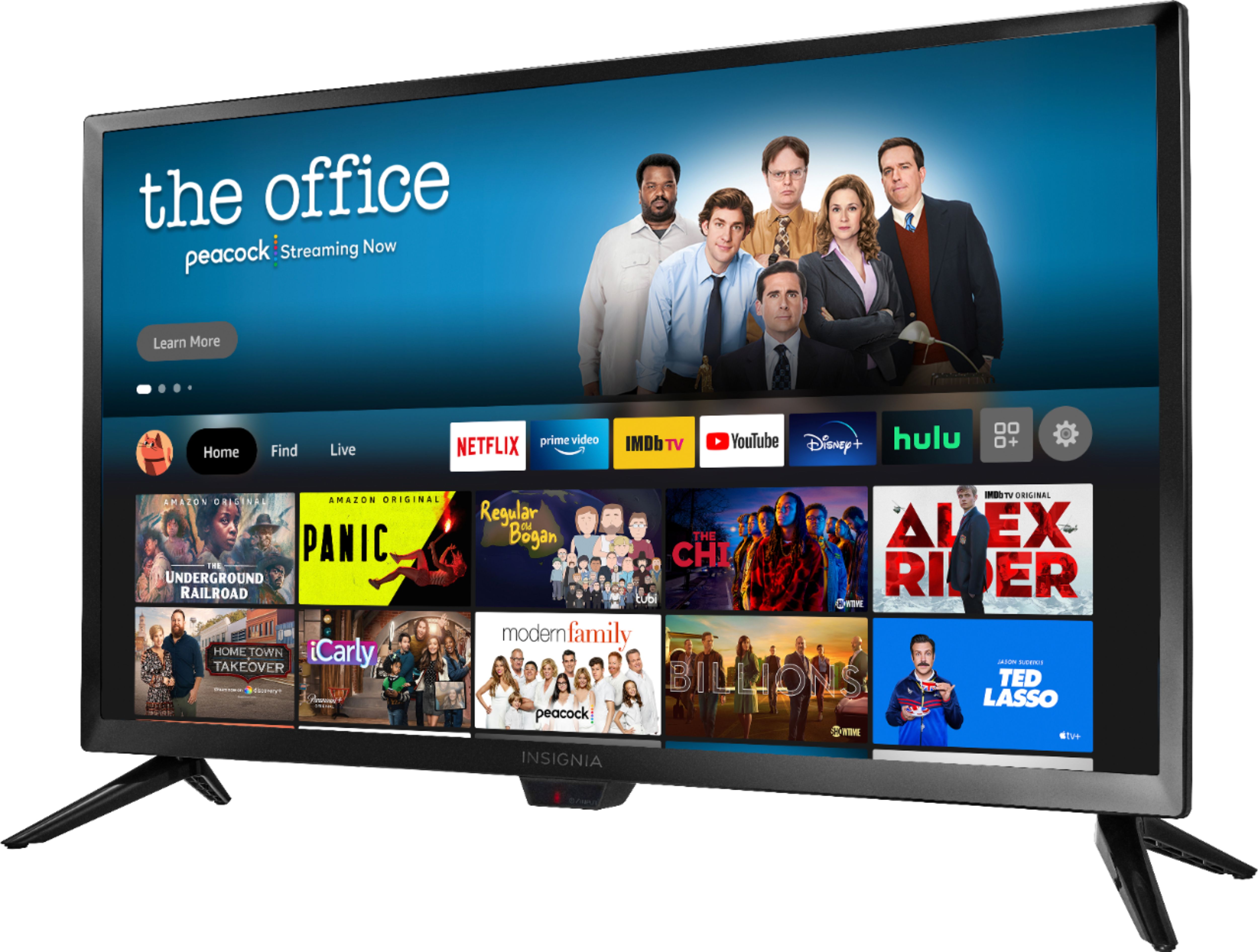
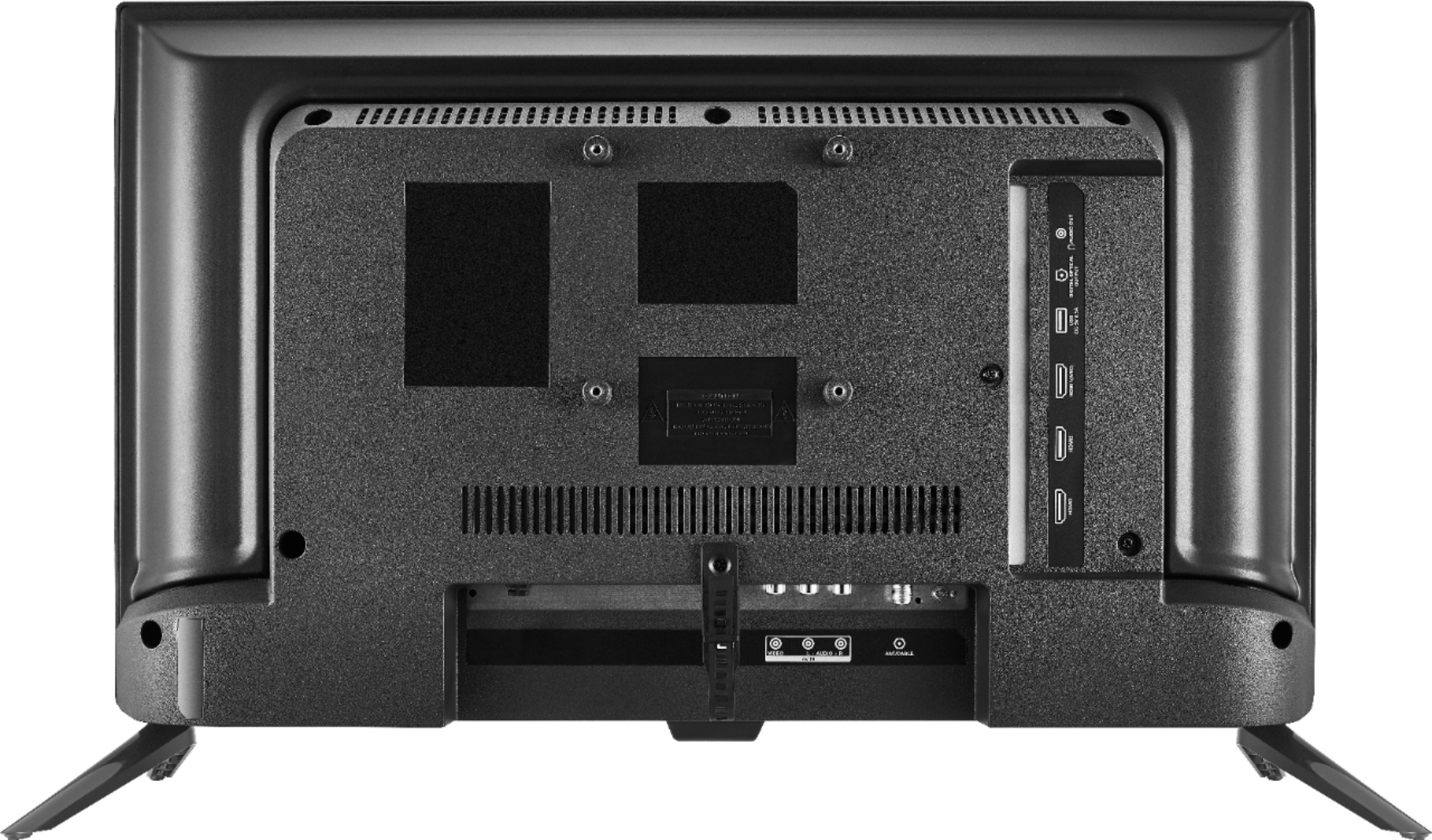
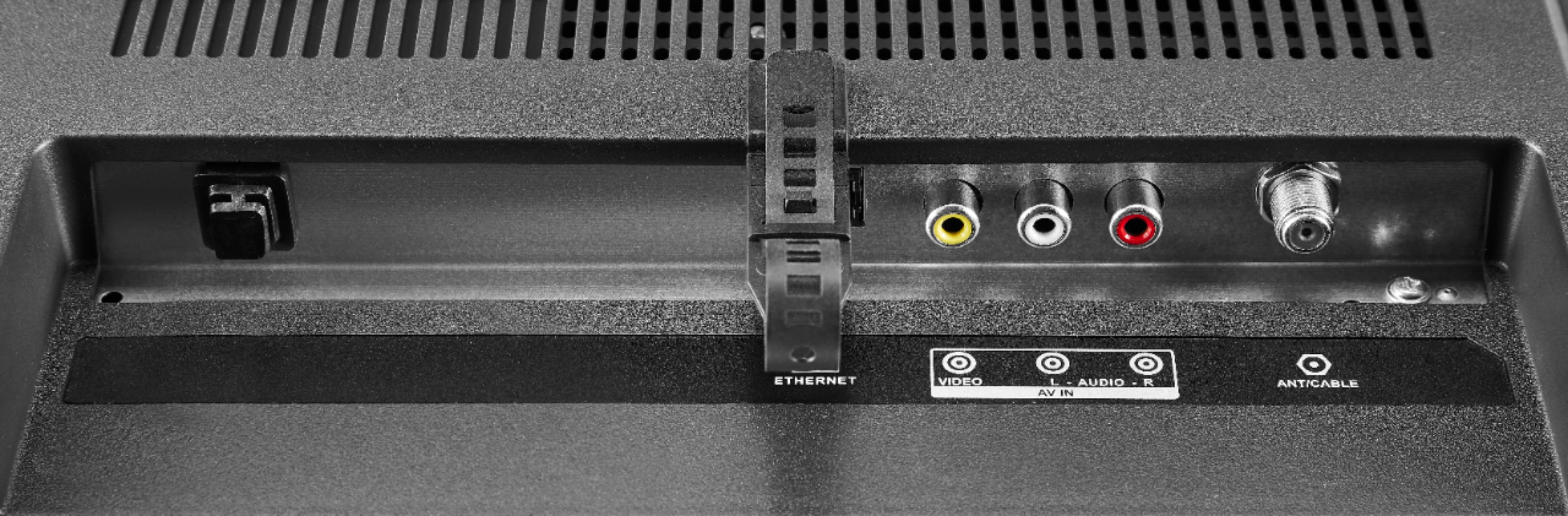
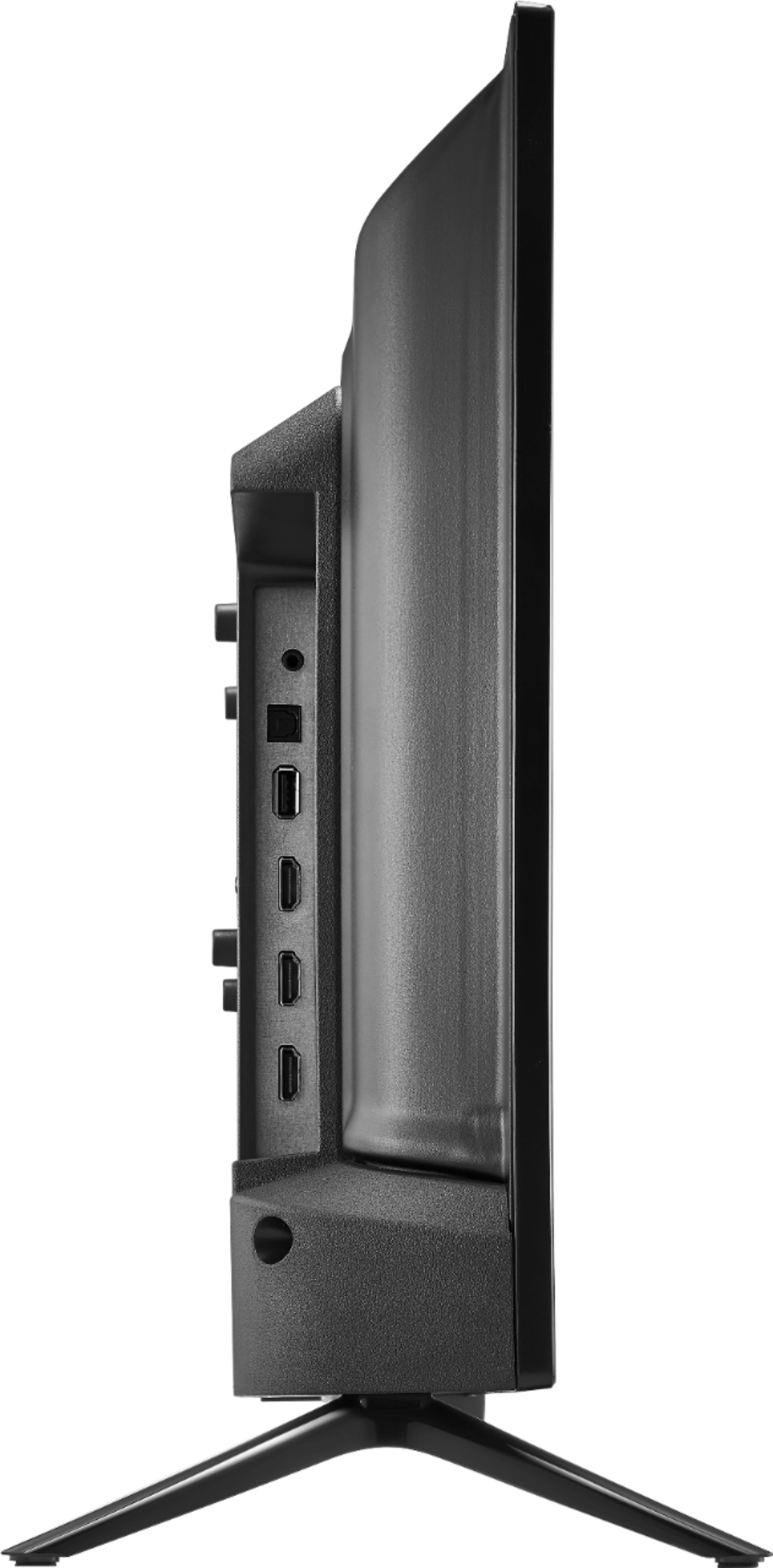
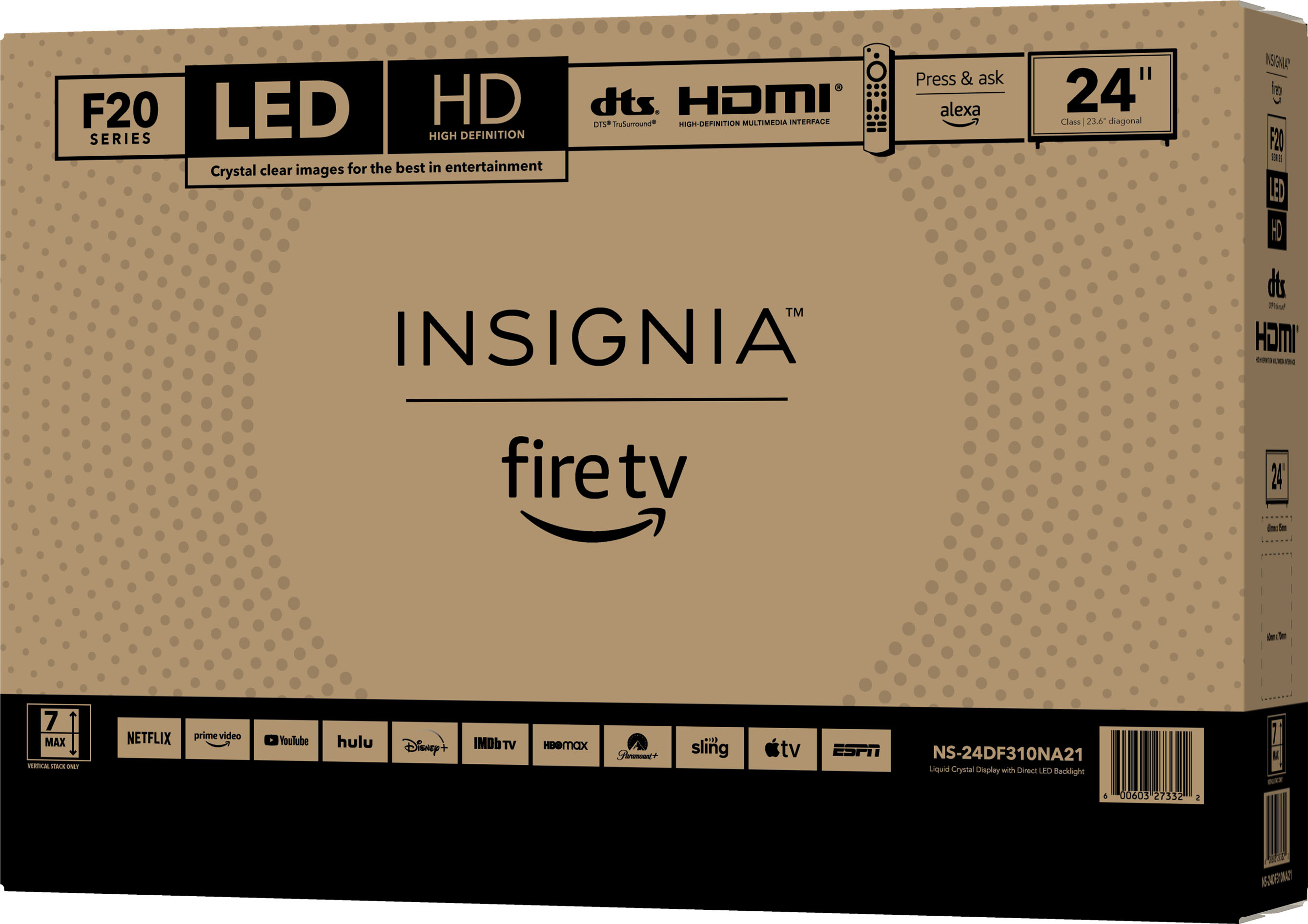
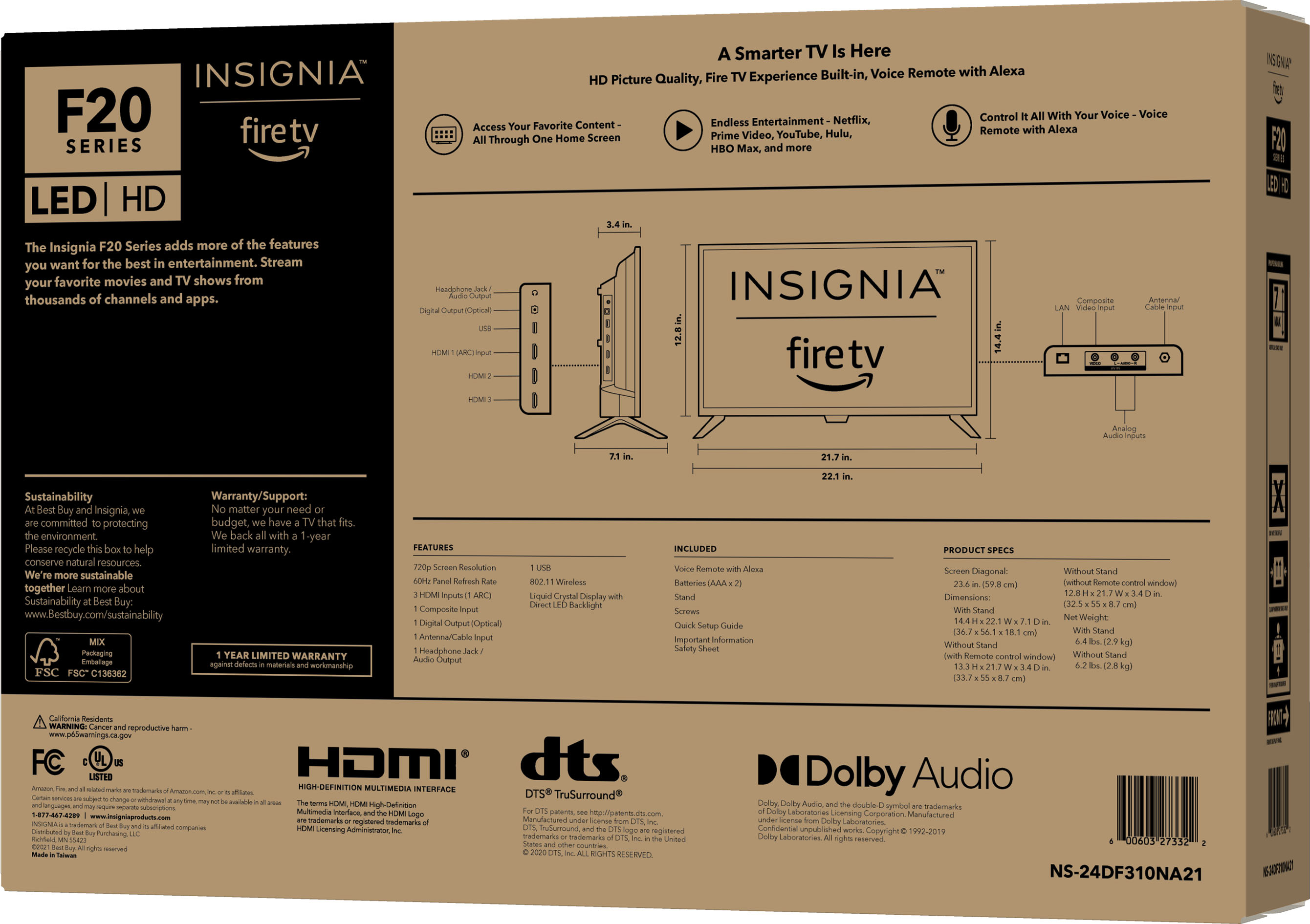
A:AnswerYou can upgrade your Cable Box and connect it into one of the HDMI inputs on the TV. You can connect your DVD/VCR into the AV input (red, white and yellow). Also, you can connect an Antenna to the coax jack on the TV.
A:AnswerIf you have a cable box, it works great. I tried for three days to install the spectrum app so I won’t have to have a box, but far, I have been unsuccessful in getting the app to work.
A:AnswerIf you add a professional installation service to your order, this will allow you to add the Recycle (Haul Away) or Relocate my old item service for an additional fee.
A:AnswerYes go into the settings. You will see boxes. It will say Bluetooth. Select add Bluetooth device, and it being searching for the device. Once it has located it. Tap the device you want to sync. Then it will pair
A:AnswerYes, if you have a cable box or Directv or Dish network, the channel guide runs the same way as any tv. If you run any of the included apps thru the tv they all have guides.
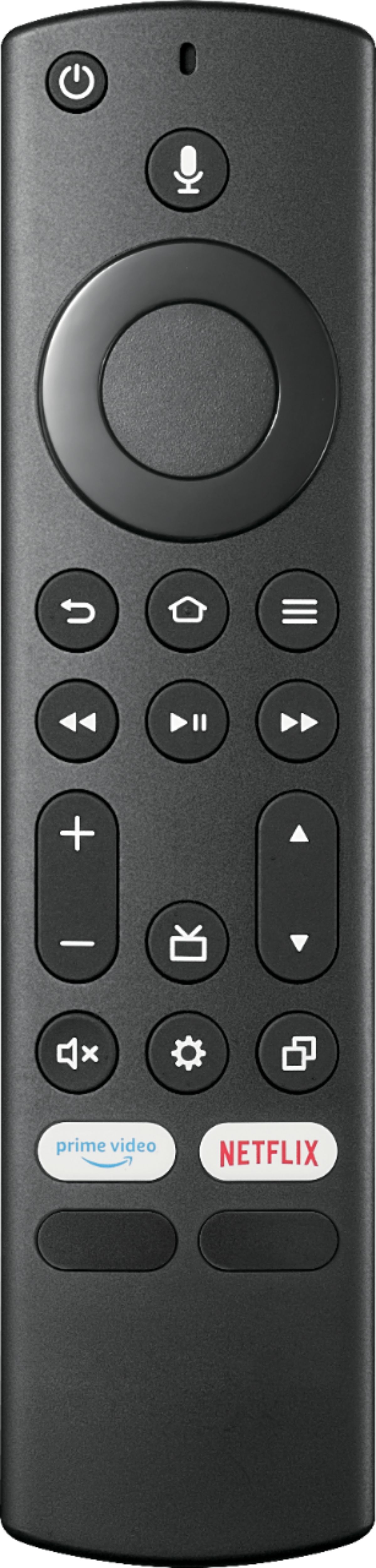
A:AnswerYes, this remote works using Bluetooth technology. Press and hold at the same time the DPAD-left, Back (↩) and Menu (≡) buttons for at least 12 seconds. To pair the remote again, press and hold the Home button for up to a minute.
A:AnswerTry the Power On feature, when enabled, your TV turns on displaying the last used input: go Home > Settings > Display & Sounds > Power On and select Last Input.